
View Script Revisions
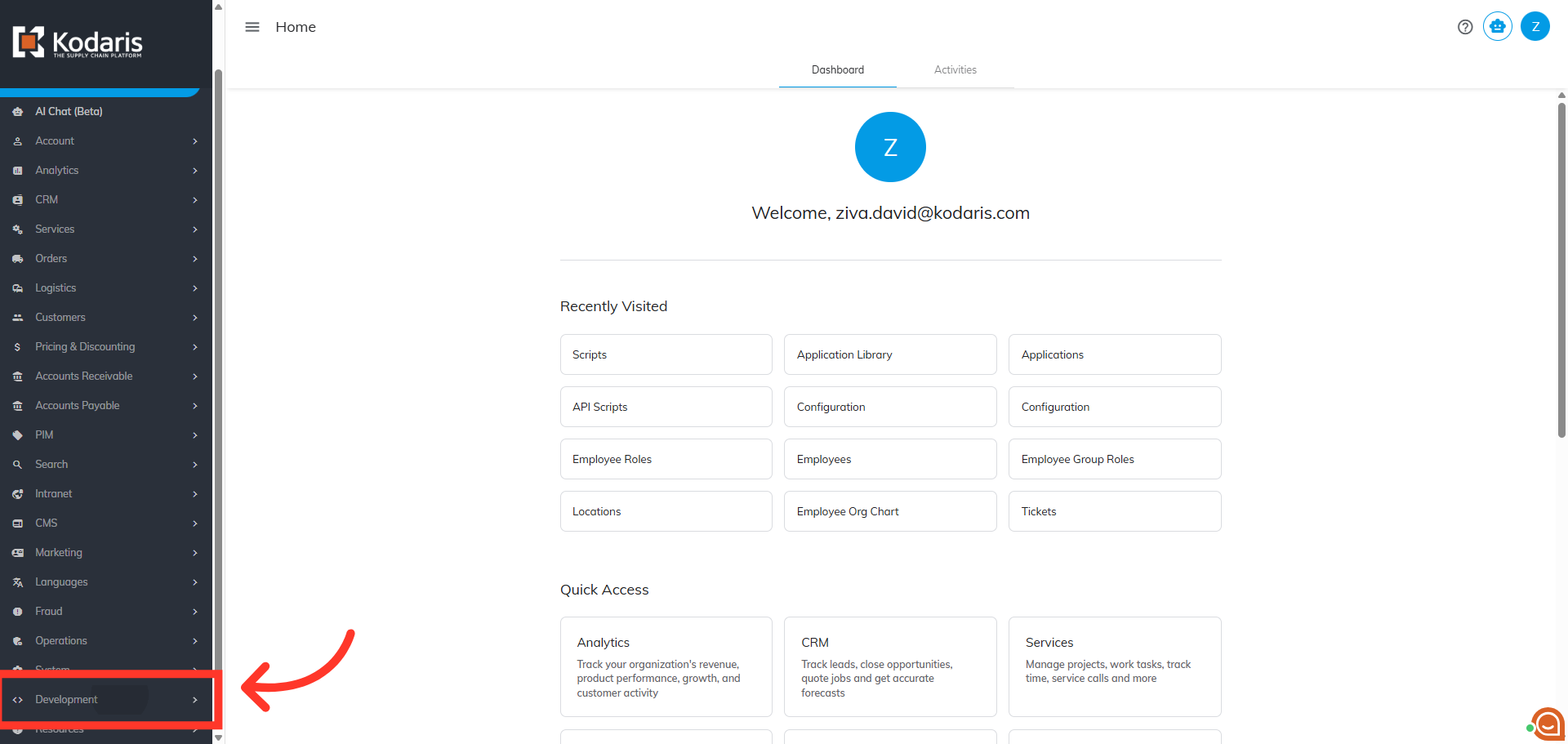
Navigate to "Development"
To view script revisions, navigate to the "Development" section in the Operations Portal.
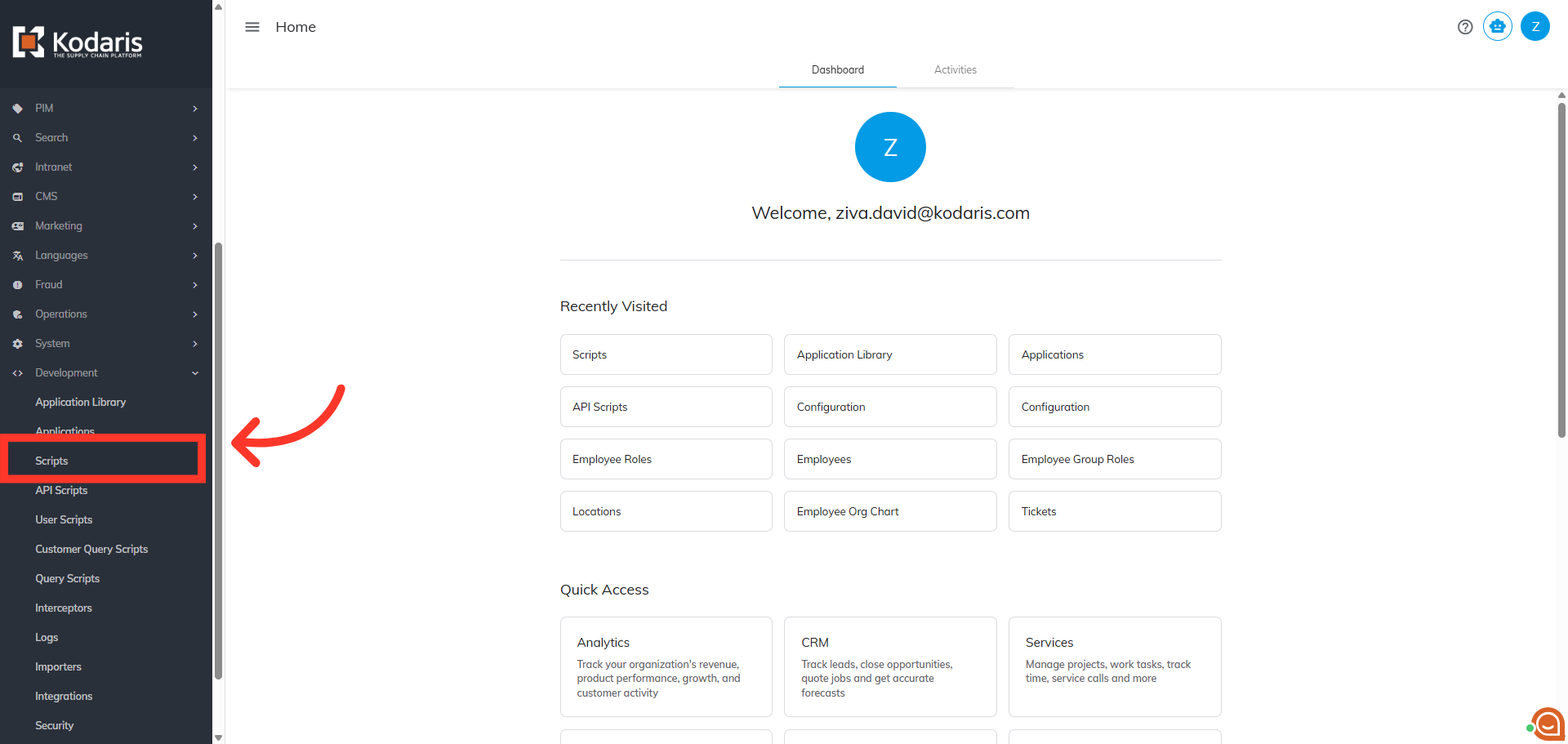
Click "Scripts"
Then, click "Scripts". In order to access and update "Scripts" you will need to be set up as an “administrator” or "superuser" or have the roles of: "scriptEdit".
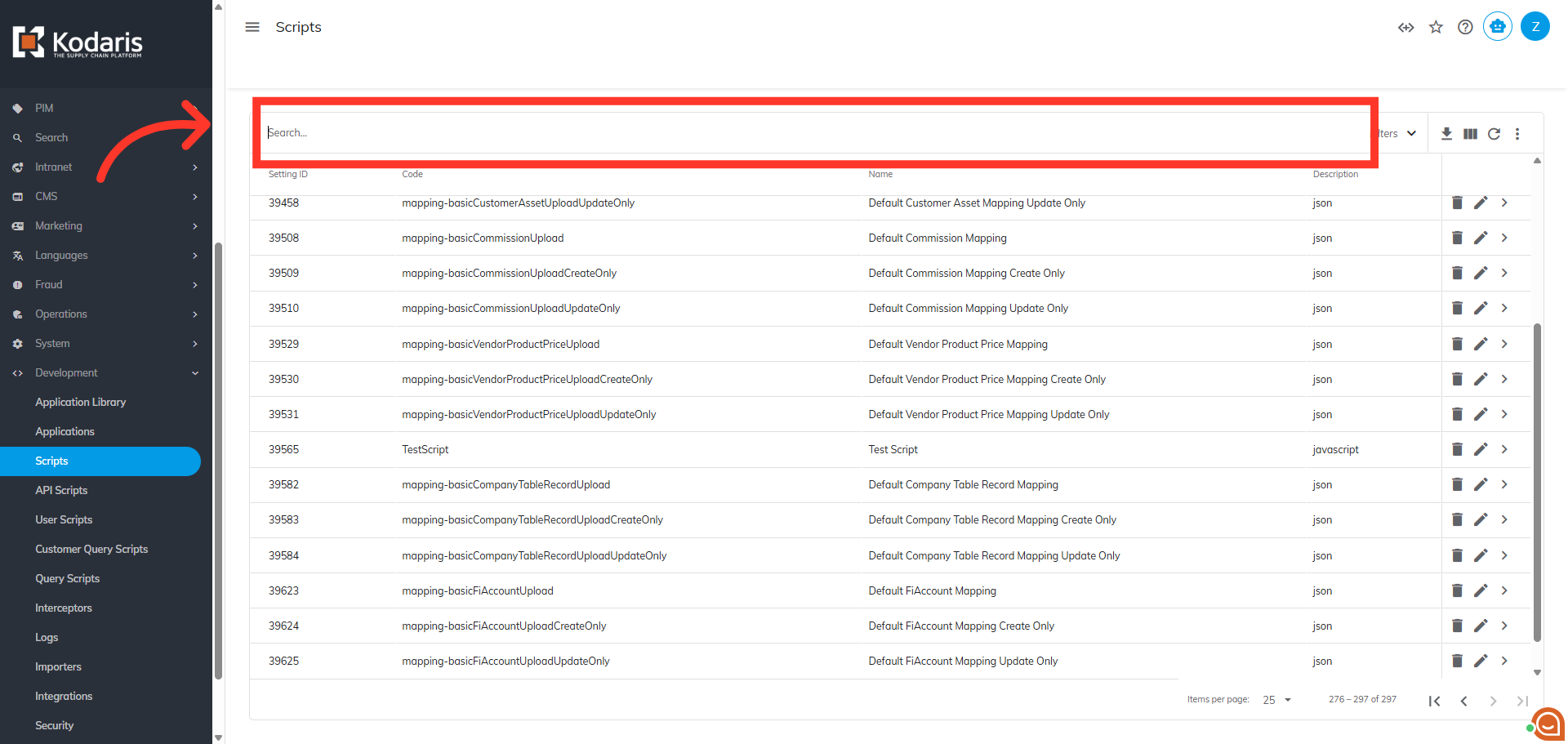
Search for the script
To locate a Script, use the "Search" box and search for the script name.
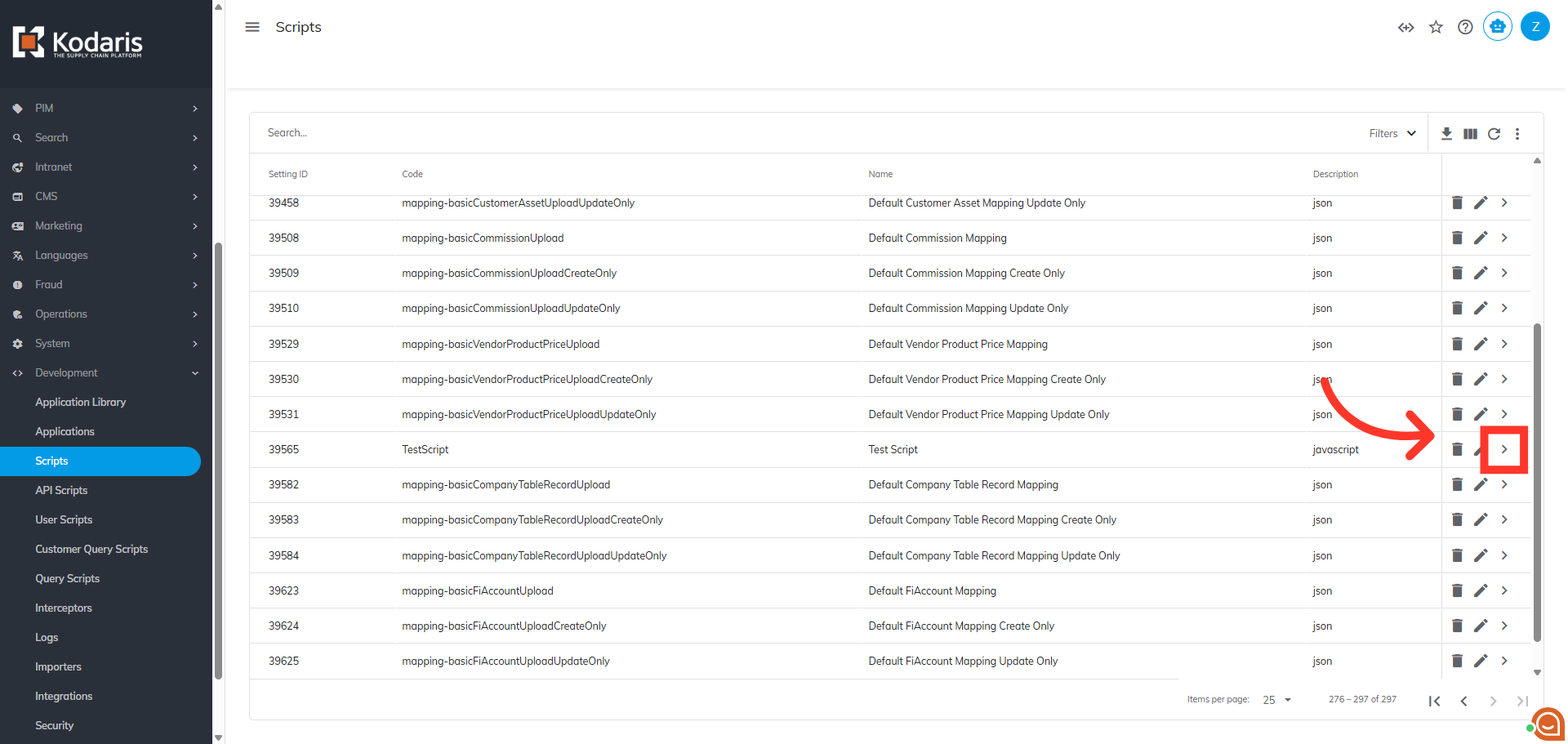
Click on the more details icon
Next, click on the more details icon to open the script details.
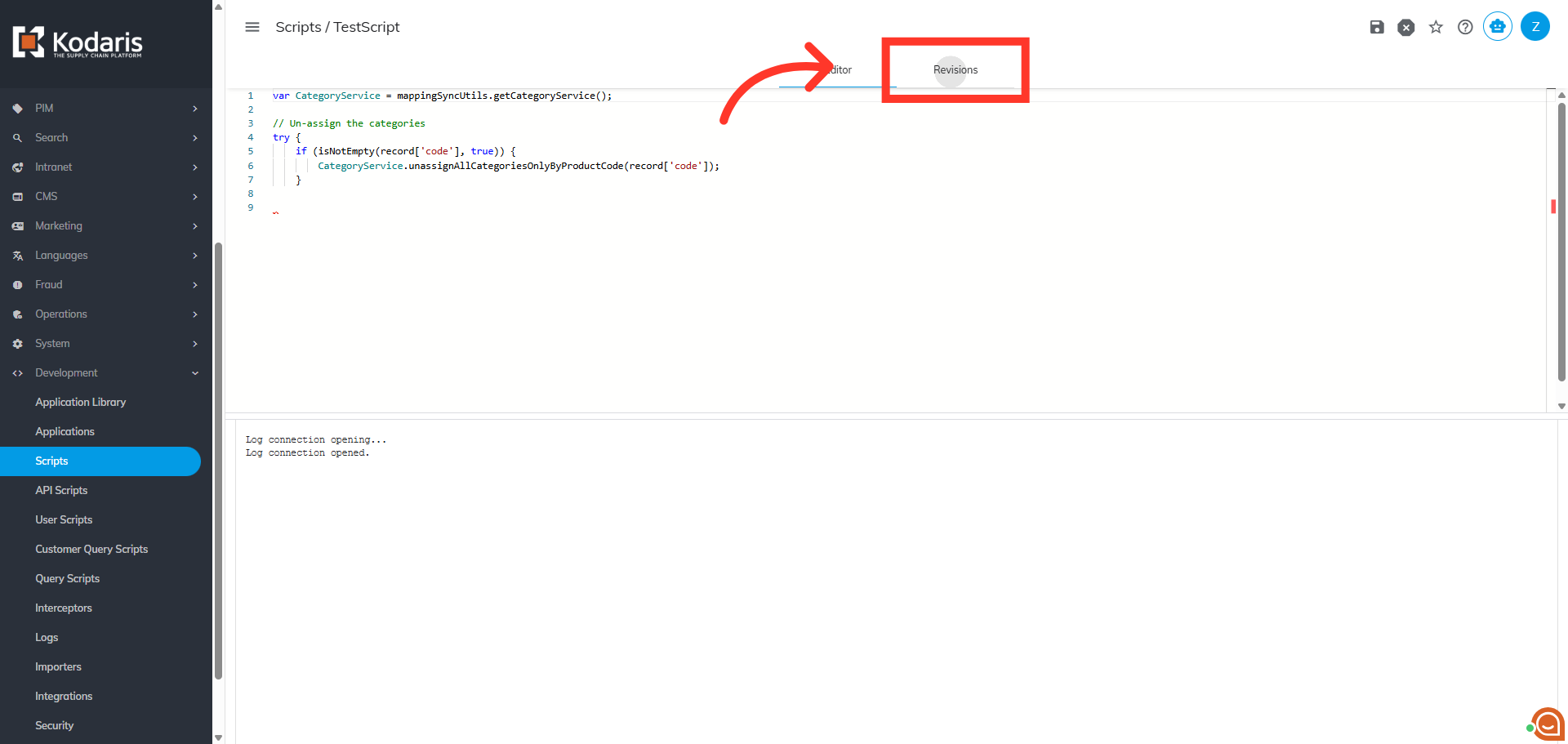
Click "Revisions"
Then, click the "Revisions" tab. The "Revisions" tab allows you to view the revision history of the script.
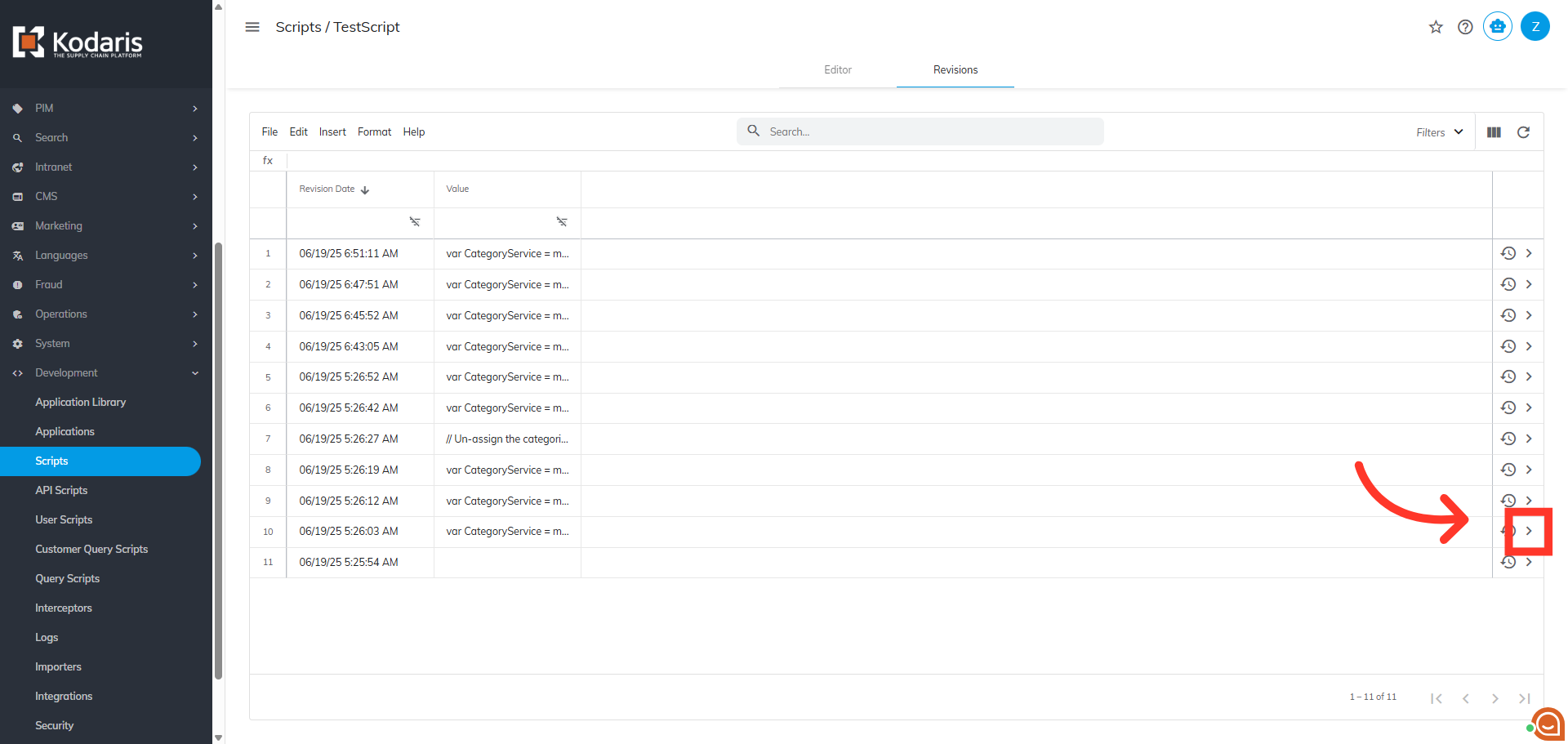
Click on the more details icon
To see the details of a revision, click on the more details icon.
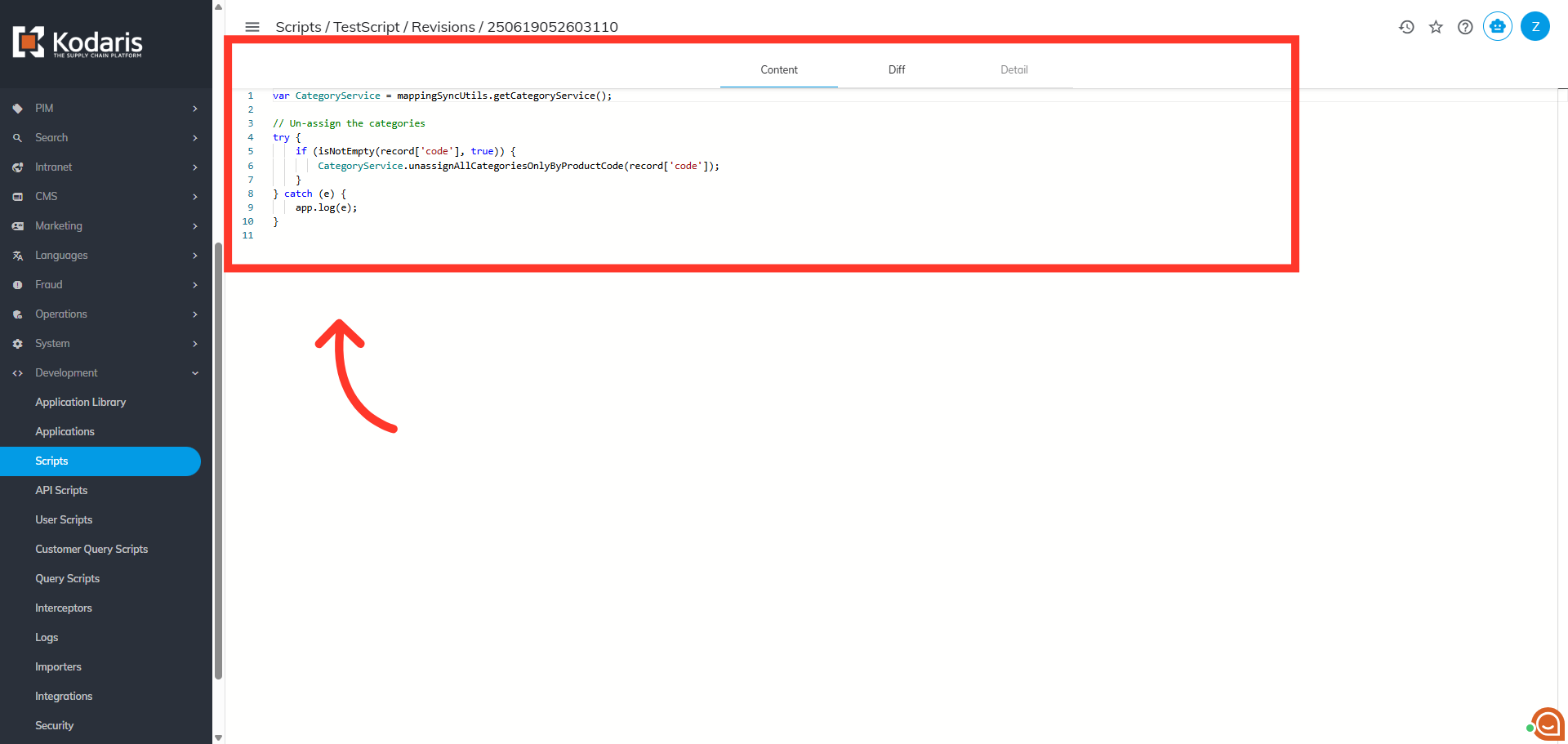
"Content" tab
The "Content" tab displays the script content.
In this article