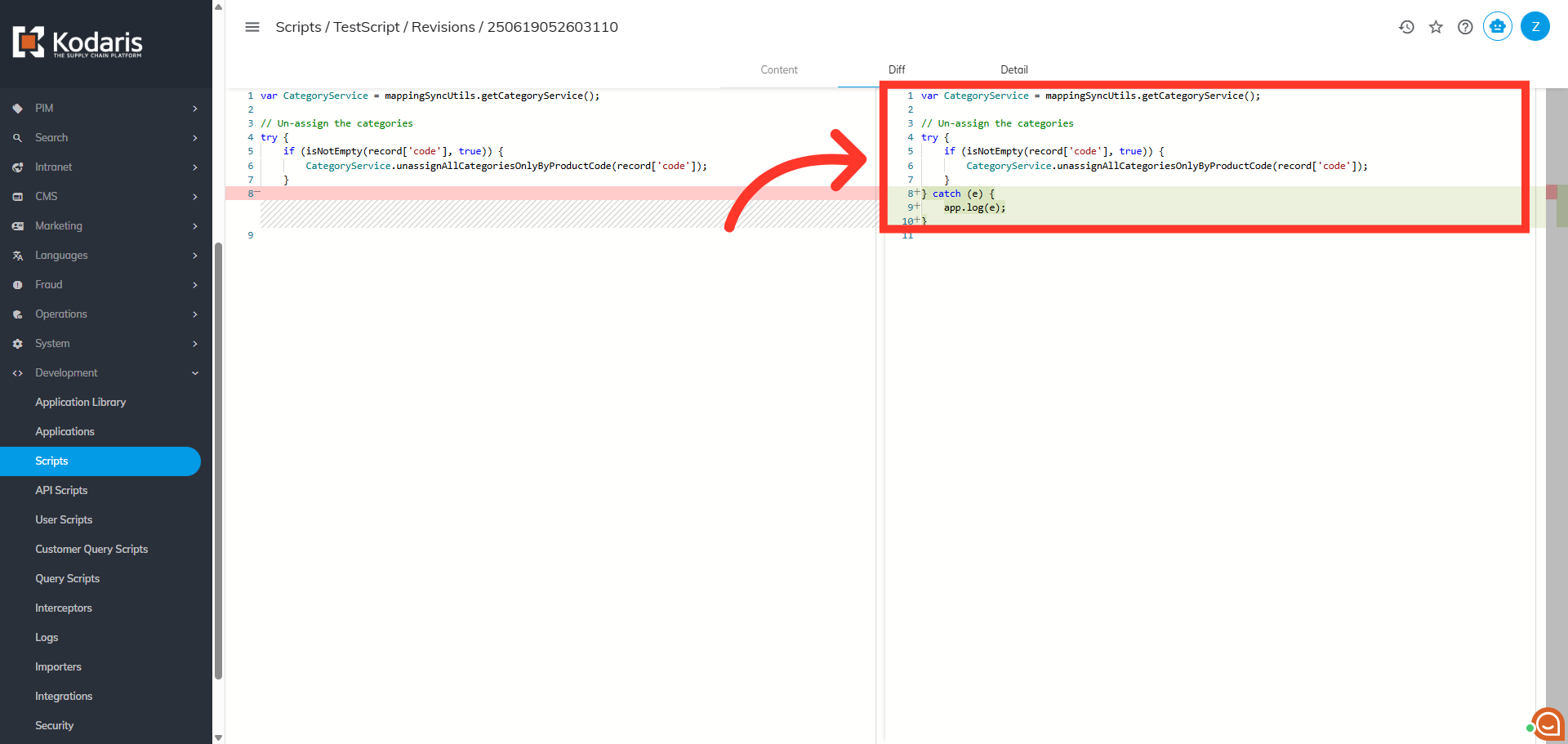
Operations Development - Script Revision Comparison
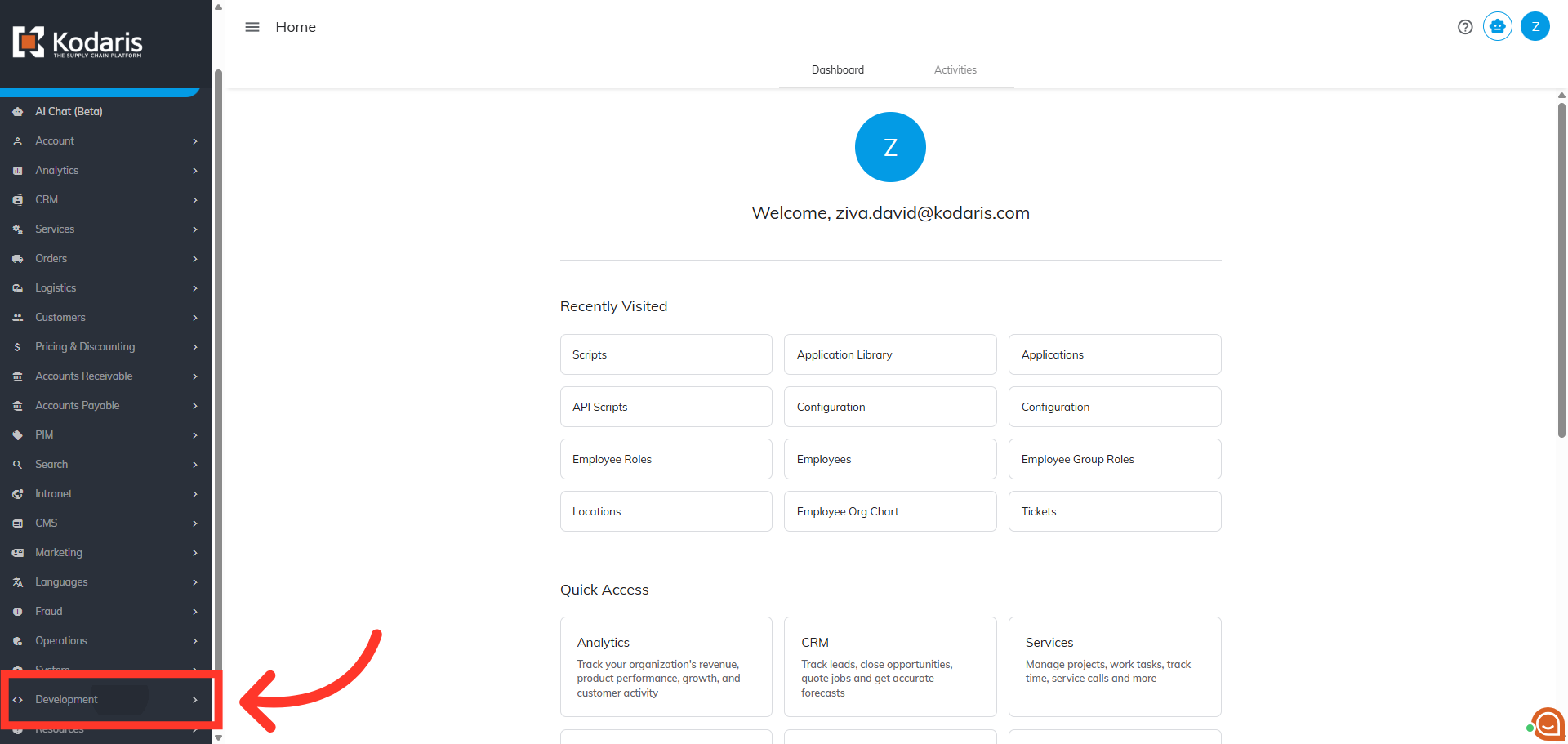
Navigate to "Development"
The "Diff" tab feature in the Operations Portal allows users to visually compare different versions of scripts, making it easier to track and review changes made over time. To view script revision comparison, navigate to the "Development" screen in the Operations Portal.
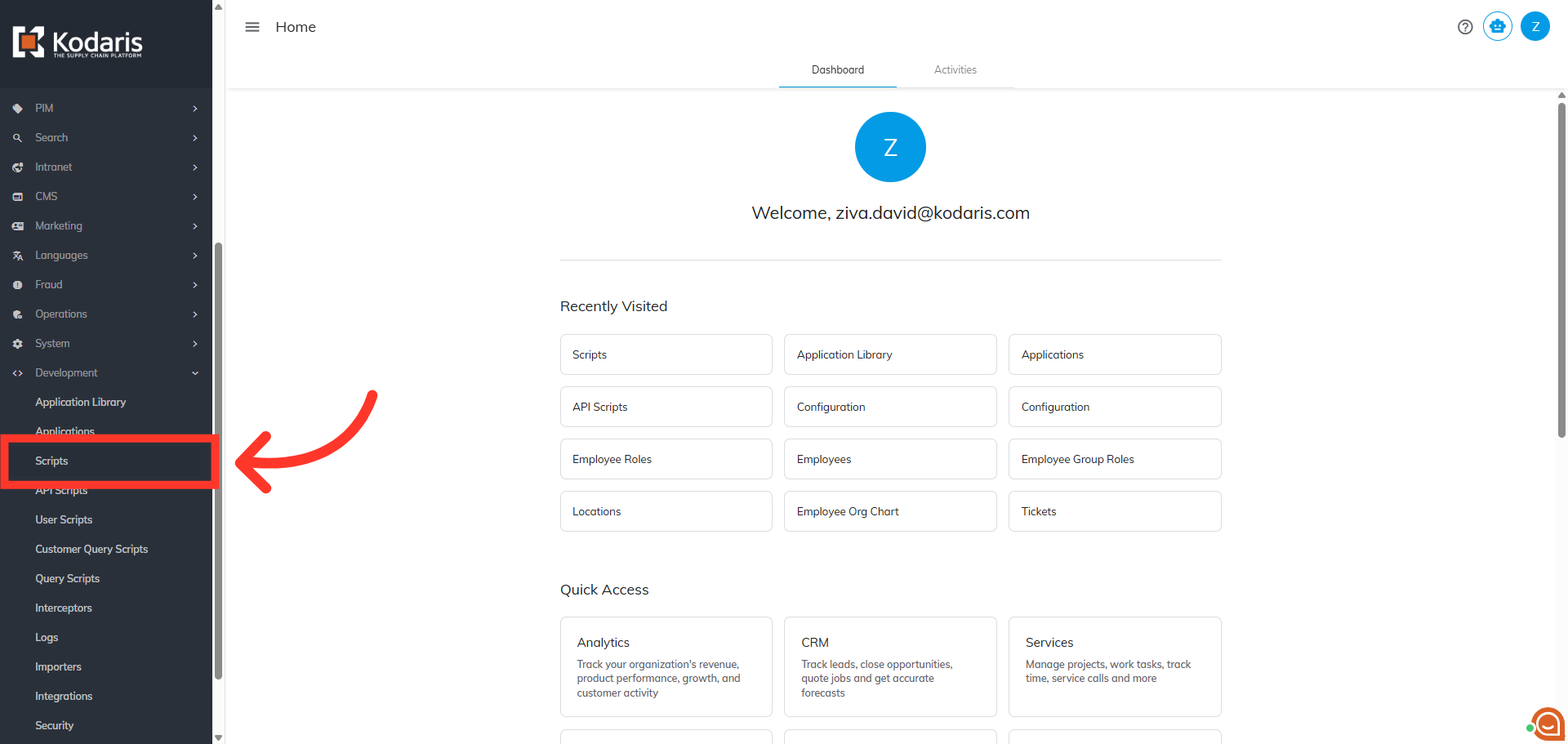
Click "Scripts"
Then, click "Scripts". In order to access "Scripts" you will need to be set up as an "administrator" or "superuser" or have the role of: "scriptView".
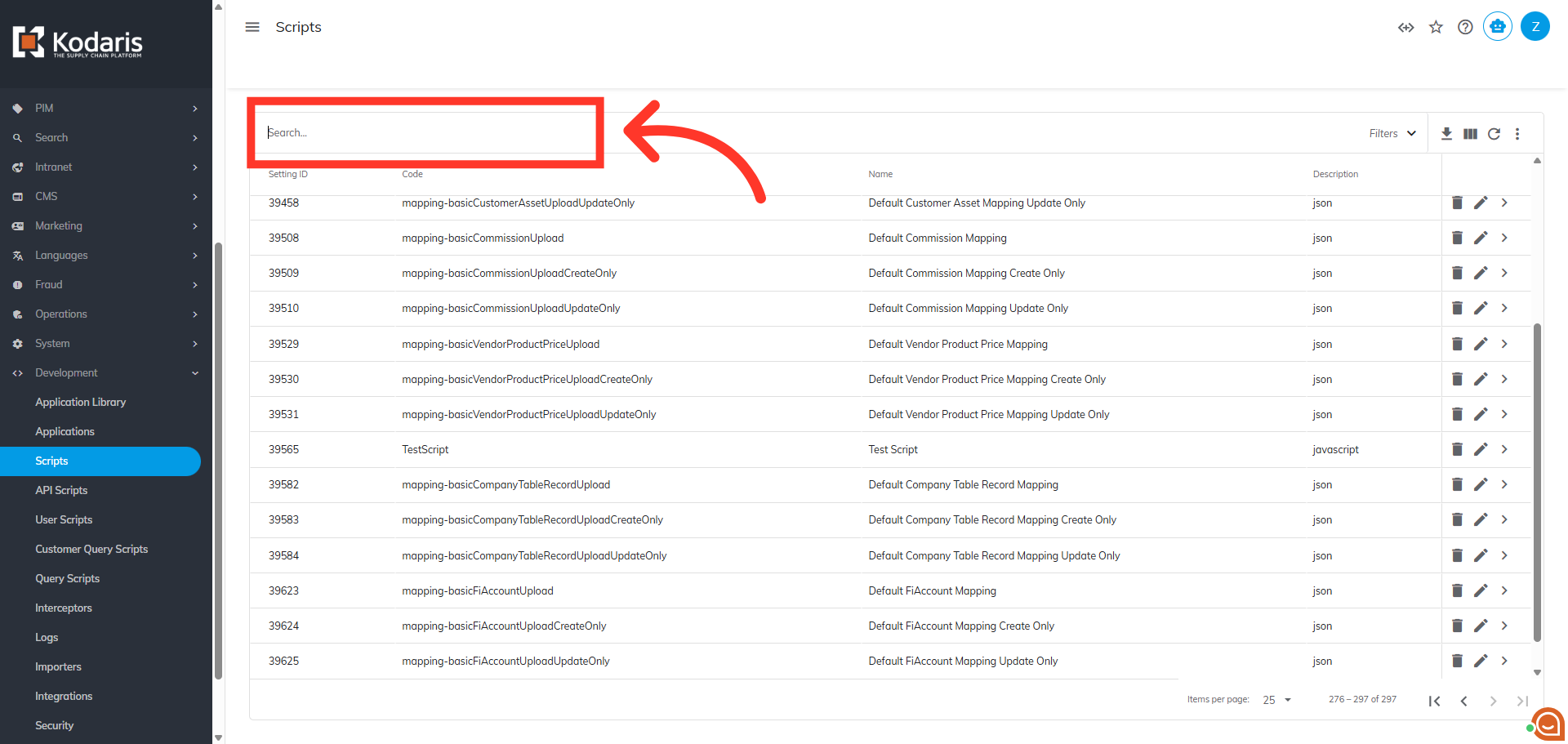
Search for Script
To quickly locate a script, type in the name of the script in the search field.
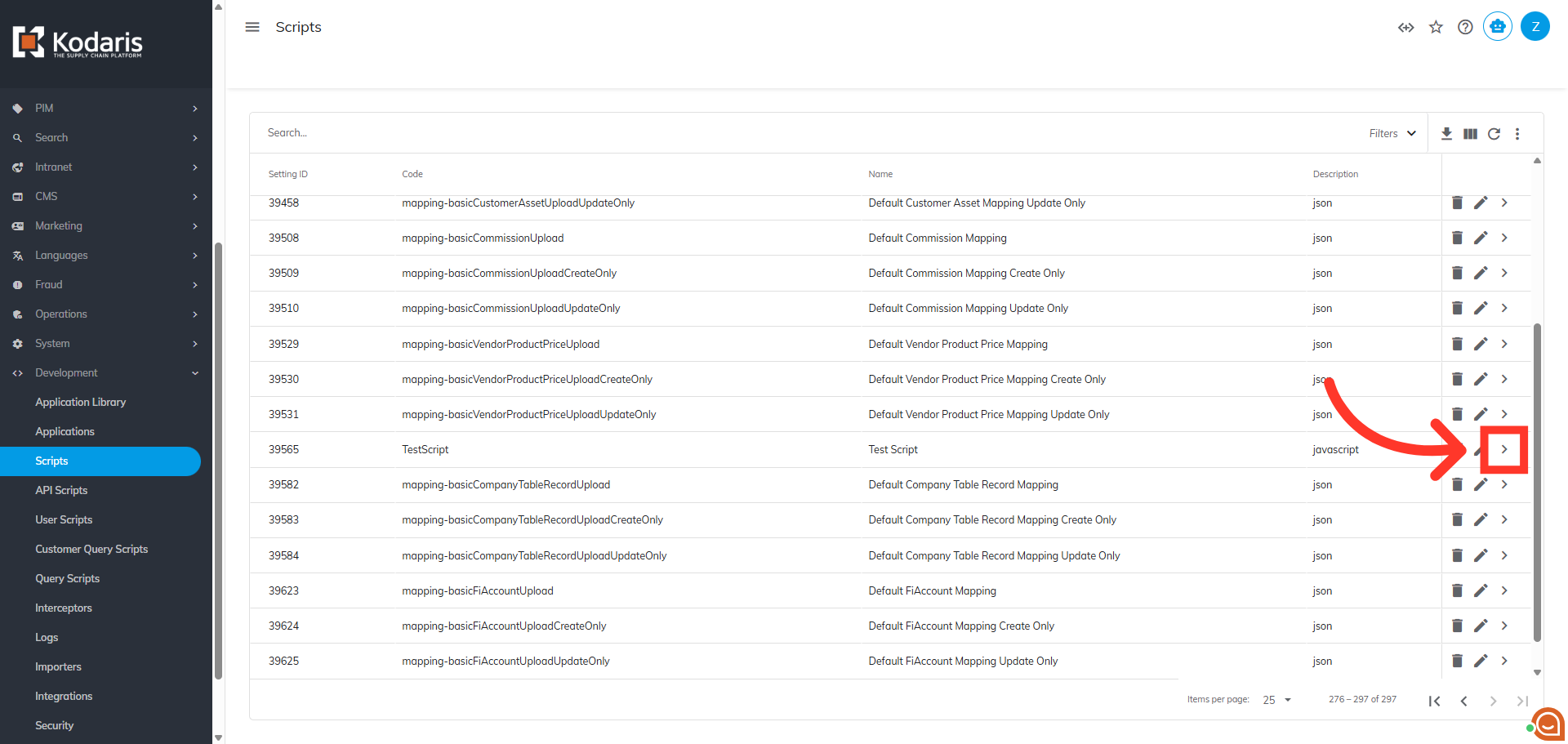
Click on the more details icon
Next, click on the more details icon to open the script details.
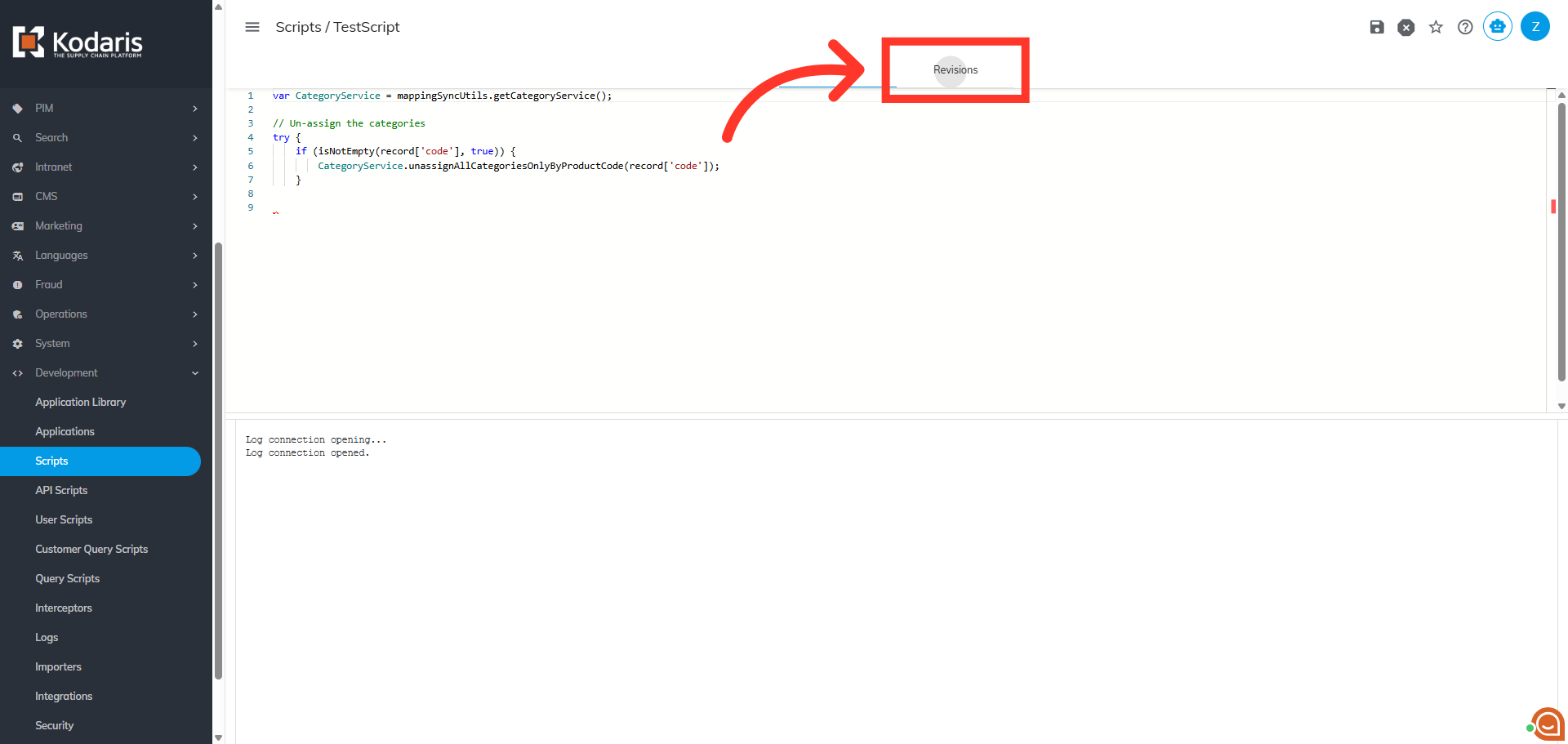
Click "Revisions"
Then, click the "Revisions" tab. The "Revisions" tab allows you to view the revision history of the script.
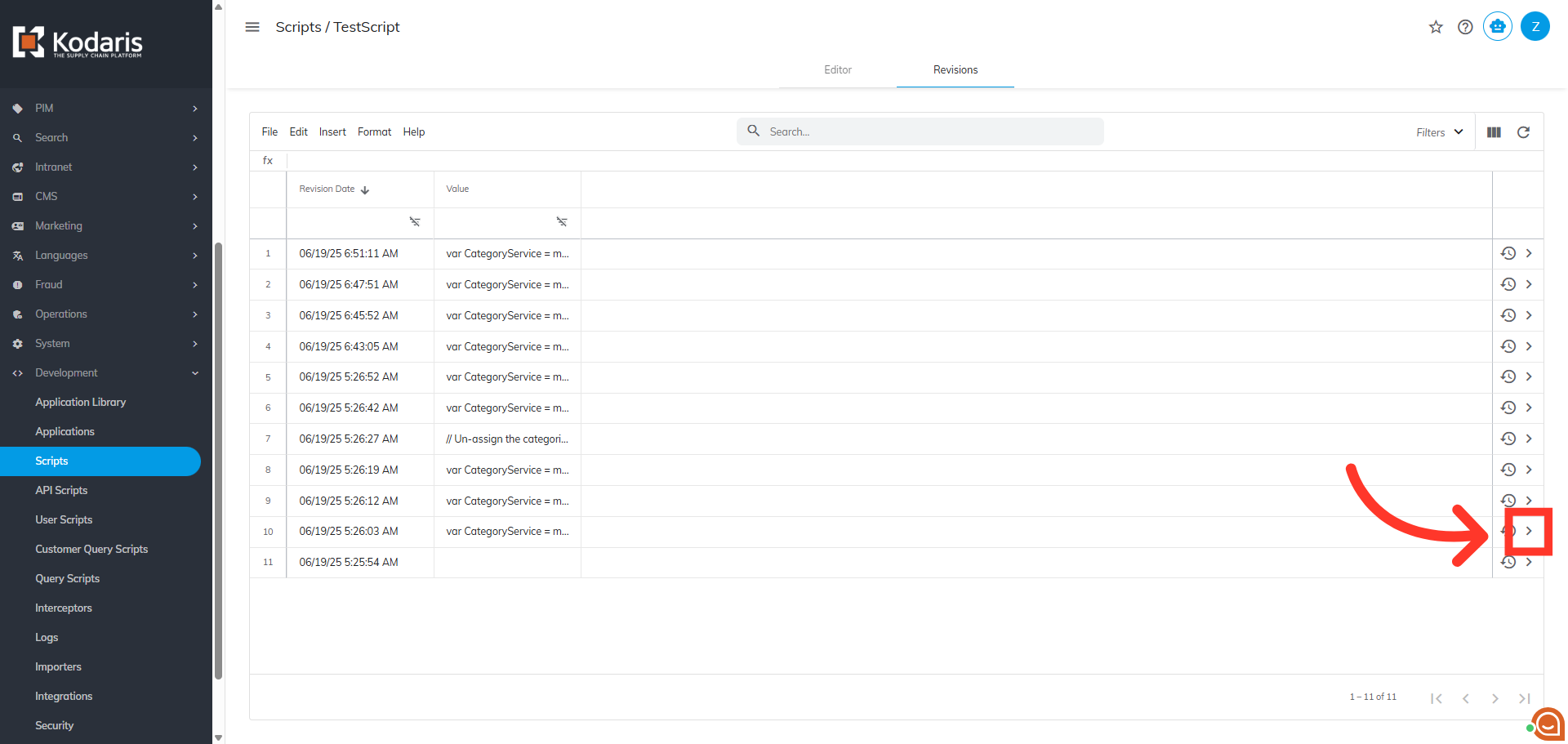
Click on the more details icon
Click on the more details icon of a version from the history.
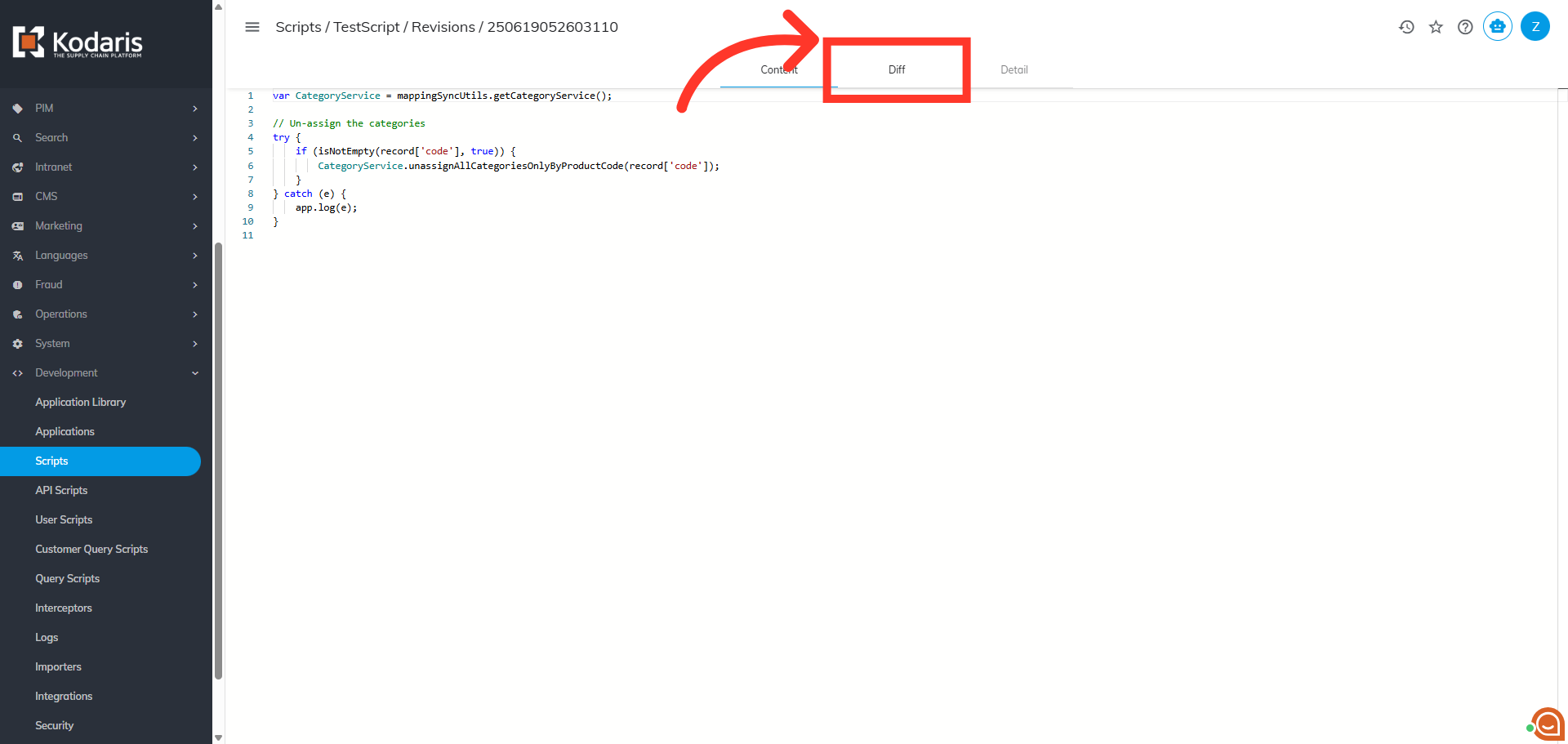
Go to the "Diff" tab
Click the "Diff" tab to view the specific revision change details.
"Diff" tab
The "Diff" tab displays the previous version of the script versus what changes were made for that specific version.