
Operations Development - Enable CORS Domains
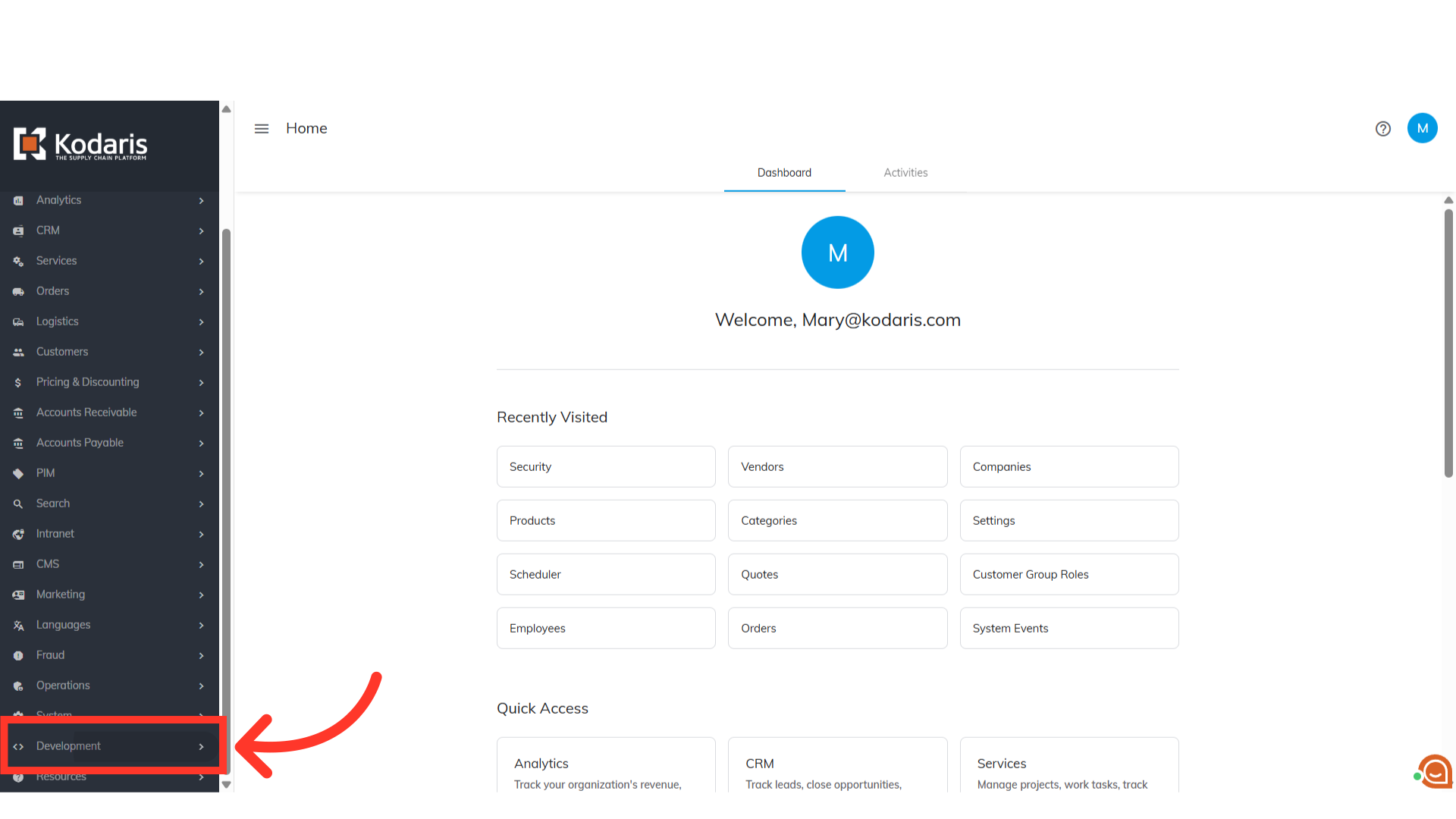
Navigate to "Development"
To control which domains are permitted for CORS requests in the operations portal, go to the "Development" menu.
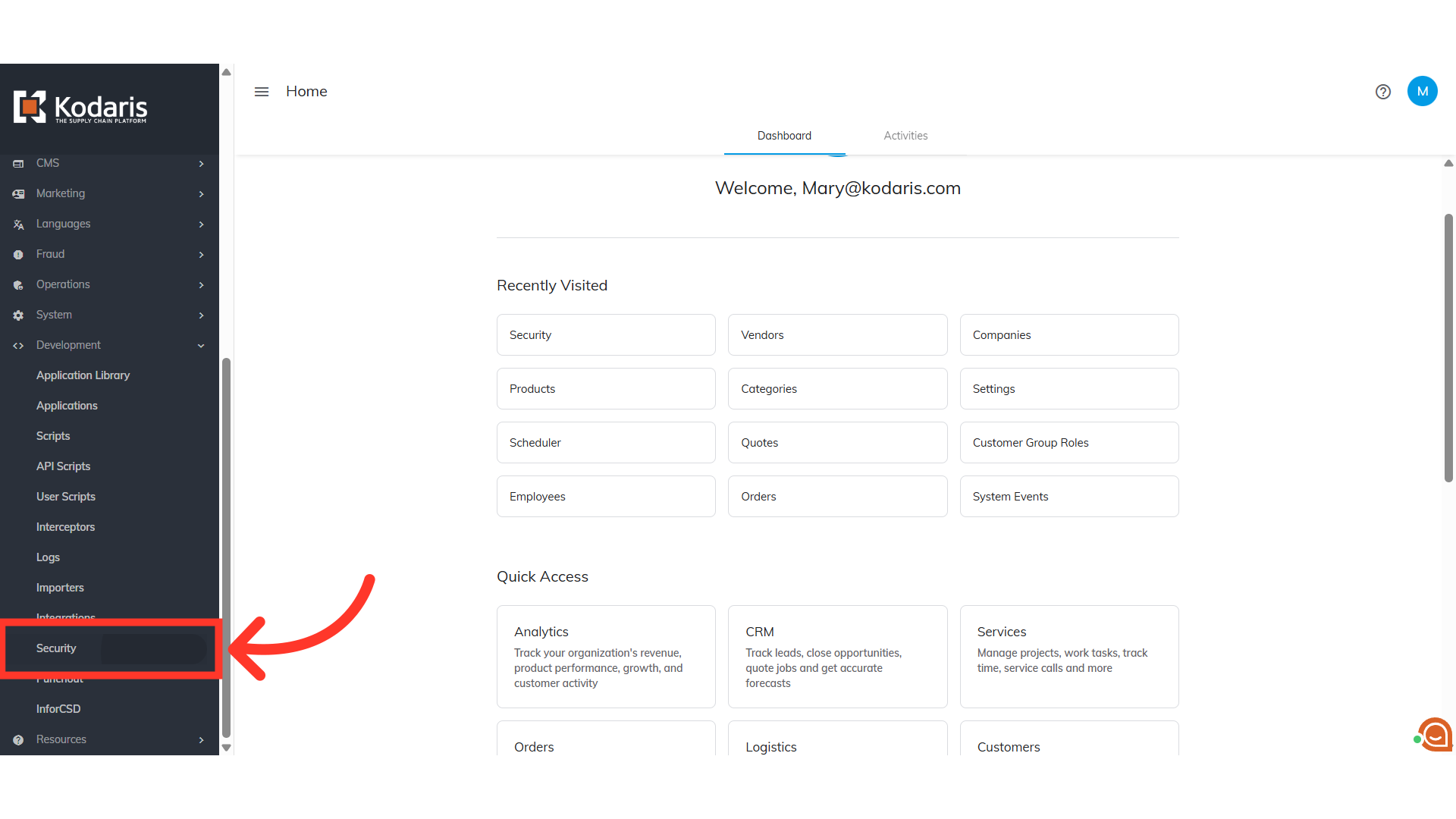
Click "Security"
Then, click "Security". In order to access and update "Security" you will need to be set up as a "superuser" or "administrator" or have the roles of: "settingEdit" and "settingView".
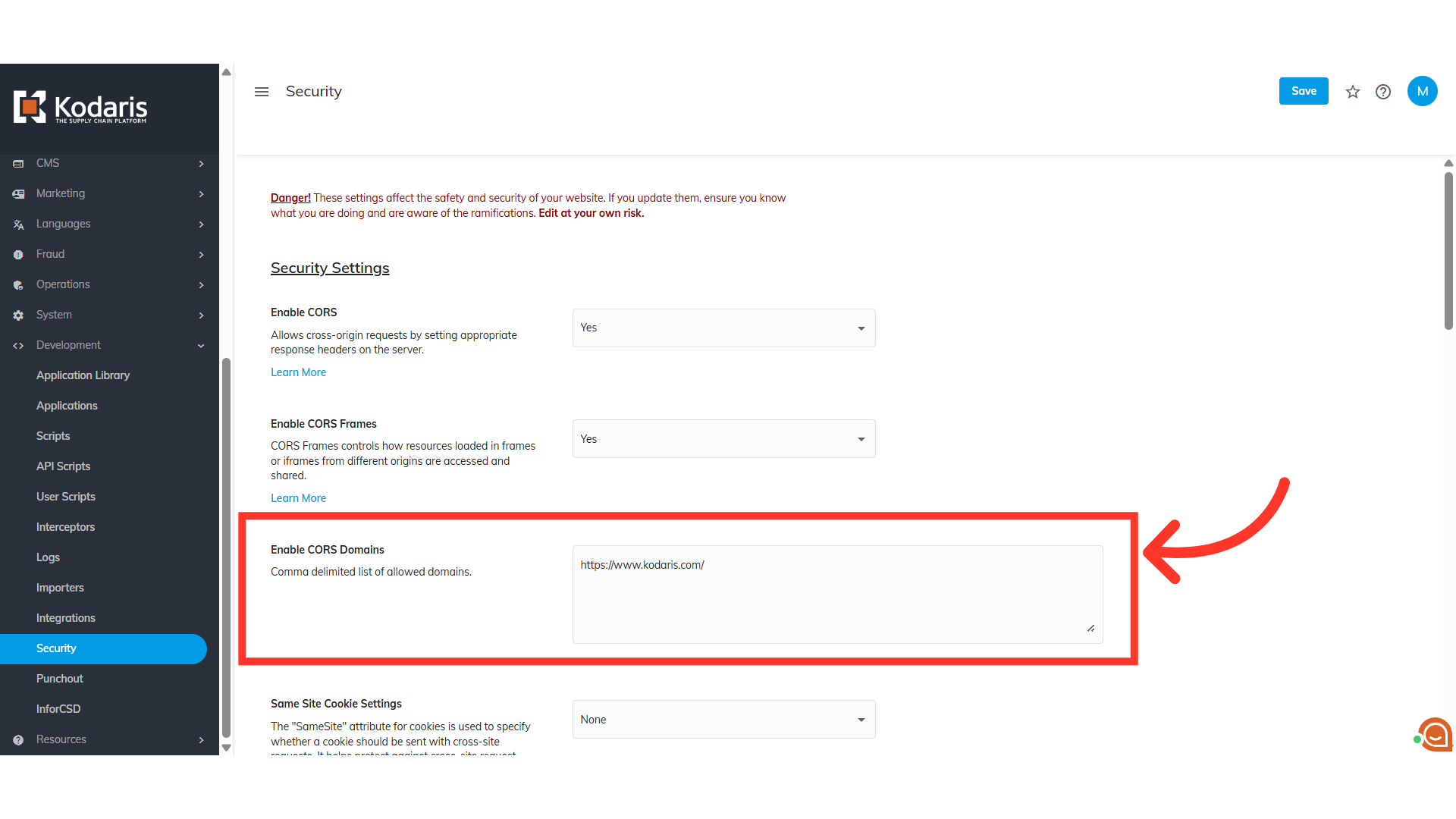
Enter the CORS domains
In the "Enable CORS Domain" section, enter a comma separated list of domains.
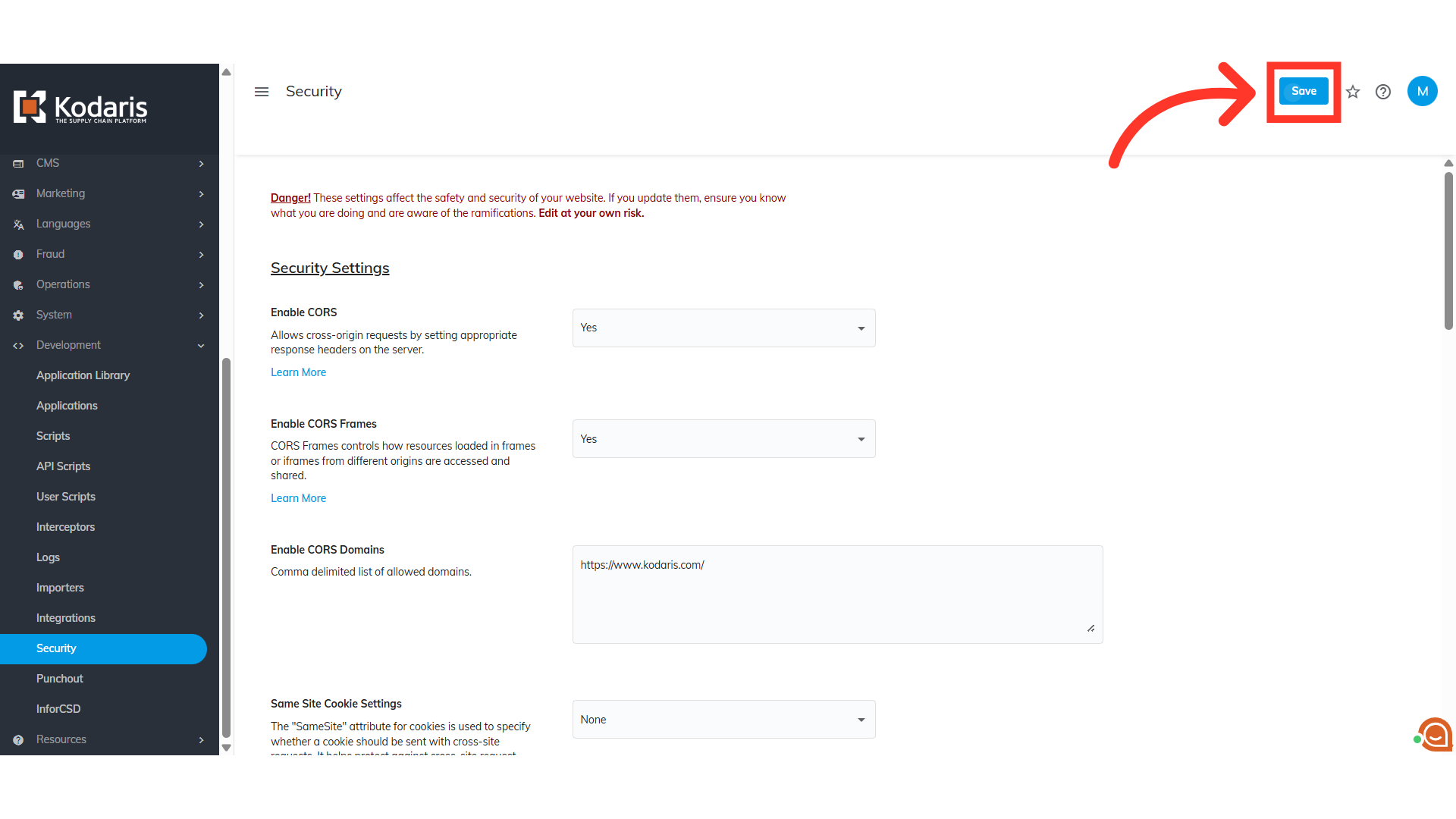
Click "Save"
Click "Save". This feature ensures only trusted domains can be linked via external links.
In this article