Payments - Managing Priority Payments Chargebacks
Open Navigation Menu
When a card payment chargeback occurs, Priority Payments will mail the chargeback notice and documentation to your company headquarters. If you need to dispute the chargeback, you'll need to use the web portal provided in the documentation. Simply enter the case number and case amount from the documents along with your email address to access your case and submit any supporting documentation for your dispute. Since chargebacks are time-sensitive, you should set up automatic chargeback notifications in MX Merchant for each merchant account. This way, you'll be immediately notified when chargebacks occur and can respond quickly to protect your business.
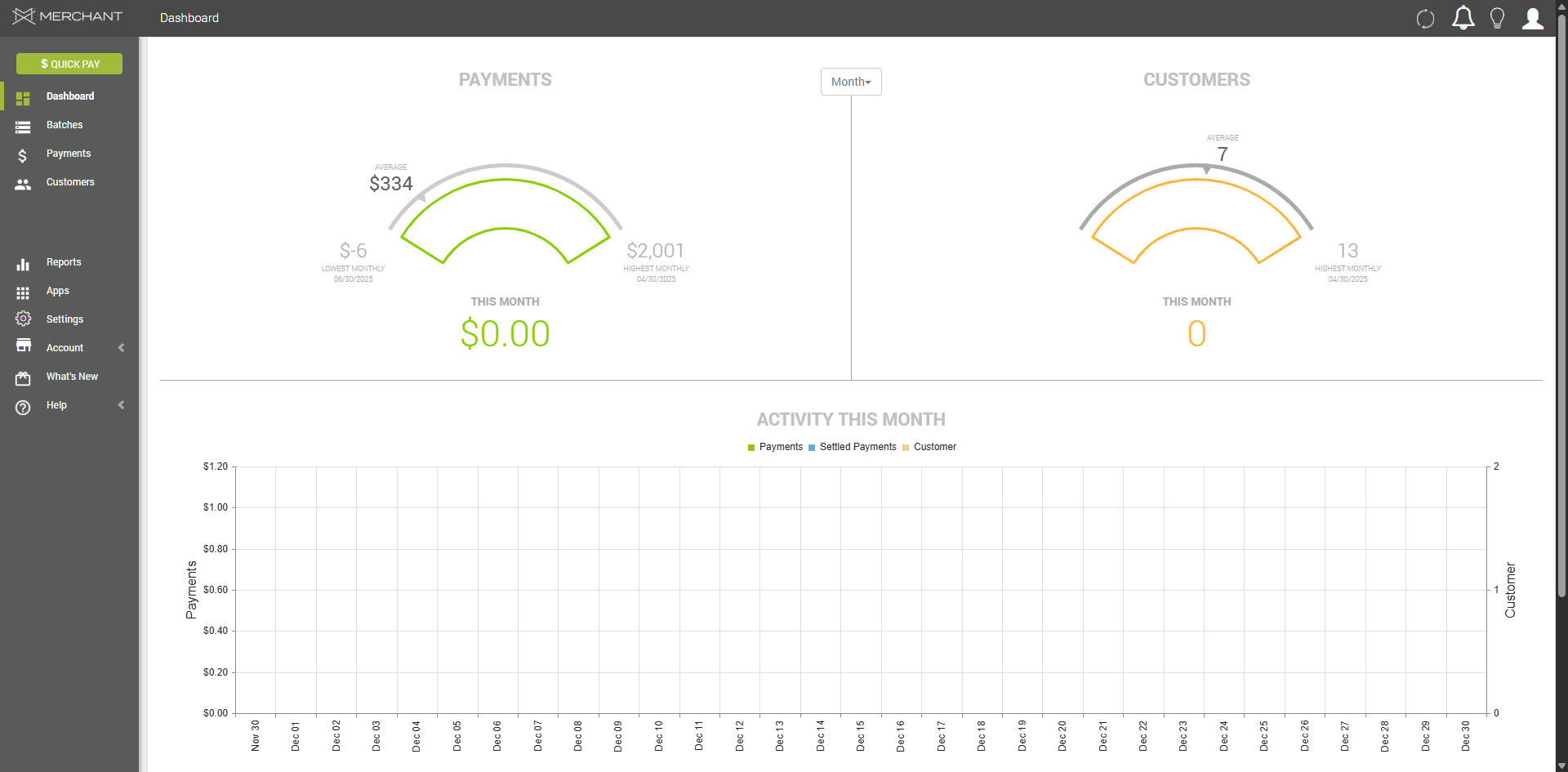
Click "Notification" icon
To set up a chargeback notification in MX Merchant, log in and navigate to the notification settings area to manage alerts by clicking the "Notification" icon.
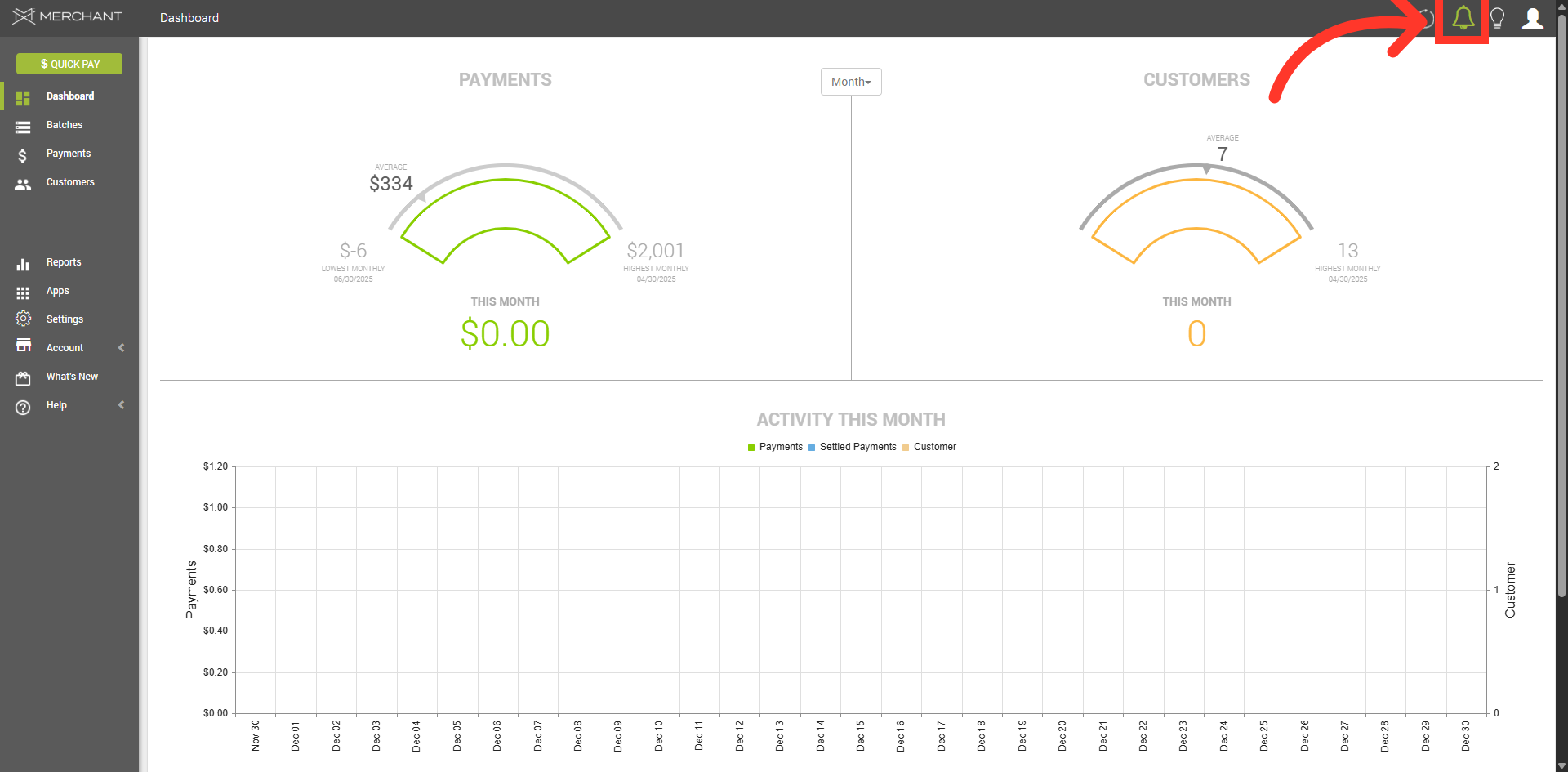
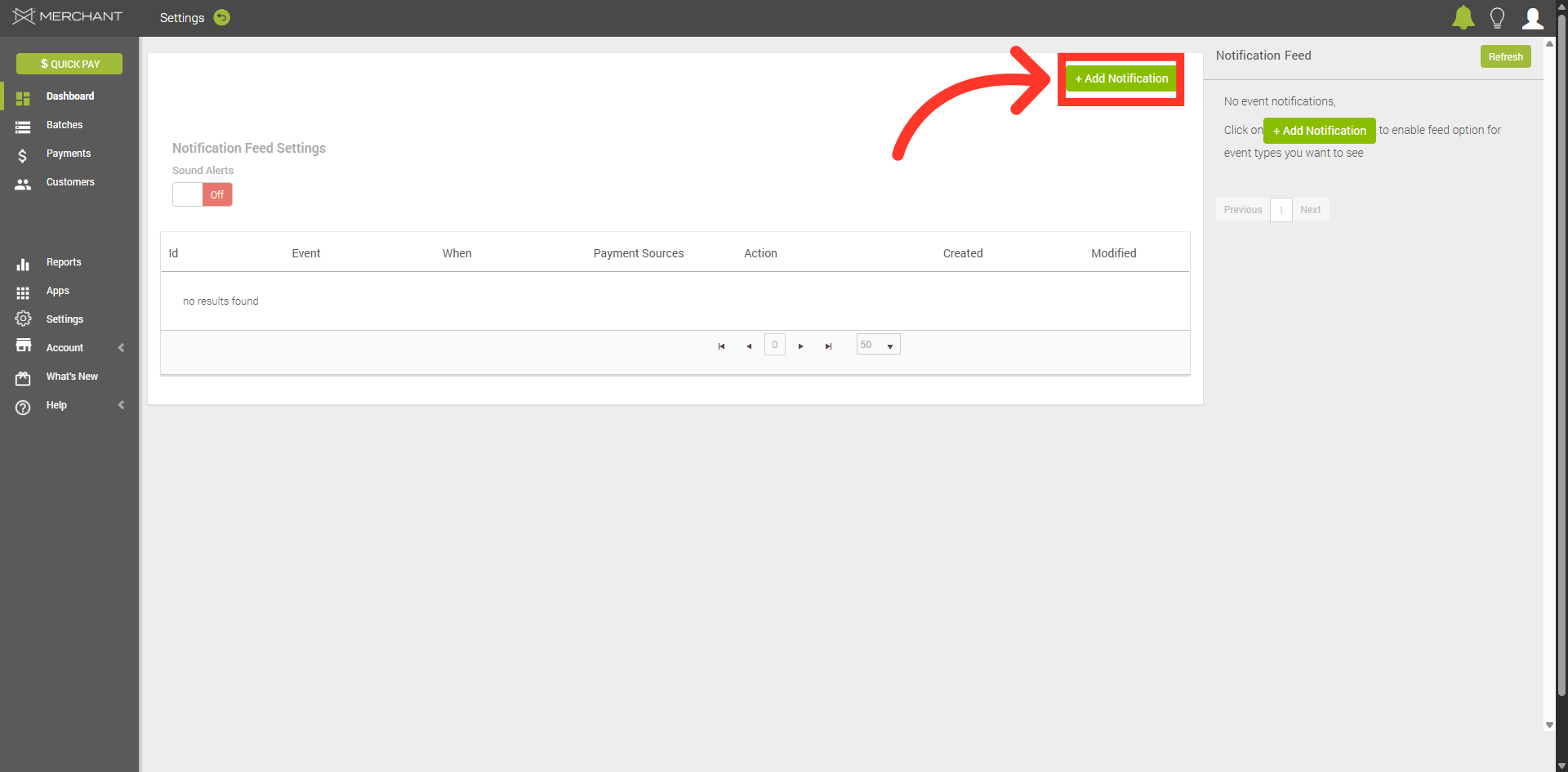
Click "Add Notification"
When the Notification Feed panel opens, click on the "+Add Notification" button.
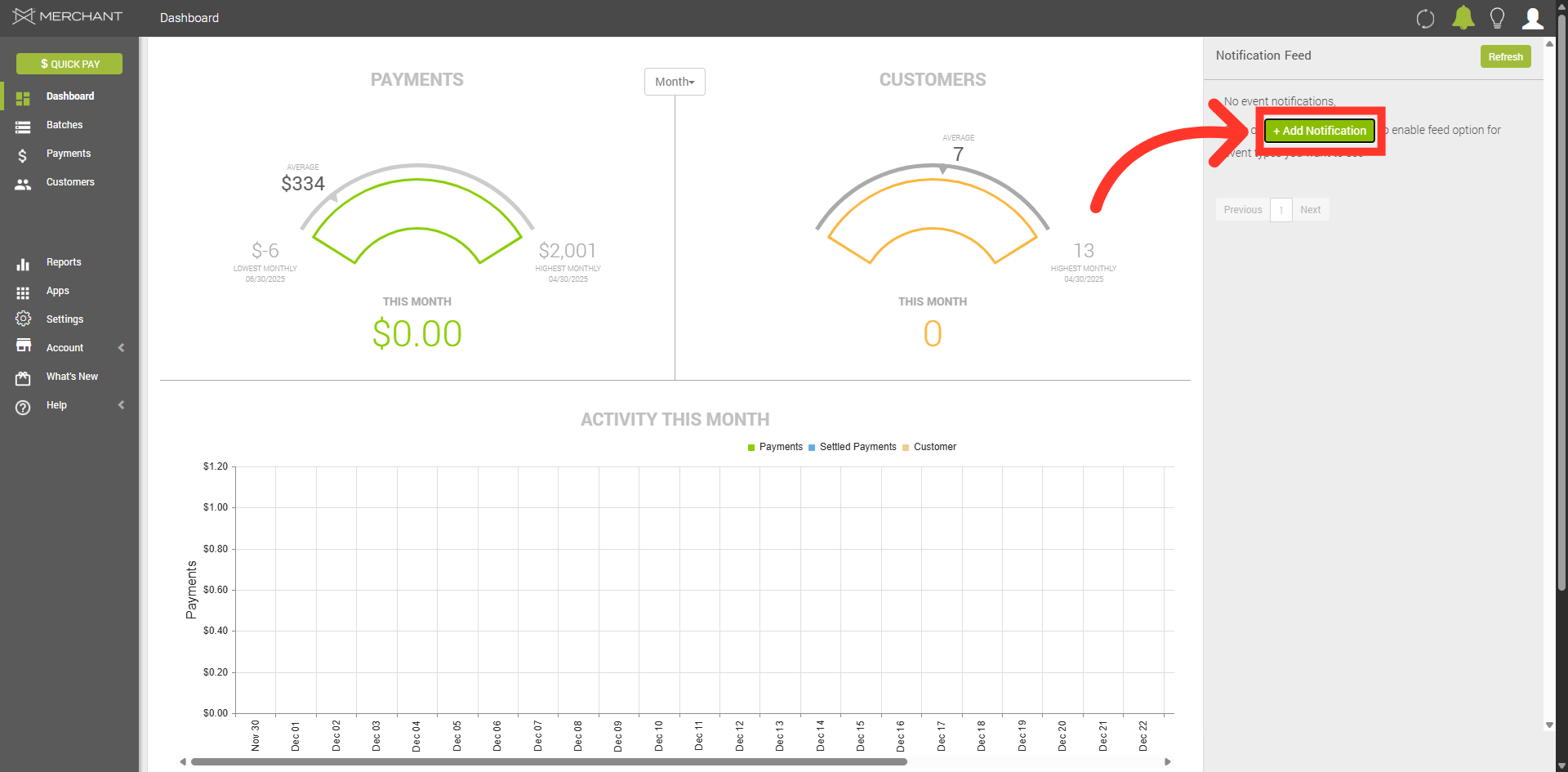
Click "Add Notification"
Then click the "+Add Notification" button to the left of the side panel.
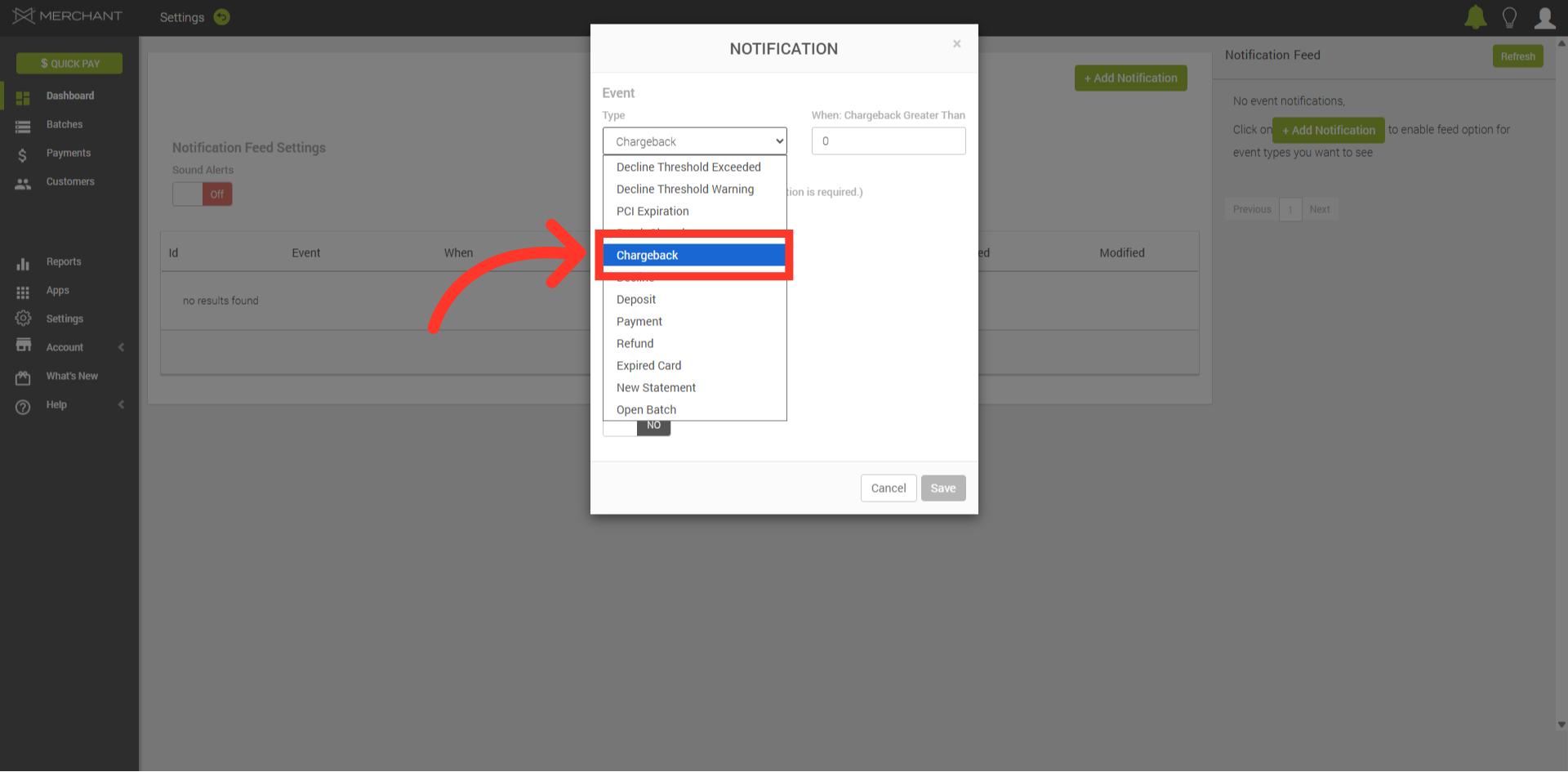
Select "Chargeback"
In the "Event Type" dropdown menu, select "Chargeback".
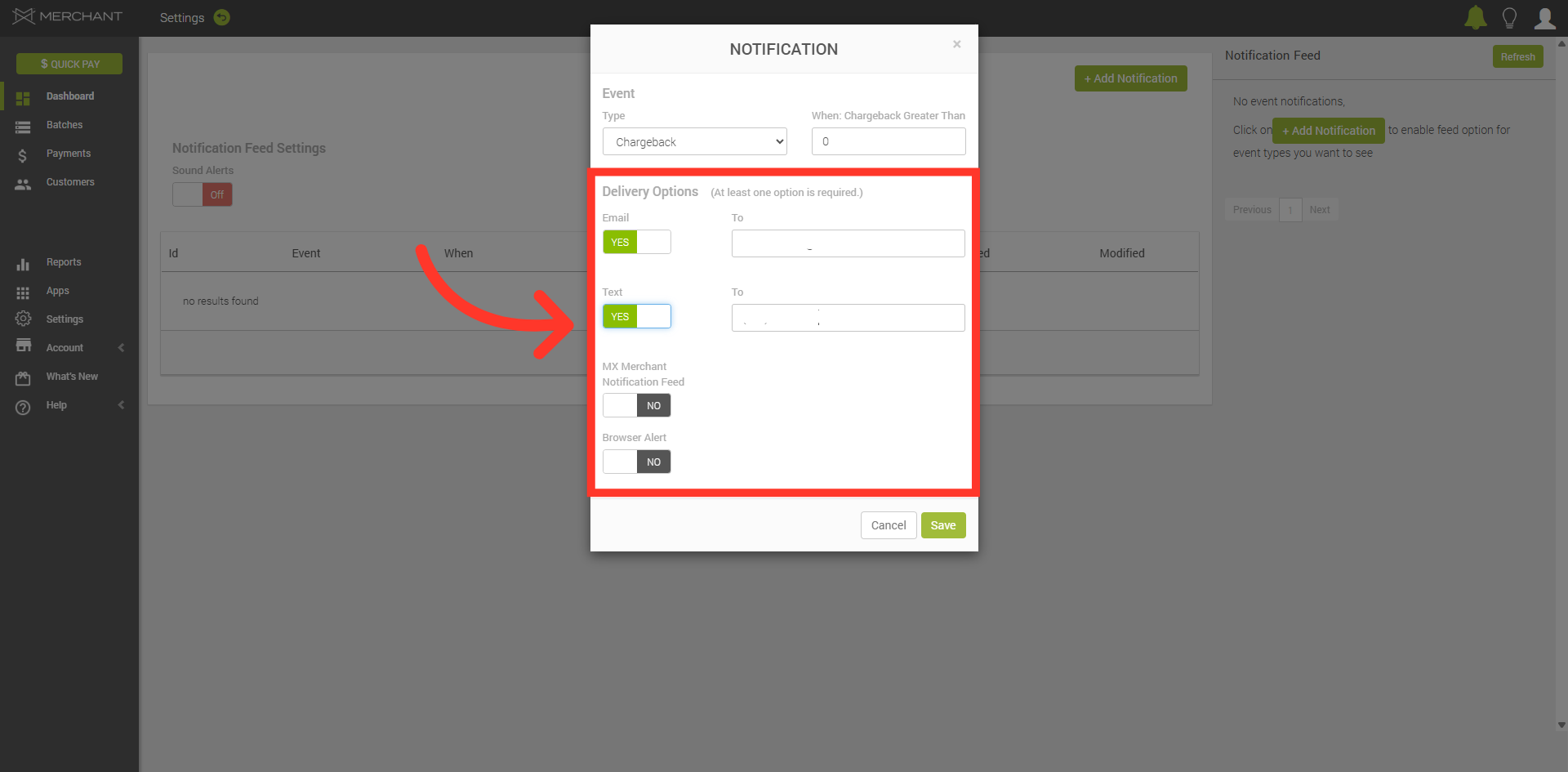
Select Delivery Methods
Then select the notification delivery methods and if applicable, enter in the email address and phone number to receive notifications.
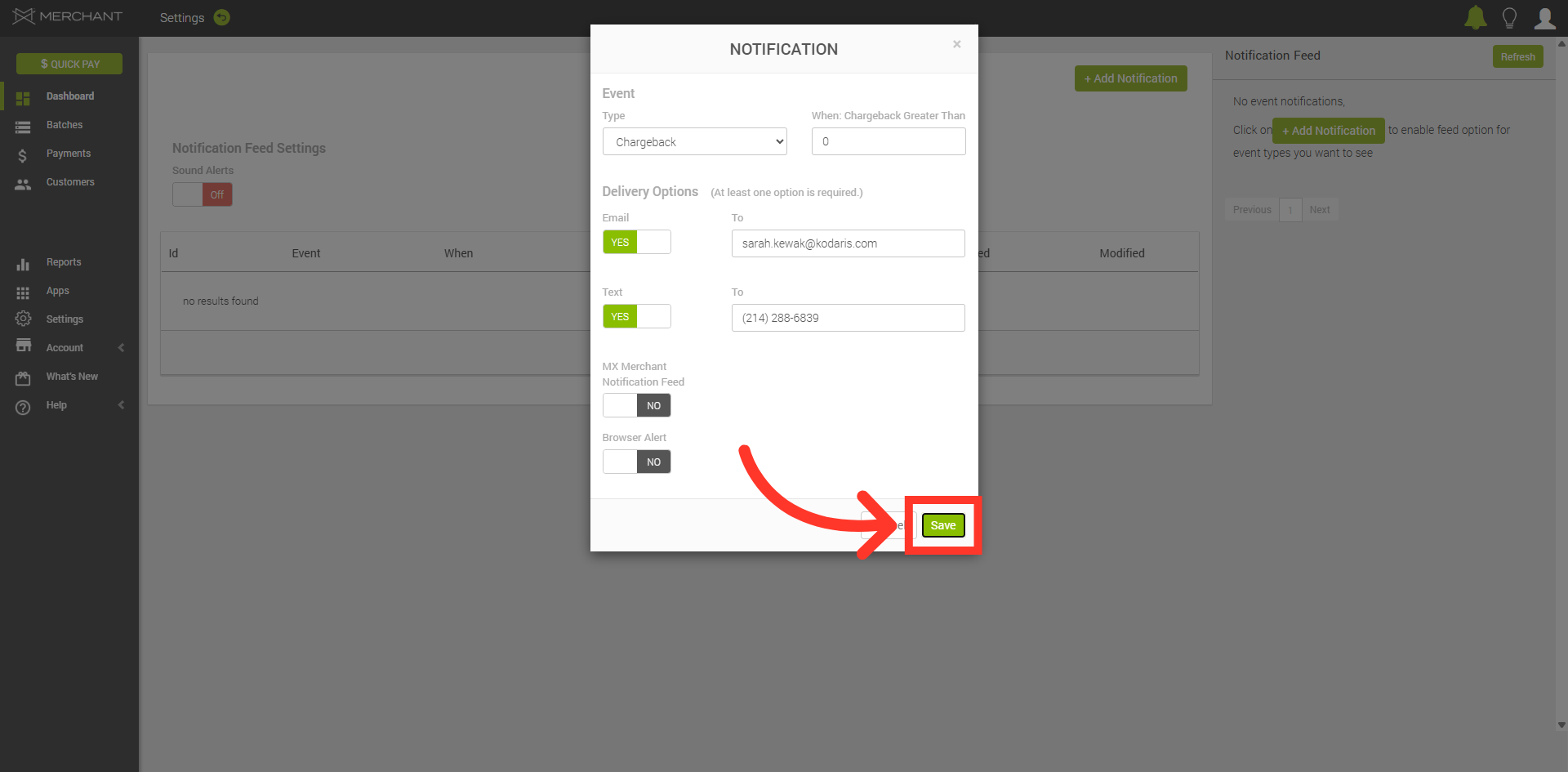
Save Notification Settings
Save the configured notification settings to activate alerts for chargebacks.
Notification
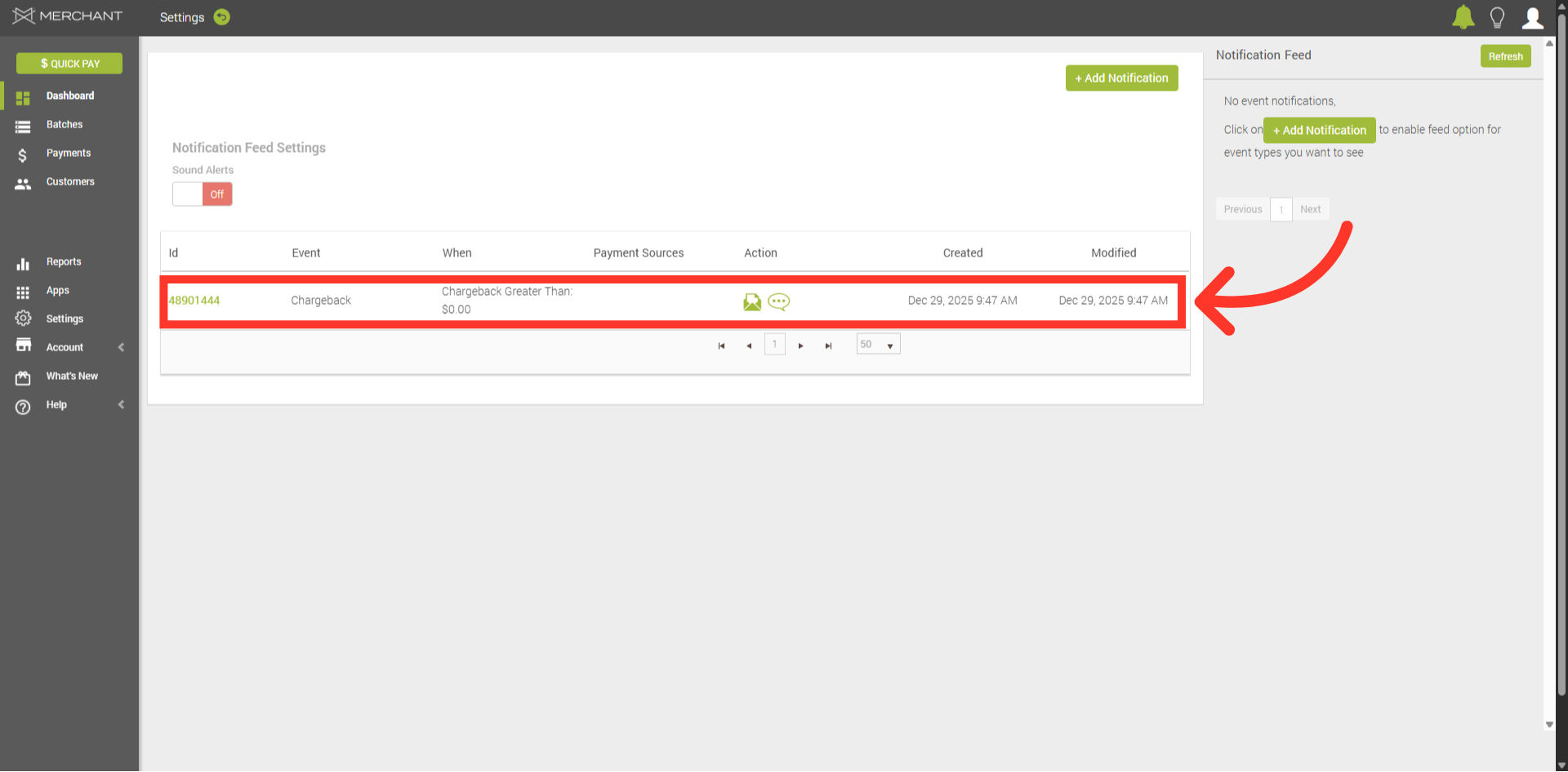
The notification has been successfully created.