Infor CSD - Enable Kodaris Signature Capture in Warehouse Setup (ICSD)
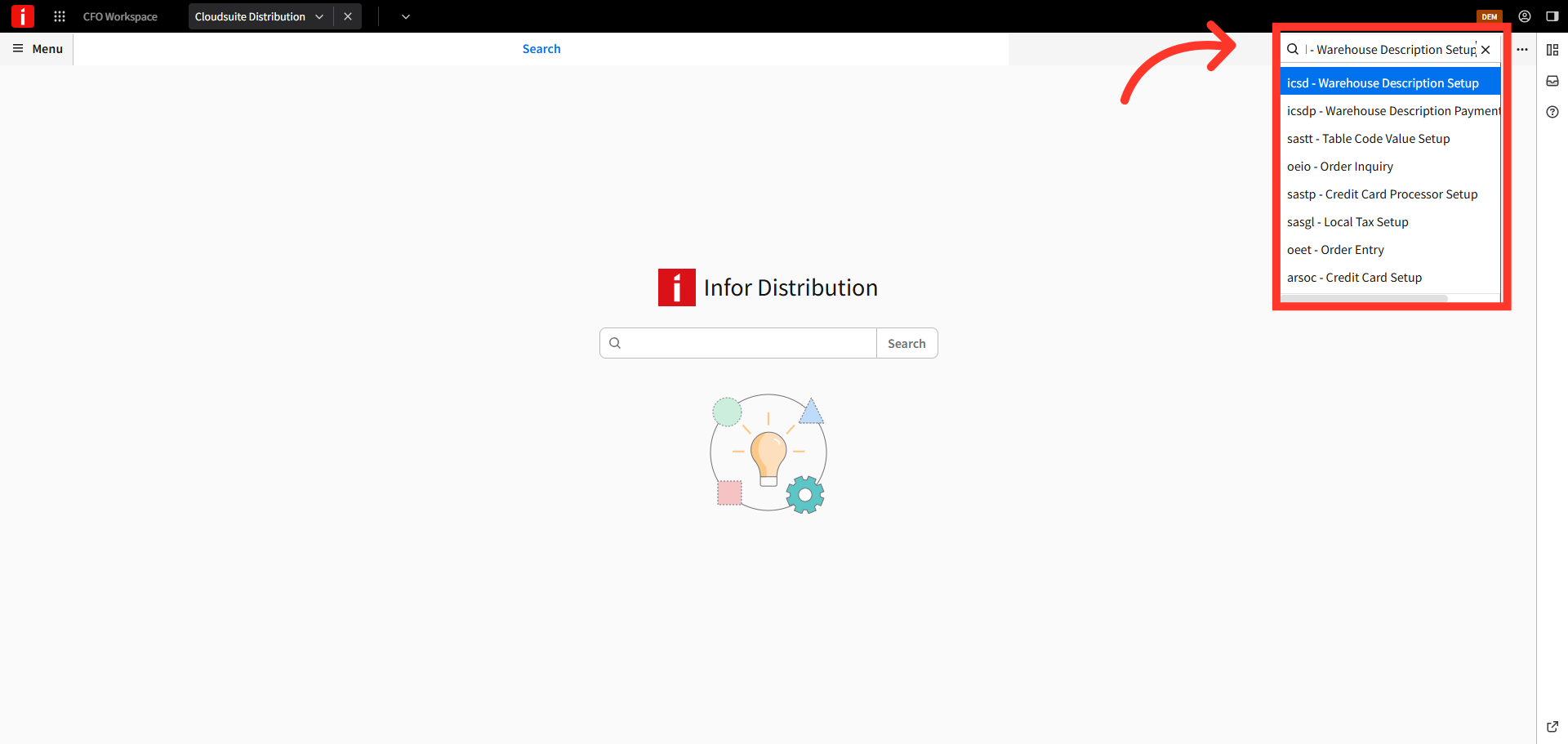
Navigate to ICSD
To capture signatures within CSD, you will first need to enable the Signature Capture feature. Navigate to the ICSD - Warehouse Description Setup section.
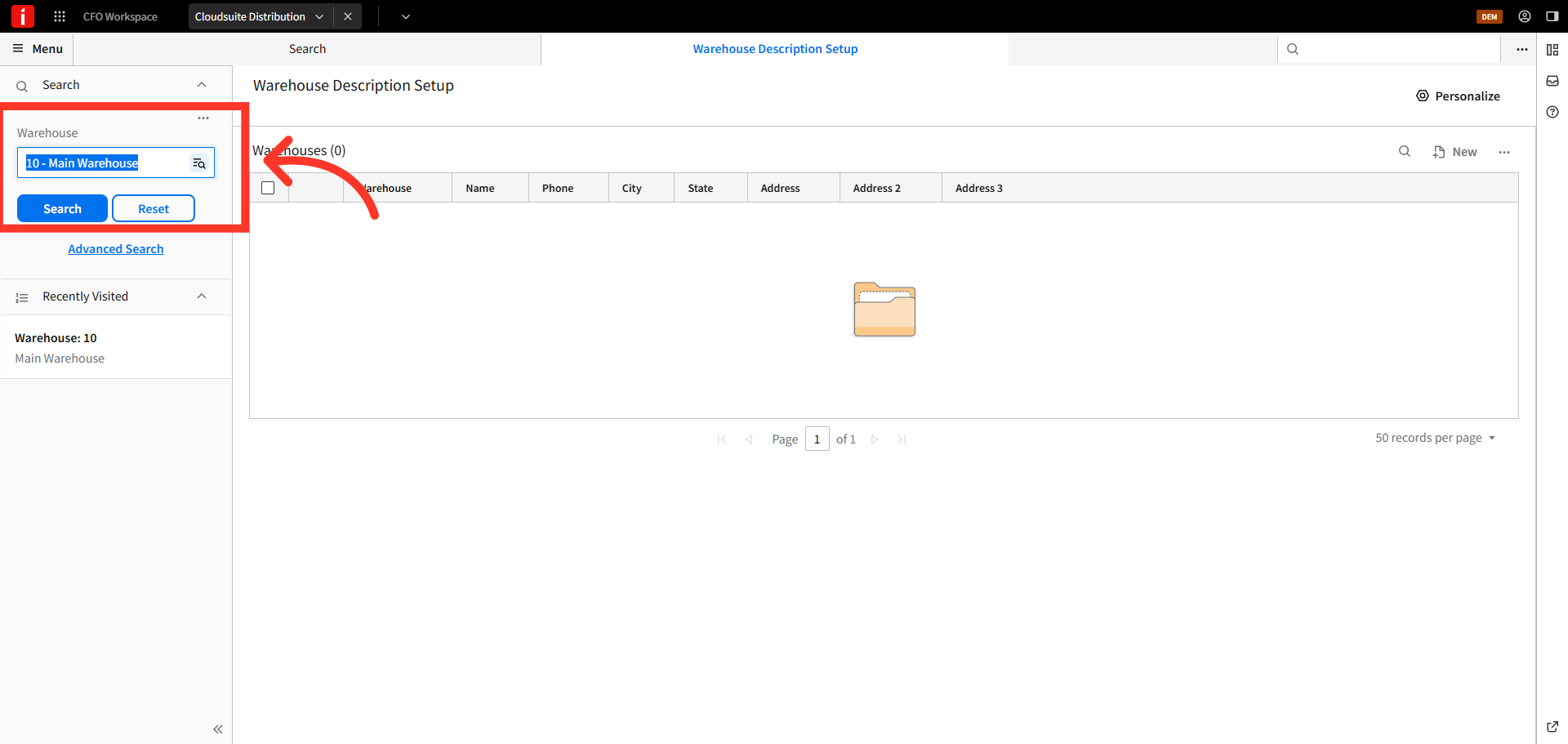
Enter Warehouse
In the warehouse field, type the warehouse name. Matching warehouse locations will auto-populate, select the one you want to enable the feature for.
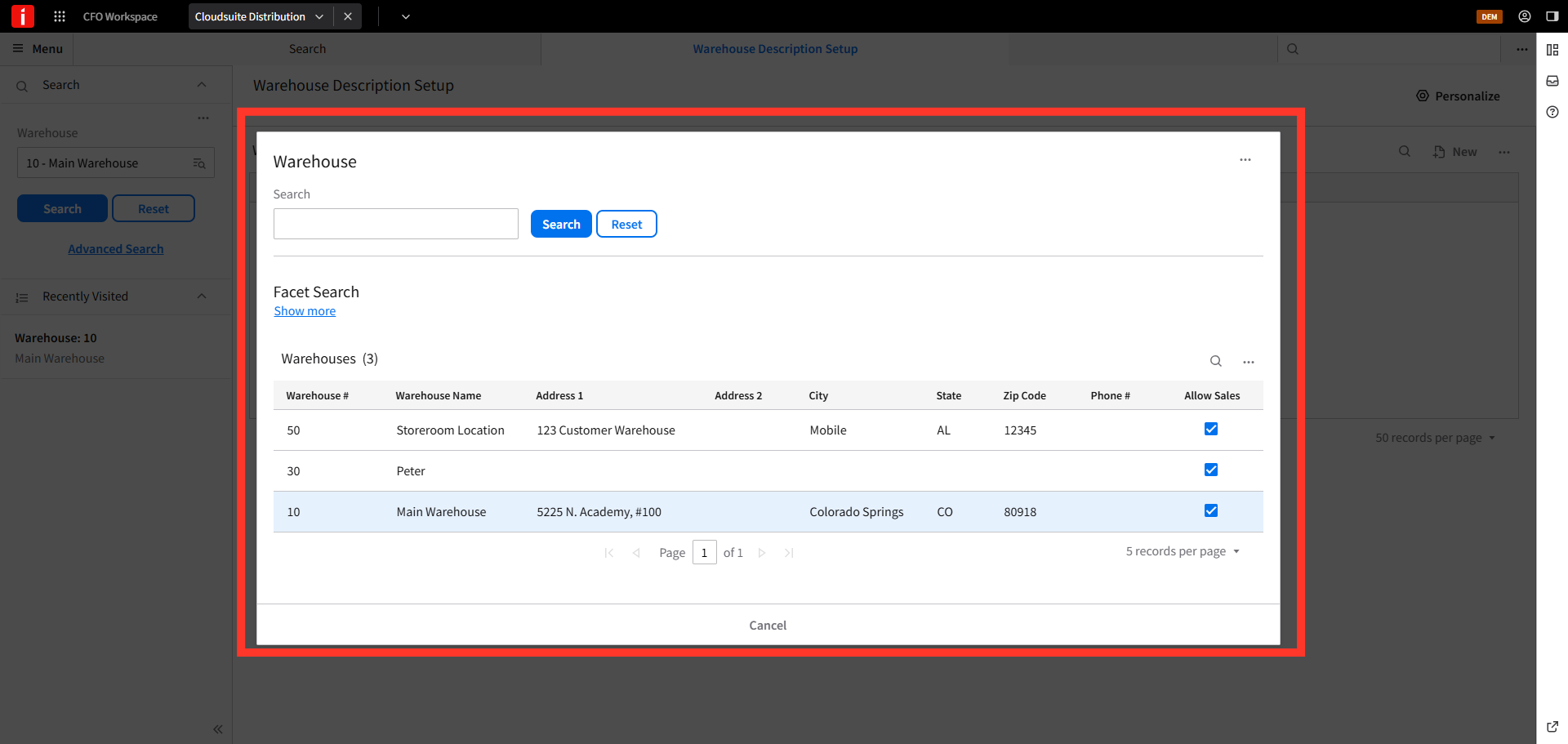
Choose Warehouse Address
You can search for a warehouse by clicking the "Search" button and selecting from the list of available warehouses.
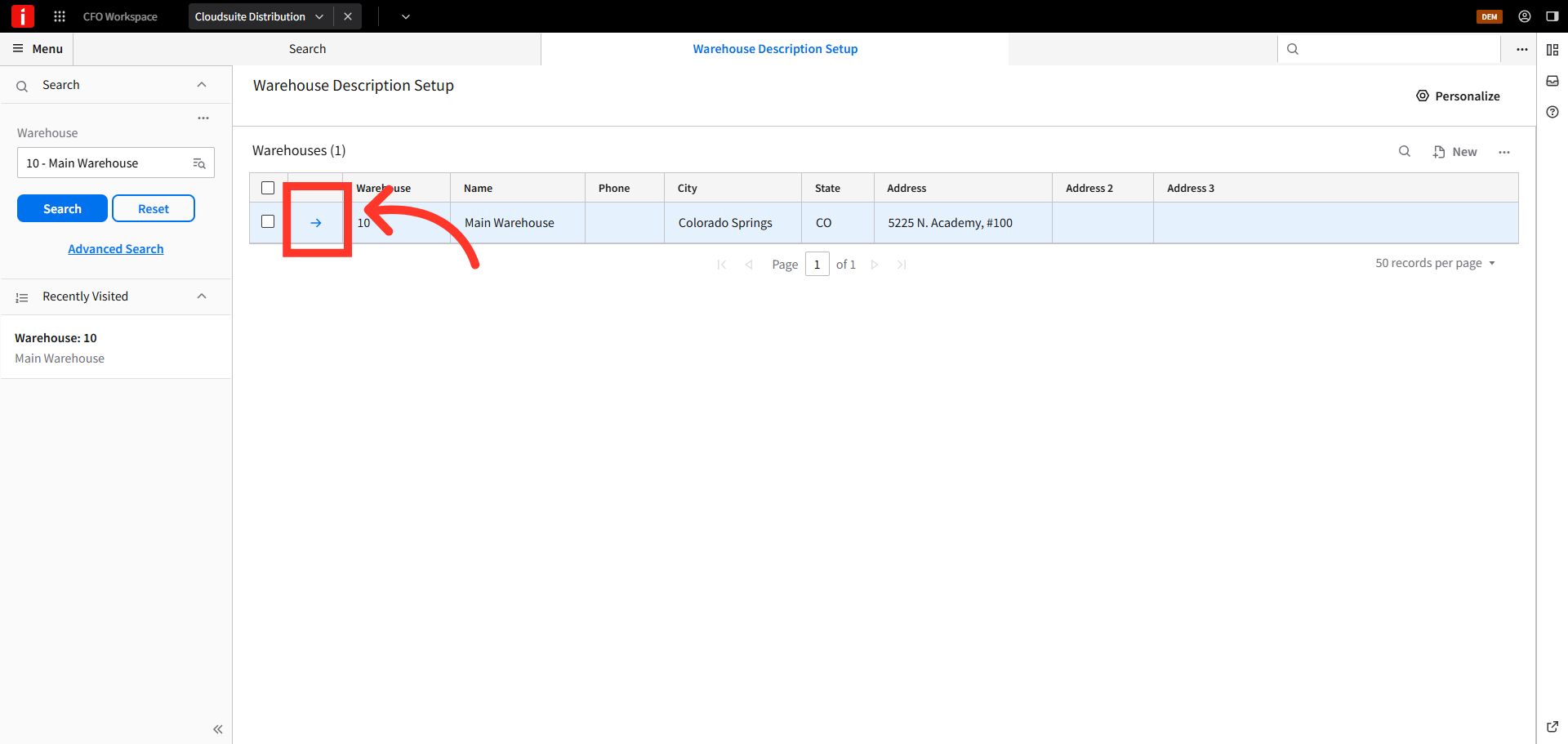
View Details
Click the arrow to view the detailed information about the warehouse.
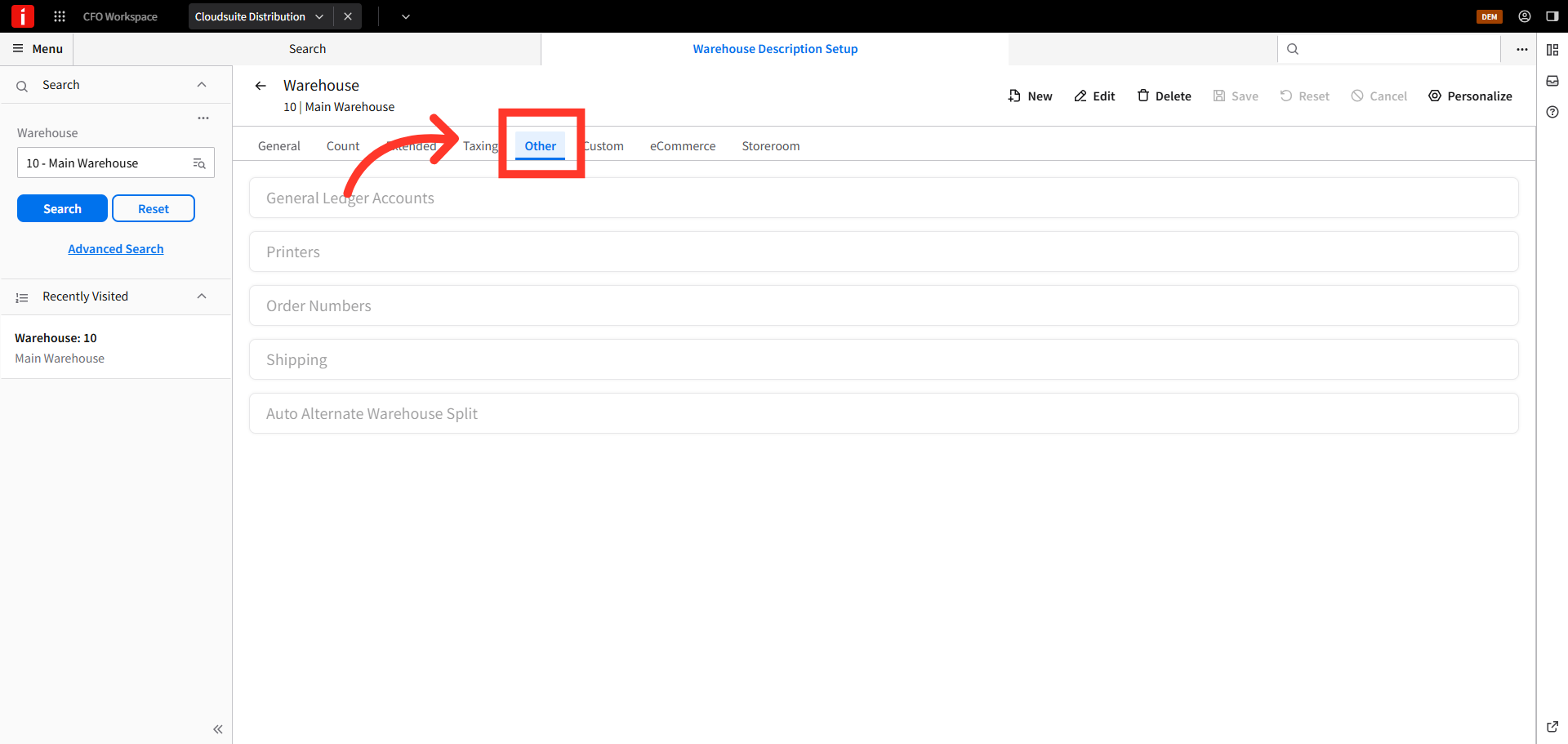
Click "Other"
Then, click the "Other" tab to access additional configuration categories related to the warehouse.
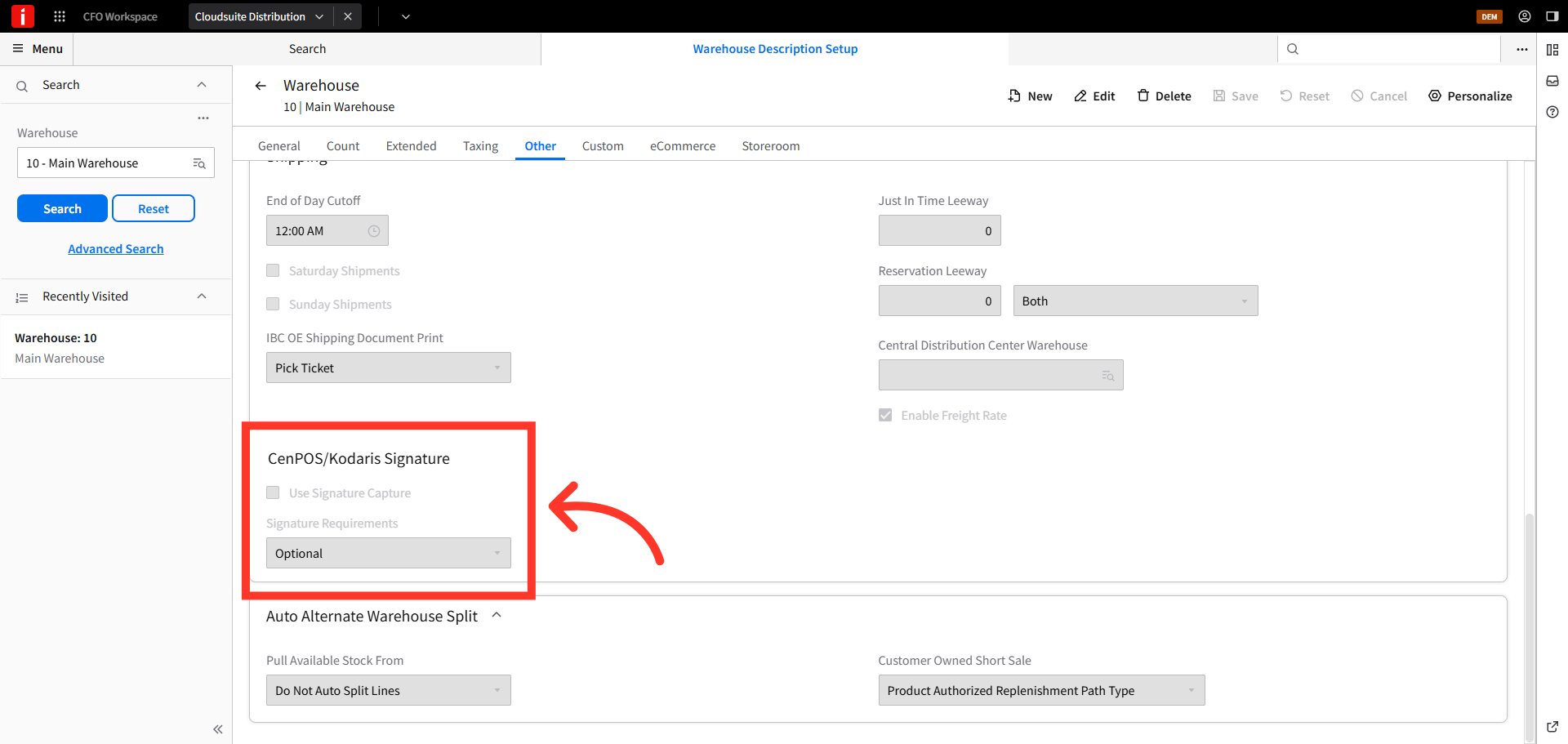
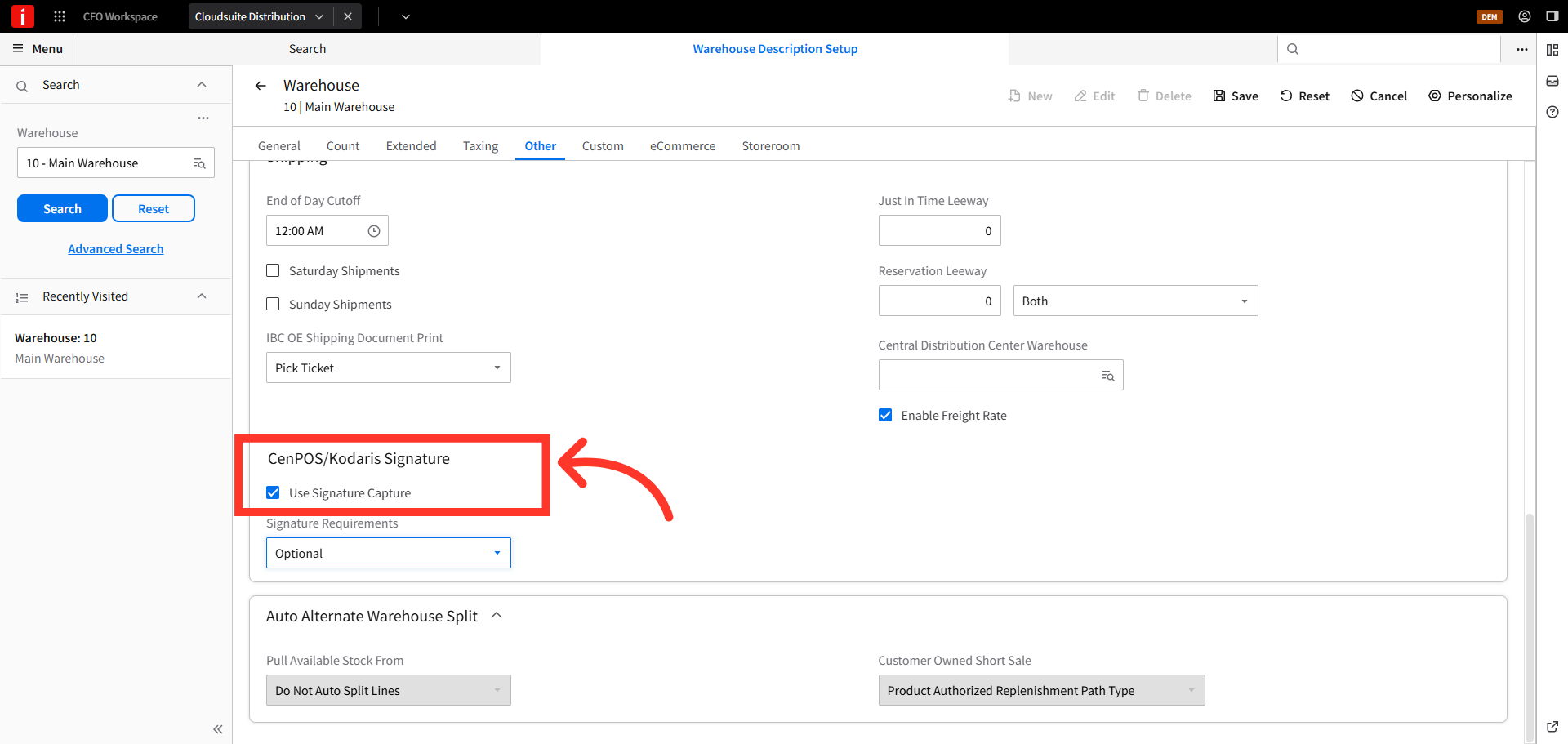
Scroll to the setting
Scroll to the signature setting.
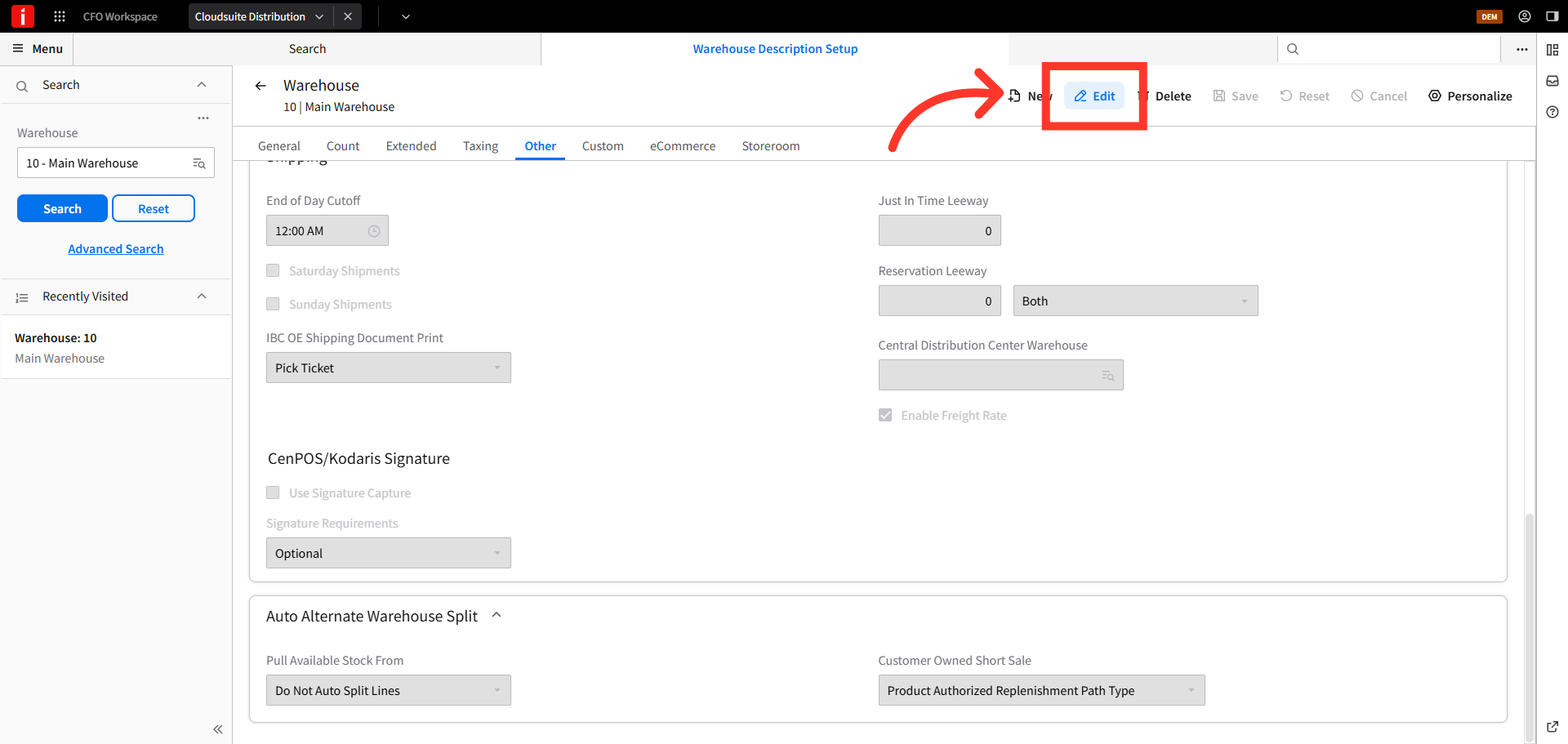
Click "Edit"
Next, click "Edit".
Enable Signature Capture
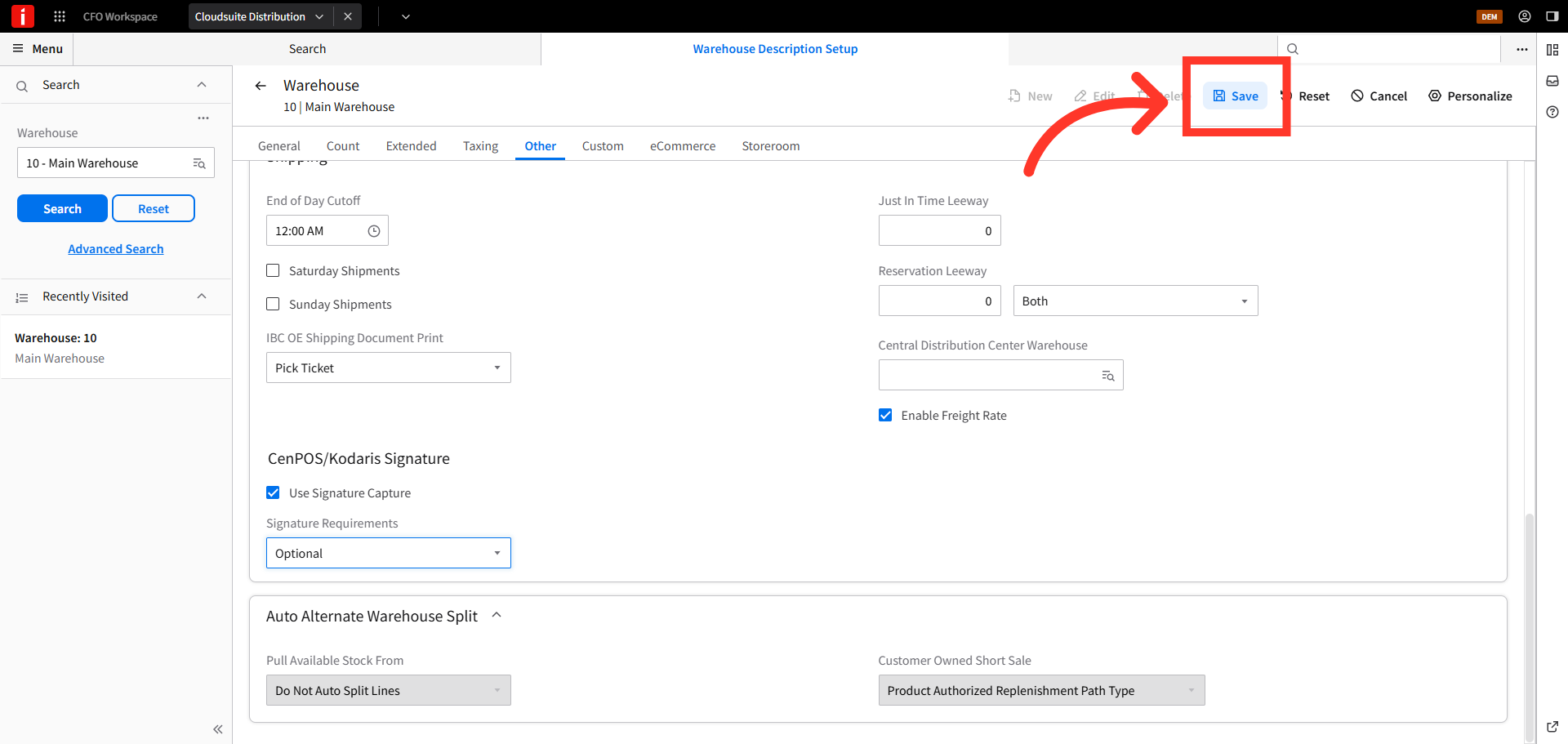
Then, click the check box to enable the "Use Signature Capture" feature.
Click "Save"
Finally, click "Save" to apply the updated signature capture settings. Your system is now configured to accept signatures in order entry.