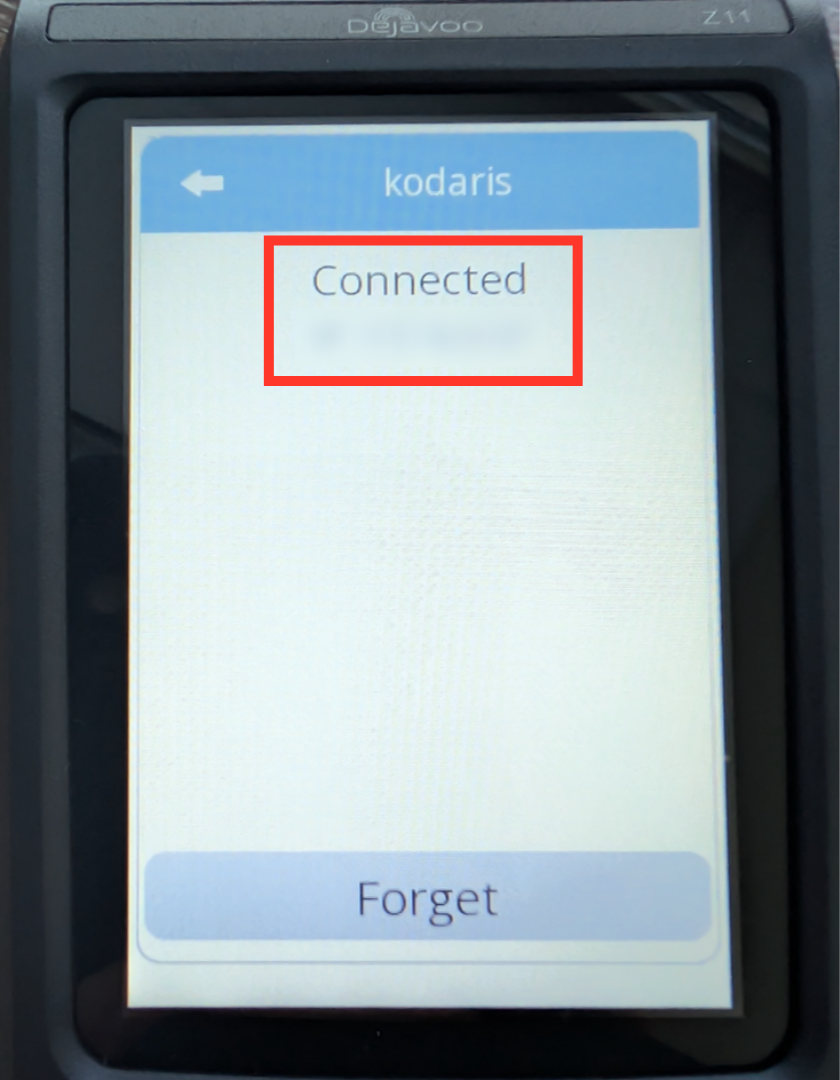
Payments - Connect a DejaVoo Z Series Terminal to Ethernet
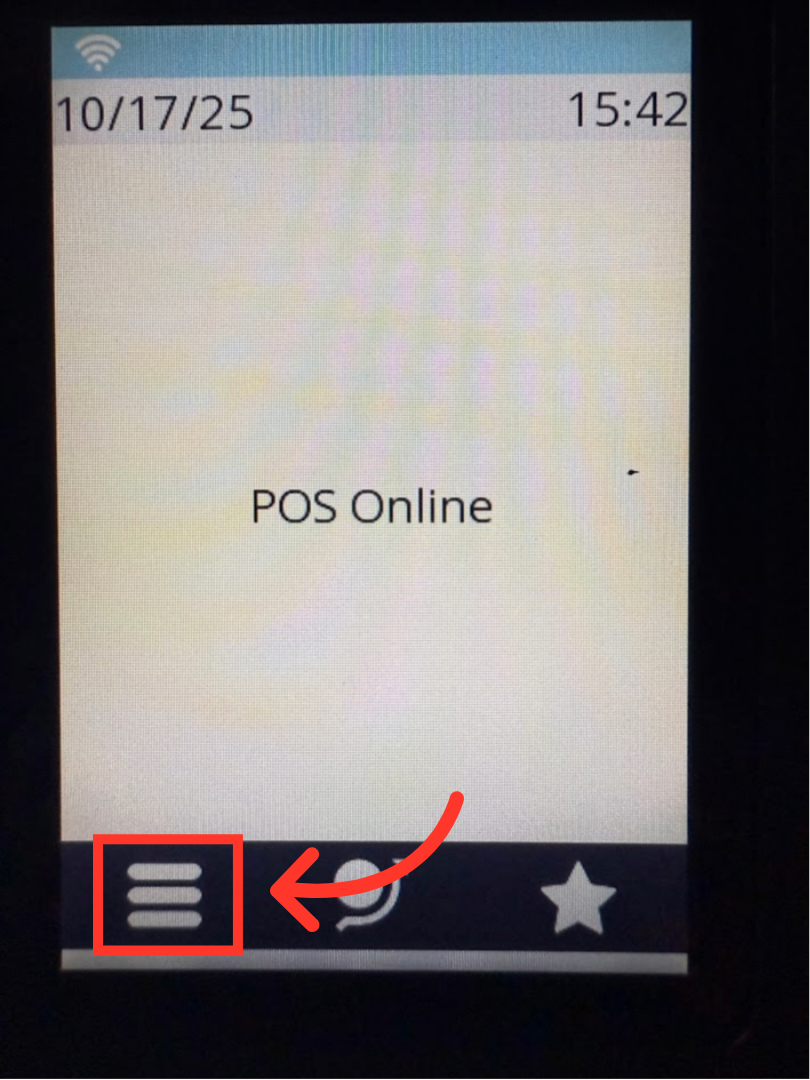
Tap the "Menu" icon
Before you can accept card transactions on your Z-series terminal, you will need to first connect the terminal to your network. On the "Home" screen, tap the "Menu" icon on the lower left-hand corner of the terminal touch screen.
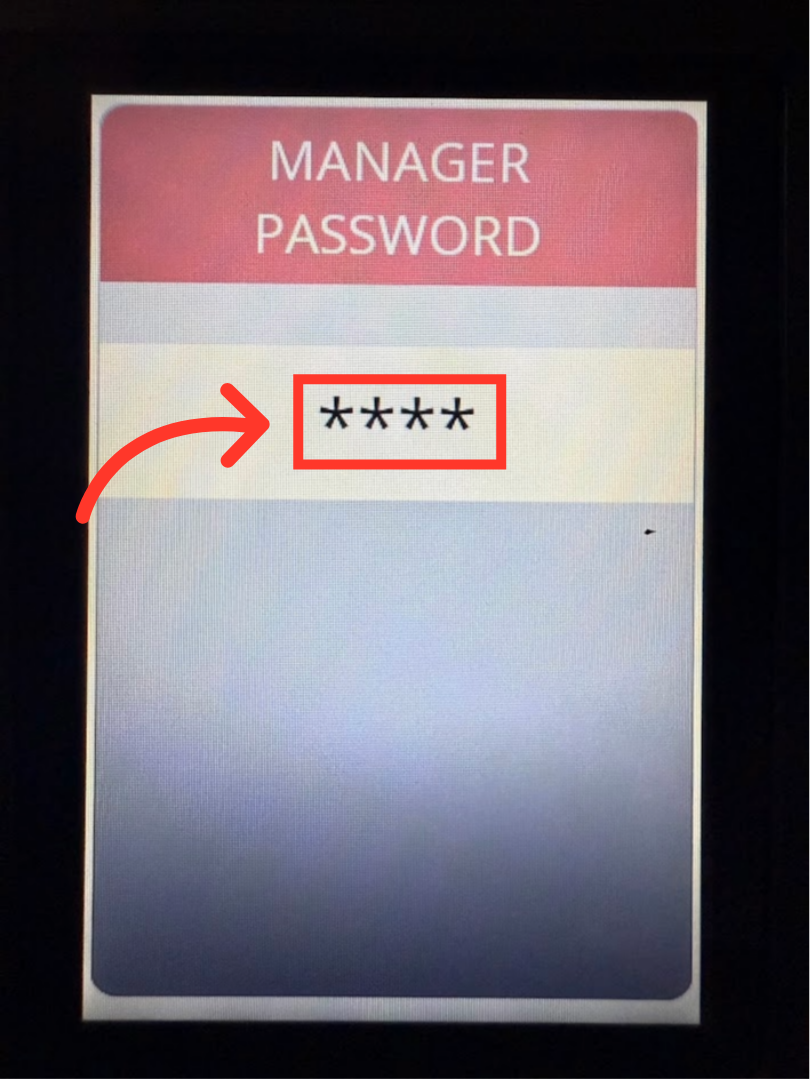
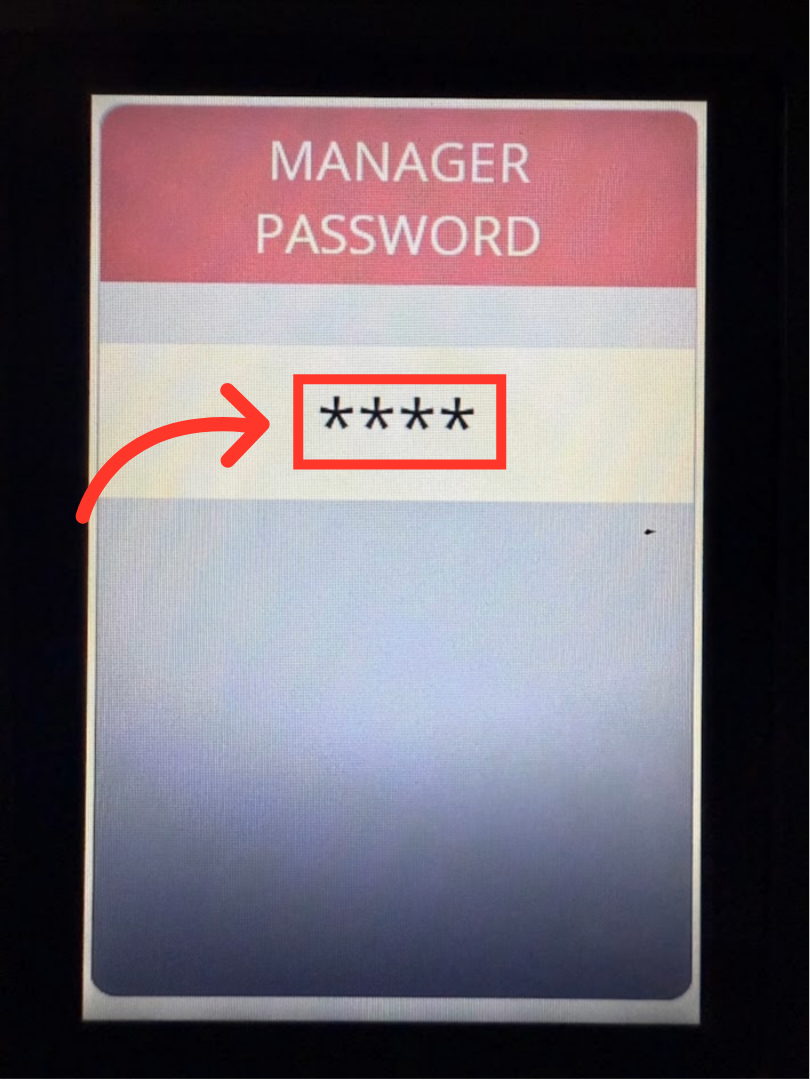
Enter the Manager Password
Using the key pad, enter the Manager Password "1234", and press the green "OK" button.
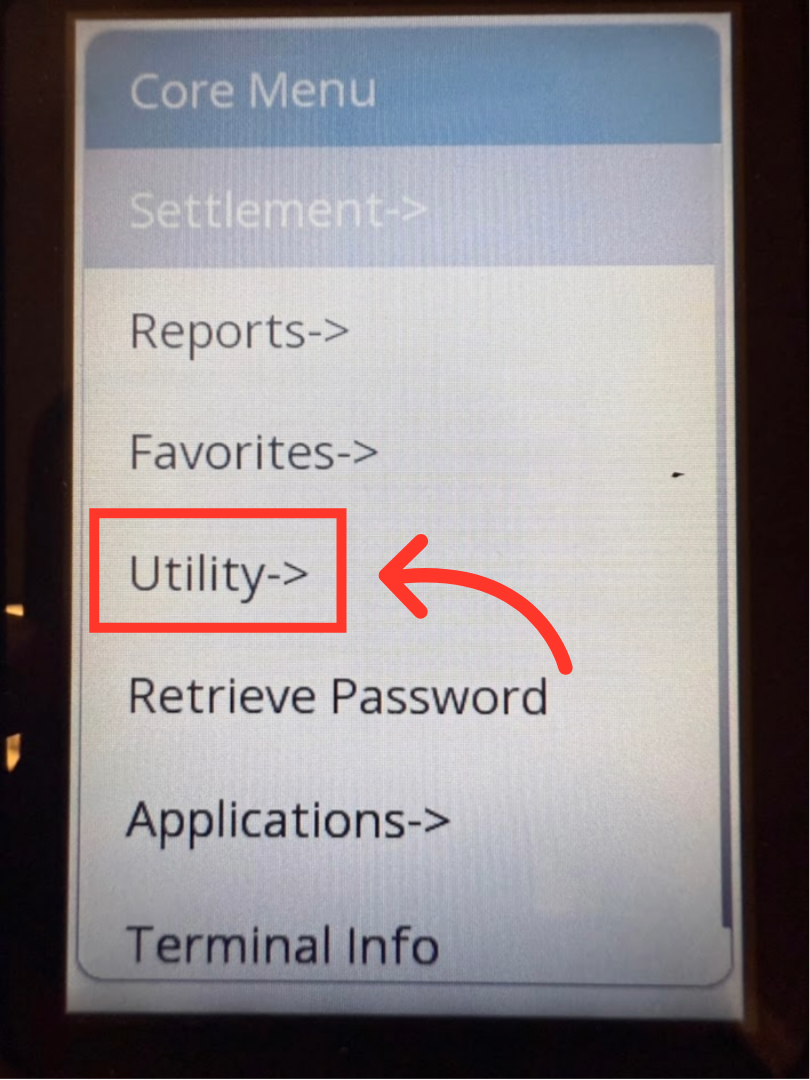
Tap "Utility"
Next, the "Core Menu" screen will appear. Tap "Utility".
Re-enter the Manager Password
On the next screen, you will be prompted to re-enter the manager password. Using the key pad, enter "1234" and press the green "OK" button.
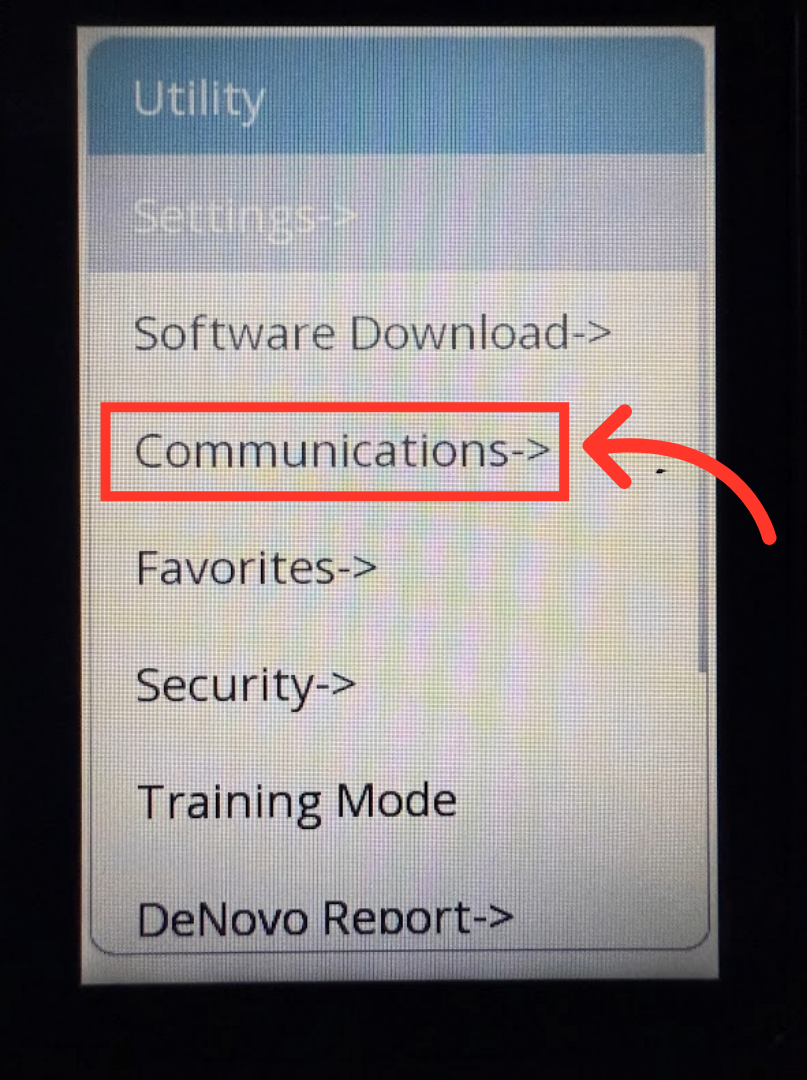
Tap "Communications".
The Utility Menu screen will appear. Now, tap "Communications".
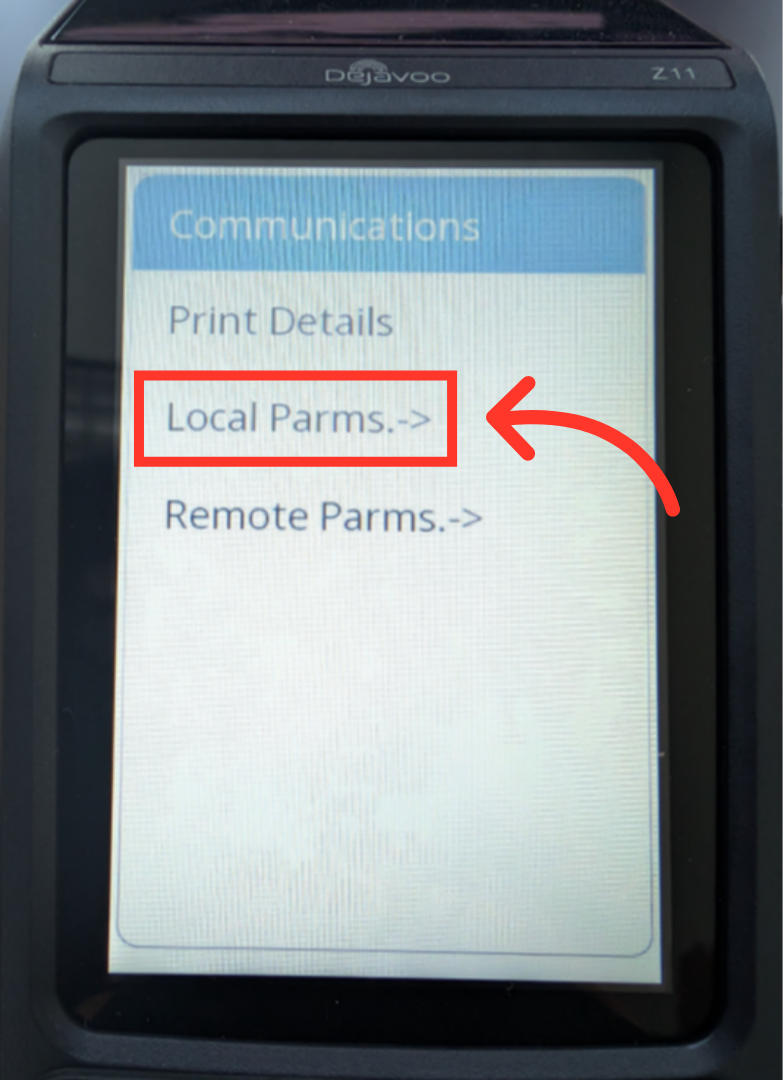
Tap "Local Parms."
In the Communications menu, you need to select "Local Parms.".
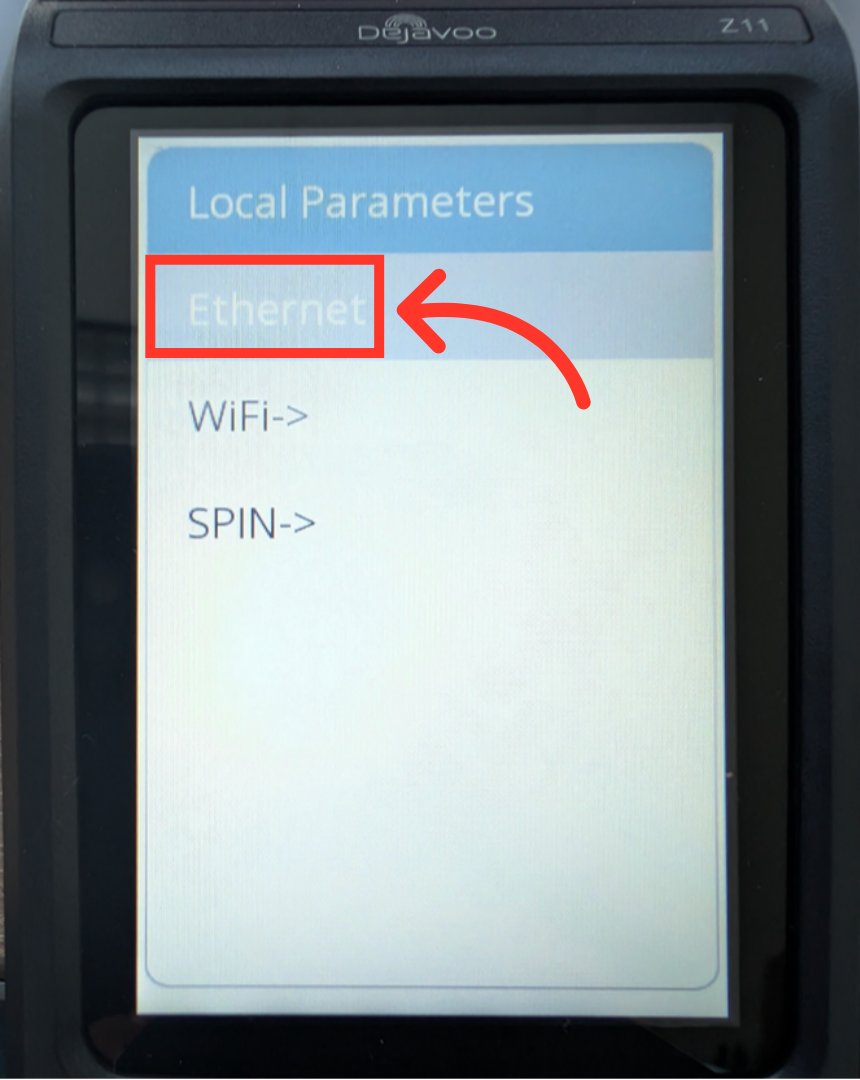
Tap "Ethernet"
Then, tap "Ethernet".
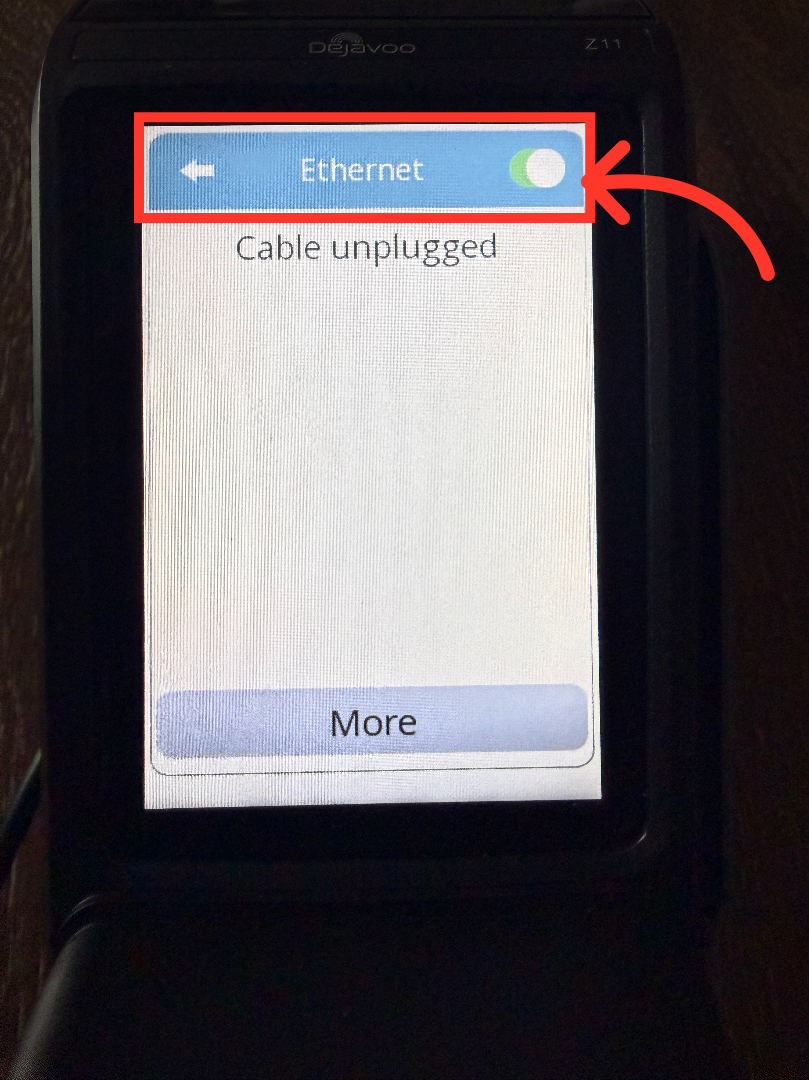
Ethernet is on
Verify the "Ethernet" toggle button is green, indicating it is on.
Confirmation Message
Attach the terminal to the ethernet cable and the terminal will show a message that it is connected to ethernet. You can return to the Home Screen using the yellow button on the key pad.