
Customer Portal - View & Print Invoices
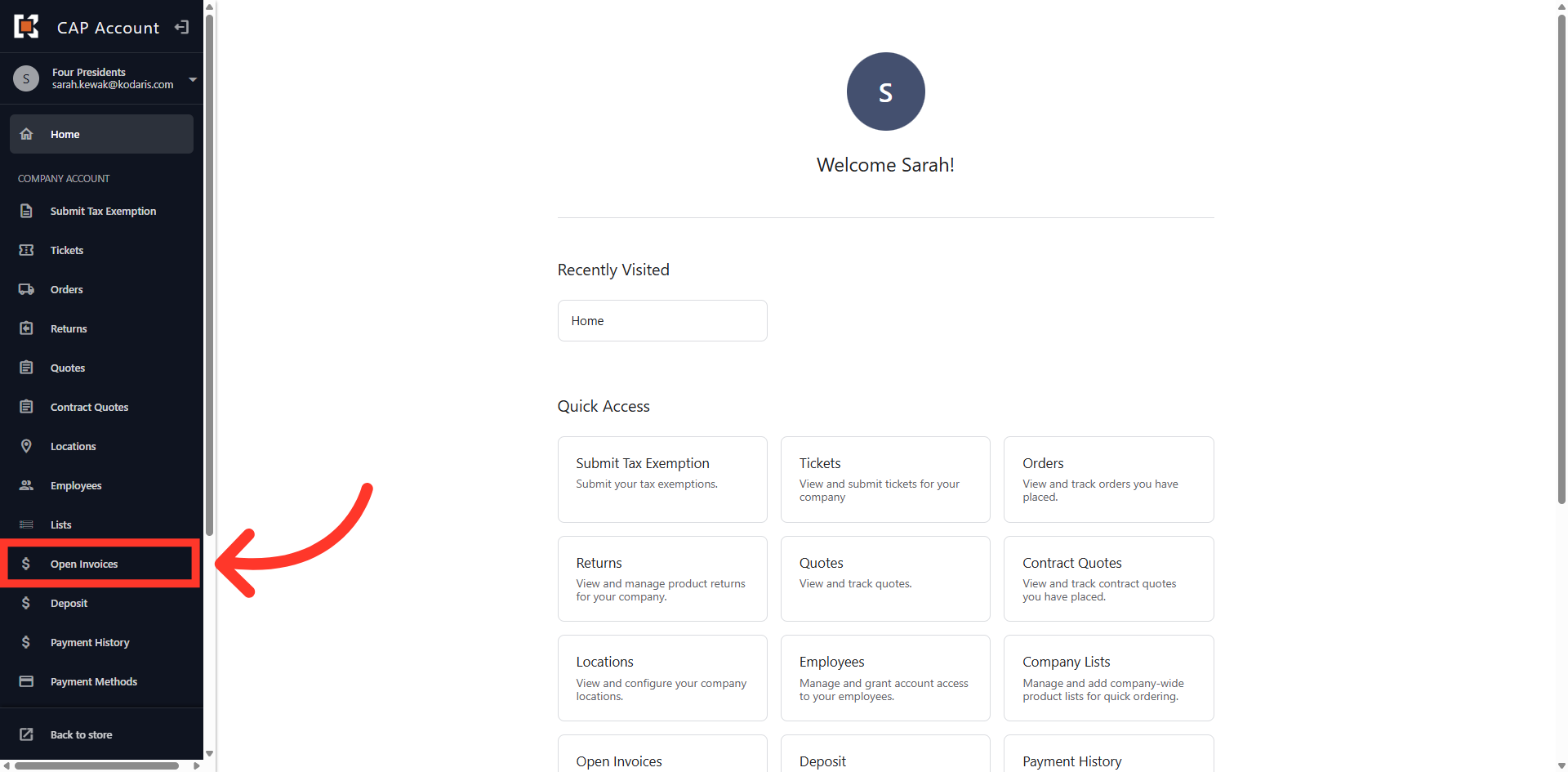
Navigate to "Open Invoices"
You can easily view and print invoices in the Customer Portal by first navigating to the "Open Invoices" section.
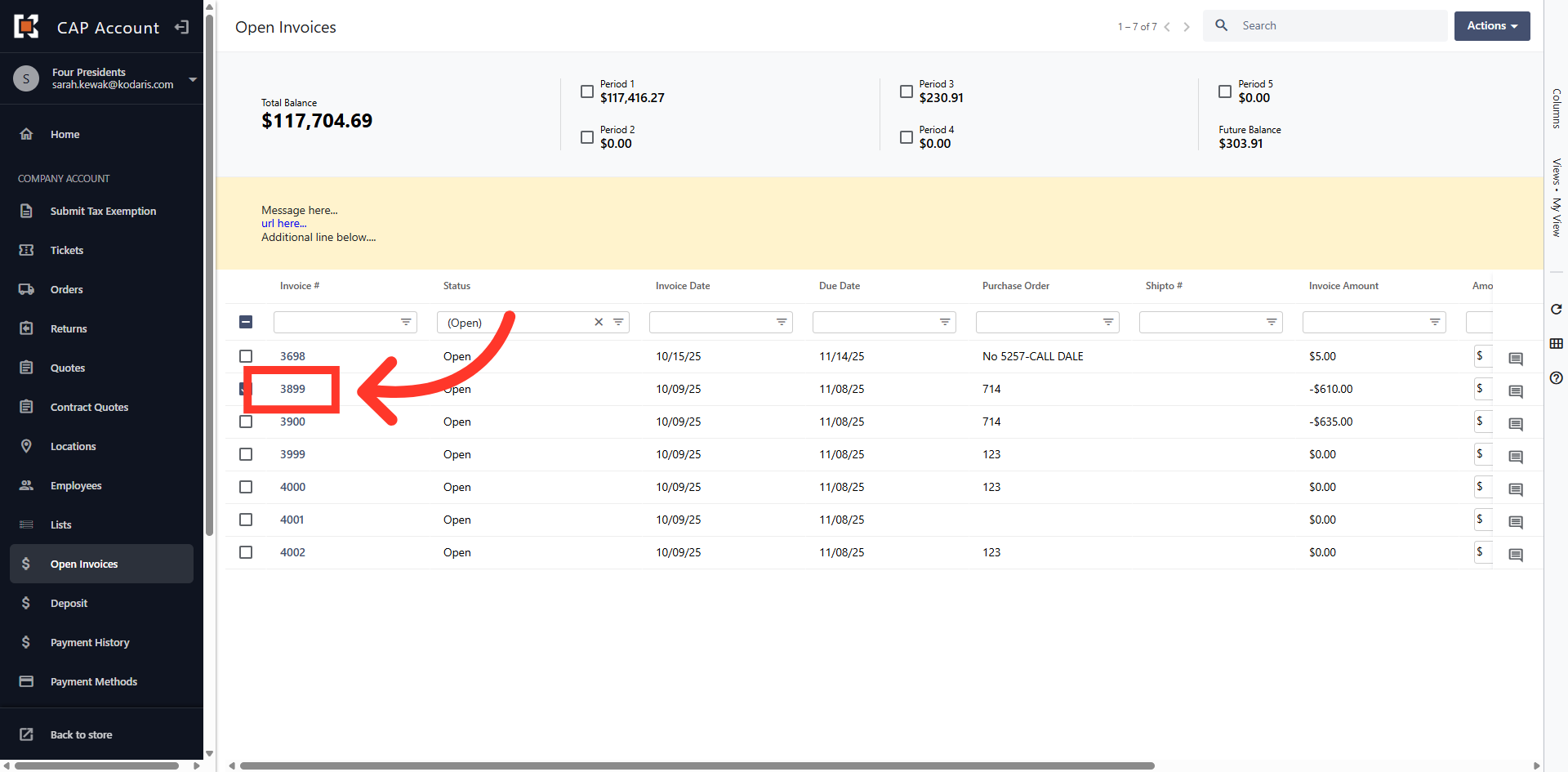
Click on the Invoice
Then, click on the invoice you wish to view. You can search for your invoice using the column filters if your invoice is not displayed in the grid view.
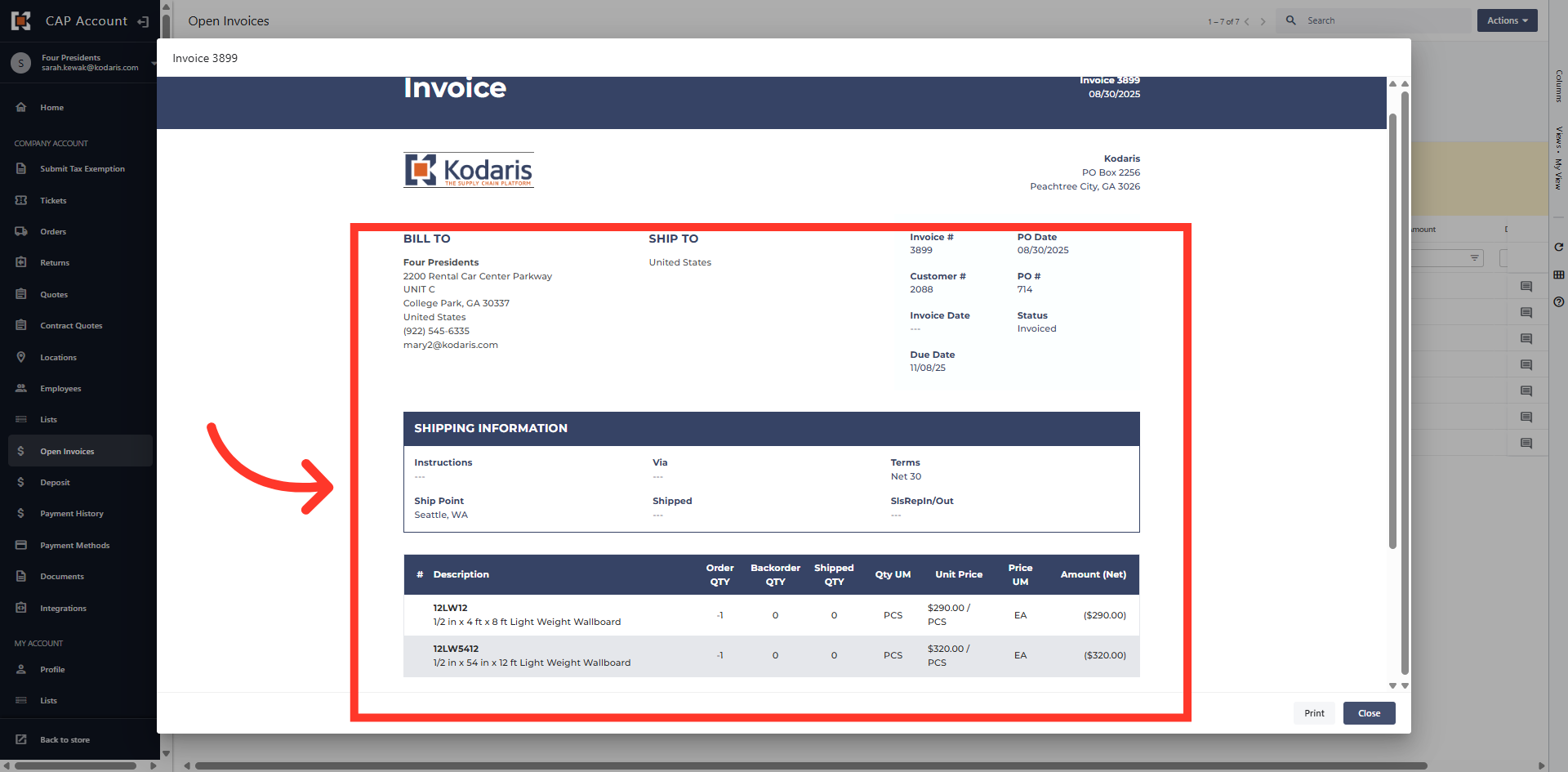
Invoice Details
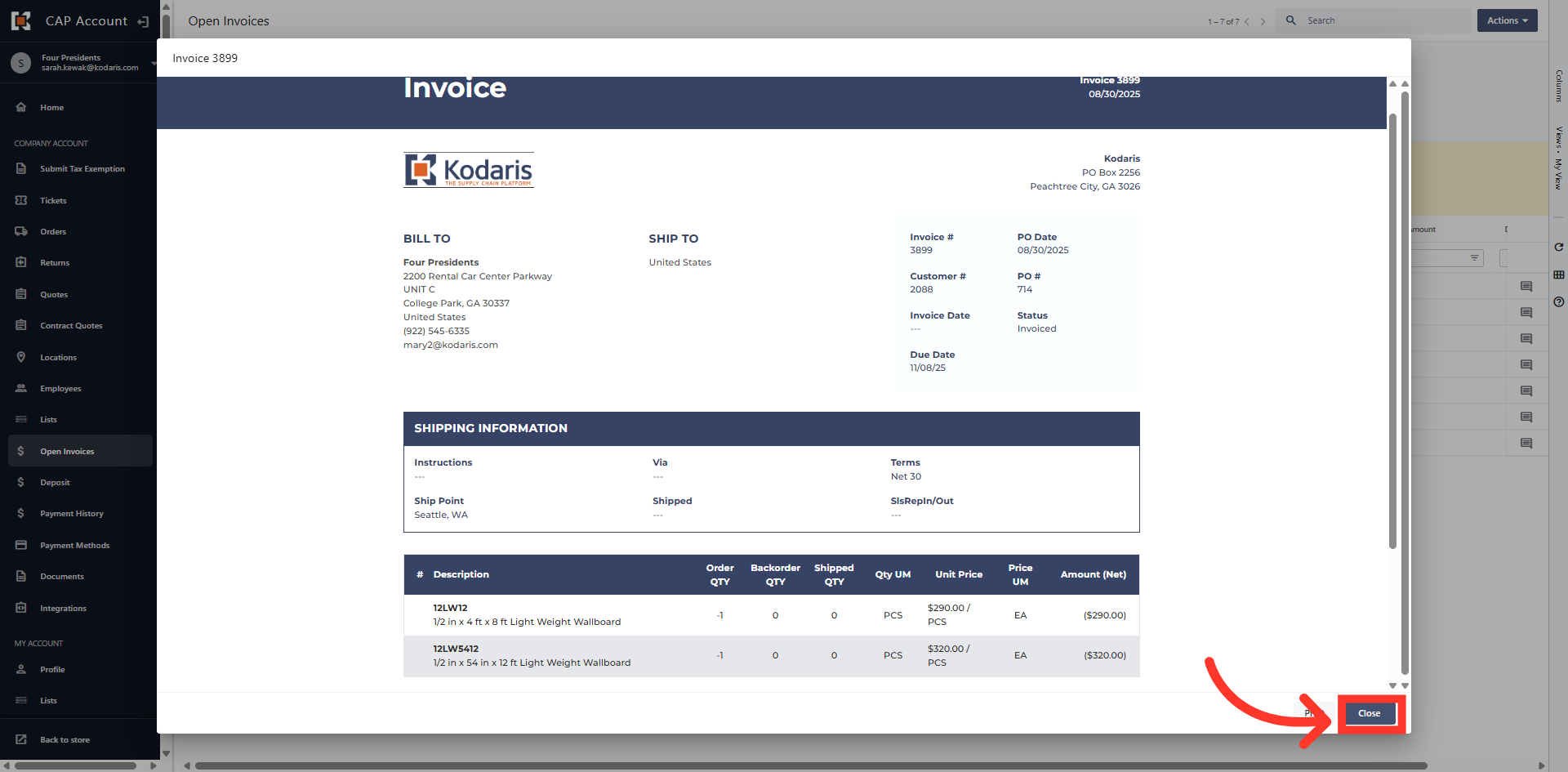
The invoice will open and you can view invoice details such as invoice number, shipping information, line item details and invoice amount.
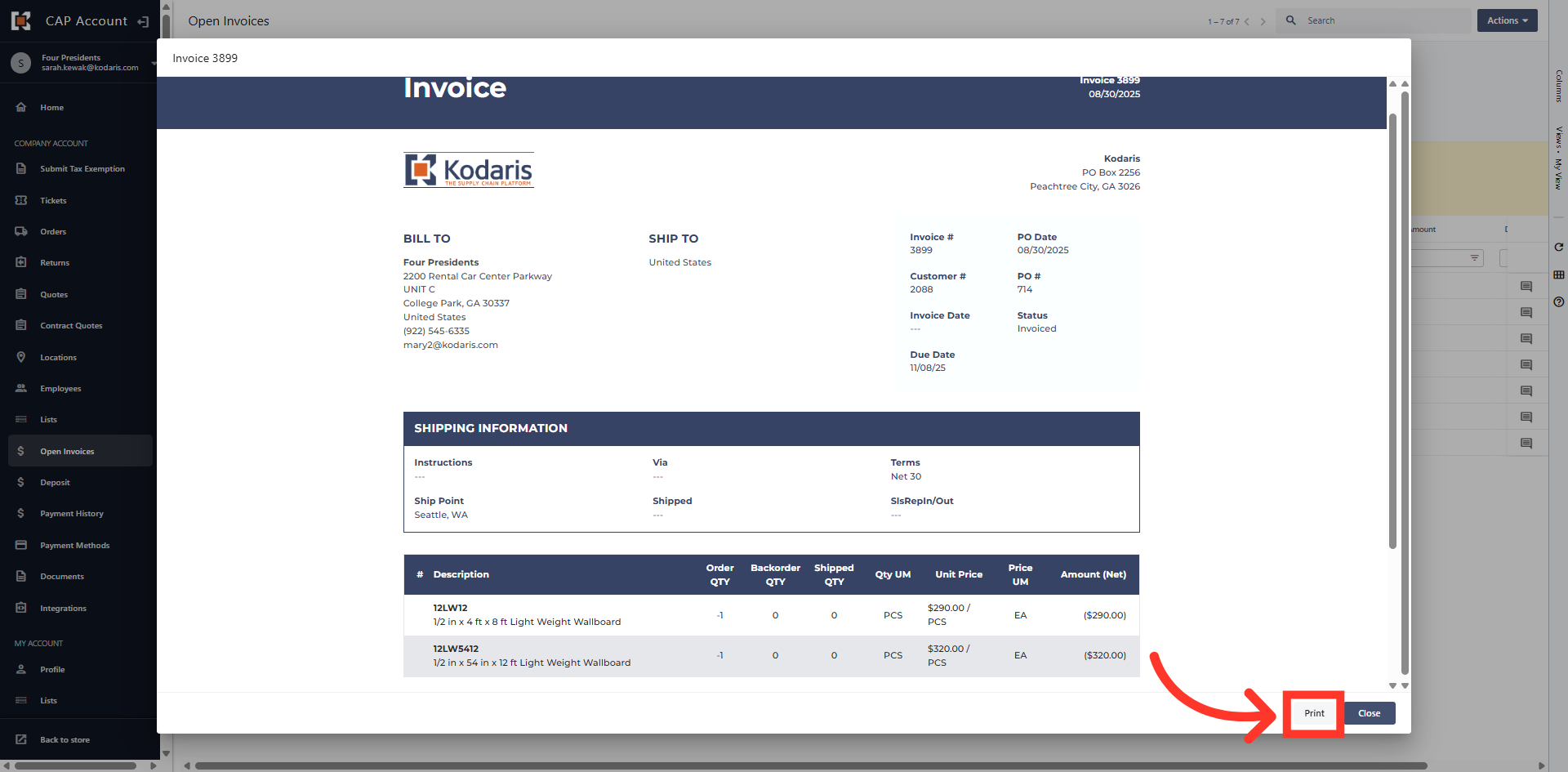
Click "Print"
You can print the invoice by clicking the "Print" button.
Click "Close"
Click the "Close" button to close the invoice and return to the grid view.
In this article