
Customer Portal - View Created and Last Modified Dates on Tickets
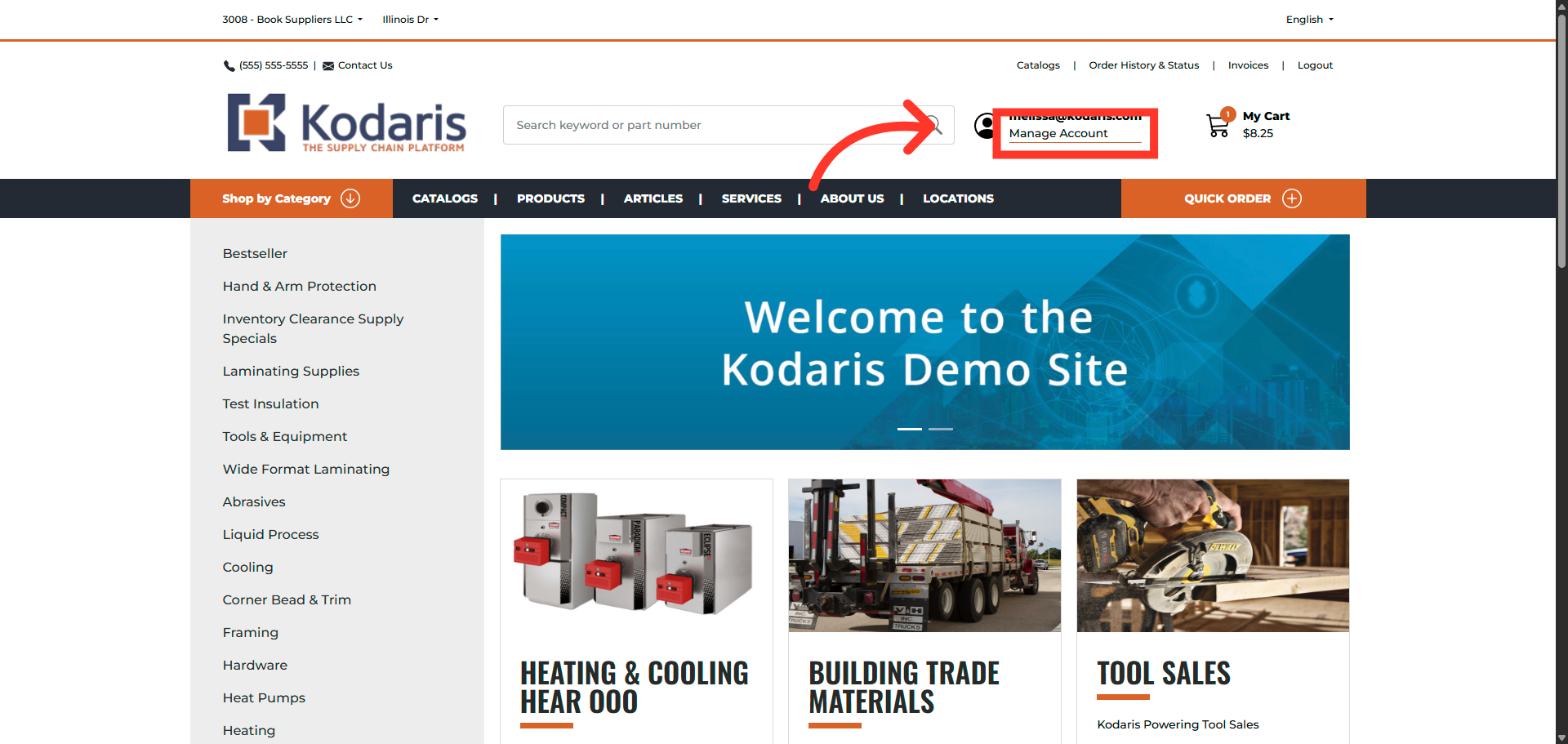
Click "Manage Account"
Click on "Manage Account" to access the customer portal.
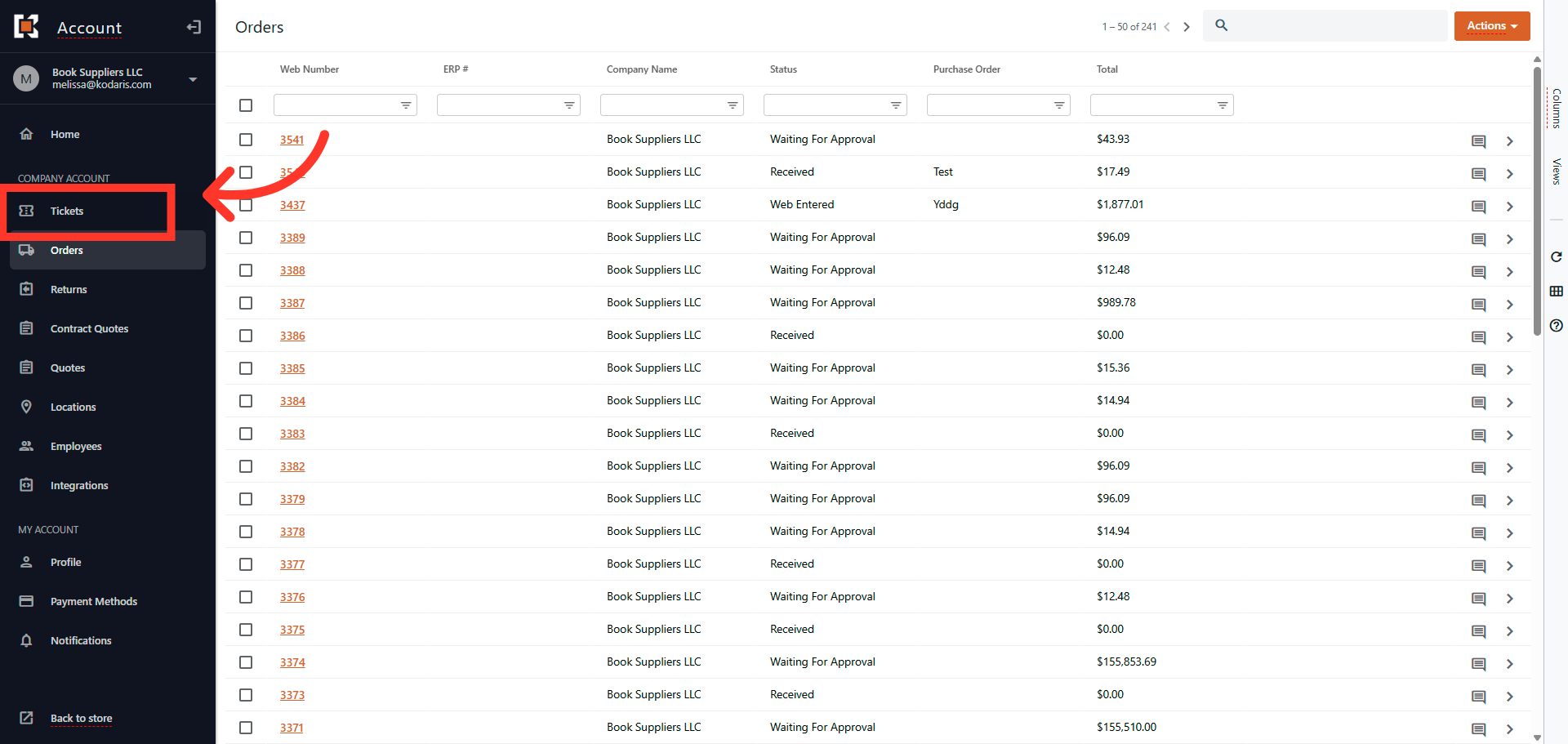
Navigate to "Tickets" screen
Navigate to "Tickets" screen.
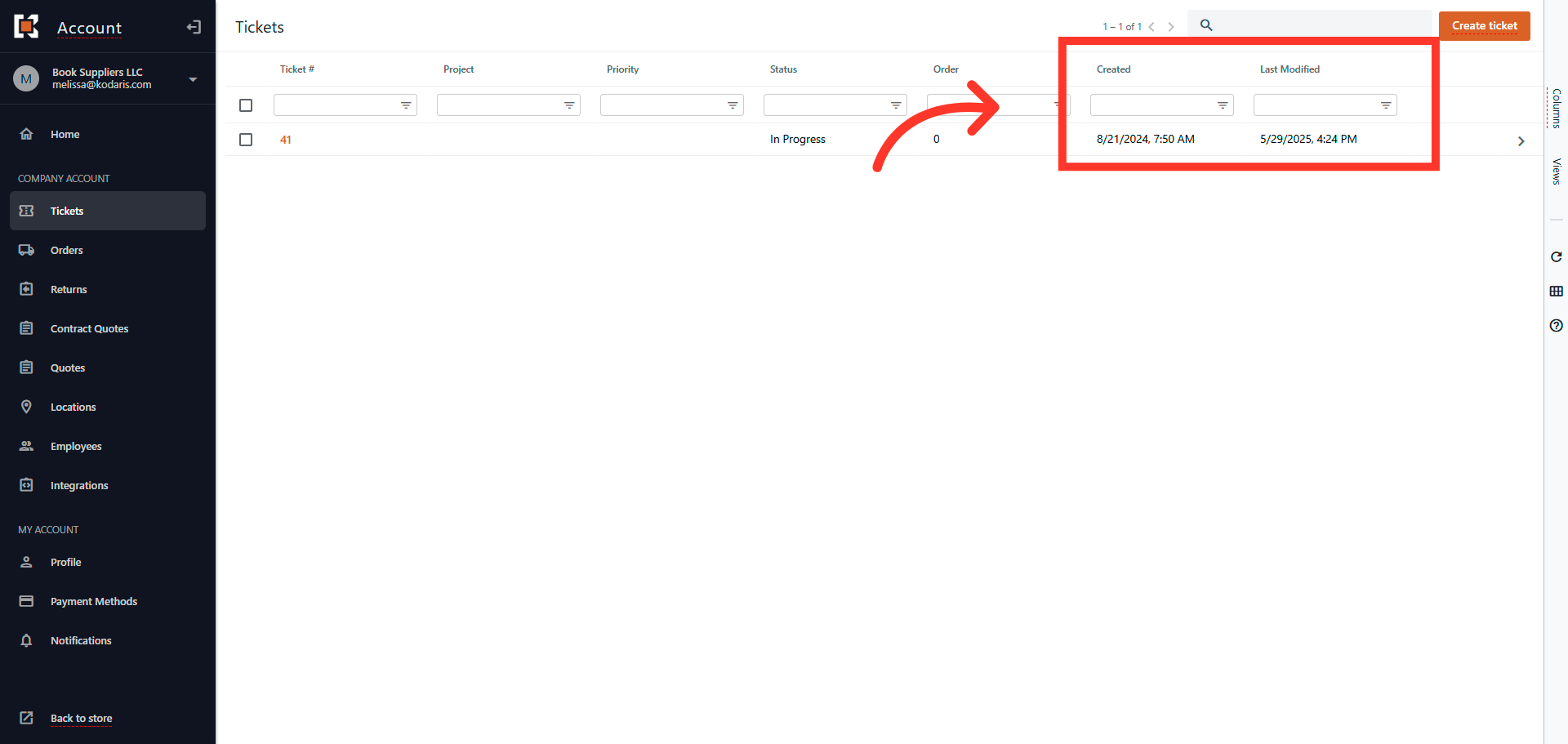
"Created" and "Last Modified" columns
The "Created" and "Last Modified" columns are in view by default.
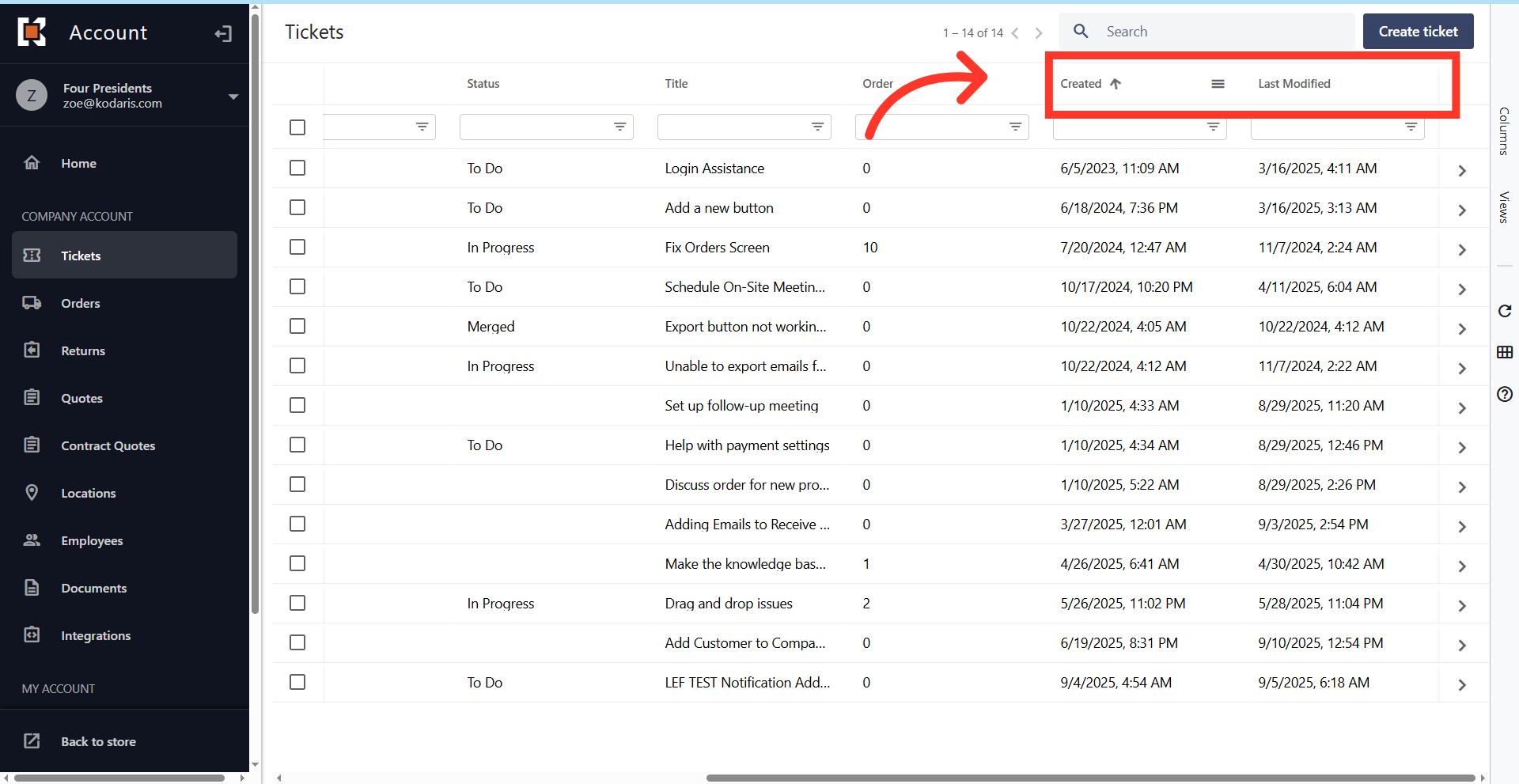
"Sort" icon
Hover to the columns to see and use the "Sort" feature if needed.
"Filter Column" icon
You can also filter the columns by date by clicking on the "Filter Column" icon.

Select "Start" & "End Date"
Select "Start" & "End Date" to filter.

In this article