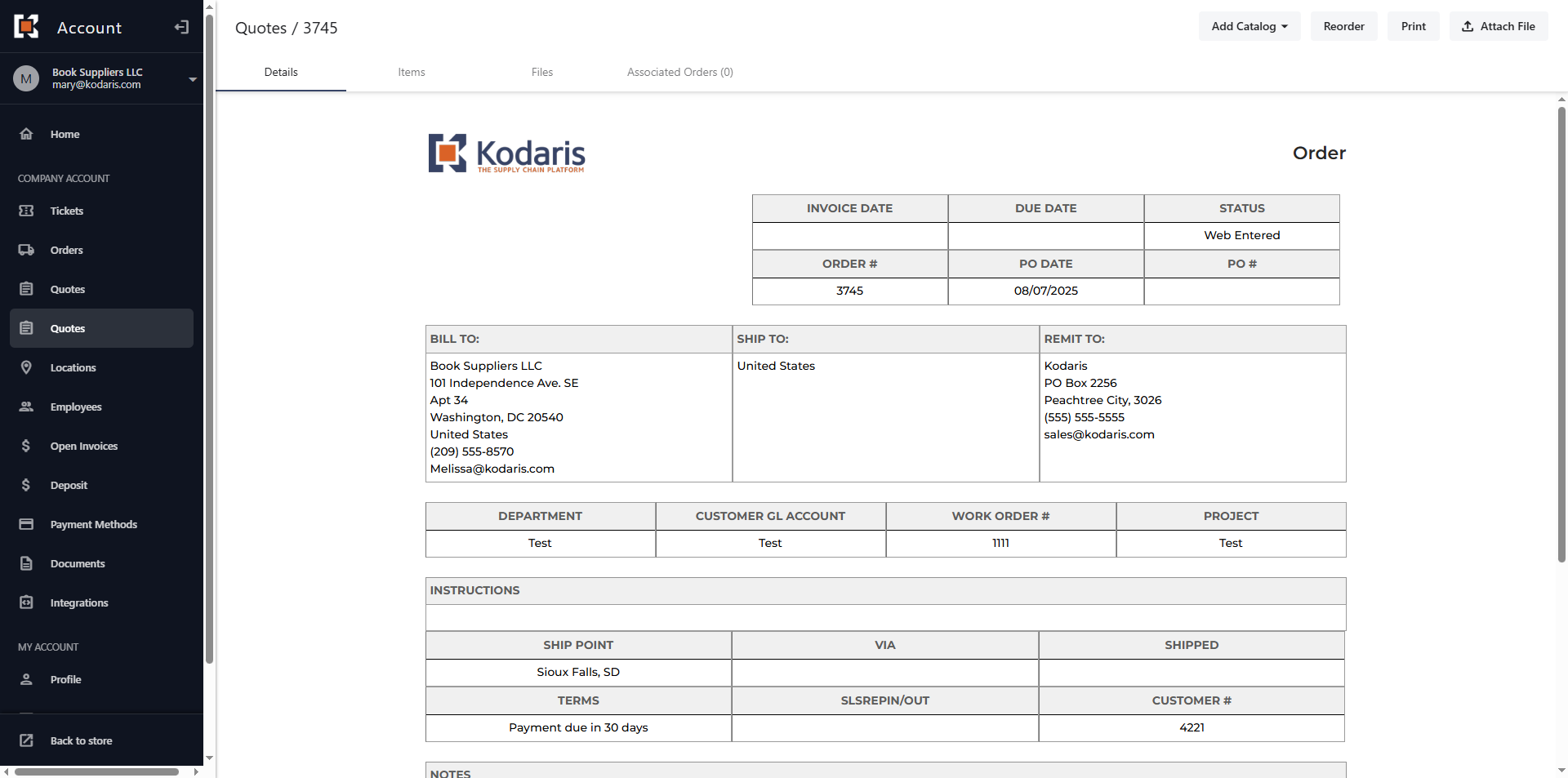
Customer Portal - View ERP Quotes in the Customer Portal
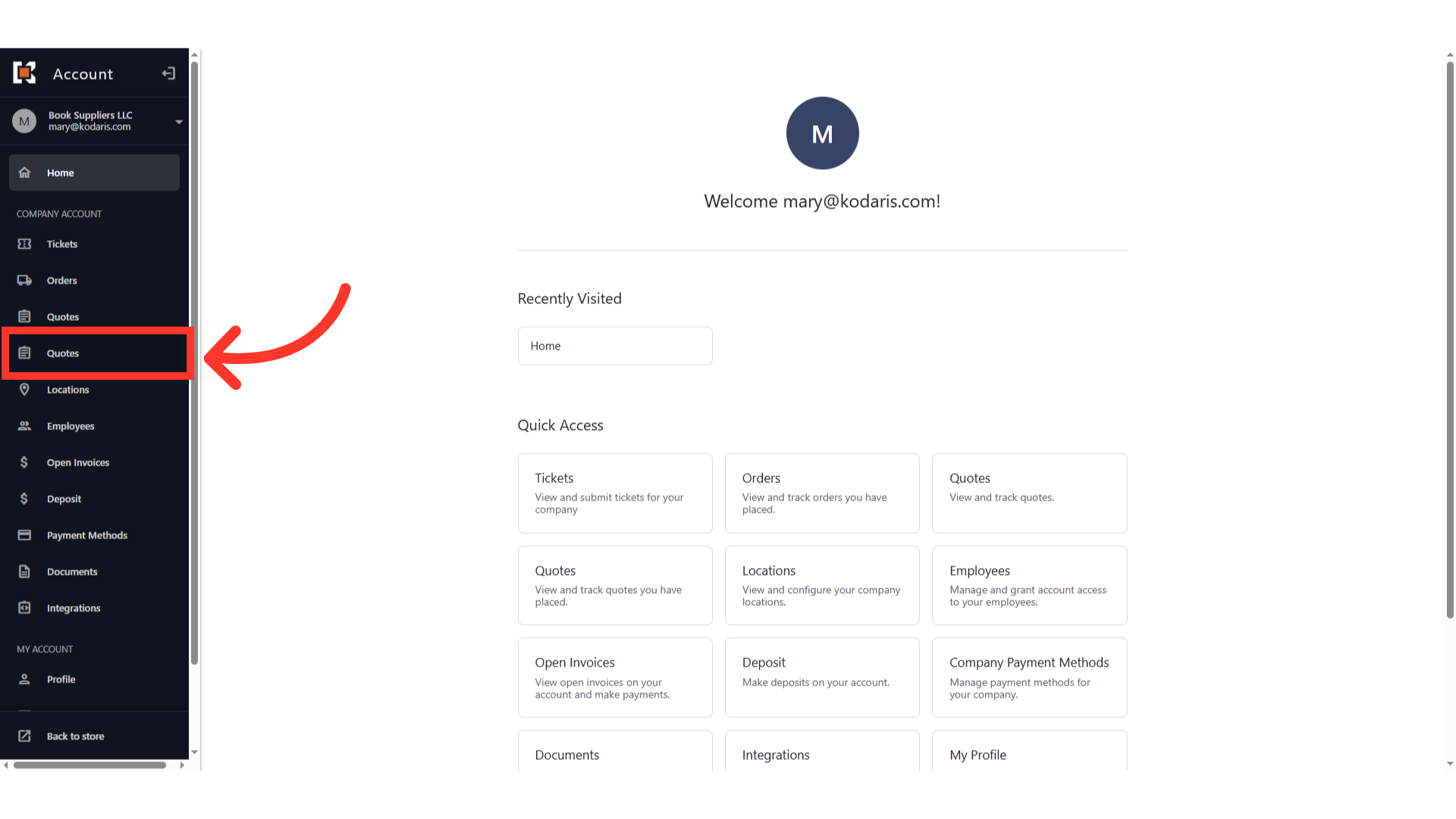
Navigate to "Quotes"
To view ERP Quotes in the customer portal, navigate to the "Quotes" section in the menu. Please note that there are two "Quotes" screens: the first one is for Cash Quotes, while the second is specifically for ERP Quotes. Select the second one.
ERP Quotes will be displayed
All ERP Quotes for the account will be displayed. In order for the customer to view and access "Quotes," they will need to be set up either as an “companyAdmin”, or have the roles: "viewAllQuotes"; Users with this role can view all quotes that have been placed on the account, or, "viewAssignedLocationQuotes"; Users with this role can only view quotes that have been placed on locations that they are assigned to.

Click on the Quote number
Click on the quote number or the more details icon to view the quote details.

The ERP Quote details screen should be displayed
The ERP Quote details page should be displayed.