Customer Portal - View Documents
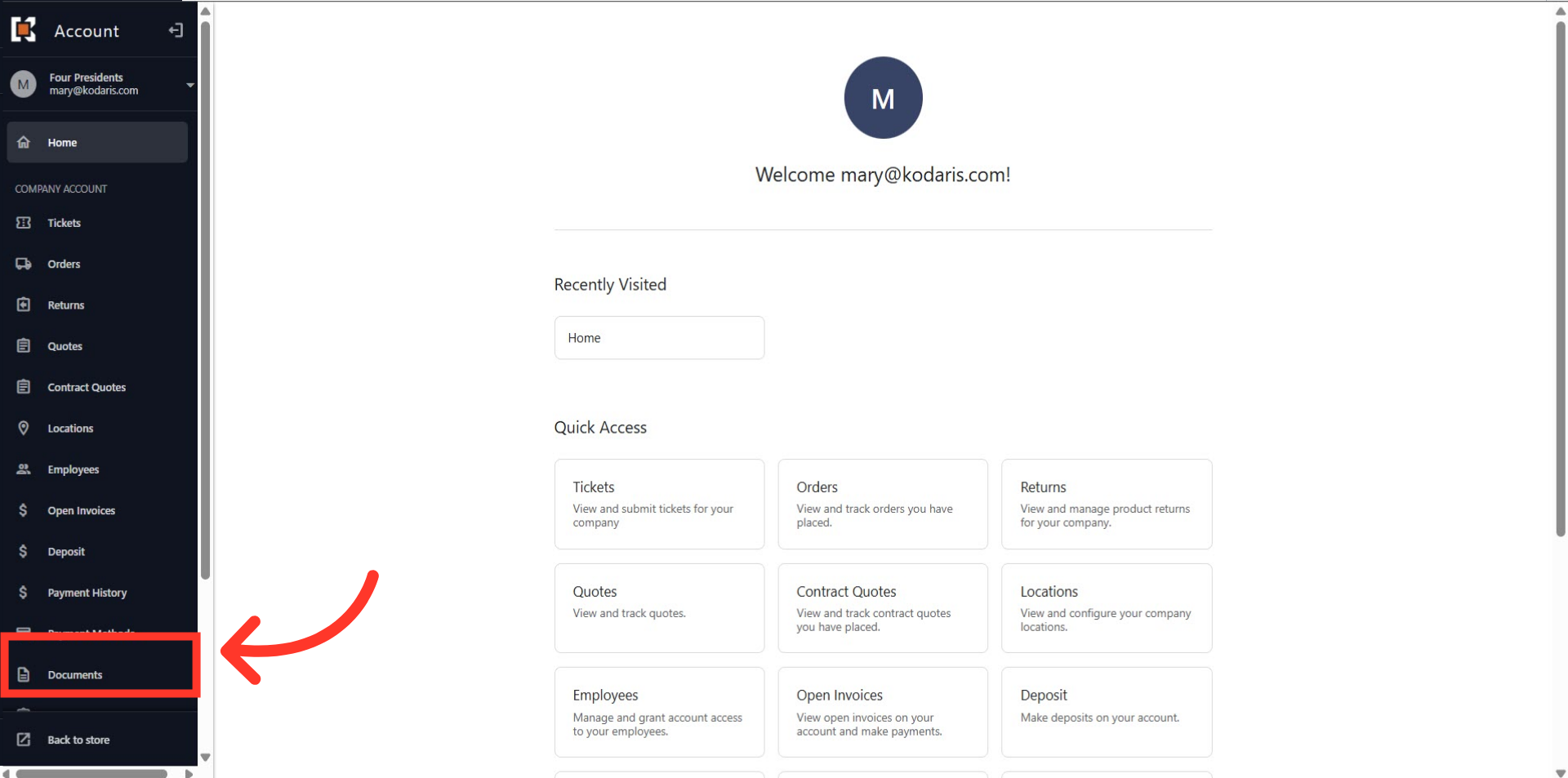
Navigate to "Documents"
In order for users to view documents in the customer portal, navigate to the "Documents" section. In order to view documents in your customer portal, you will need to have either the "Company Admin" or "Accounts Payable" permission. Note: If you are still unable to view this feature in your customer portal once you have the correct permission, it may need to be enabled for your account. To have this done,please reach out to your account manager.
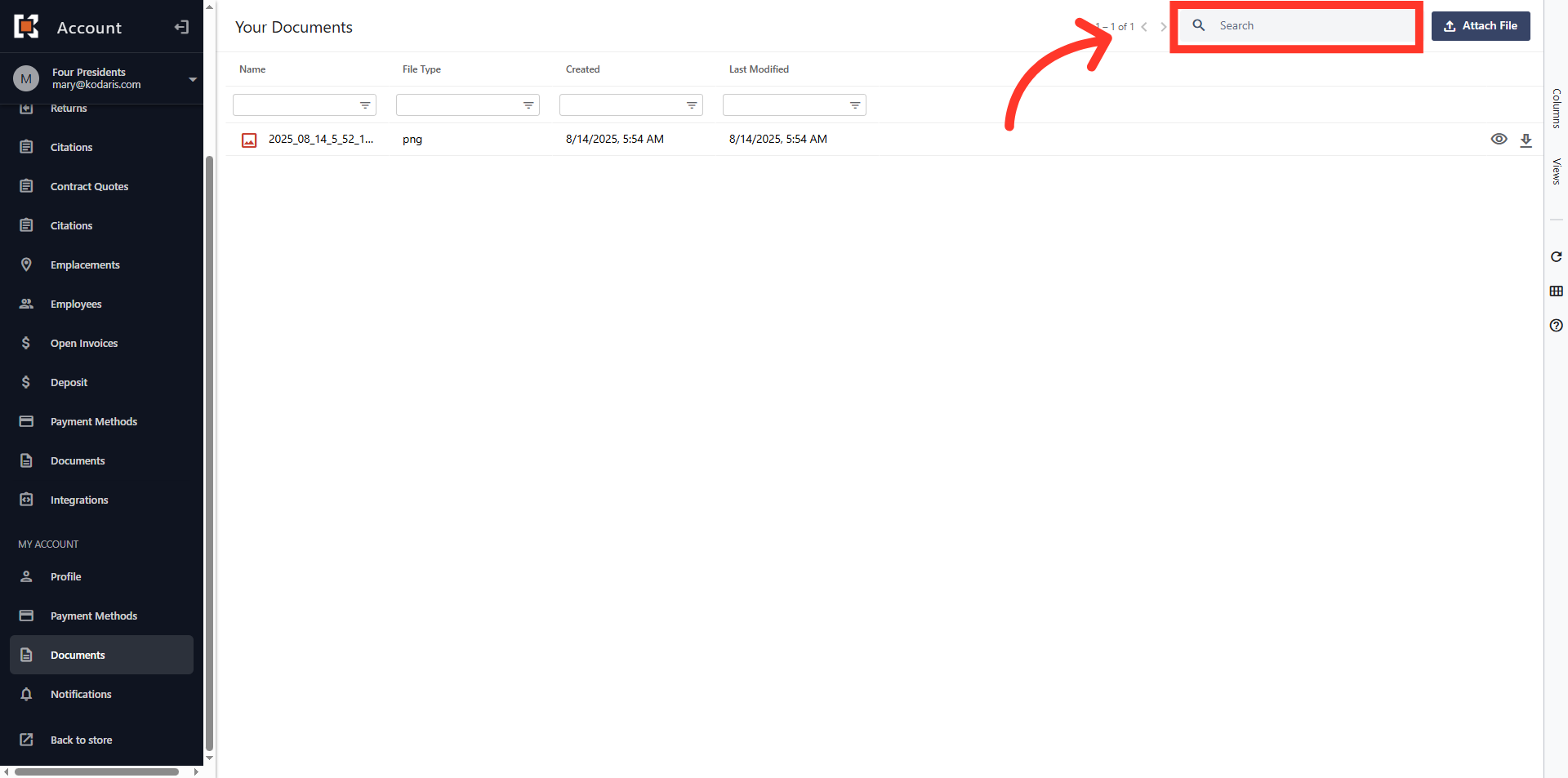
Type to search for the document in the "Search" field
If there are documents to be viewed you will see them on this screen. If you would like to narrow down the list of documents, or look for a specific document, you can type to search for it in the "Search" field.
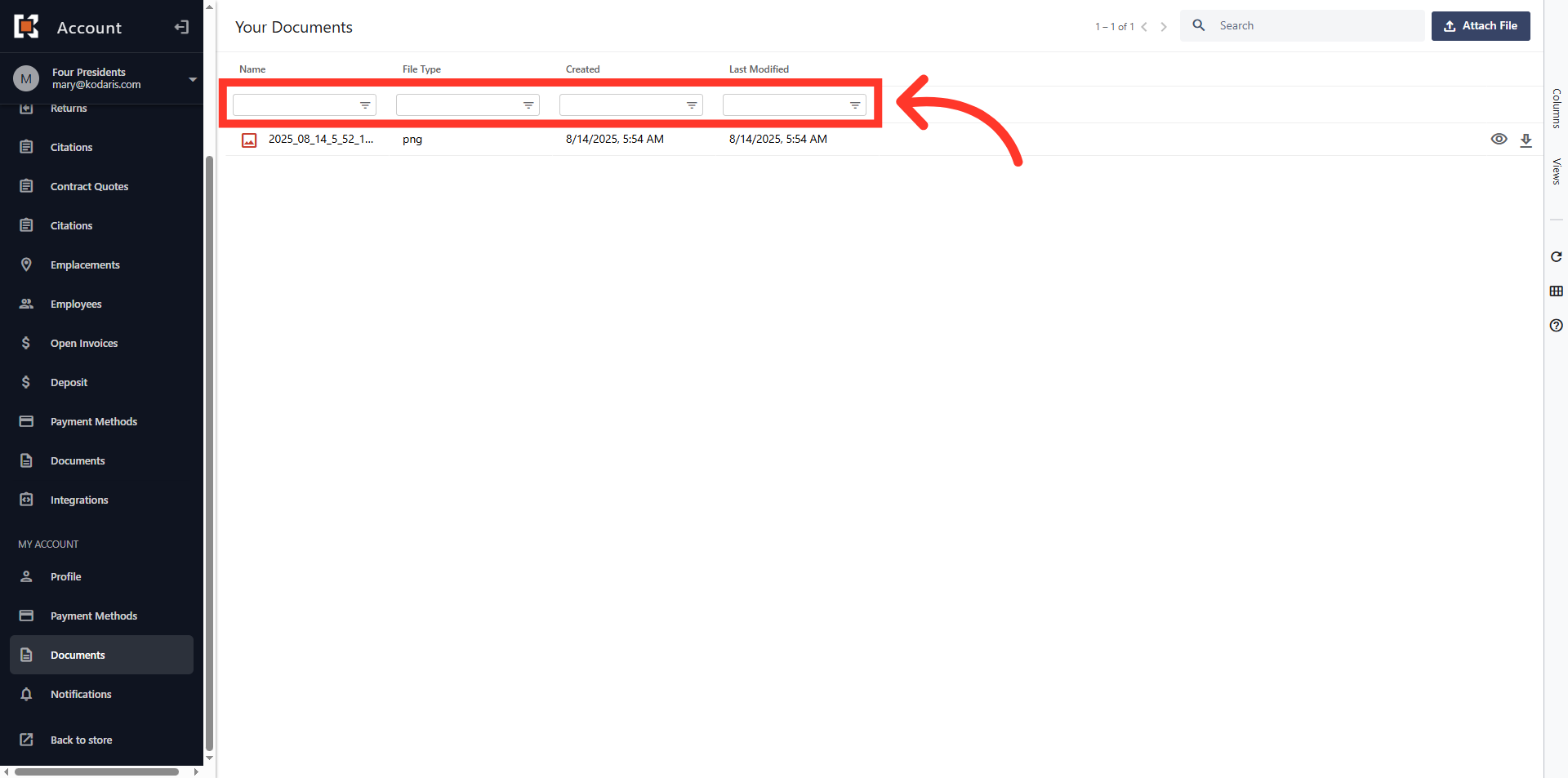
Or, use the filters to search for the document
Or, use the column filters to find a document.
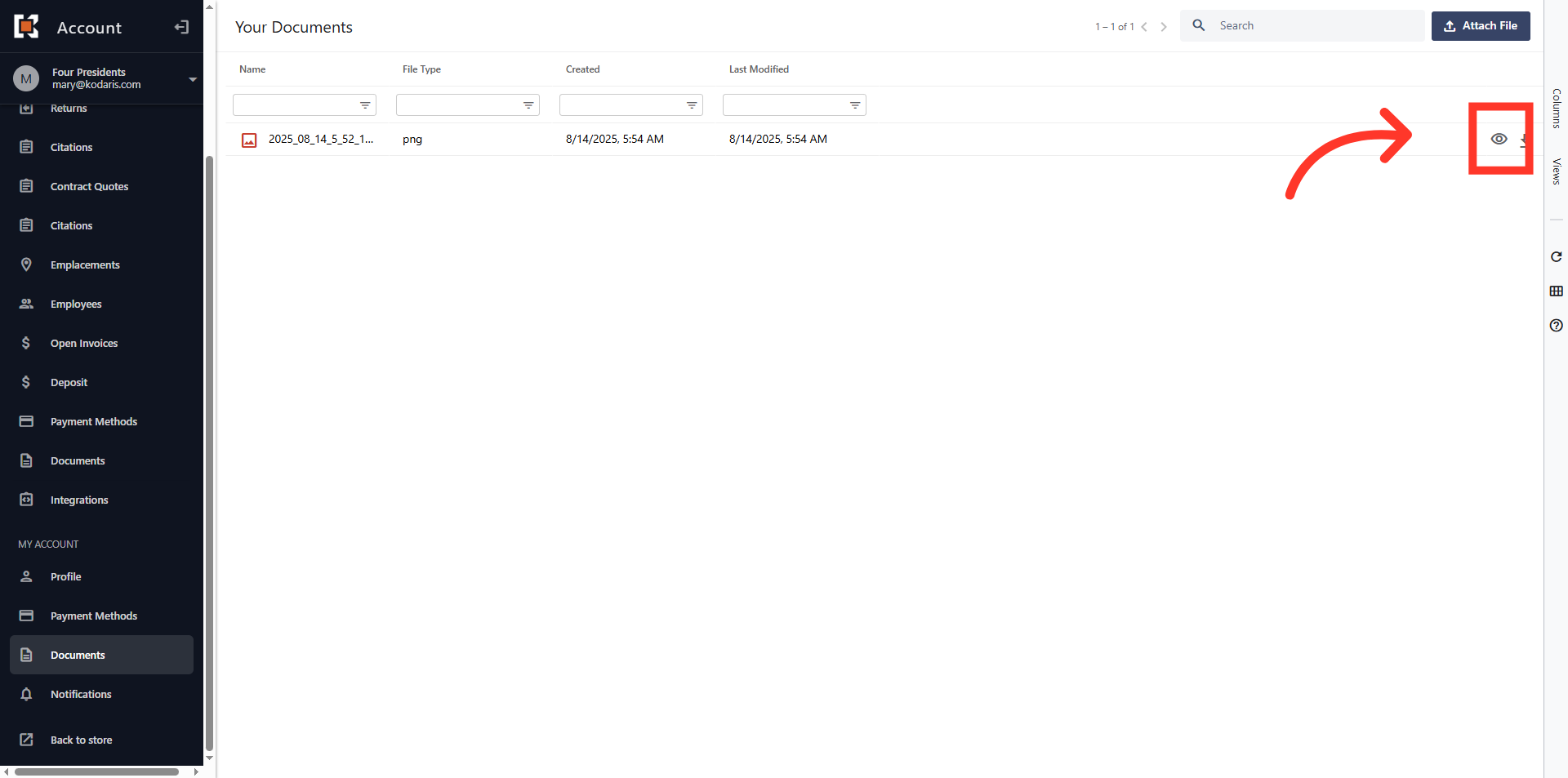
Click the eye icon to view the document
To view the document, simply click the eye icon.