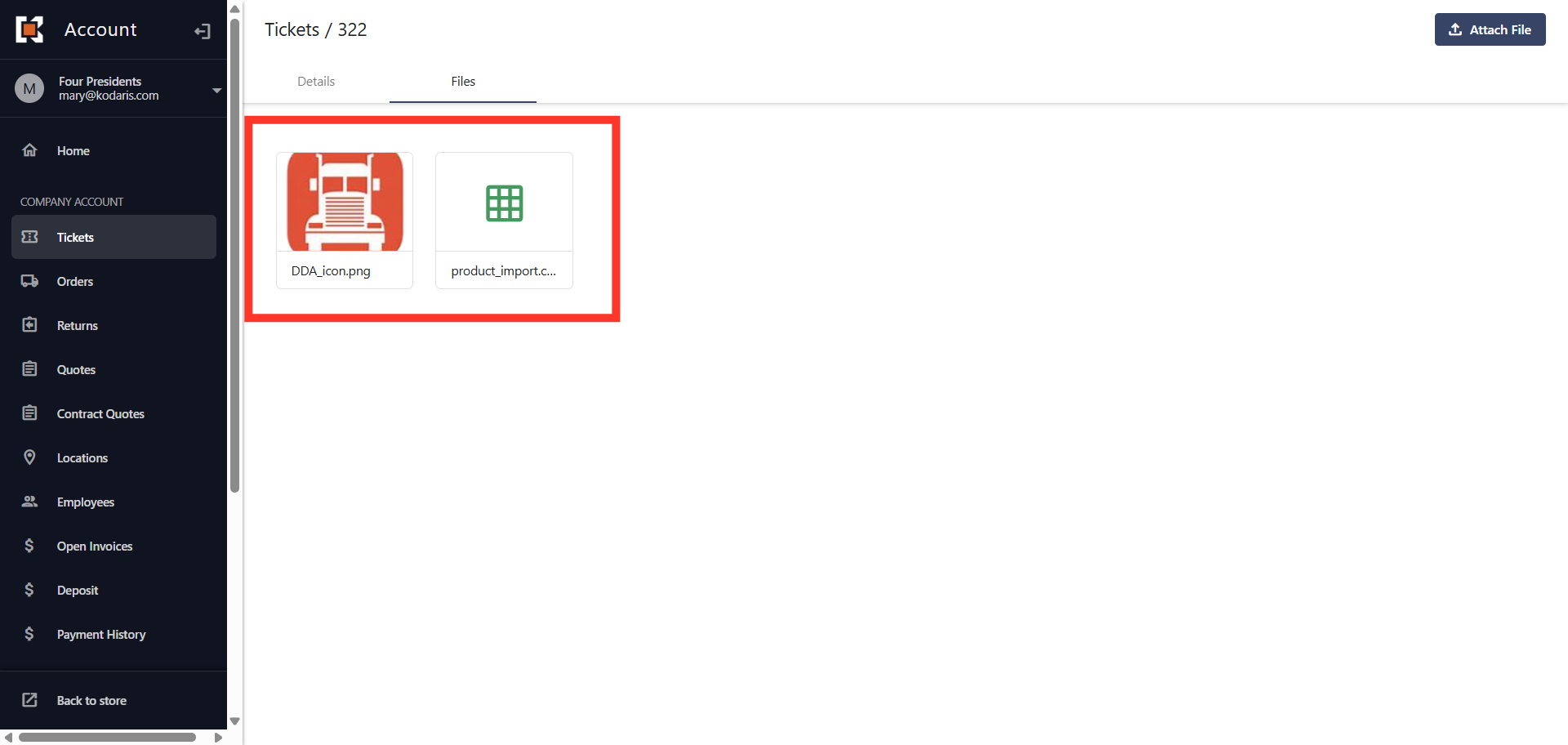
Customer Portal - Attach a File to a Ticket
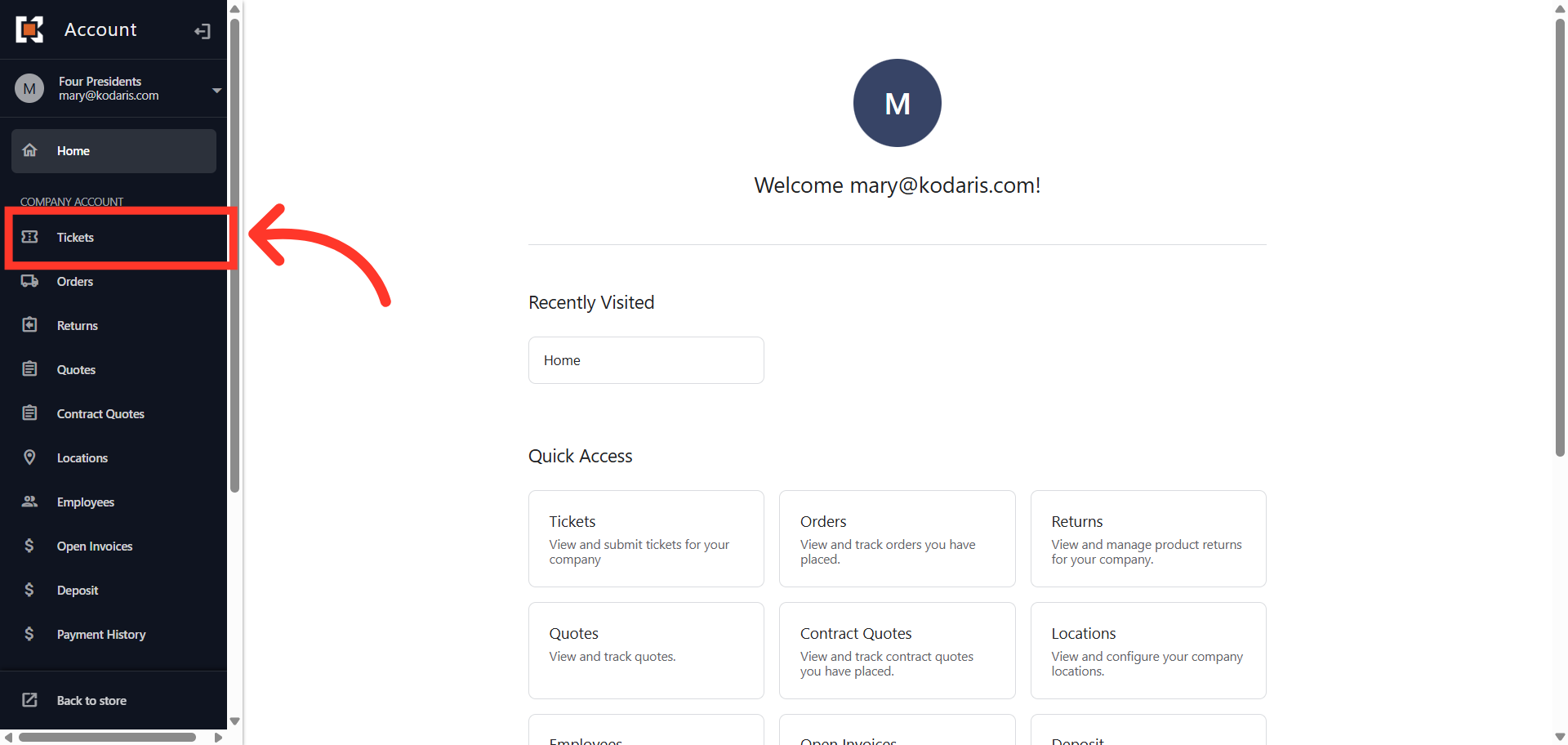
Navigate to "Tickets"
To attach files to a ticket in the Customer Portal, navigate to the "Tickets" screen. To attach files, you will either need the "Company Admin" or "Ticket Edit" permission
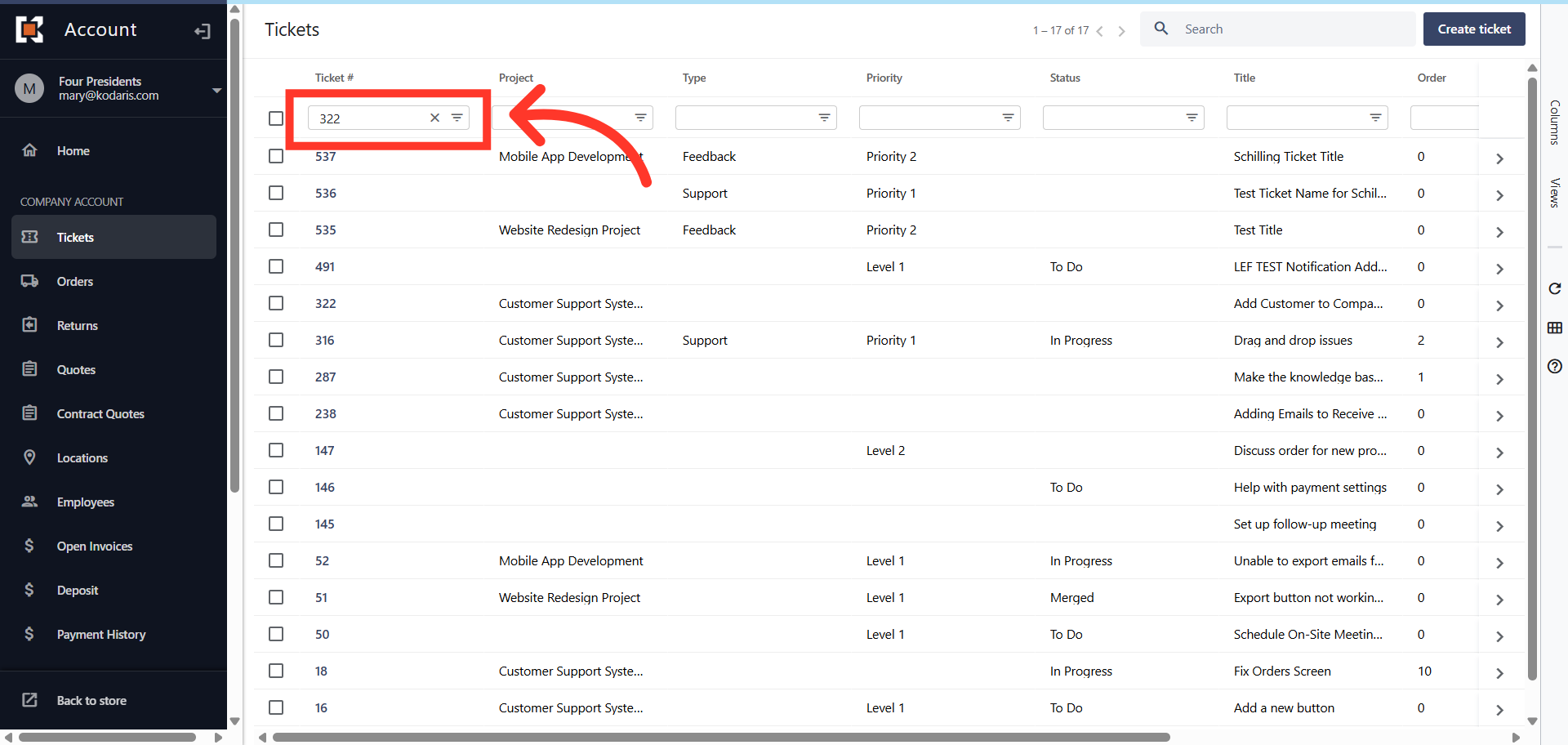
Use "Column Filter" to search
Enter a ticket number in the column filter to easily find your ticket
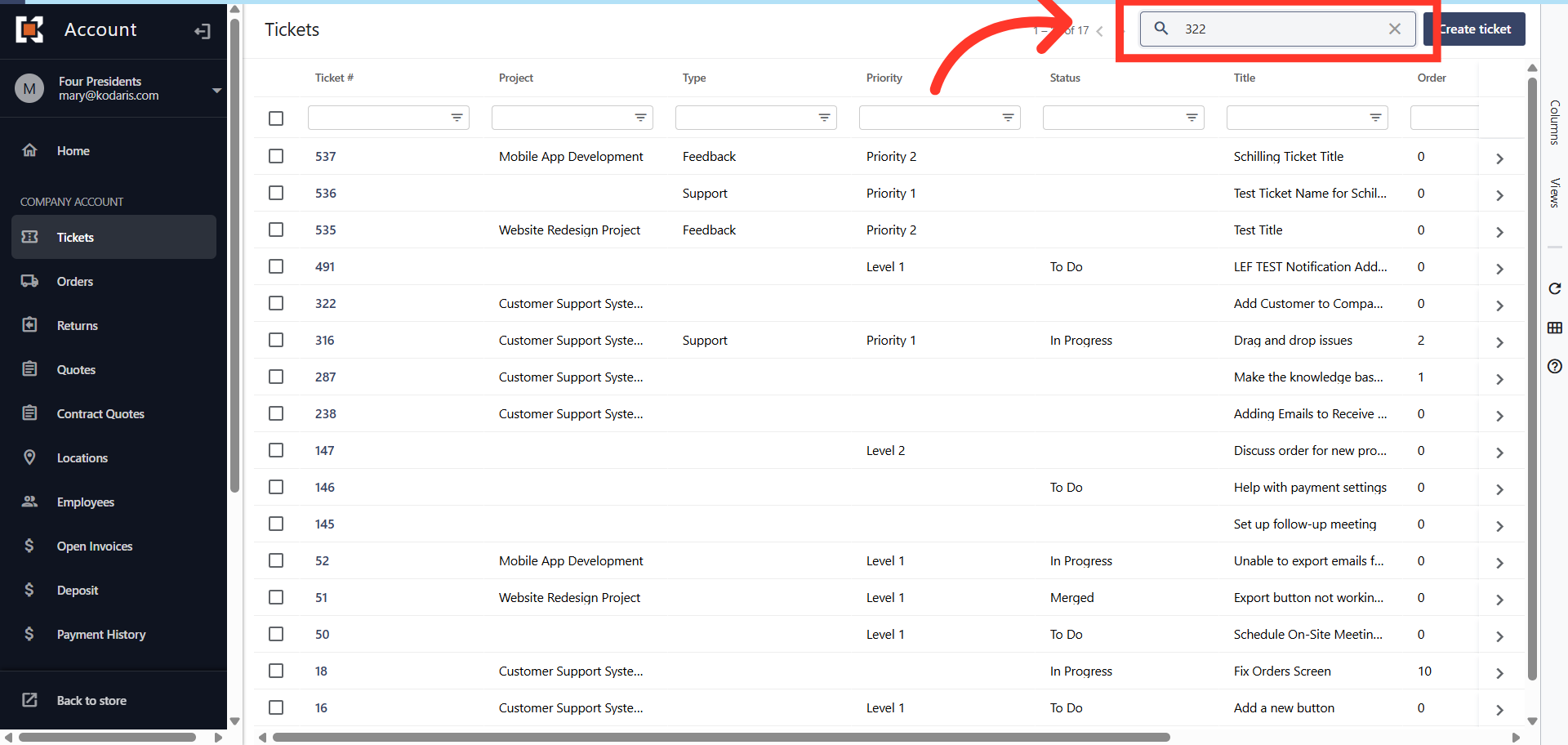
Or use the "Search" field
Or, you can use the "Search" field to find the needed ticket.
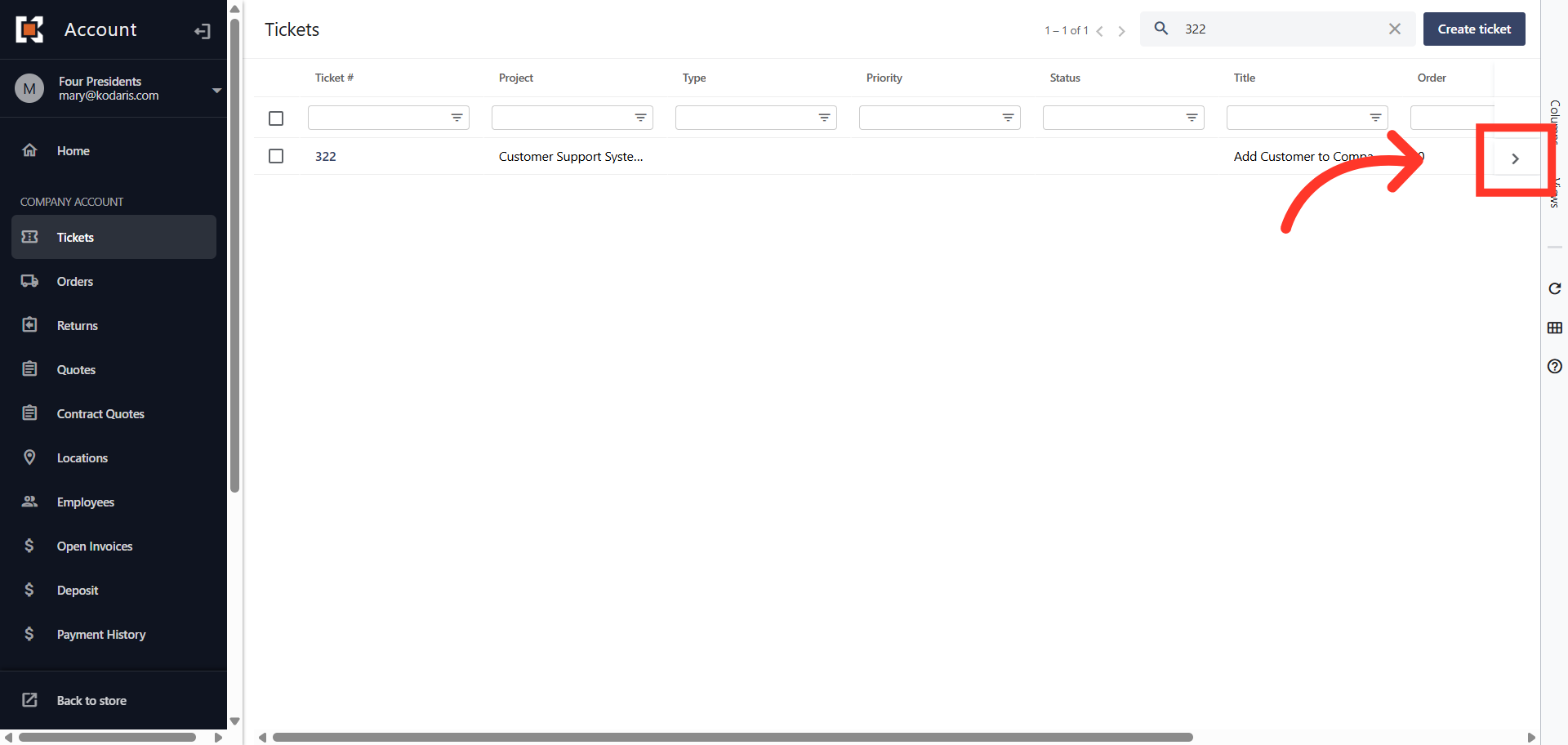
Click on the more details icon
Click on the more details icon to view the ticket details.
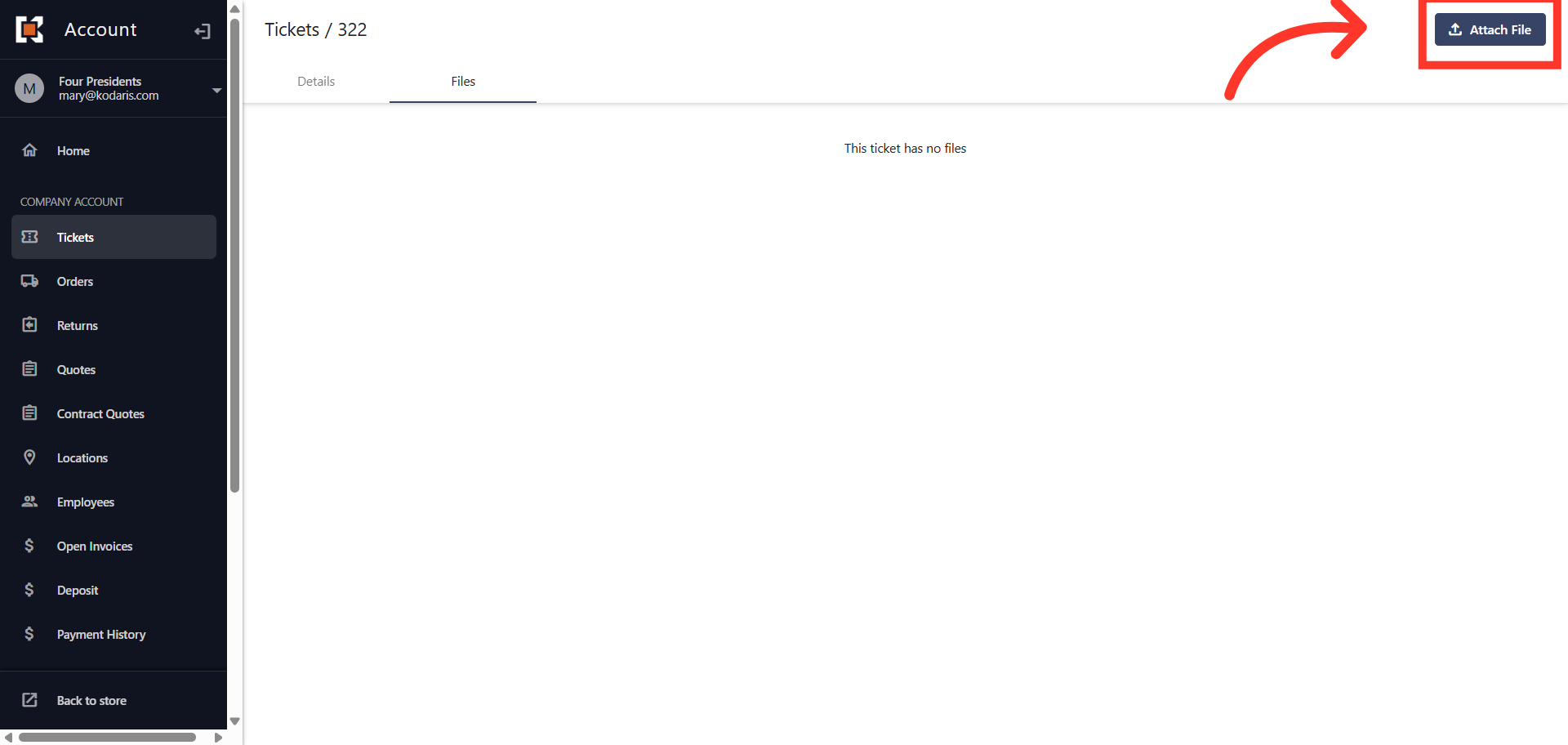
Click the "Attach File" button
To attach files to the ticket, click on the "Attach File" button.
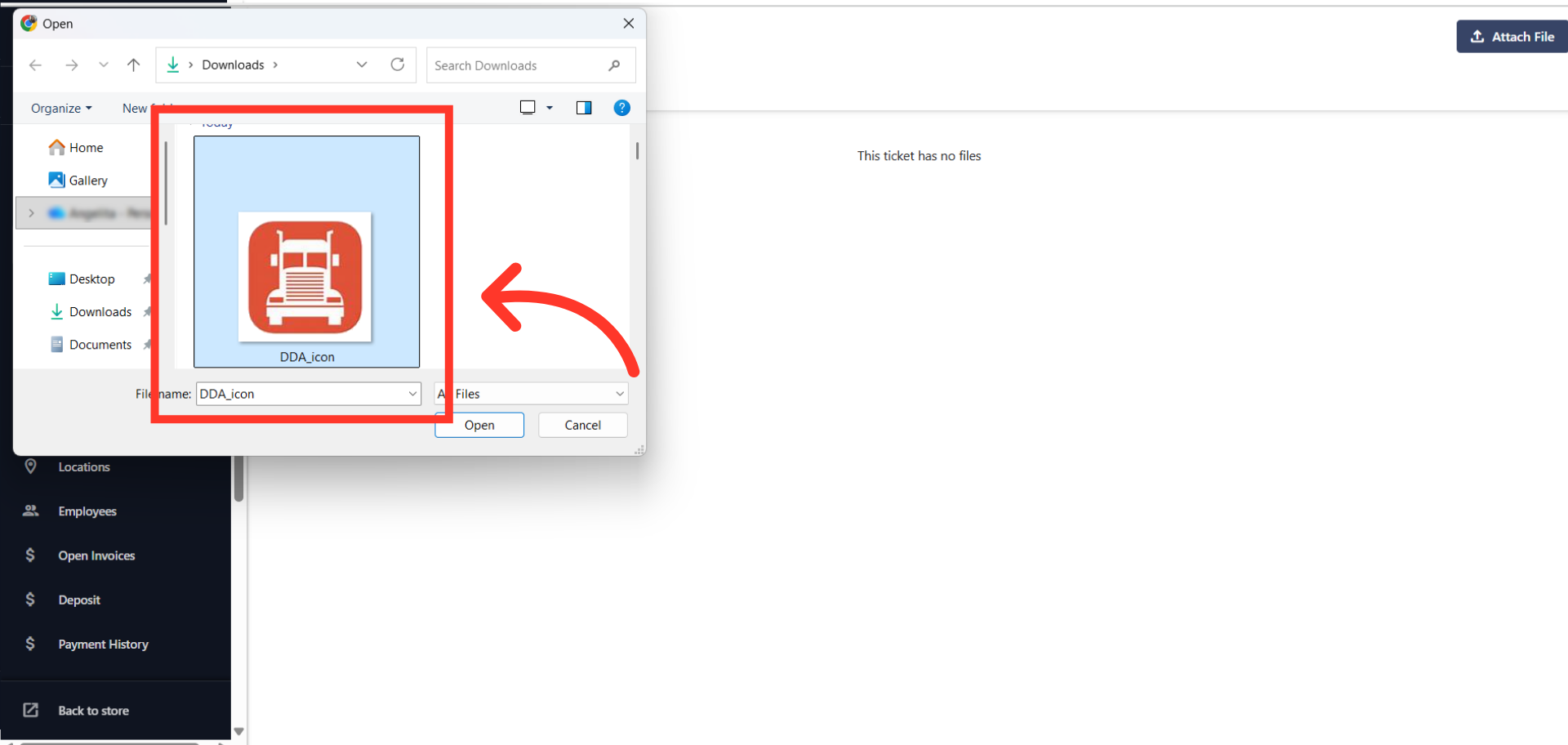
Select the file to upload
Locate the file or files you would like to upload from your device. Note: The following types of files can be uploaded: PDF, PNG, JPG, JPEG, DOC, DOCX, XLS, XLSX, TIFF, TIF, CSV, TXT, MP4, AVI, MOV, WMV and TSV.
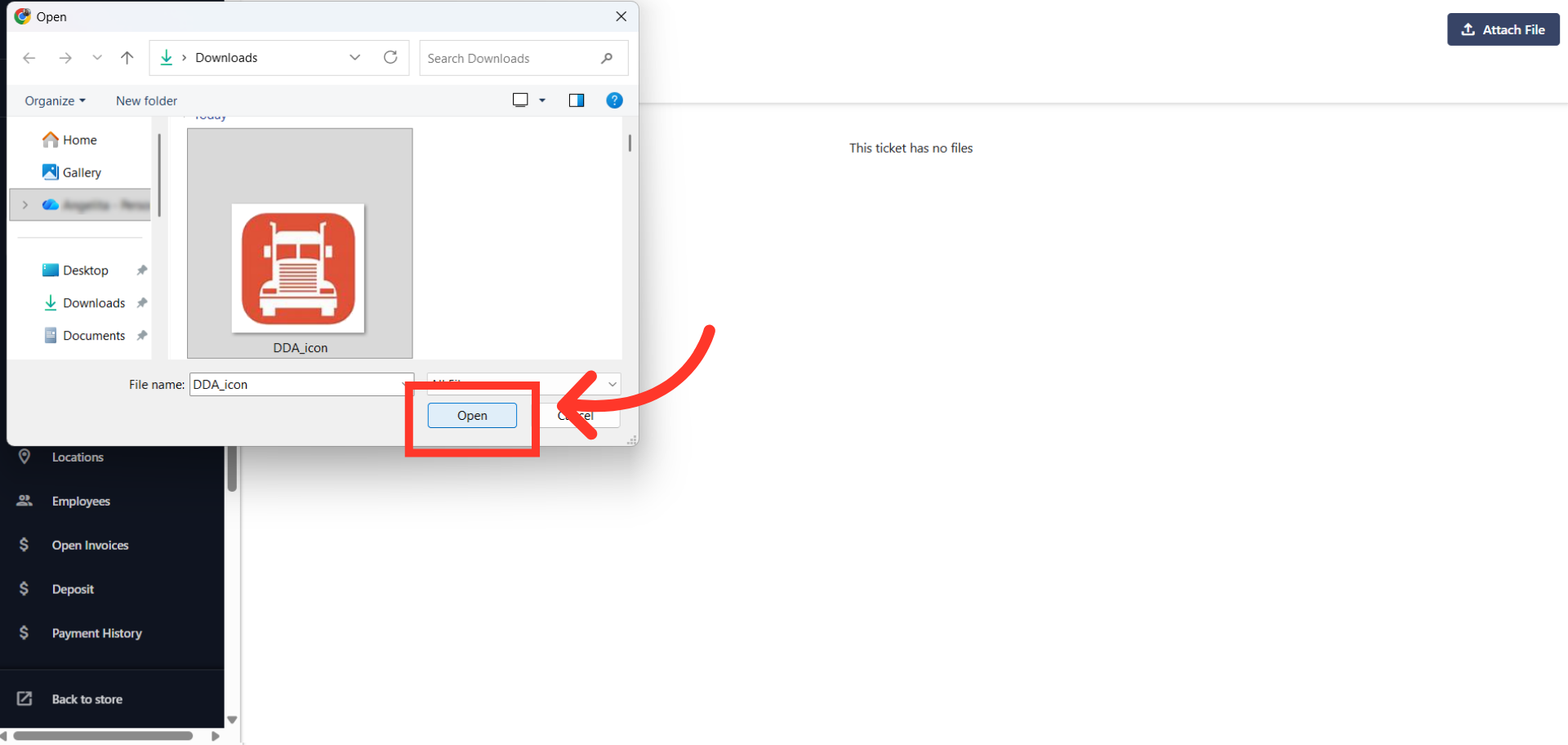
Click "Open"
Click "Open" to upload.
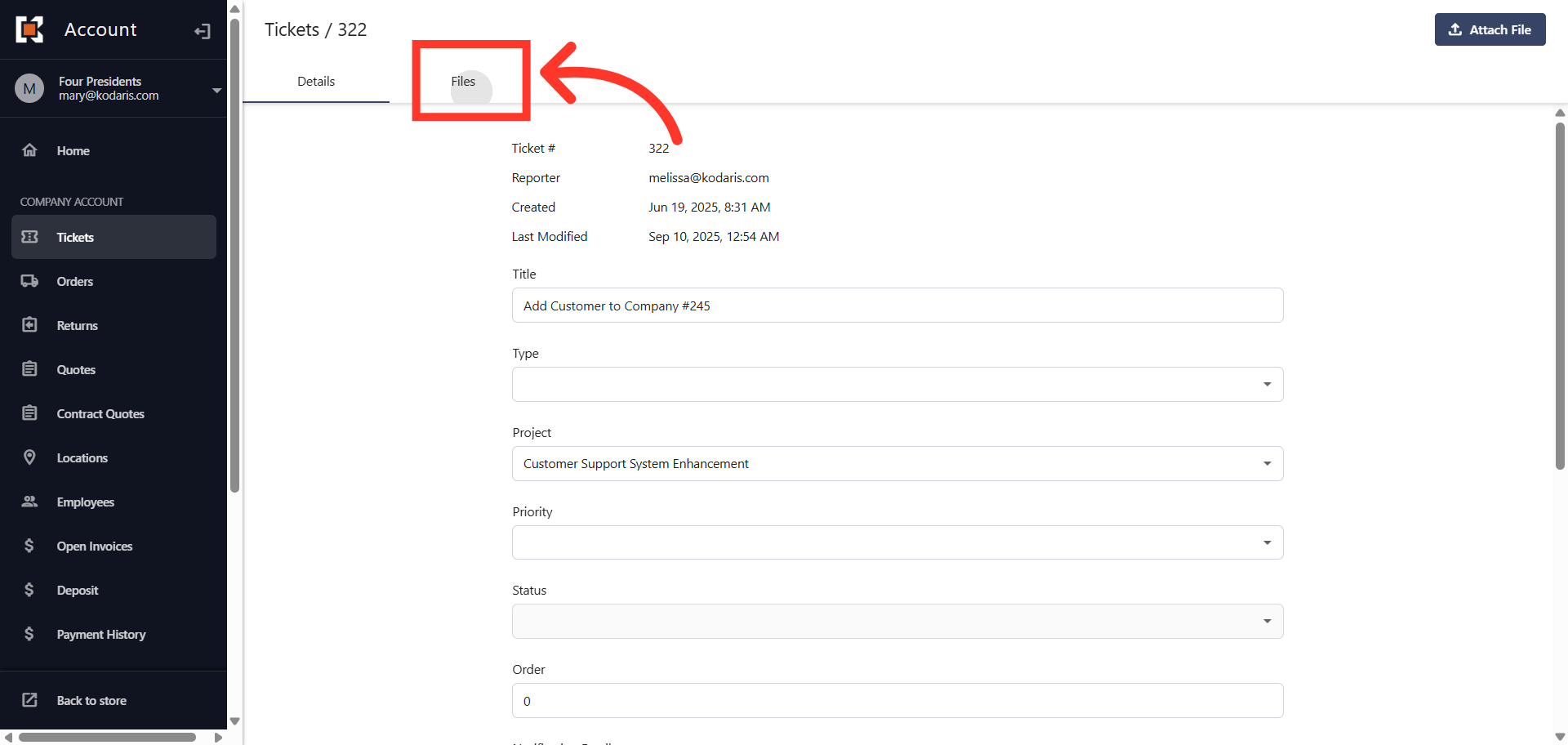
Click the "Files" tab
To view the files attached to the ticket, click the "Files" tab.
All the files attached to the ticket will be shown
You can see the attached files.