
Customer Portal - Navigate Back to Store
Click "Manage Account"
Ensure that you are logged in to the customer site. Click on "Manage Account" to go to Customer Portal.

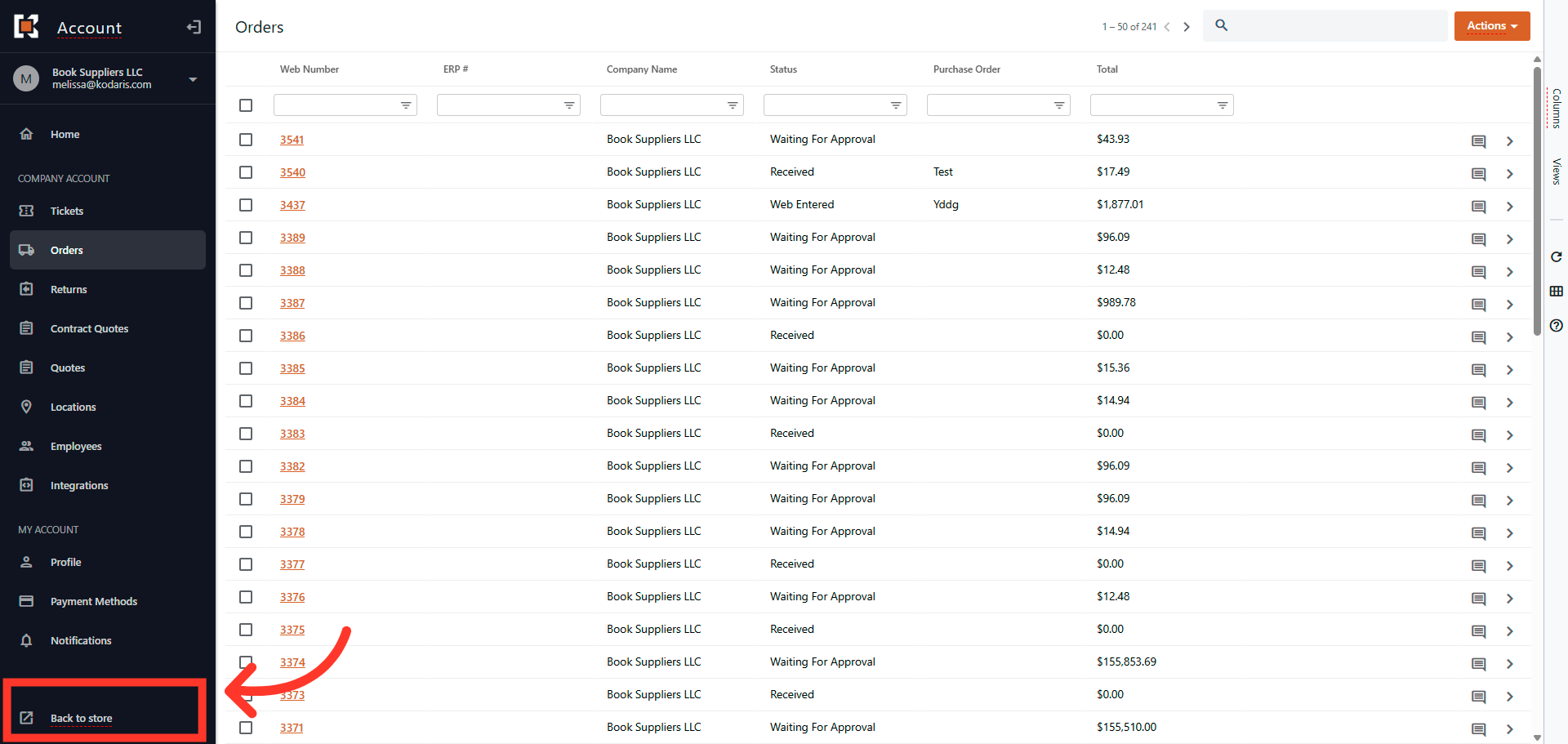
"Back to Store" button
There are a couple of ways the customer can navigate back to the company website. One way is to click the "Back to Store" link at the bottom left corner.
Company Logo
The second way is for the customer to click the Company Icon in the upper left corner. This will let the customers easily access the Commerce Site from the Customer Portal.

In this article