Operations CRM - Select "Will Not Quote" From a Quote Request
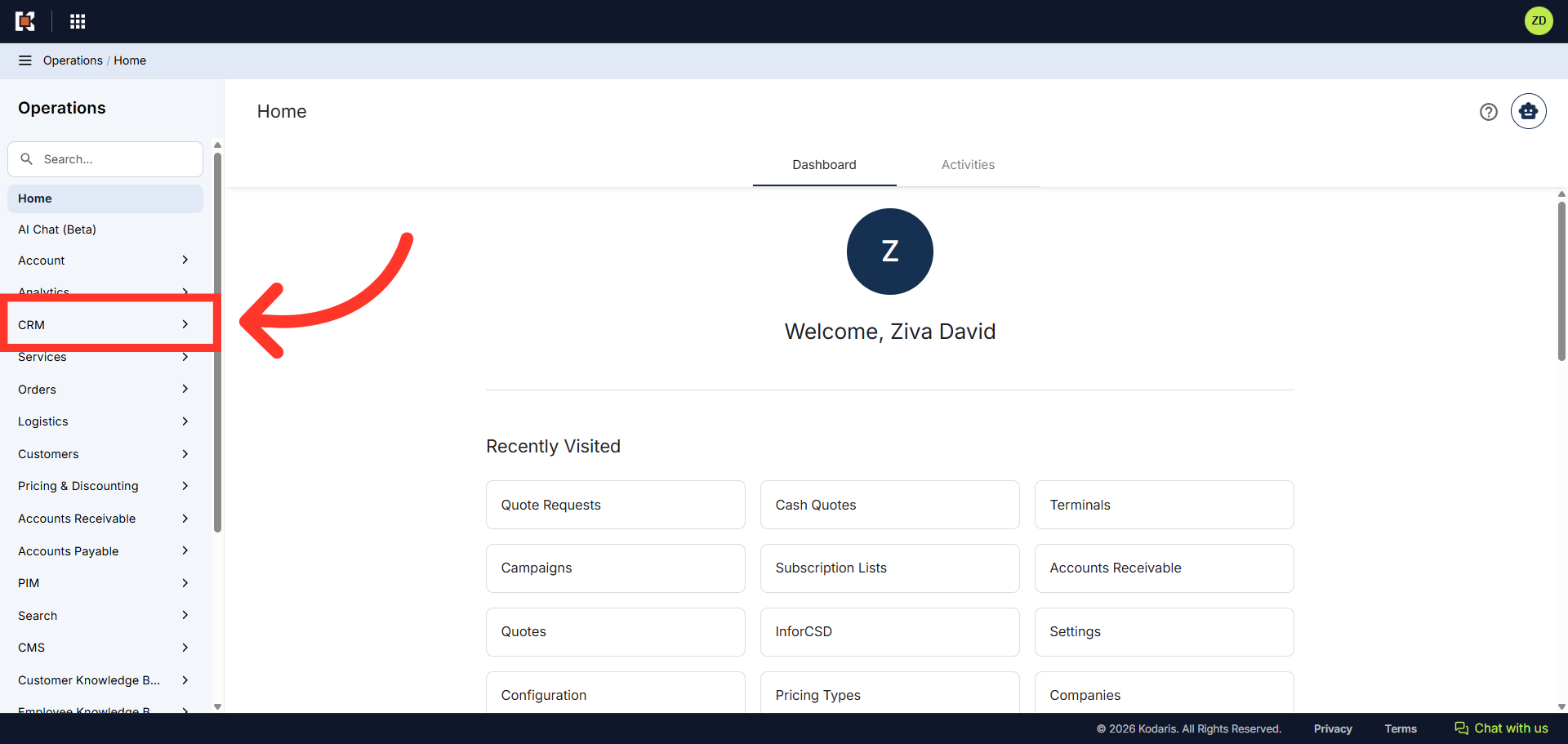
Navigate to "CRM"
The "Will Not Quote" feature allows operations users to formally decline quote requests that cannot or should not be processed. This functionality ensures proper quote request management by providing a clear method to communicate when a quote will not be provided, rather than leaving requests unprocessed indefinitely. To mark quote request as "Will Not Quote", first, navigate to the "CRM" section in the Operations Portal
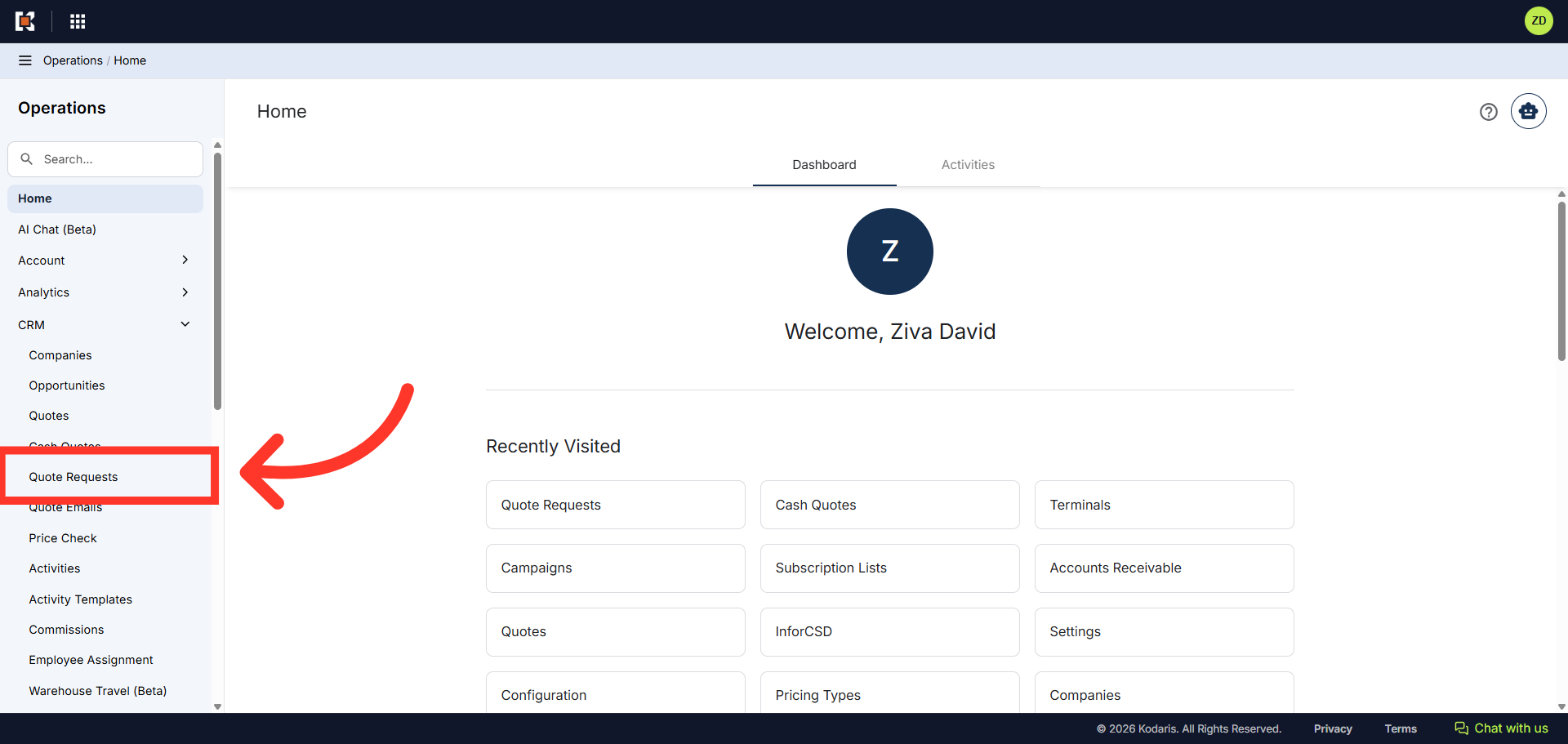
Click "Quote Requests"
Then, click "Quote Requests". In order to access and update "Quote Requests" you will need to be set up either as an "administrator" or a "superuser", or have the role of: "quoteEdit".
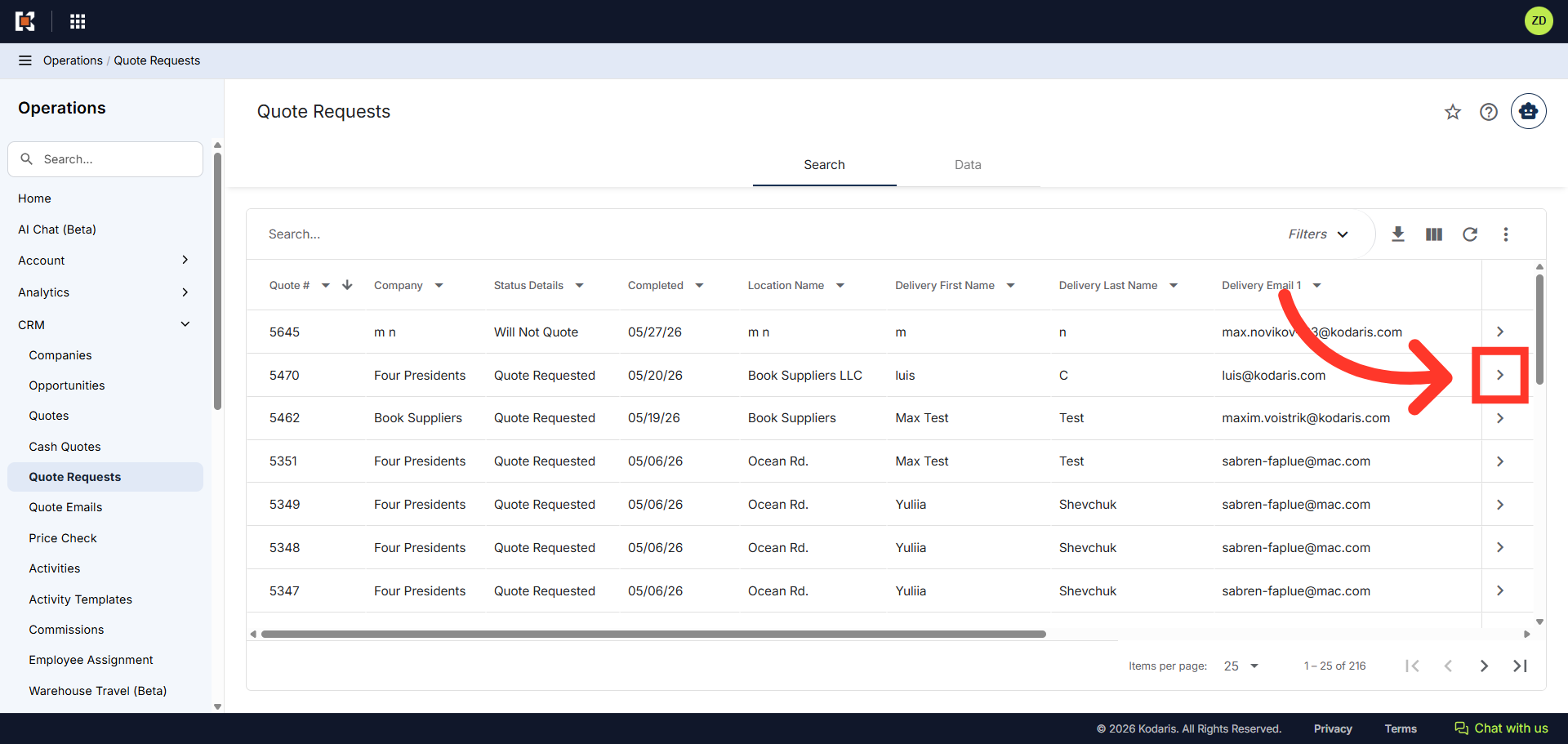
Click on the more details icon
Locate the quote request you wish to view and click the more details icon.
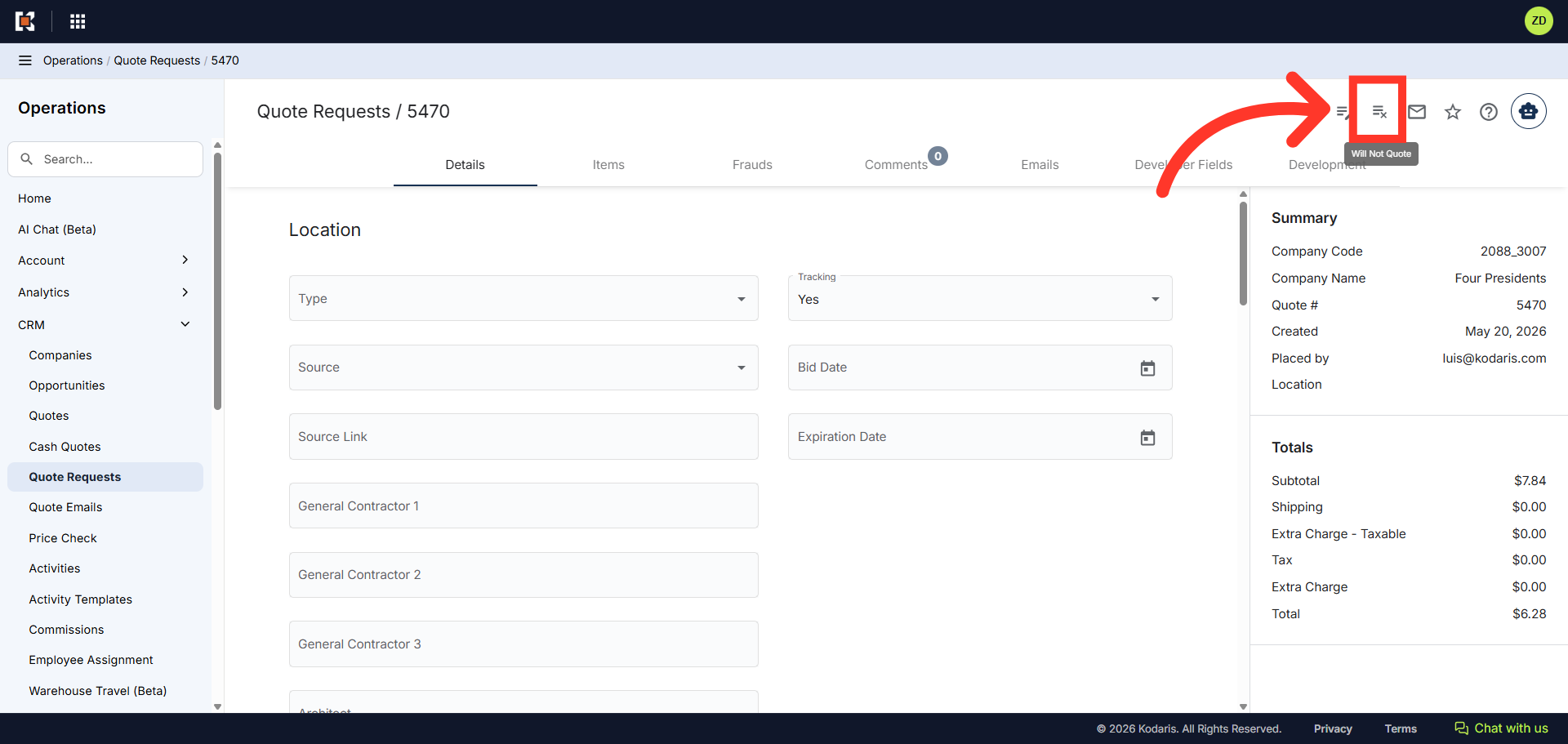
Click "Will Not Quote" icon
Then, click the "Will Not Quote" icon. Select this option to decline providing a quote for this request.
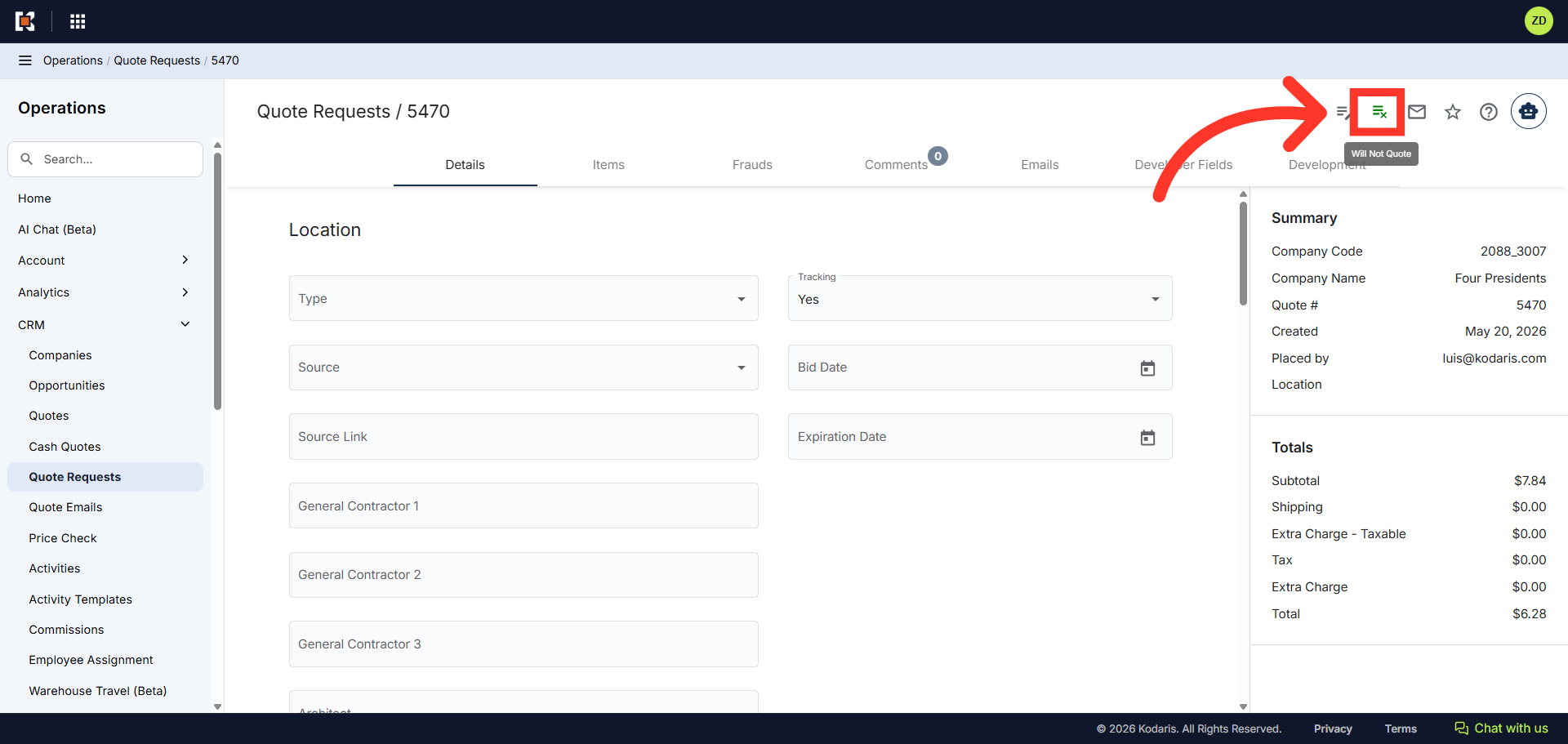
Verify Icon Change
You will notice the icon color changes from dark gray to green, once enabled.
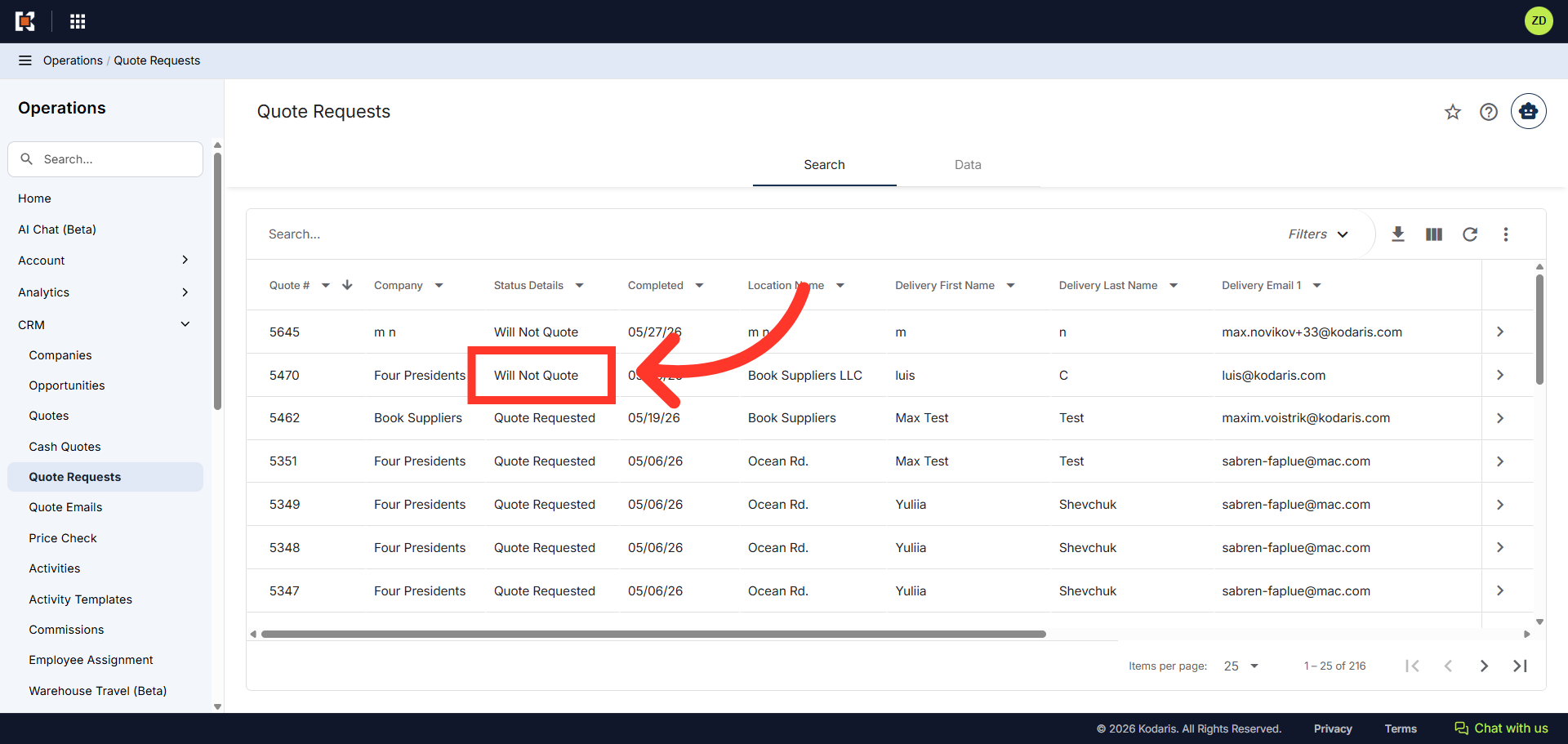
Verify Status Details
You will also notice the "Status Details" updates to "Will Not Quote" in the "Quote Request" grid view.