Operations System - Enable or Disable Employee Sign In With Google
Navigate to "System"
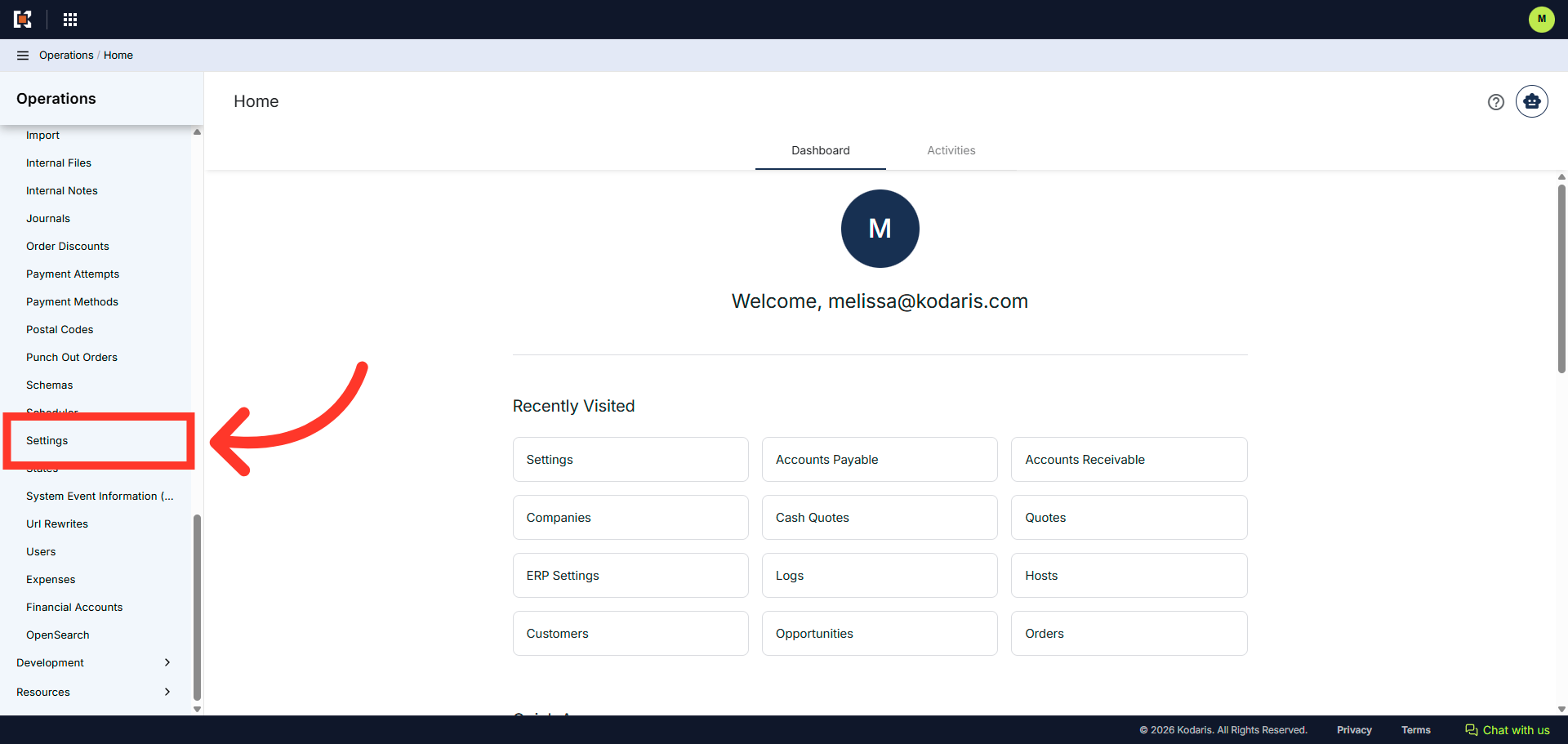
Employees can log in to the Operations Portal by using the Google Sign In button. To enable or disable this feature, navigate to the "System" section in the operations portal.

Click "Settings"
Then, click "Settings". In order to access and edit settings, you will need to be set up either as an "administrator" or a "superuser", or have the following role: "settingEdit".
Search for "enableSignInWithGoogle"
Enter "enableSignInWithGoogle" in the "Search..." field.

Click on the more details icon
Click on the more details icon to view the setting details screen

Click "Value"
Click "Value". This is where you enable or disable the setting.

Set the value to "1" to enable, "0" to disable
Enter in the value of "1" to turn on the setting, or "0" to turn it off.

Click "Save"
Click the "Save" button to apply the changes.

Verify the Google Sign In option
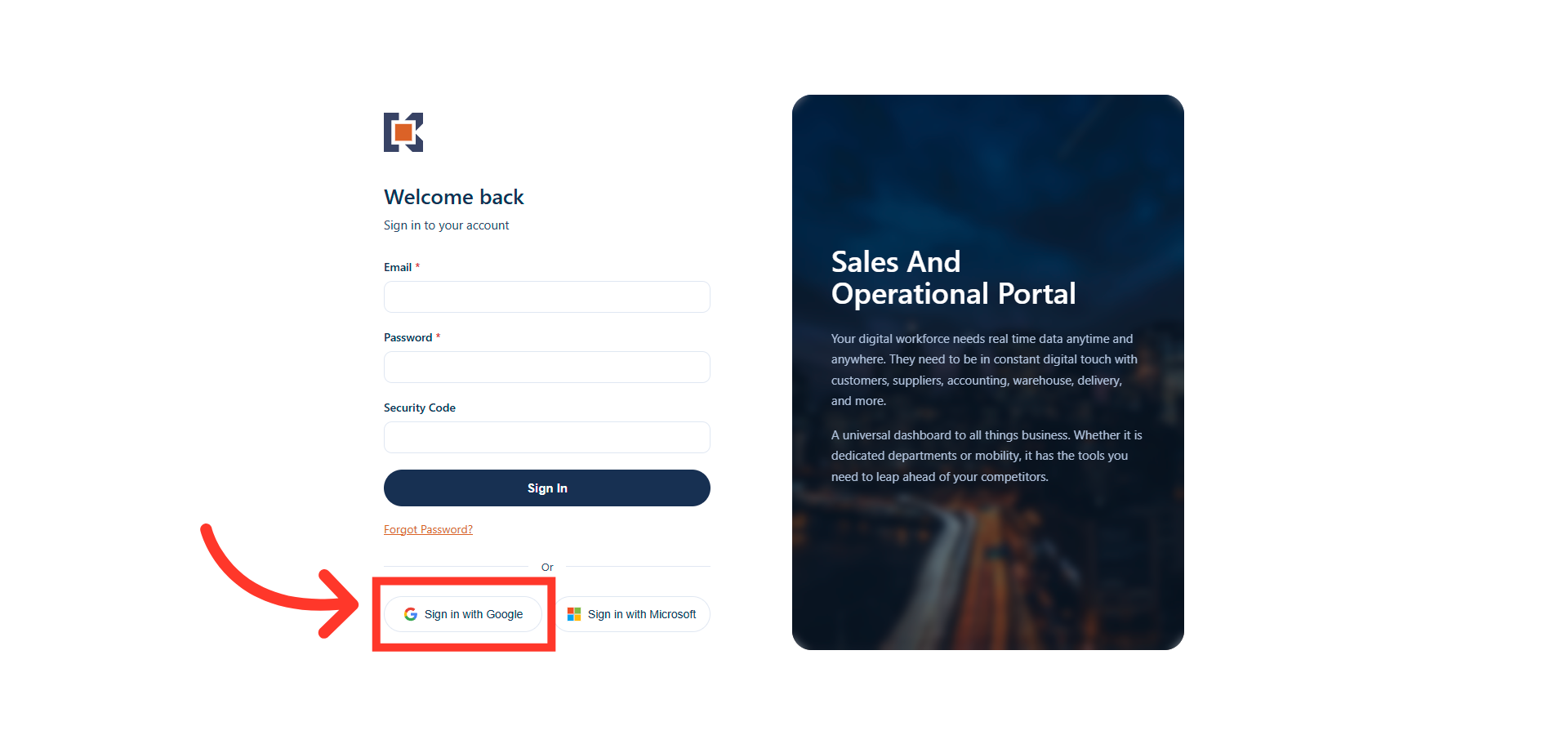
Verify the sign In option. In the login screen, employees can now click on the "Sign in with Google" button to log into the Operations Portal.