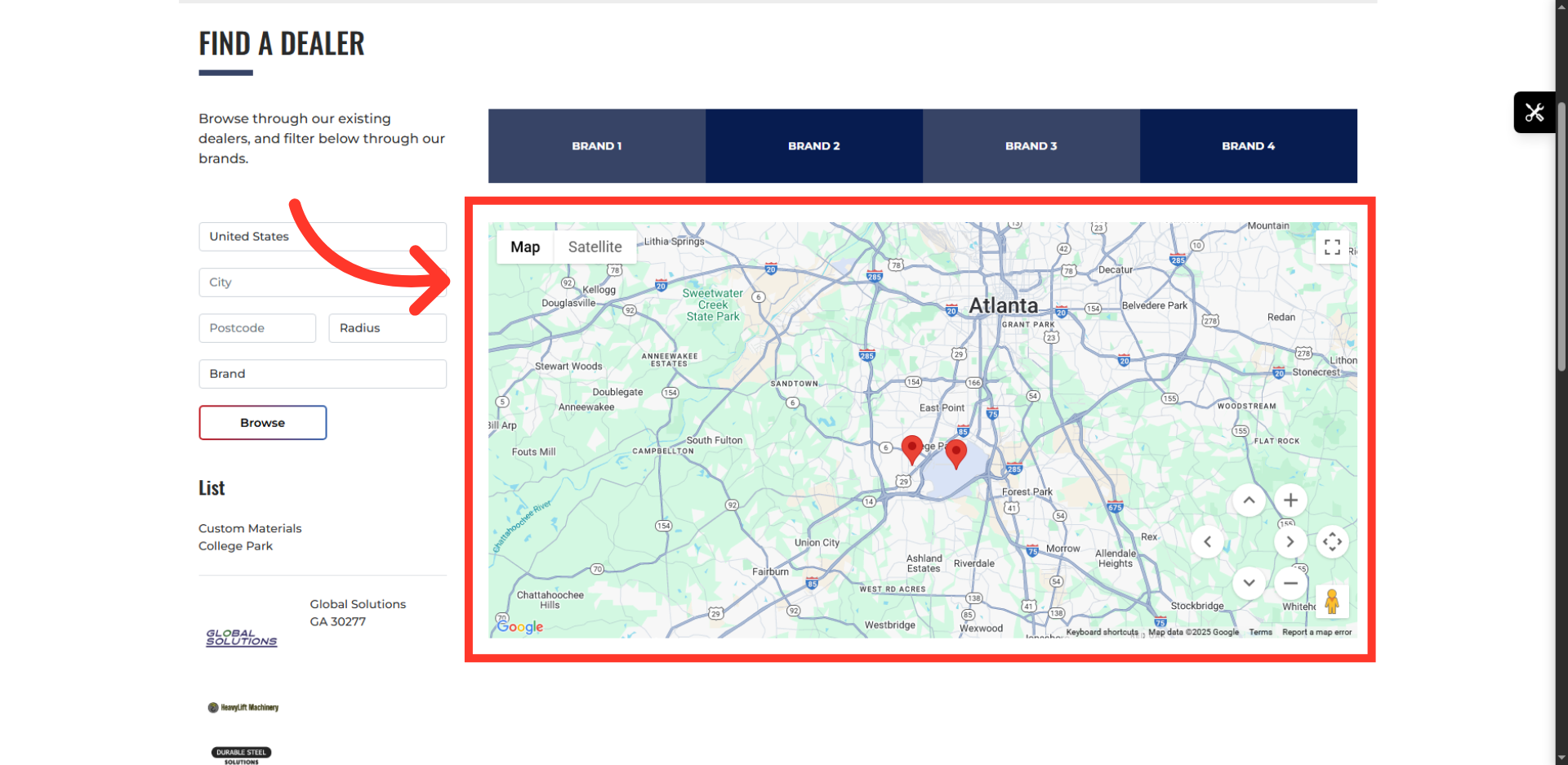
Find A Dealer - Update Latitude and Longitude
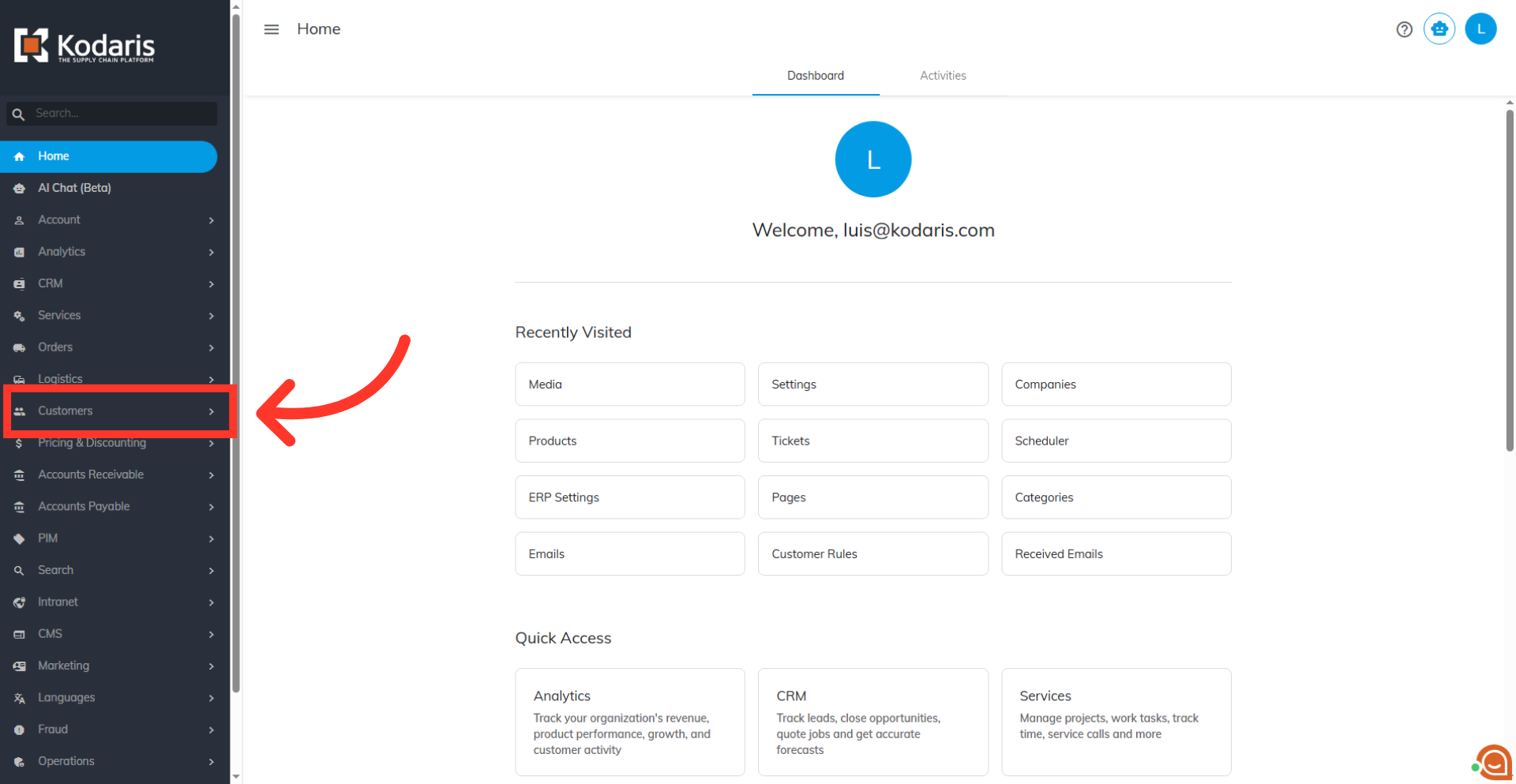
Navigate to "Customers"
Updating the Latitude and Longitude is needed in order for the delivery radius feature to work correctly in Google Maps. To update the Latitude and Longitude, navigate to "Customers" section in the Operations Portal.
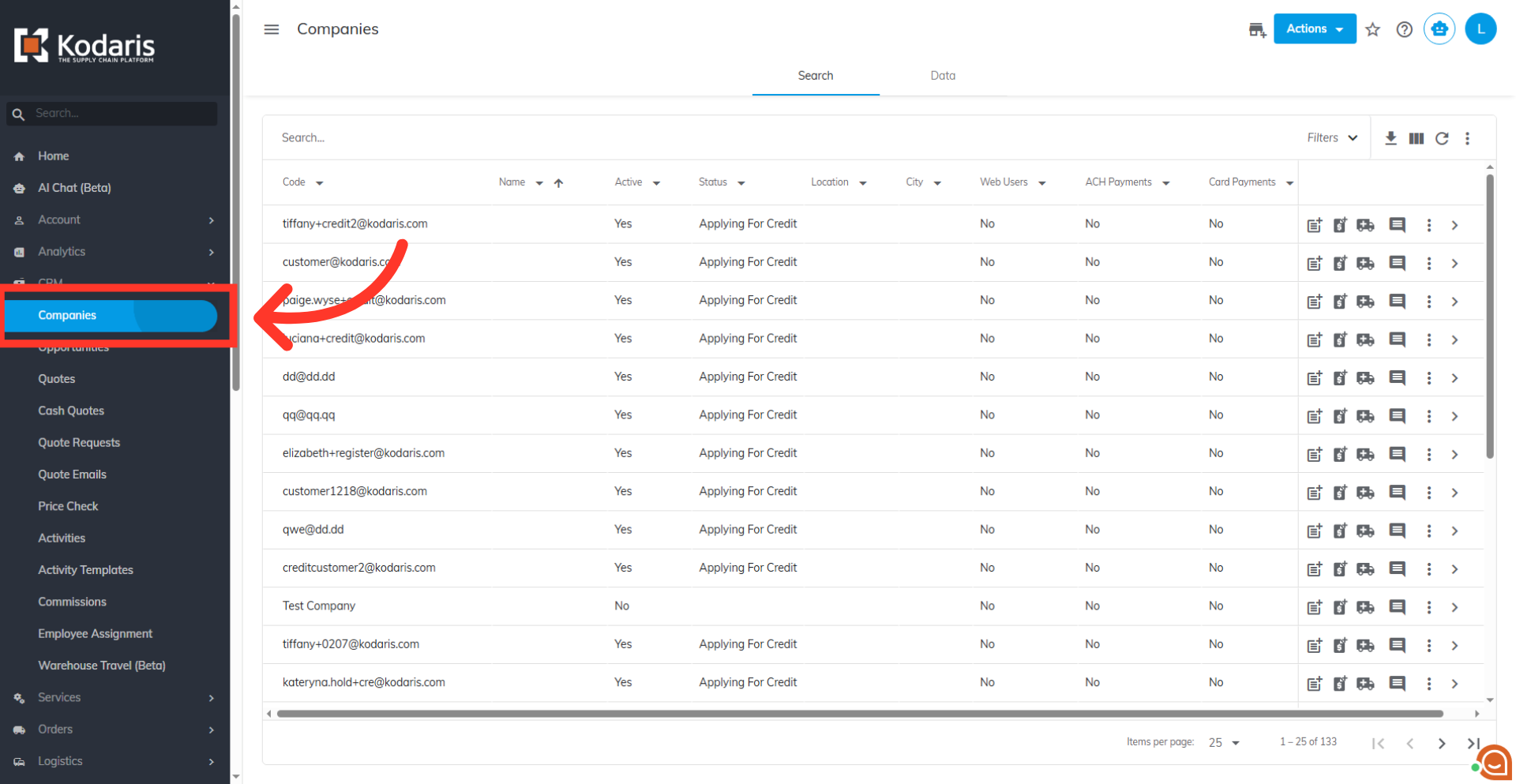
Go to "Companies"
Then, click on "Companies." You can also access "Companies" in the CRM. In order to access "Companies" you will need to be set up either as an "administrator" or a "superuser", or have the appropriate roles: "companyView," "crmCompanyView," "companyEdit," "crmCompanyEdit," and "dispatch".
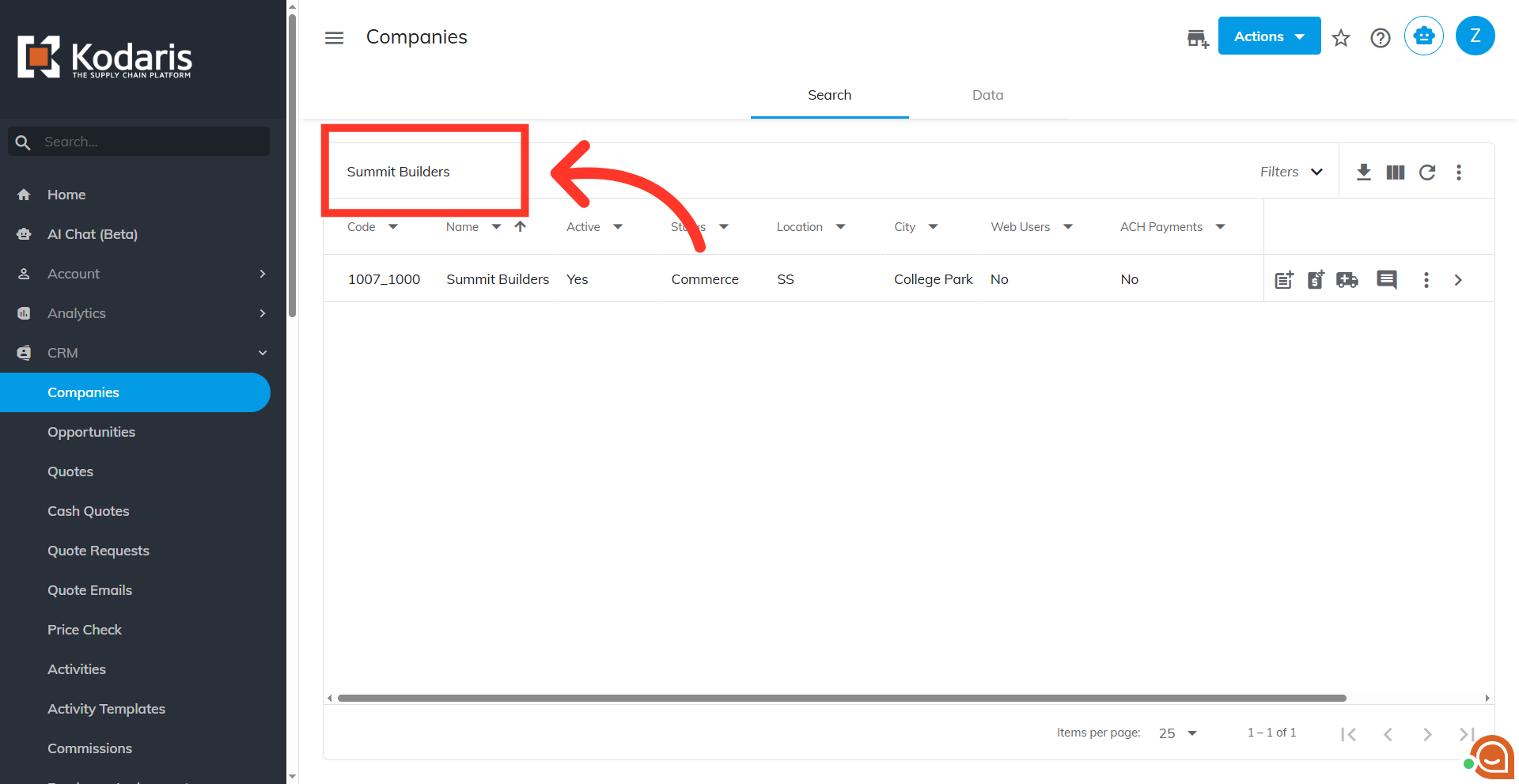
Search for the company
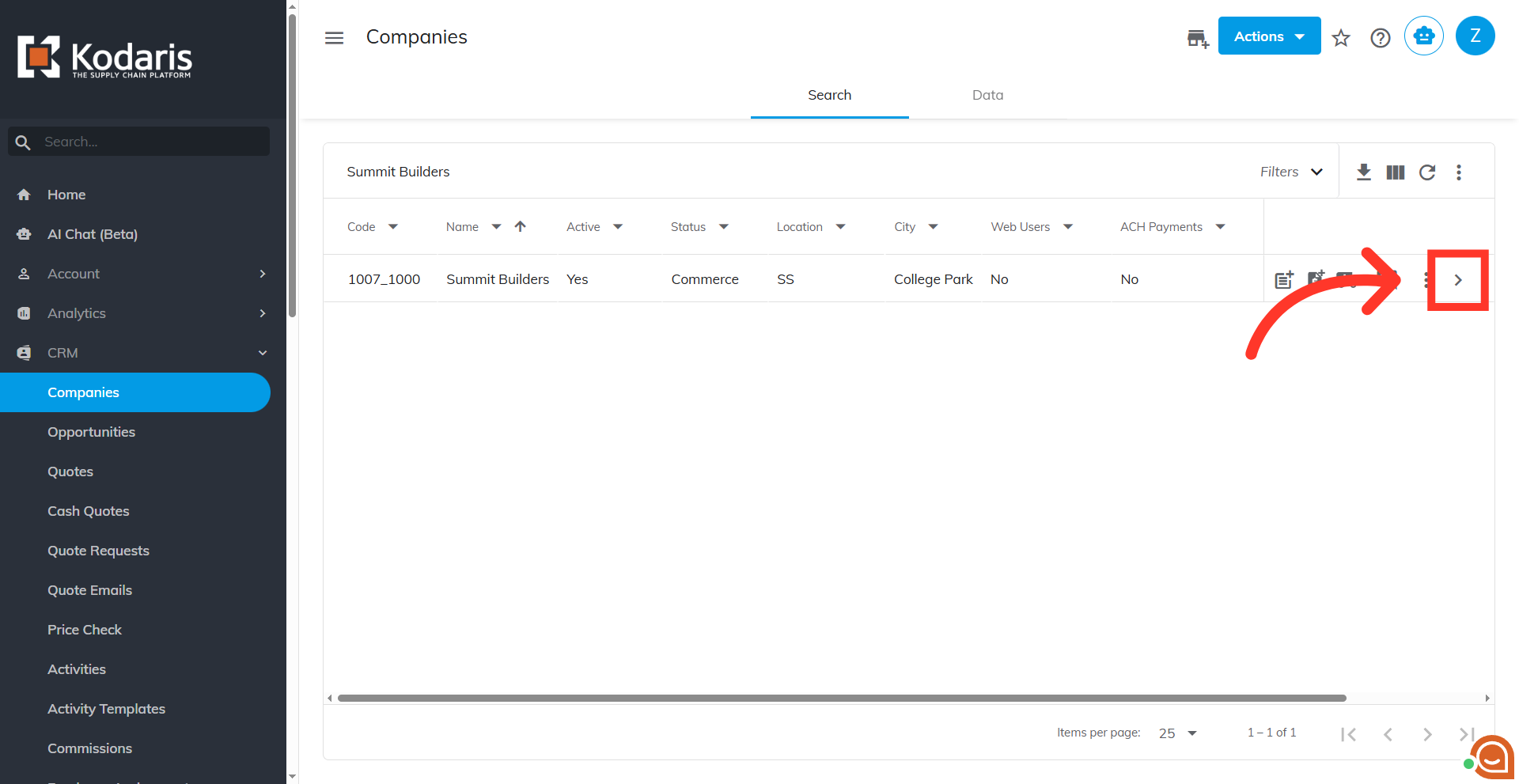
Enter a company name or code to search.
Click the more details icon
Click the more details icon.
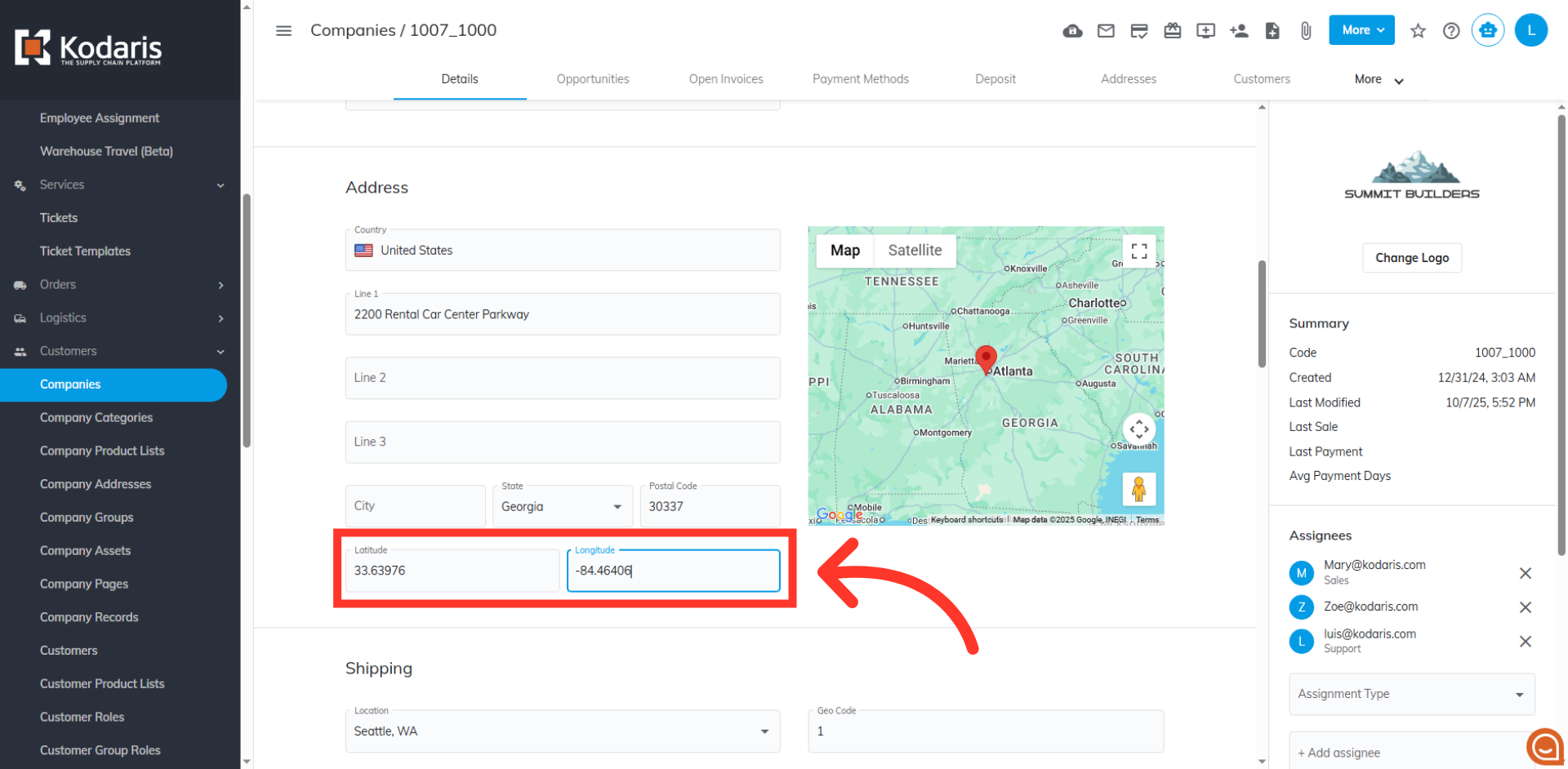
Input latitude and longitude
Under the "Address" section, look for the "Latitude" and "Longitude" fields. Manually enter the Latitude and Longitude coordinates for the company's primary address.
Verify map pin
To verify the update, go to your "Find a Dealer" page and verify that the map successfully displays the pin corresponding to the address for the company you just updated.