
Commerce - Add Products to Catalogs with Specified Quantities
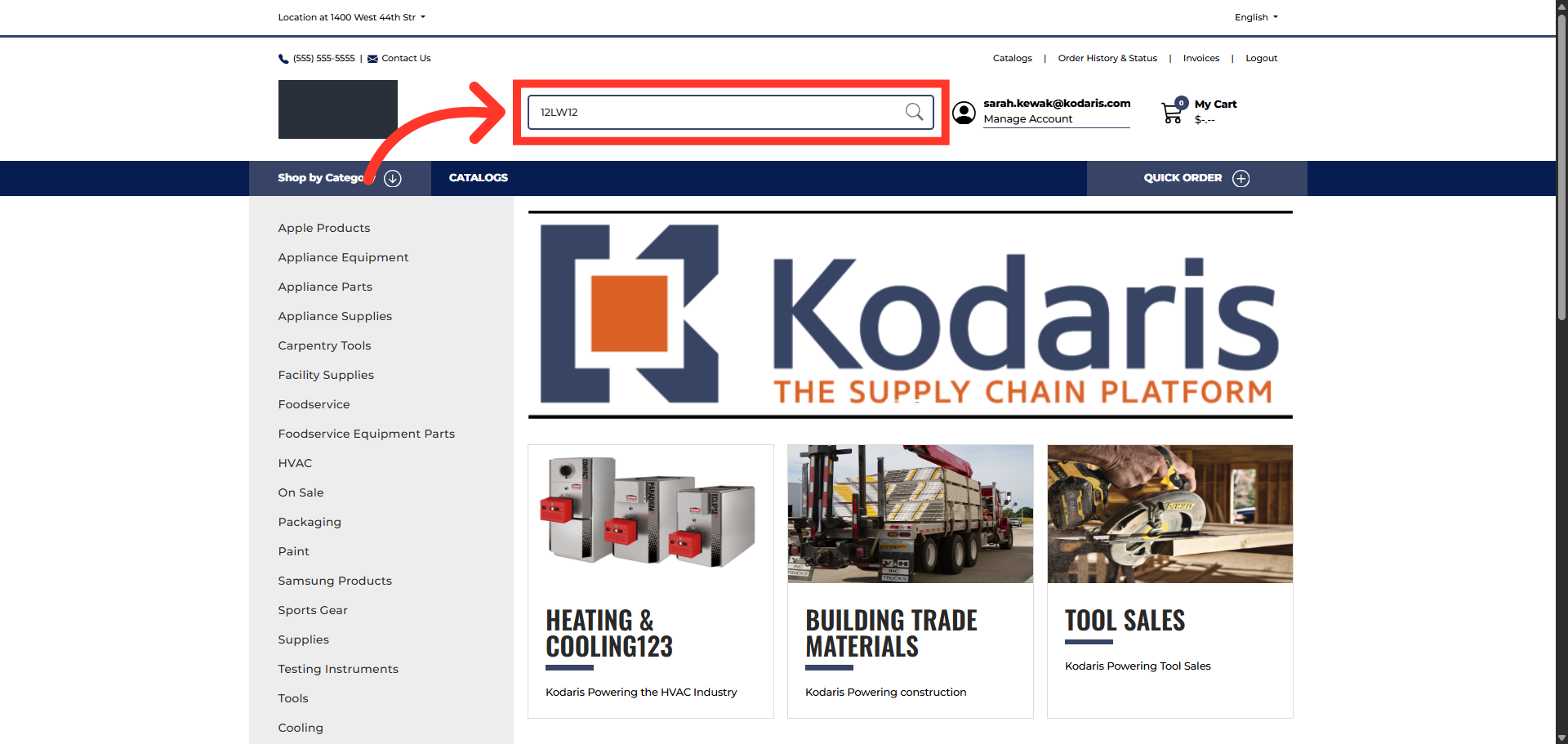
Search for an item
To add items with specific quantities to your catalogs, start by searching for an item using an item code or search term in the "Search" field and hit the Enter key.
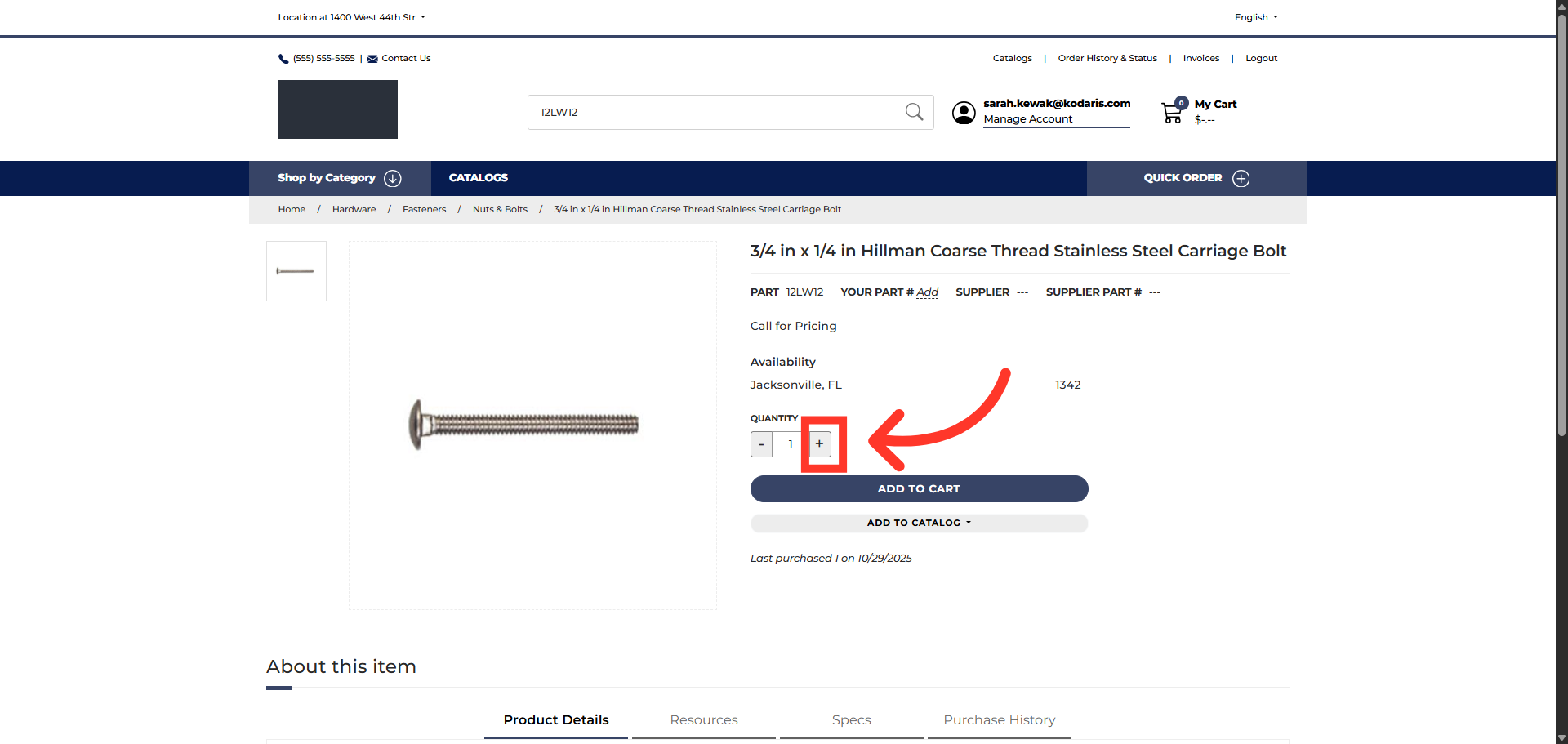
Click "+" Button to adjust the quantity
On the item detail page, adjust the quantity of the item by using the plus button to increase the quantity of the selected item. You can also enter the quantity manually.
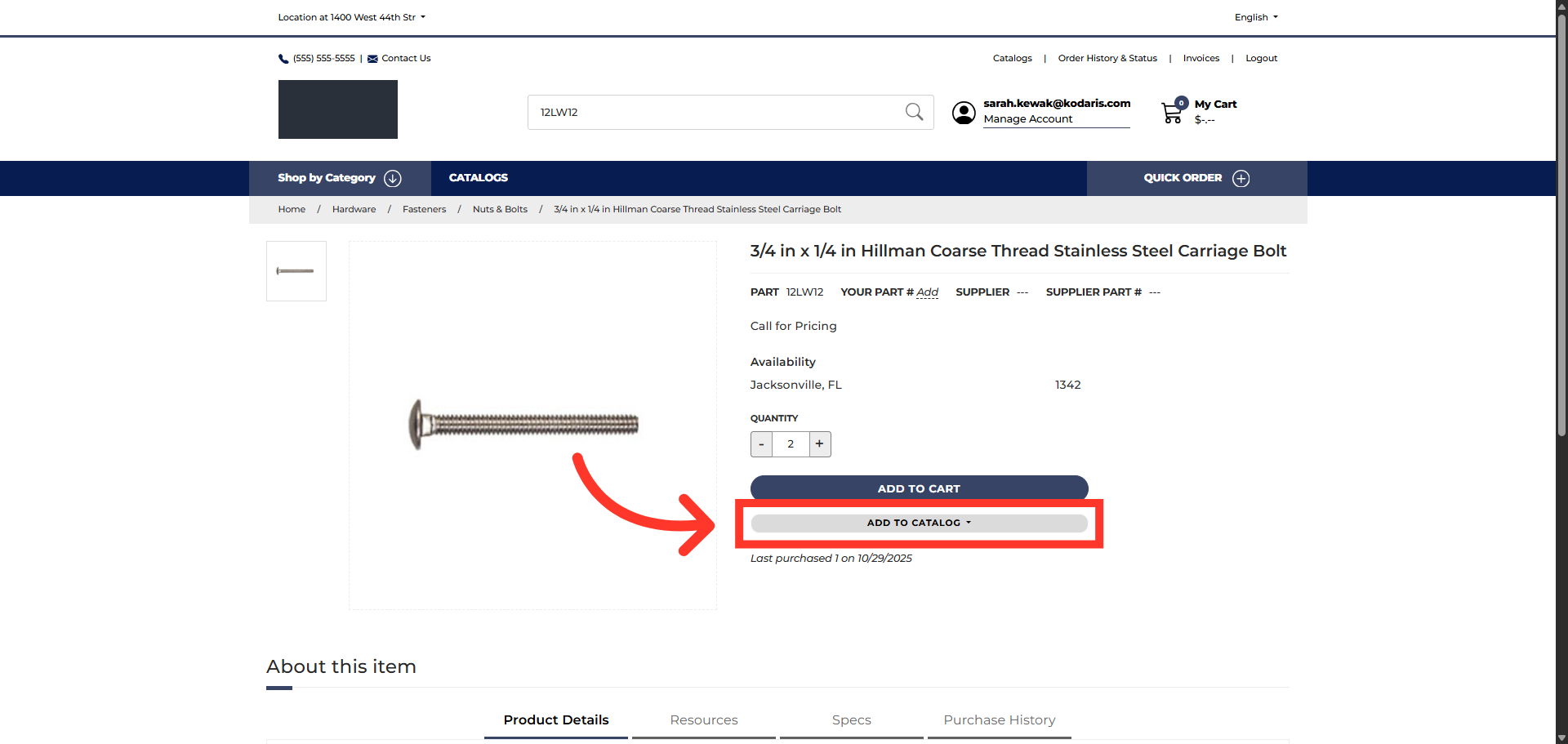
Click "Add to Catalog"
Then, click the "Add to Catalog" button to view a list of available catalogs.
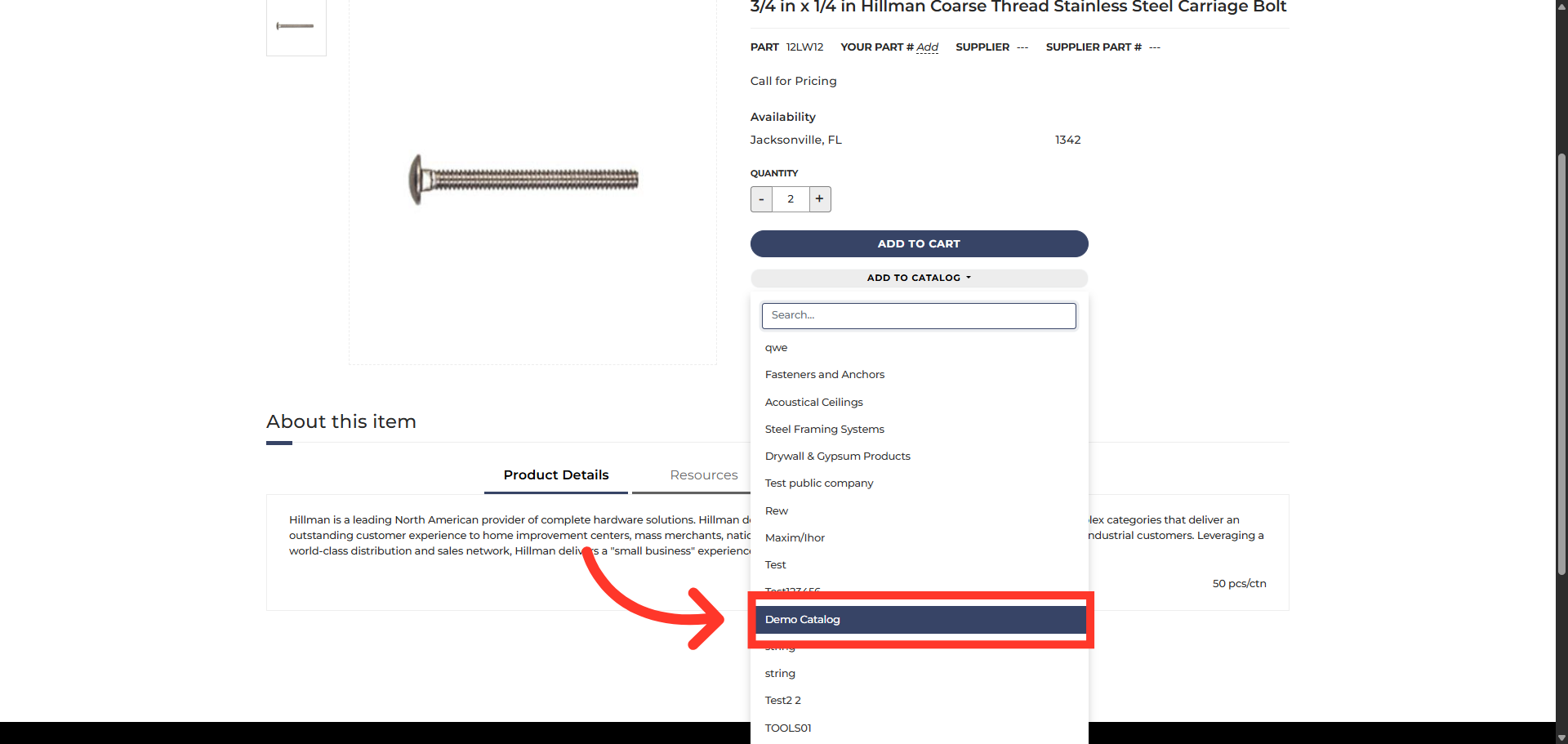
Select Catalog
Next, select the catalog where you want to save your item.
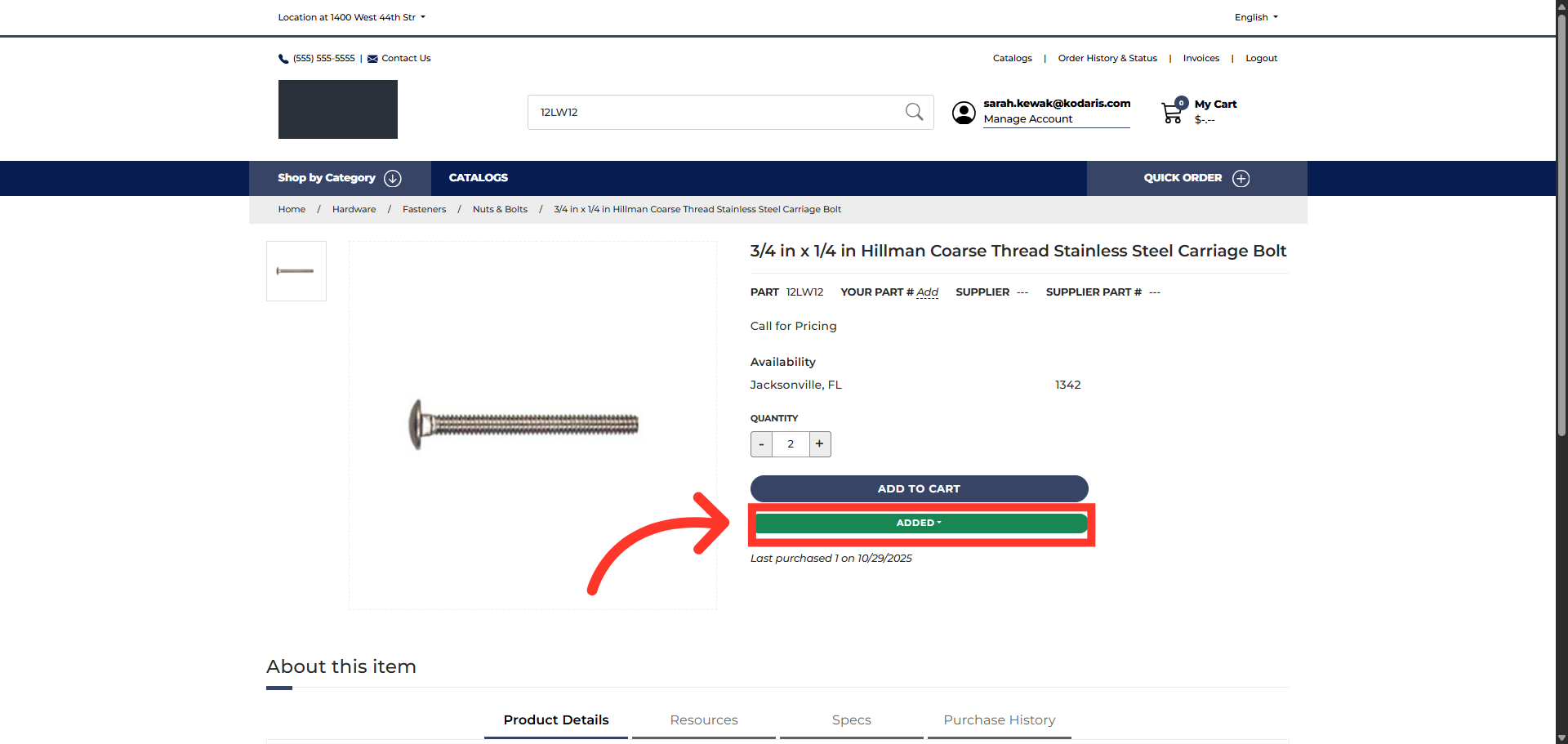
Confirmation
A notification appears that the item and quantity have been added to your catalog.
In this article