
View When Catalogs are Last Modified
Log in to the commerce site
Knowing when a catalog was last modified helps you identify which items have been recently modified, and can be used to sort or filter content by recency. To know when your catalog was last modified, log in to the commerce site.

Click "Catalogs"
Then, click on "Catalogs."

"Last Updated" column
You will find the "Last Updated" Column under the Company Catalog and My Catalogs section.
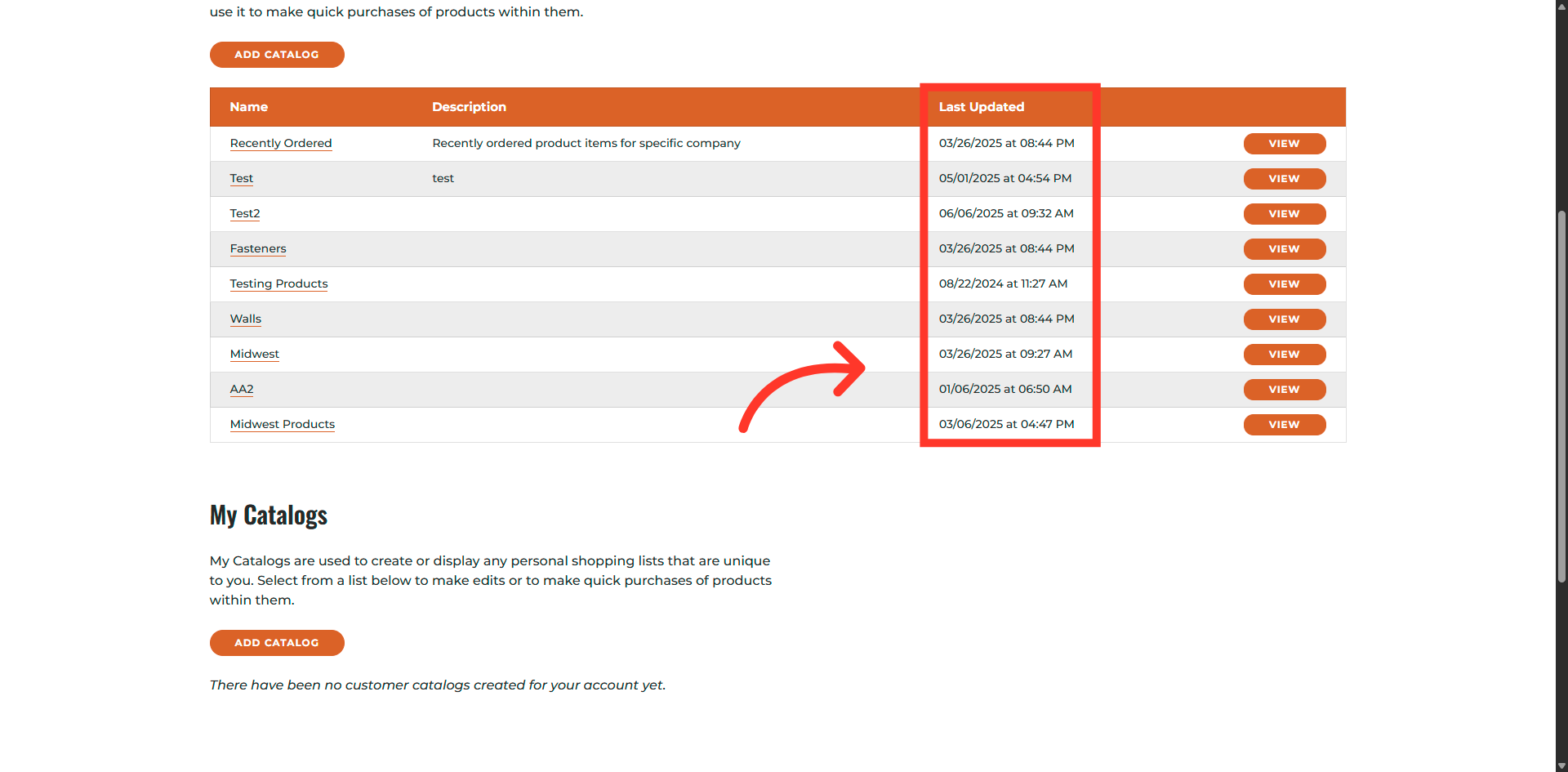
Displays a date and time stamp
The "Last updated" column shows when a catalog was last modified in the system. It usually displays a date and time stamp.
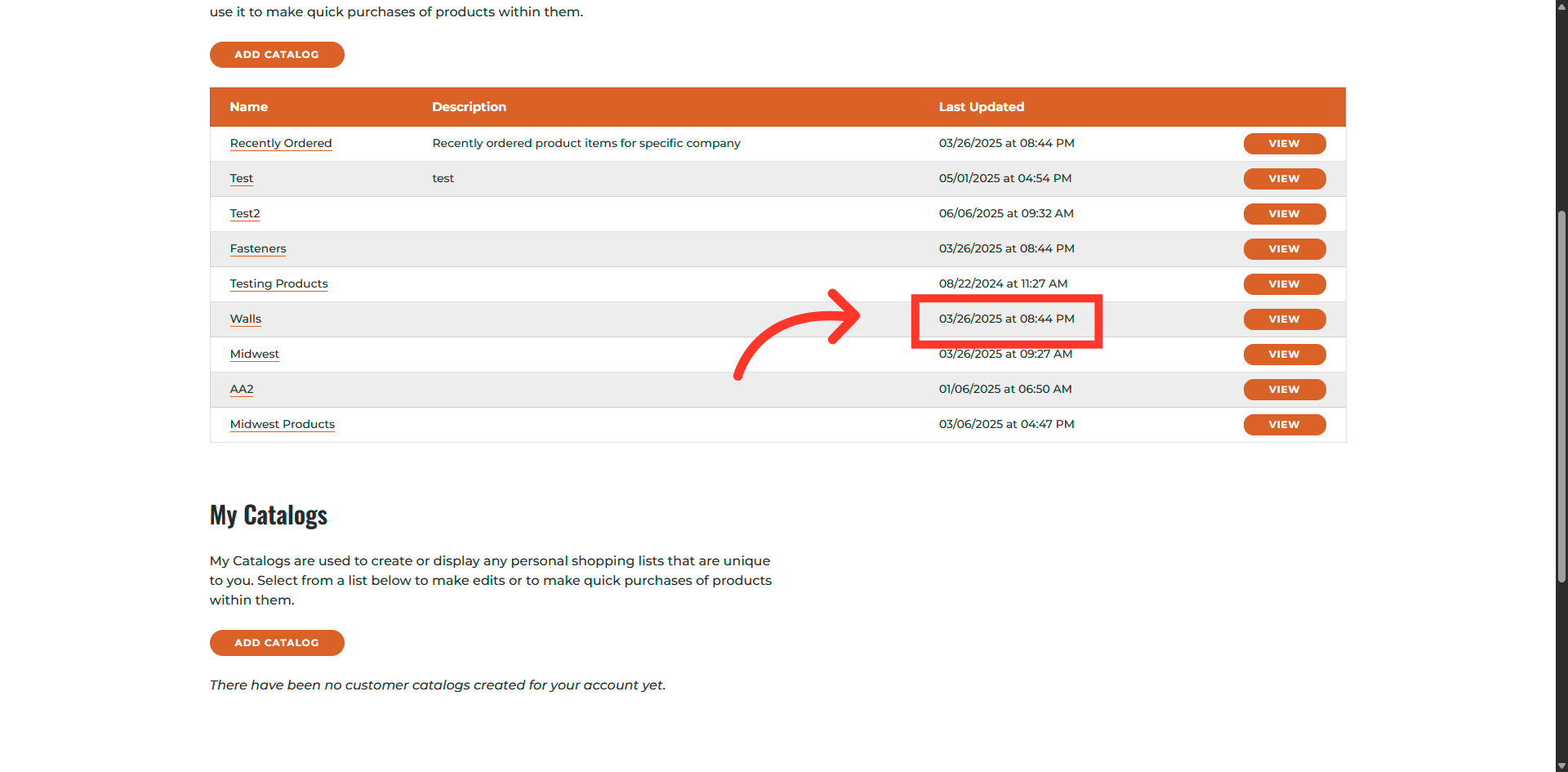
In this article