Commerce - Add Products from a Catalog to an Order, Cash Quote, or Quote
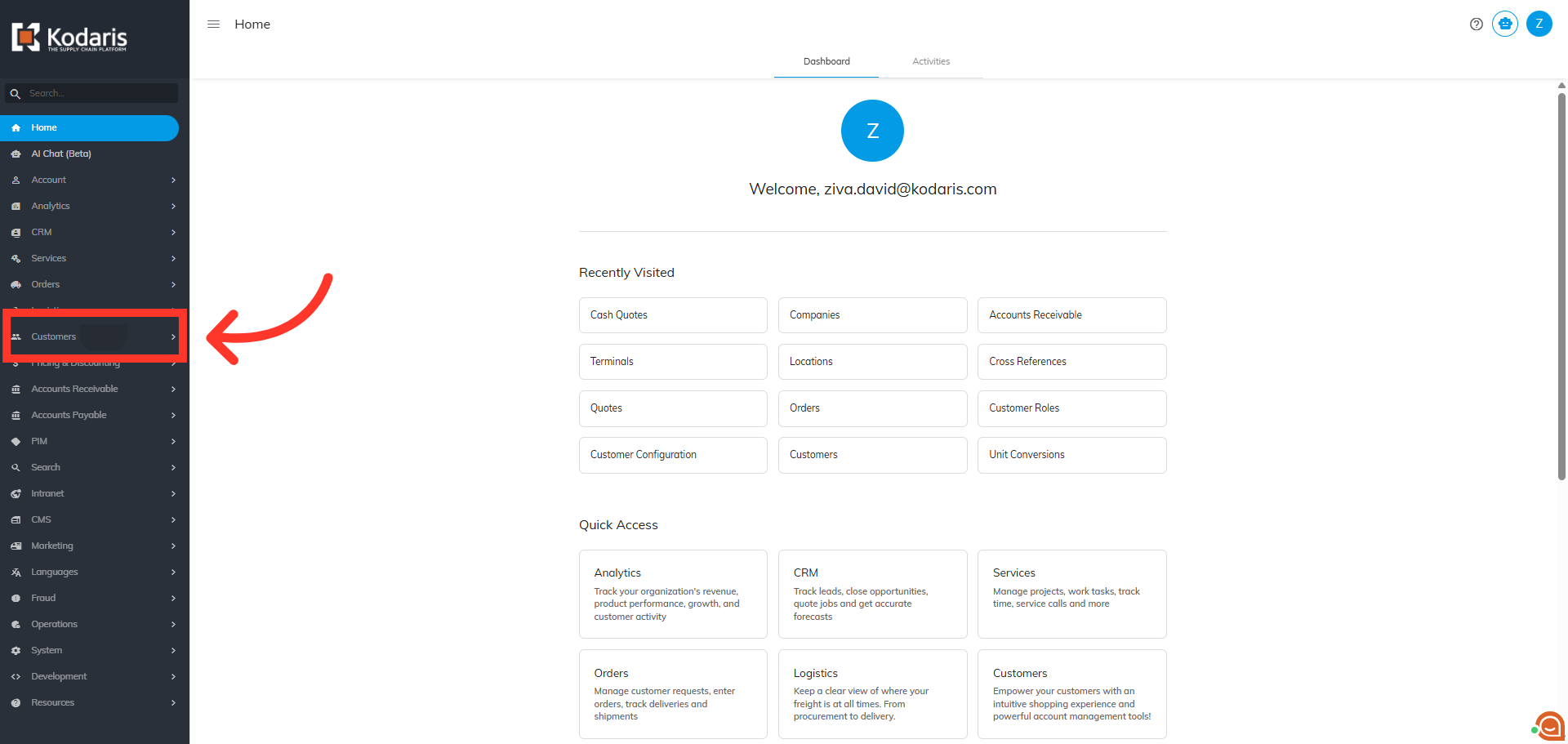
Navigate to "Customers"
You can add products from a company catalog to an Order, Cash Quote, or Quote in the Operations Portal. In this example, we are adding products to an order. First, navigate to the "Customers" section.
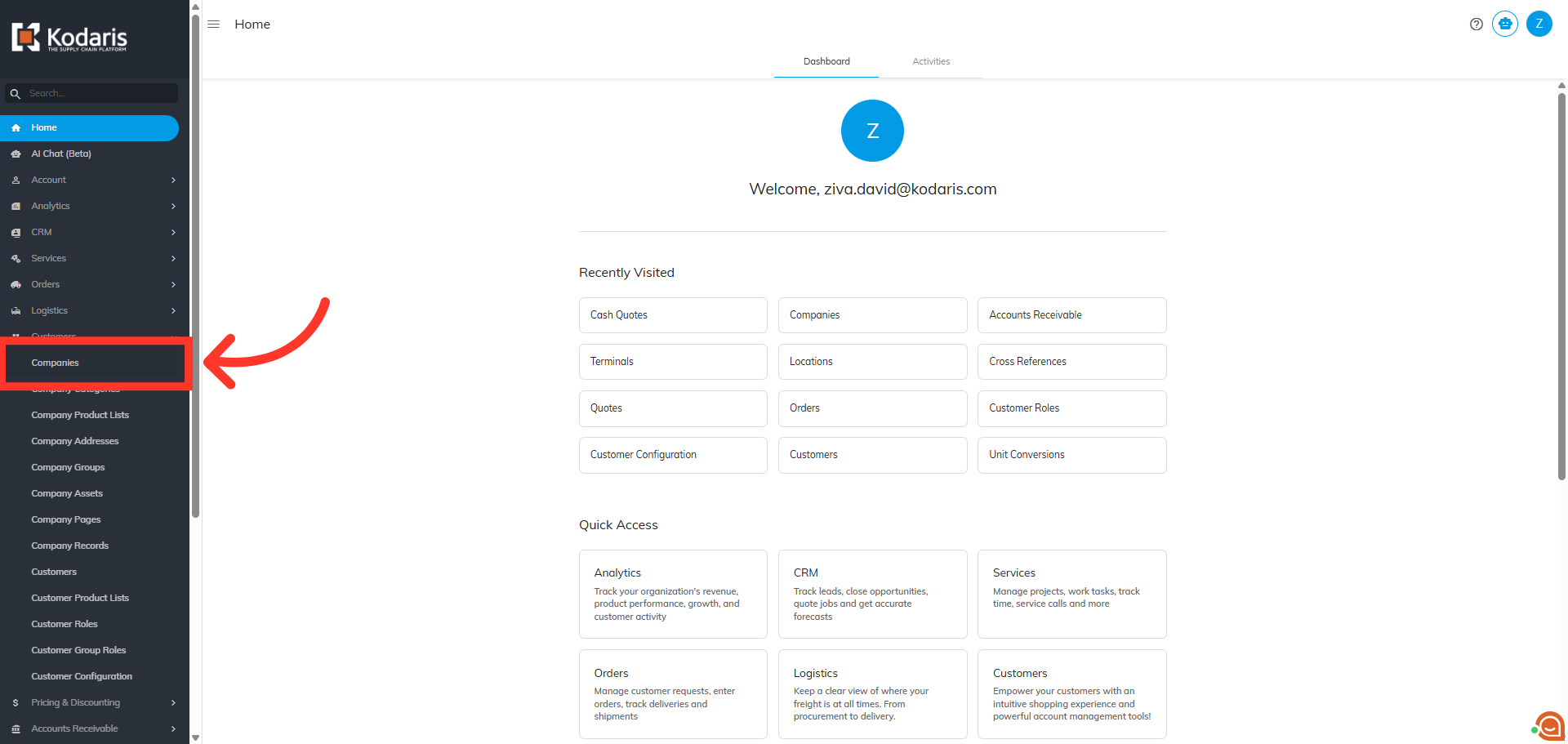
Click "Companies"
Next, click "Companies". In order to access "Companies" you will need to be set up either as an "administrator" or a "superuser", or have the appropriate roles: "companyView and companyEdit", or "crmCompanyView and crmCompanyEdit". Just a reminder, "crmCompanyView and crmCompanyEdit" access only allows employees to view companies that are assigned to them.
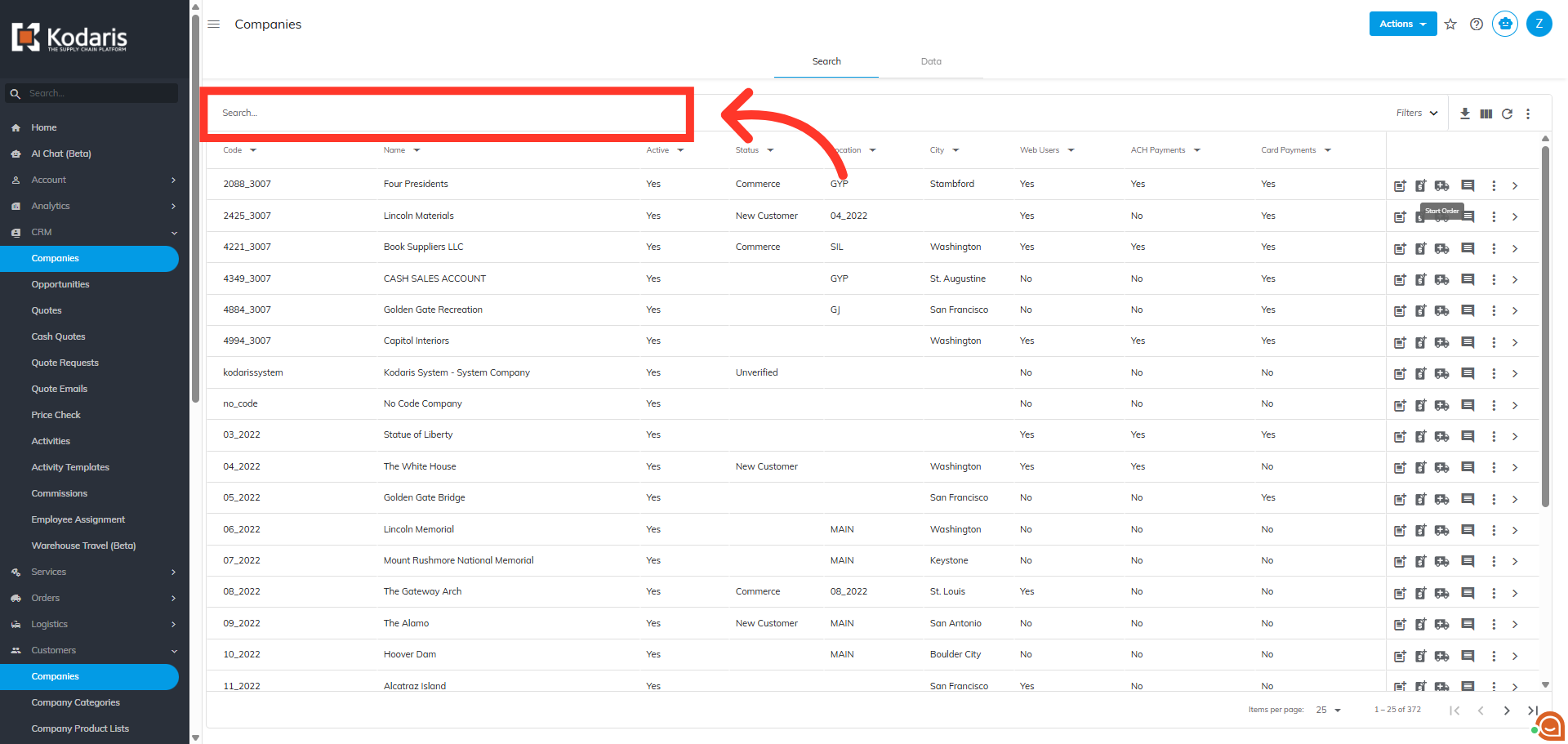
Search for the company
Search for the company. You can enter the company code or name in the "Search" field to search
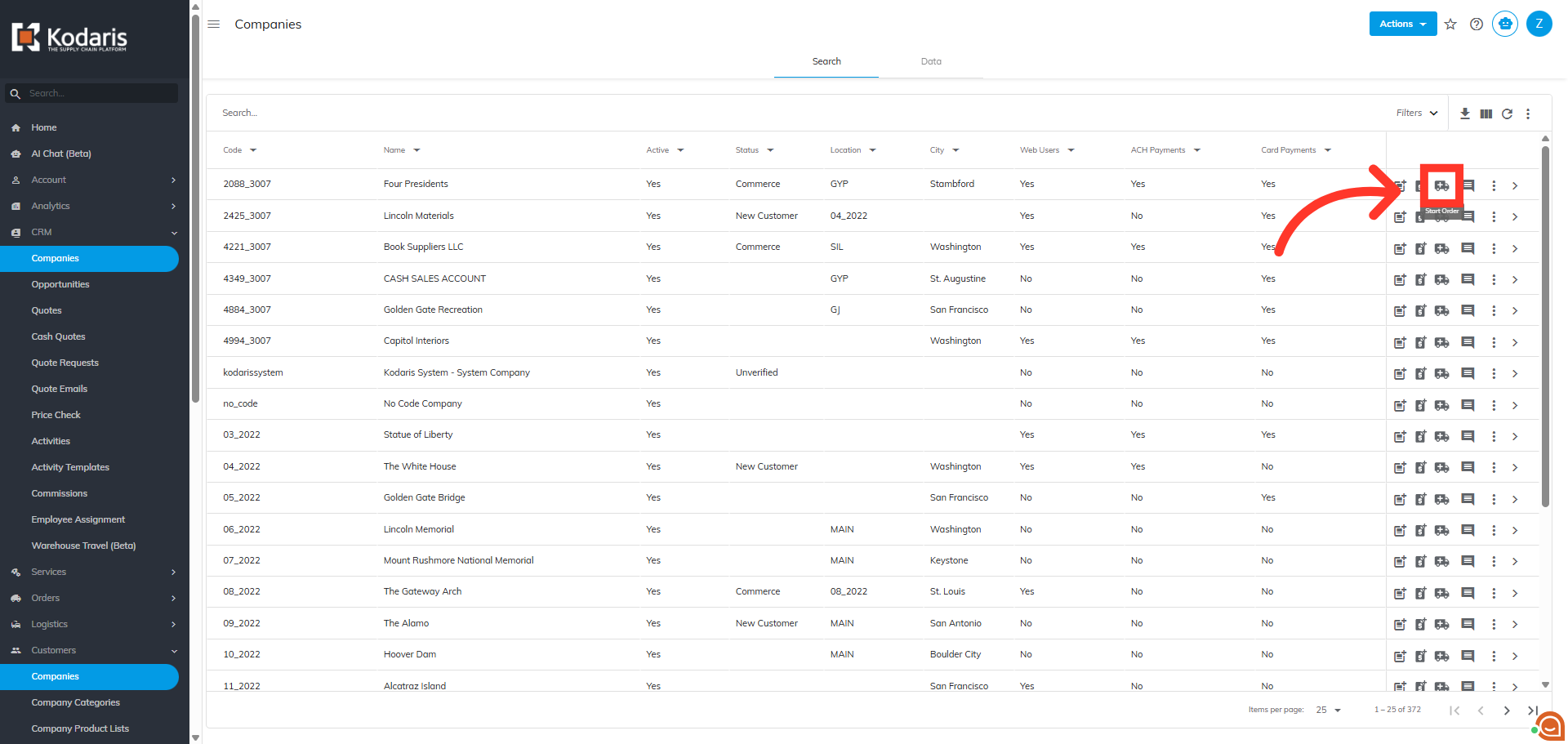
Click "Start Order"
On the company you wish to create the order for, click the "Start Order" icon.
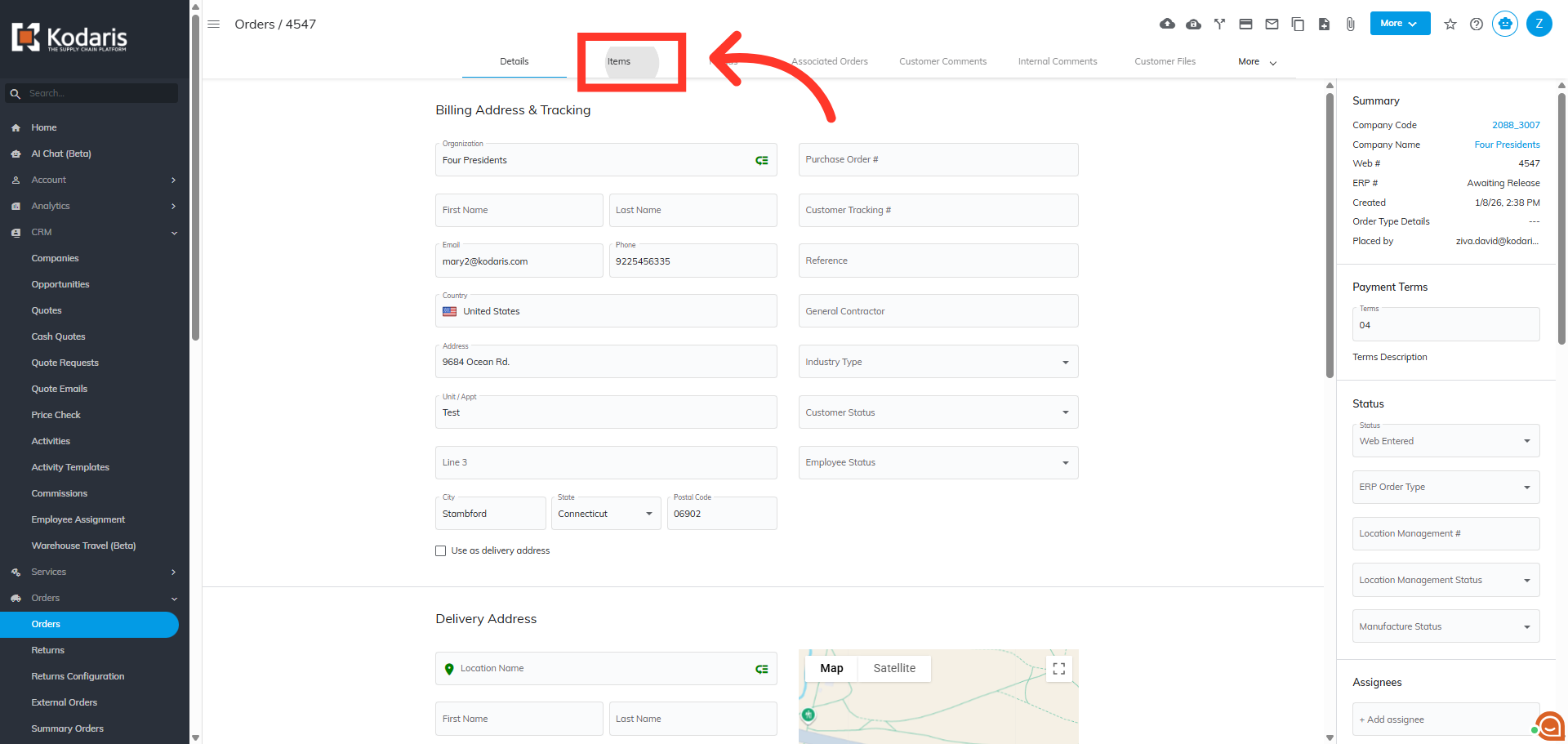
Click "Items" tab
From the details screen, click the "Items" tab at the top.
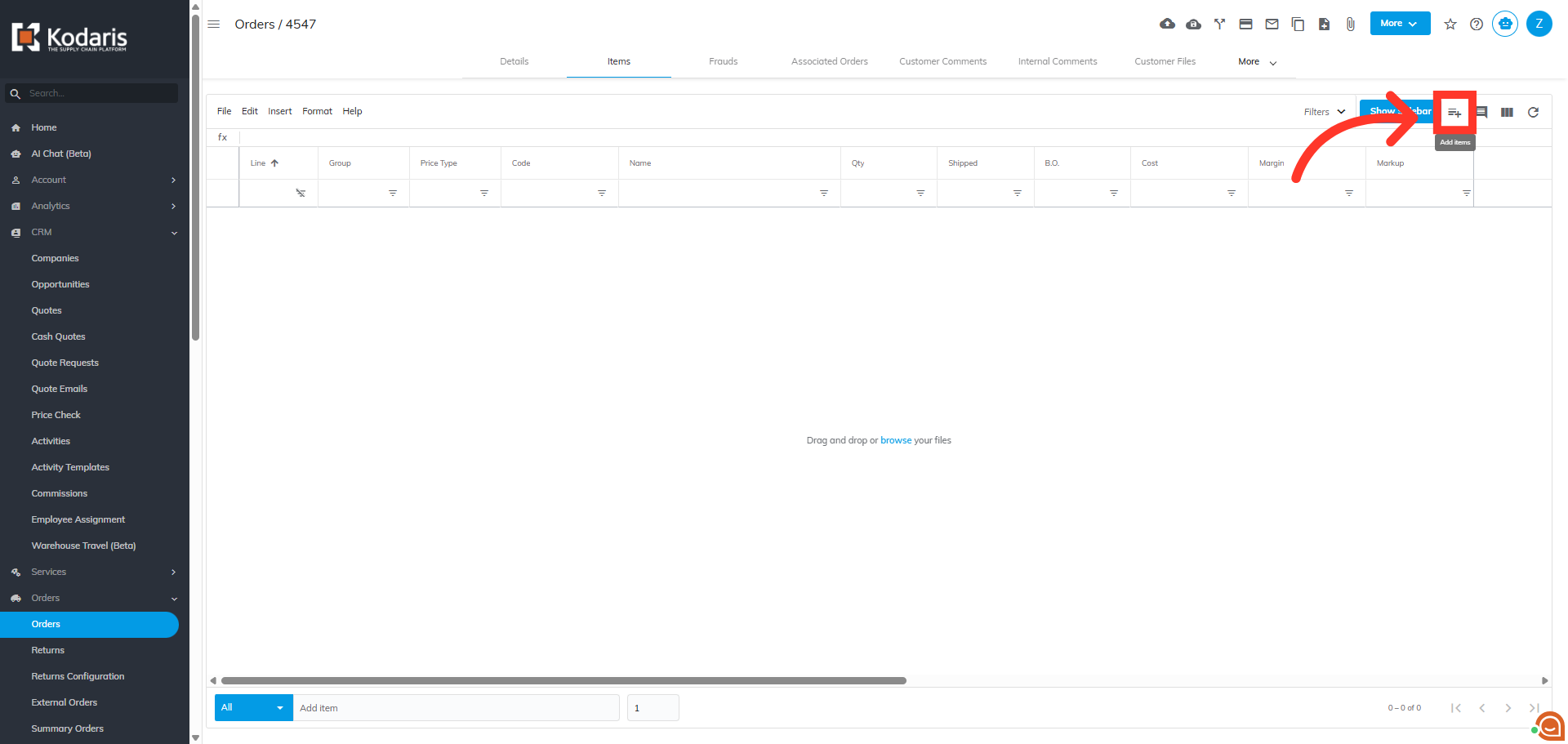
Click "Add items" icon
Then, click the "Add items" icon on the upper-right hand corner of the screen.
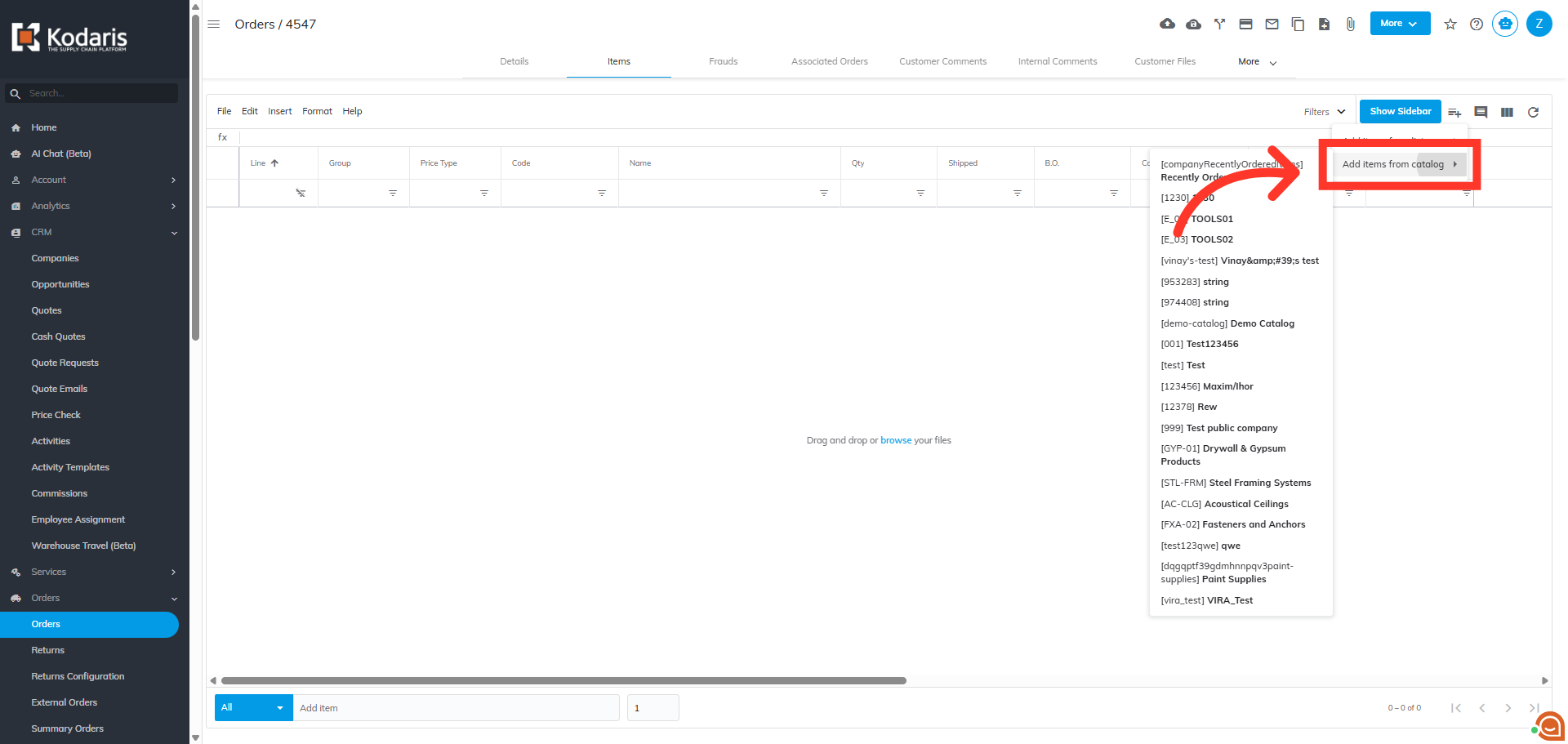
Choose "Add items from catalog"
From the list of available catalogs, choose the option to "Add items from the product catalog" to view the available company catalogs.
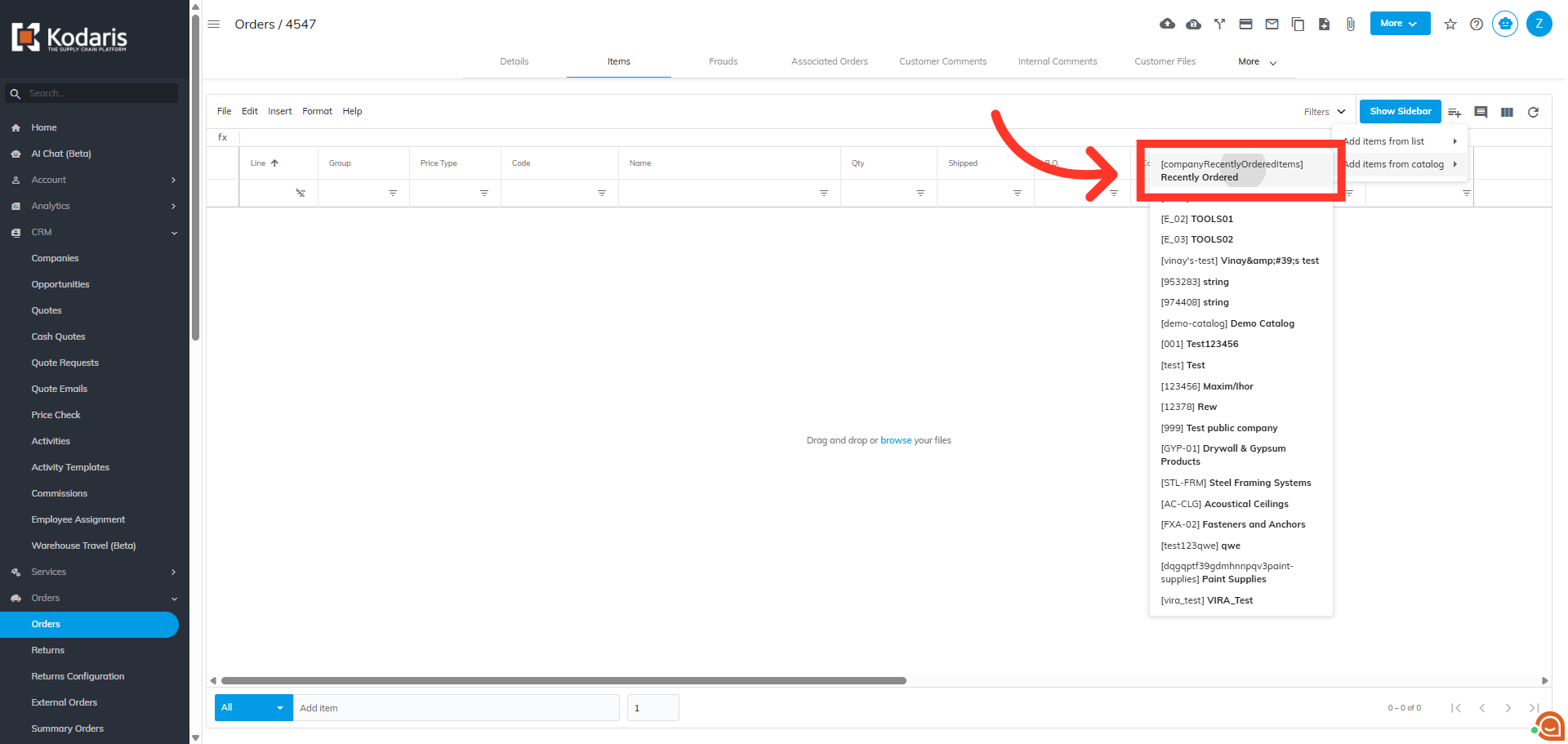
Select the company catalog
From the list of company catalogs, select the catalog you wish to quickly add items from.
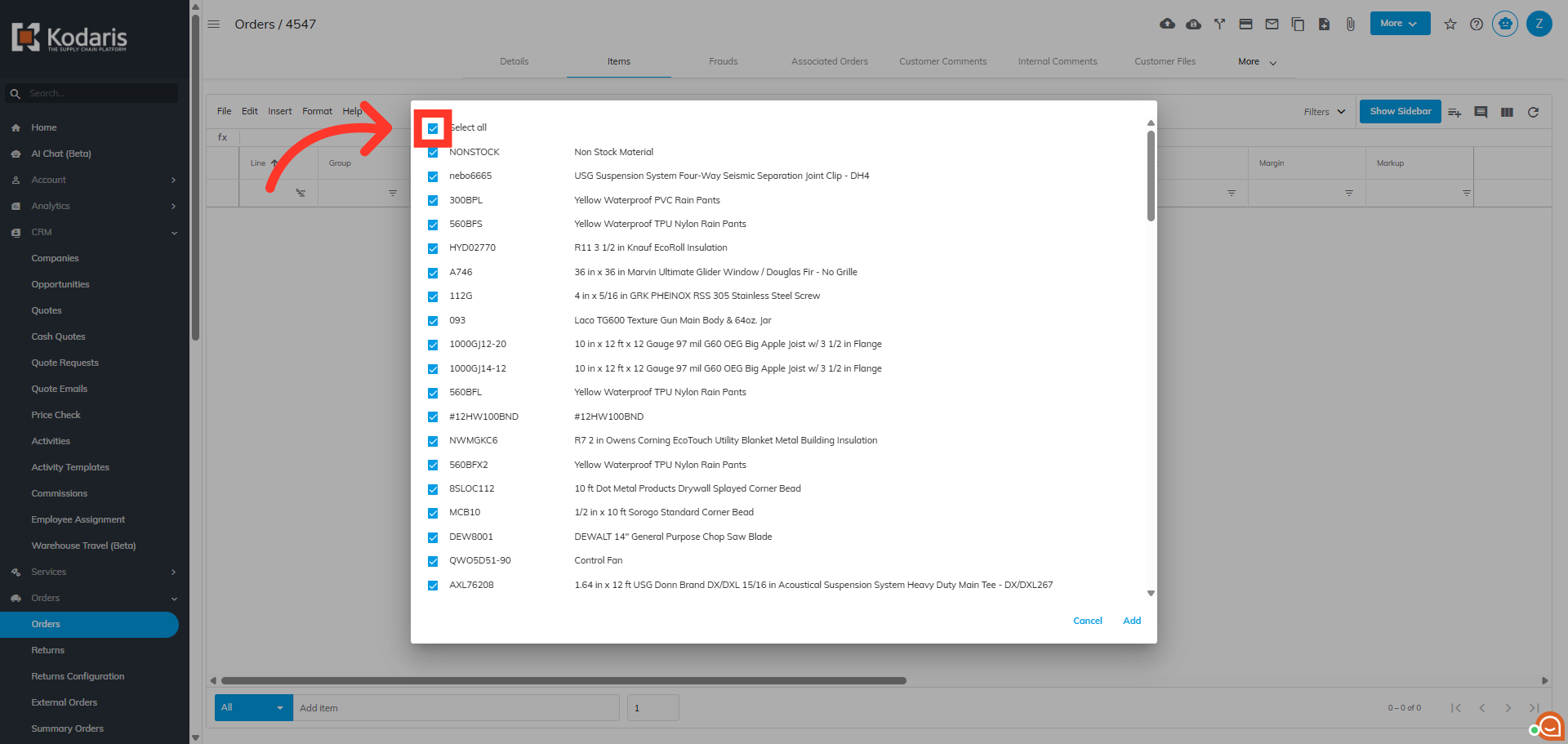
Click "Select All" to add all items
From the list if items, you can choose to select and add all items to your order by clicking the "Select all" checkbox at the top.
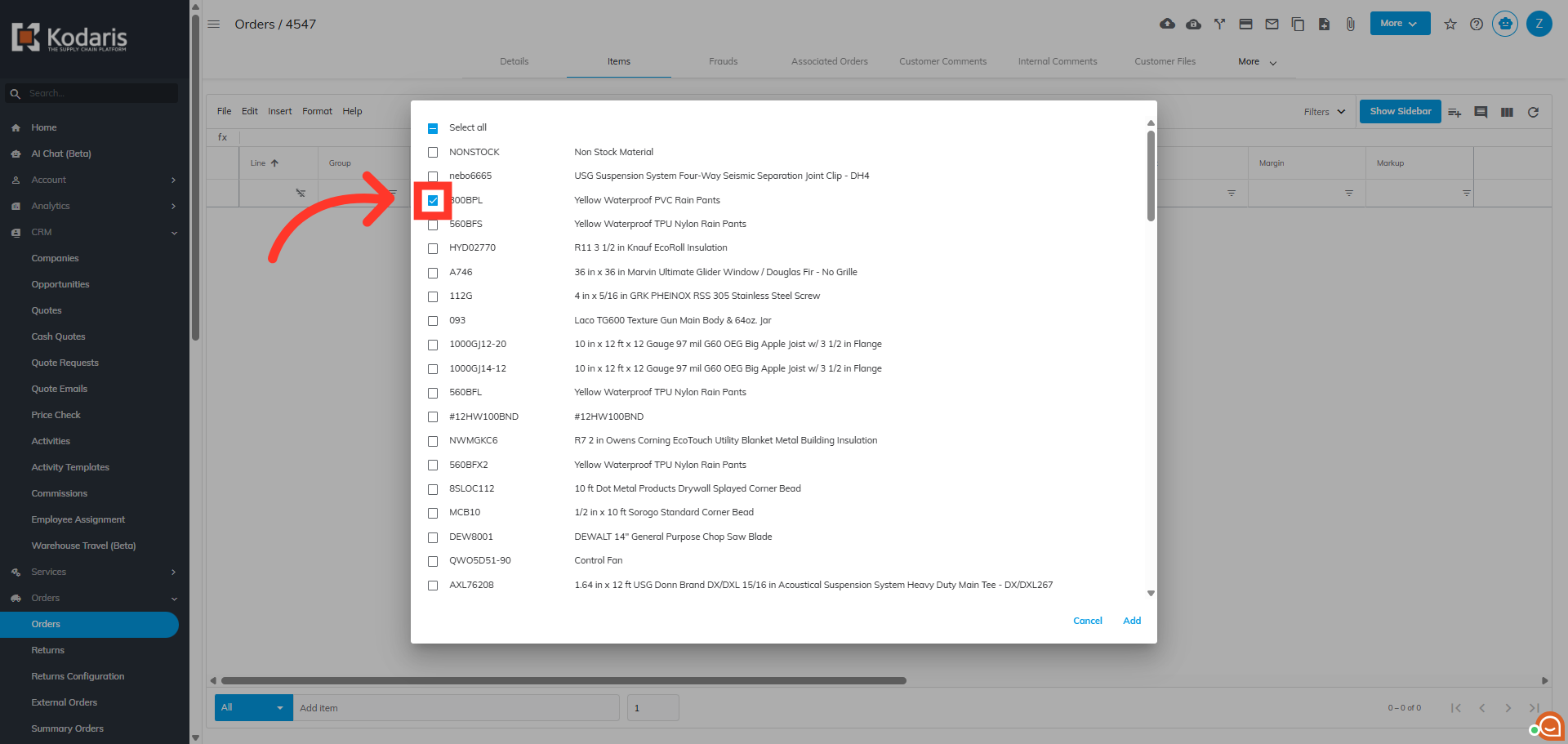
Or, select individual items manually
Or, you can add individual items by clicking the check box to the left of the item.
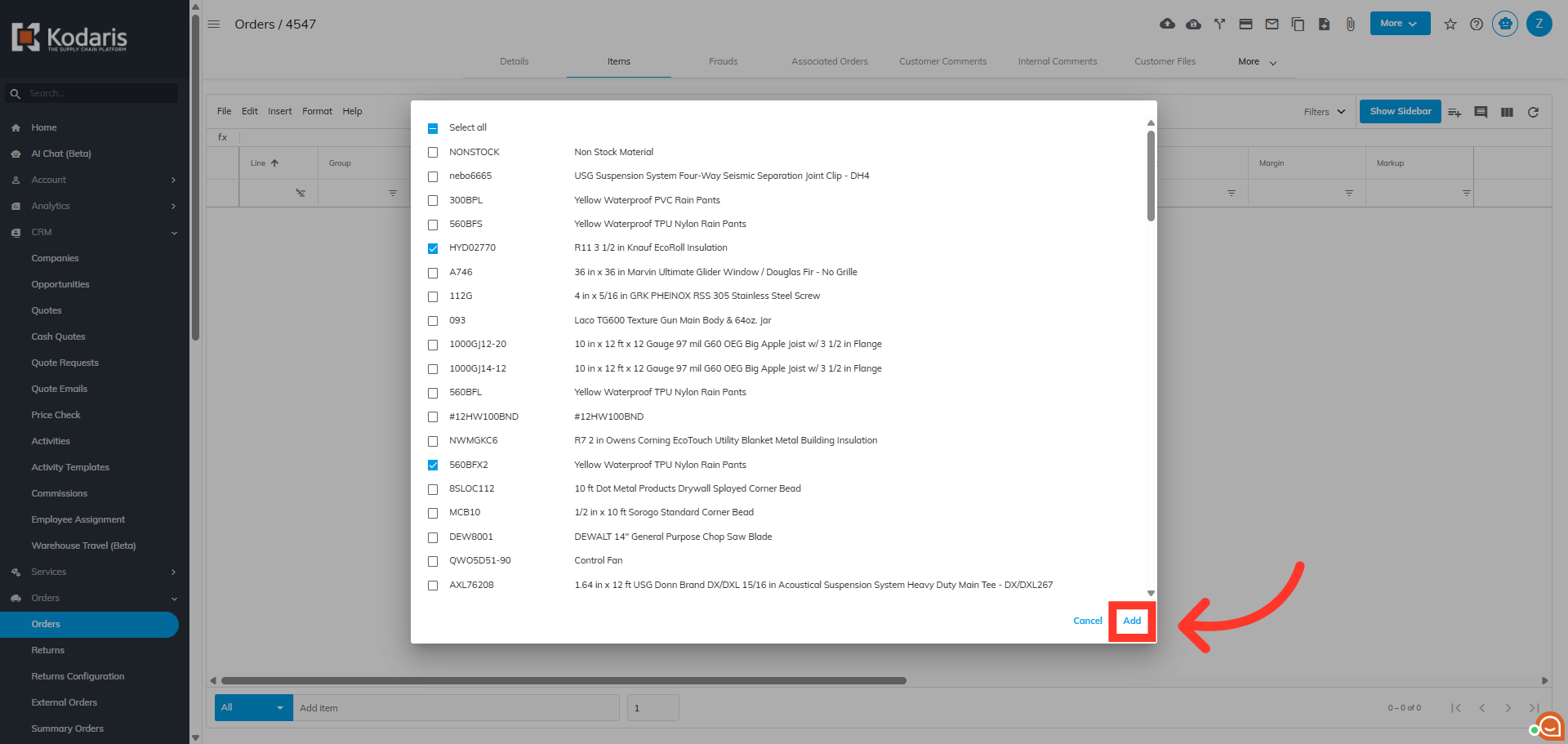
Click "Add"
Then, click "Add" to include the selected items in your order. You can add items from other catalogs if needed, by repeating the process.
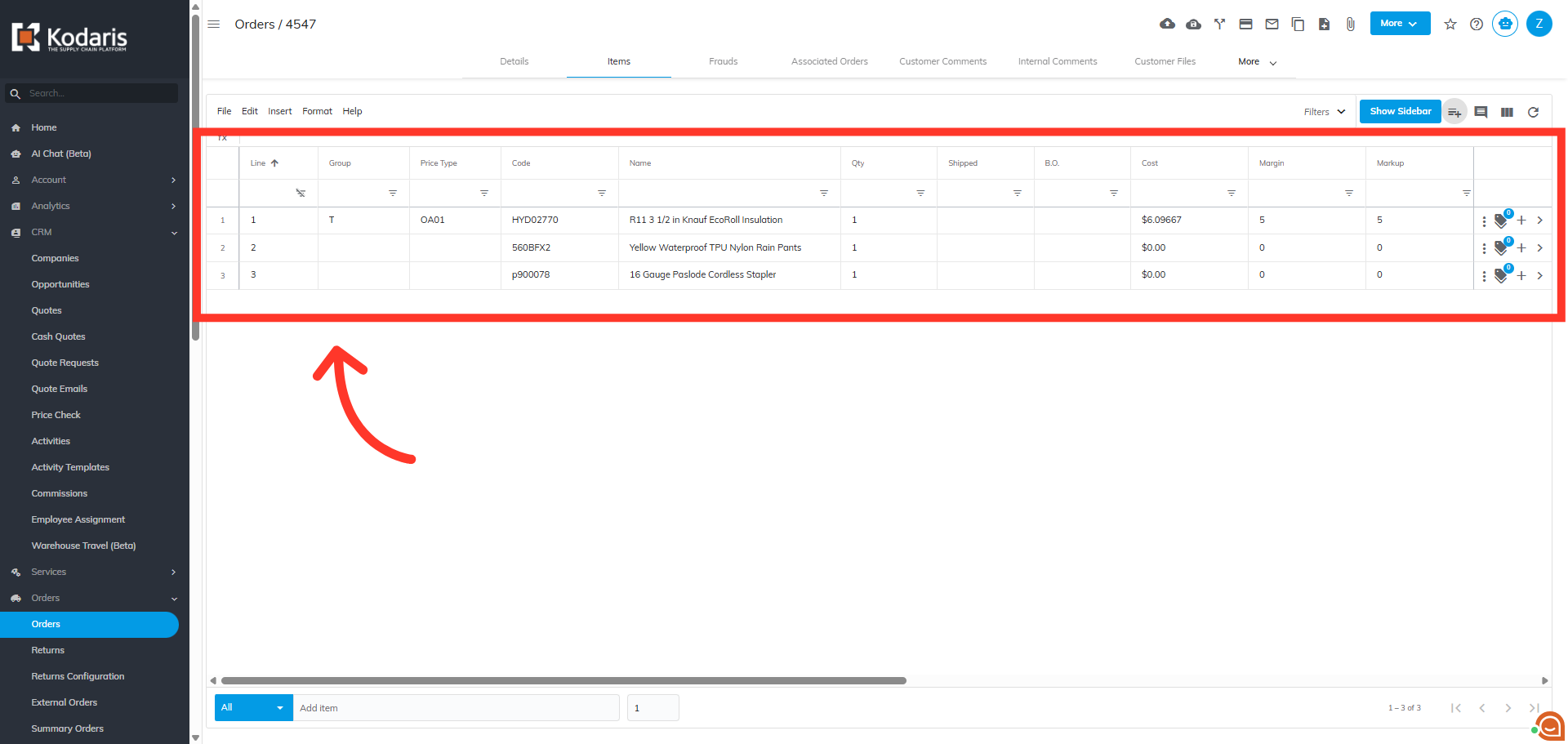
Review Order Line Details
Once the items have been added you can review the order line details including price and quantity for accuracy.