
Commerce - Display or Hide Ship To's on the Commerce Website
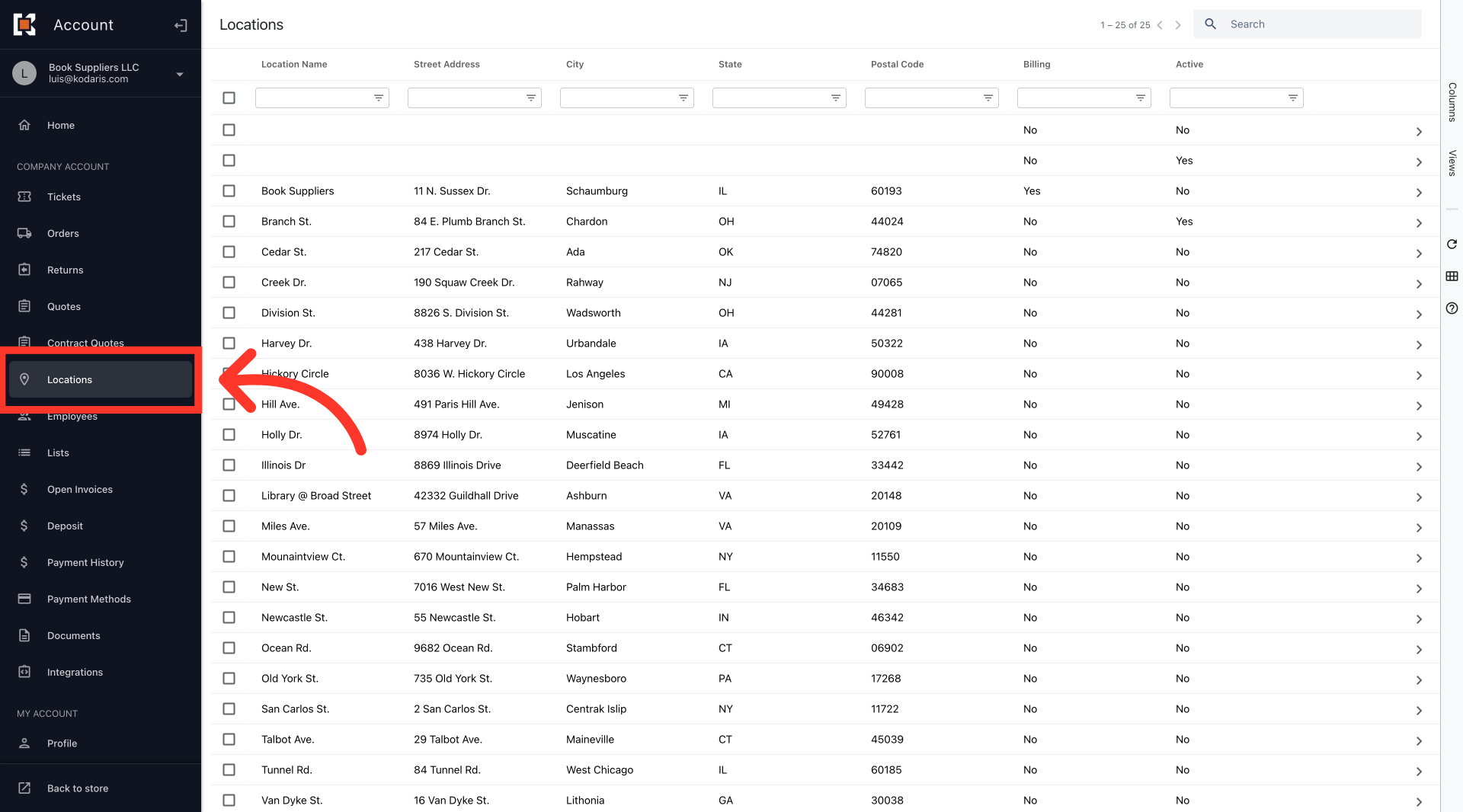
Navigate to "Locations"
To display or hide ship-to's on the commerce site, log in to your Customer Portal and navigate to the "Locations" screen. In order to access "Locations" you will need to have the role of "Company Admin" or "Edit Assigned Locations".
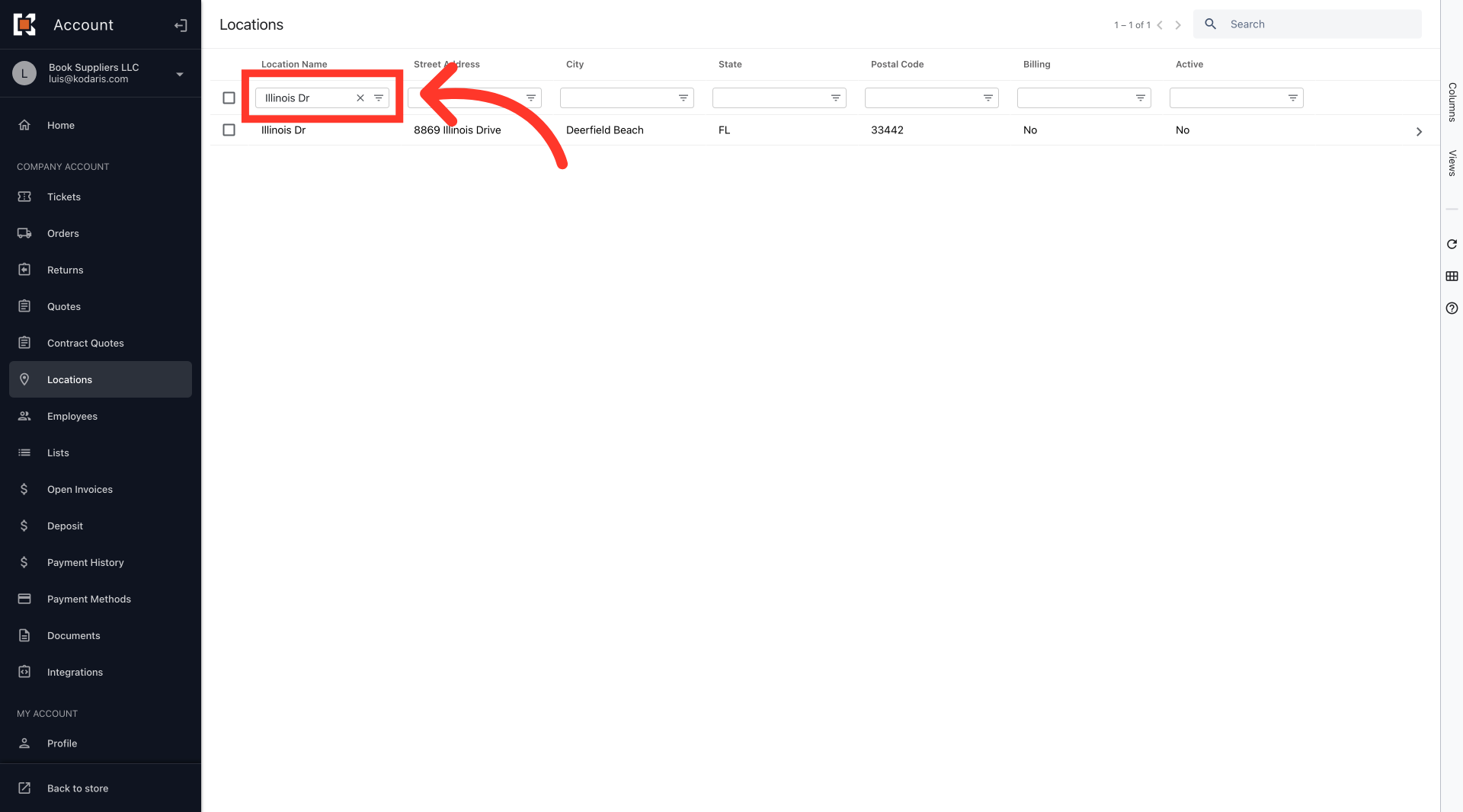
Search for the location
Search for the location. Type in the name of the location address that you want to display or hide in the "Location Name" column filter or "Search" field.
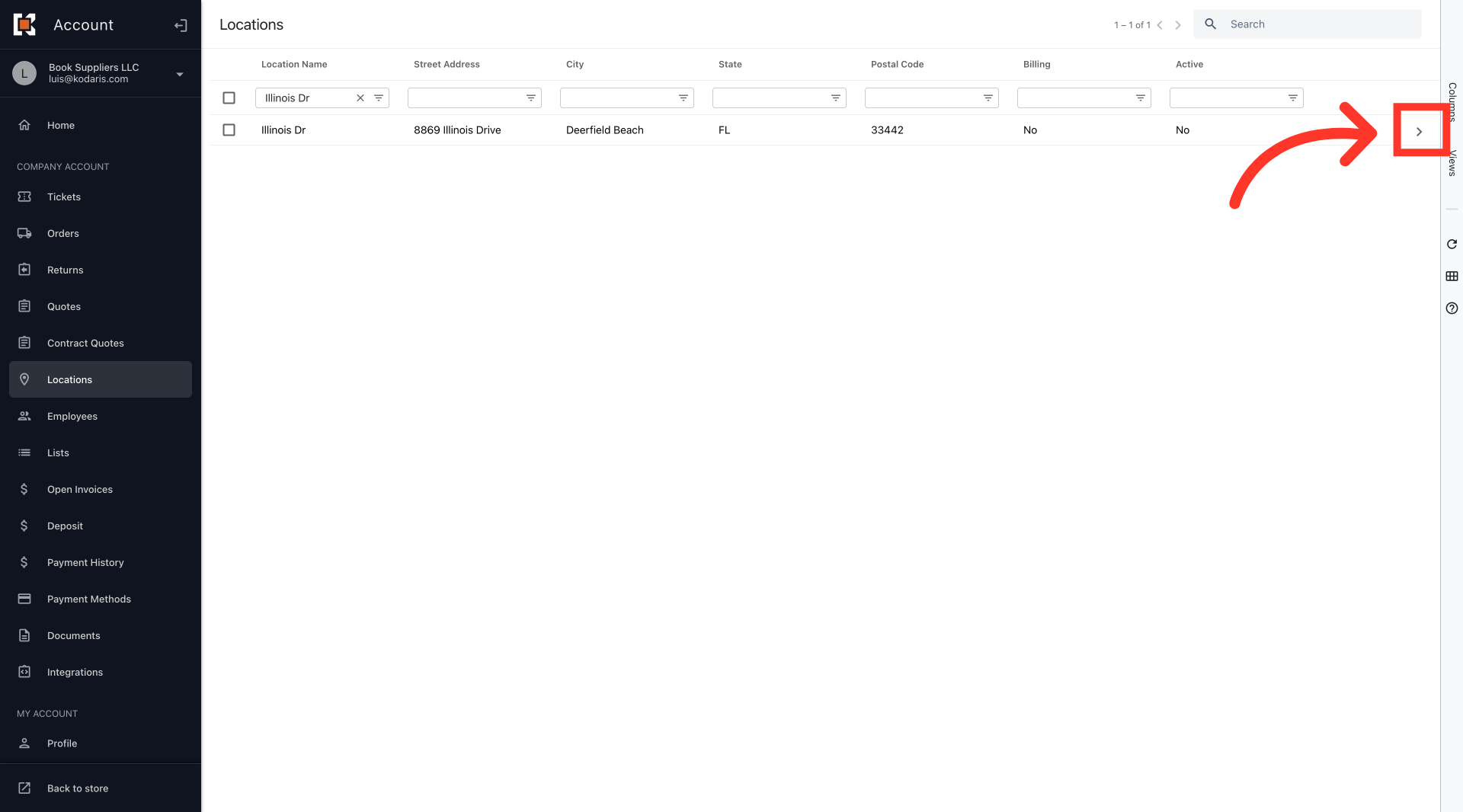
Click on the more details icon
Click on the more details icon.
Scroll down to the "Active" field
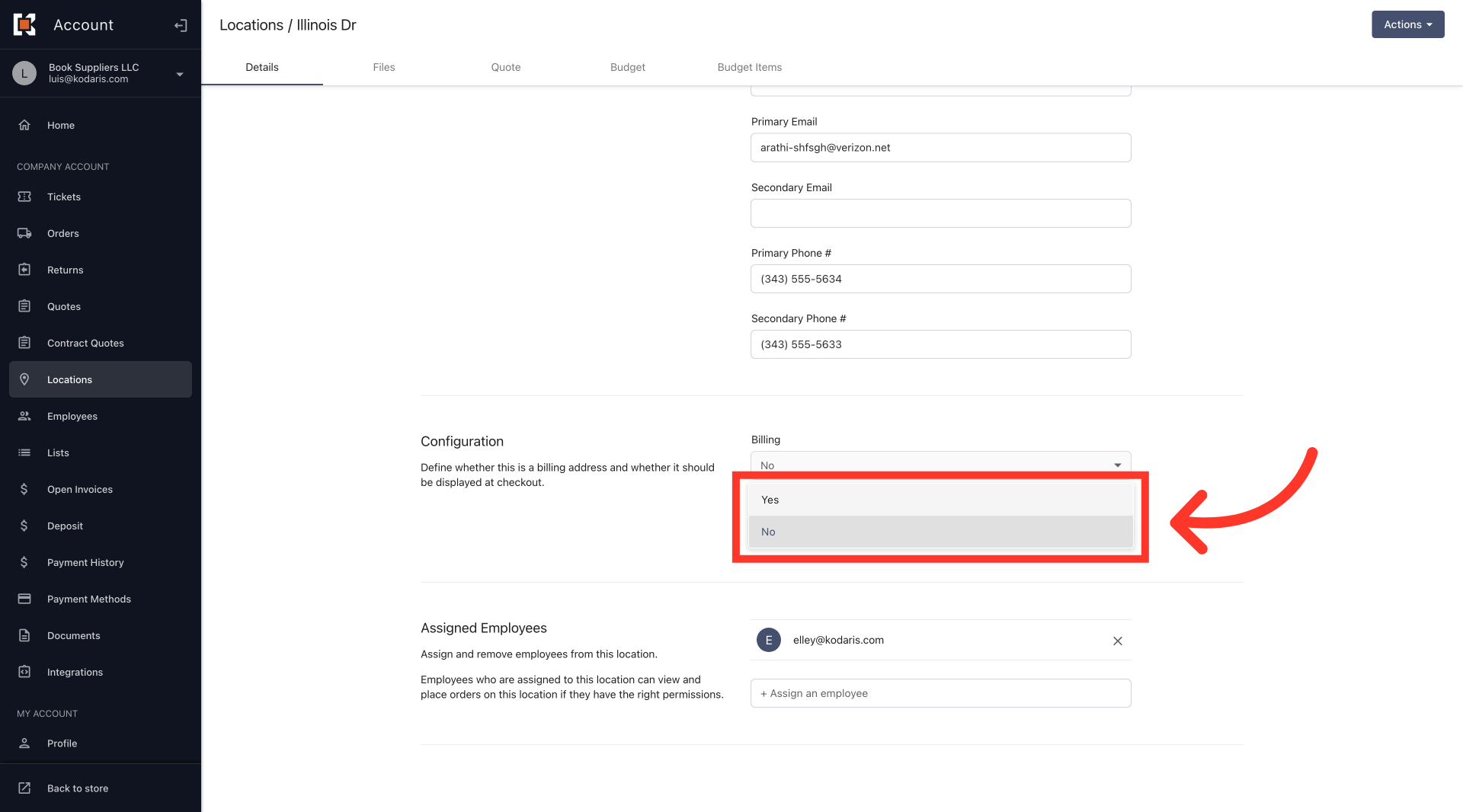
Scroll down to the "Configuration" section of the page where you will find the "Active" dropdown.
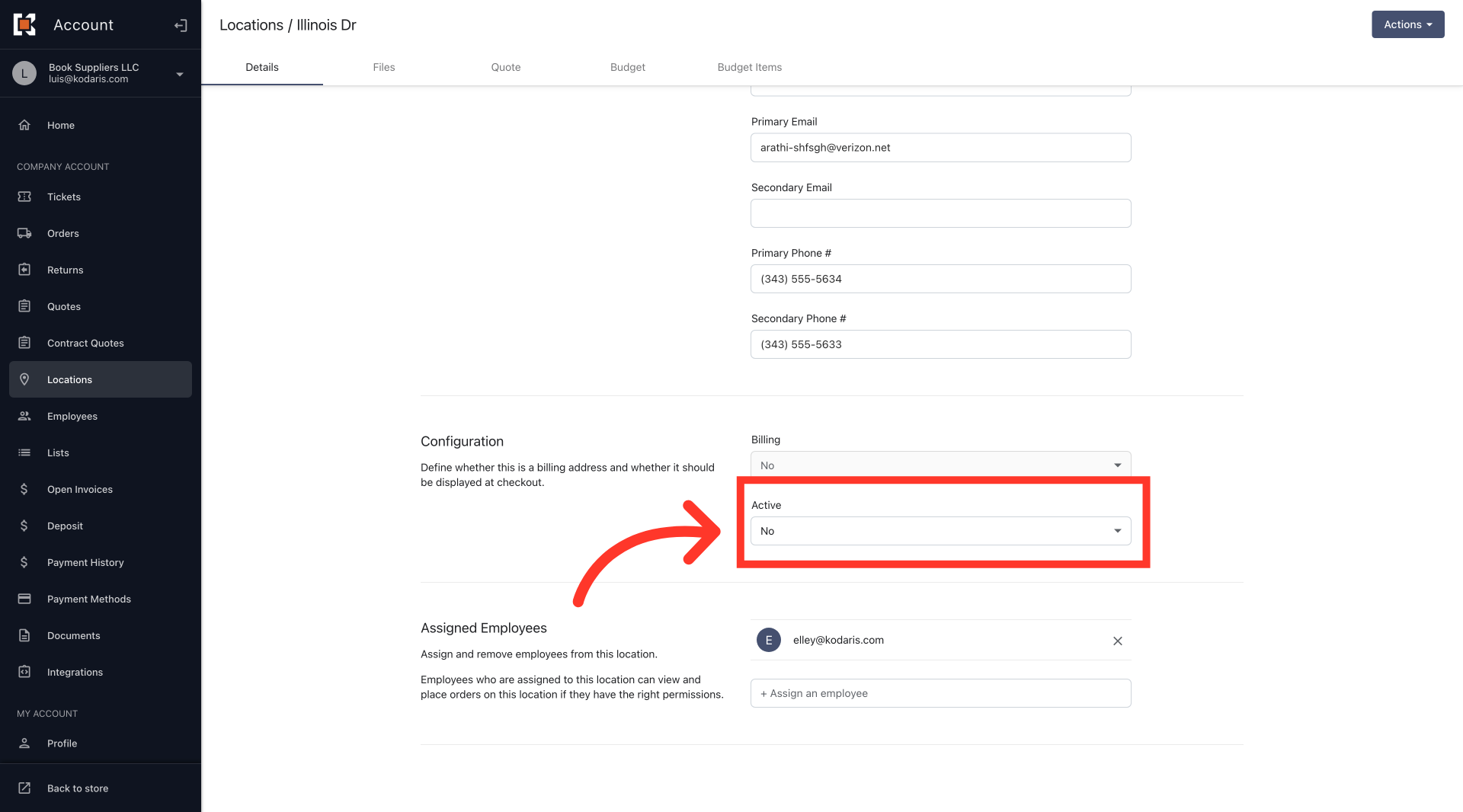
Select from the options
Select from the options. Change the value to "Yes" to make the location visible and select "No" to hide. The setting will automatically update once the selection has been made.
In this article