Commerce - Export Price List from a Company Catalog
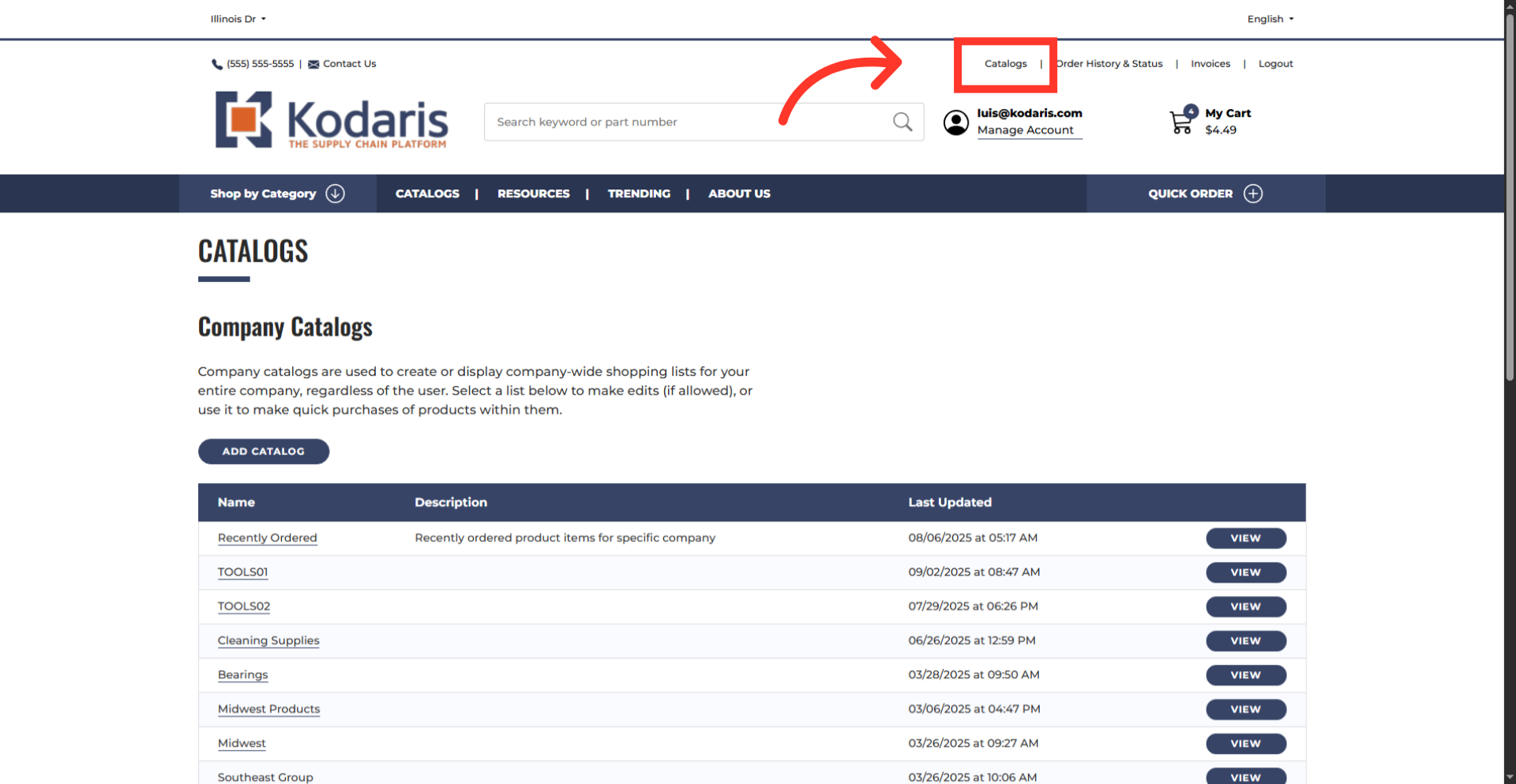
Navigate to "Catalogs"
To export a price list from a company catalog, log in to your commerce site and go to the "Catalog" screen to view your existing company catalogs. In order to download a price list you will need the "Company Admin" permission.
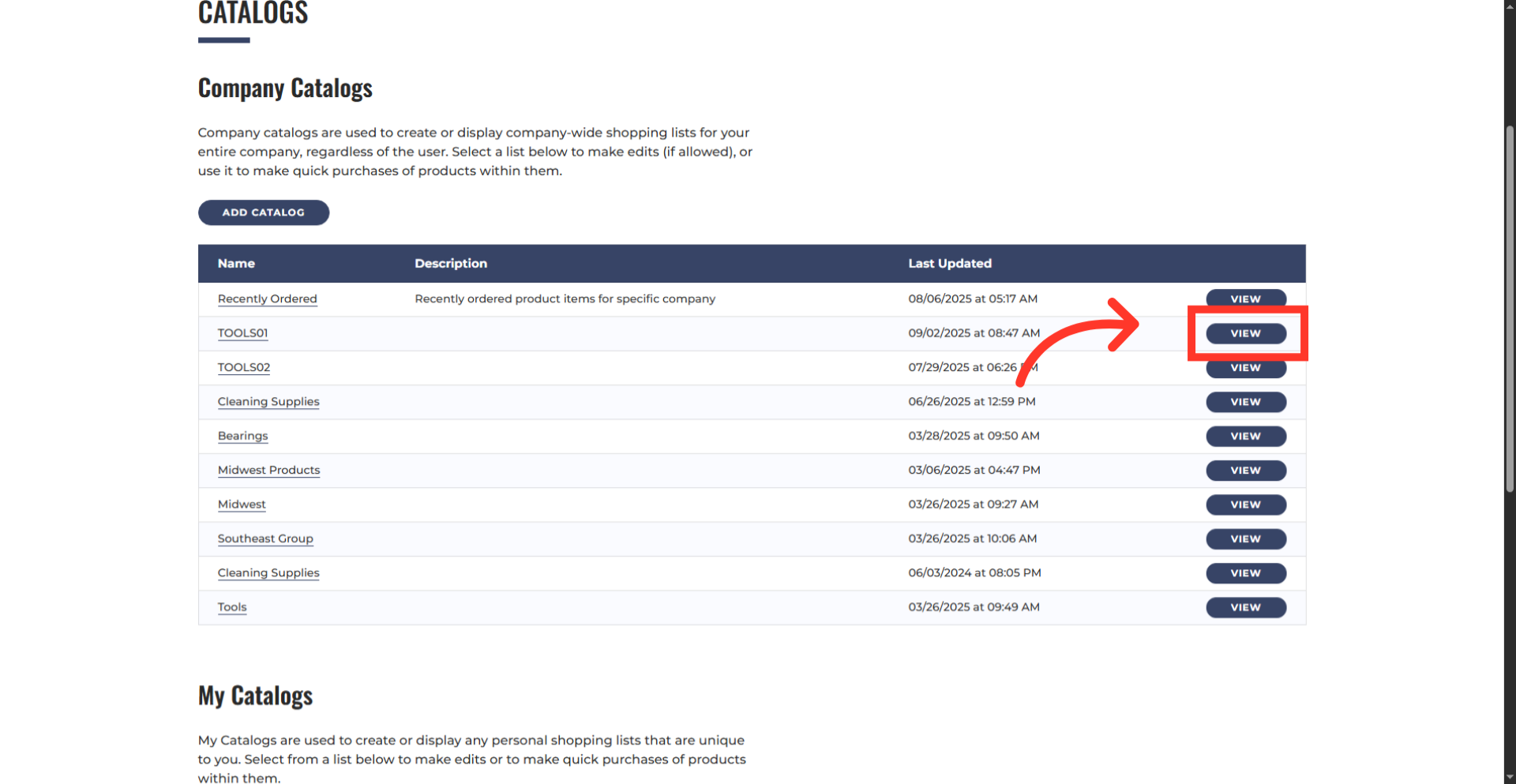
View your catalog details
Click the "View" button of the company catalog you want to work with.
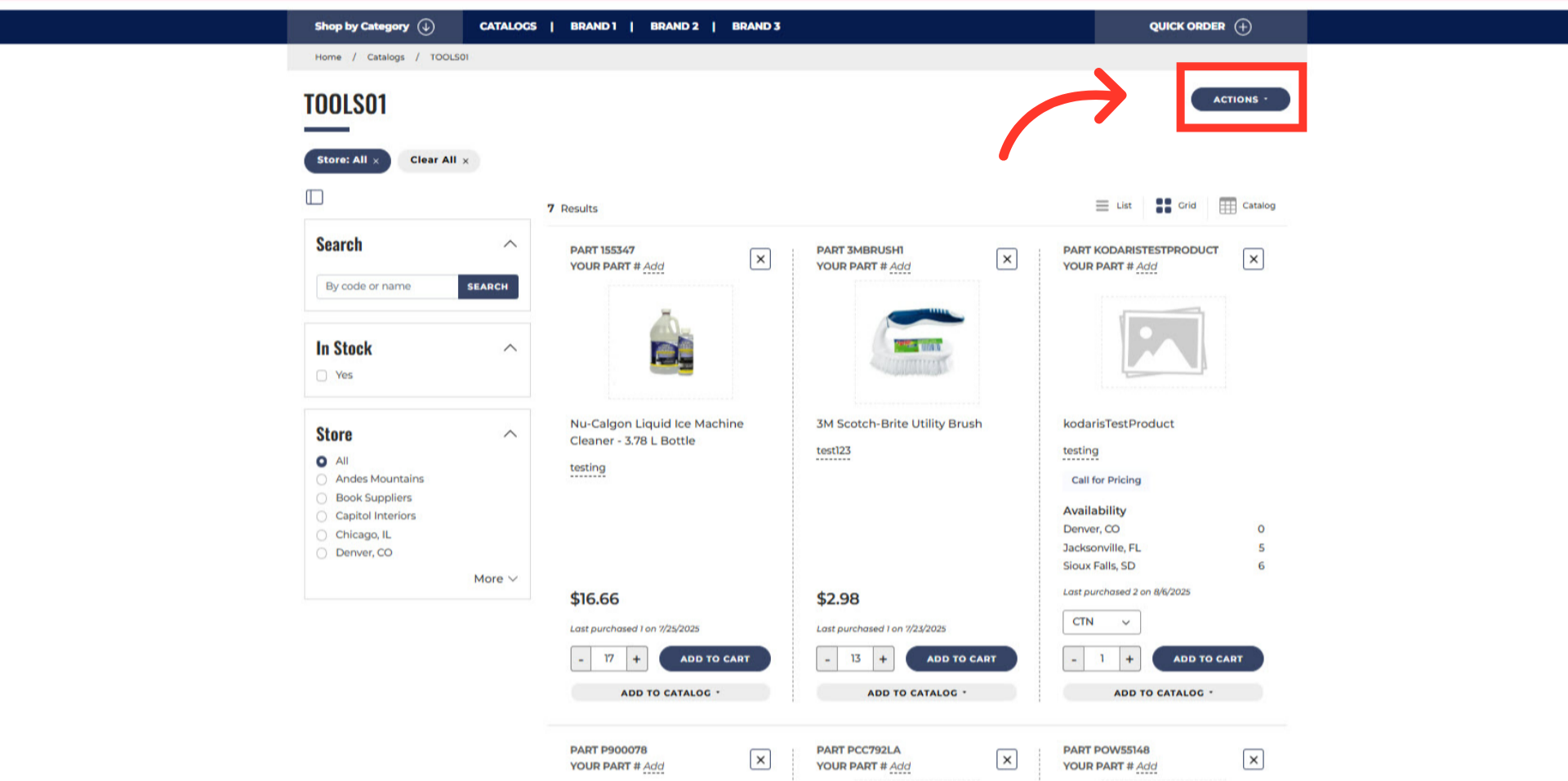
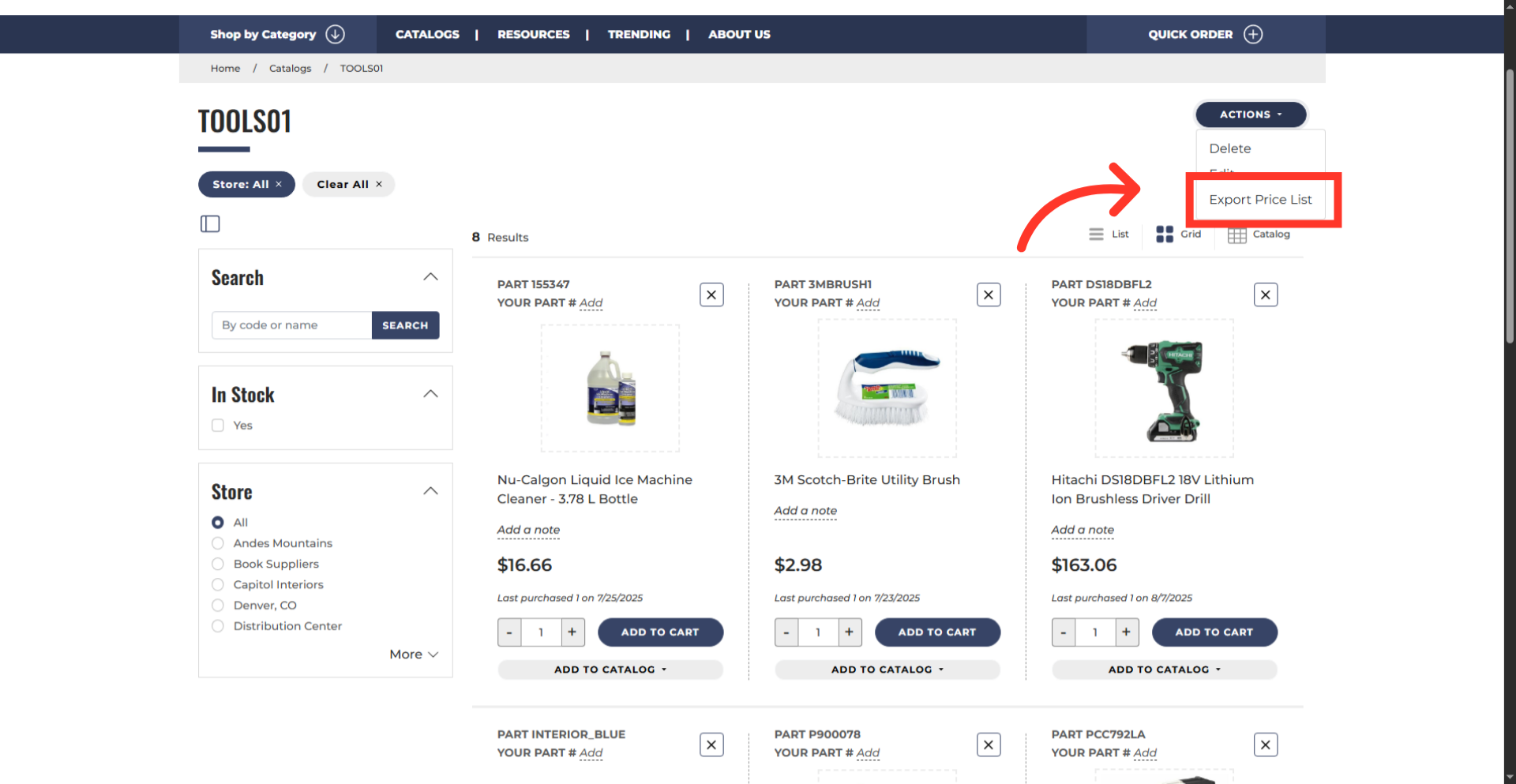
Click "ACTIONS"
Once the catalog page is open, click the "ACTIONS" dropdown to view the options.
Click "Export Price List"
Then, click "Export Price List" to start the export.
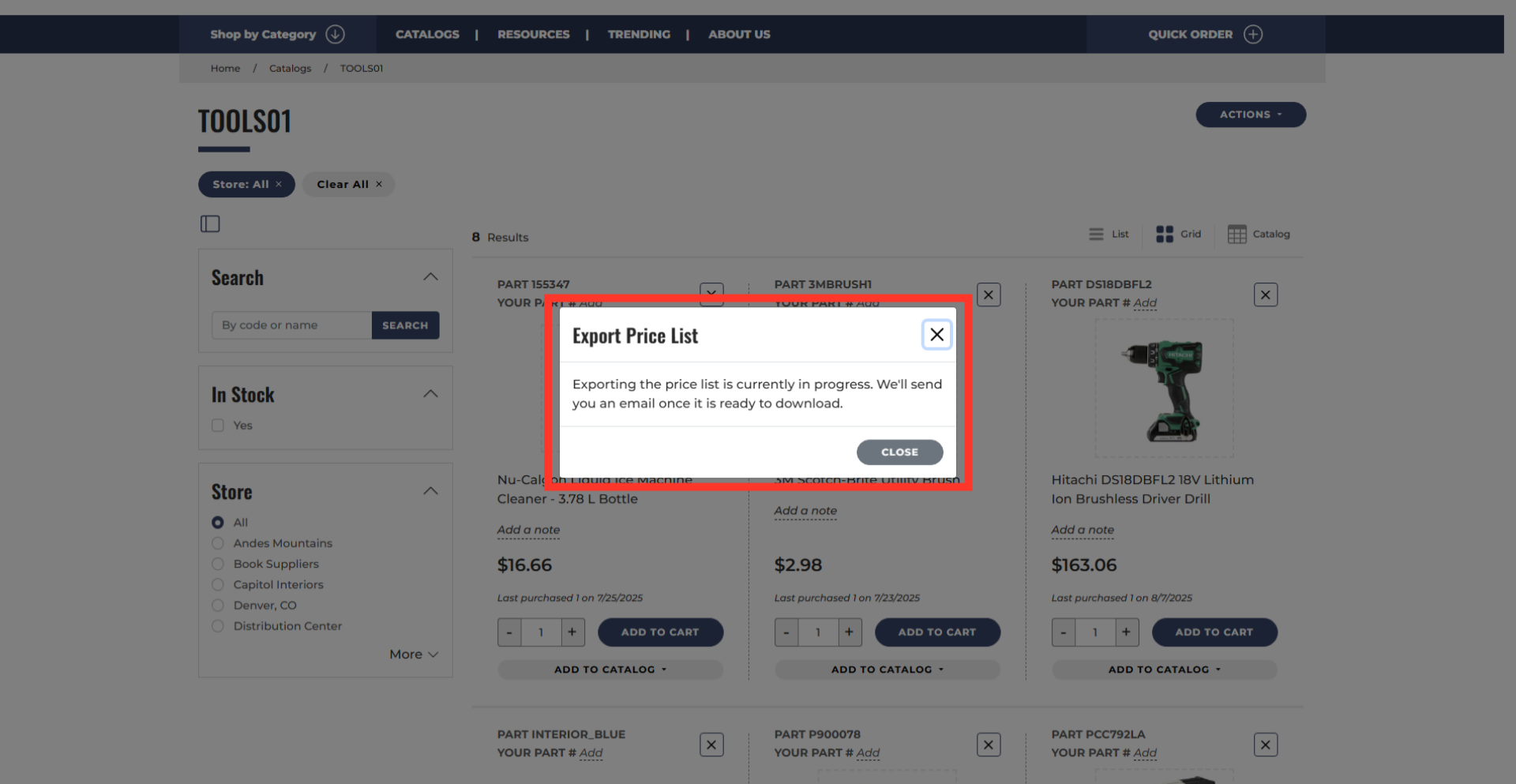
Export notification
A new window will confirm that the export has started. You will receive an email with a link to download the file once it is ready.
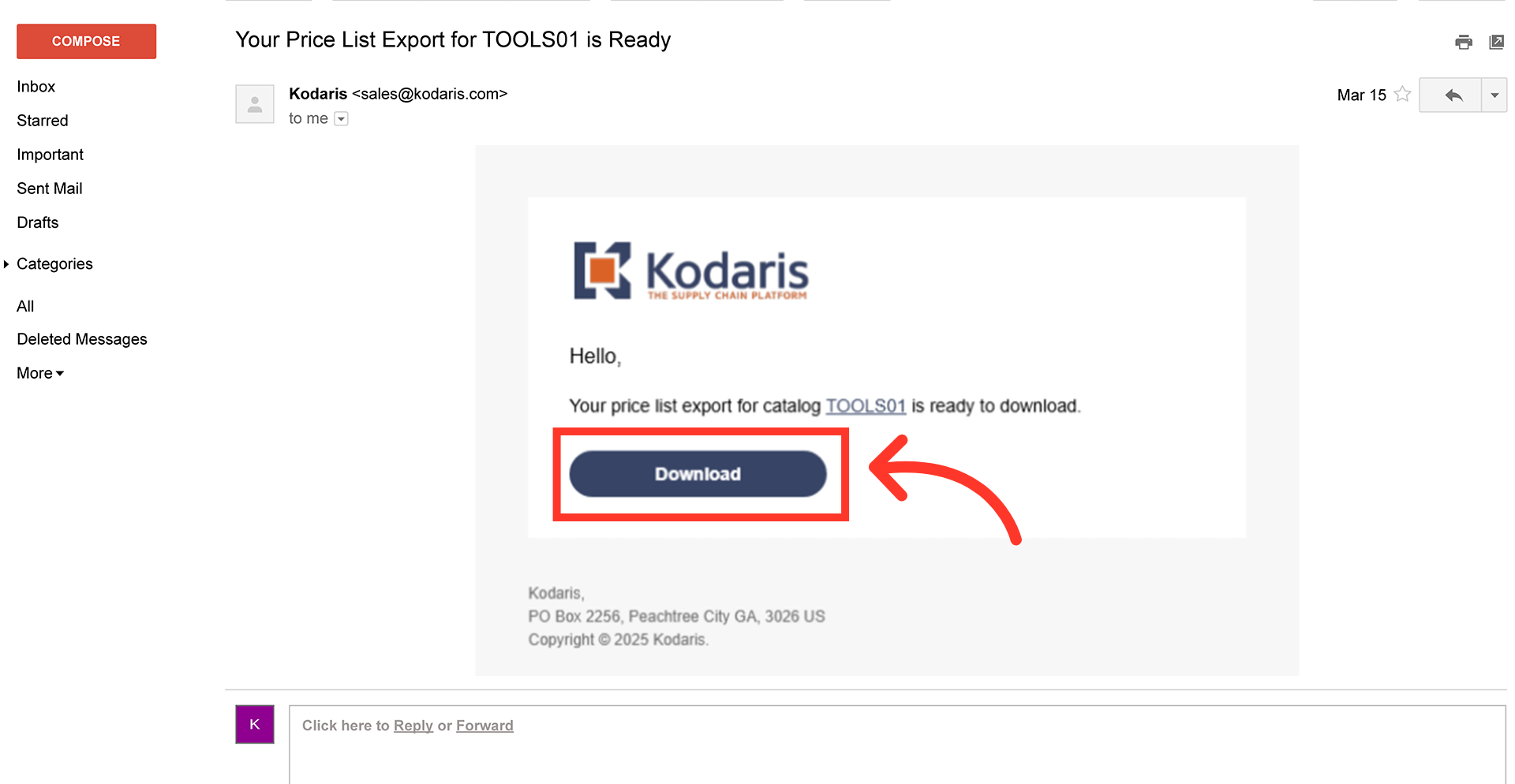
Download the file
Once you receive the email, click the "Download" button to get your file.
Rename the file, if needed
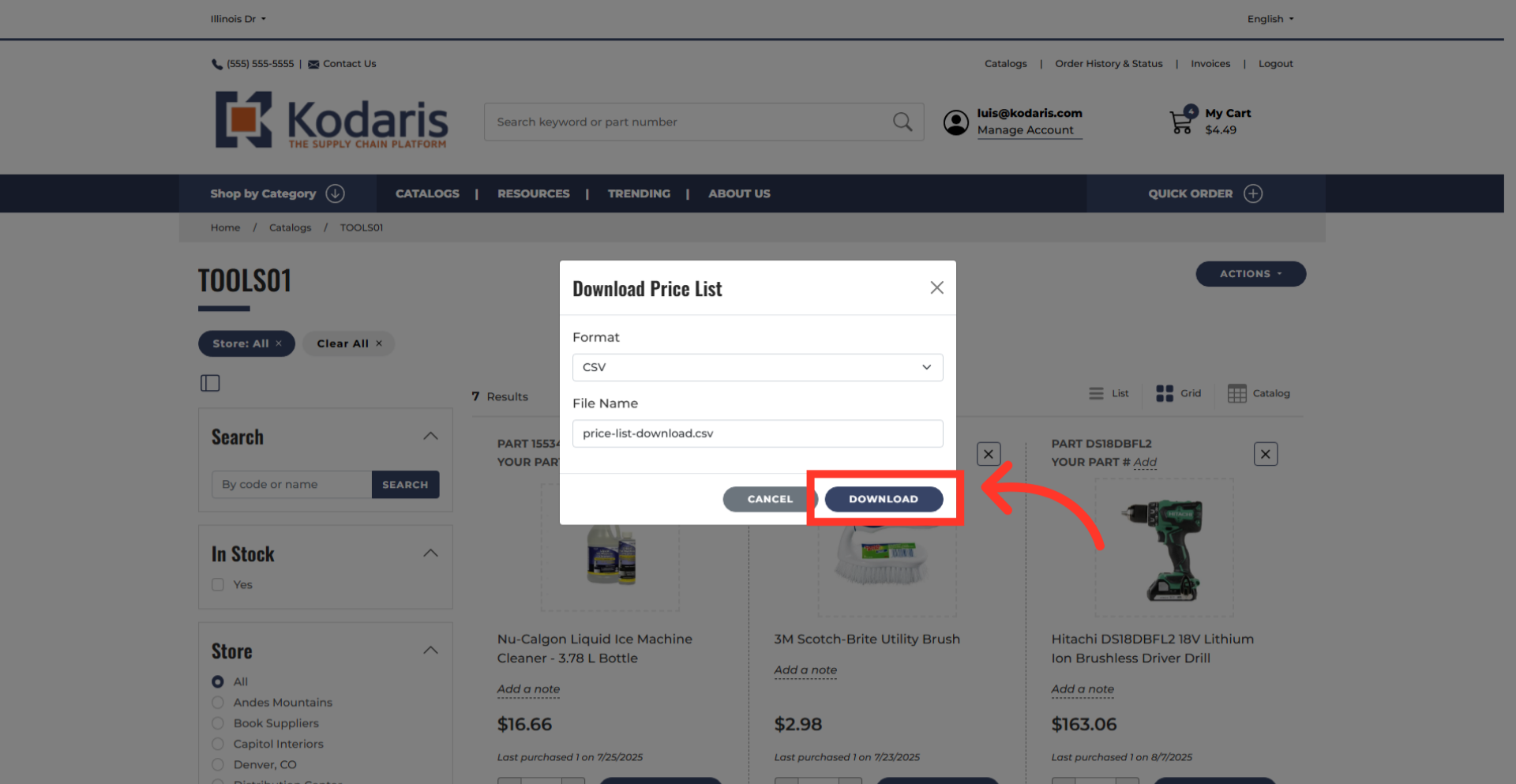
You will be redirected to a new browser tab where a window will automatically appear. From there, select your preferred file format. You can also rename the file, if needed.
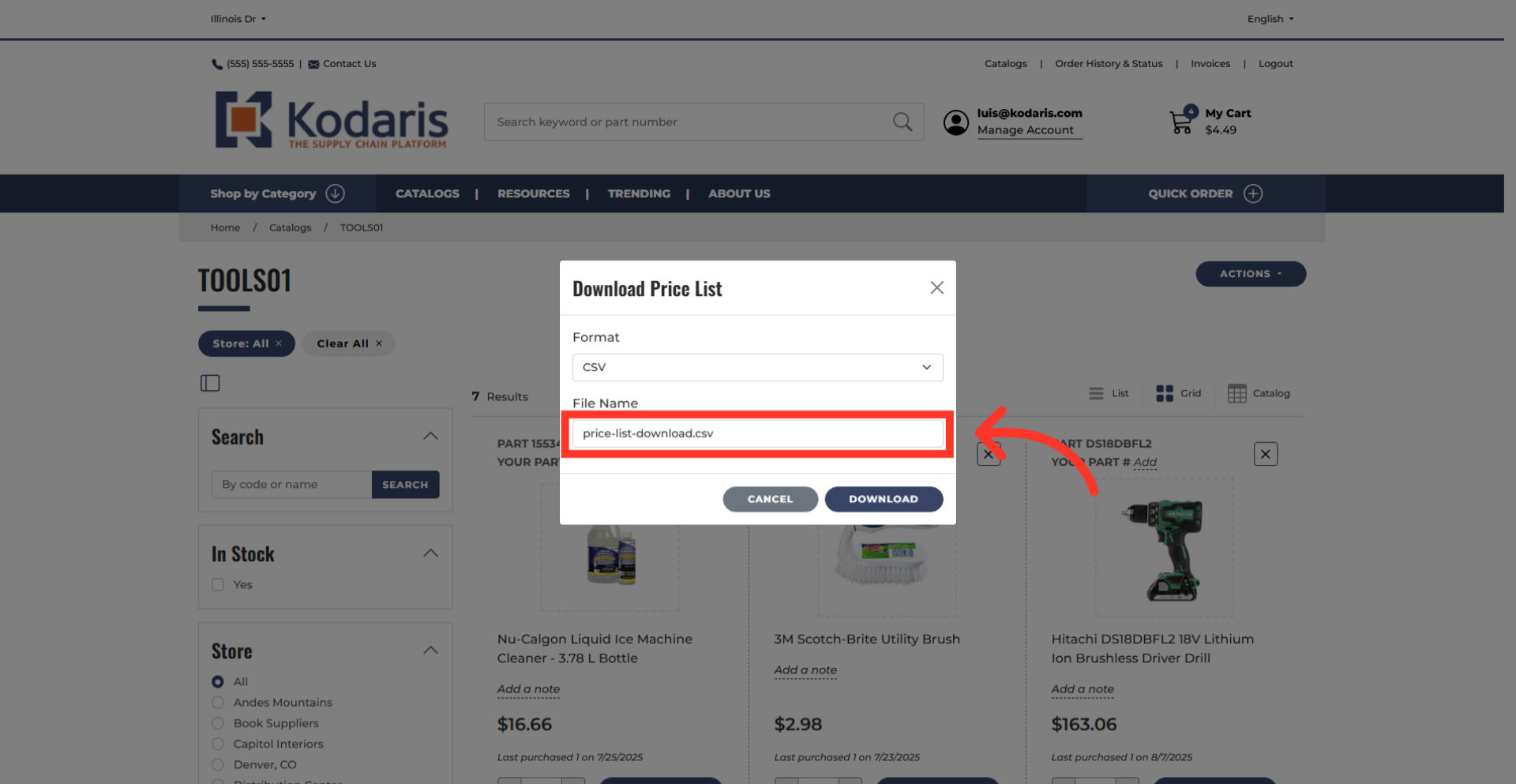
Click on the "Download" button
Once done, click the "Download" button.