Operations System - Set Up Fedex Shipping by Host
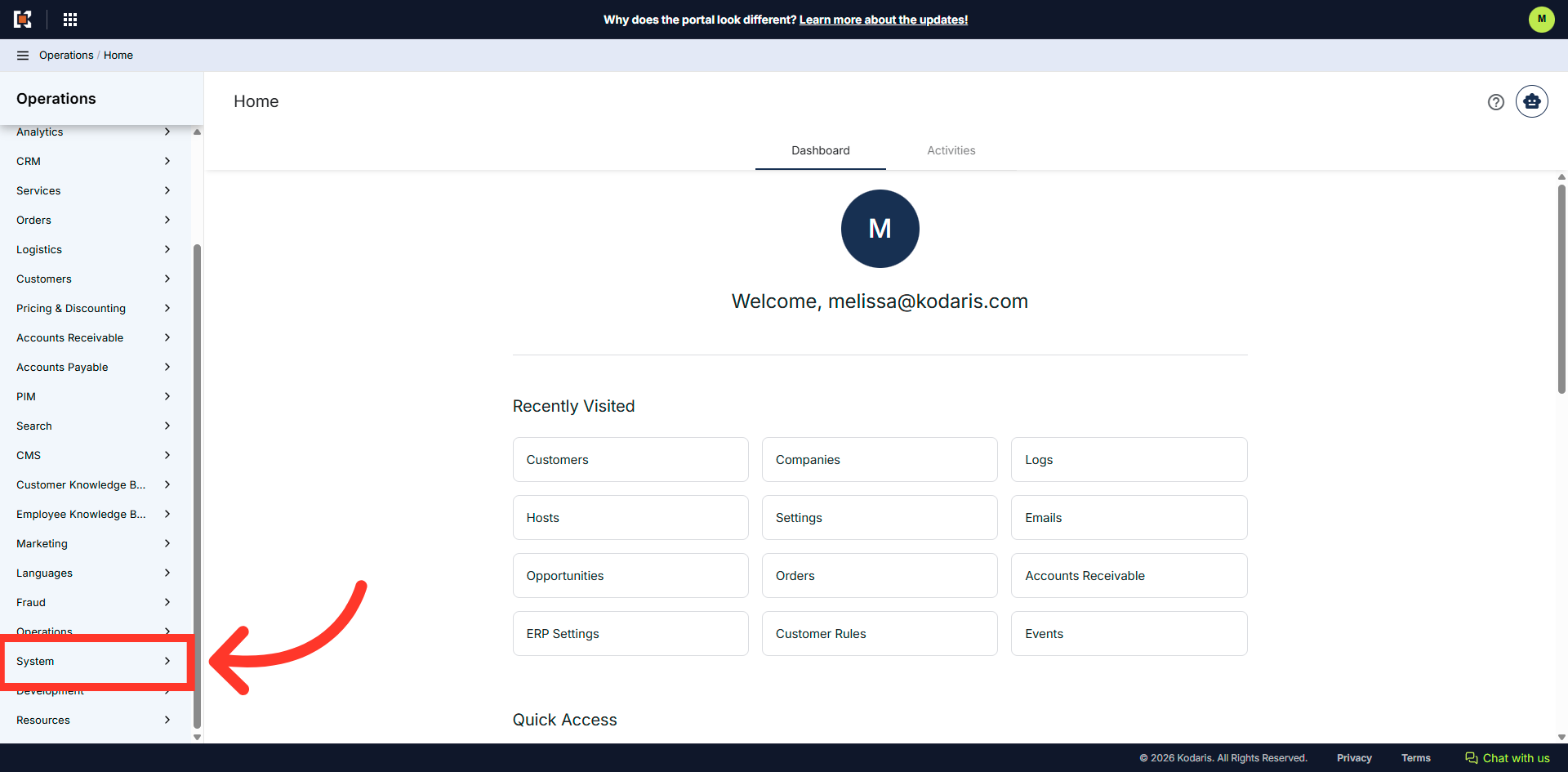
Navigate to the "System" section
To use this feature, be sure that your system is configured for multi-site hosts. In order to set up Fedex Shipping by host, navigate to the "System" section in the operations portal.
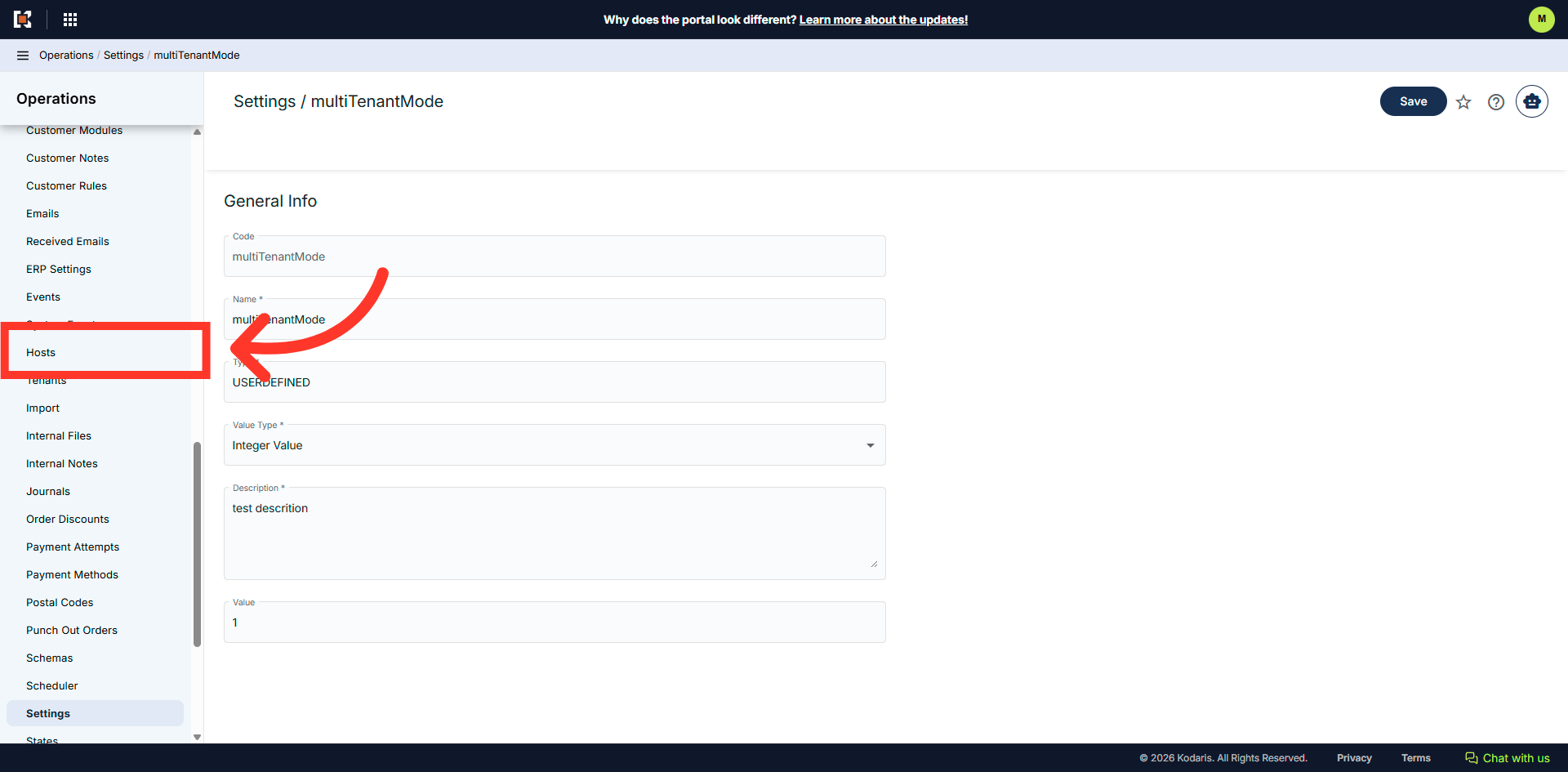
Click "Hosts"
Go to "Hosts" in the operations portal. In order to access and edit Hosts, you will need to be set up either as an "administrator" or a "superuser", or have the following role: "hostView", "hostEdit".
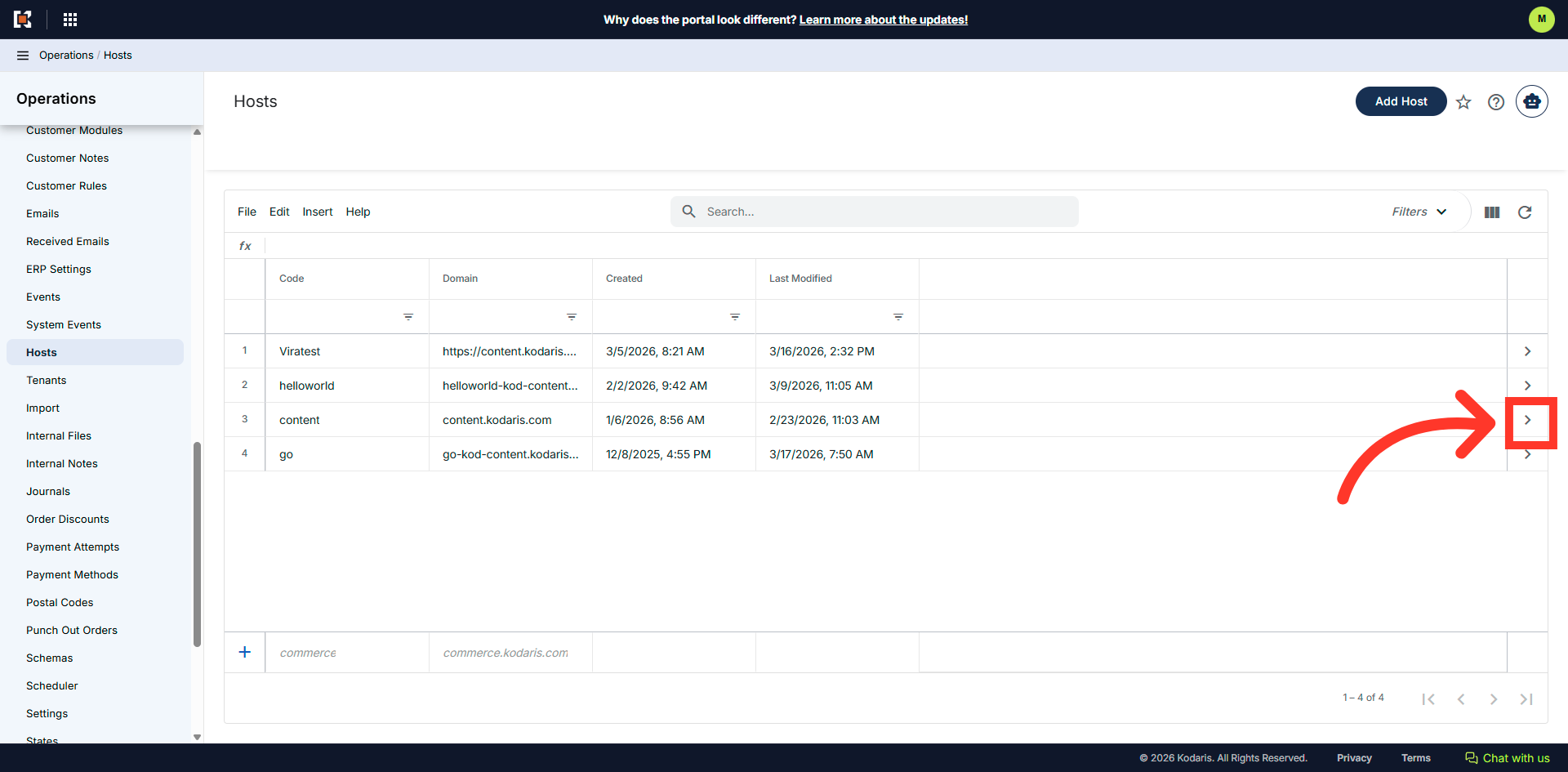
Click on the more details icon
Click on the more details icon of the host you want to update.
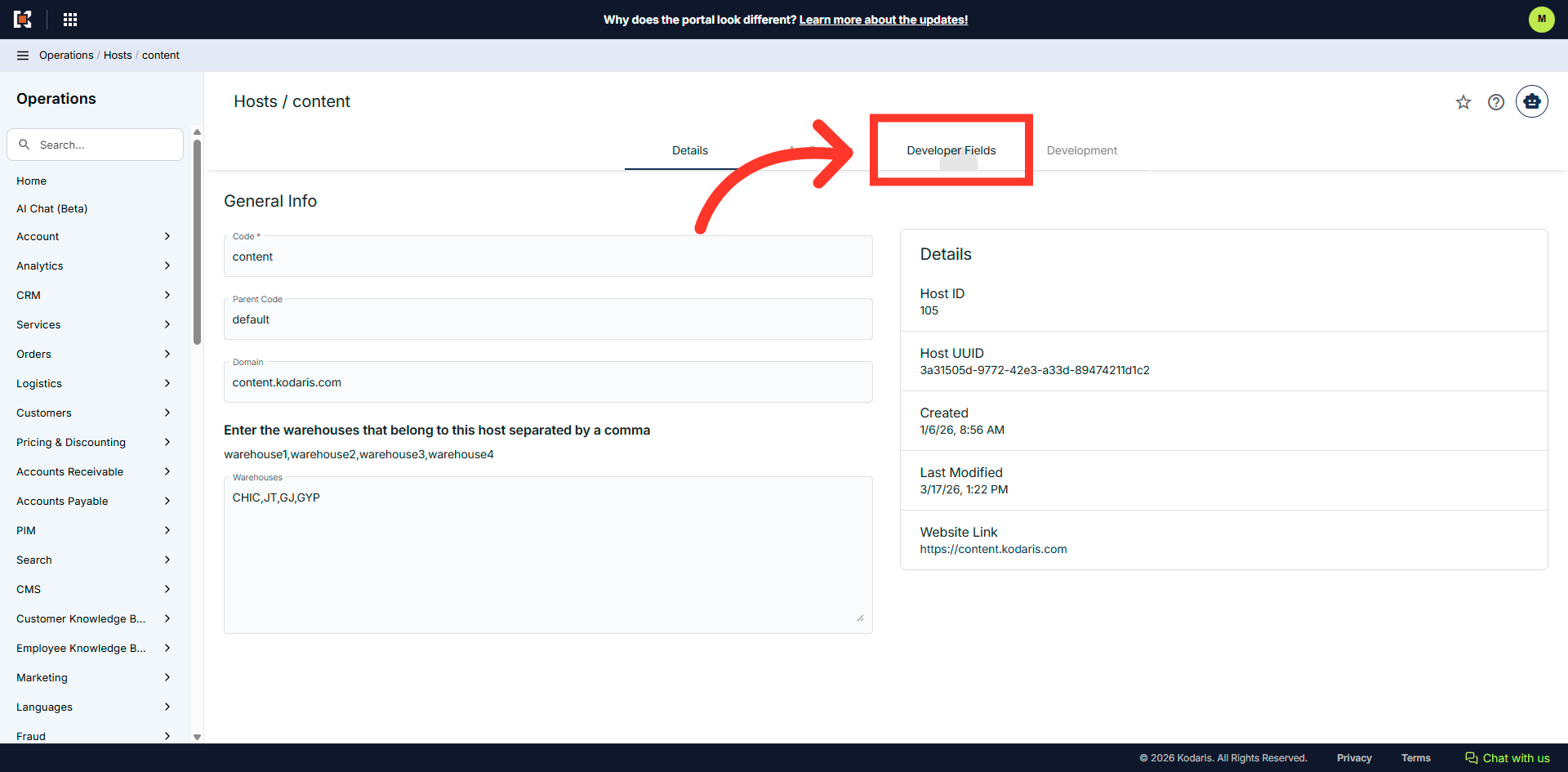
Click the "Developer Fields" tab
Click the "Developer Fields" tab.
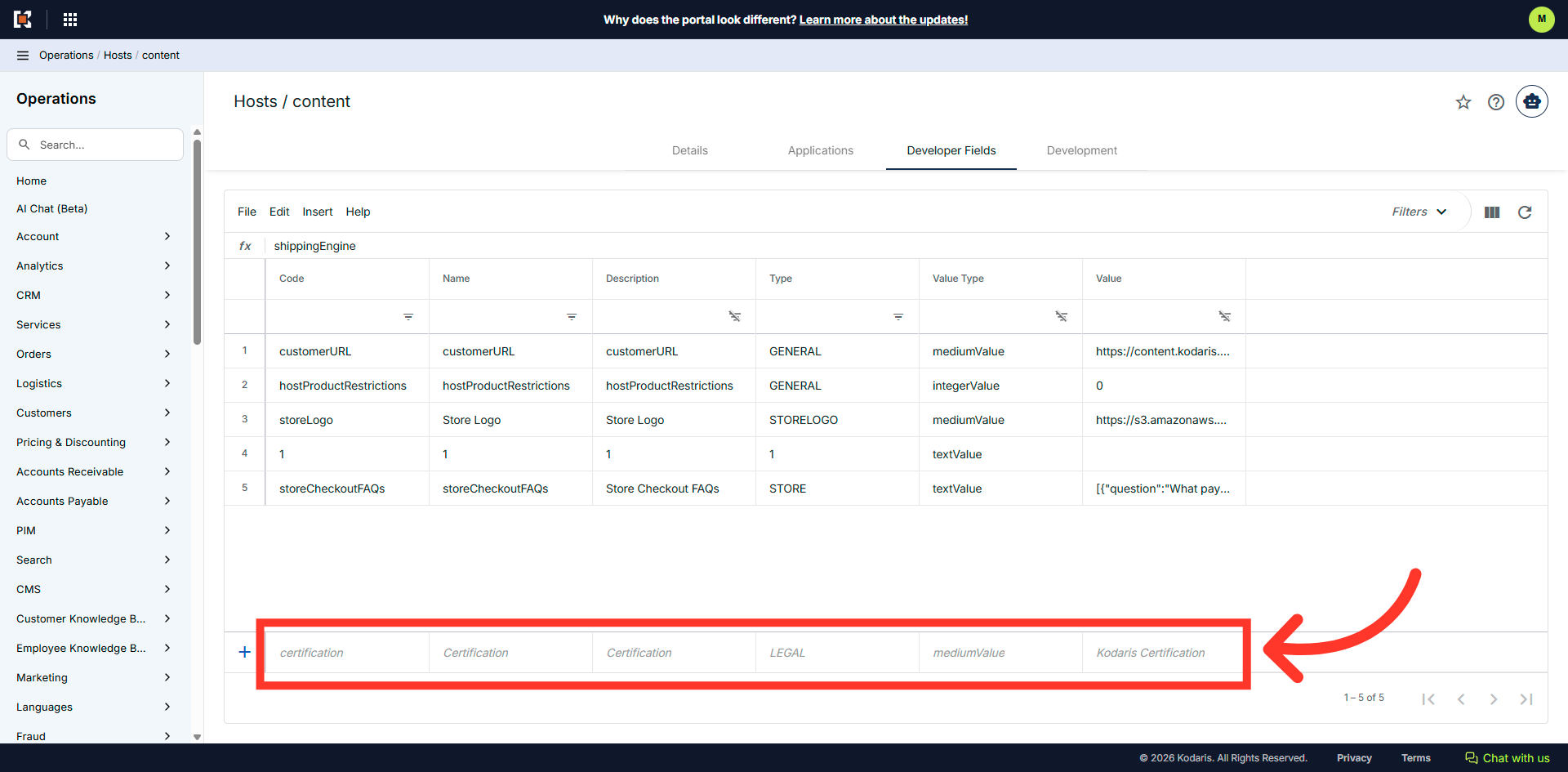
Add the setting
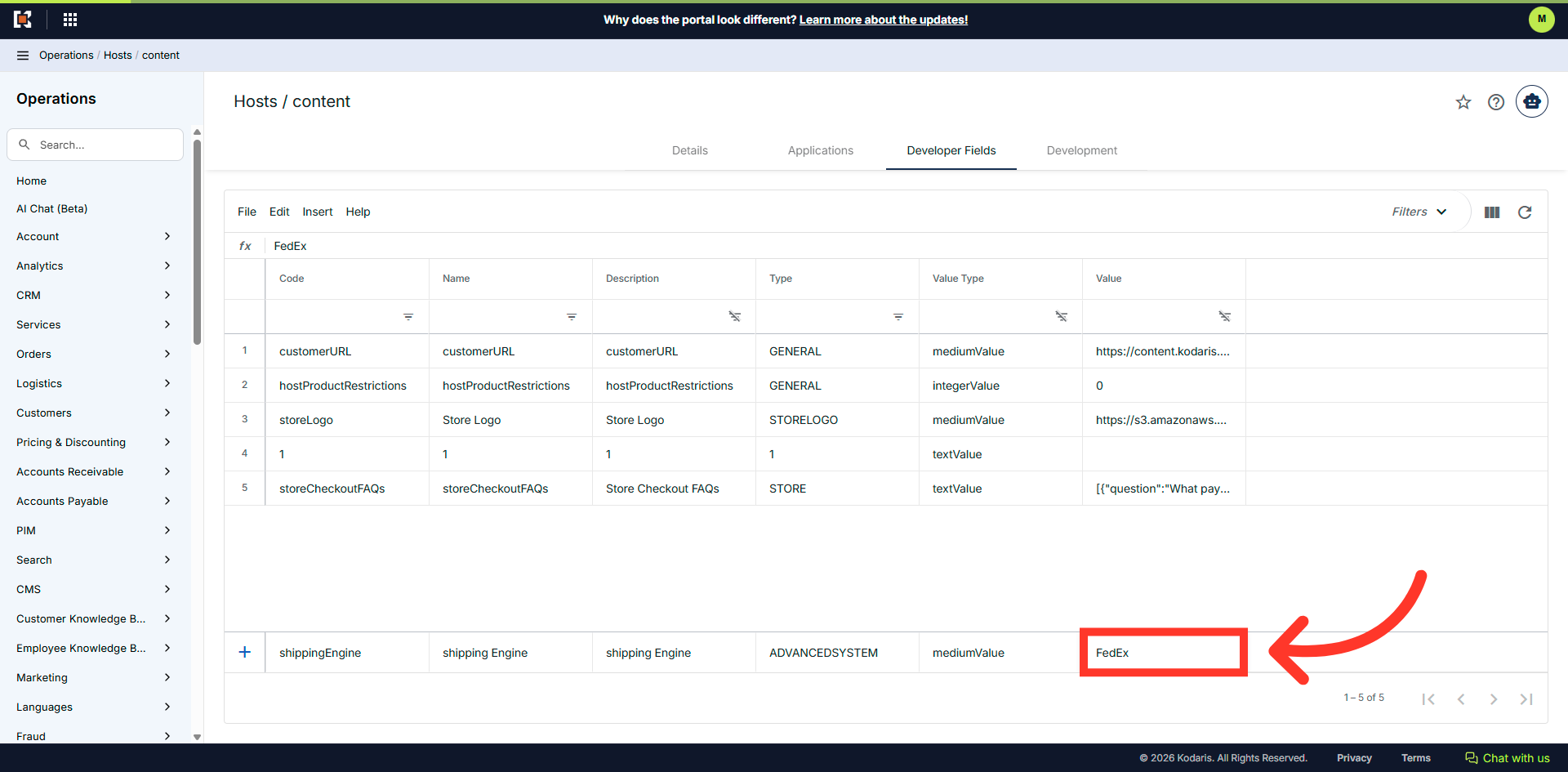
Here, you will need to add the setting for the shipping ngine.
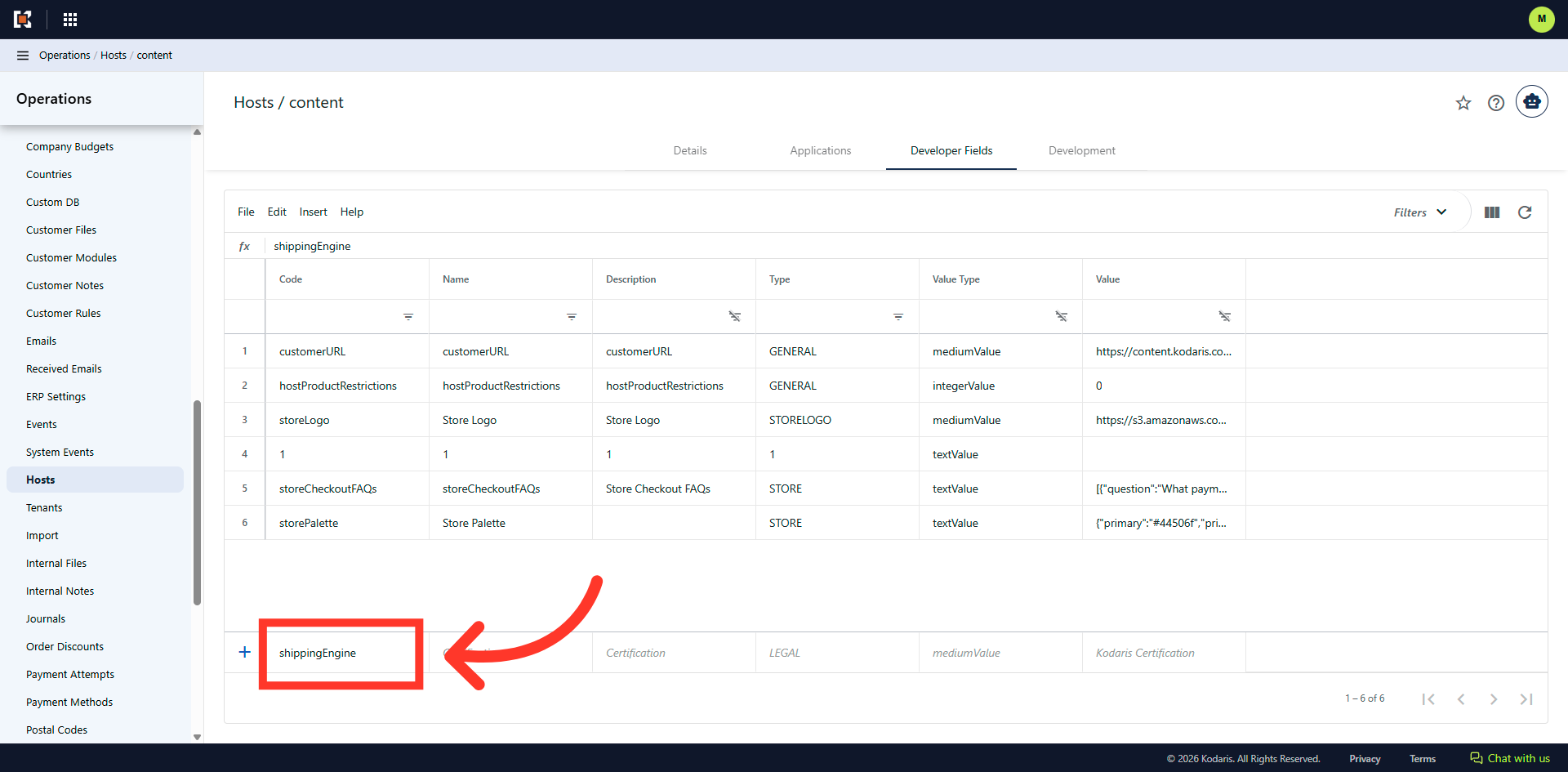
Click and enter "shippingEngine"
Click into the "Code" field, and enter "shippingEngine".
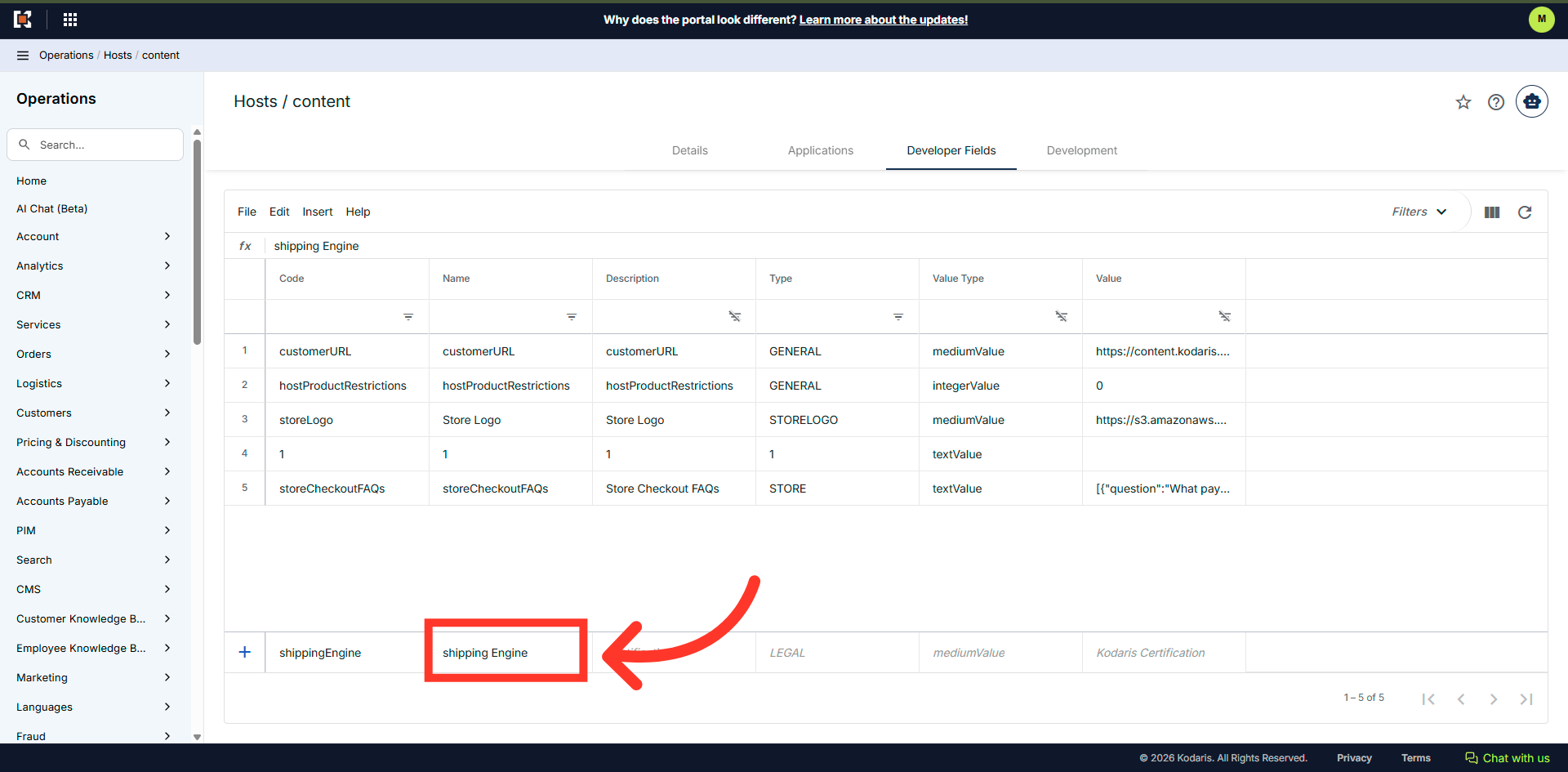
Click and enter "shipping Engine"
Click into the "Name" column, and enter "Shipping Engine".
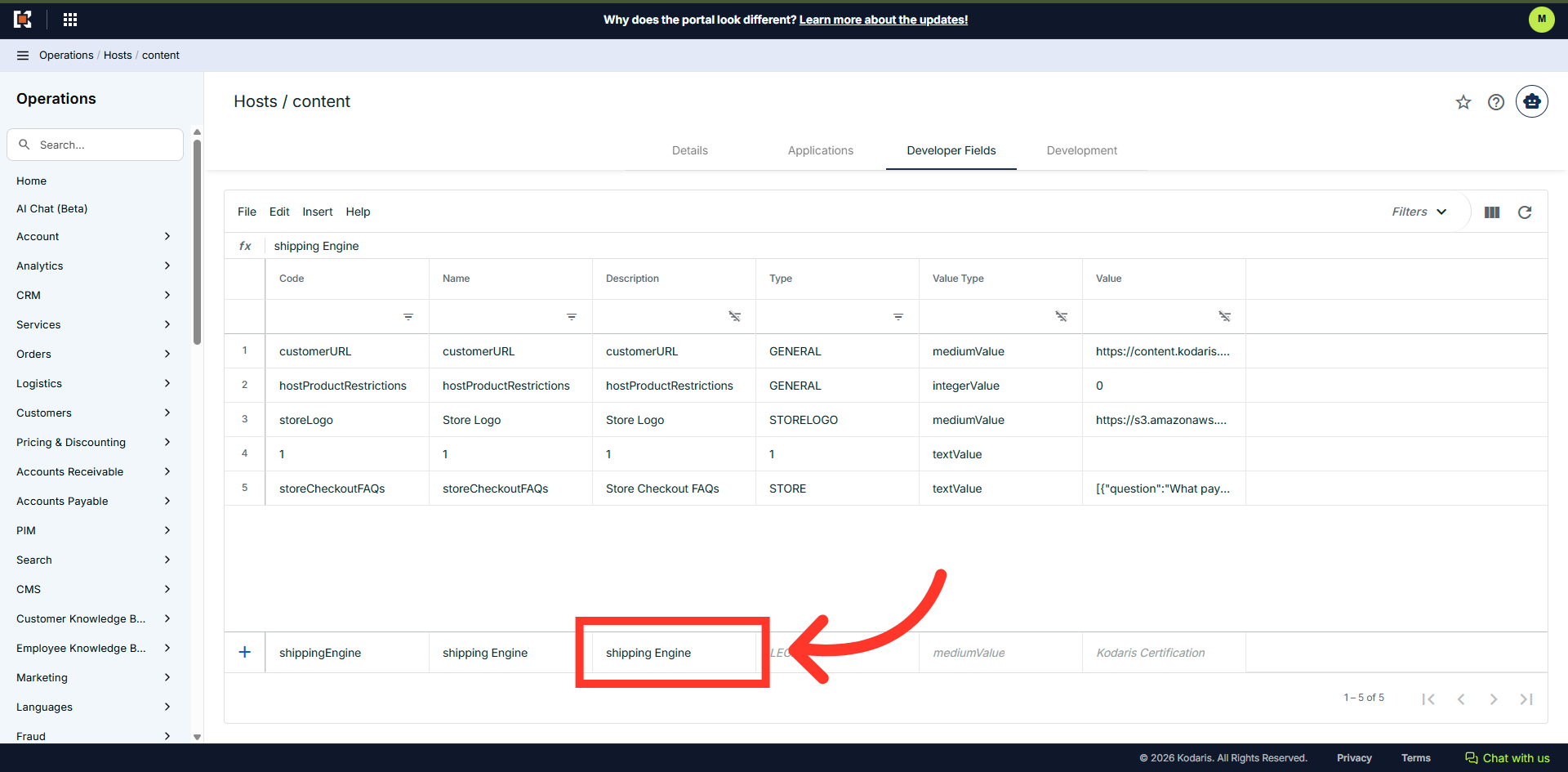
Click and enter "shipping Engine"
Click into the "Description" field and enter "Shipping Engine".
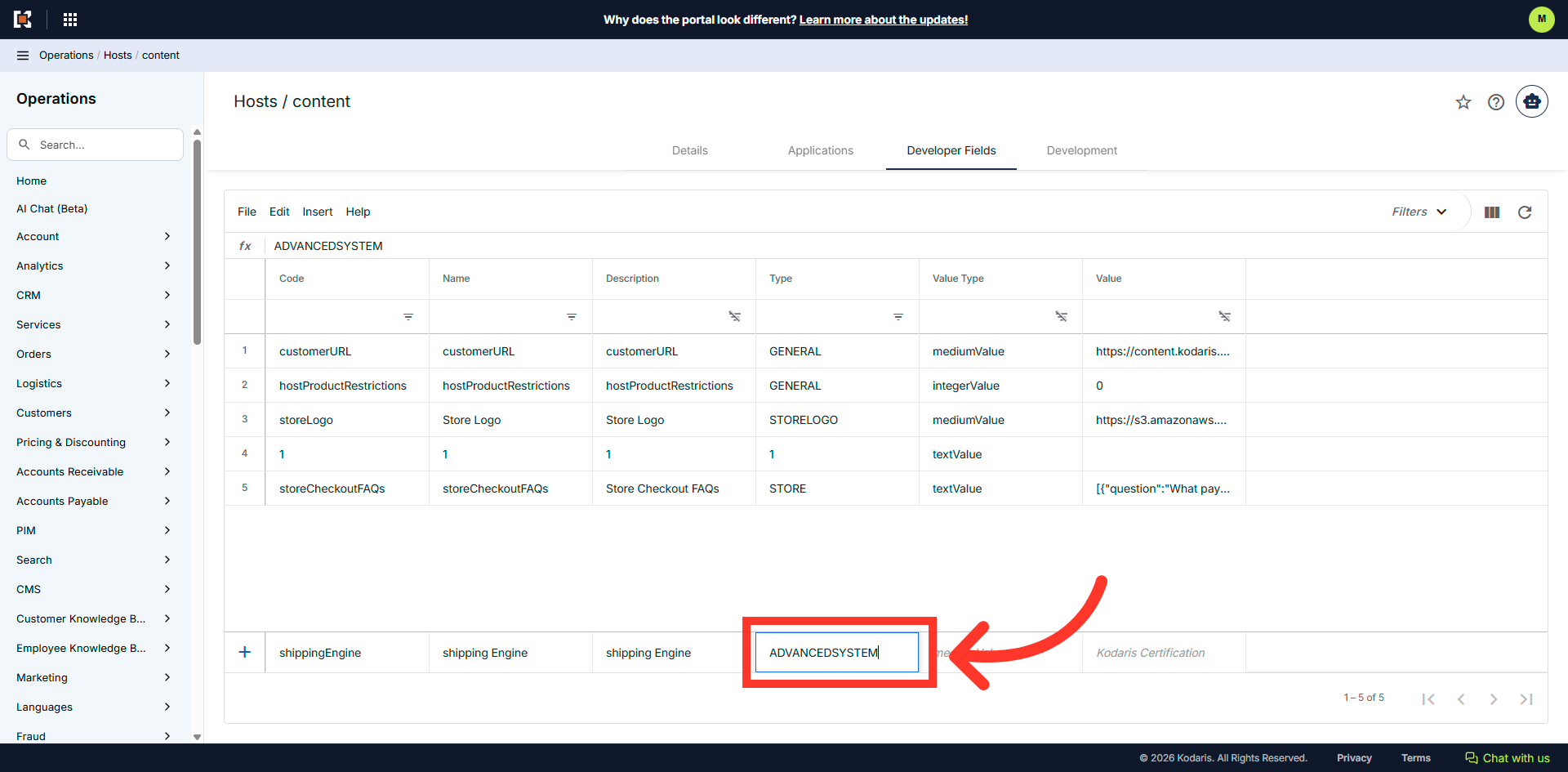
Click and enter "ADVANCEDSYSTEM"
Click and enter "ADVANCEDSYSTEM" for the "Type" column.
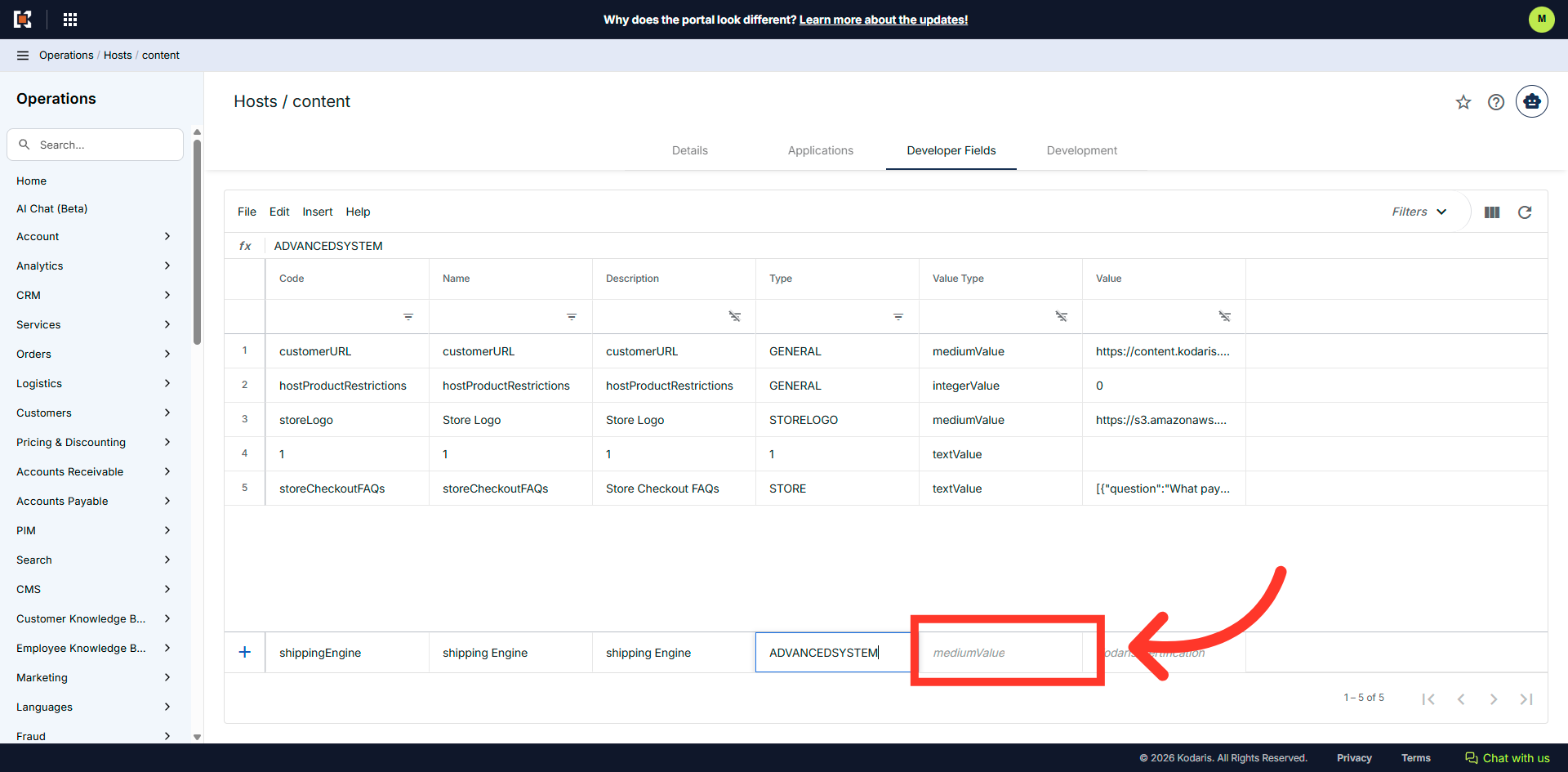
Click the "Value Type" cell
Click in the "Value Type" cell.
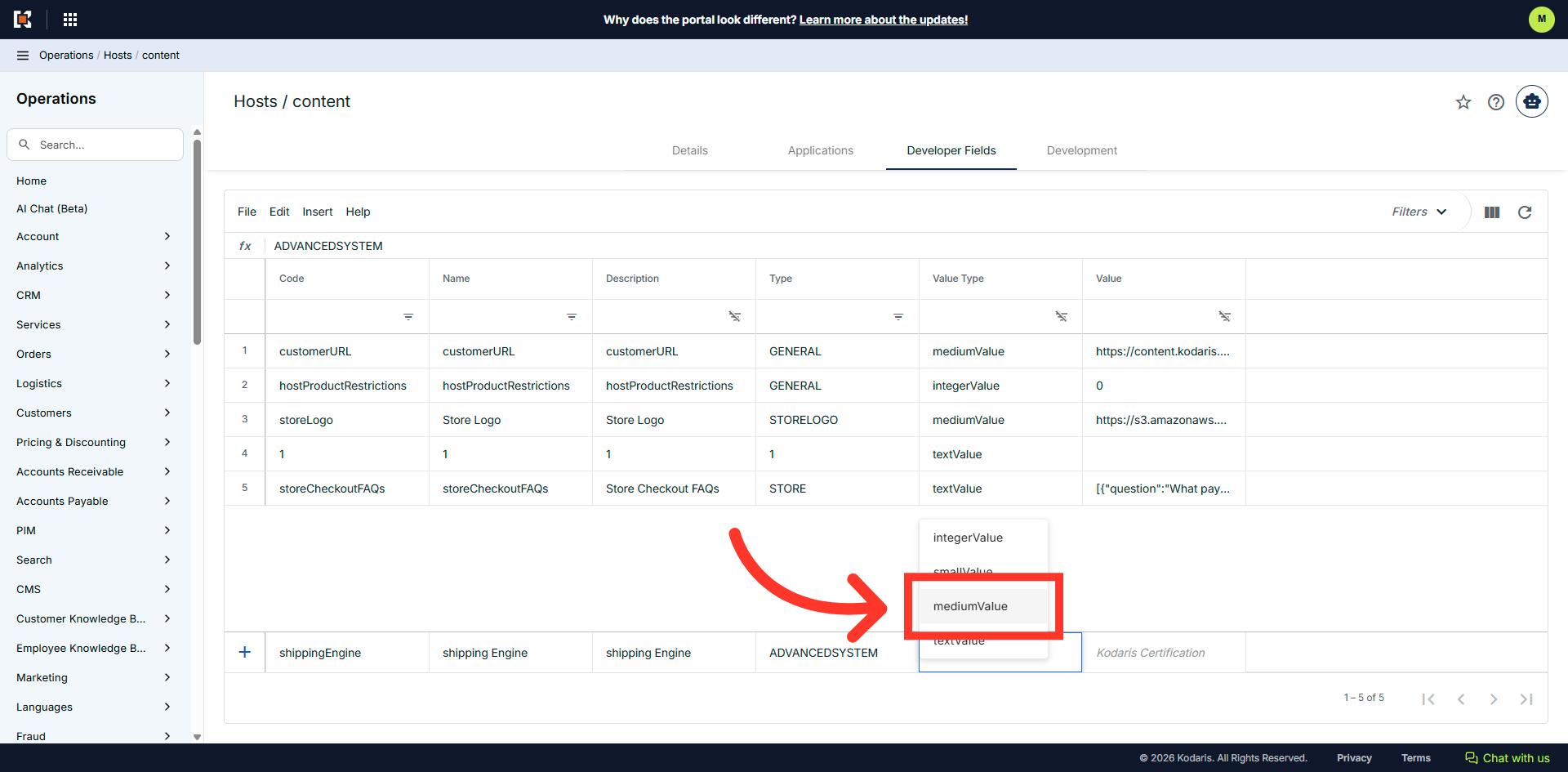
Select the "mediumValue" option
Select the "mediumValue" from the options.
Click and enter "Fedex"
Click into the "Value" cell and enter "FedEx". Press "Enter" while still in the cell to add this setting.
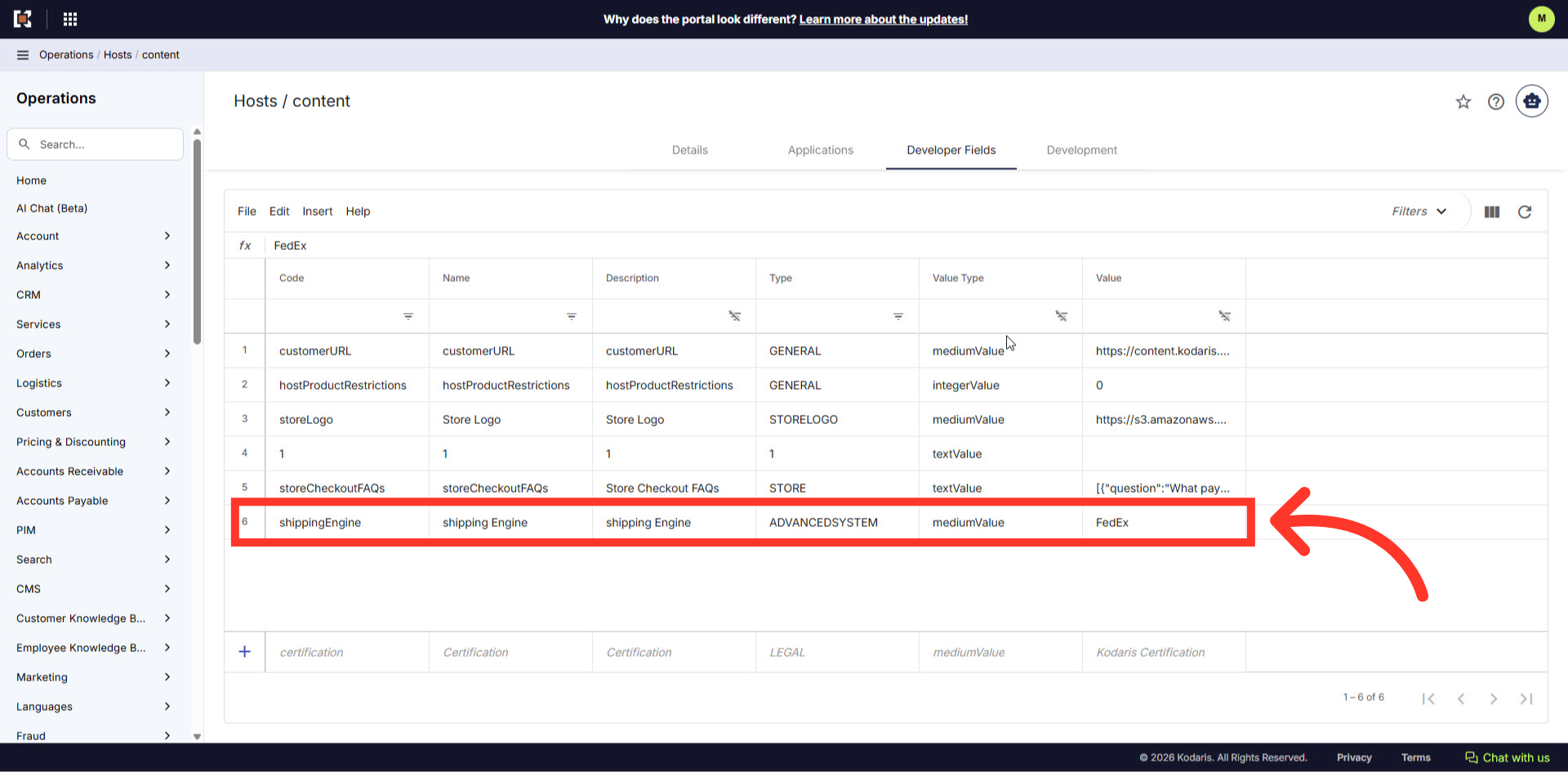
Added setting
The setting has been added and is active.
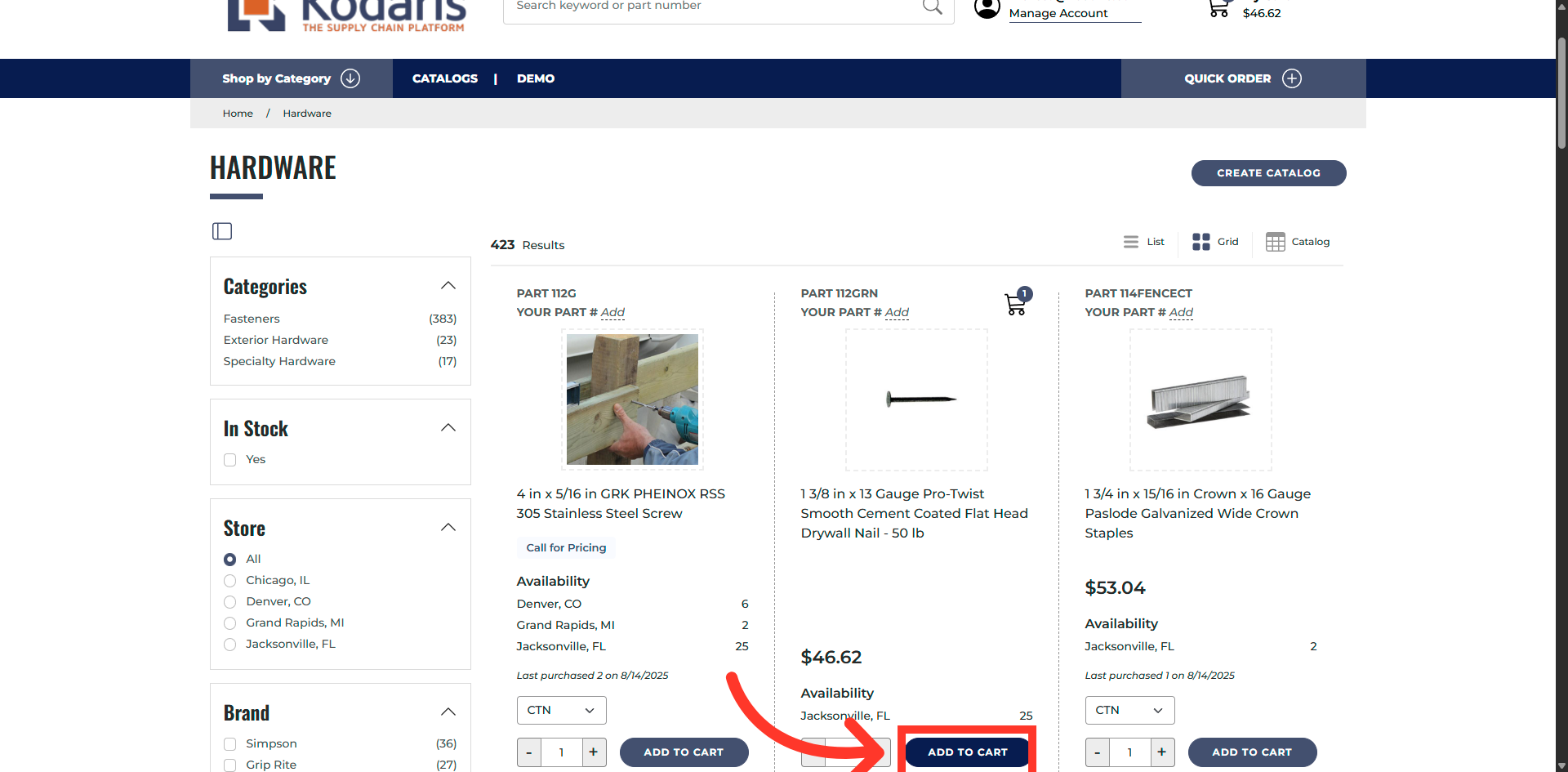
Add Item To Cart to check the shipping option
On the customer site, you can verify that the FedEx shipping option has been added to the site. To check, add an item to your cart.
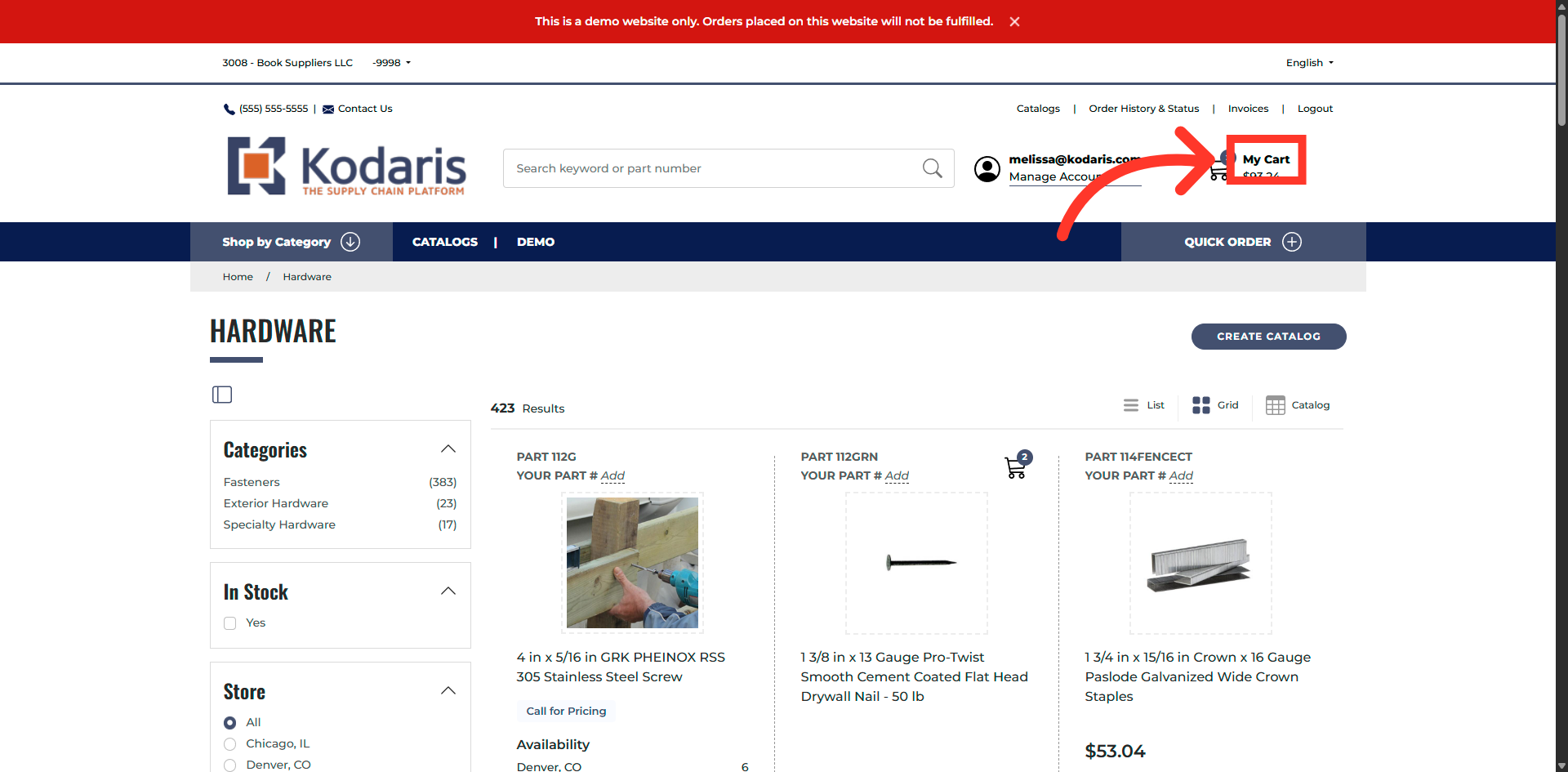
Open Shopping Cart
Click "My Cart" to review the items you have selected before proceeding to checkout.
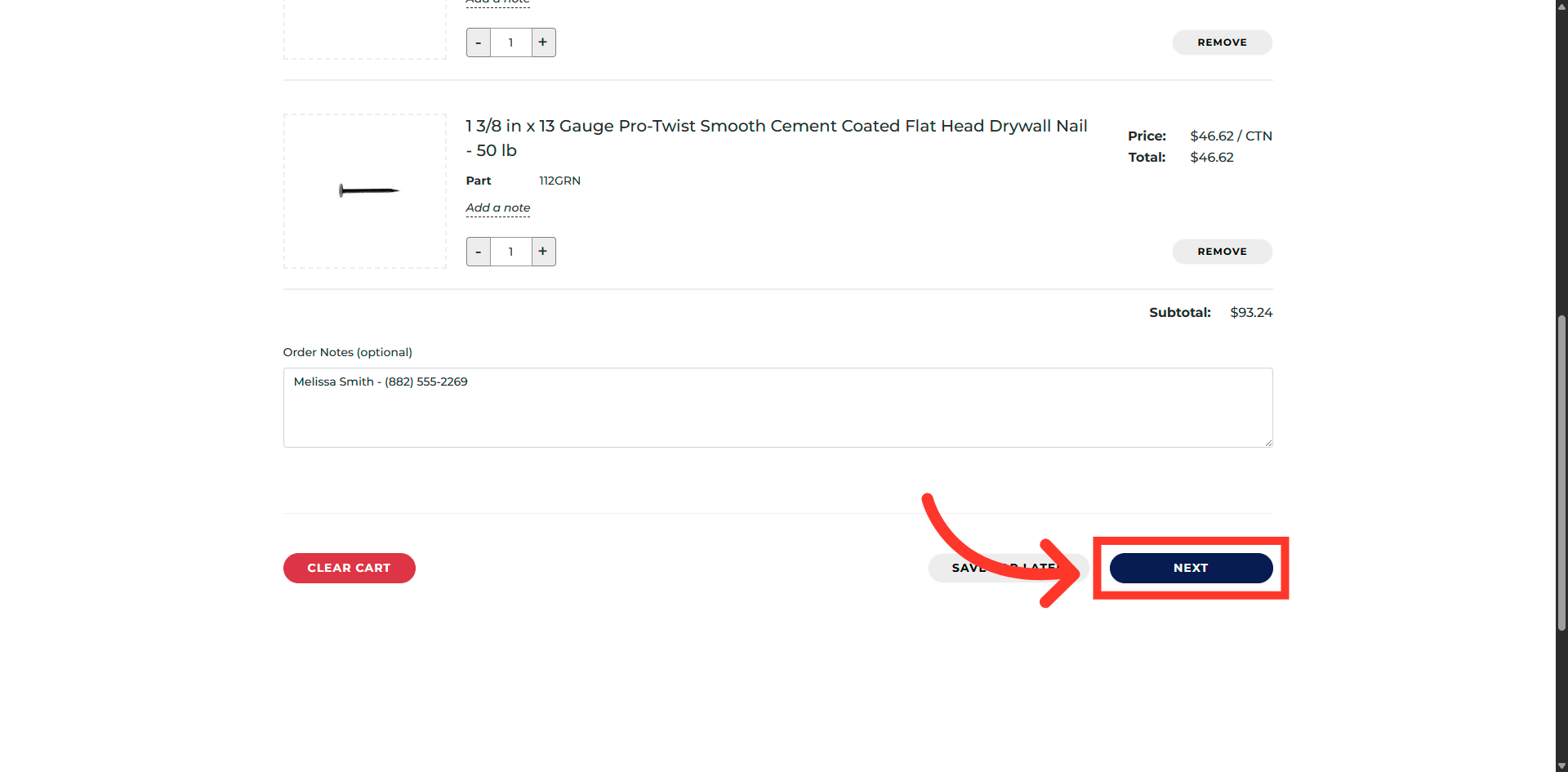
Proceed To Checkout
Click "Next" to continue to the shipping and payment details section of your order.
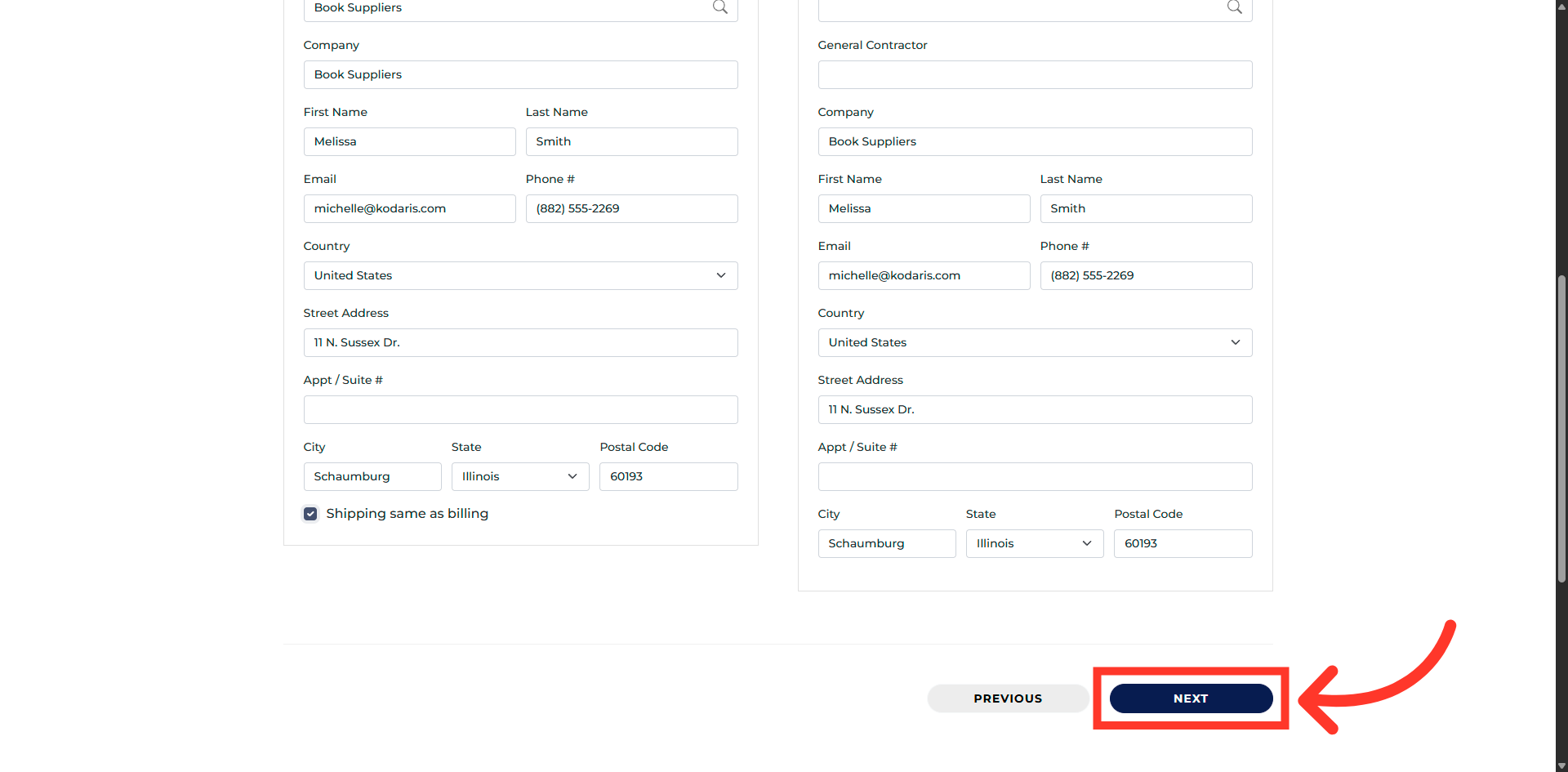
Continue To Payment
Click "Next" to proceed to the payment and order confirmation step.
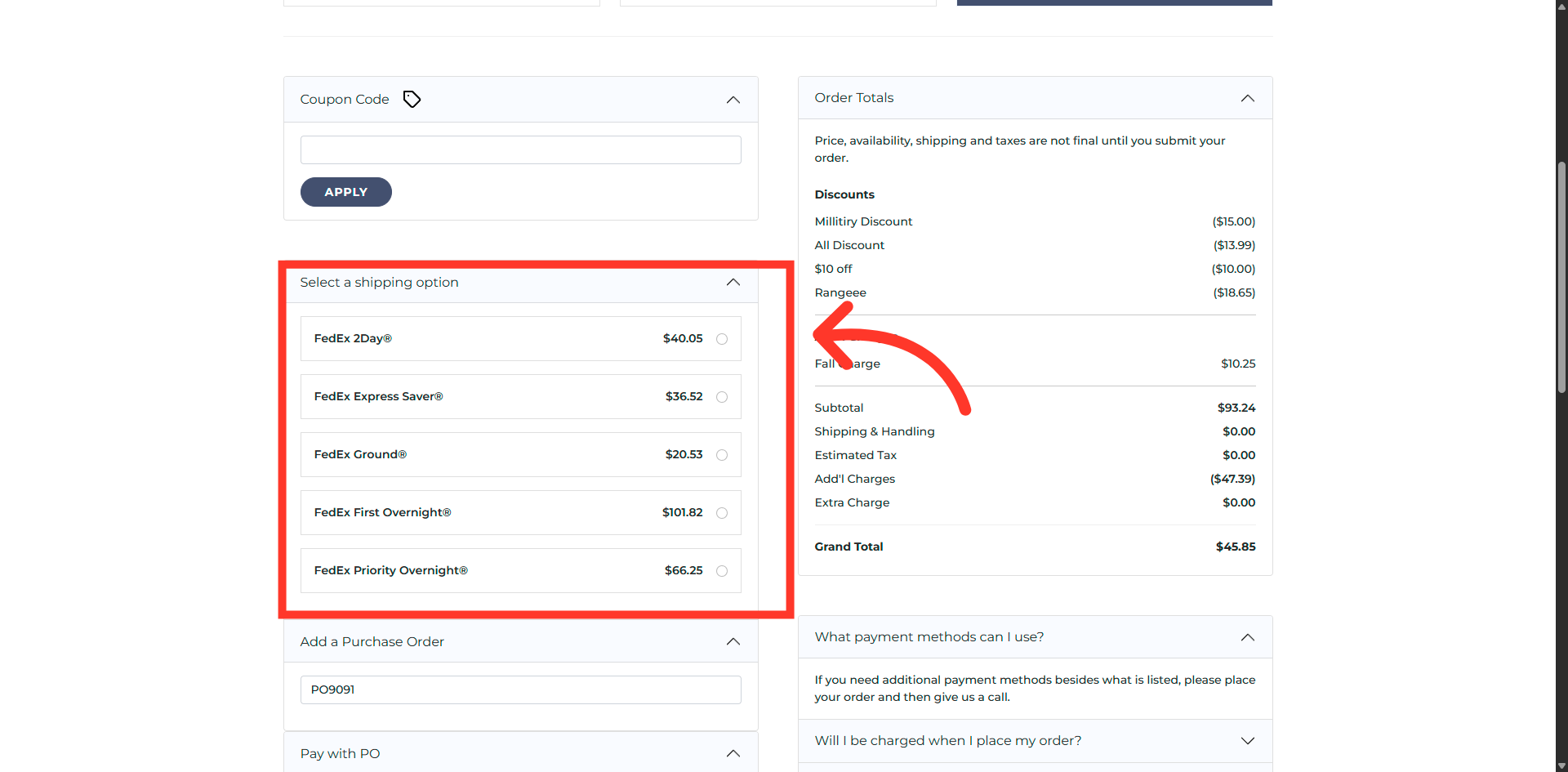
Shipping Options
Here you will see that FedEx is an available option for your customer to choose from for their shipping method.