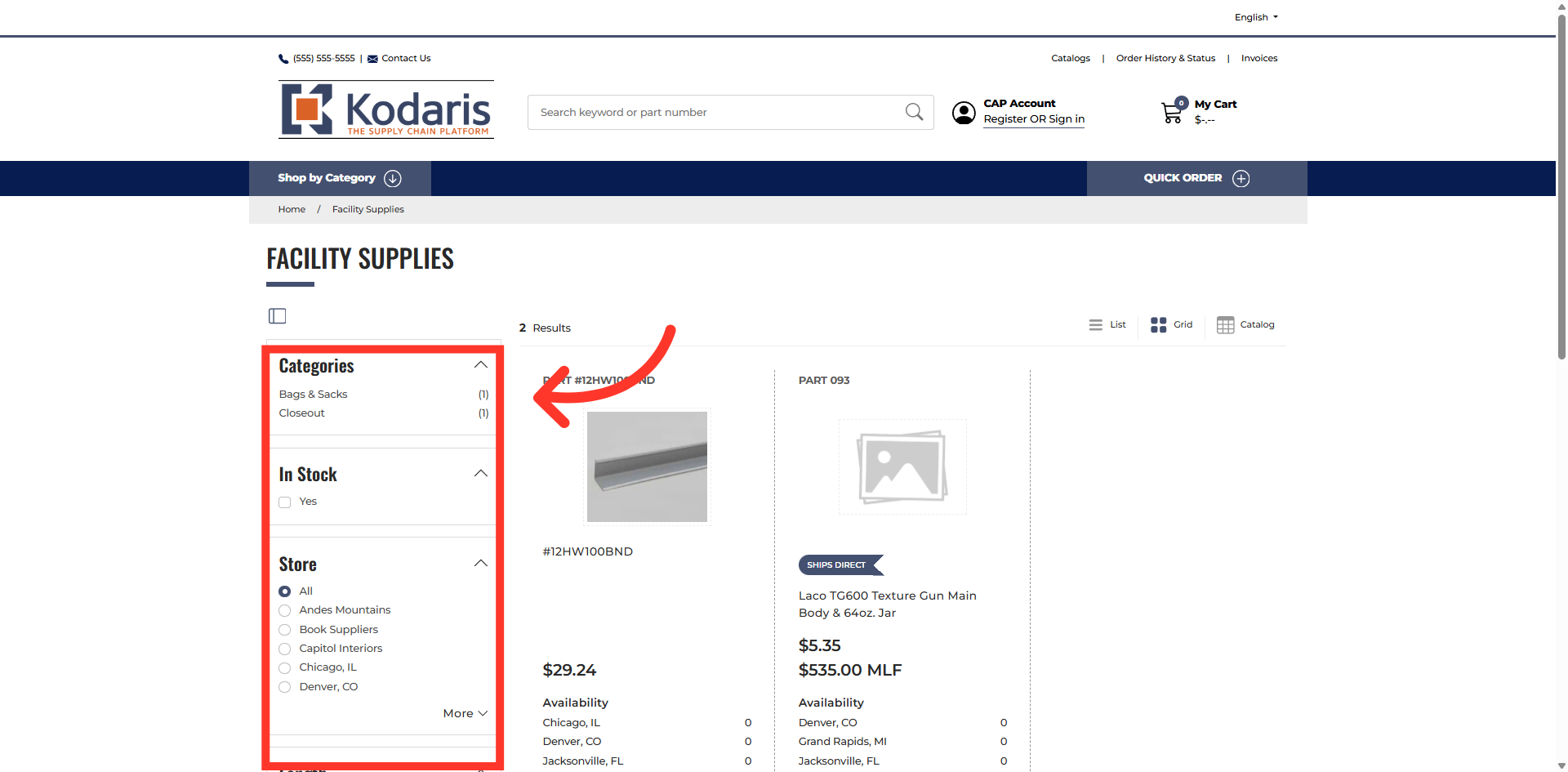
Commerce - Filter Layout Preference
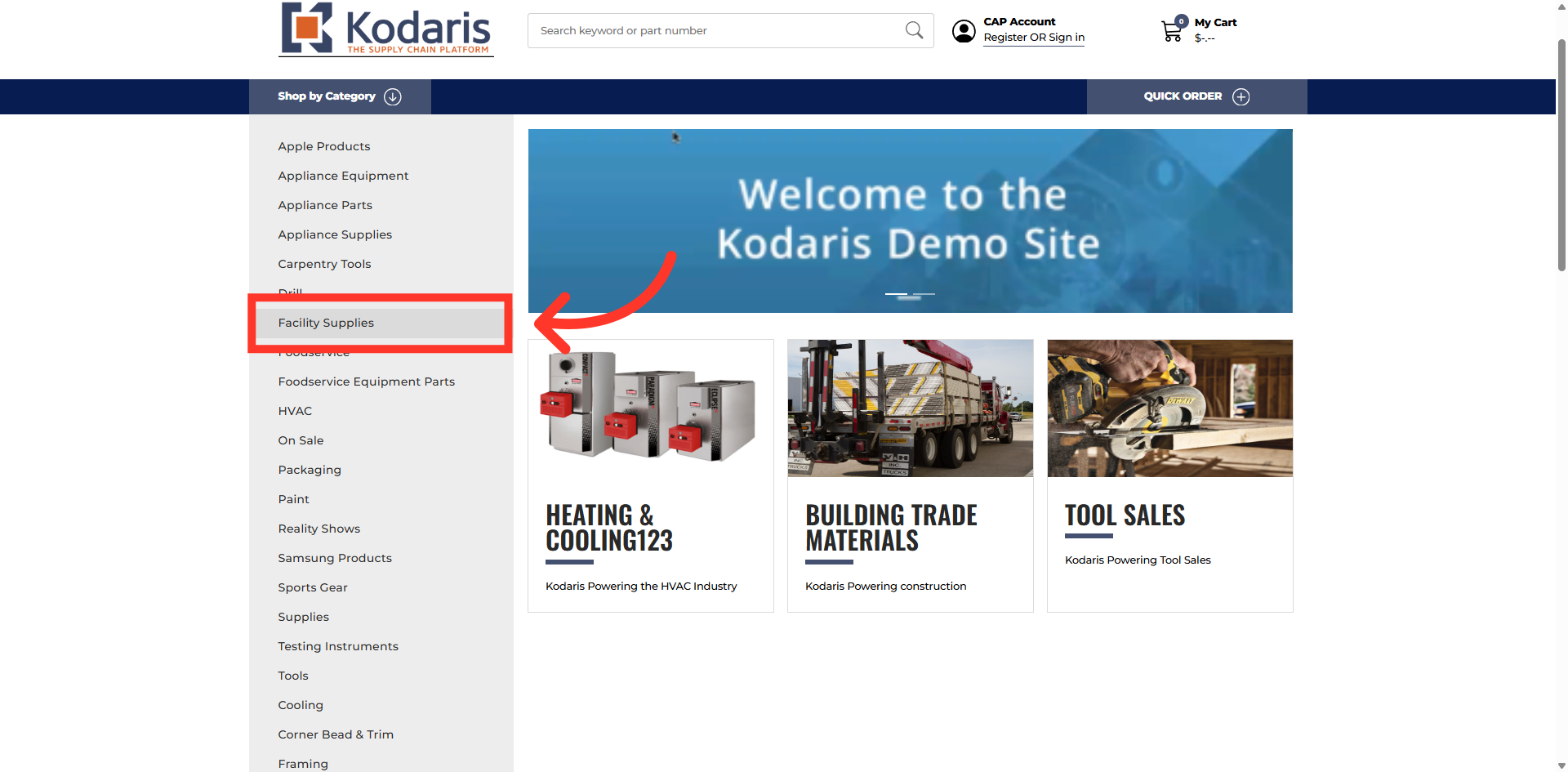
Click on the selected category
In order to change the location of filter categories and attributes within a category on your commerce site, navigate to a category. In this example we chose the "Facility Supplies" category.
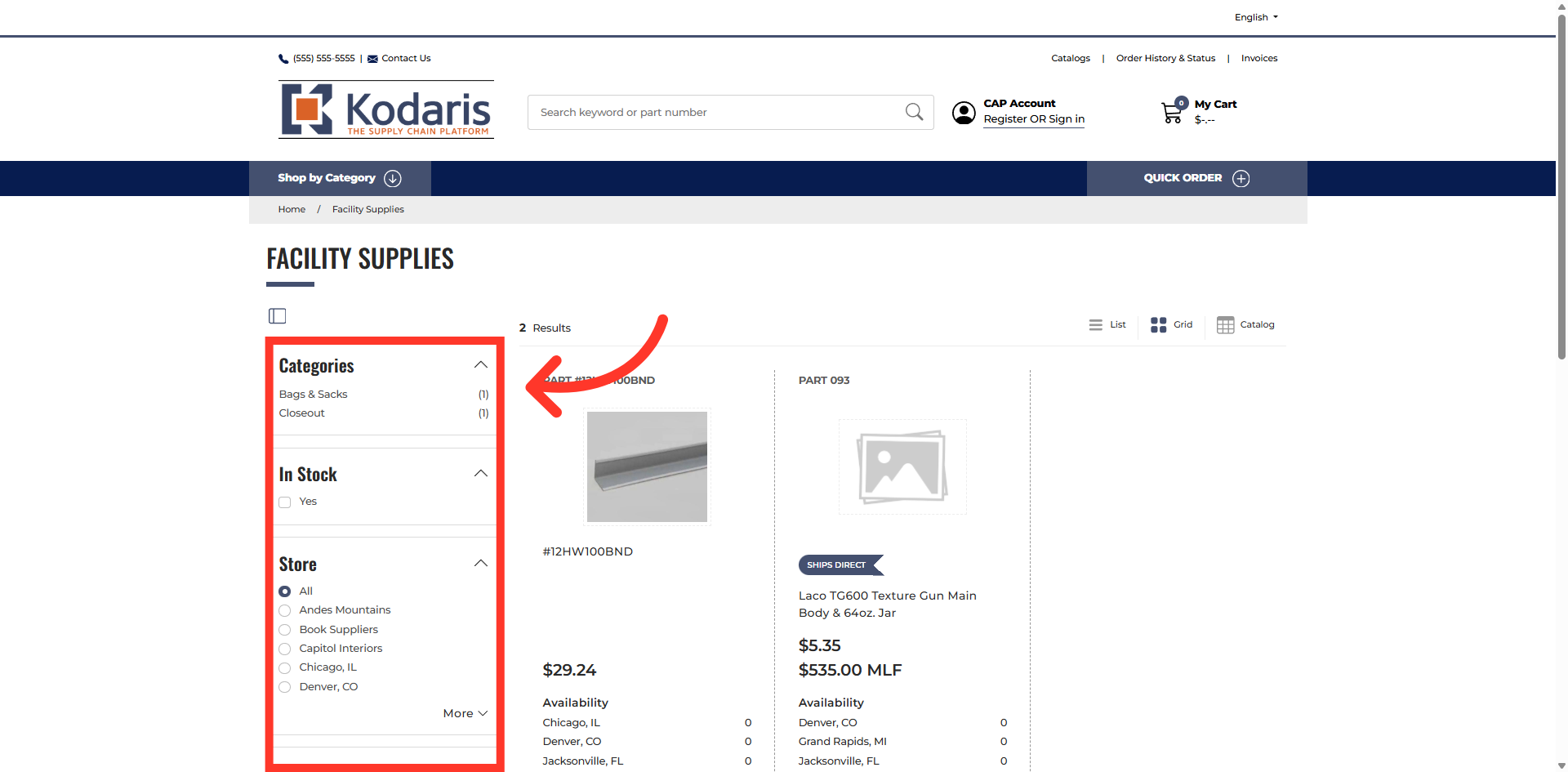
Default layout
By default, the filters and categories are displayed vertically on the left side of the screen.
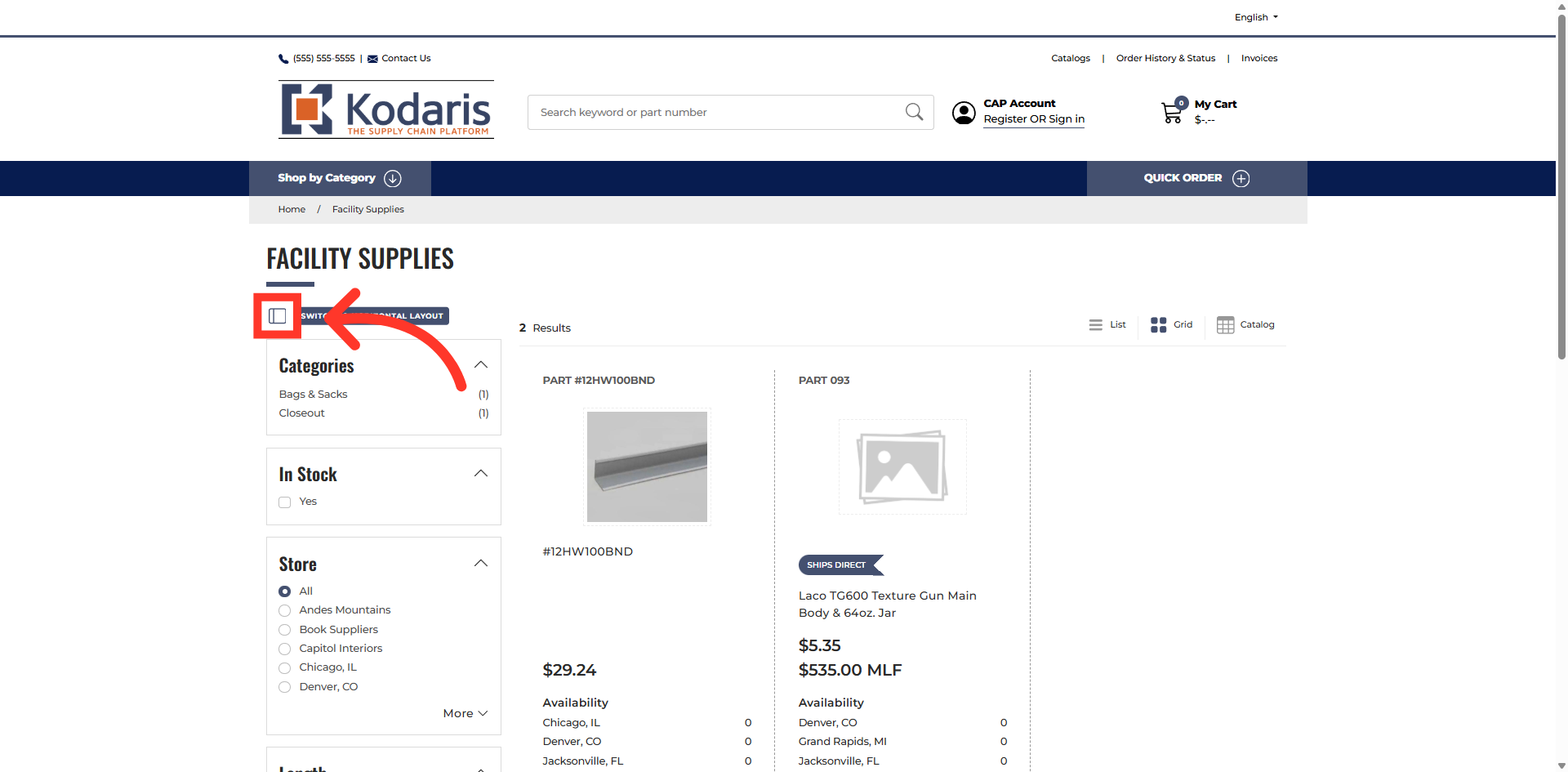
Click "Switch to Horizontal Layout"
To change the layout, click the "Switch to Horizontal Layout" icon located below the category name.
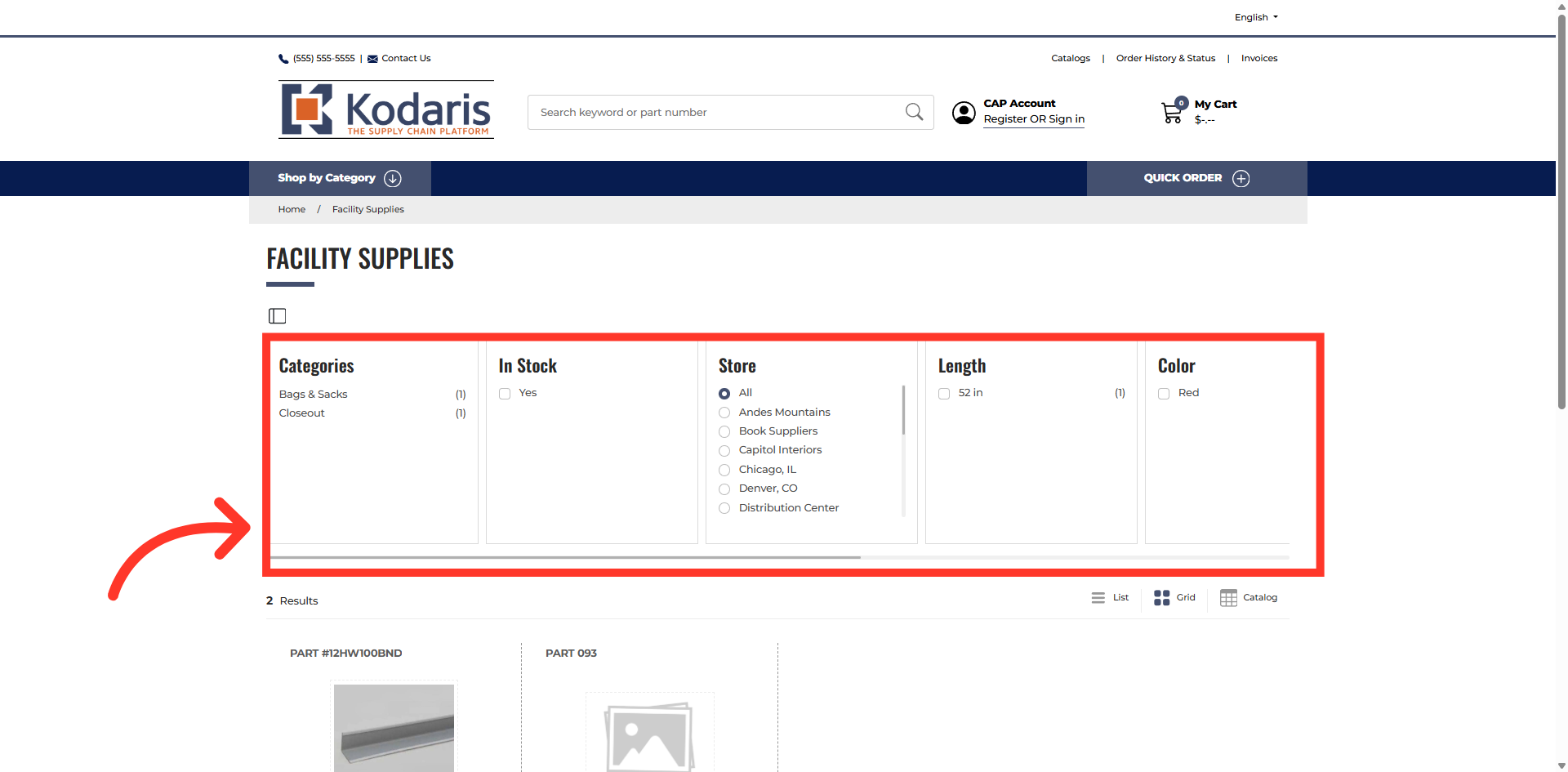
Layout has been switched to horizontal display
The filter categories and attributes layout is now displayed horizontally.
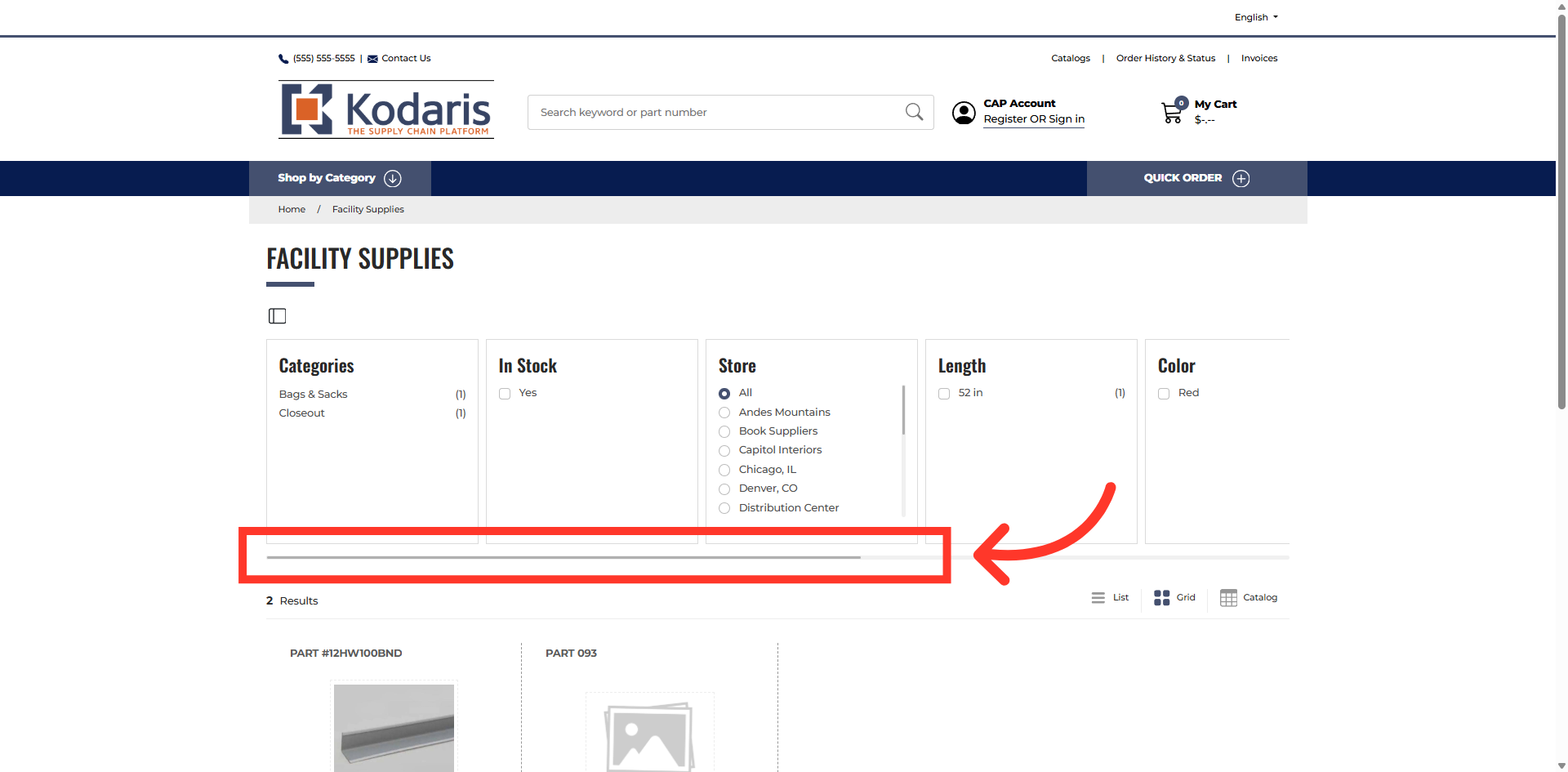
Use scroll bar to view filters and attributes
You can use the horizontal scroll bar to view the filters and attributes.
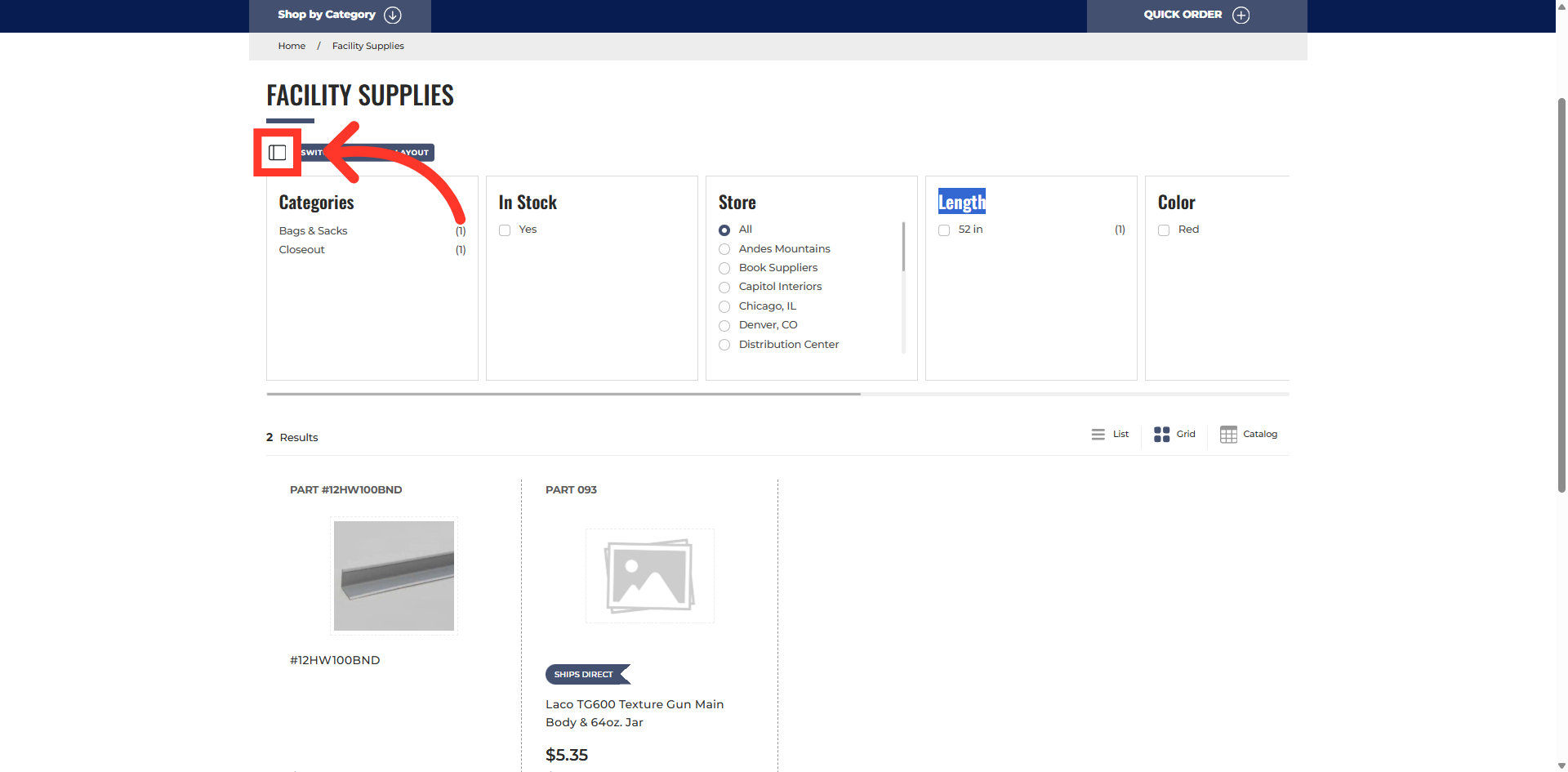
Click "Switch to Vertical Layout"
If you want to change your display again, click "Switch to Vertical Layout" icon under the category name.
Layout has been switched back to vertical display
The attributes and category filters will return to the original position. You can switch between layouts as many times as you like.