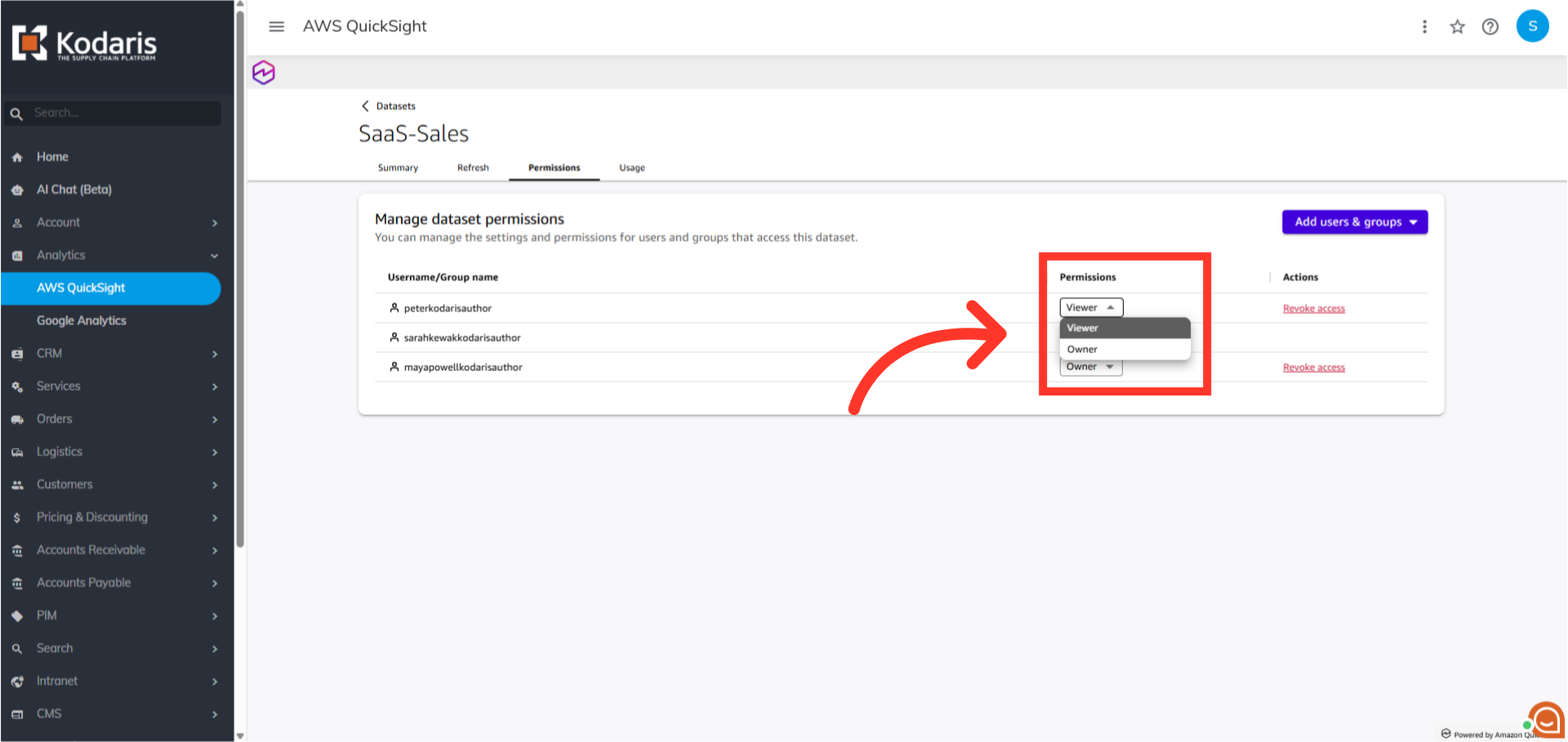
Operations Analytics - Share Dataset with Users
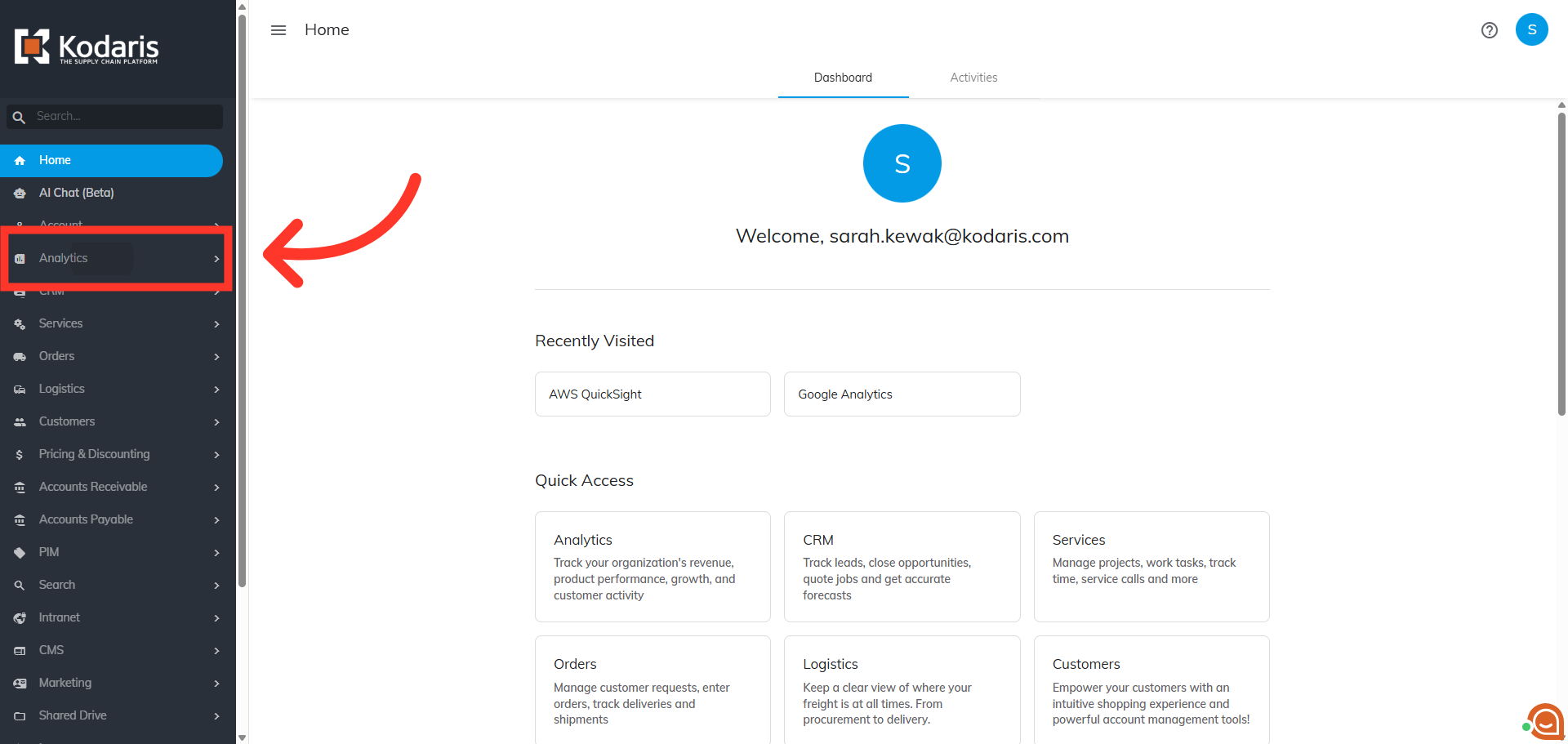
Navigate to "Analytics"
You can share datasets and assign permissions with other users in the Operations Portal. First, navigate to the "Analytics" section.
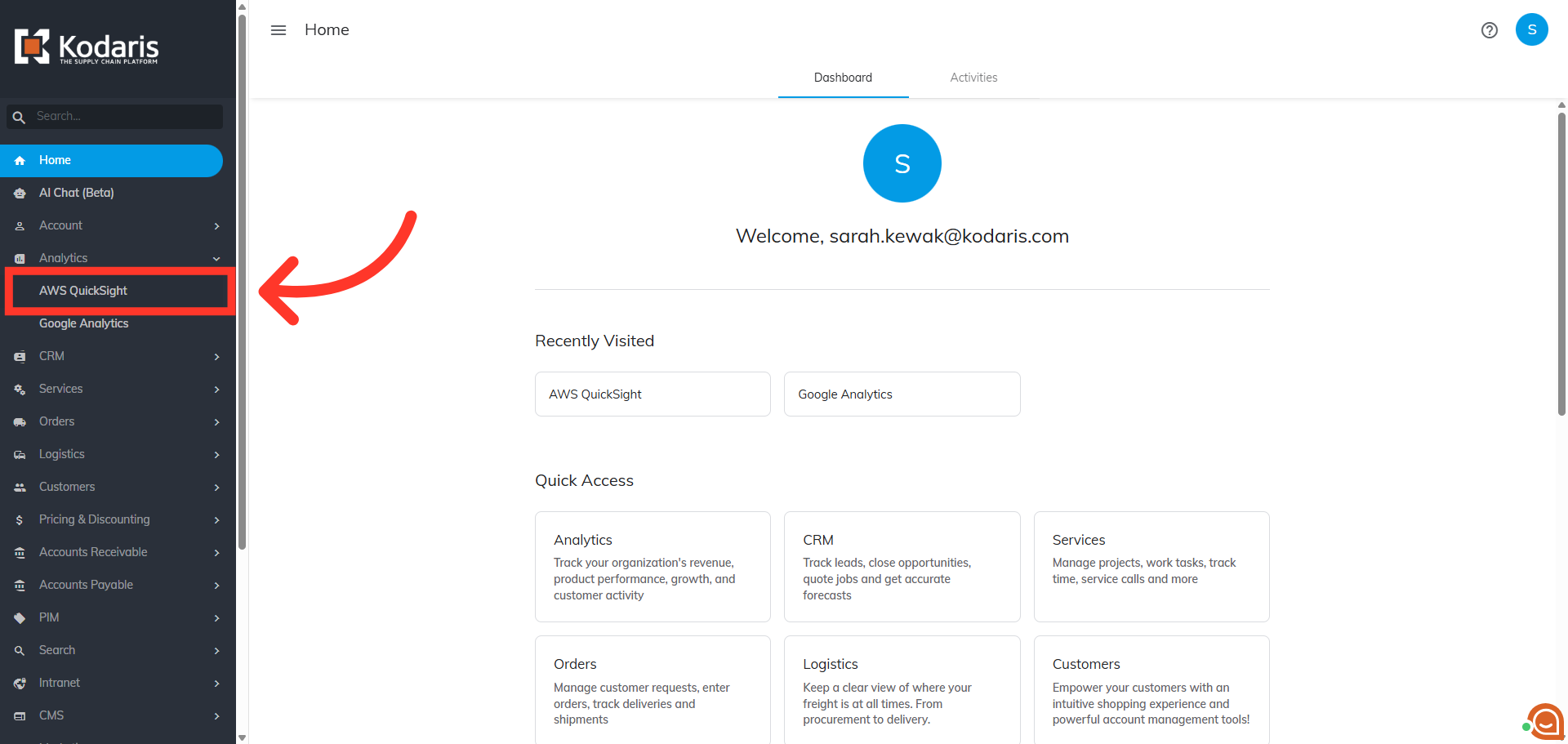
Click "AWS QuickSight"
Then, click "AWS QuickSight" to open the business intelligence platform. In order to access "AWS QuickSight" you will need to be set up as a “superuser”, or have the role of: “qbiAuthor”.
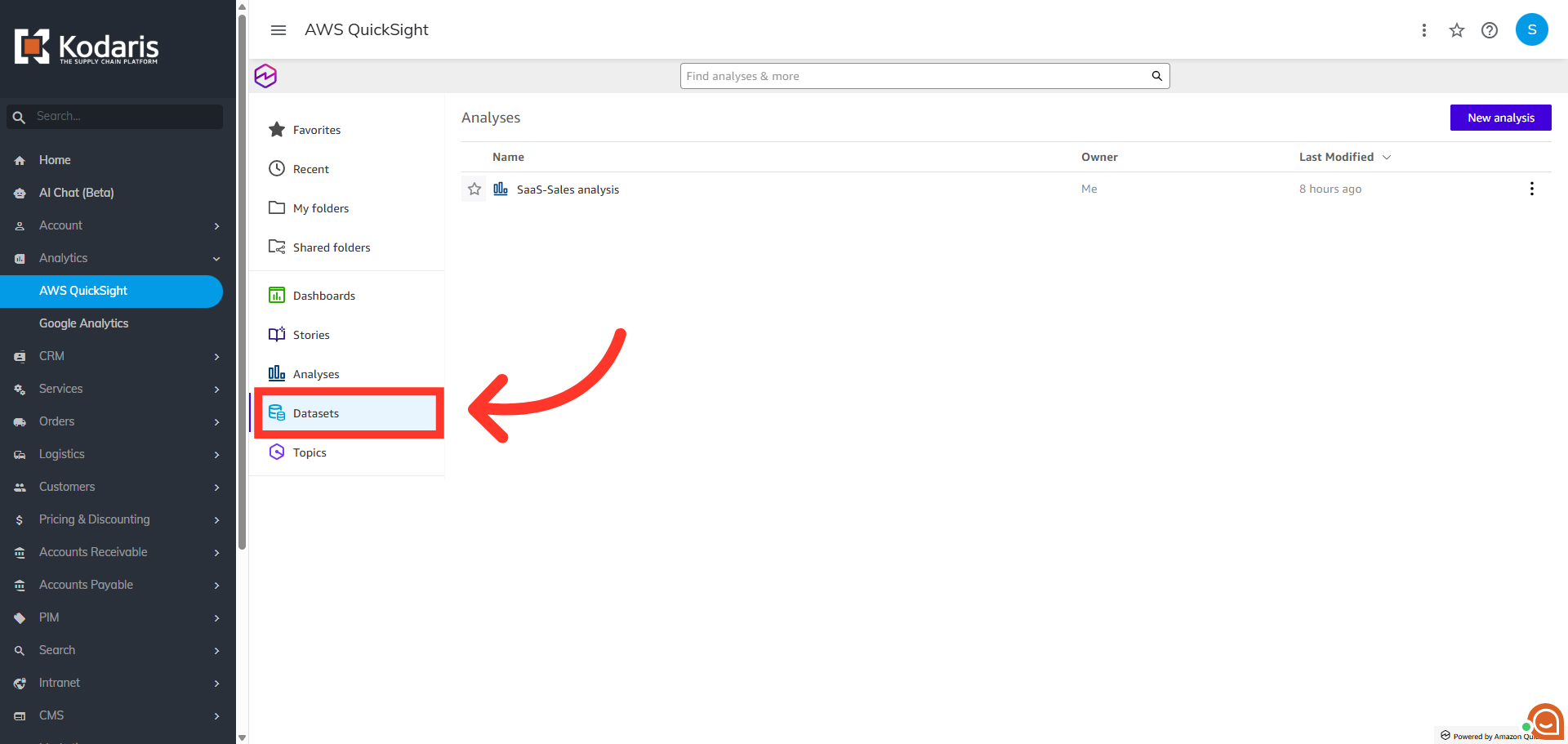
Click "Datasets"
Next, click "Datasets".
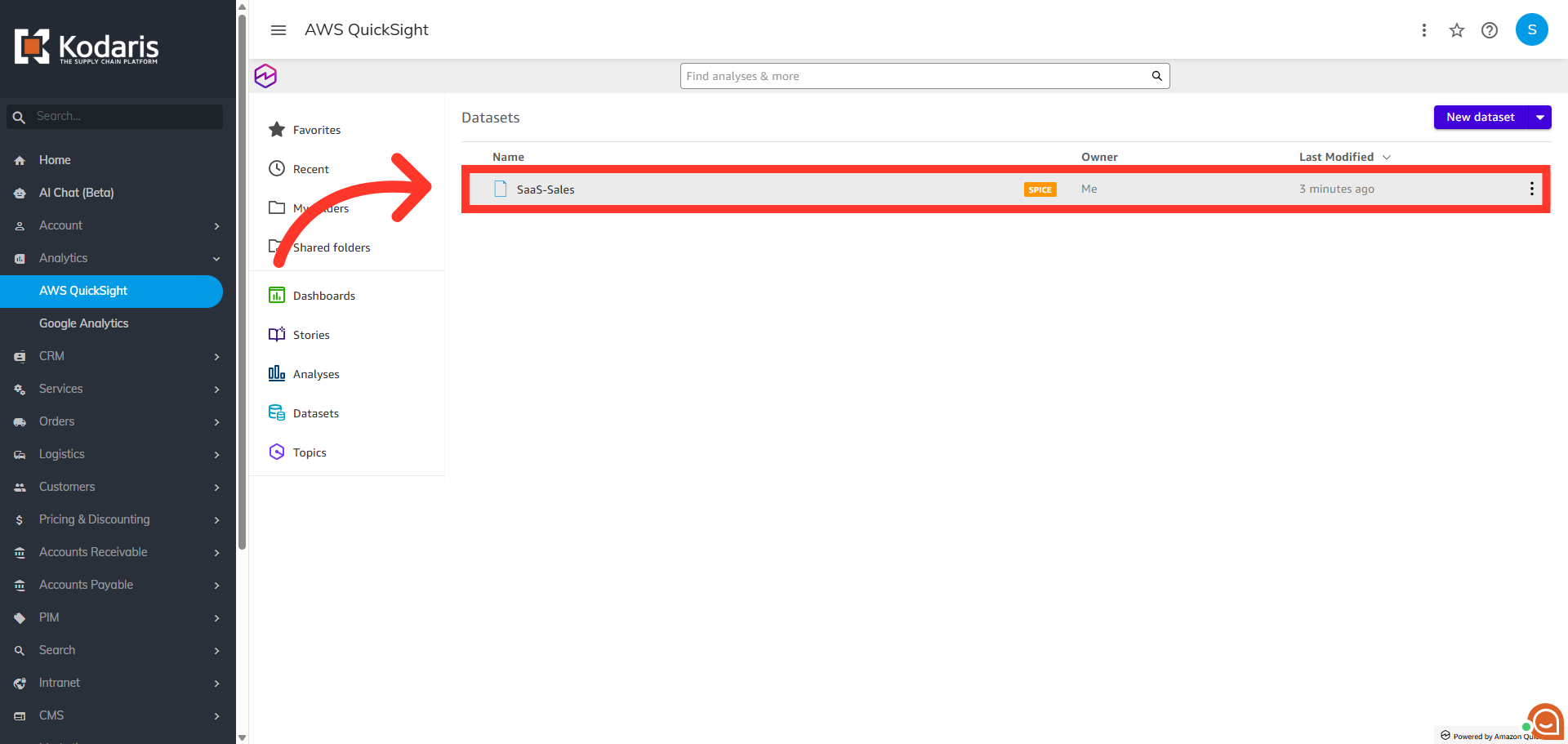
Choose the dataset to be shared
Here, you can choose the dataset you wish to share. Note: To share a dataset with other users, you must be the owner of the dataset.
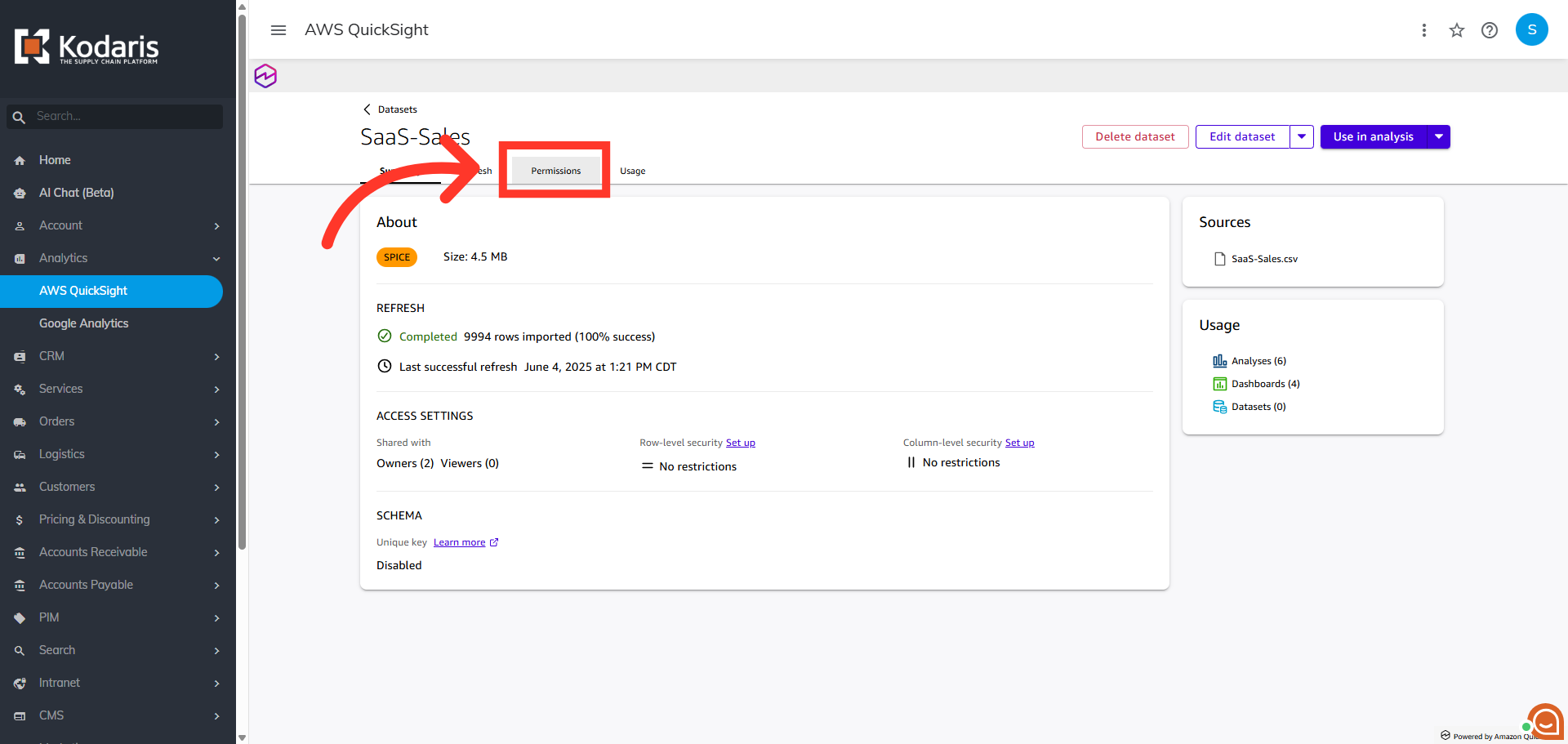
Go to the "Permissions" tab
Next, go to the "Permissions" tab.
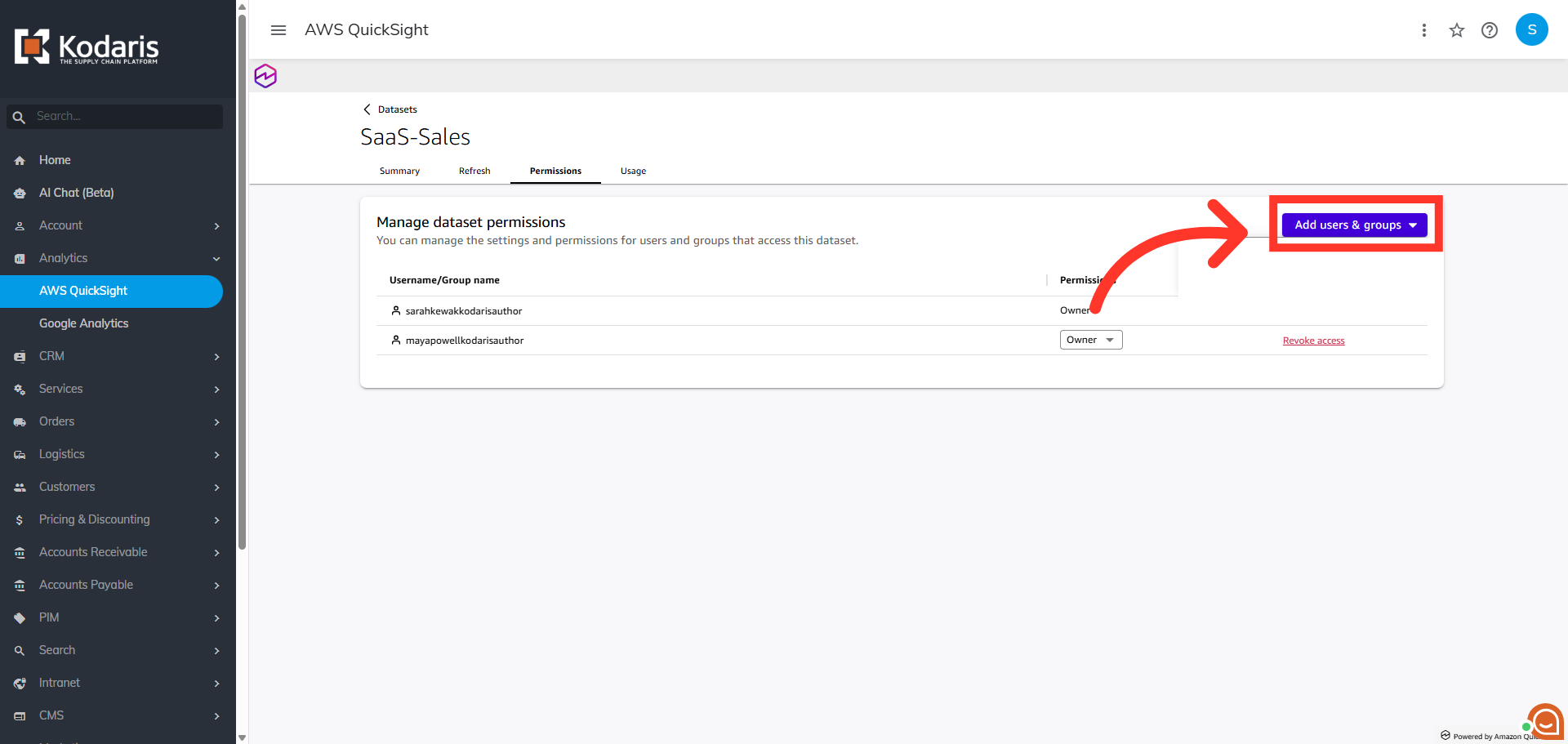
Click "Add users & groups"
Then, click the "Add users & groups" button.
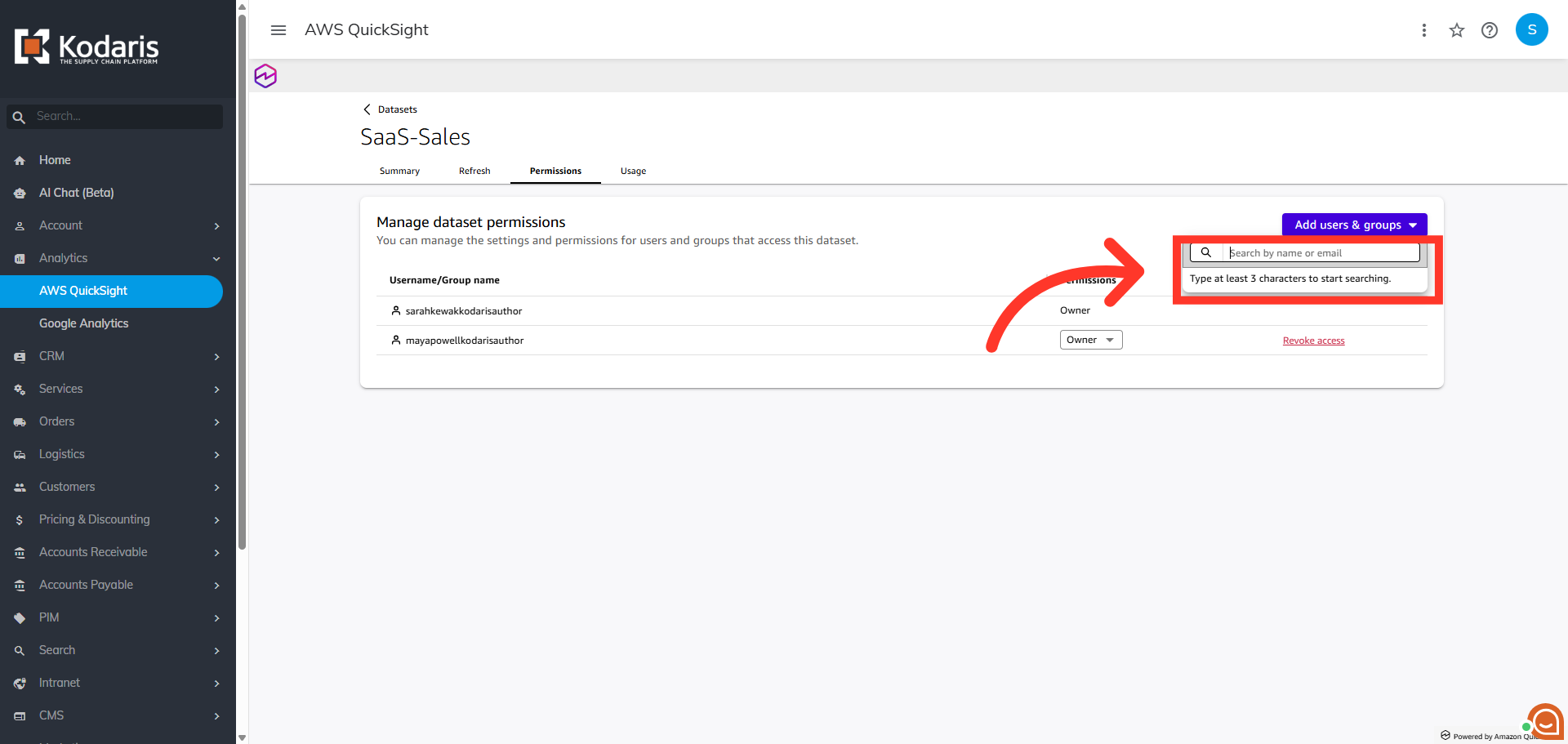
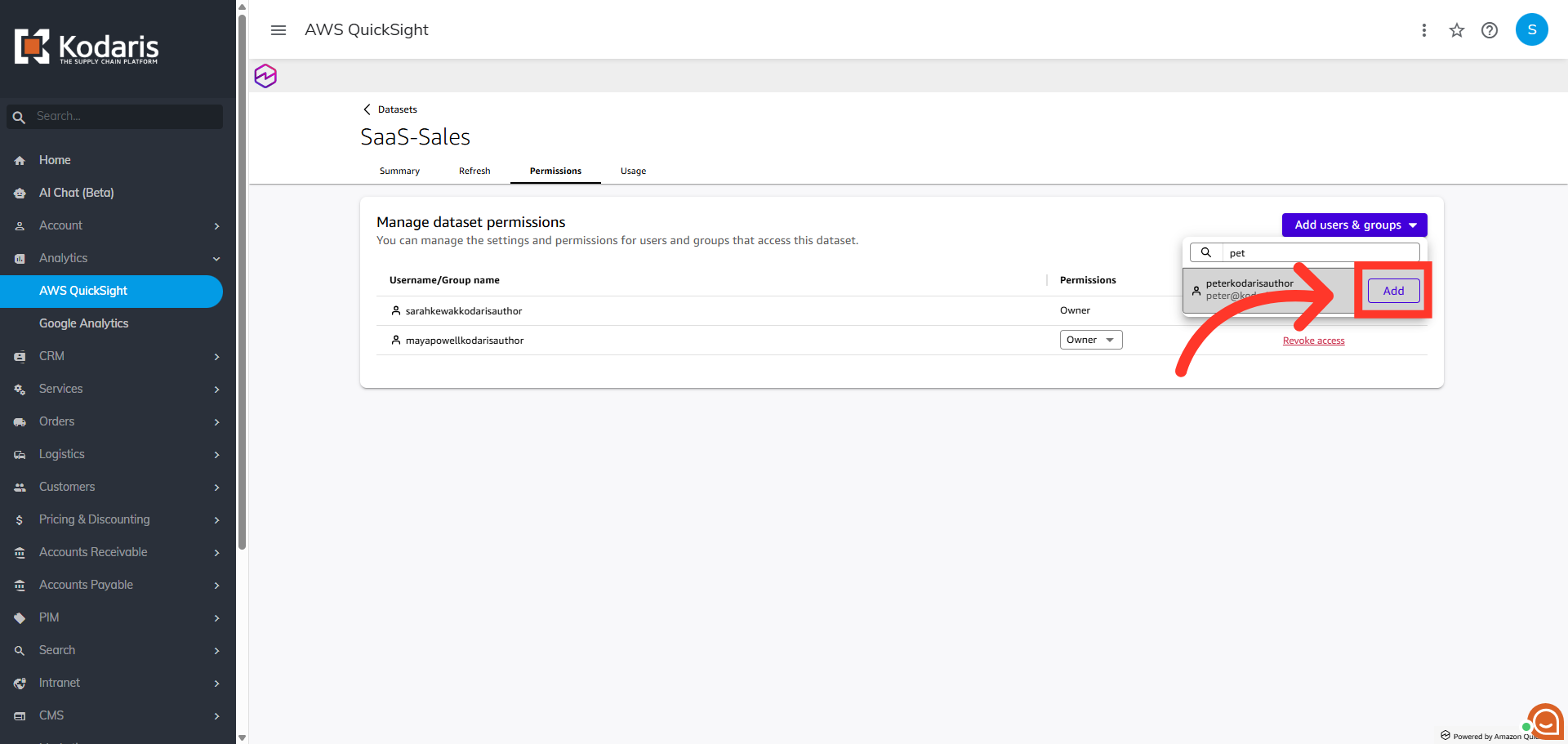
Search for the user or group
Using the search box, enter at least the first three letters of the user or group you wish to grant access to.
Click "Add"
Now, click the "Add" button to include the selected user or group to the dataset permissions list.
Assign permission to the user or group
Once the user or group has been added, you have the option to update the default "Viewer" permission level to "Owner", allowing edit and share capability.