
Commerce - Search for Categories and Products
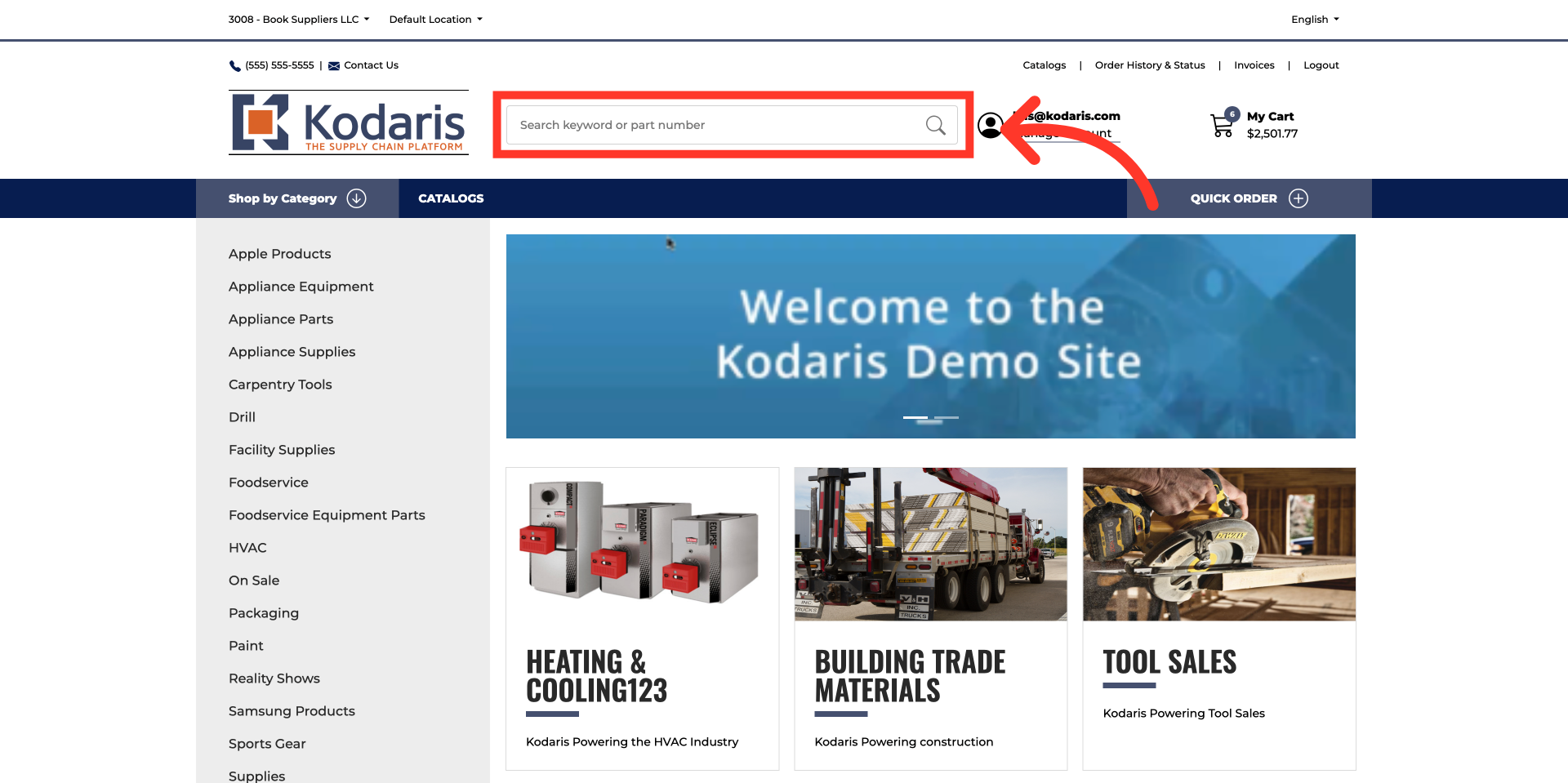
Click on the search bar
To search for categories and products on the commerce site, click in the search bar.
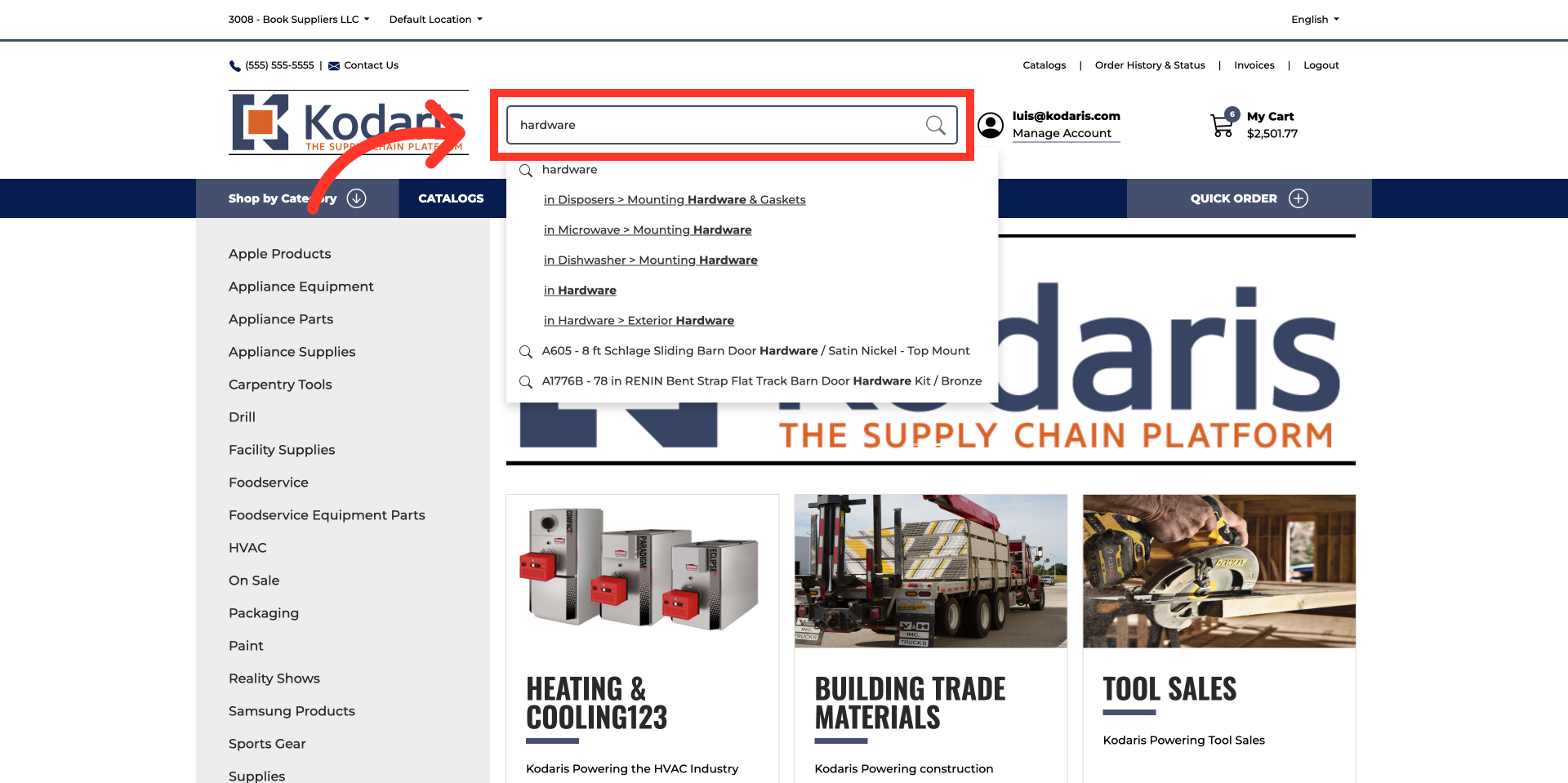
Type a keyword of the category or product
Once clicking into the search bar, you will see that products will appear in the dropdown. Type in a keyword relevant to the desired category or product, and your search will populate with options based on the terms entered.
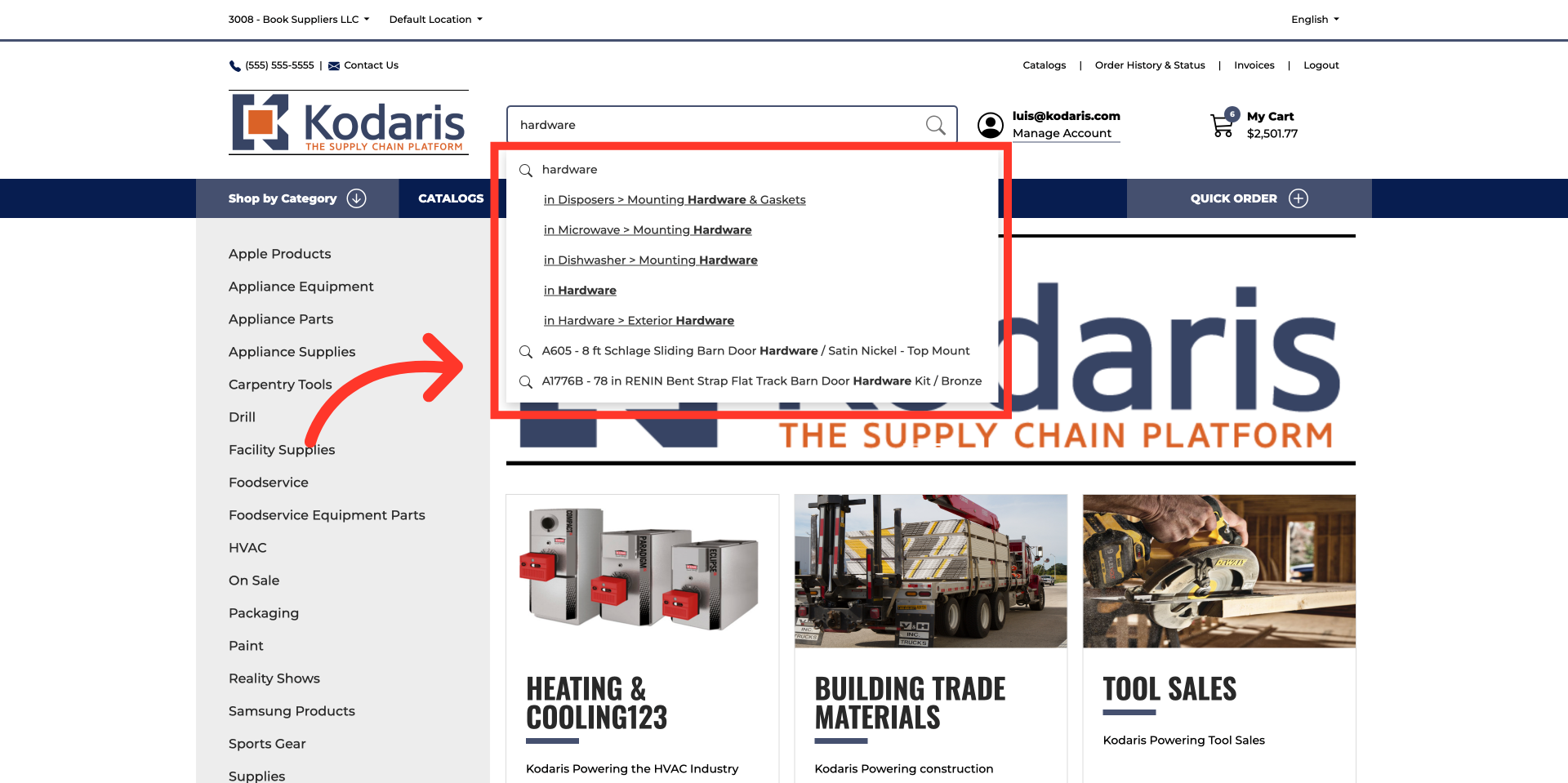
Review dropdown search results
The results now show both matching product categories and individual products.
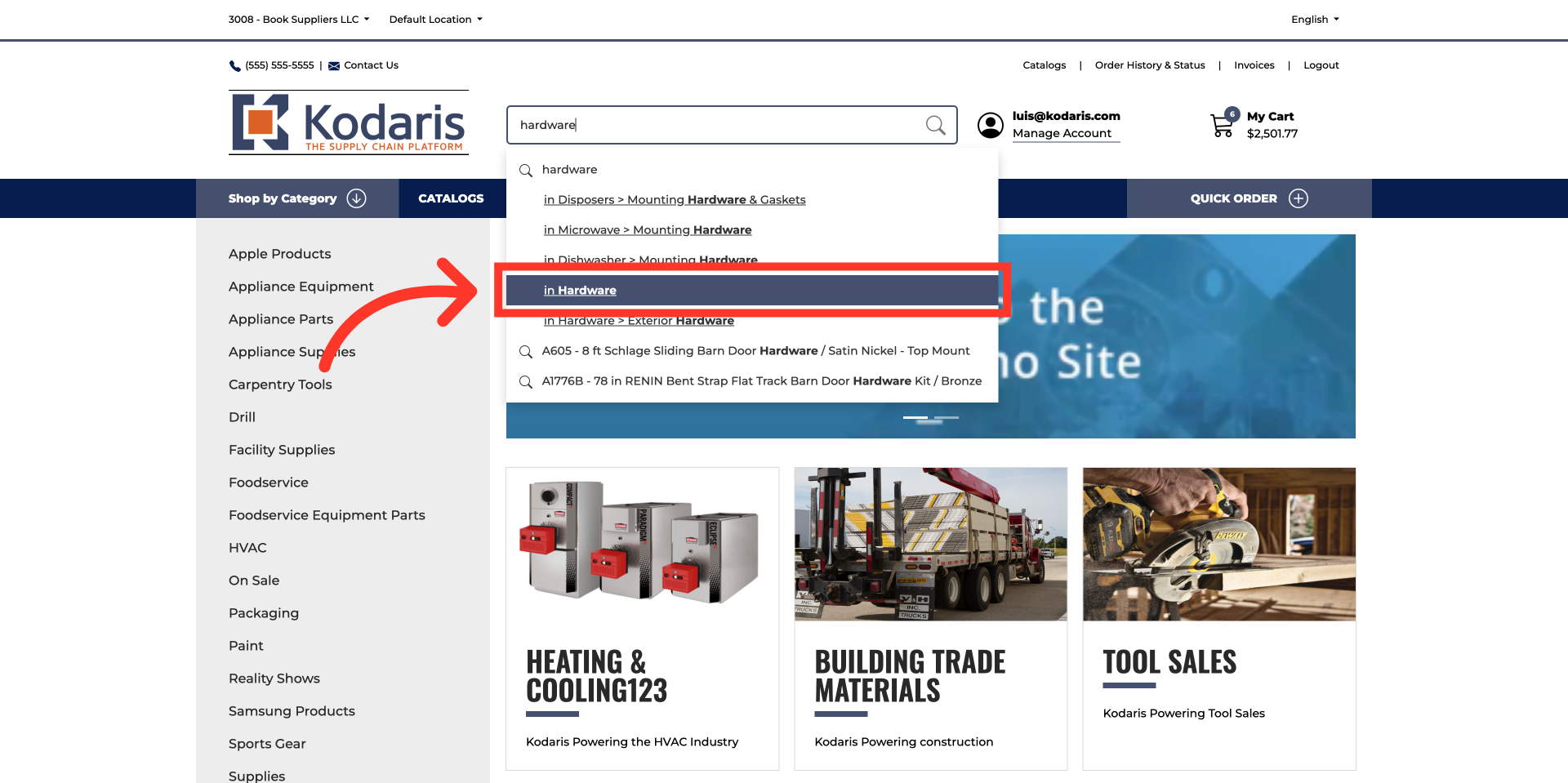
Click selected category
Select the desired category or product from the list.
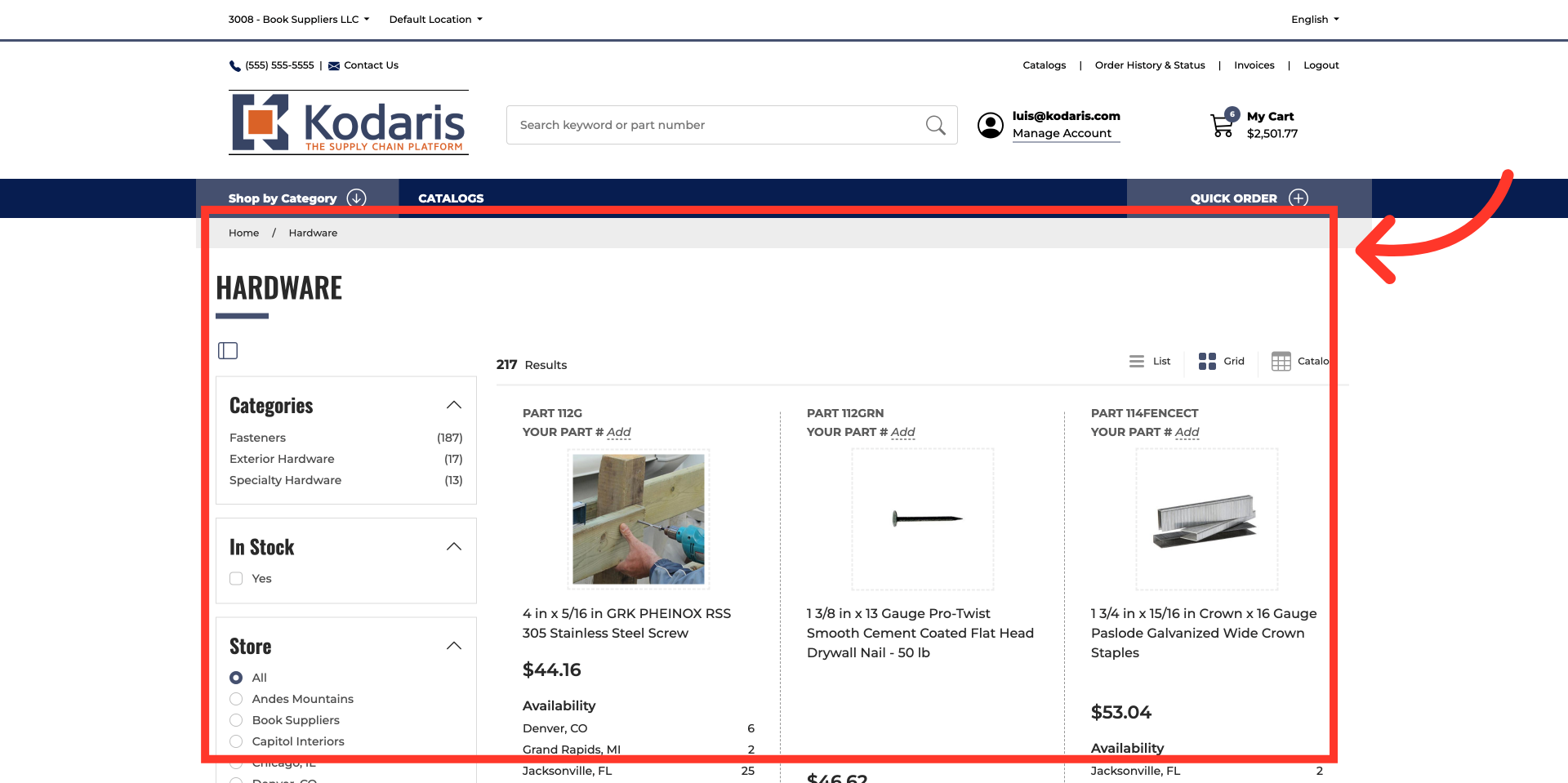
Commerce page
Once selected, the system will navigate to the page.
In this article