Commerce - Select Items Before Quick Ordering from a Product List
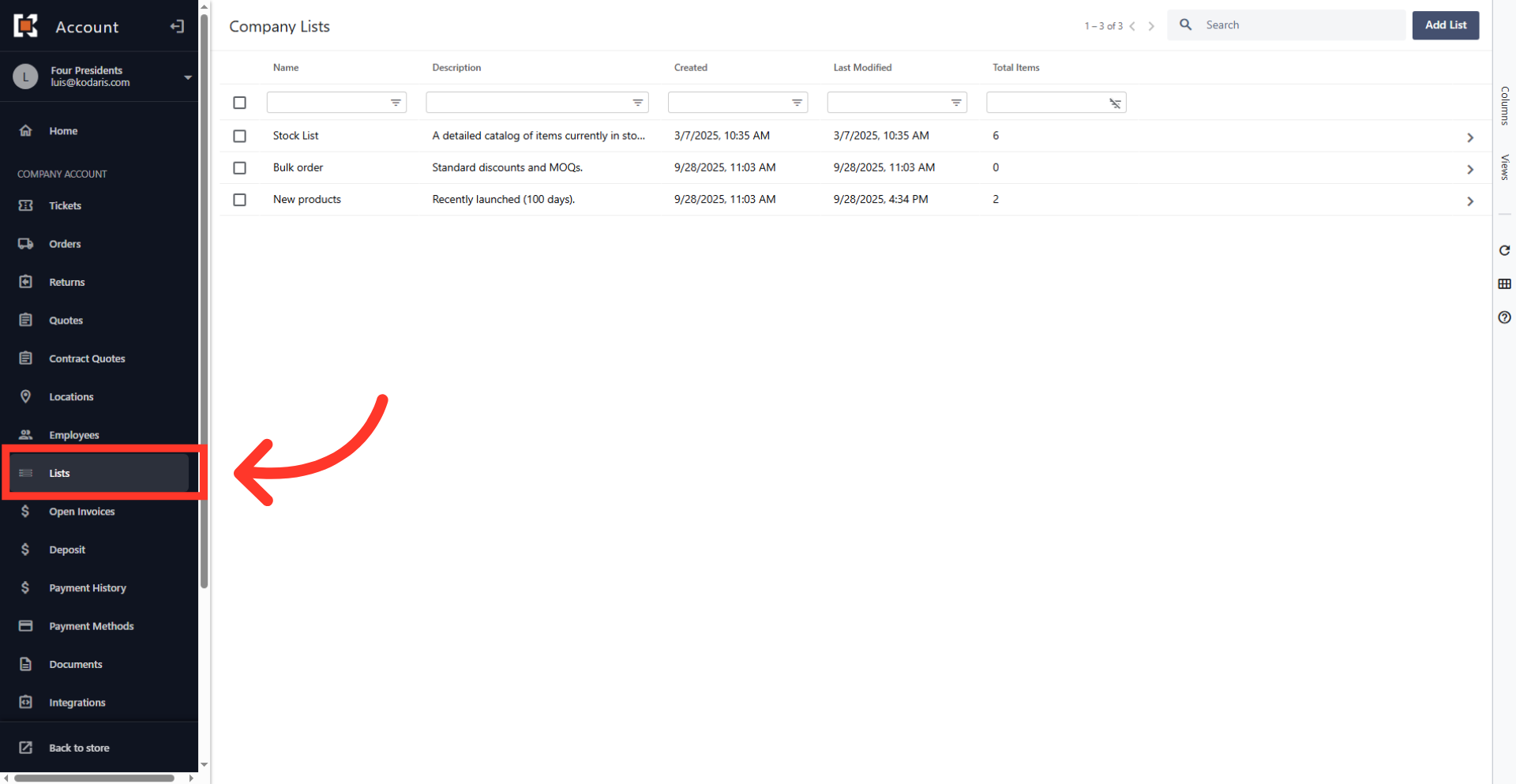
Navigate to "Lists"
When you order from a product list, you can select items that you would like to order or simply click "Start Order" which will add all the items on the list to your cart. Such functionality is useful if you have very large lists and always order a subset of the items at a time. If this option is enabled, navigate to the "Lists" section in your customer portal.
Click "Search"
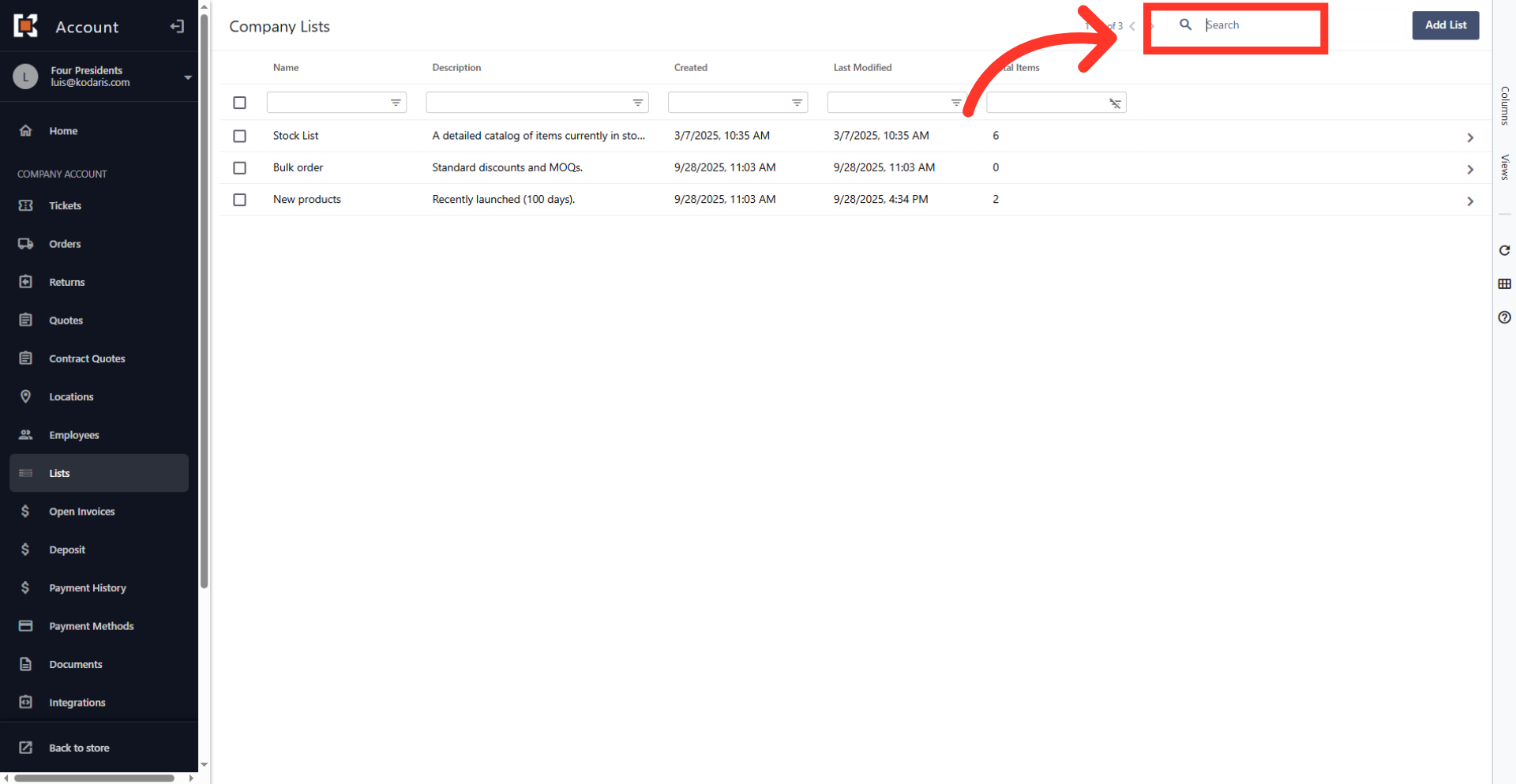
The screen will display a list of all pre-existing product lists currently set up in the system. Click on the "Search." field to input a query and filter the displayed list.
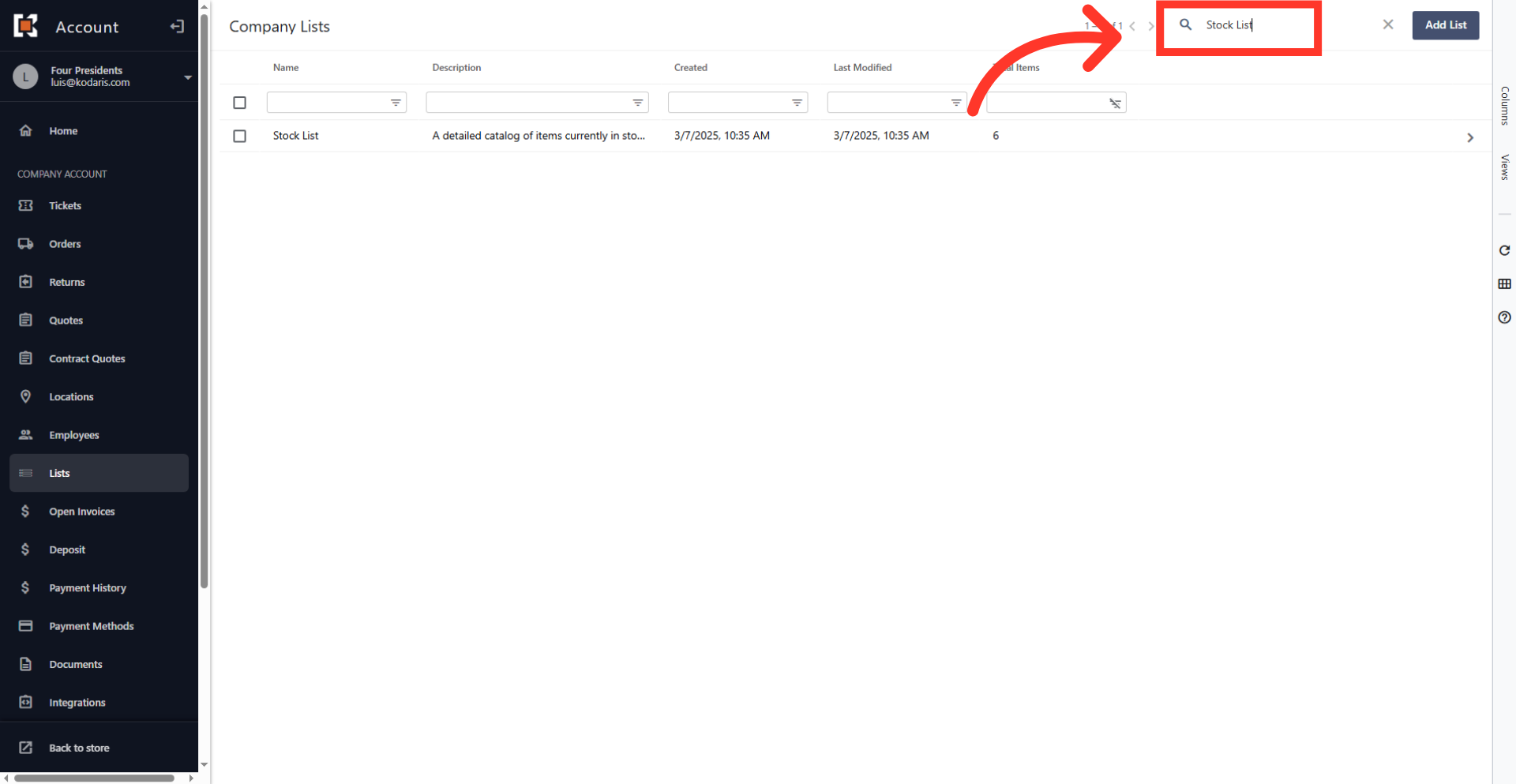
Type a keyword to search for the list
Type a keyword to find a product list.
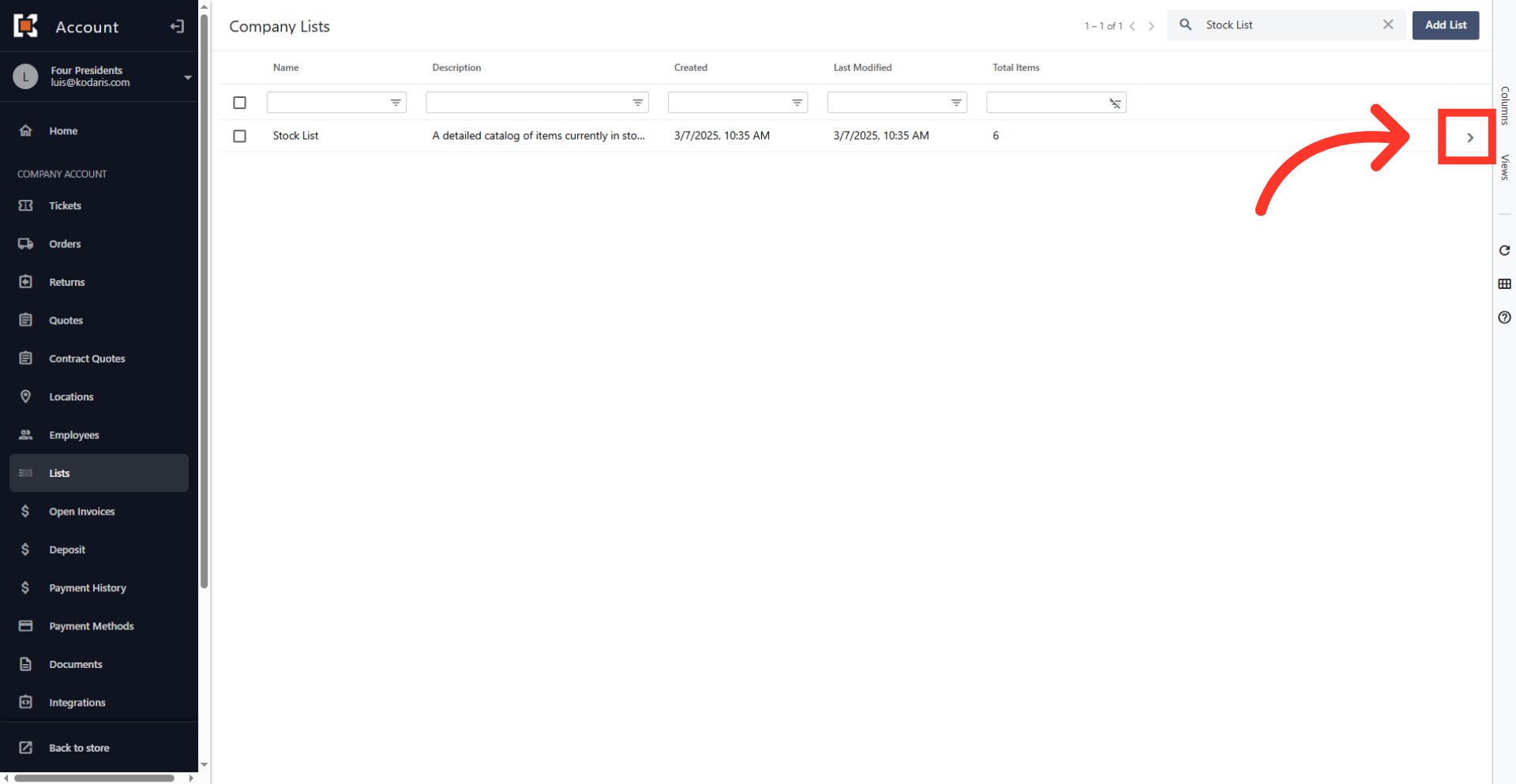
Go to the list details
Once the target list is located, click the more details icon to access the list details.
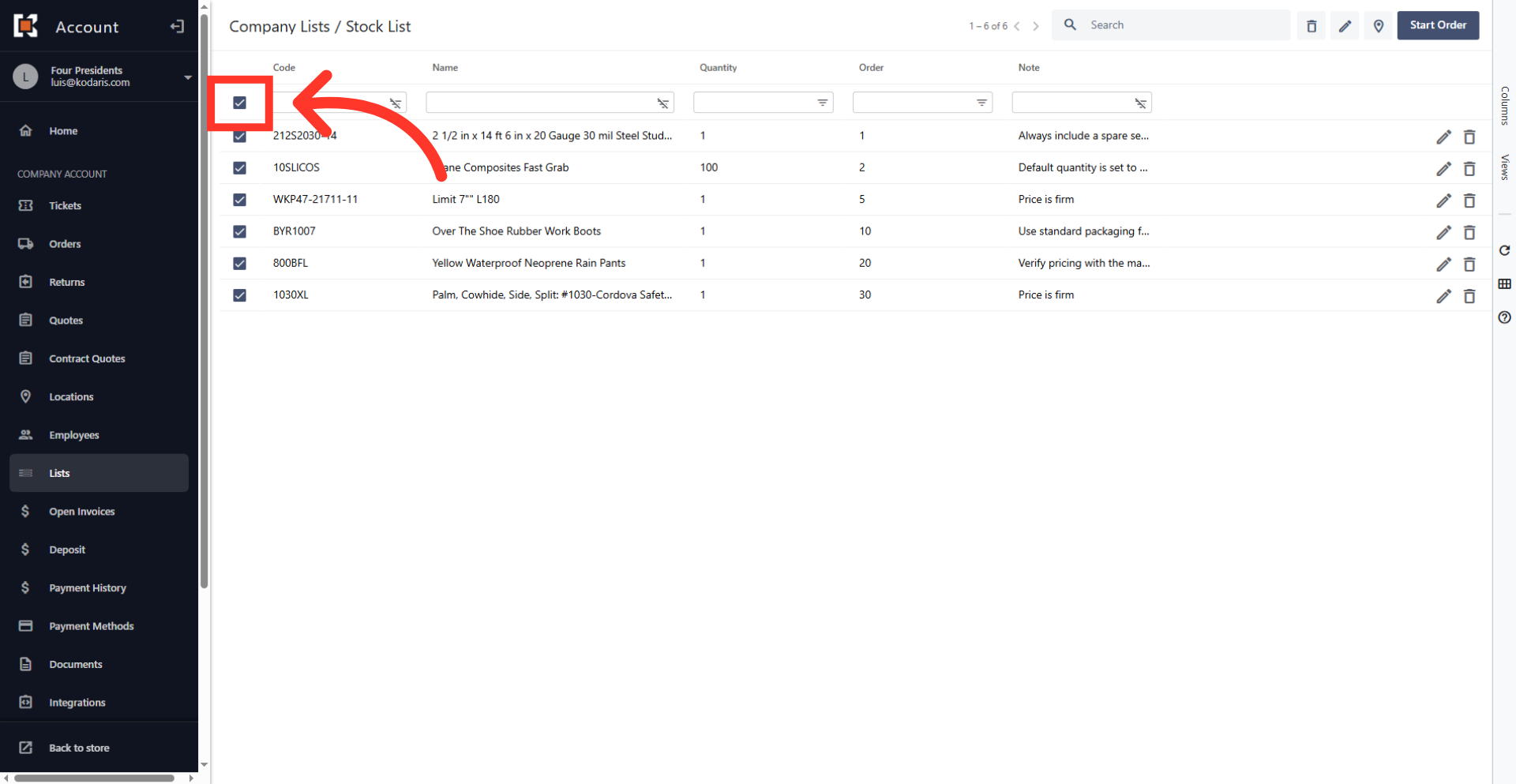
Select all products
The topmost checkbox can be used to select all available products currently displayed in the list.
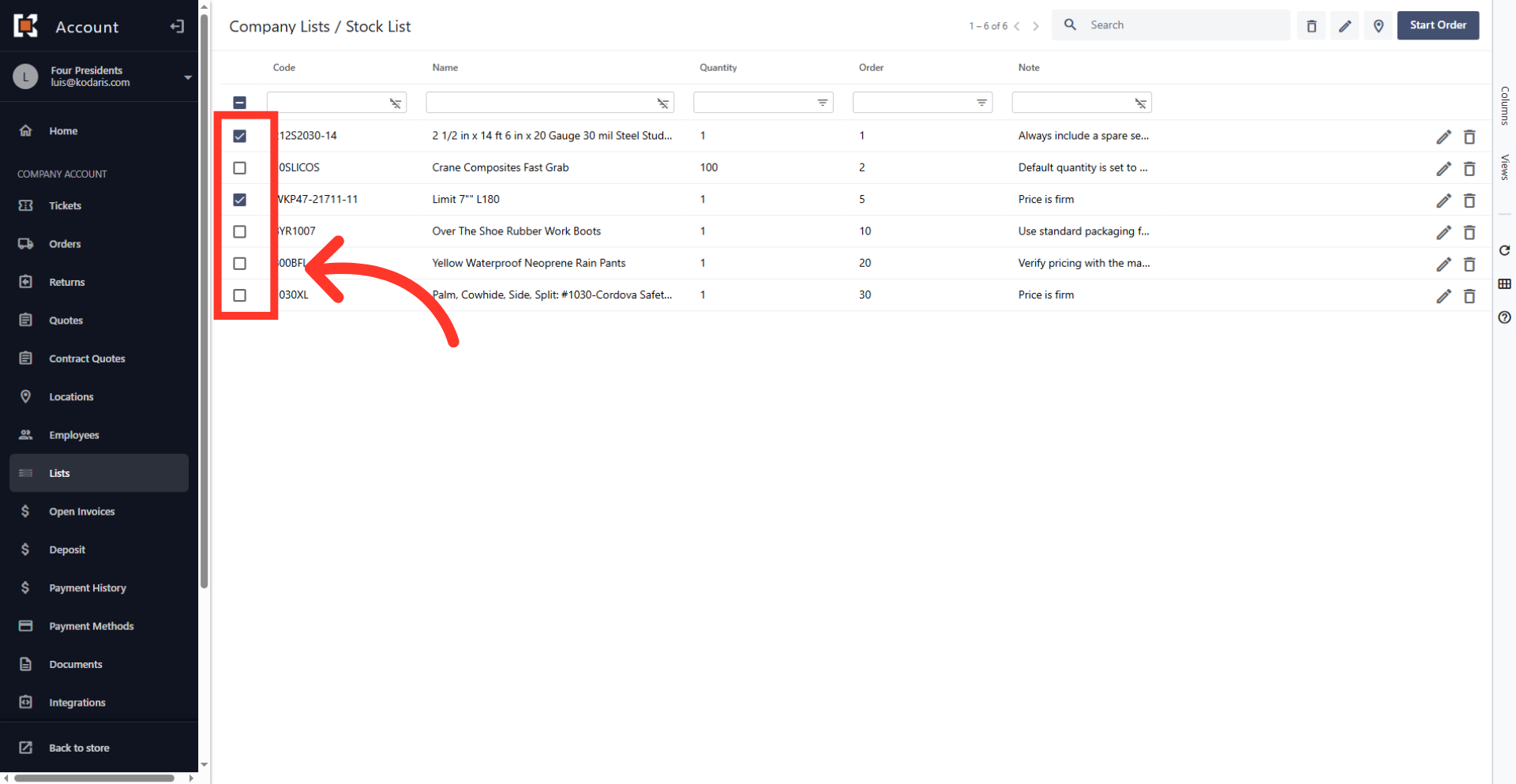
Select specific products
Use the checkboxes next to each item to include specific products from the list in the current order.
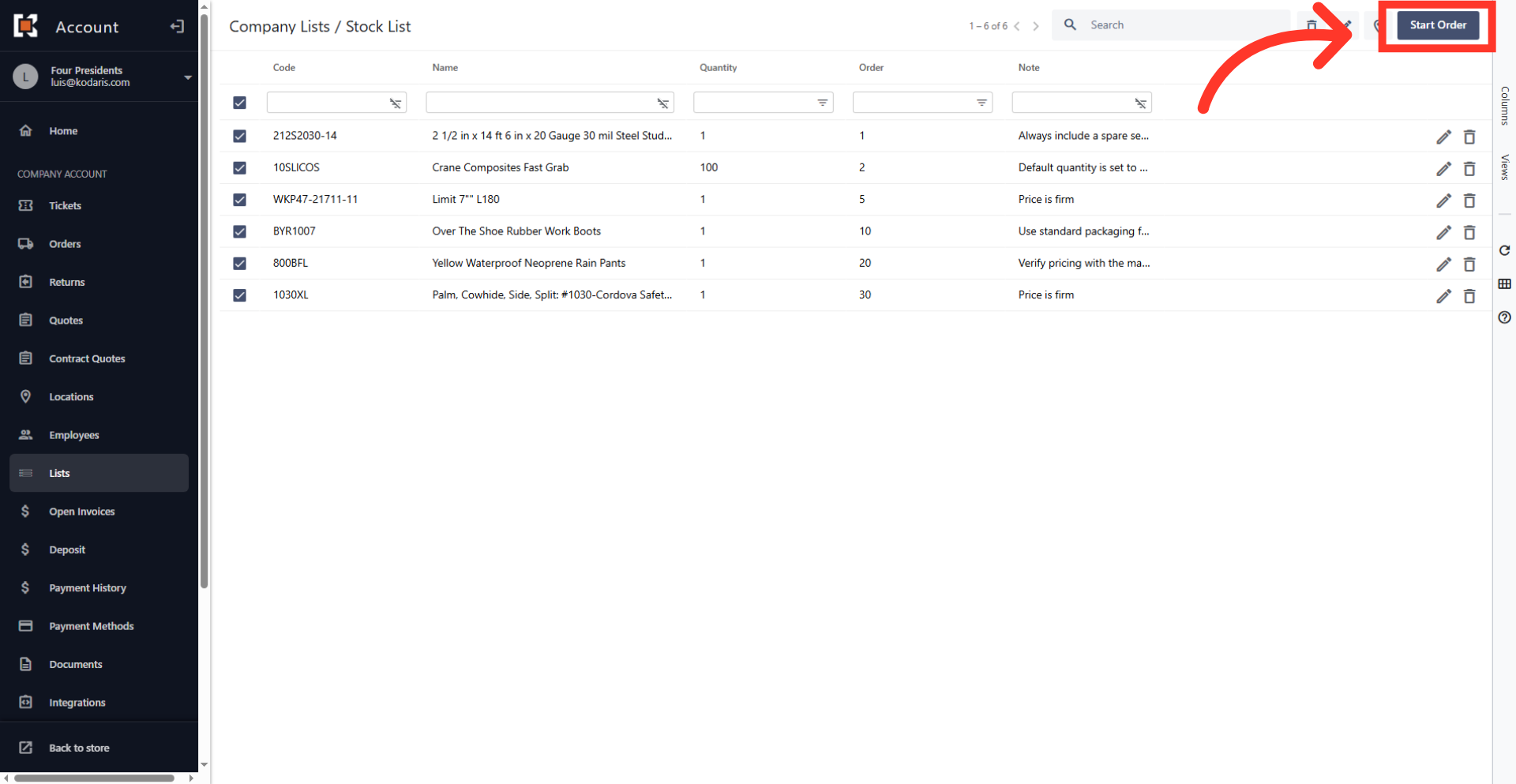
Click "Start Order"
Click the "Start Order" button to finalize the selection and move the chosen items into the shopping cart.
View shopping cart
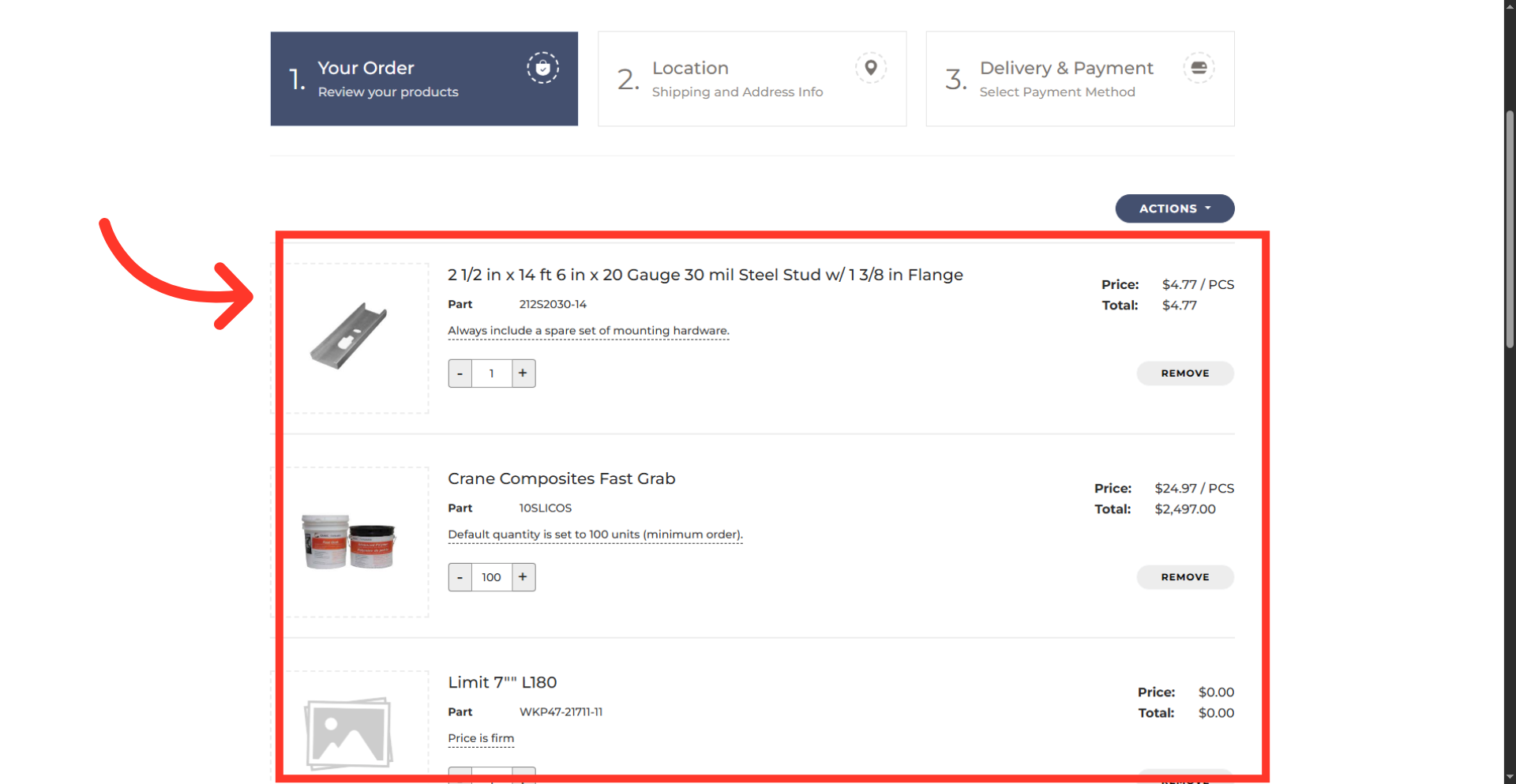
This action will redirect the user to the commerce site's shopping cart, which now contains the selected products and is ready for ordering.