
Commerce - View Purchase History on Products
Log into your account
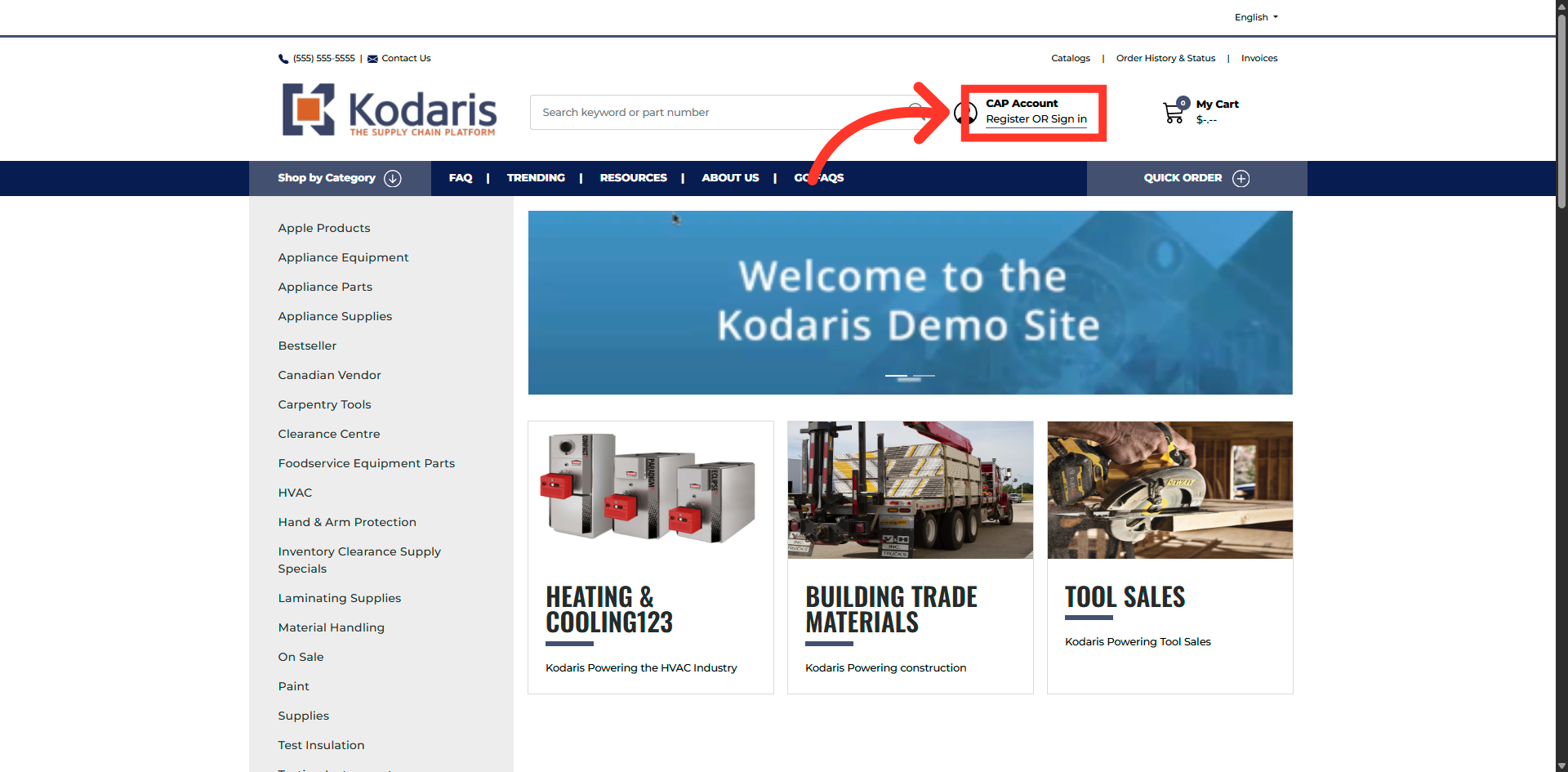
To view the Purchase History for a product, click "Register Or Sign in" to log in to your account in the Customer Portal.
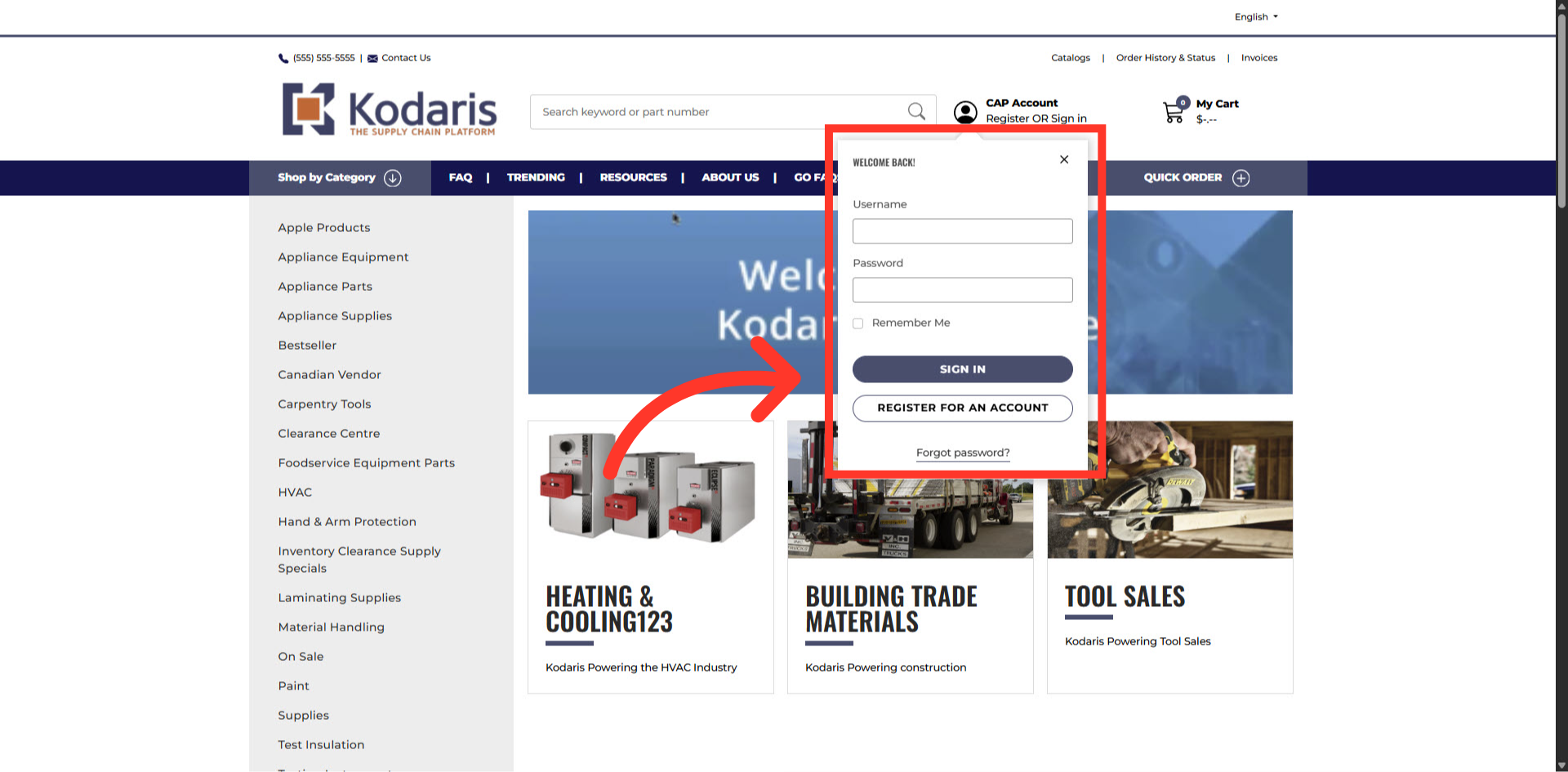
Fill in your username and password
Fill in your username and password.
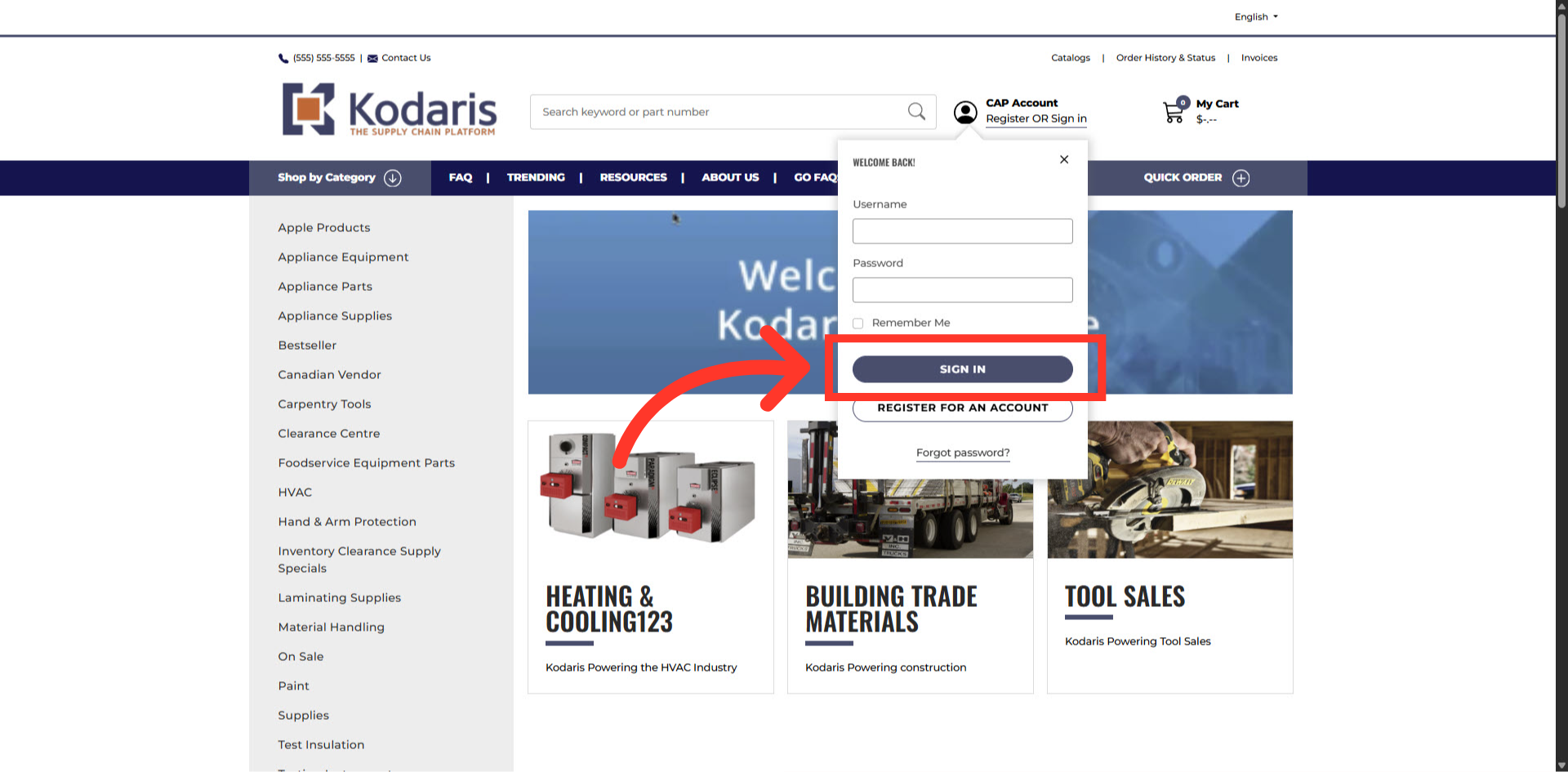
Click on the "SIGN IN" button
Then, click "SIGN IN".
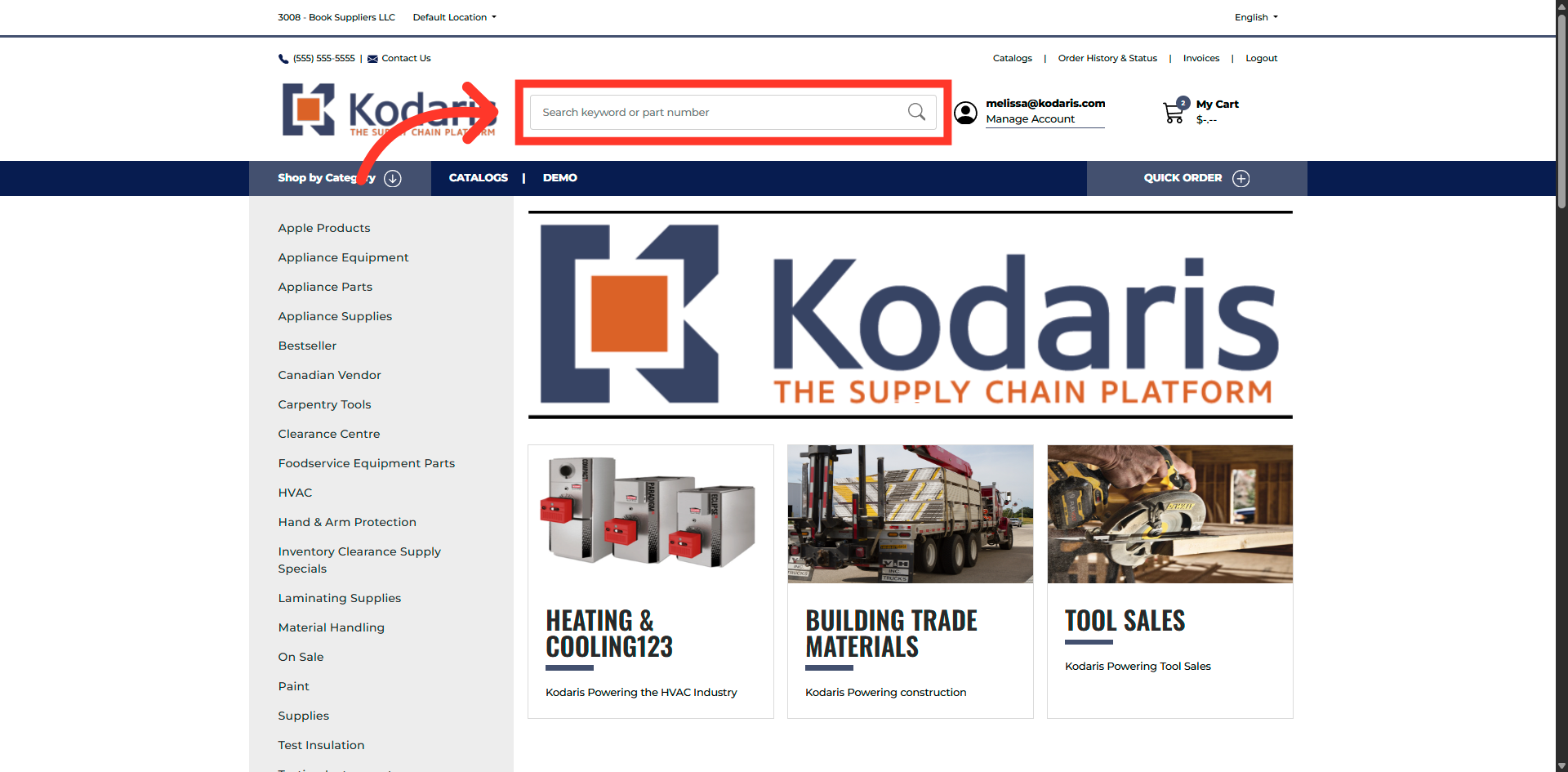
Search for a product
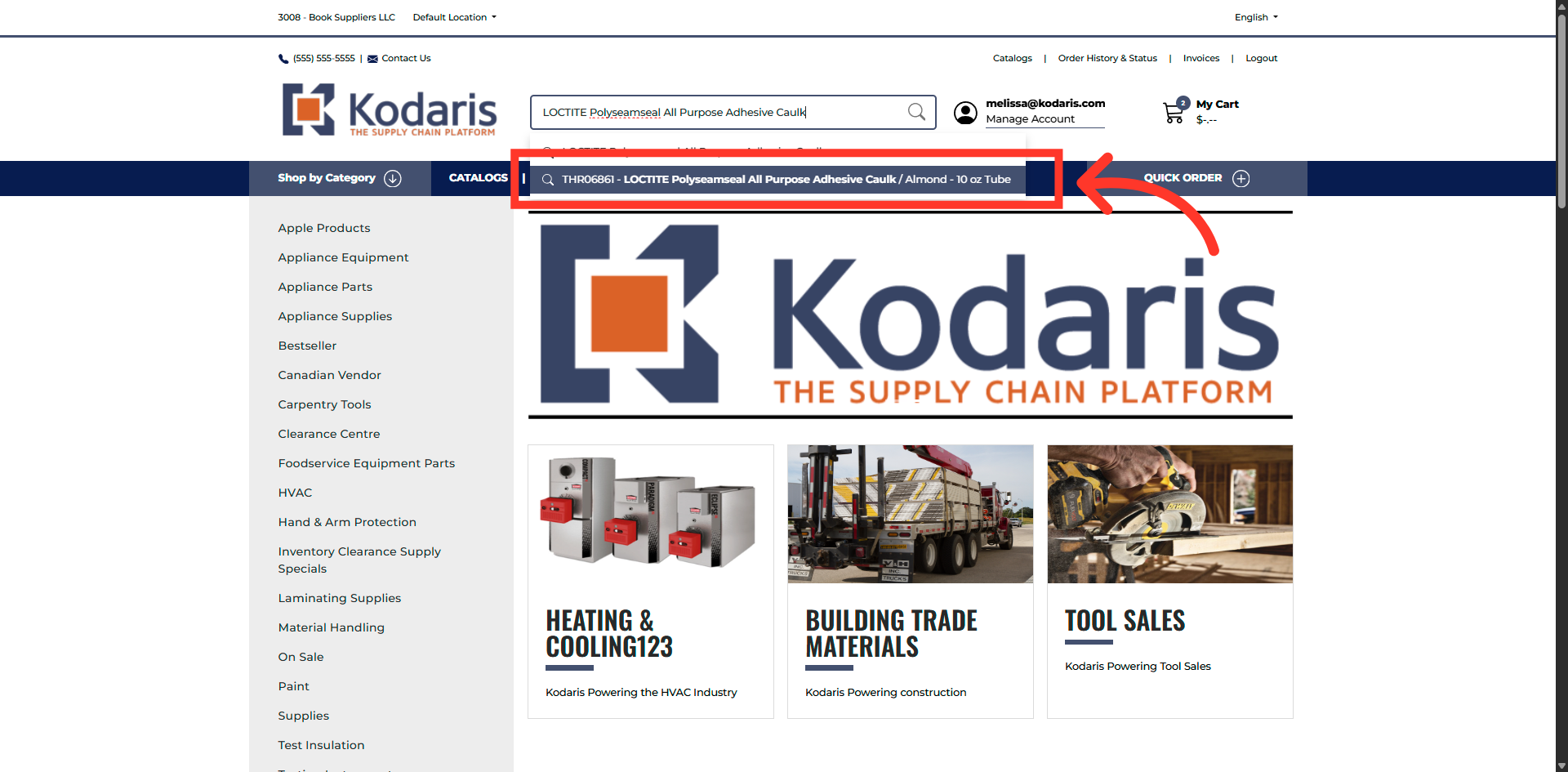
Enter the product code or name to search for a product.
Select product from the results
Select the product from the search results to view its detailed information page.
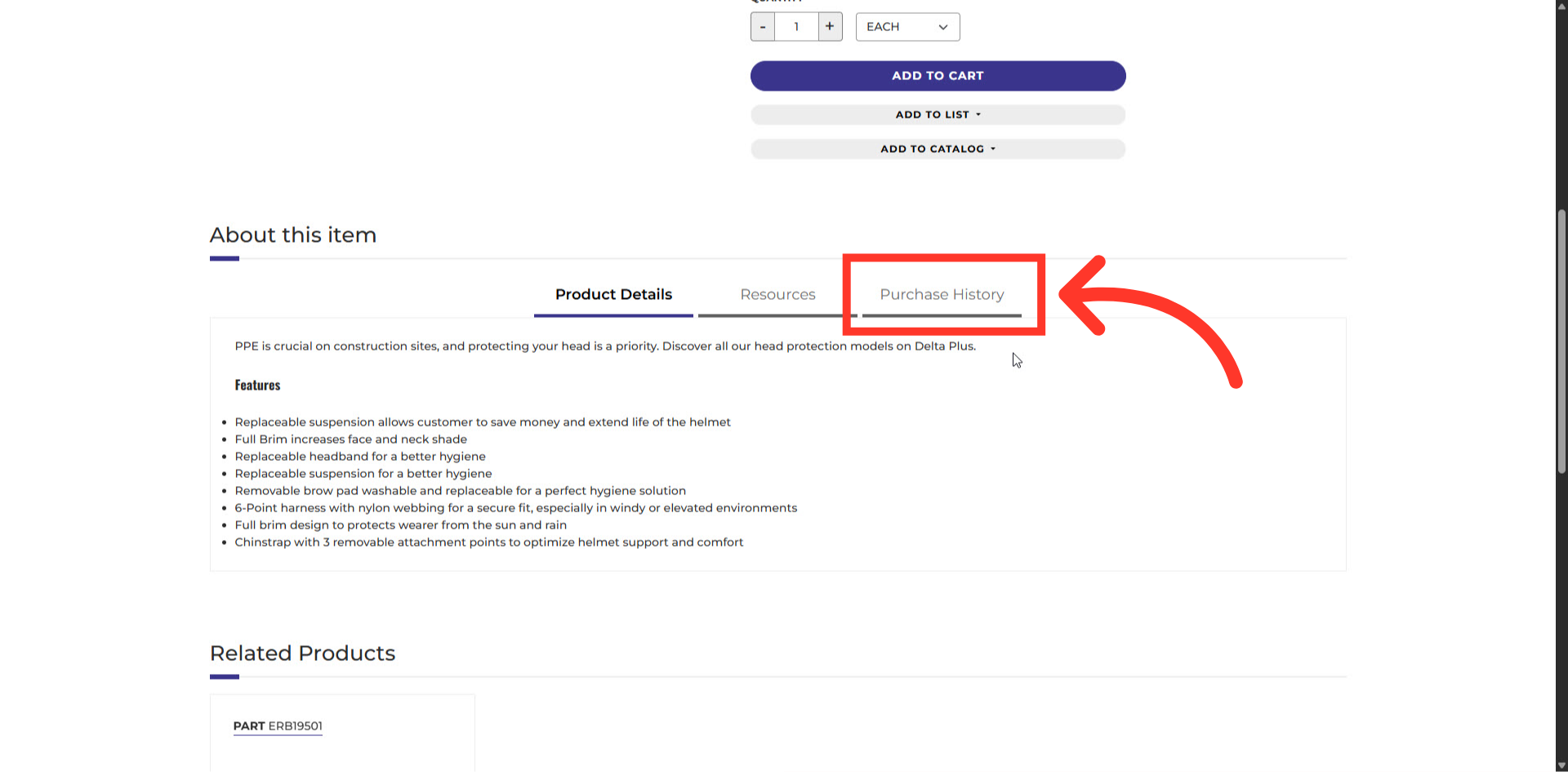
Purchase History tab
Scroll down the product page and click on the "Purchase History" tab.
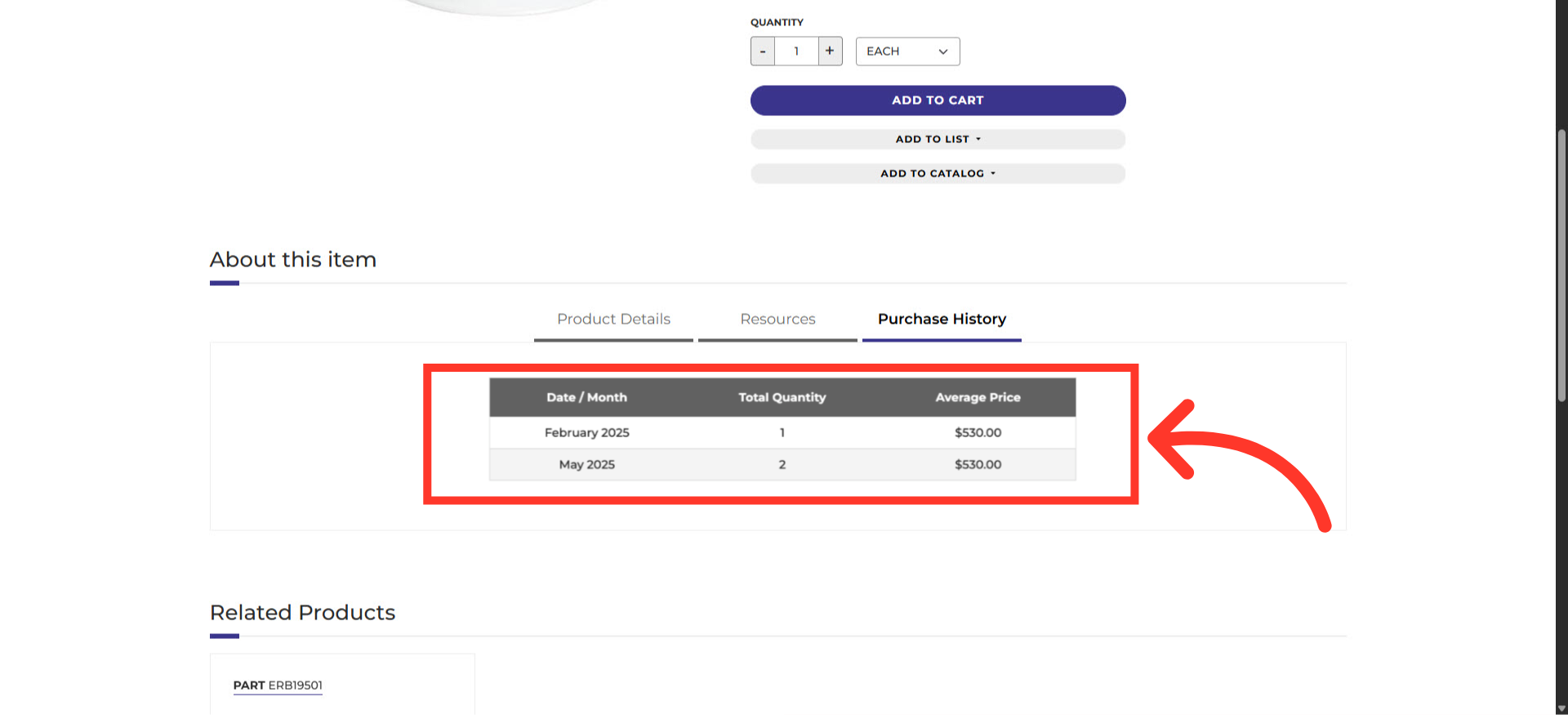
The Purchase History
You will be able to see all past purchases for this product, including the "Date" of previous purchases, "Total Quantity" purchased, and the "Average" price paid for the specific product.
In this article