
Search within Company Group, Company, and Customer Catalogs
Navigate to "Catalog" screen
To use the search feature across your company group, company, and customer catalogs to quickly locate specific items, log into your customer account and navigate to the "Catalogs" screen.

Access catalog details page
Choose the desired catalog and go to the details page.

Locate the catalog search feature
Locate the search feature on the left side of the page.
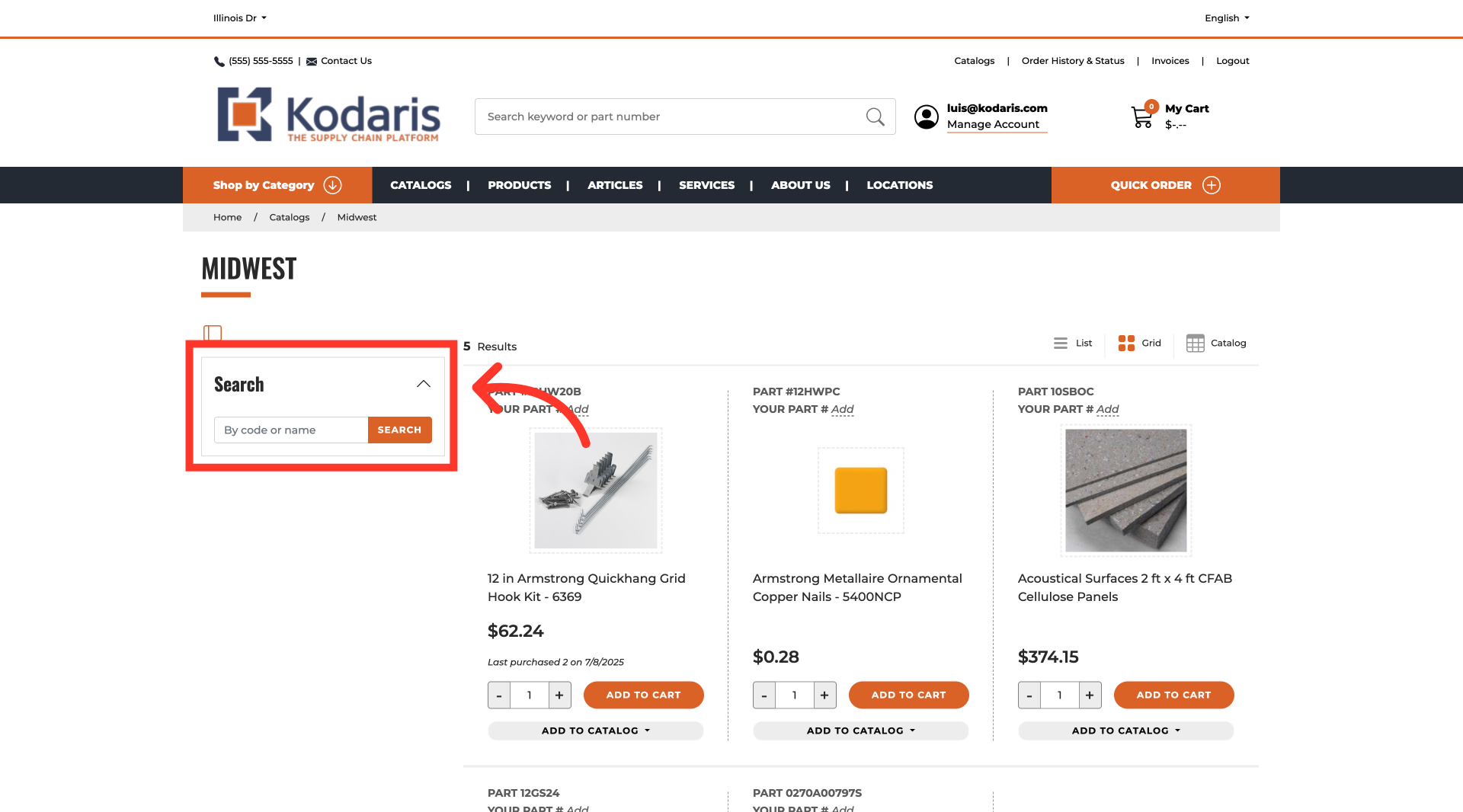
Filter catalog items by search
Click in the field and enter a search term. Then, click the "Enter" key or click on the "Search" button. Observe that the catalog items will filter and display results based on your search term.

In this article