Operations Analytics - Share Analysis with Users
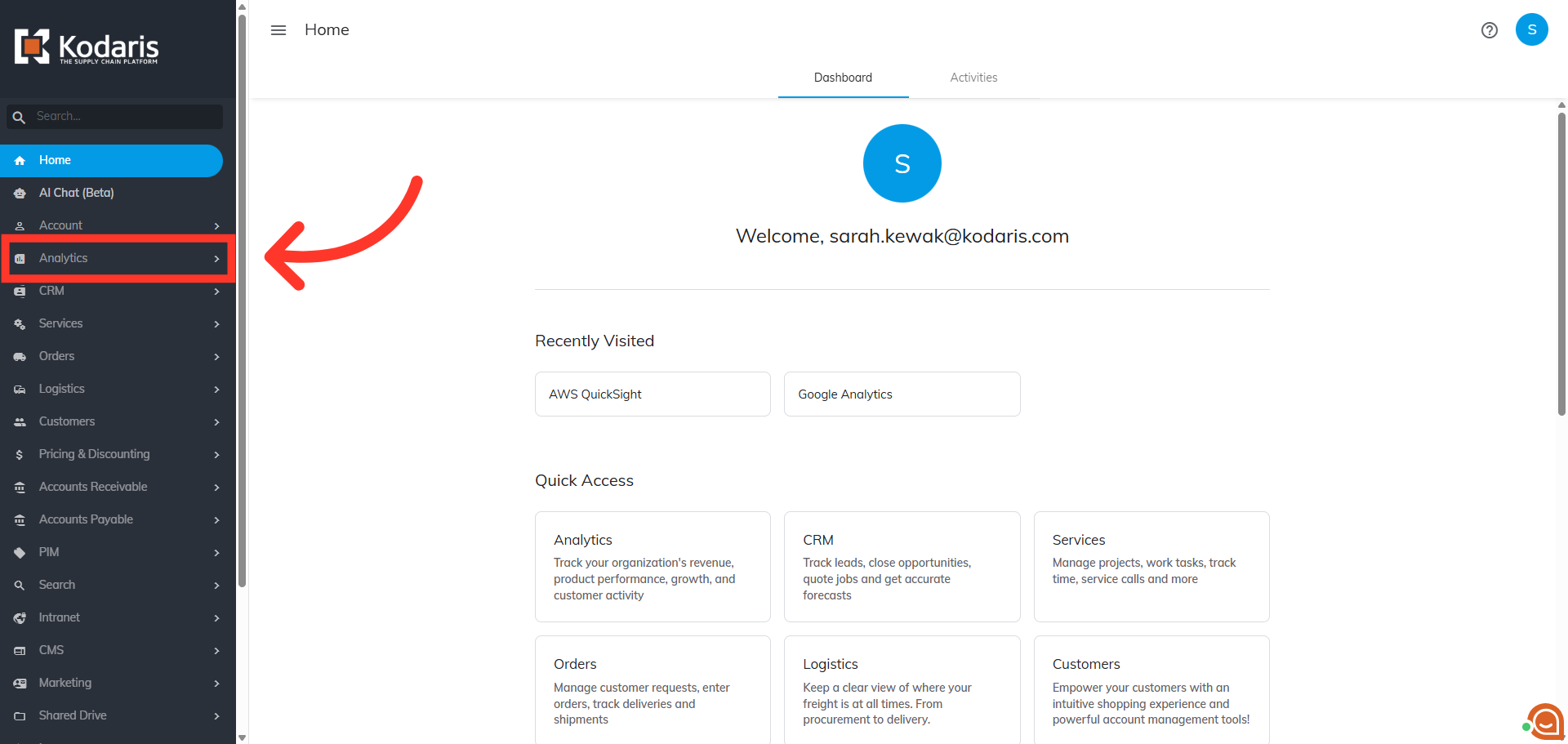
Navigate to "Analytics"
You can share analysis with users from AWS Quicksight by first navigating to the "Analytics" section in the Operations Portal.
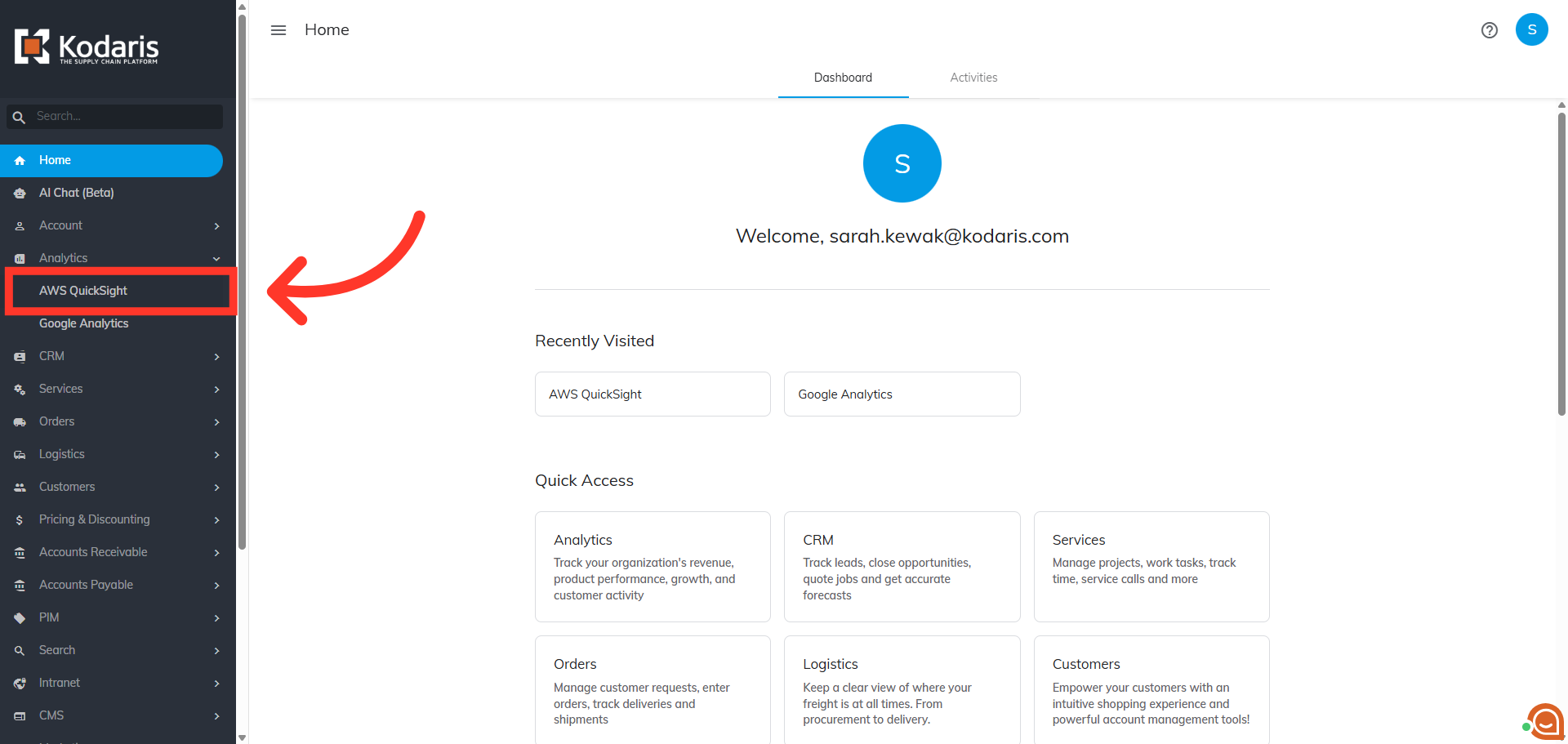
Click "AWS QuickSight"
Then, click "AWS QuickSight" to work with your datasets. In order to access "AWS QuickSight" you will need to be set up as a “superuser”, or have the role of: “qbiAuthor”.
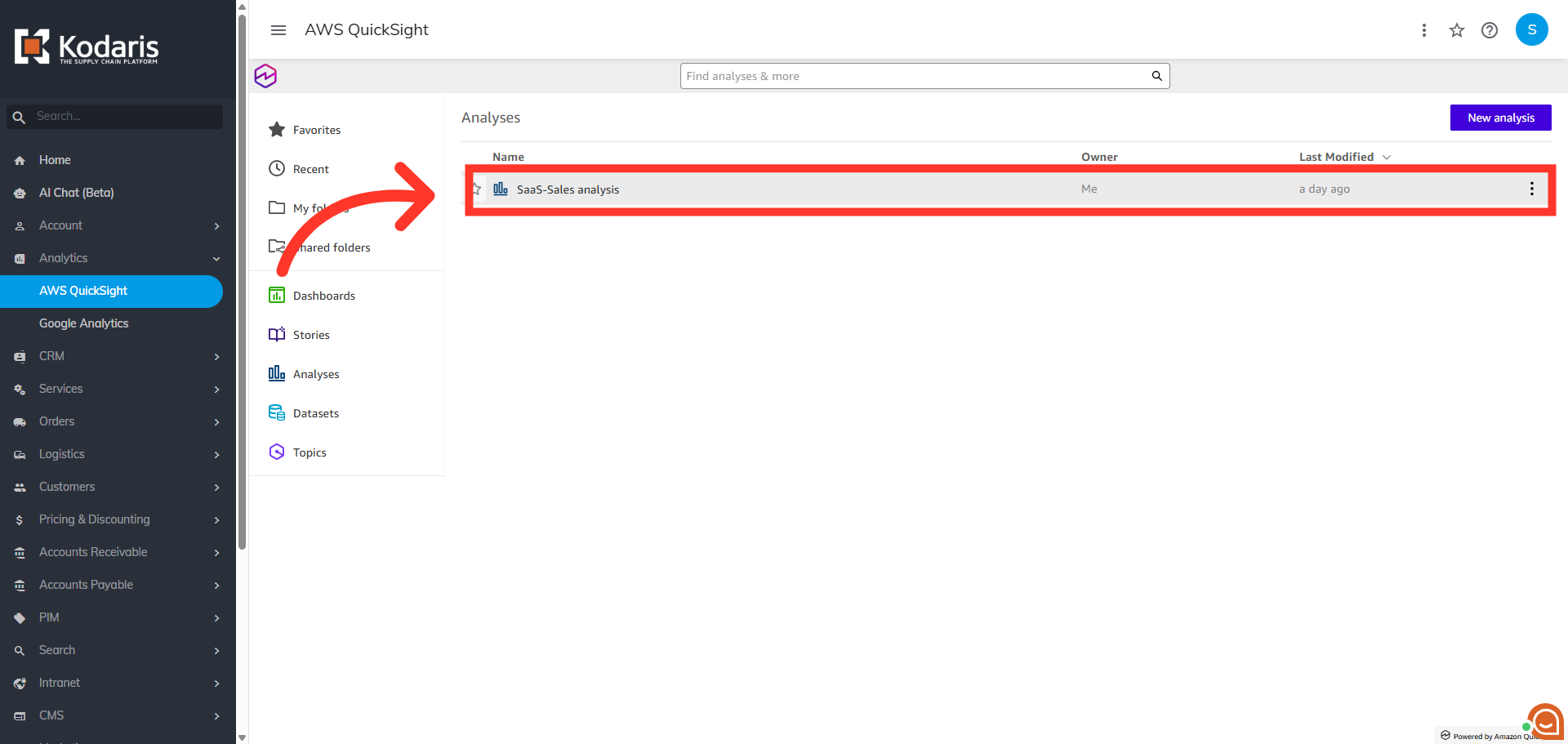
Select an Analysis Report
Here, you can click on the "Analysis" report you wish to share from the list of available reports.
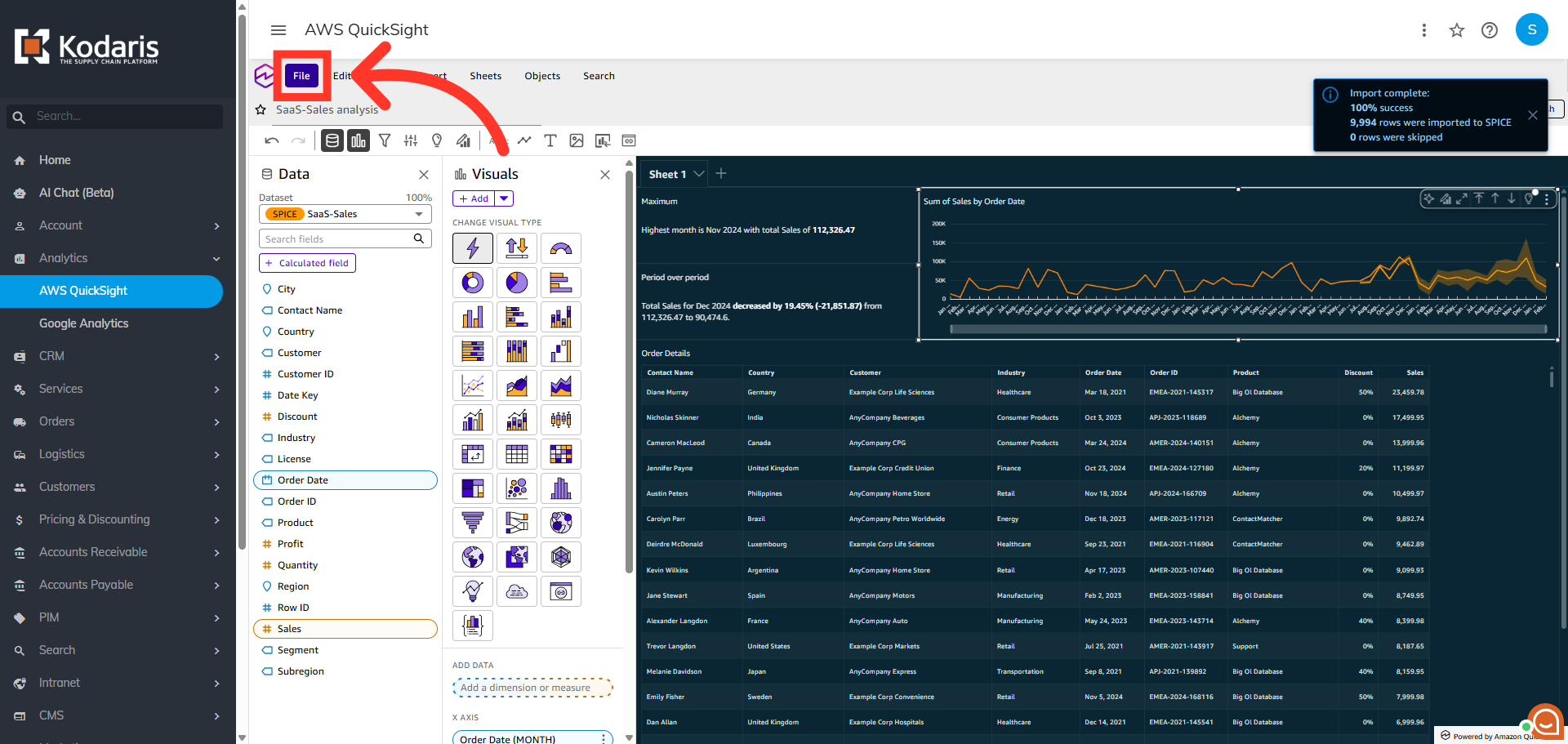
Click "File"
Next, click the "File" menu.
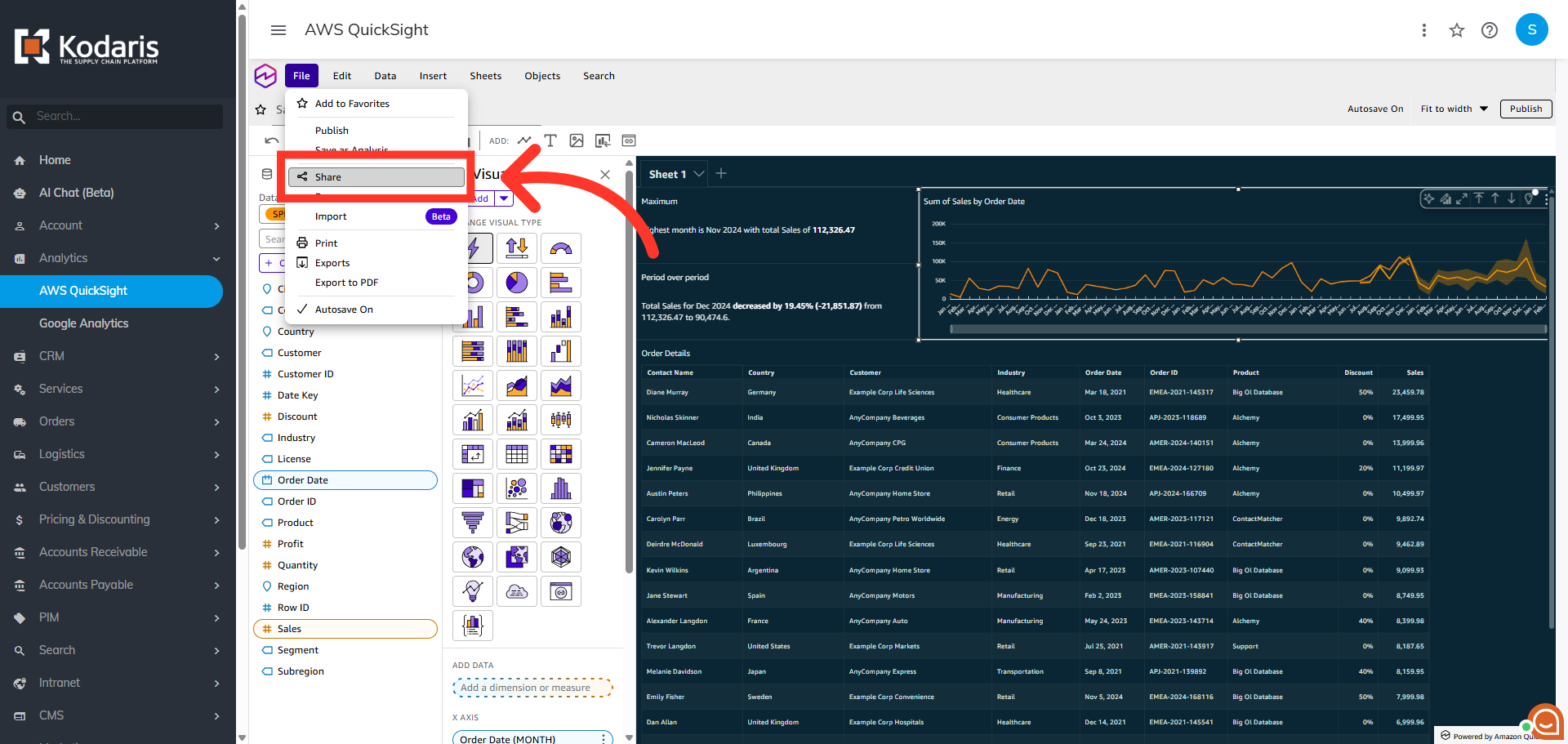
Click "Share"
Then, click "Share".
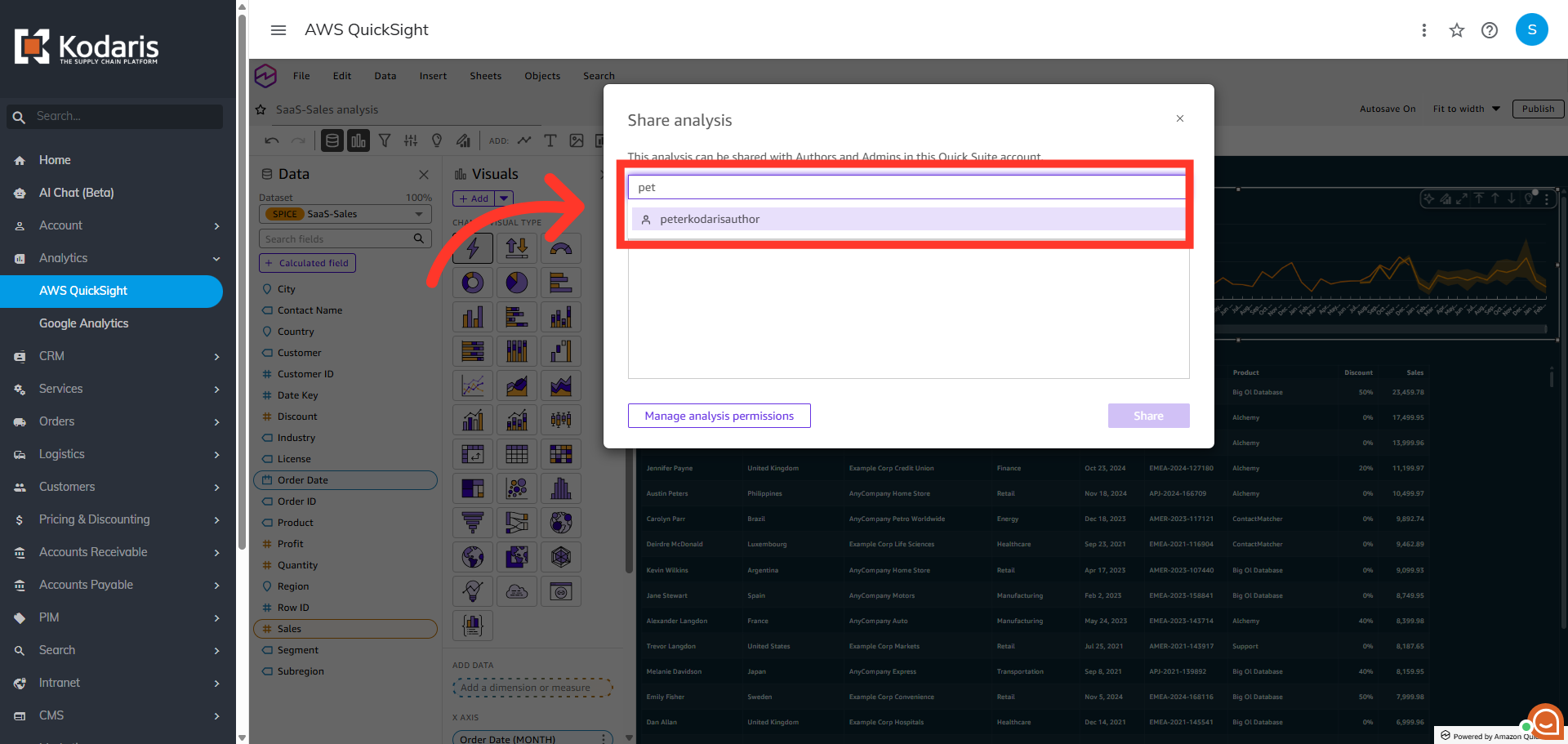
Search and select the user
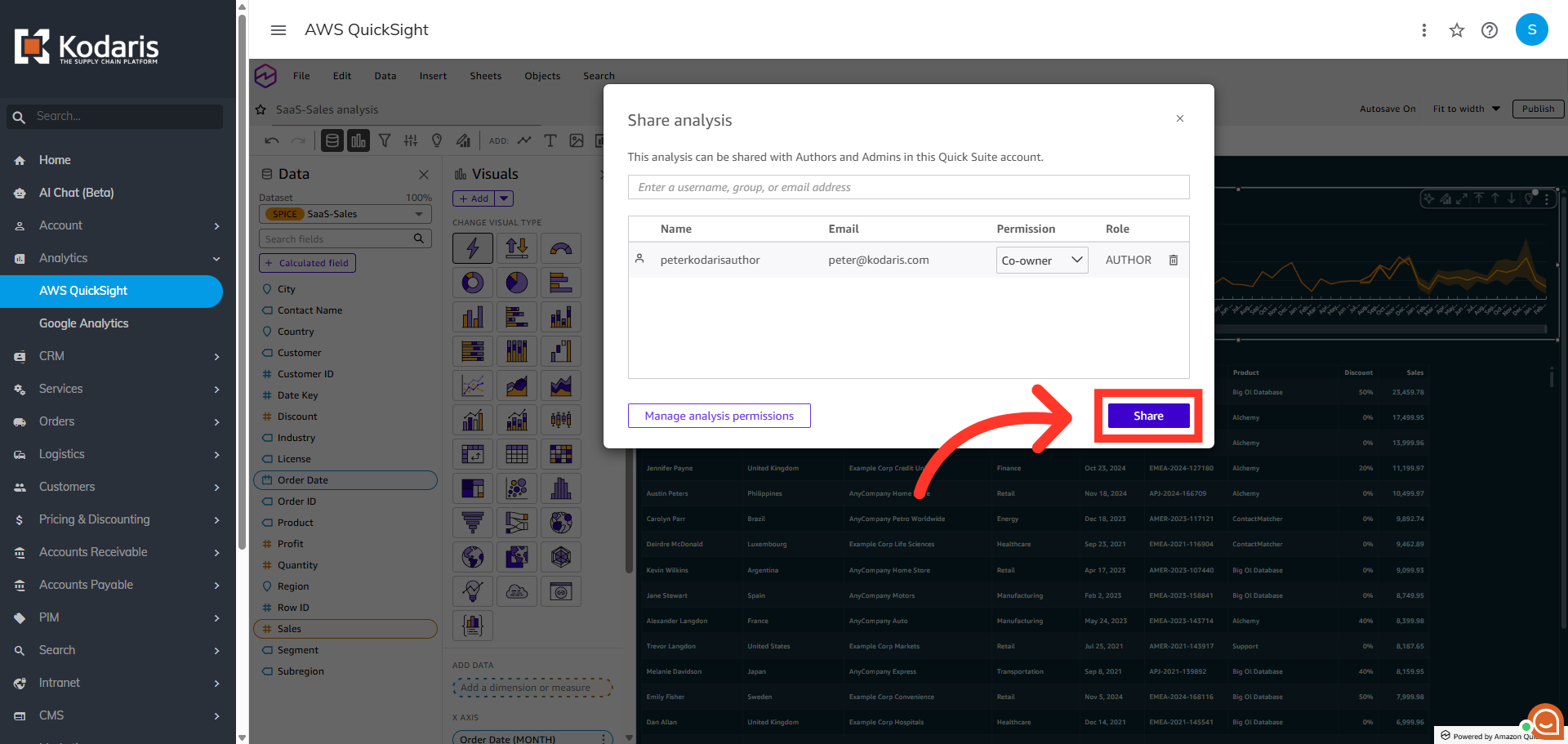
A "Share analysis" dialog box appears. You can search for the user by entering at least th first three letters of the user name and select the appropriate user from the suggestions. You can also add multiple users here if you want.
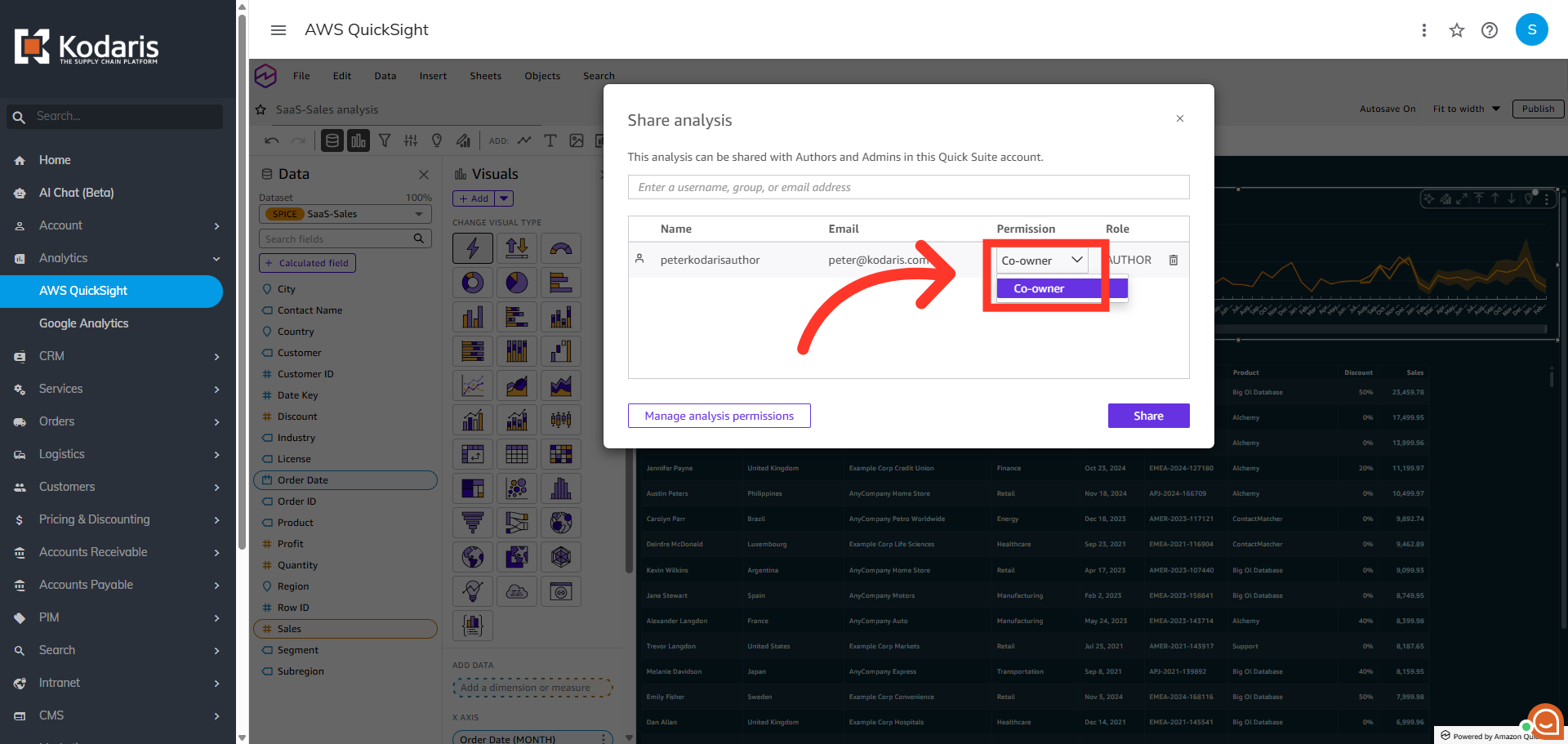
Assign User Role
Once you have selected the user, verify the permission level for the user before continuing. Click the "Permission" dropdown and select a role.
Click "Share"
Finally, click the "Share" button to complete the process and provide the user with access to the analysis report.