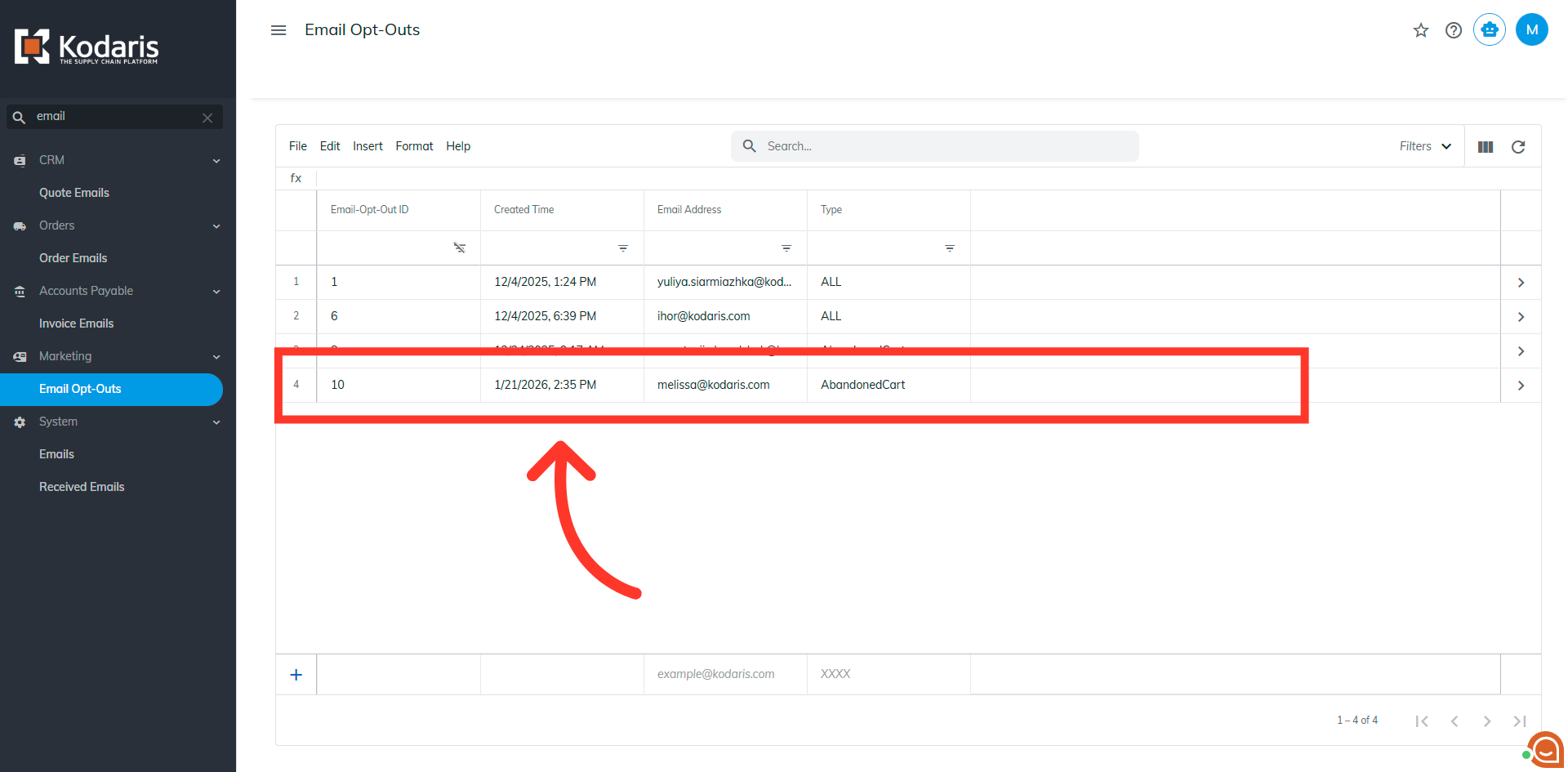
Commerce - View Customer Abandoned Cart Email Opt-Outs
Abandoned Cart Customer Email
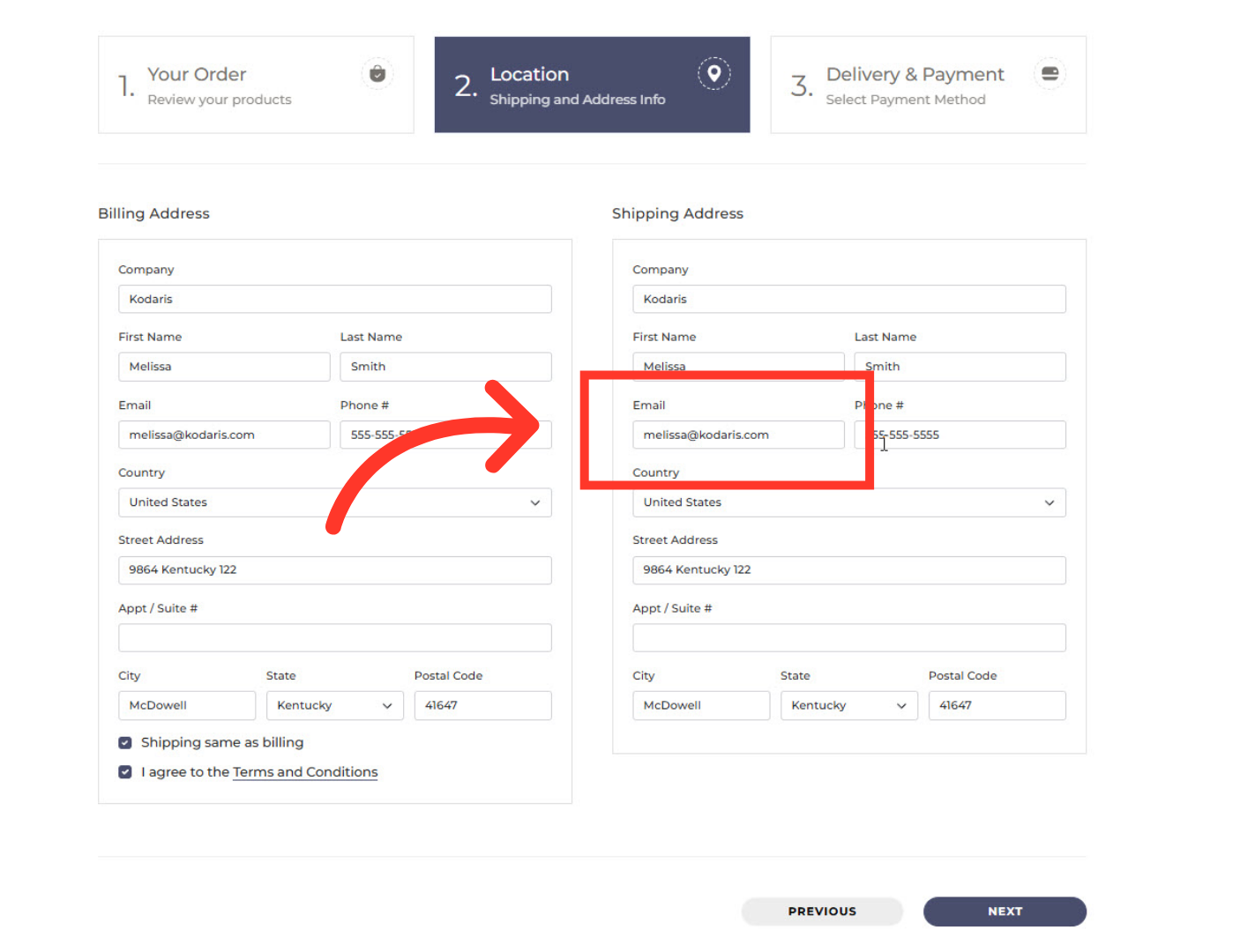
With the Abandoned Cart feature, your customers have the option to unsubscribe if they prefer not to receive reminders that they have a cart waiting. The abandoned cart email will be sent to the email address entered under the shipping address if the customer does not finish the checkout process.
Example Email
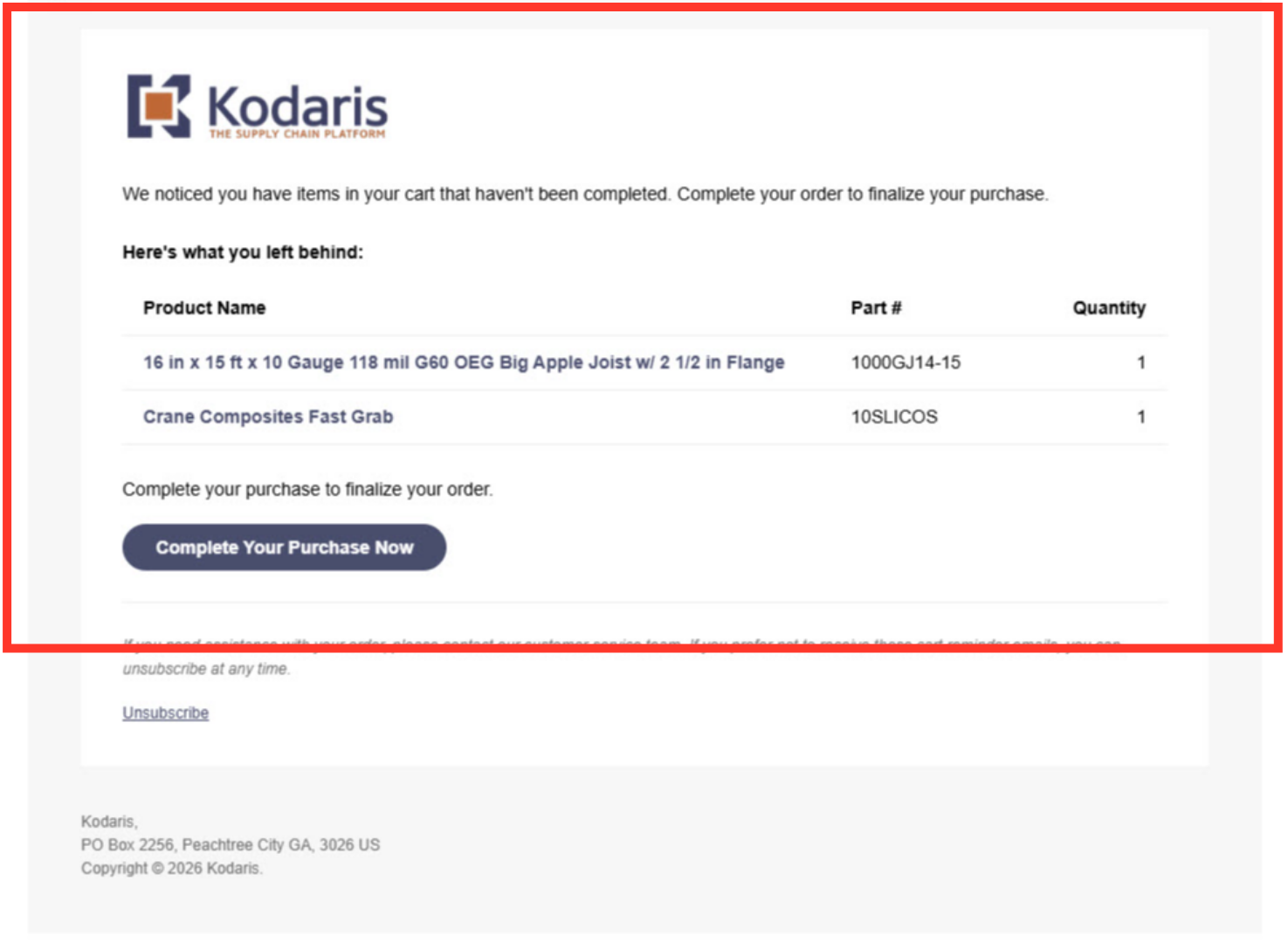
Here is an example of an abandoned cart email that a customer will receive.
View Abandoned Cart "Email Opt-Outs"
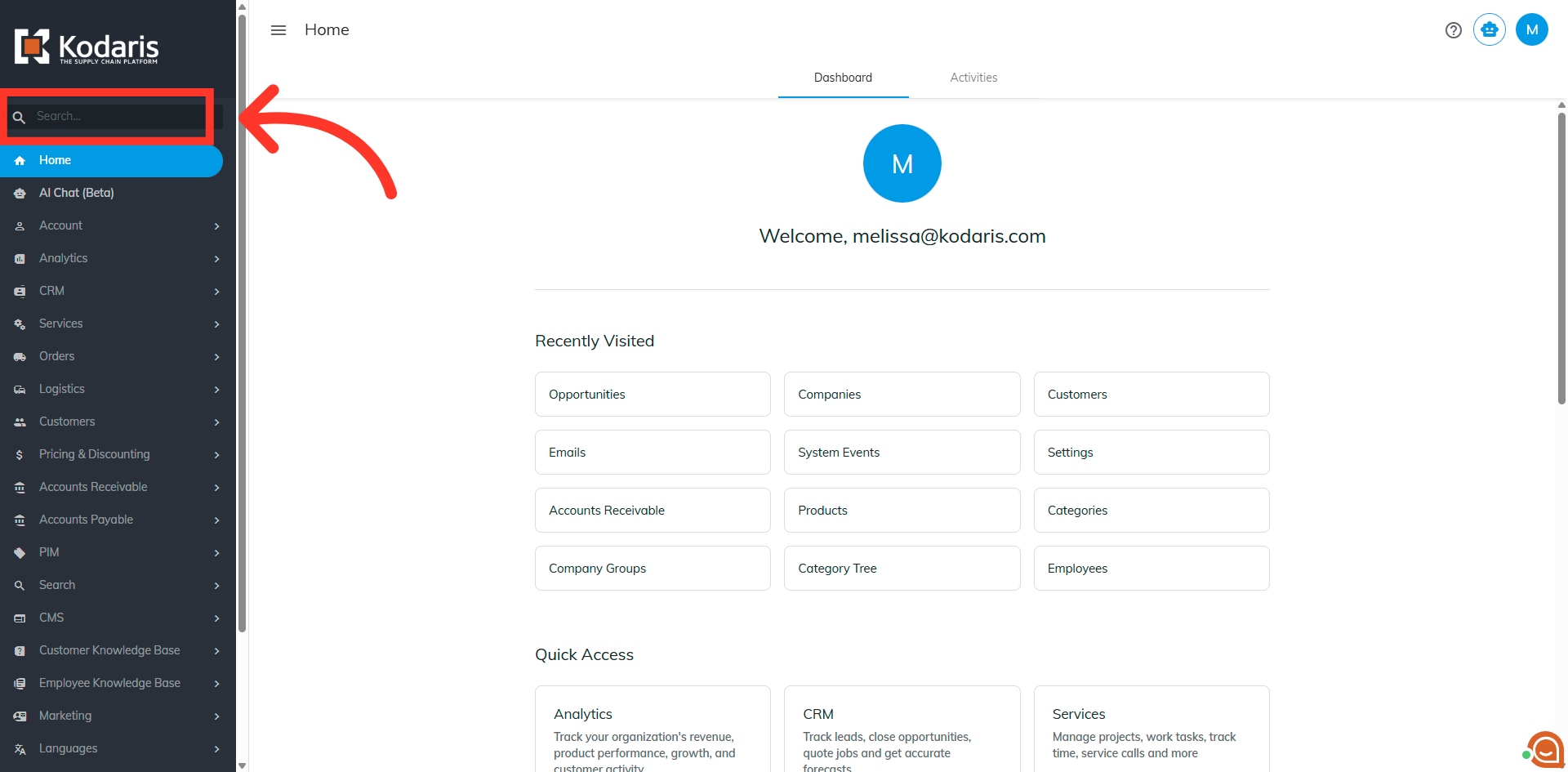
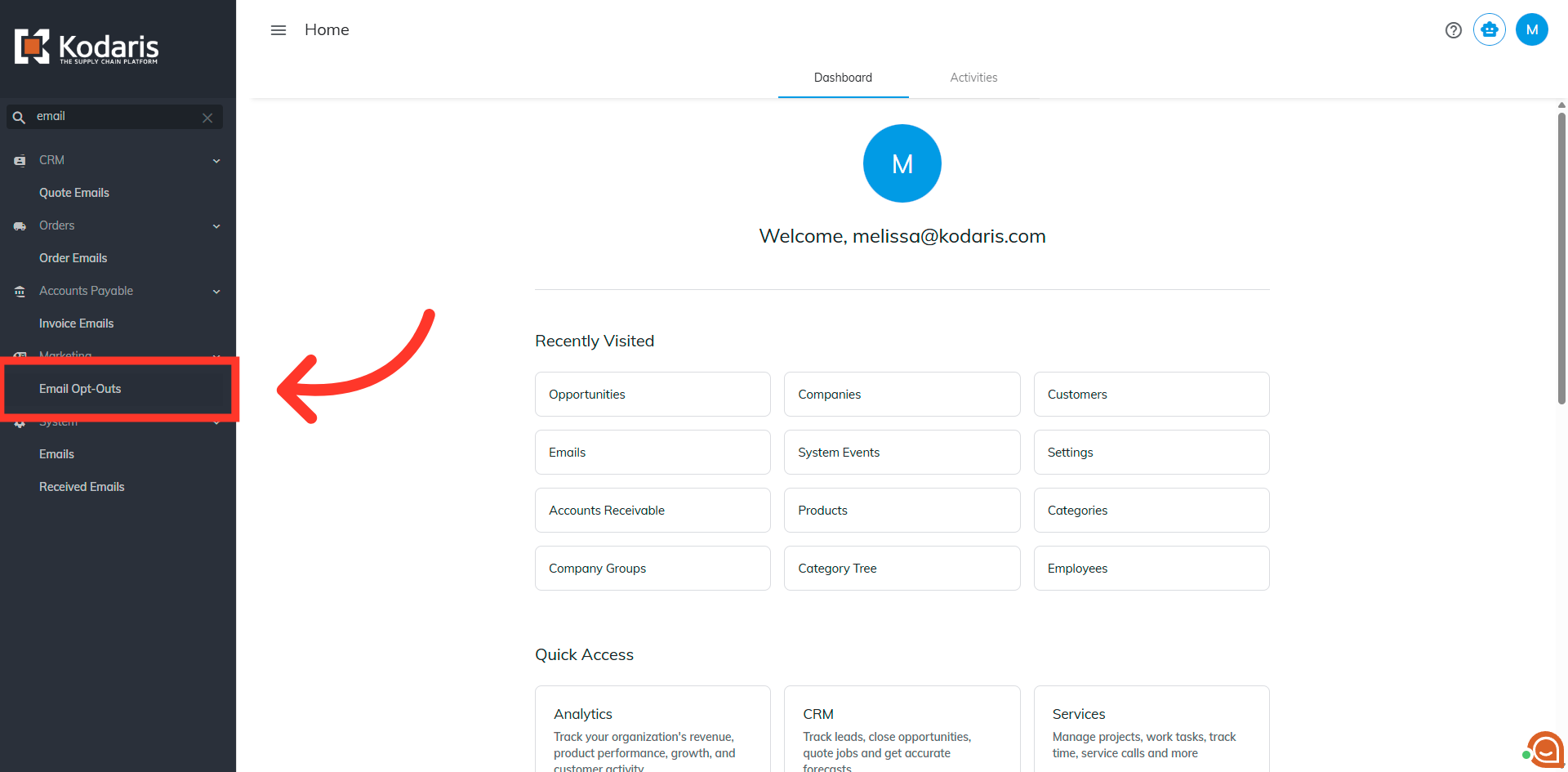
If a customer decides to opt-out of receiving these emails, a record will be created and visible on the "Email Opt-Outs" screen in the Operations Portal. This record will have a timestamp, the customer’s email address, and be tagged with “AbandonedCart” as the "Type". Search for "Email Opt-Outs" in the search bar.
Click Email Opt-Outs
In order to access and update “Email Opt-Outs” you will need to be set up either as an “administrator” or a “superuser”, or have the roles of: “emailOptOutView” and “emailOptOutEdit". Select email opt-outs.
View Email Opt-Out Details
The abandoned cart opt-out records can be viewed on this screen.