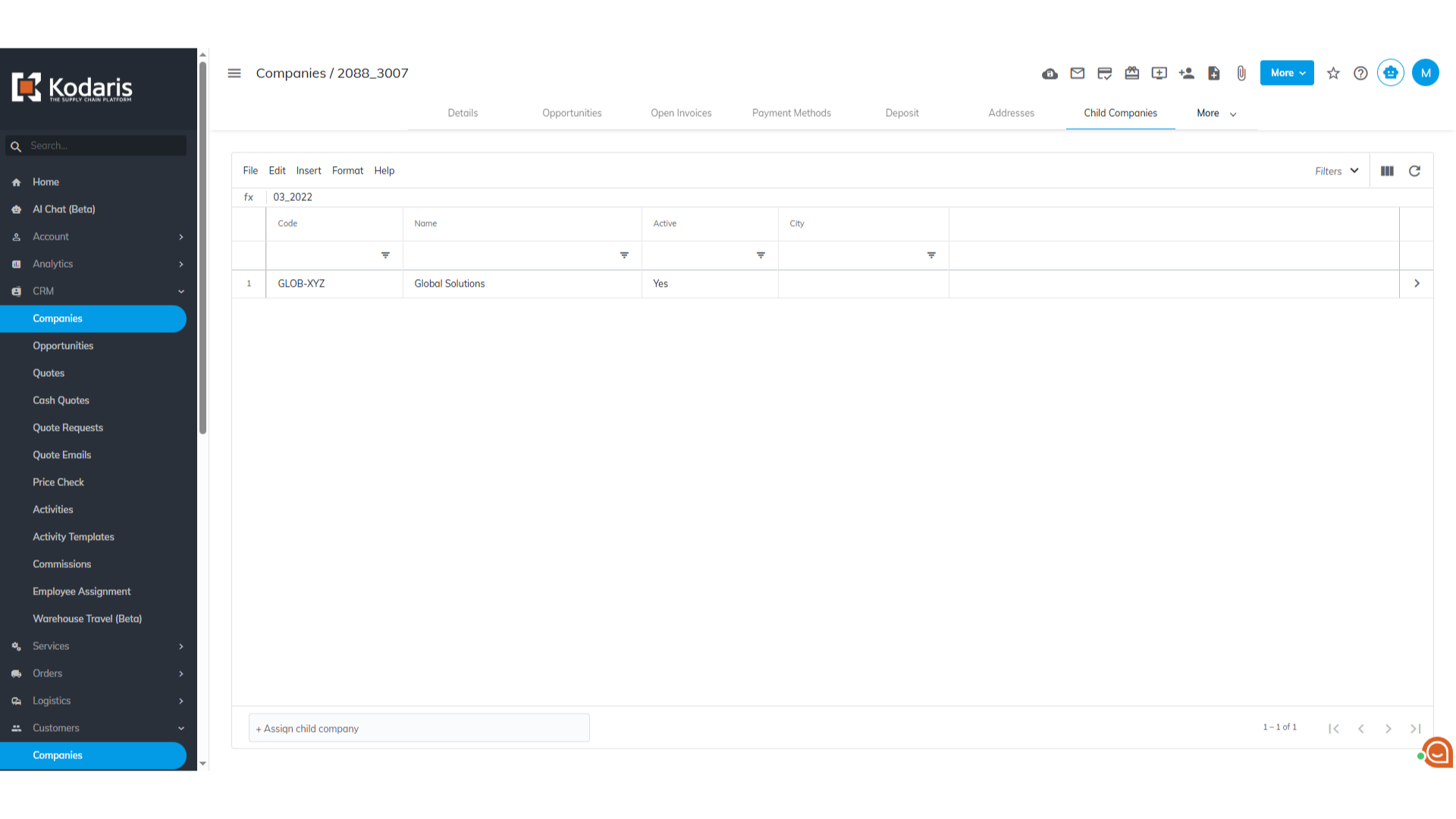
Operations Customers - Unassign Child Customer Account from a Parent Account
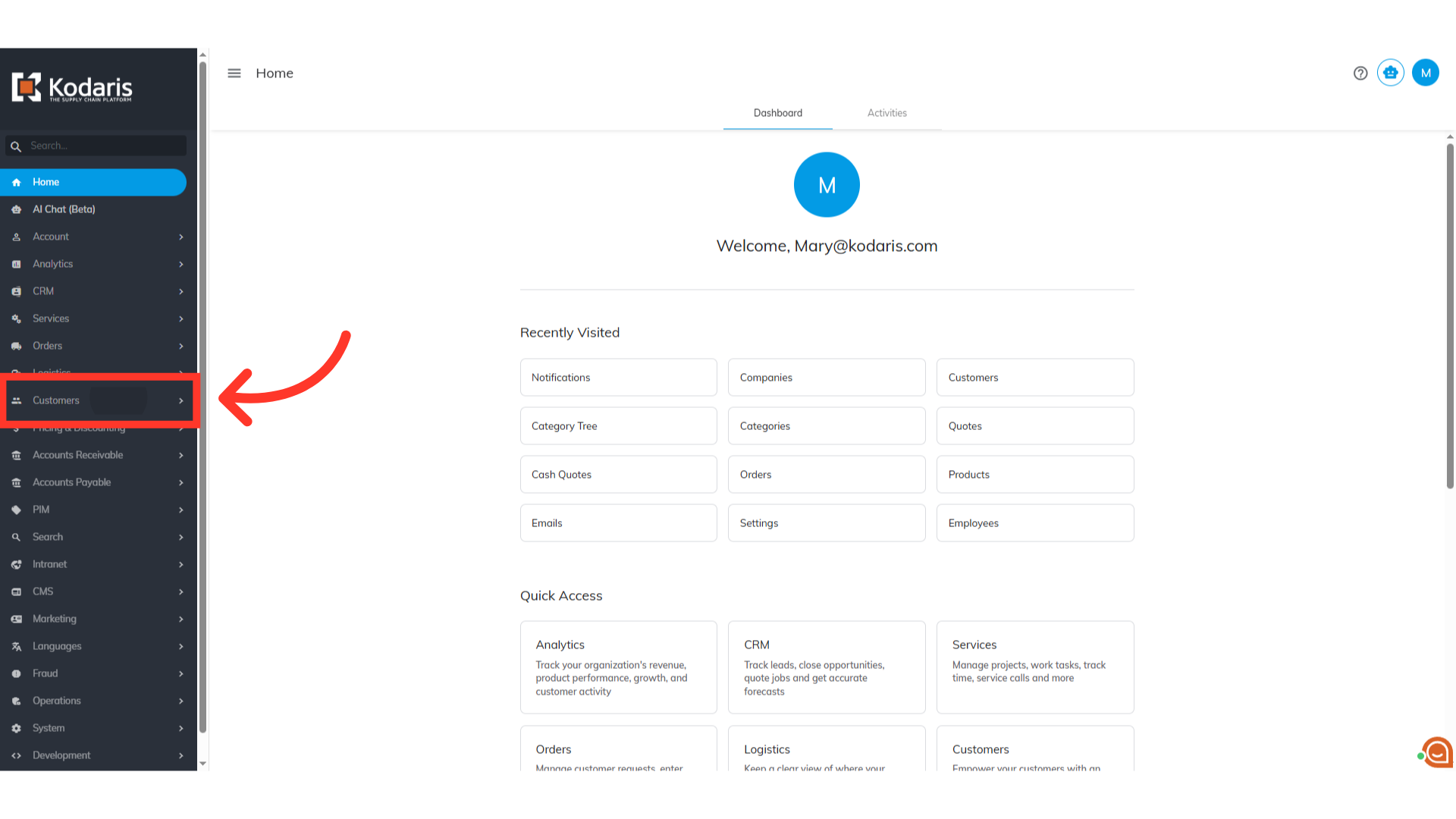
Navigate to "Customers"
To assign a child company to a parent company, navigate to the "Customers" section in the Operations Portal.
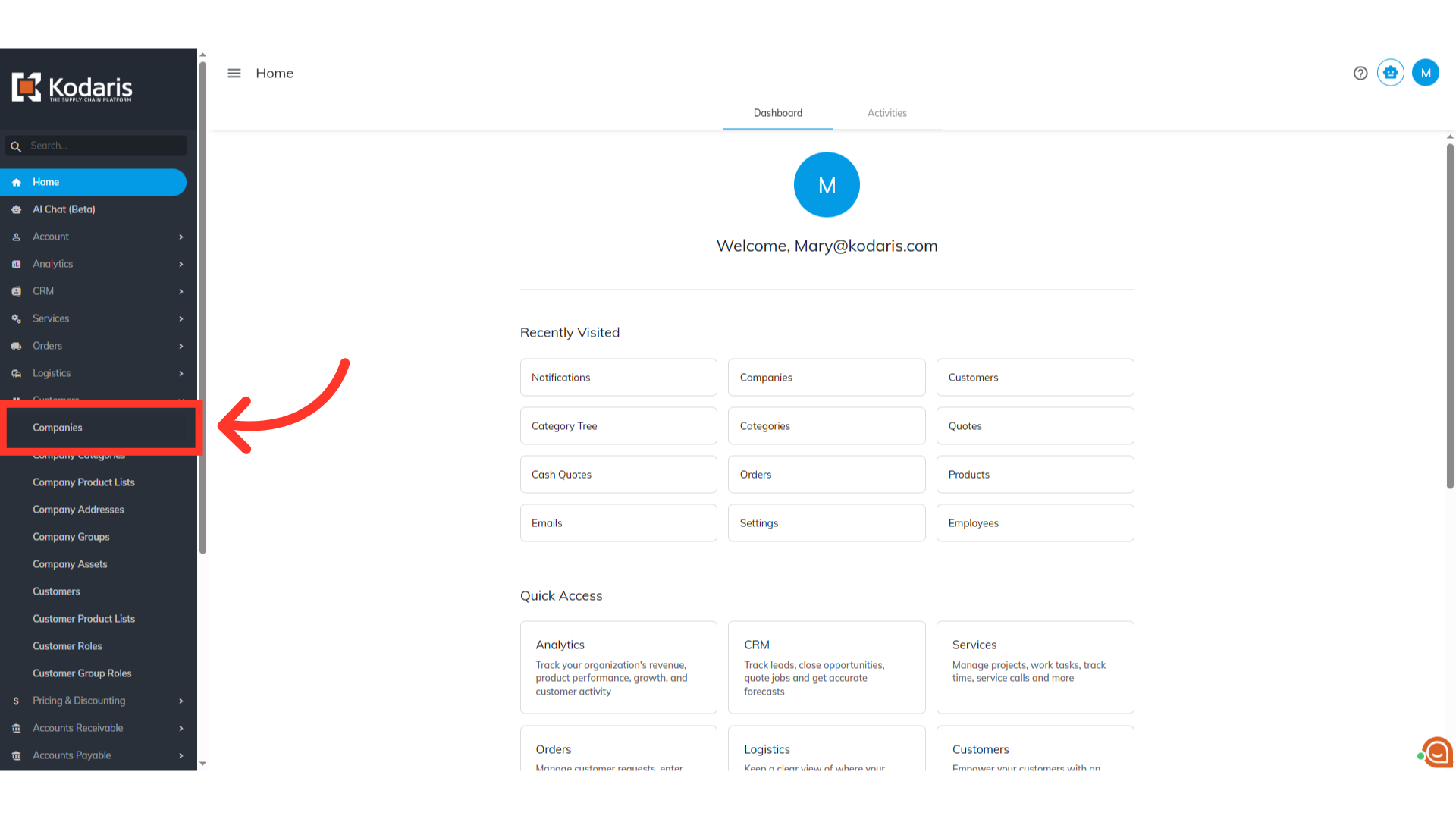
Click "Companies"
Then, click "Companies". In order to access "Companies" you will need to be set up either as an "administrator" or a "superuser", or have the appropriate roles: "companyView and companyEdit", or "crmCompanyView and crmCompanyEdit". Just a reminder, "crmCompanyView and crmCompanyEdit" access only allows employees to view companies that are assigned to them.
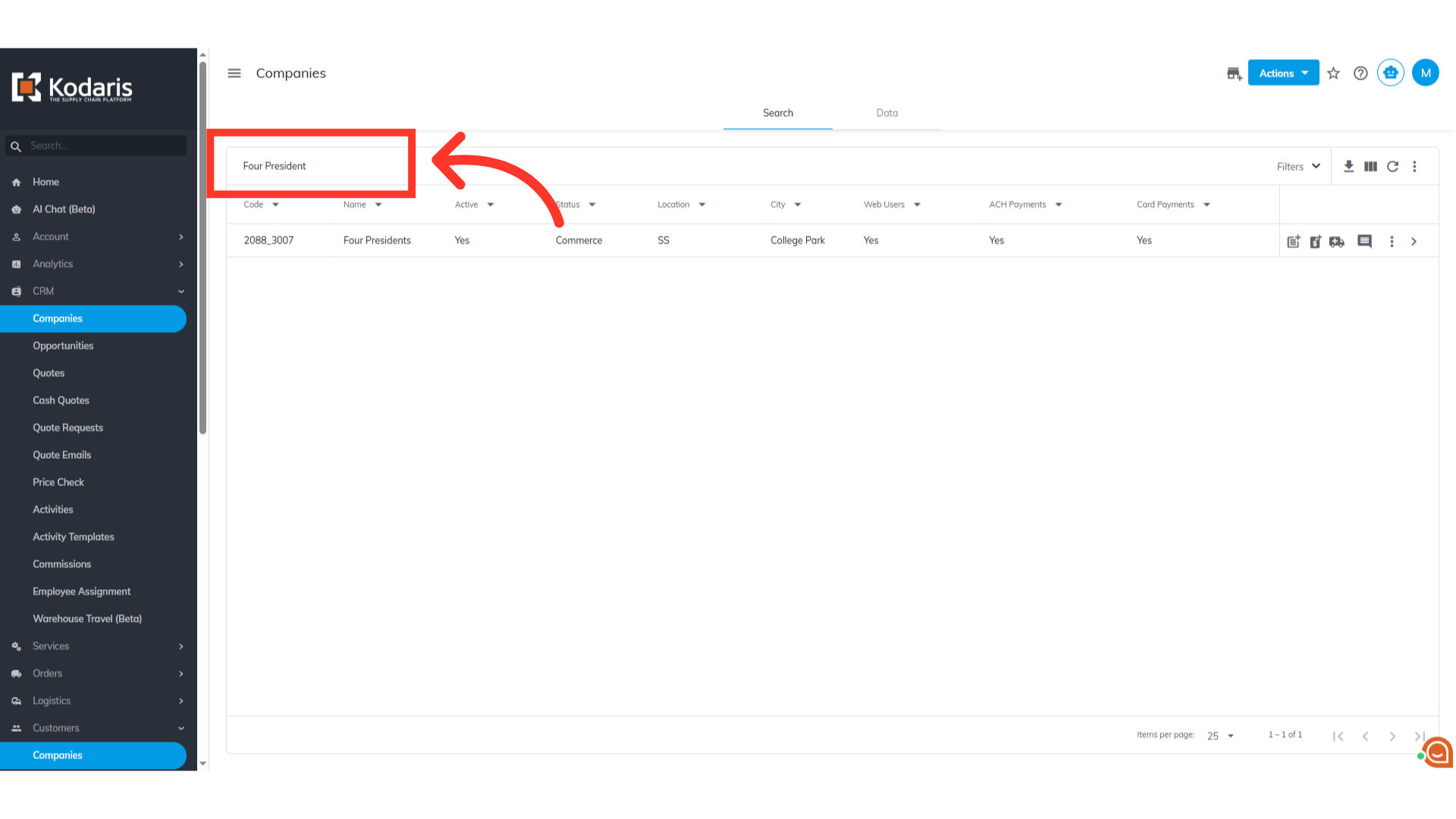
Search for the parent company
Enter the parent company code or name in the field to search.
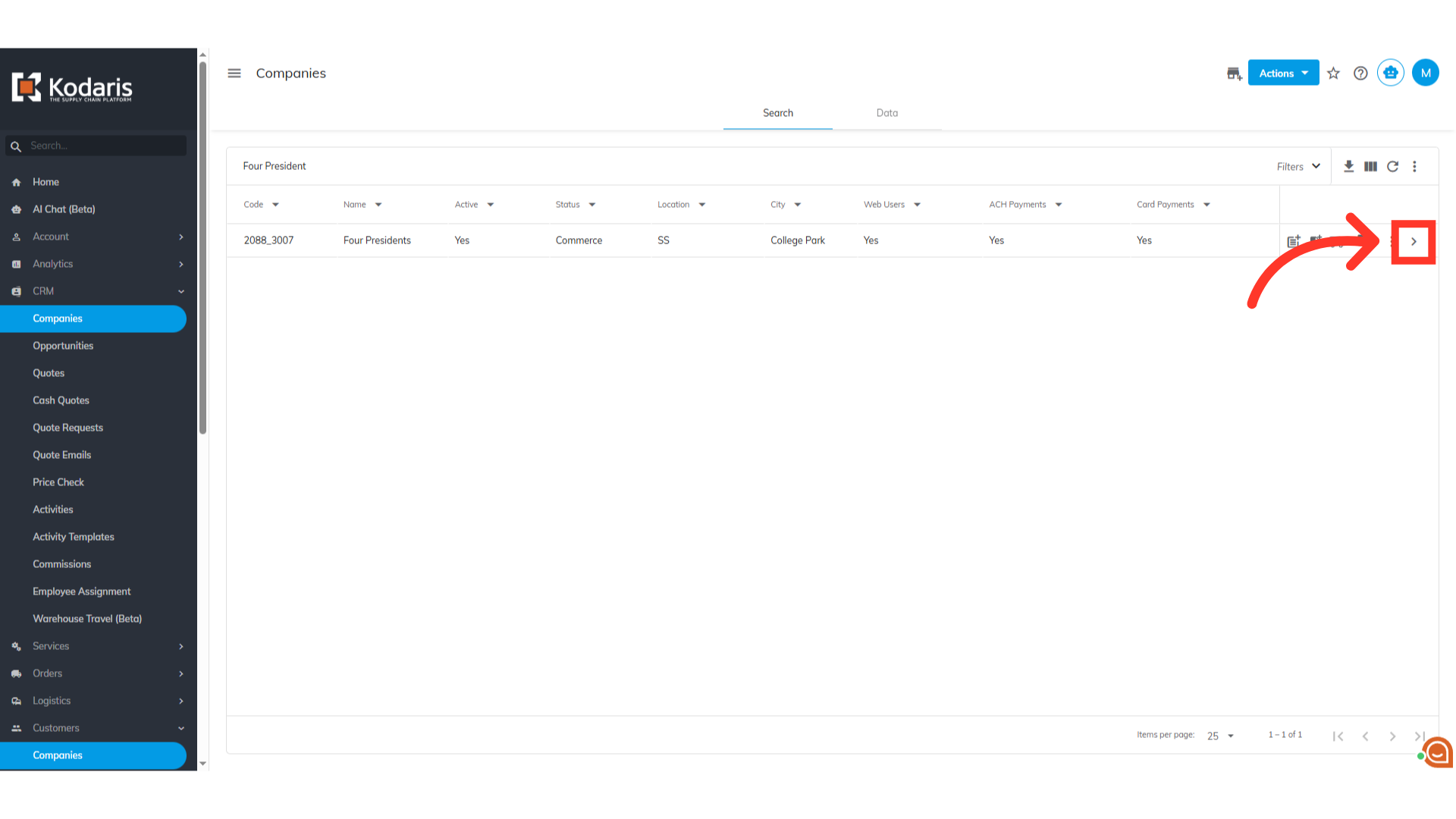
Click on the more details icon
Then, click on the more details icon to view company details.
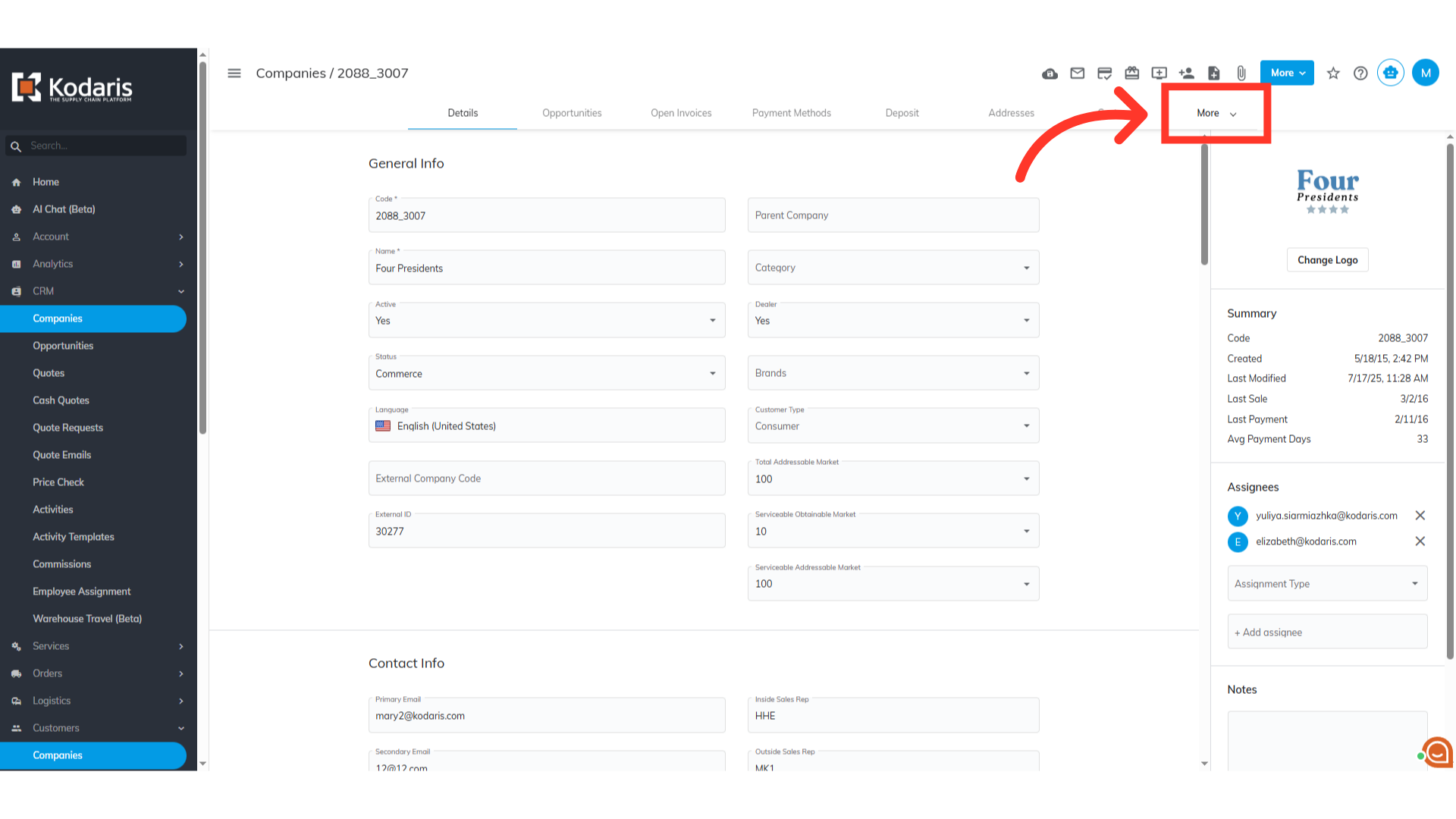
Click "More"
Access additional tabs by clicking on the "More" tab dropdown.
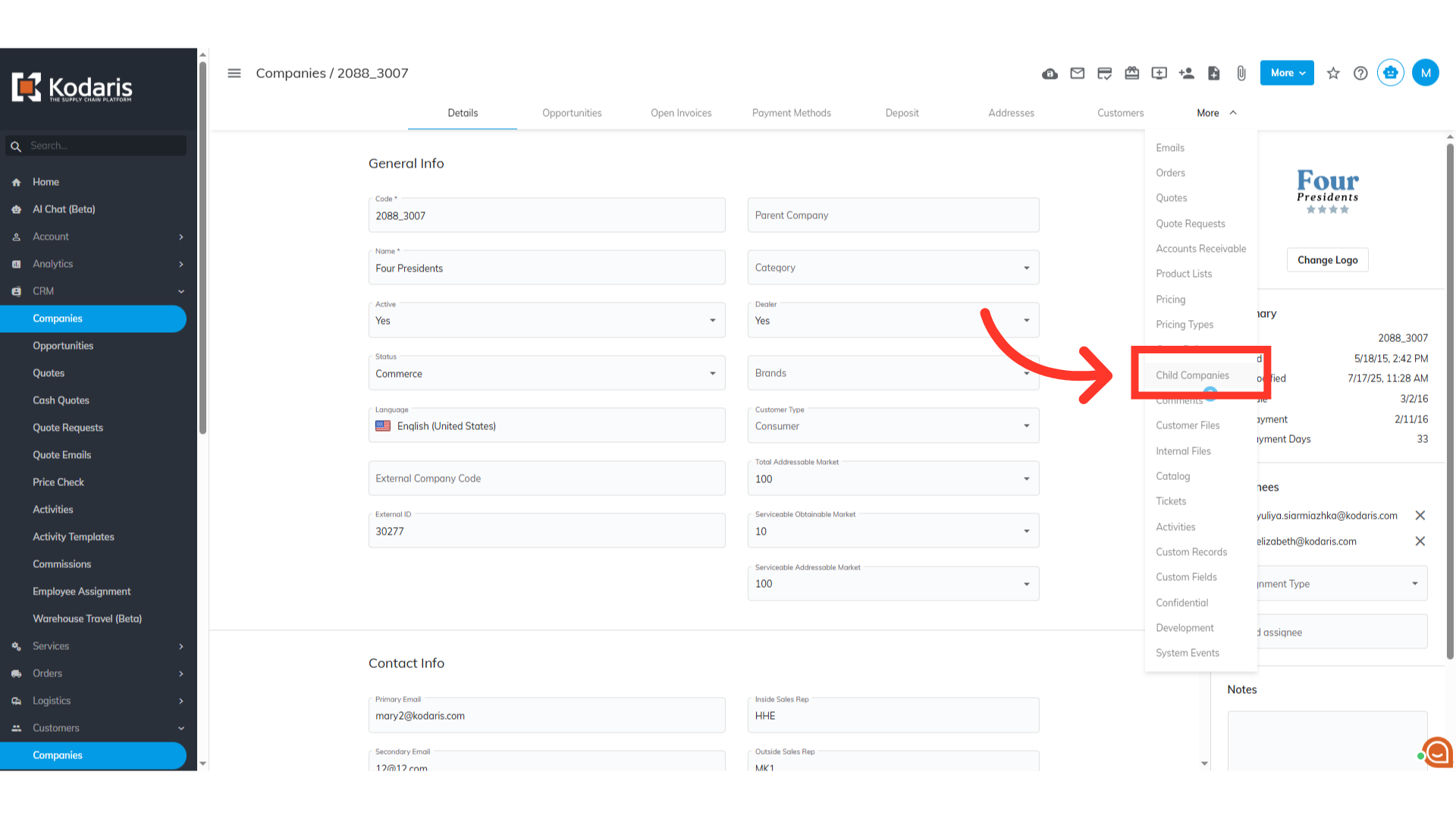
Select "Child Companies"
Select "Child Companies".
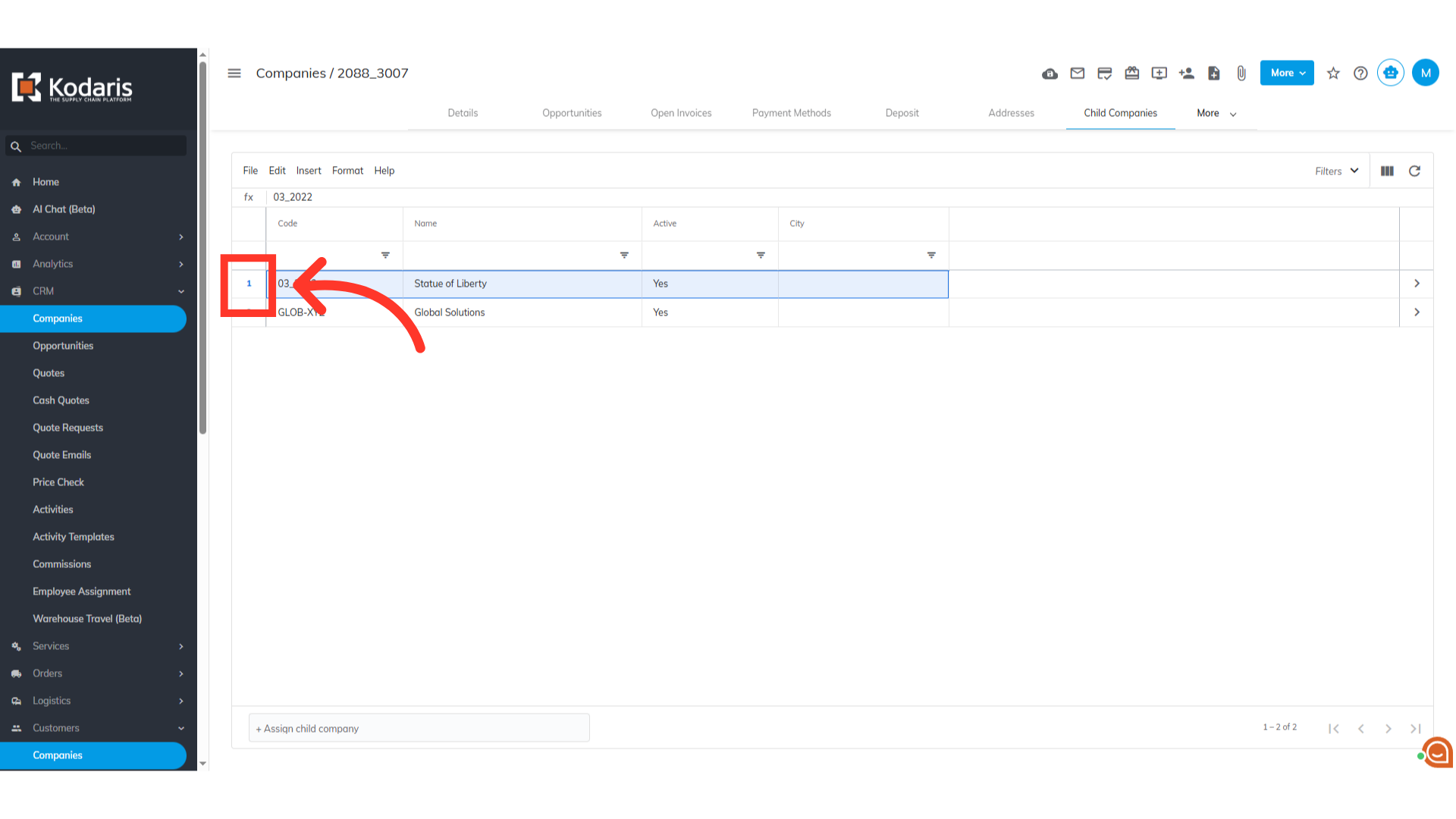
Unassign the child company
To unassign a child company from the parent company, simply click the number cell to highlight the row.
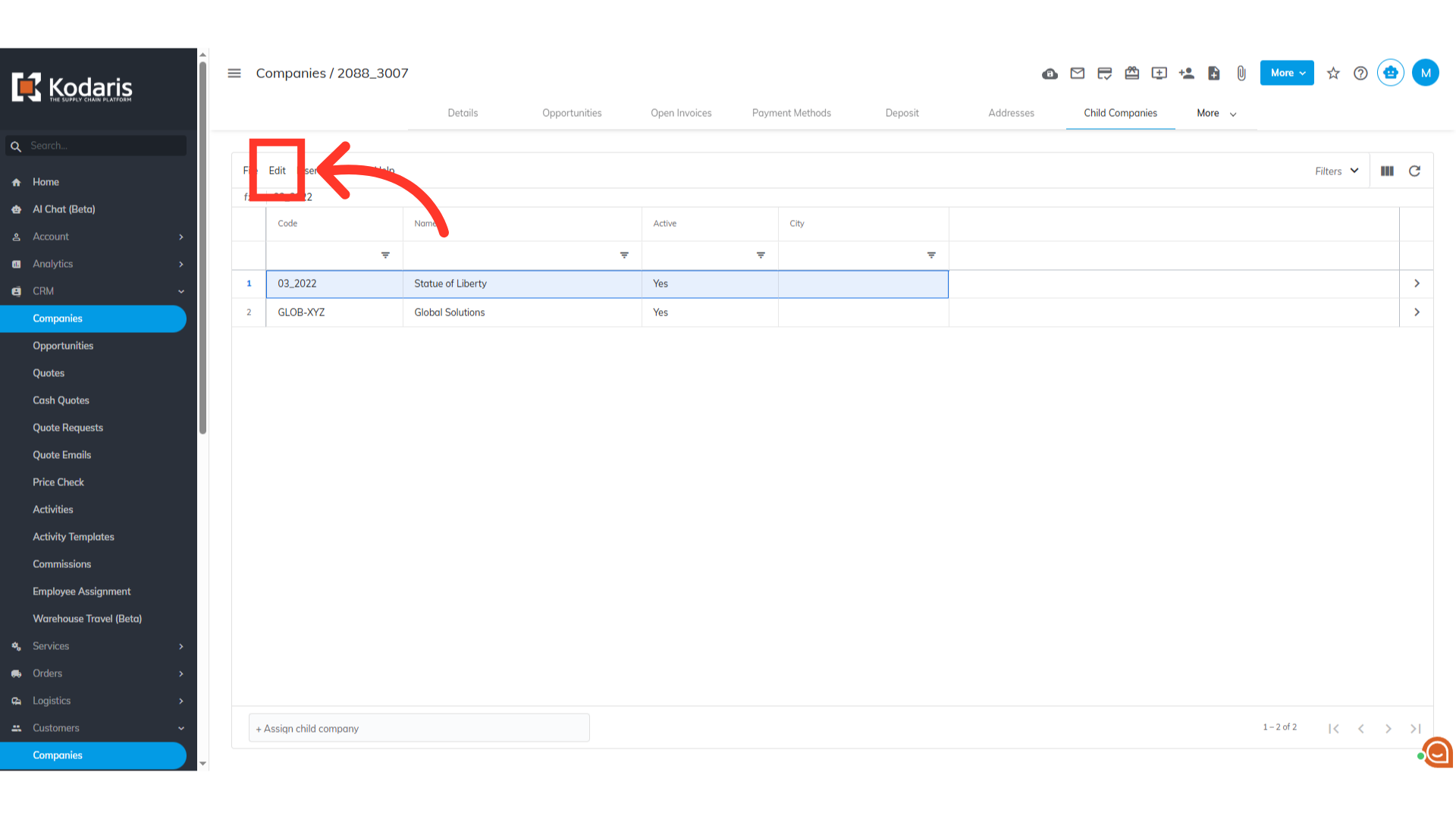
Click "Edit"
Then, click "Edit" from the menu.
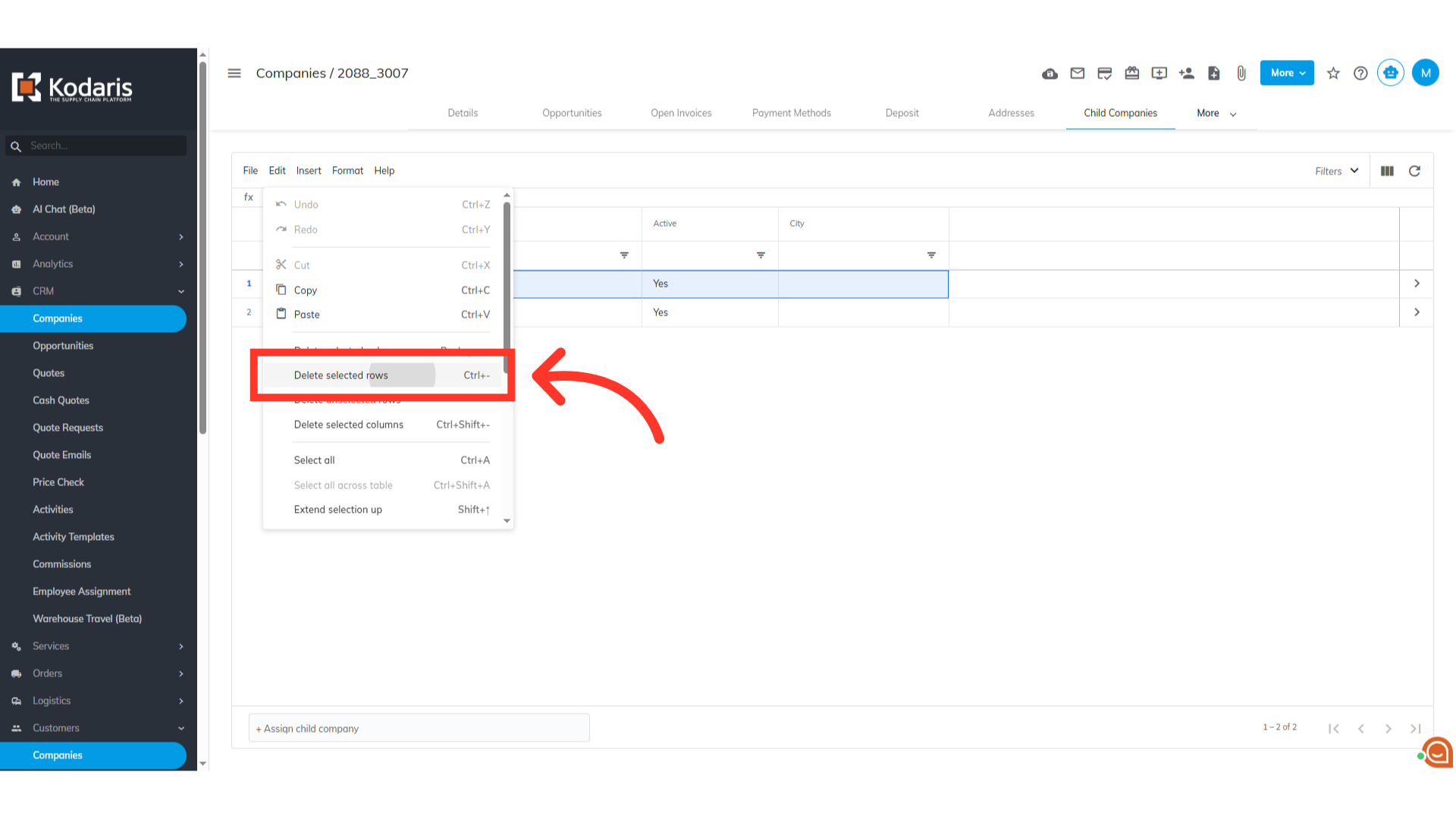
Click "Delete selected rows"
Finally, click "Delete selected rows".
The child company has been unassigned
The child company has been unassigned.