Operations Portal: Set Up Your "Email To" Web Order Notifications
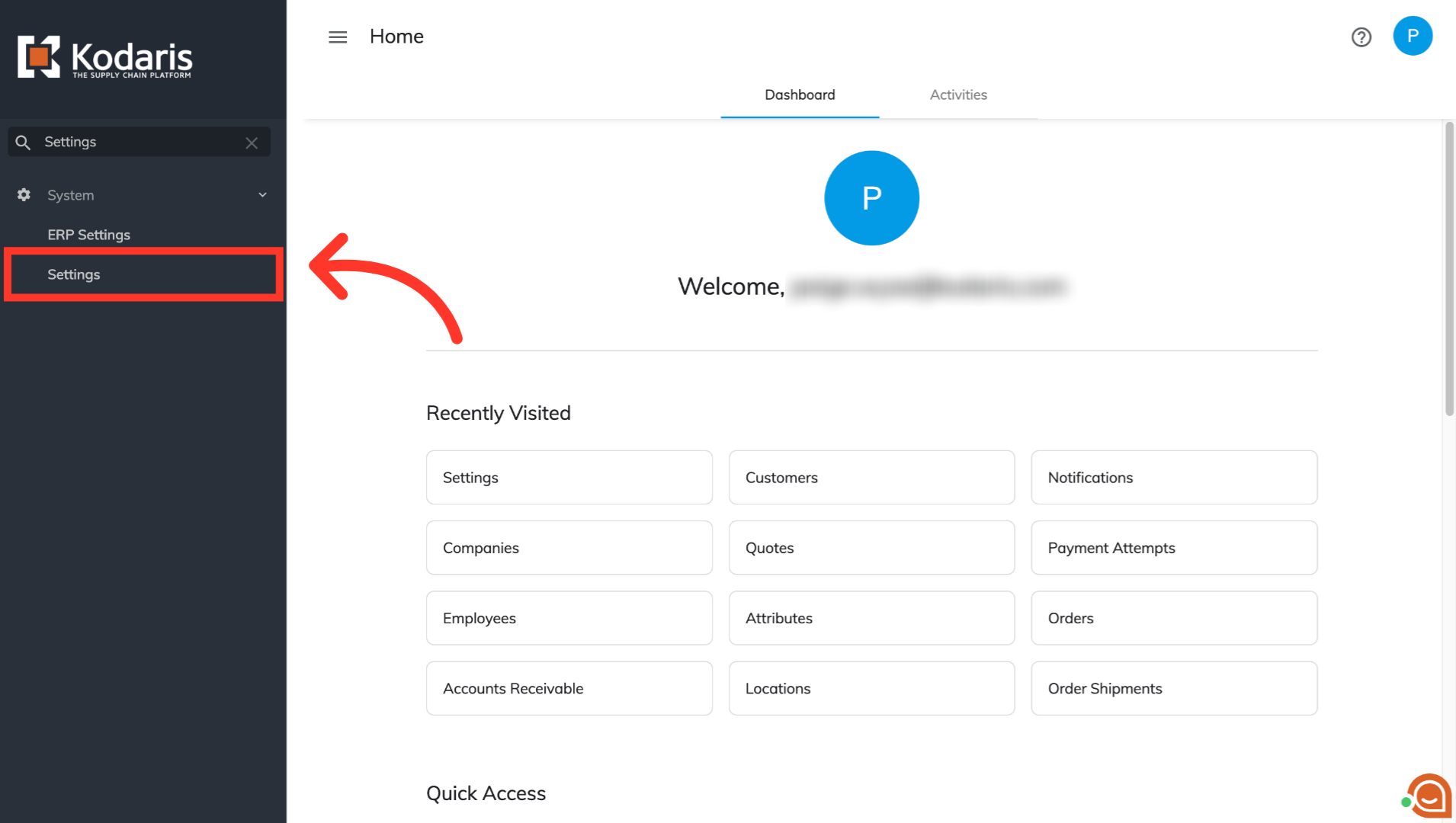
Click on "Settings"
You can opt in to receive email notifications for your store email address. To enable this notification setting, users will need the roles of "administrator", "superuser", "settingEdit", or "settingView". Start by logging in to the Operations Portal with your login credentials. Once logged in, navigate to "Settings".
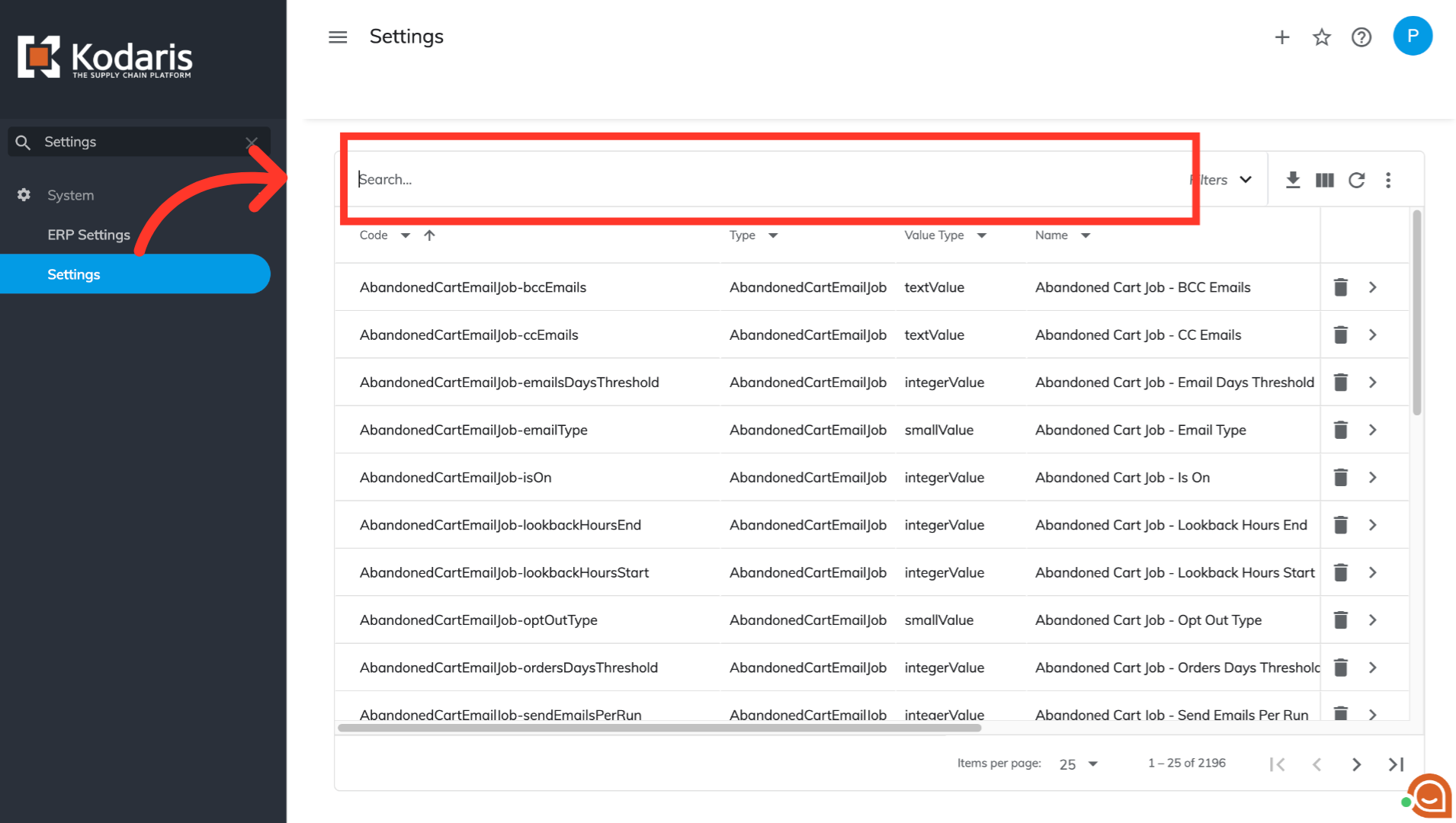
Select the search bar
Select the search bar.
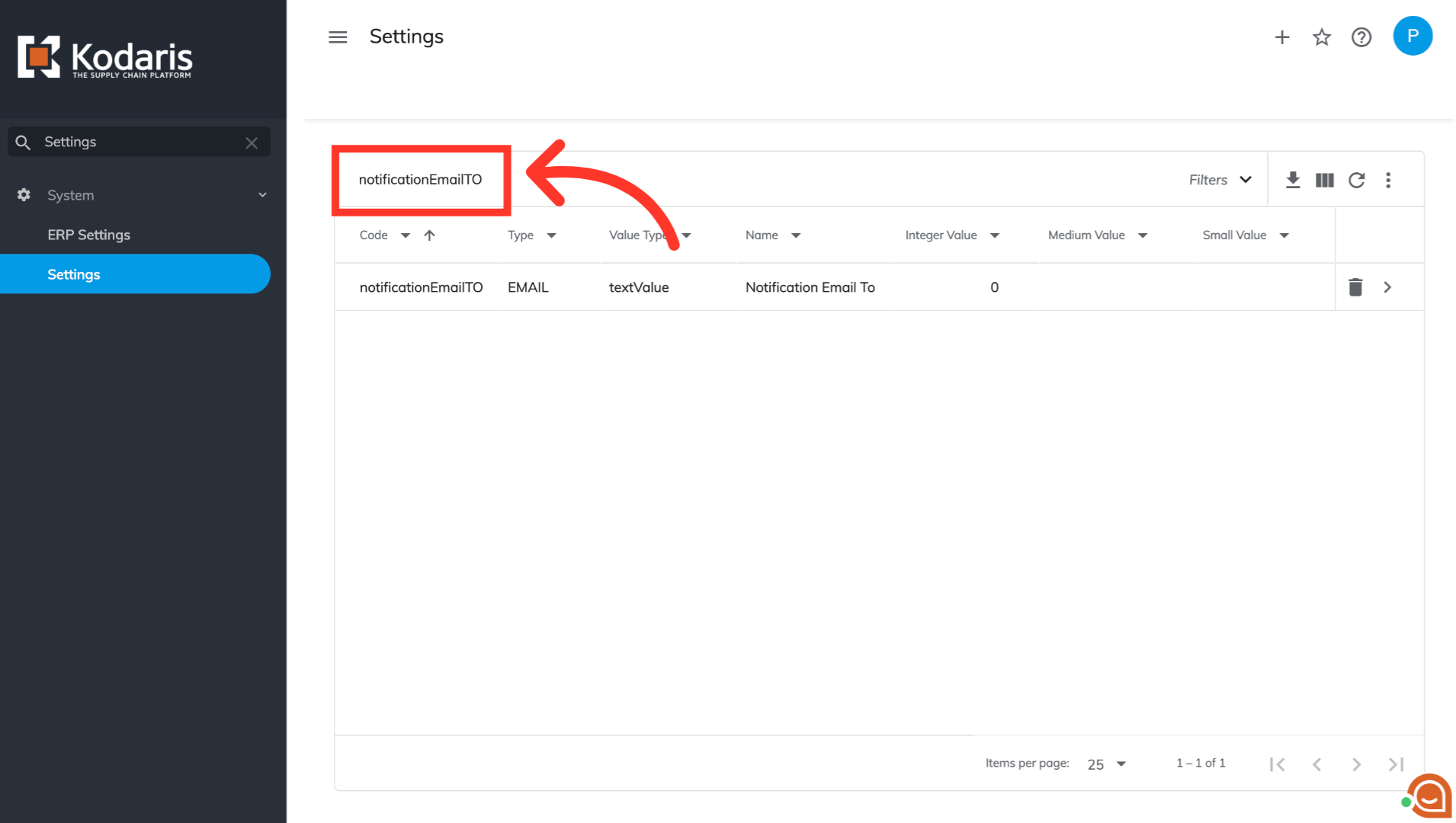
Type "notificationEmailTO"
Type "notificationEmailTO" to locate the required setting.
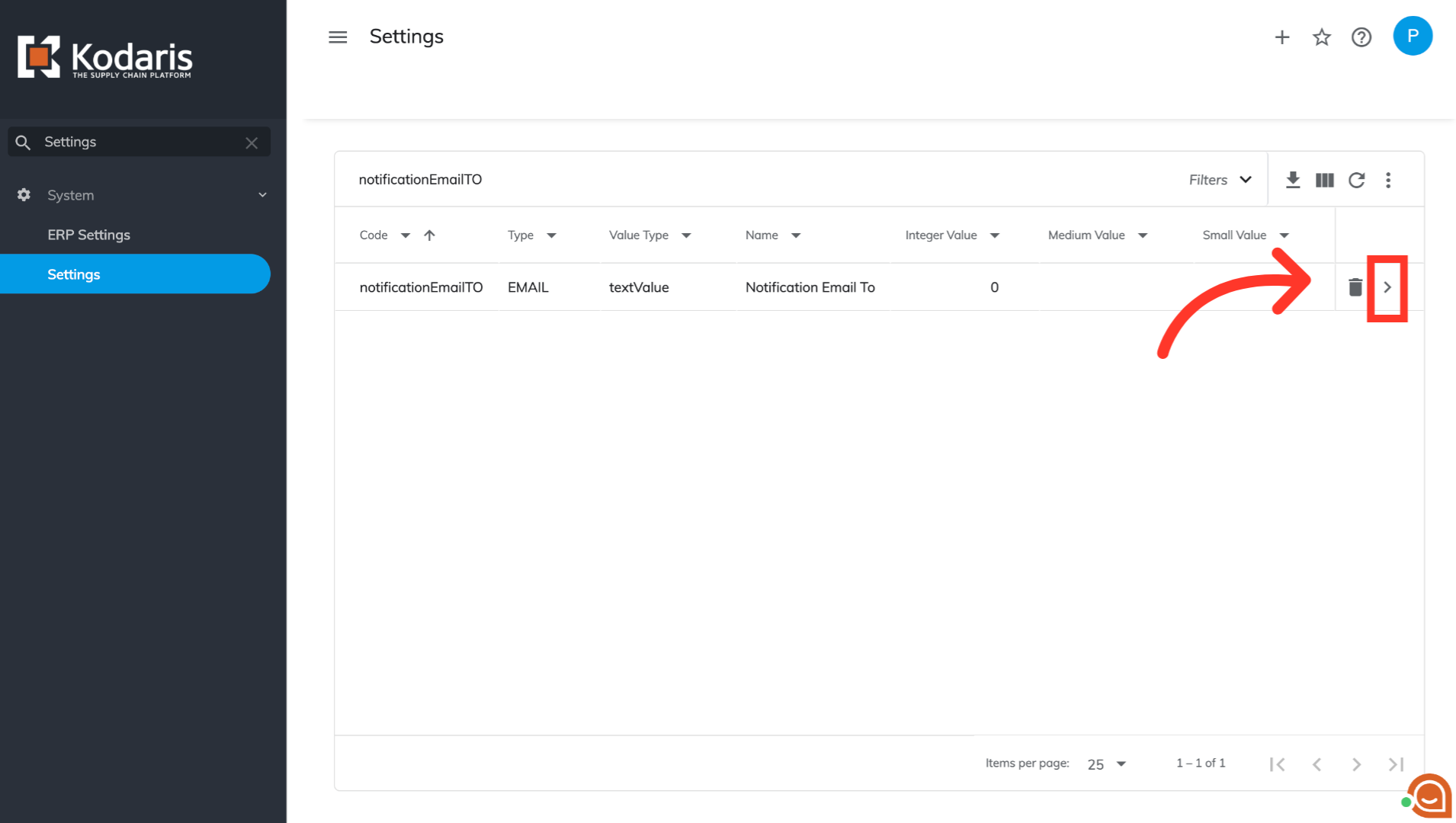
Click on the "More Details" icon
Click on the "More Details" icon associated with the setting you just searched for.
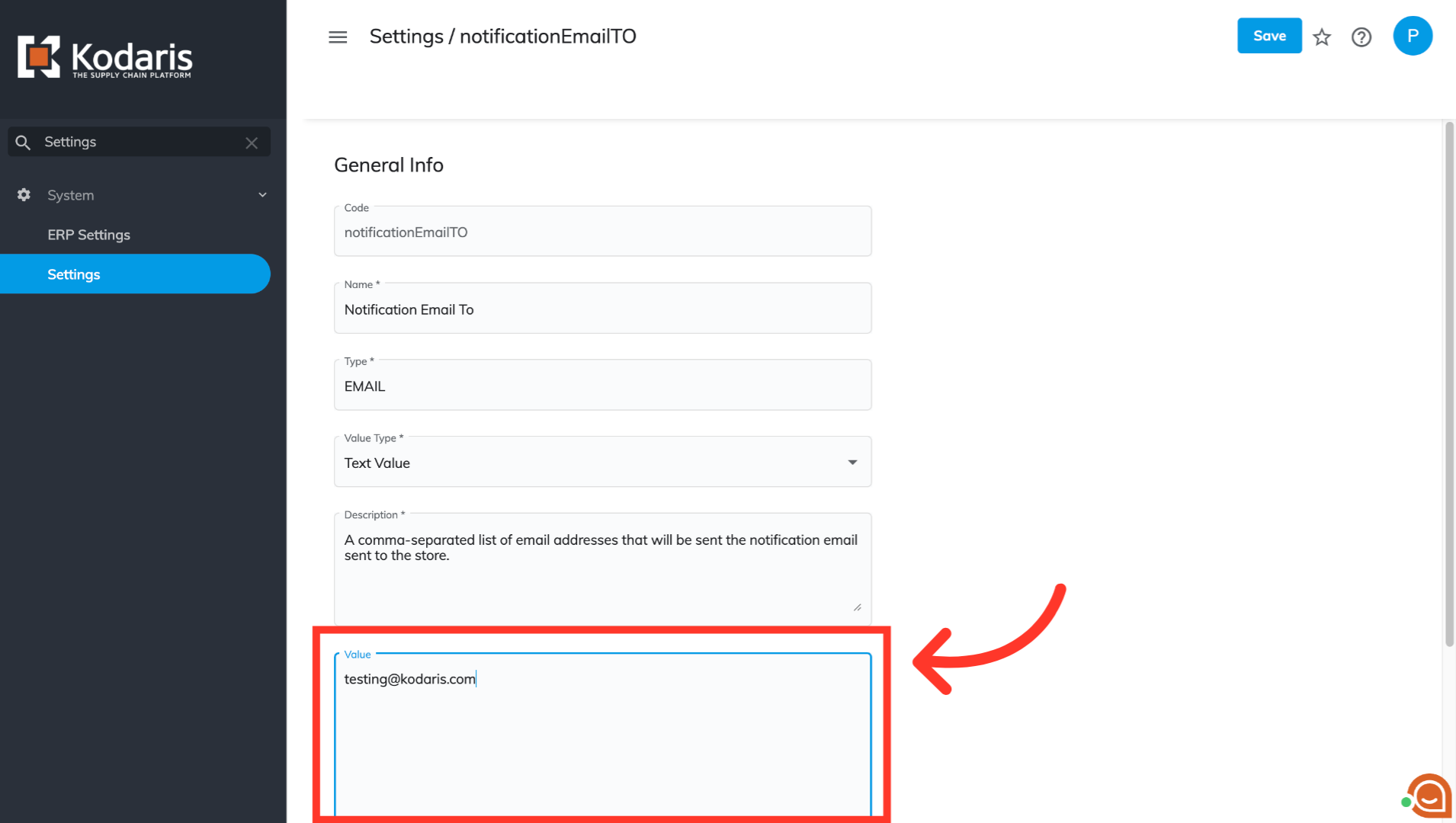
Add email address
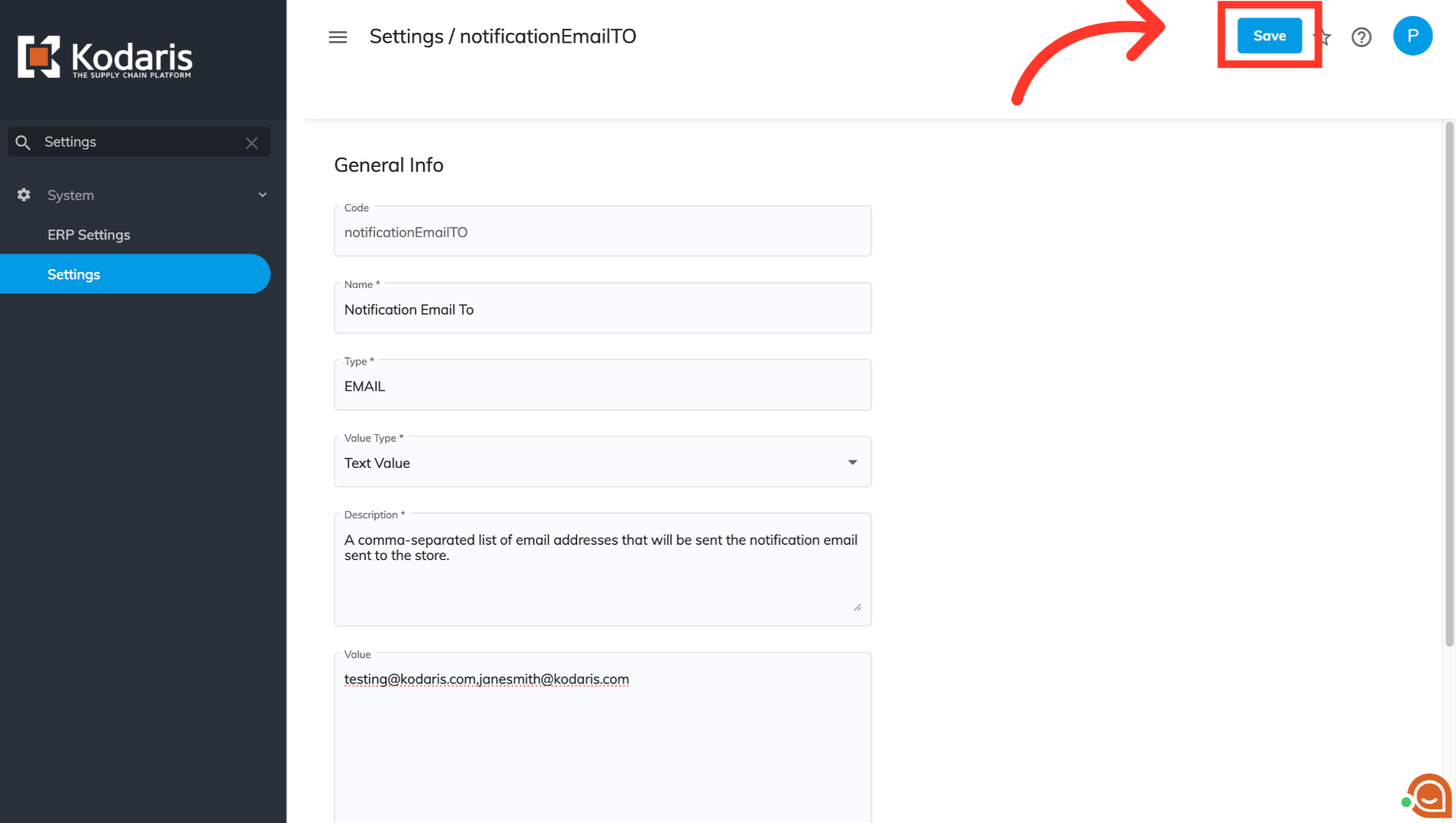
On this page, you will see a text box titled "Value". Here, you will add your store email address that should receive notifications.
Click the "Save" button
Once the email address has been added, click on the "Save" button to save your changes. Your store email address will now receive notifications for any web orders that are placed on the website.