
Operations PIM - Filter by Category on the Attribute Assignment Screen
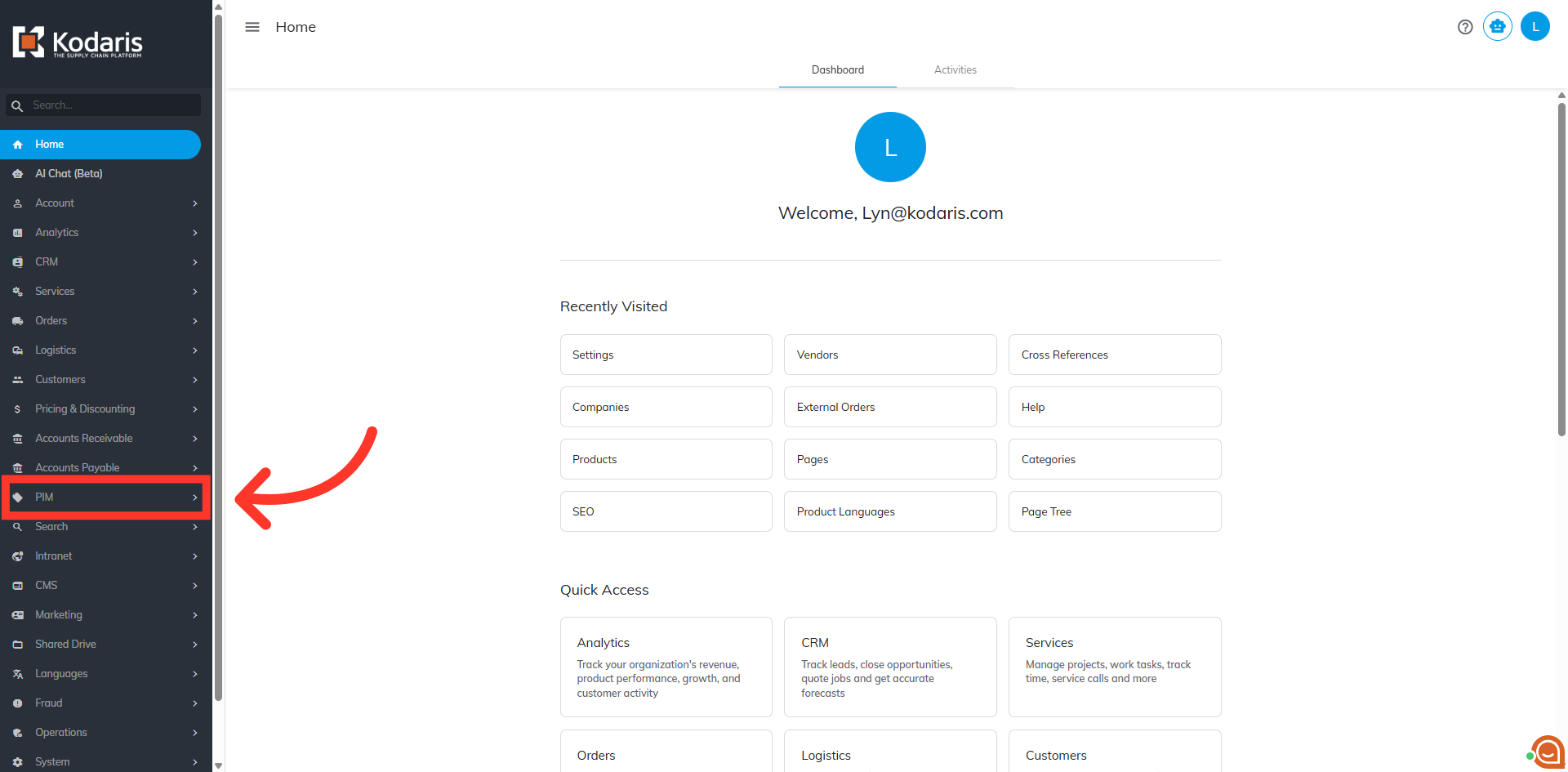
Navigate to "PIM"
To filter products by category on the "Attribute Assignment Screen", navigate to the "PIM" section in the Operations Portal.
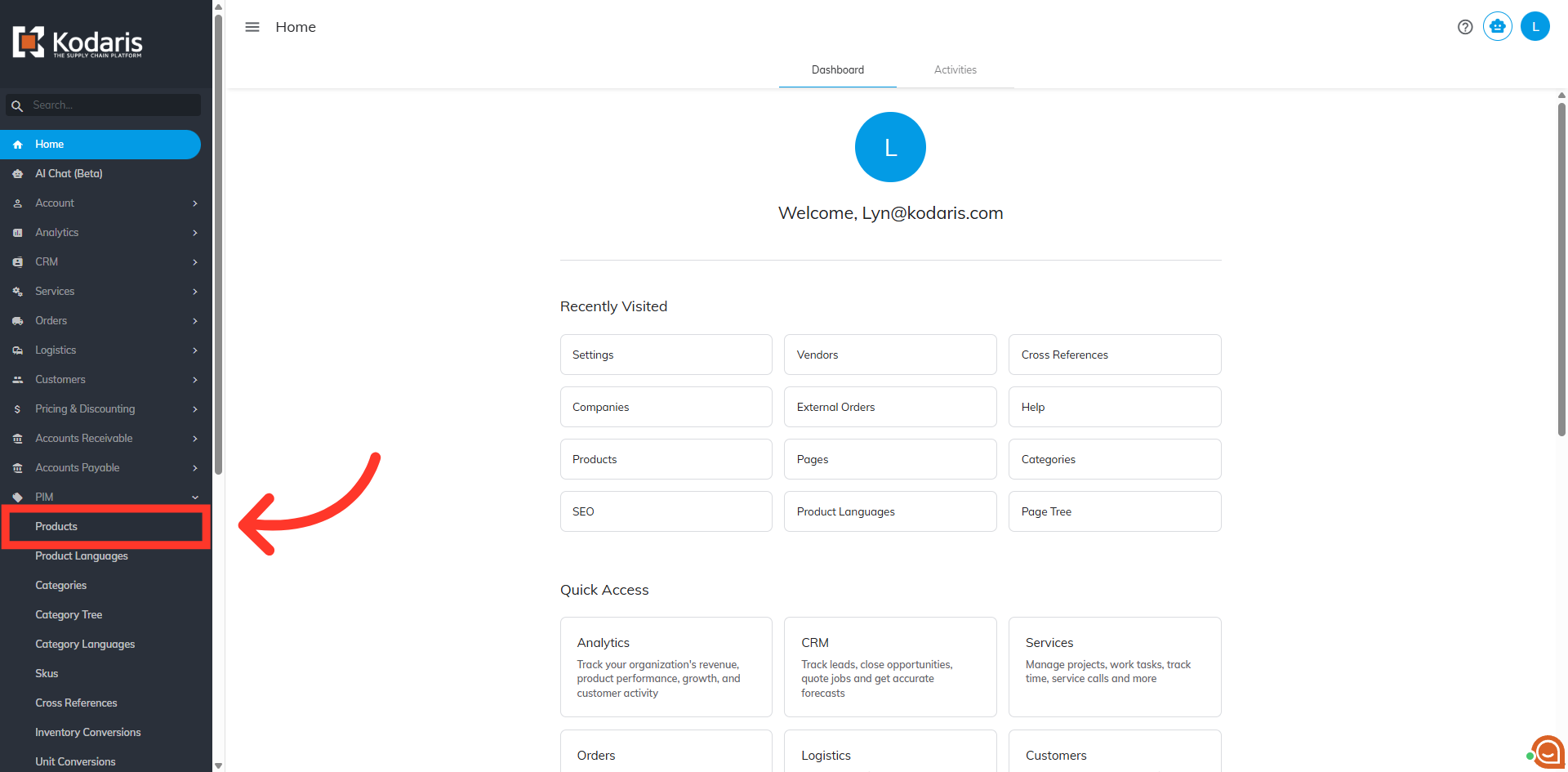
Click "Products"
Then, click "Products". In order to access and update “Attributes” you will need to be set up either as an “administrator” or a “superuser”, or have the roles of: “facetGroupView” and “facetGroupEdit”.
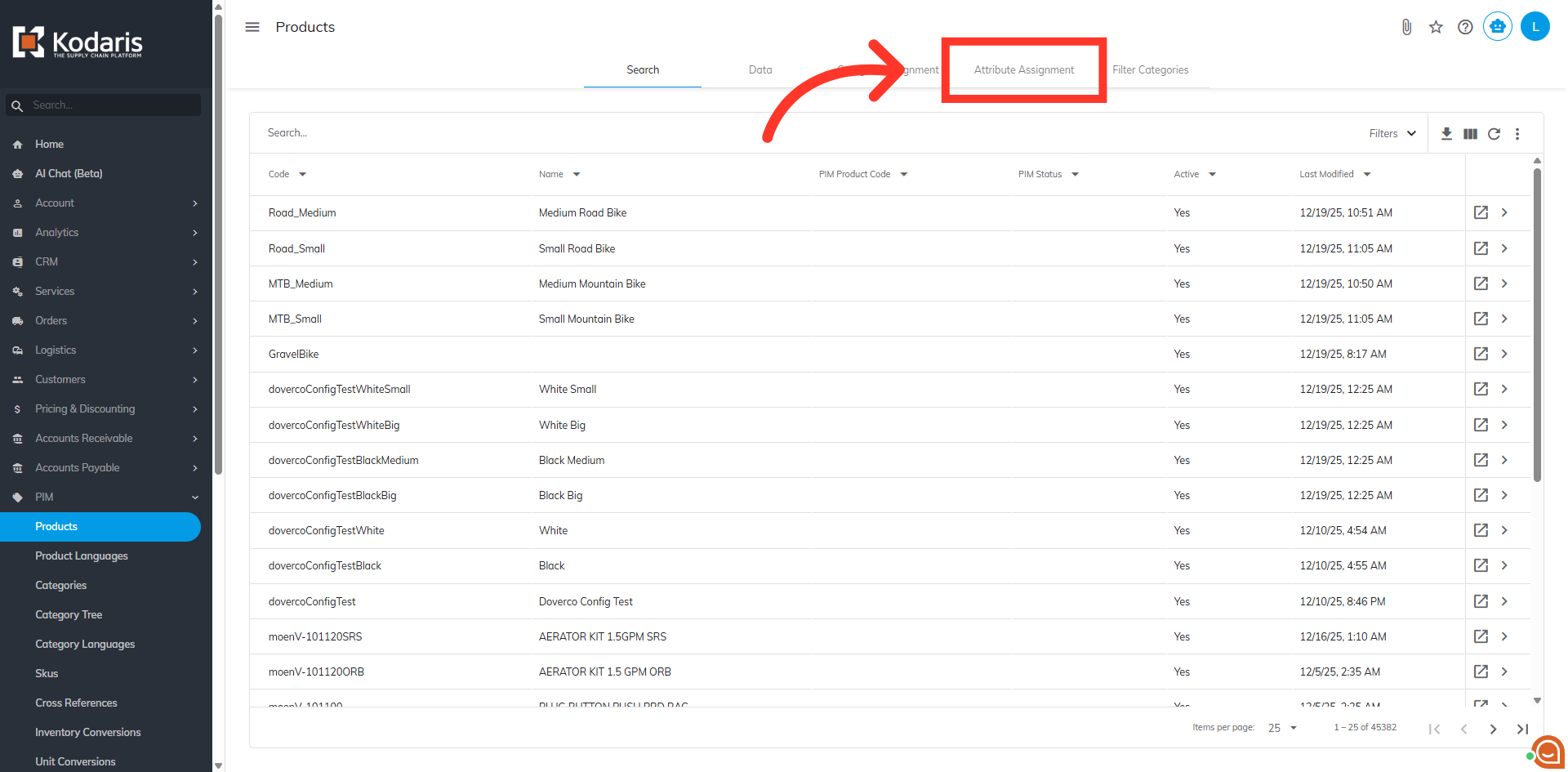
Click "Attribute Assignment"
Go to the "Attribute Assignment" tab.
Enter category name in the "Category" field
Enter your desired category name in the "Category" filter field.
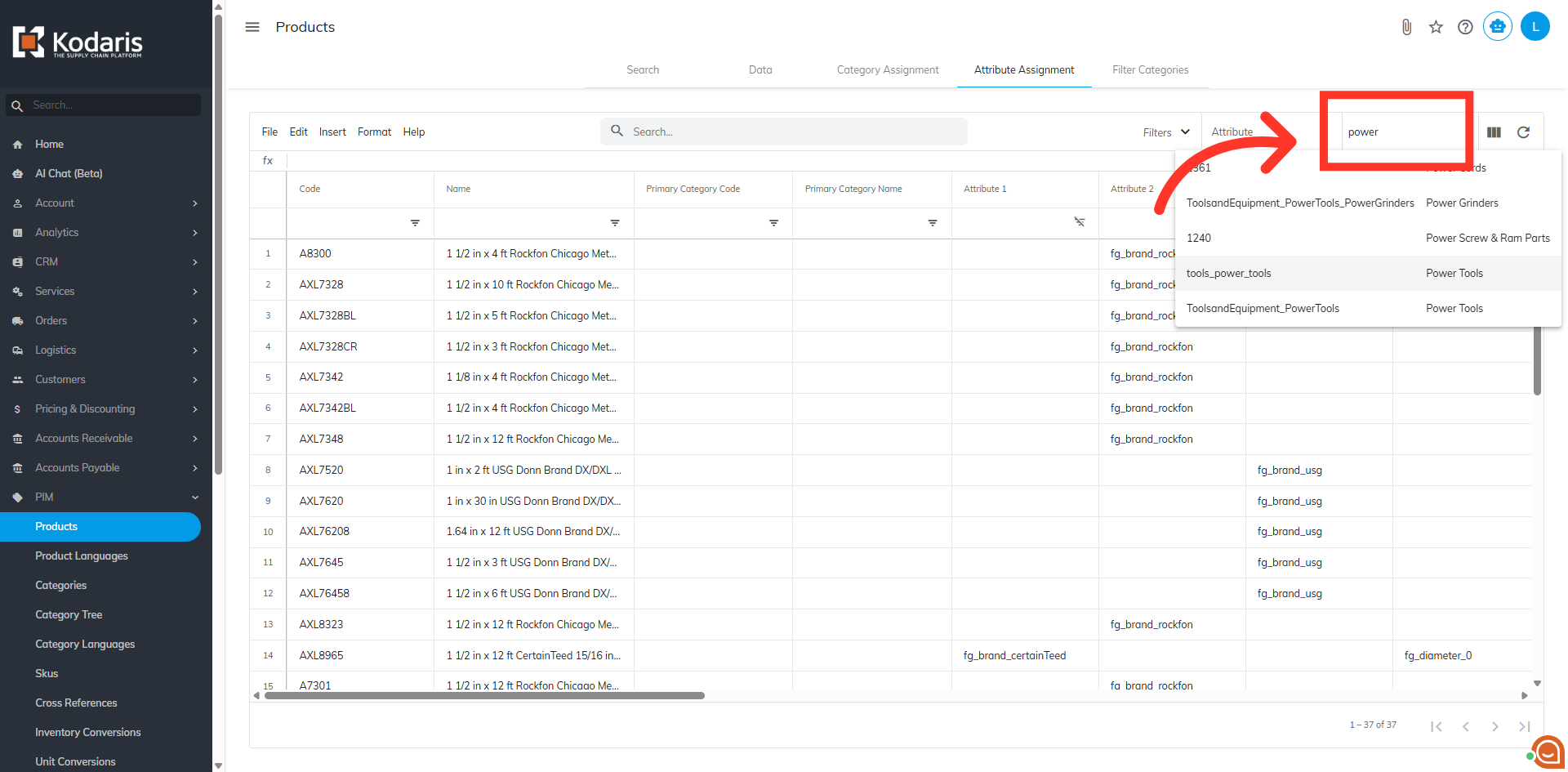
Choose your category
Type to search for a category in the field. Select the category you would like to filter on.
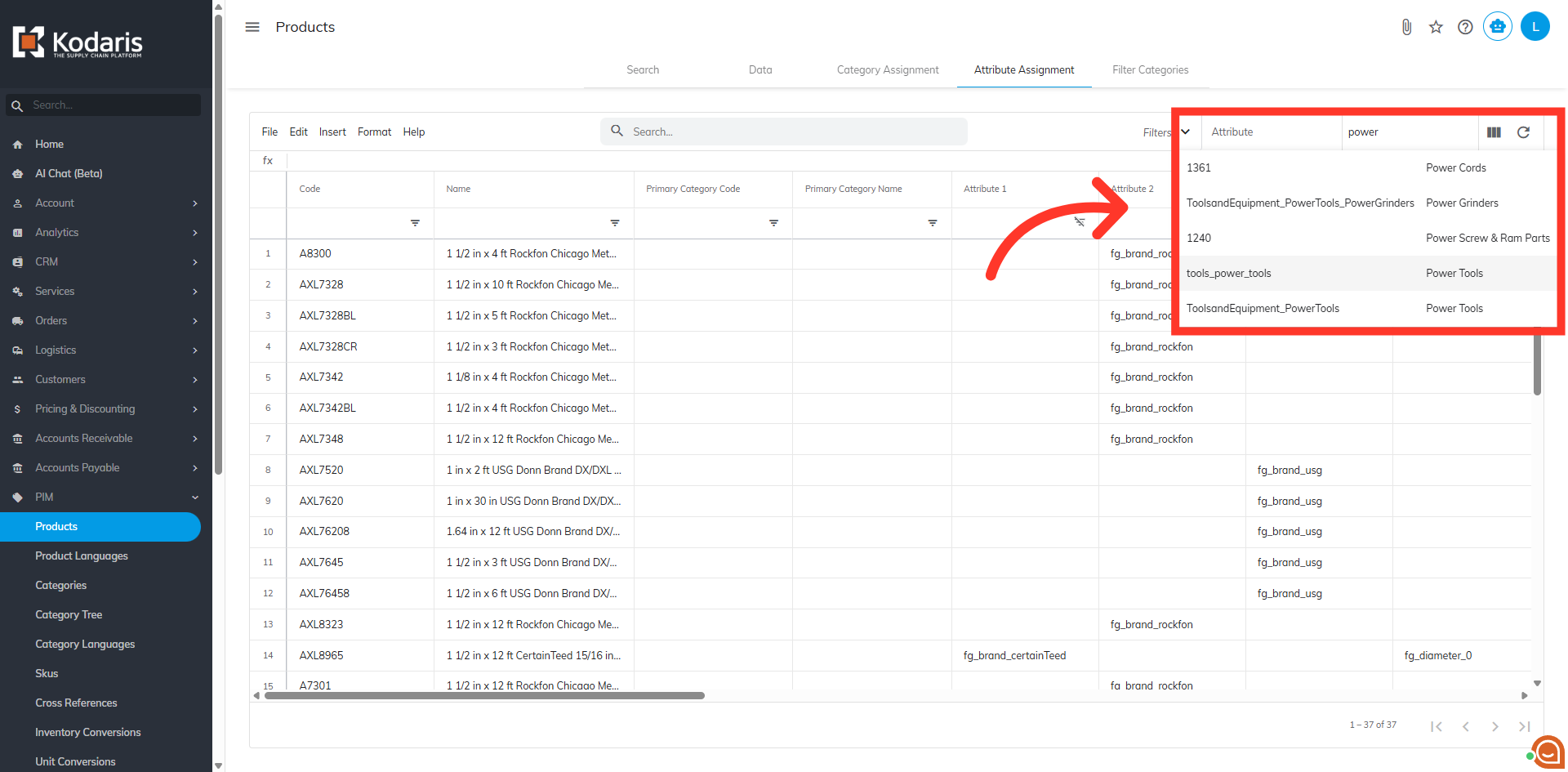
Category filter example
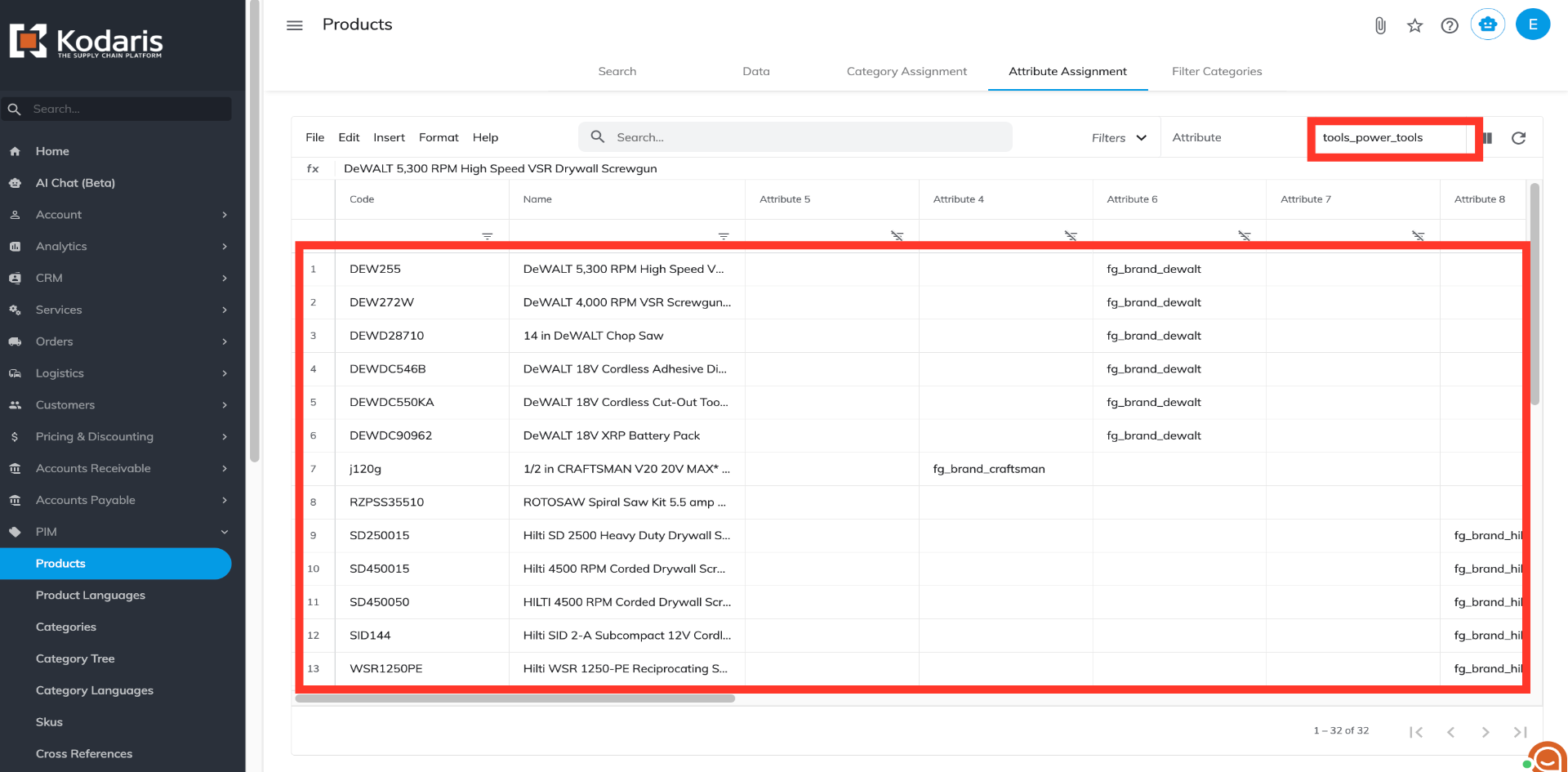
Once the category has been selected, all products under that category will appear on the screen. In this eample, "tools_power_tools" category has been selected.
In this article