
Operations PIM - Export Categories in NDJSON Format
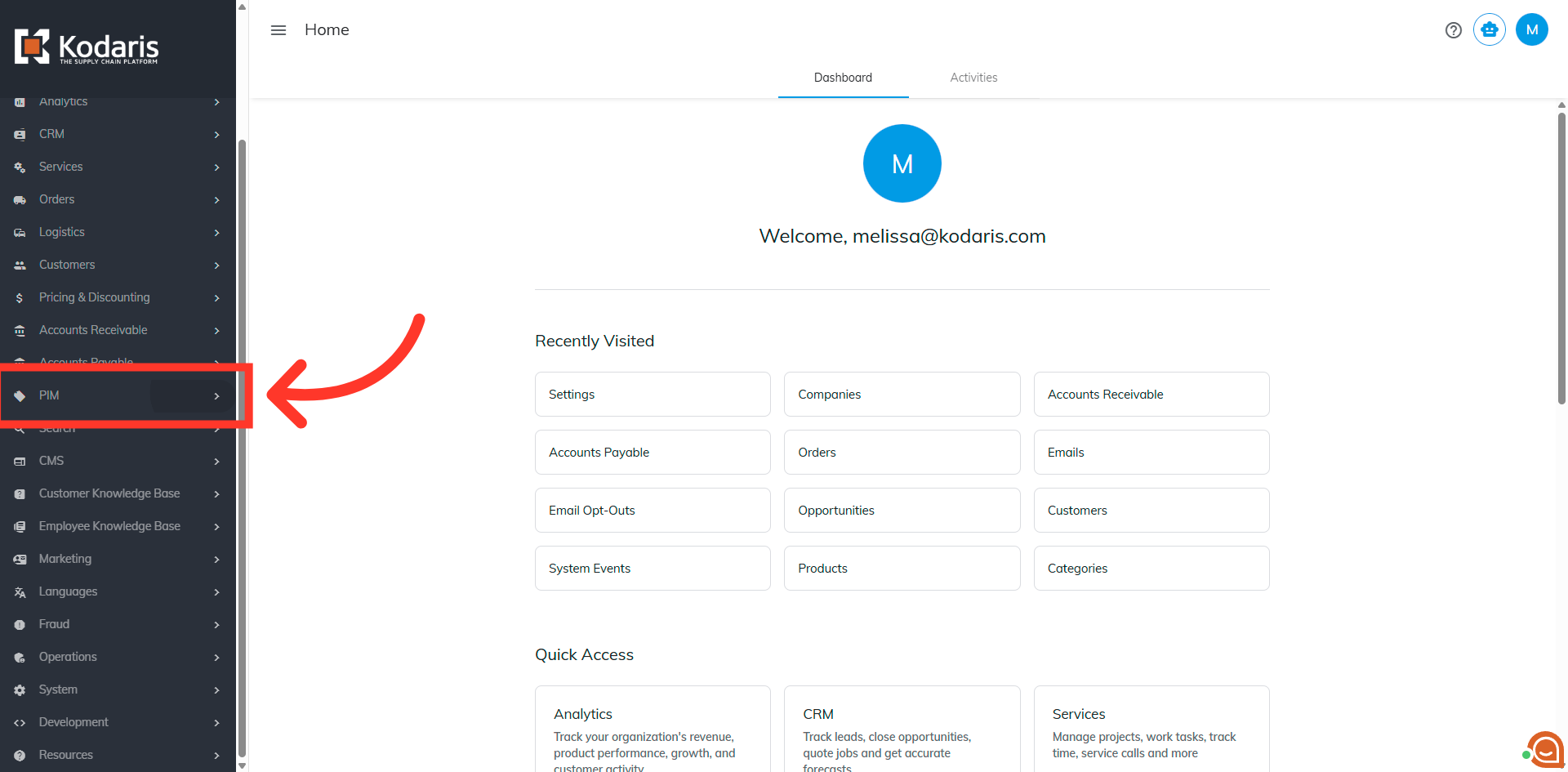
Navigate to the PIM section
To export categories in NDJSON format, navigate to the PIM section in the operations portal.
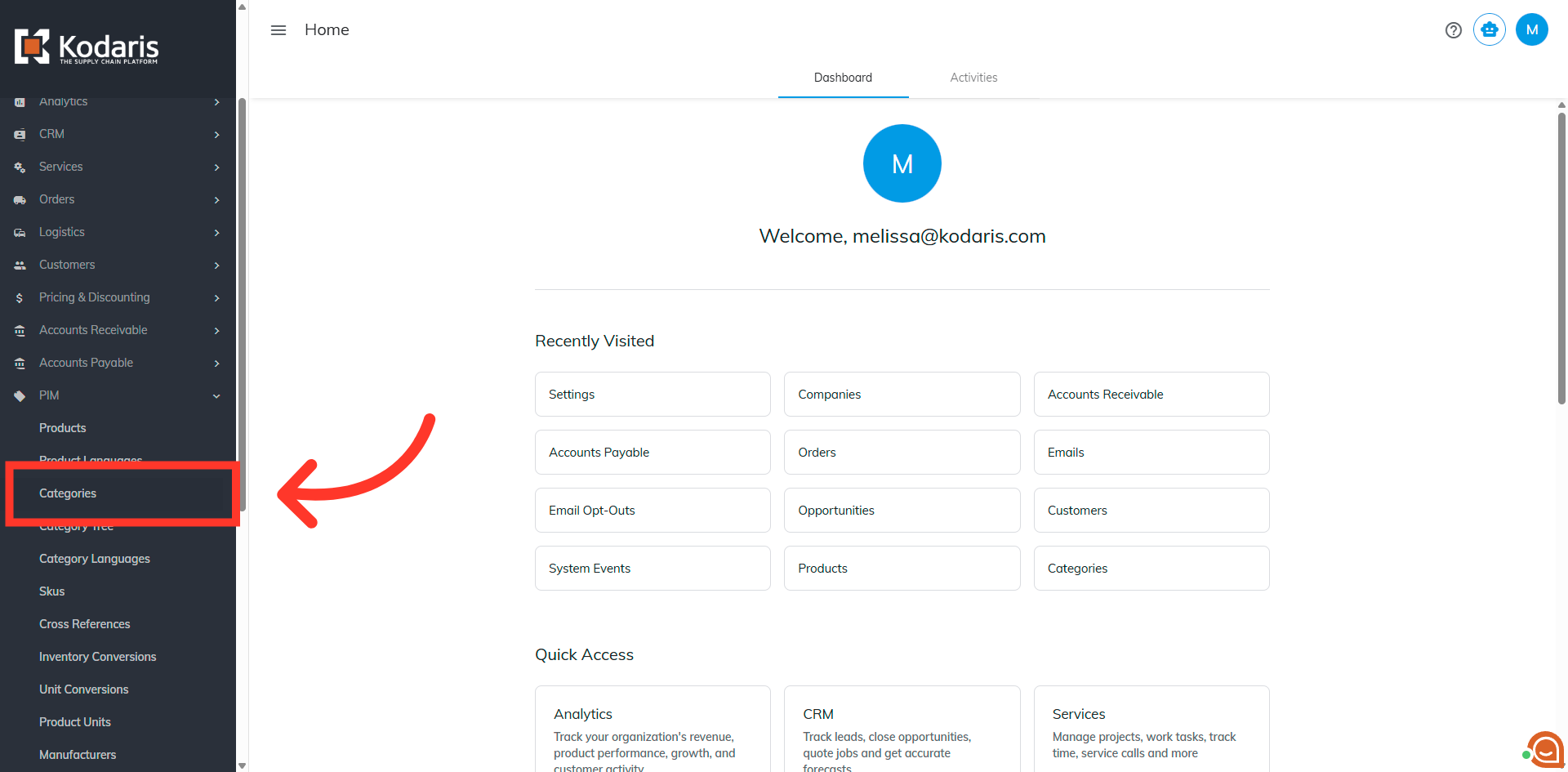
Click Categories
In order to access and update “Categories” you will need to be set up either as an administrator or a superuser, or have the roles of: “categoryView” and “categoryEdit”. Click "Categories".
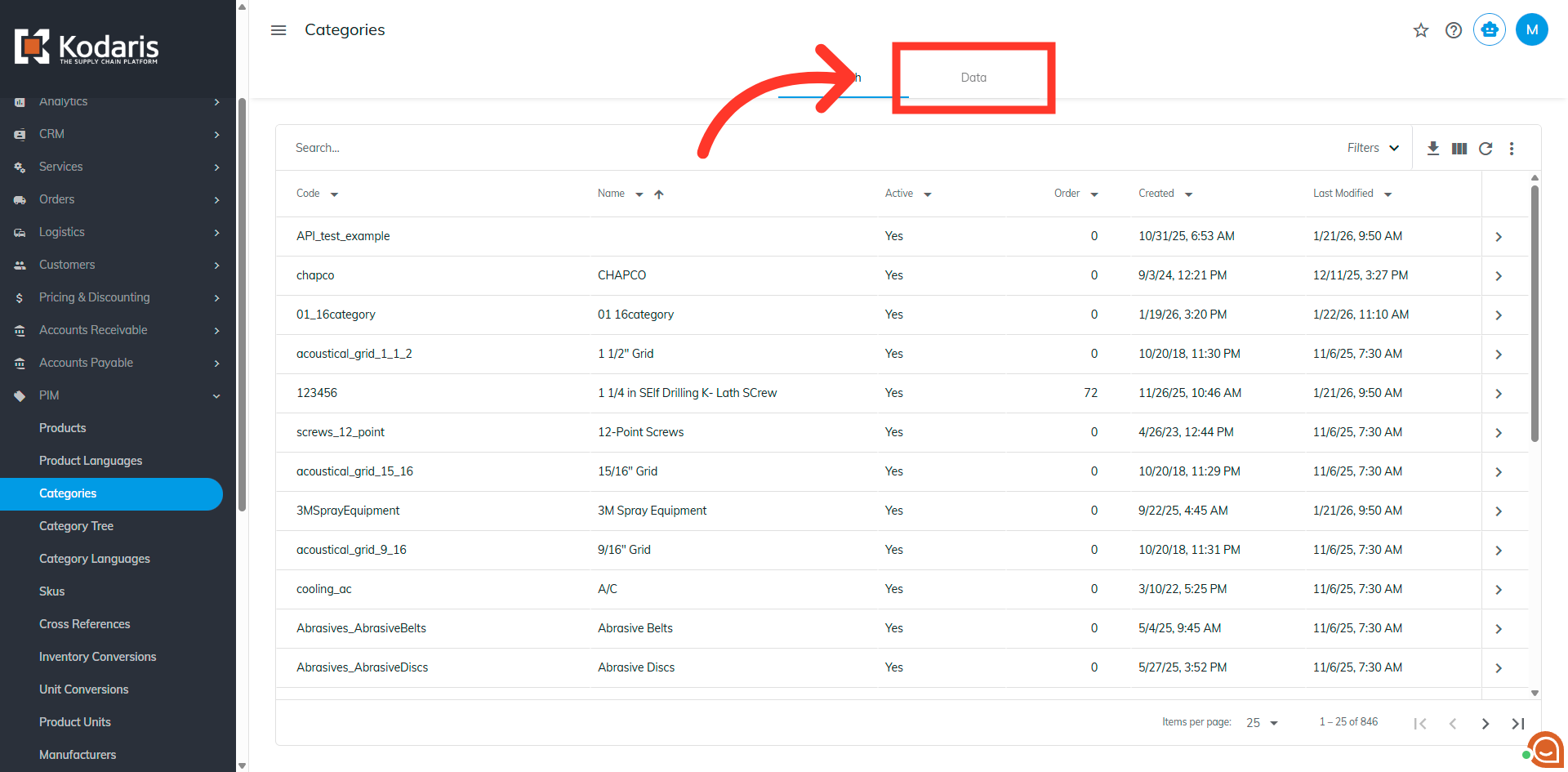
Click the Data tab
Click the "Data" tab.
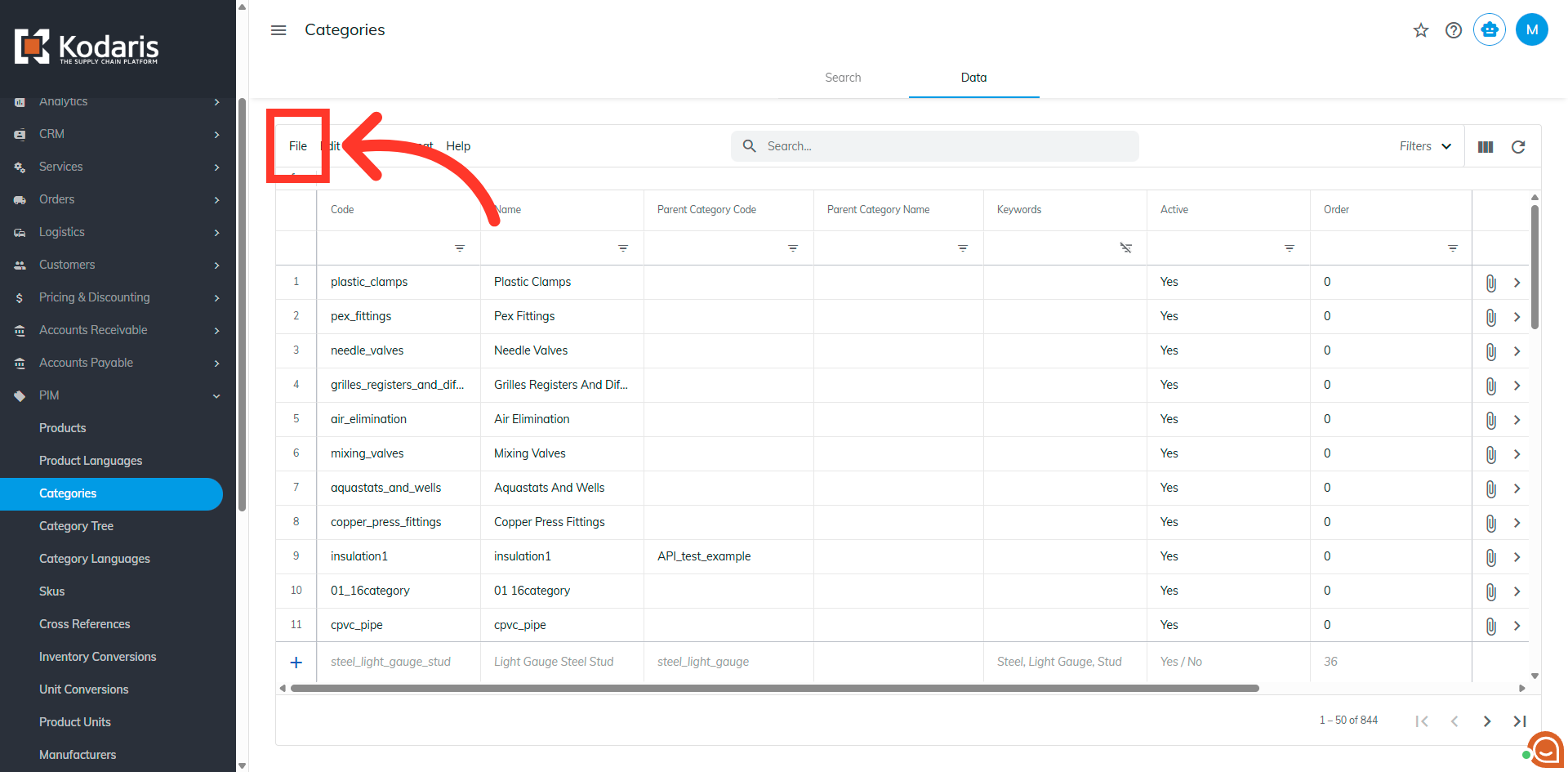
Click File
Click "File".
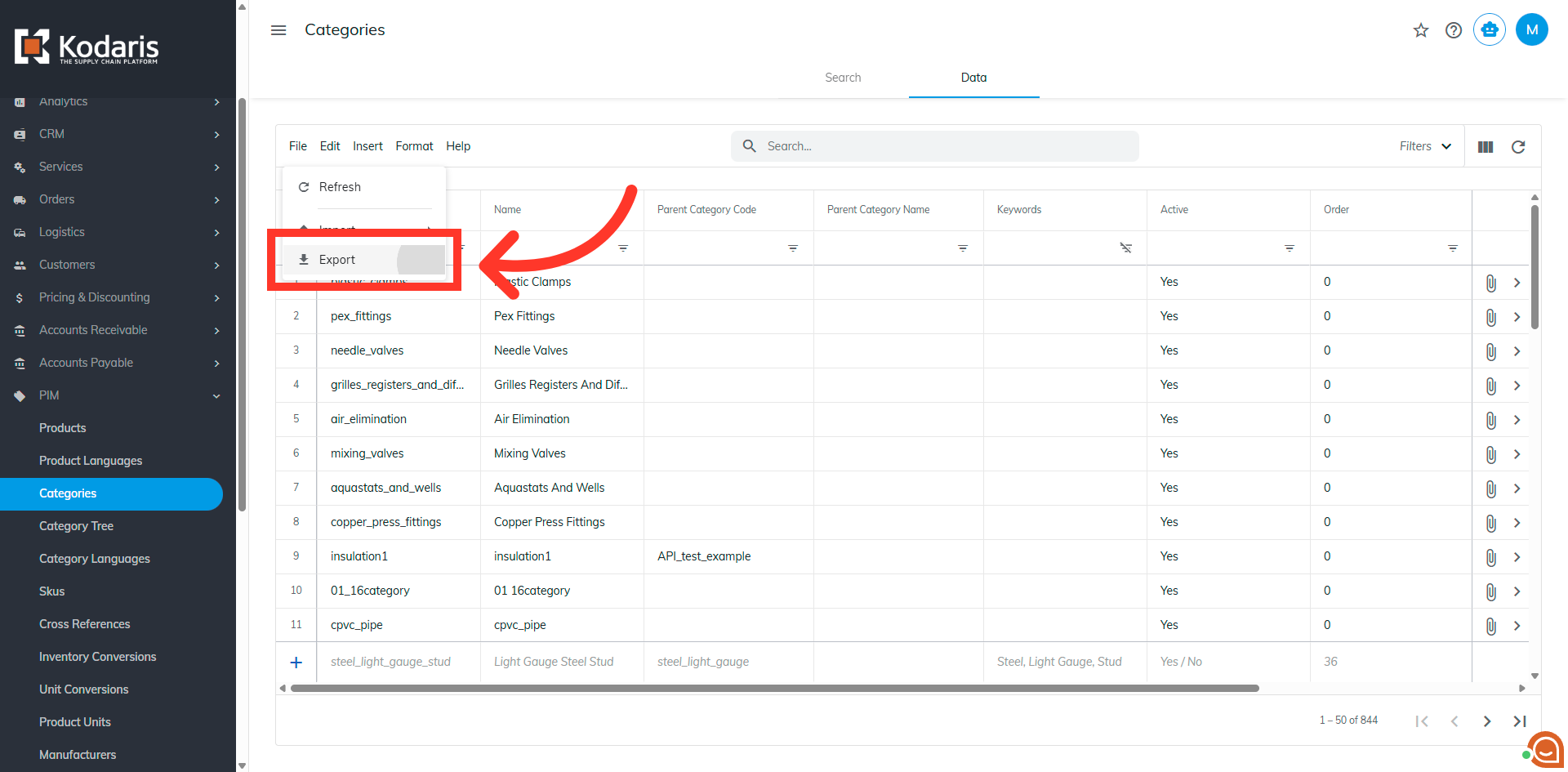
Select the Export option
Select the "Export" option.
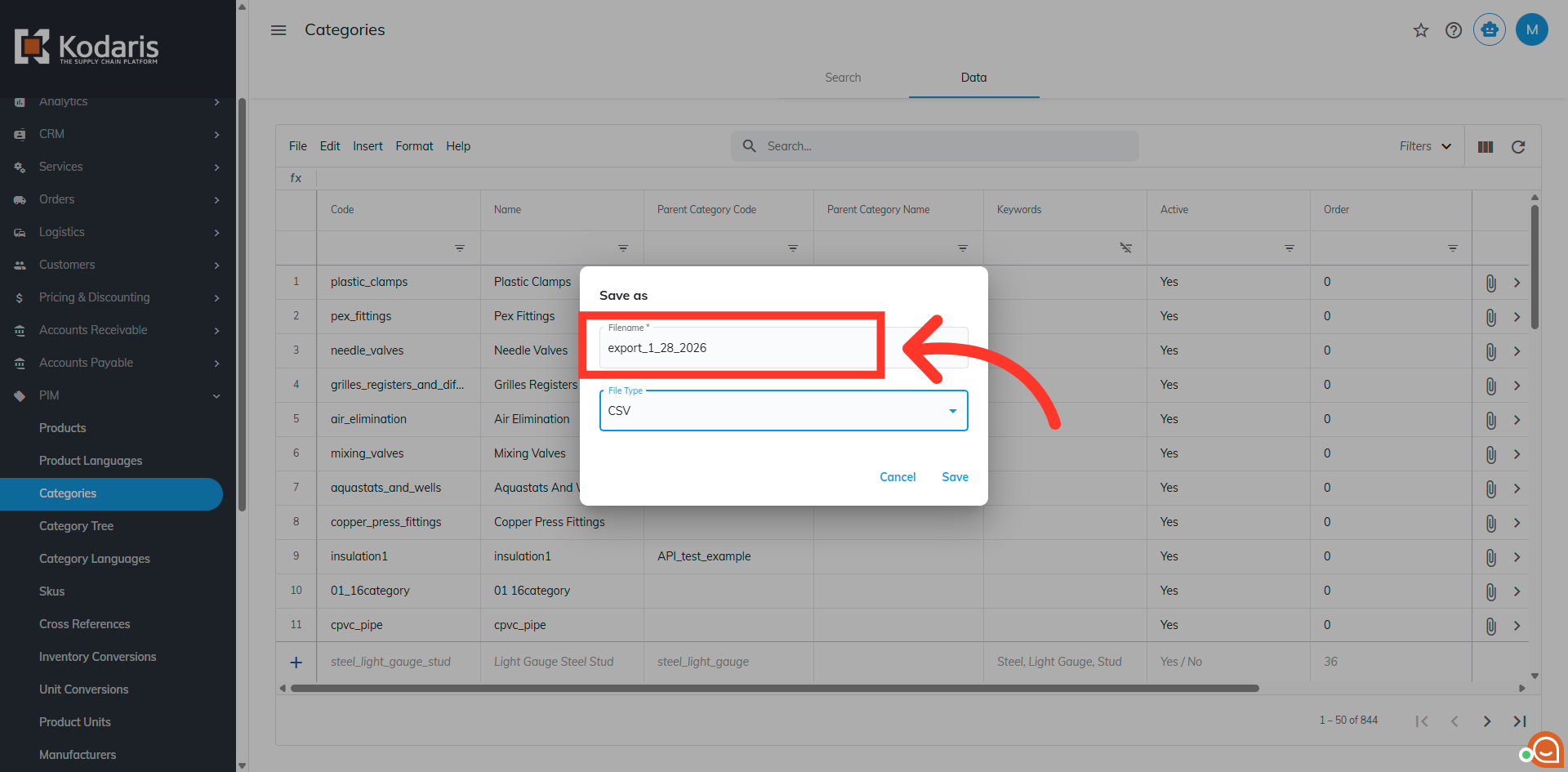
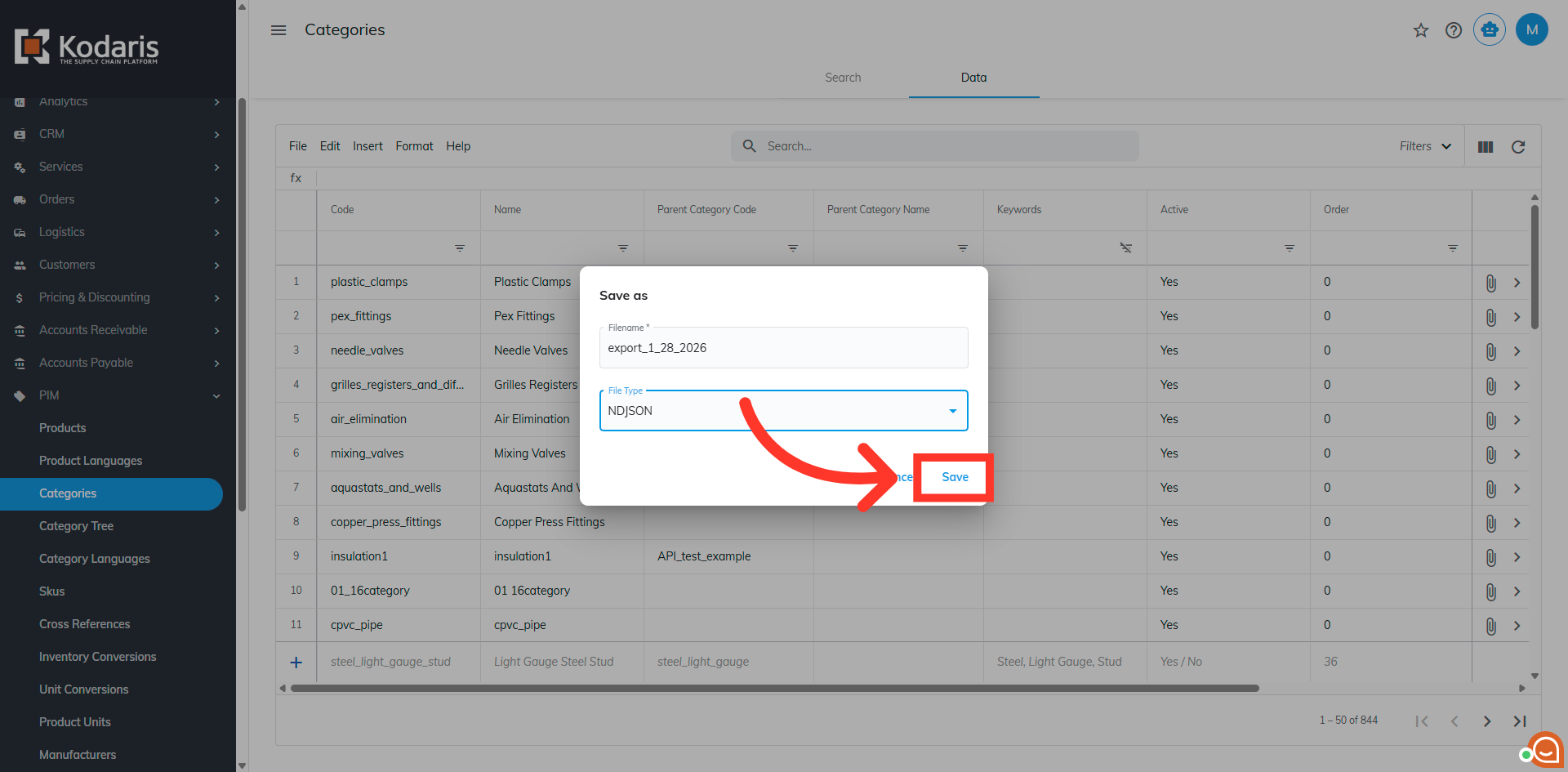
Name the file
If you would like to update the name, click into the field and enter the desired file name.
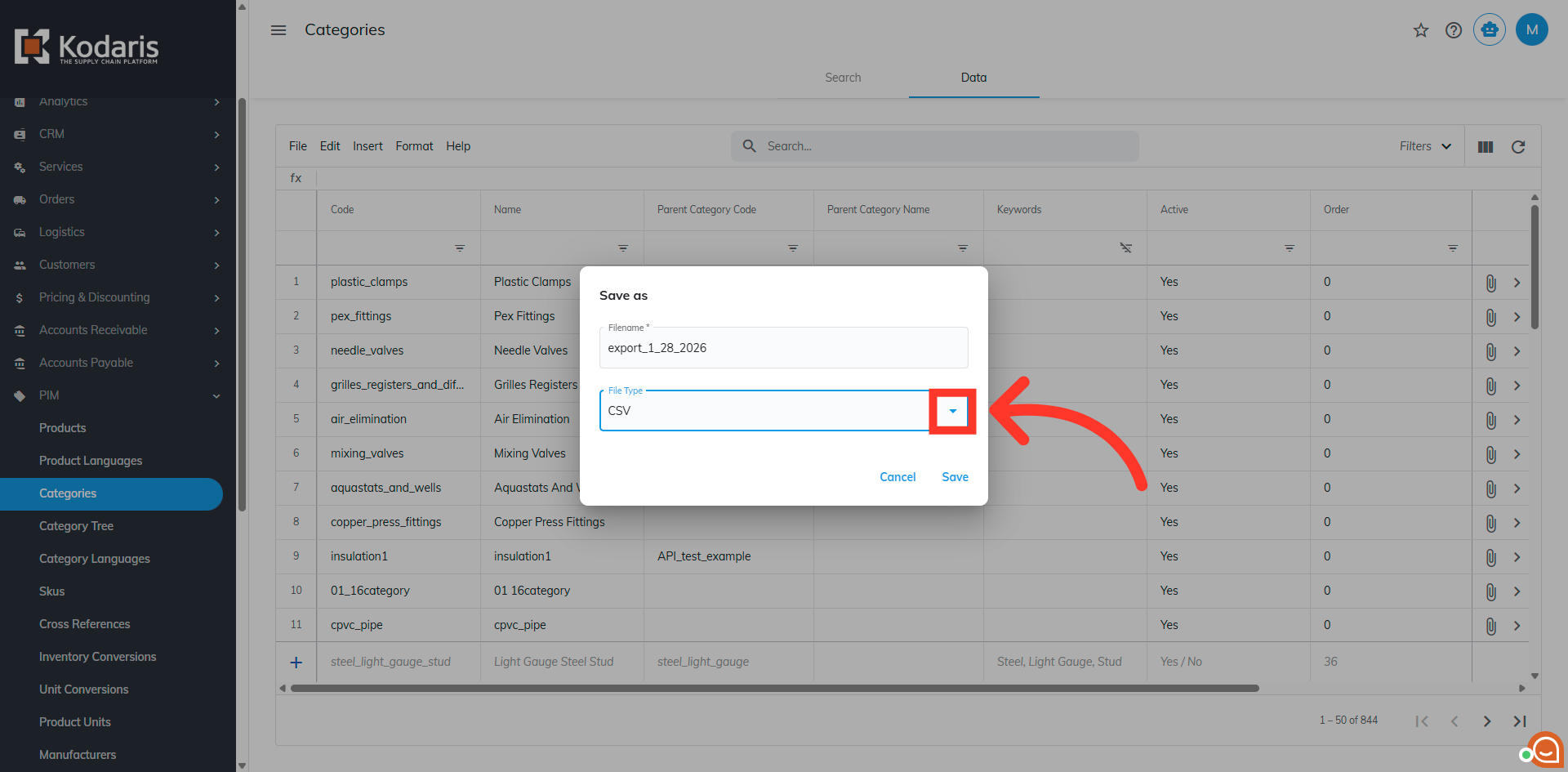
Dropdown options
Click the operator dropdown.
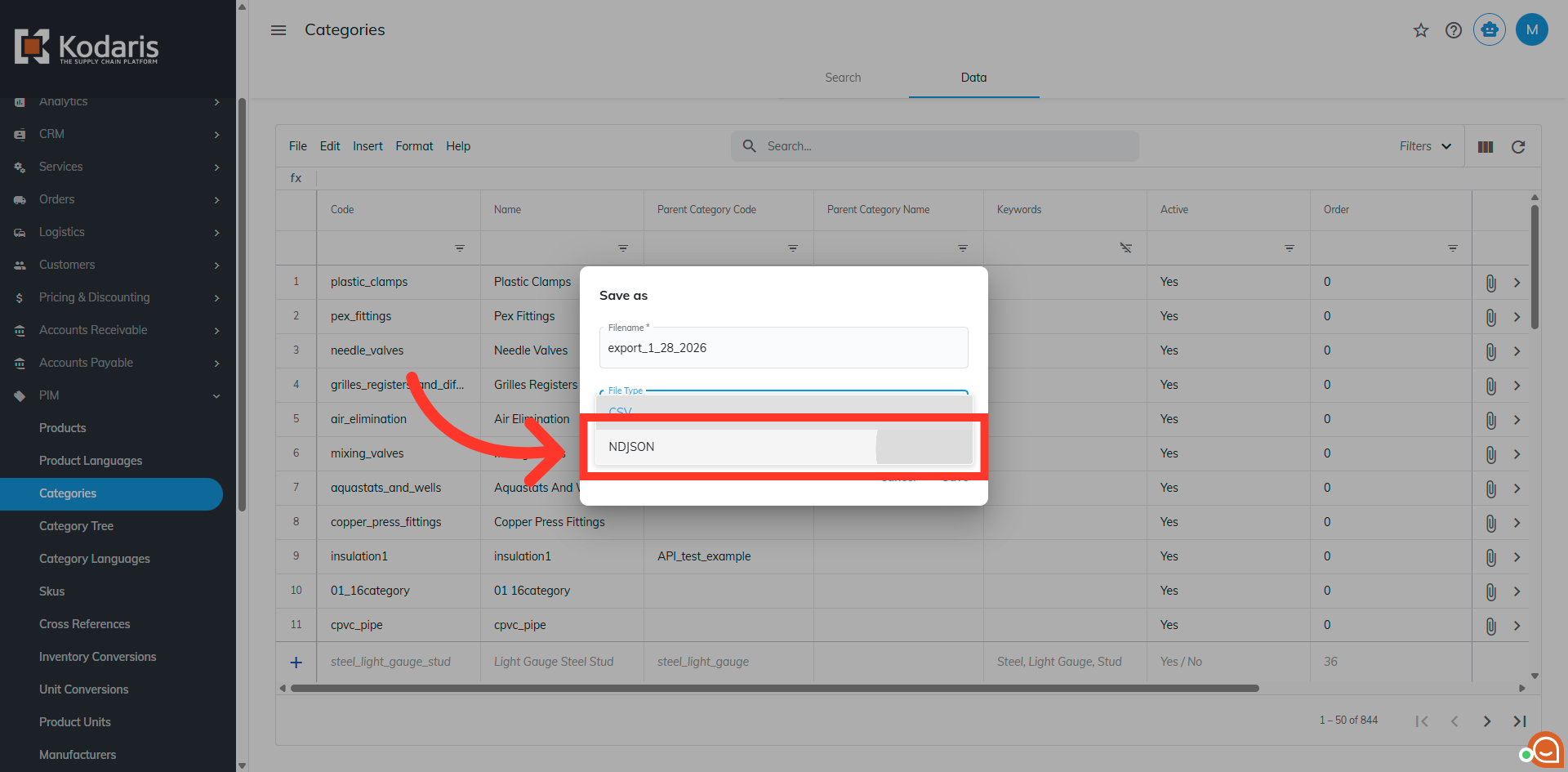
Select NDJSON Format
Selec NDJSON to select this format for exporting your category data.
Save exported file
Click "Save" to complete the export.
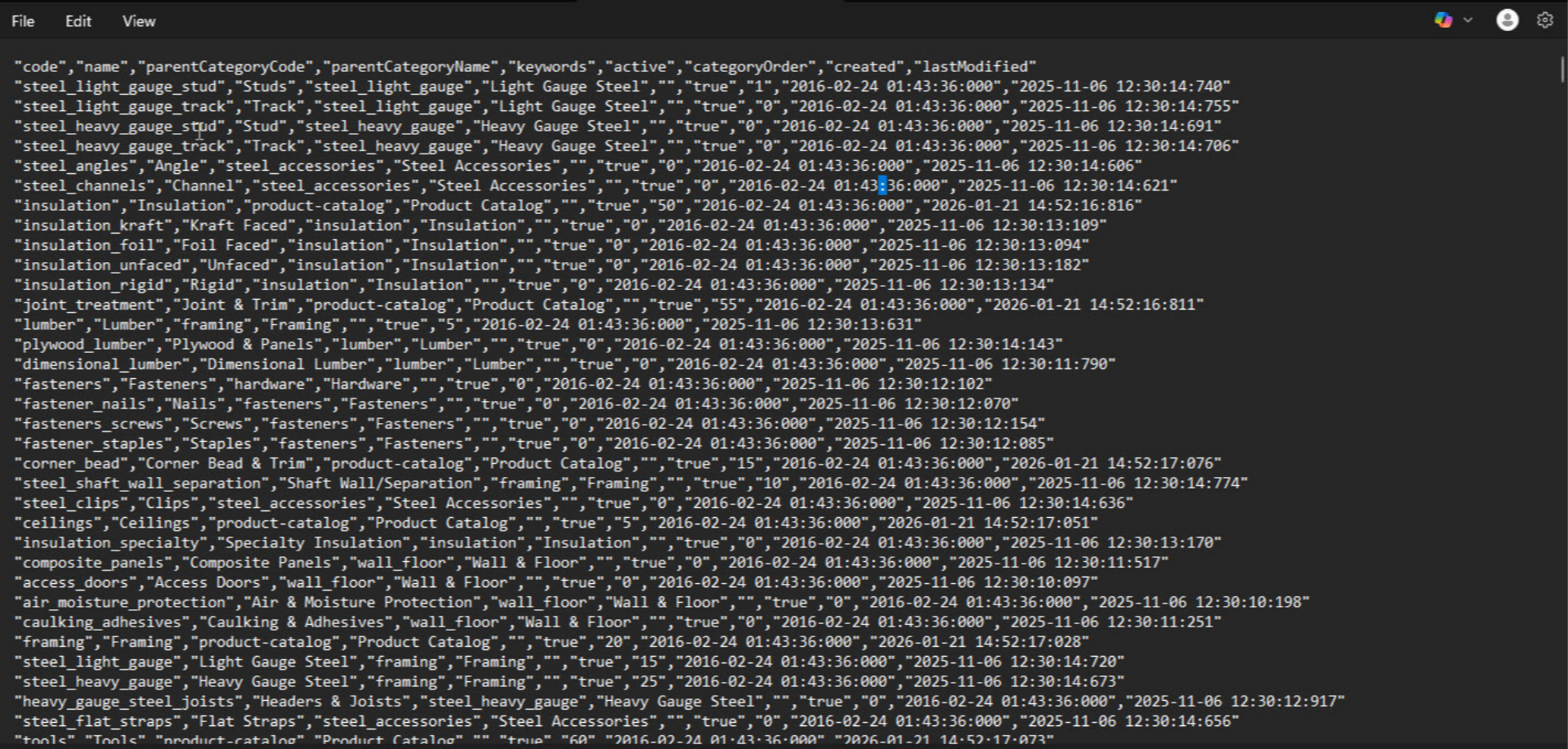
NDJSON format
All your category data has been successfully exported in NDJSON format.
In this article