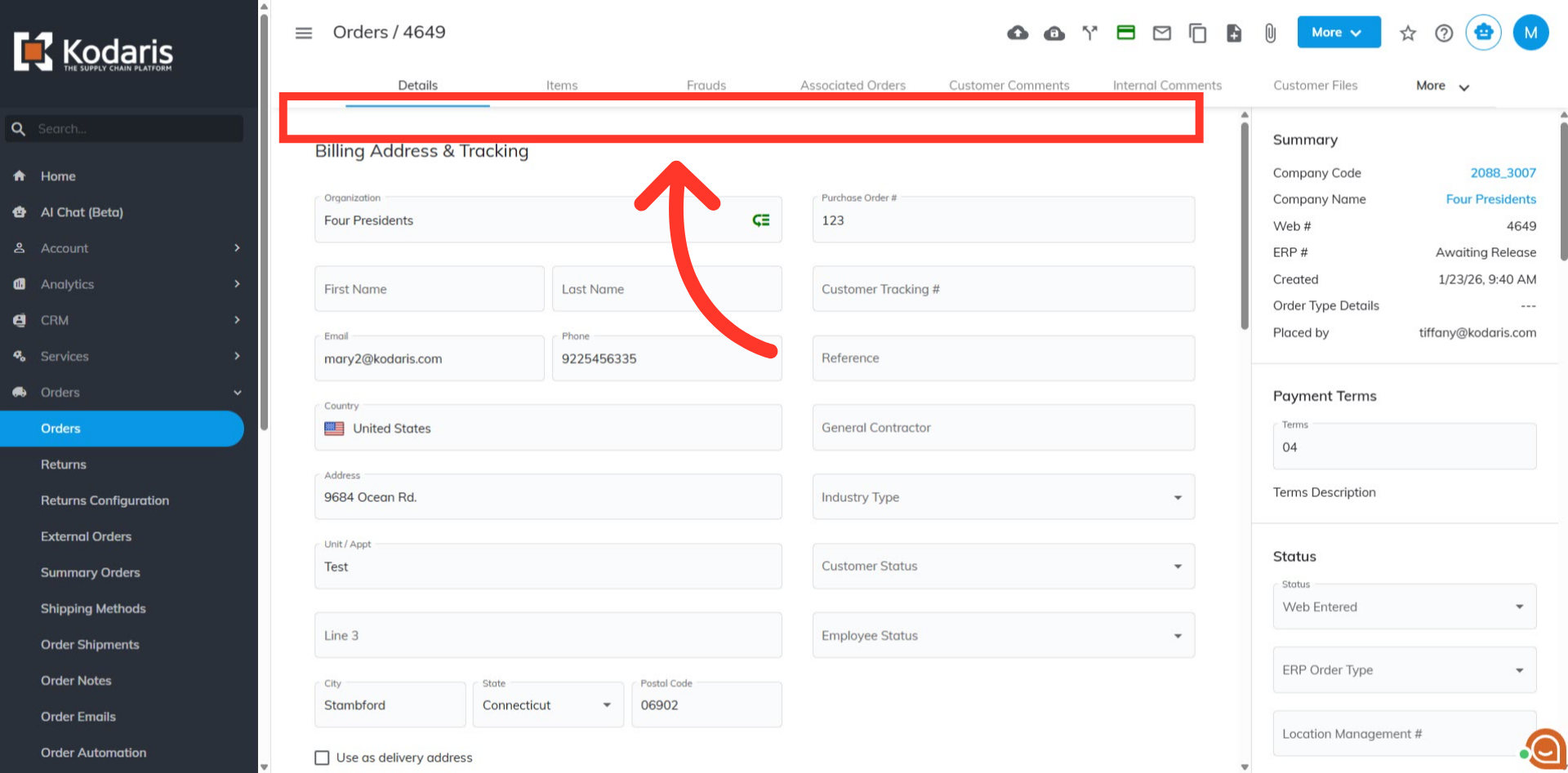
Operations Order Management - Reset Card Payment Attempts: Fraud Alert Banner
Navigate to "Orders"
To help protect against potential fraud, there is a setting that will trigger when there have been multiple failed payment attempts on the order. To remove the hold placed on order, navigate to the "Orders" section in the Operations Portal.
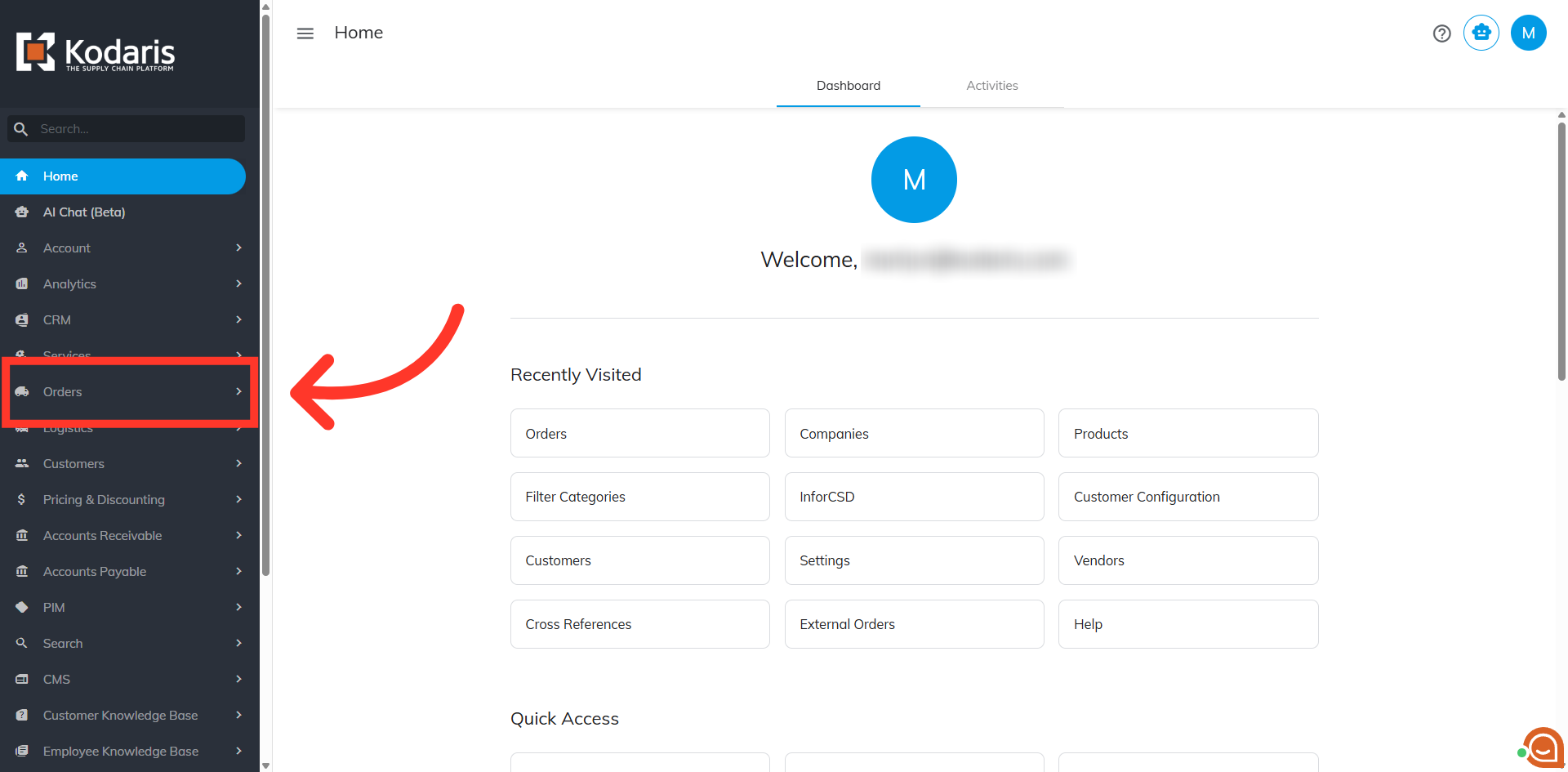
Click "Orders"
Click "Orders". In order to access and reset the payment in "Orders" screen, you will need to be set up either as an "administrator" or "superuser", or have the roles of: "orderEdit" and "orderSettingEdit", or "accountant".
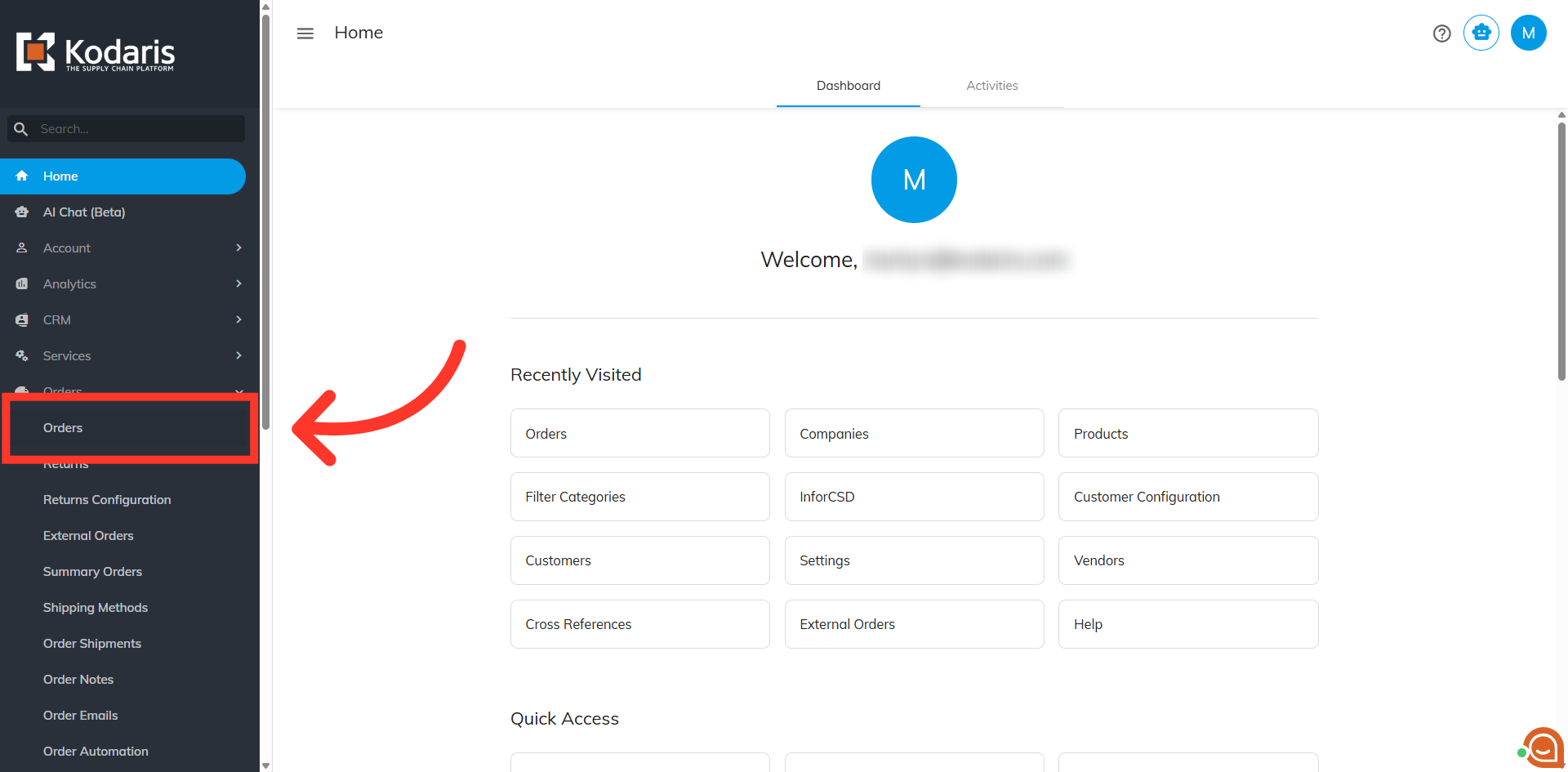
Search for the order number
Enter the order number in the "Search..." field.
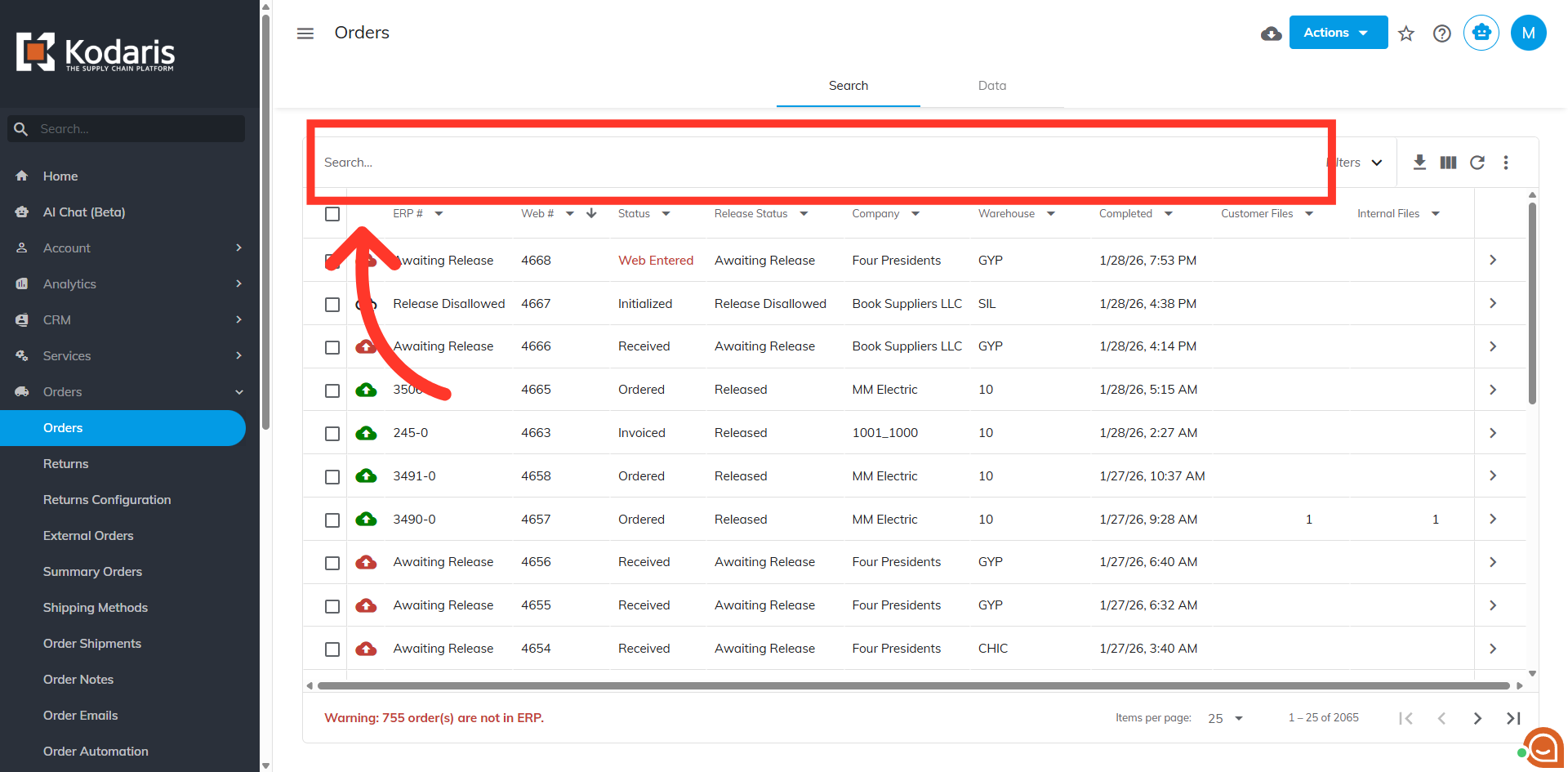
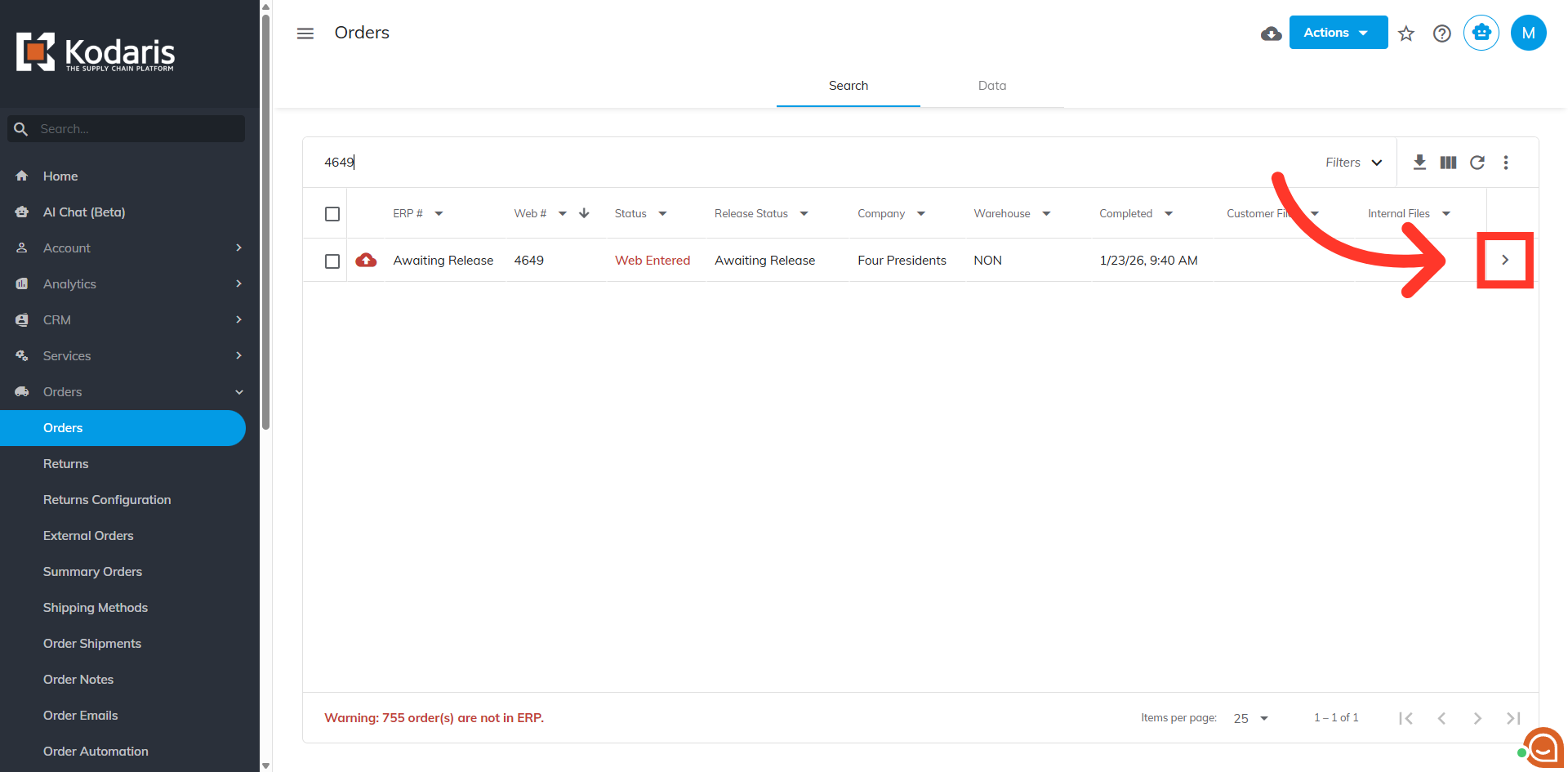
Click on the more details icon
Click on the more details icon.
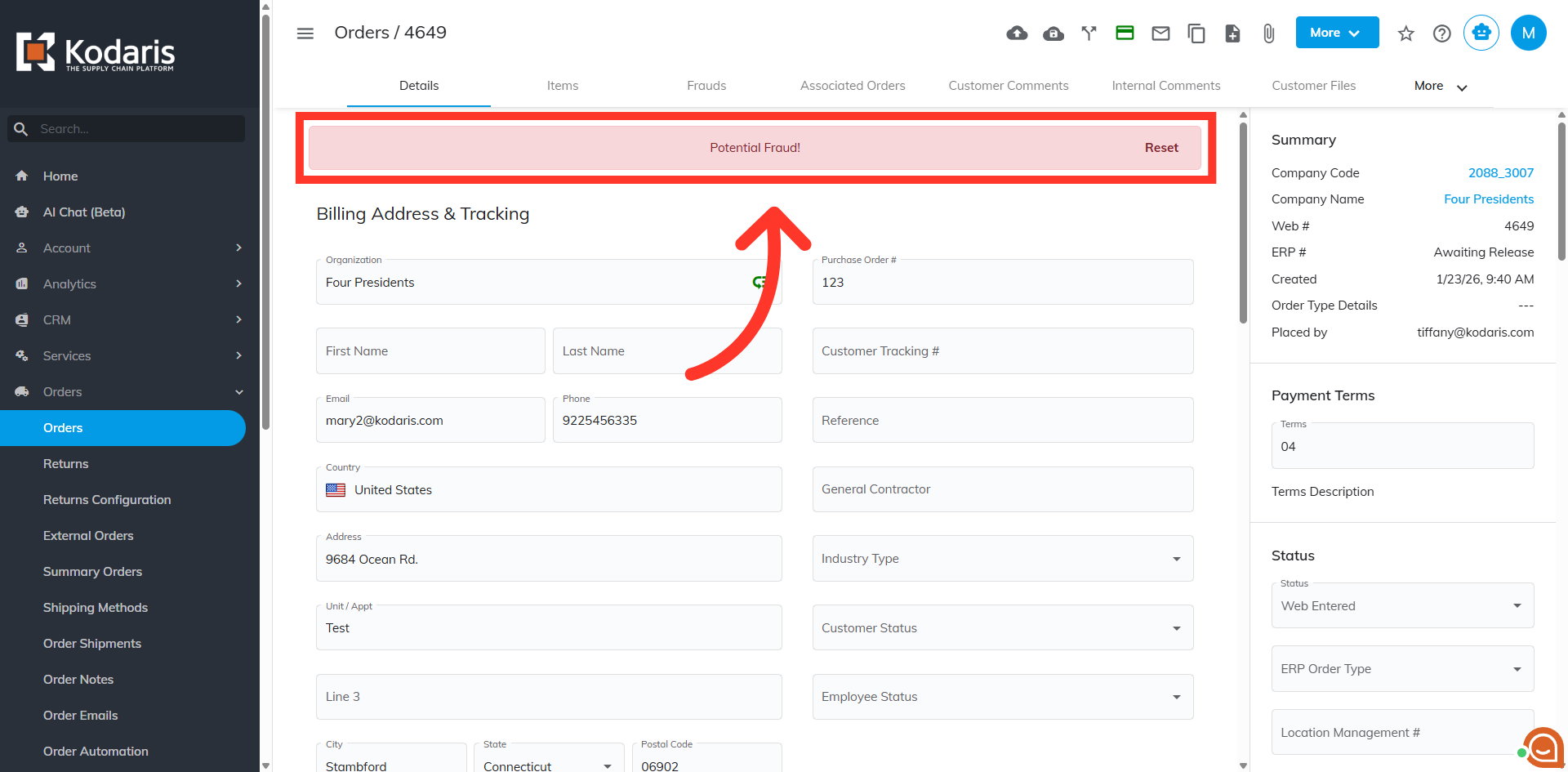
Potential Fraud Banner
When a hold has been triggered from multiple declines returned from the payment provider for a payment on an order, a "Potential Fraud!" banner is displayed. This prevents the customer from making further payment attempts.
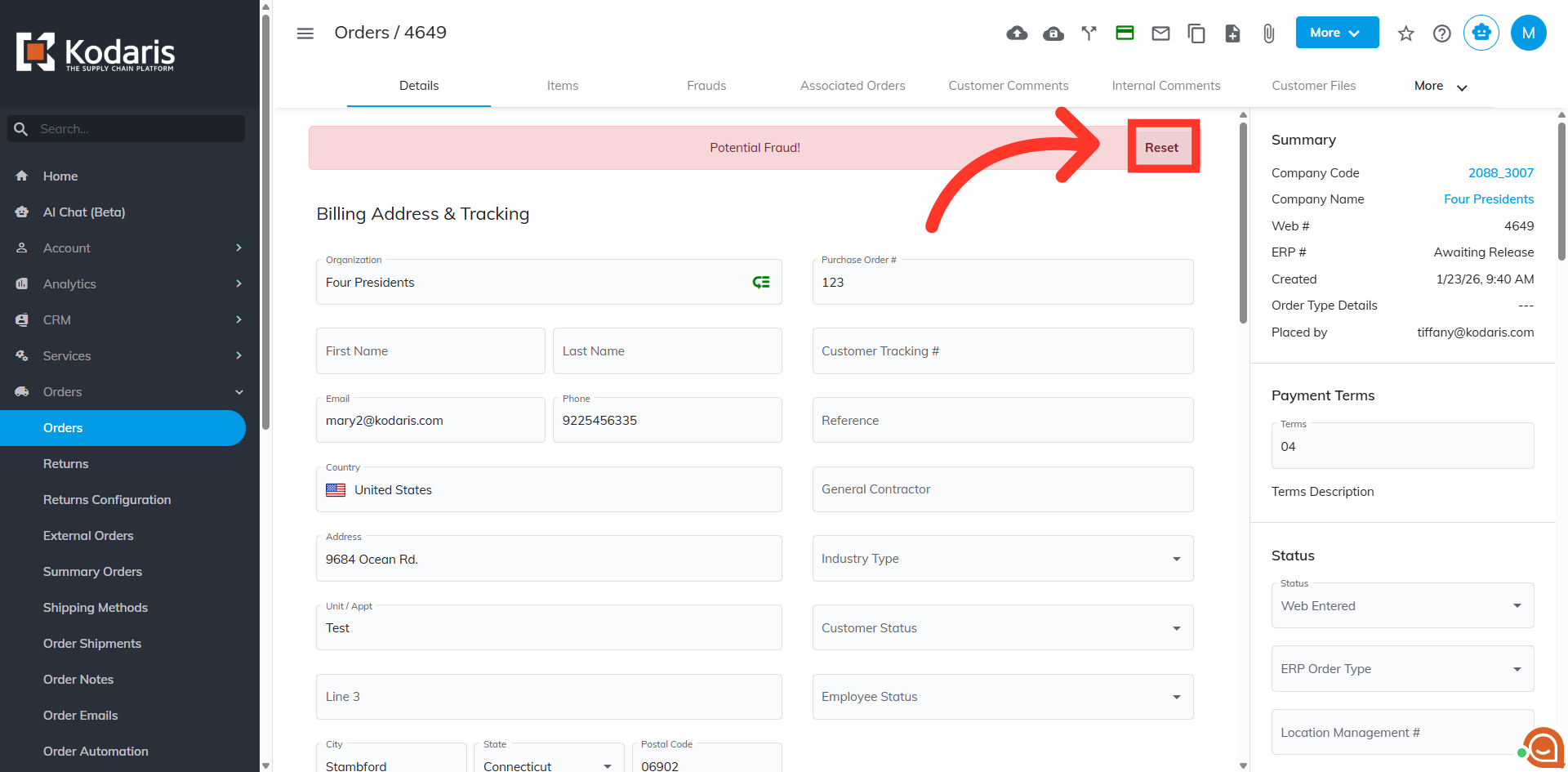
Click "Reset"
Click the "Reset" button to clear previous card payment attempts, allowing customers to retry payments.
The hold and banner are removed
The hold and banner have been removed. The customer will now be able to retry making a payment.