Operations Customers - Display or Hide Ship-tos on Your Commerce Site
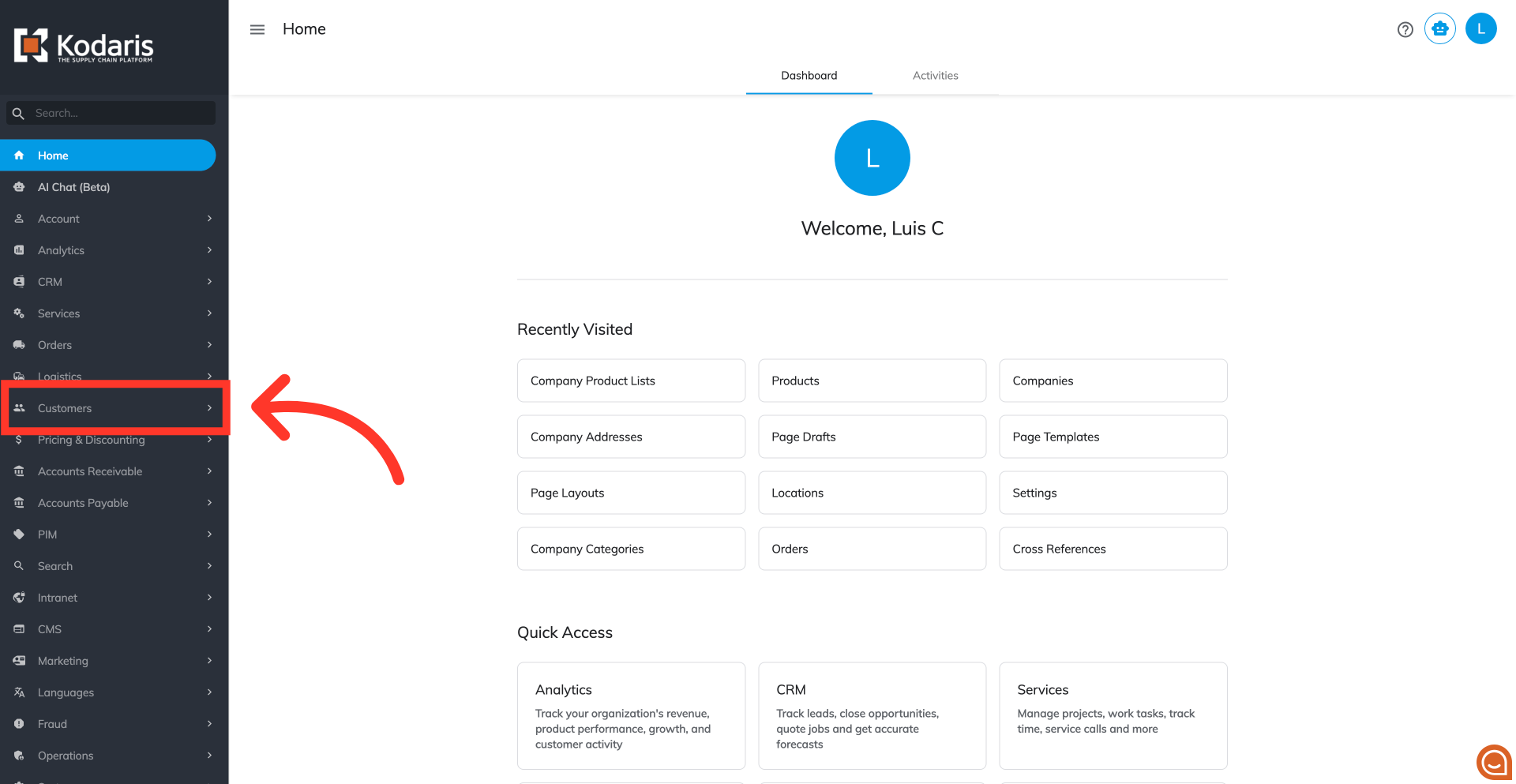
Navigate to "Customers"
To control which ship-to addresses are displayed to customers on your commerce website, navigate to the "Customers" section in the Operations Portal.
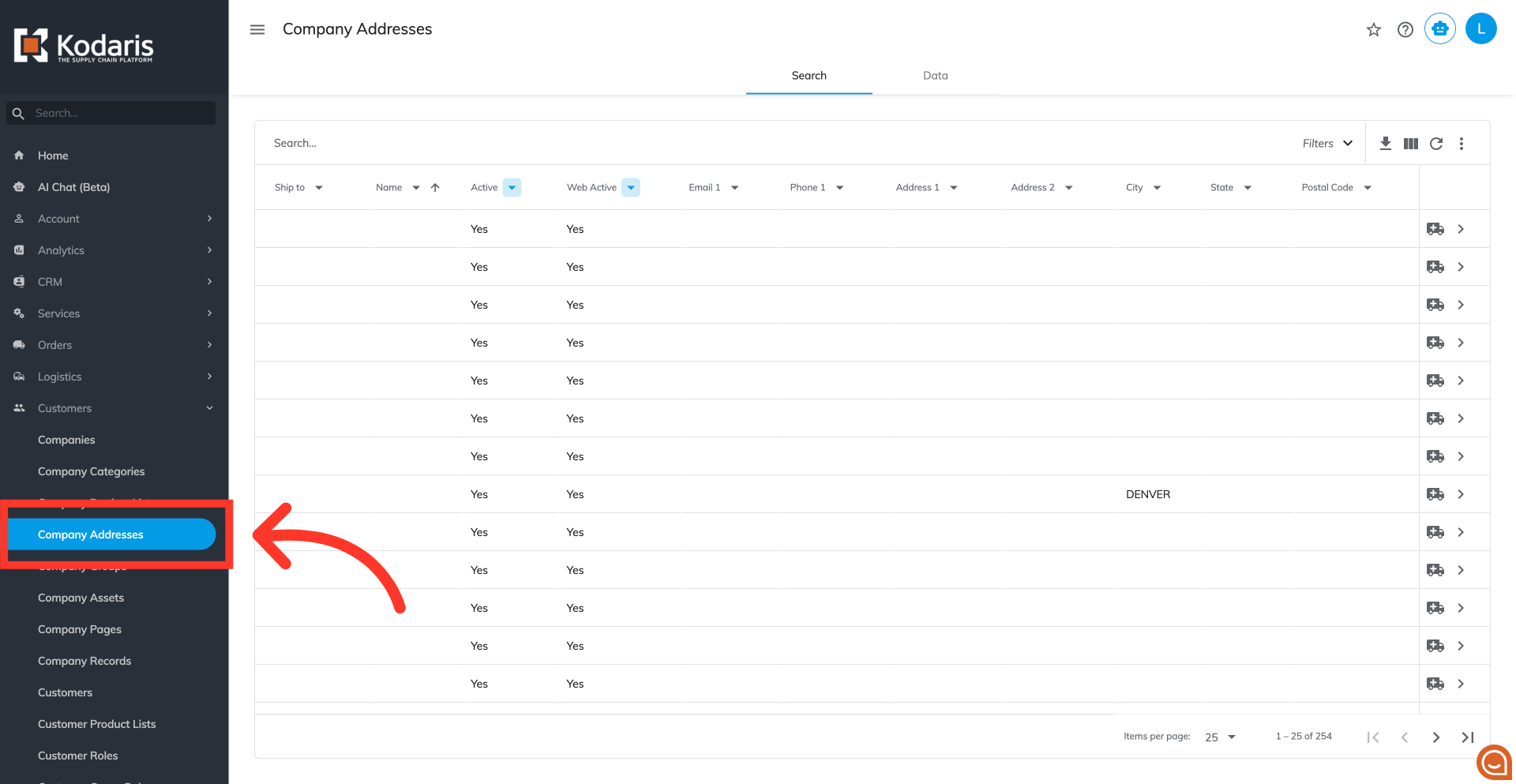
Click "Company Addresses"
Click "Company Addresses" to access the "Company Addresses" screen. In order to access and update "Company Addresses", the account must be set up either as an "administrator" or a "superuser", or have the roles of "companyAddressEdit" and "companyAddressView."
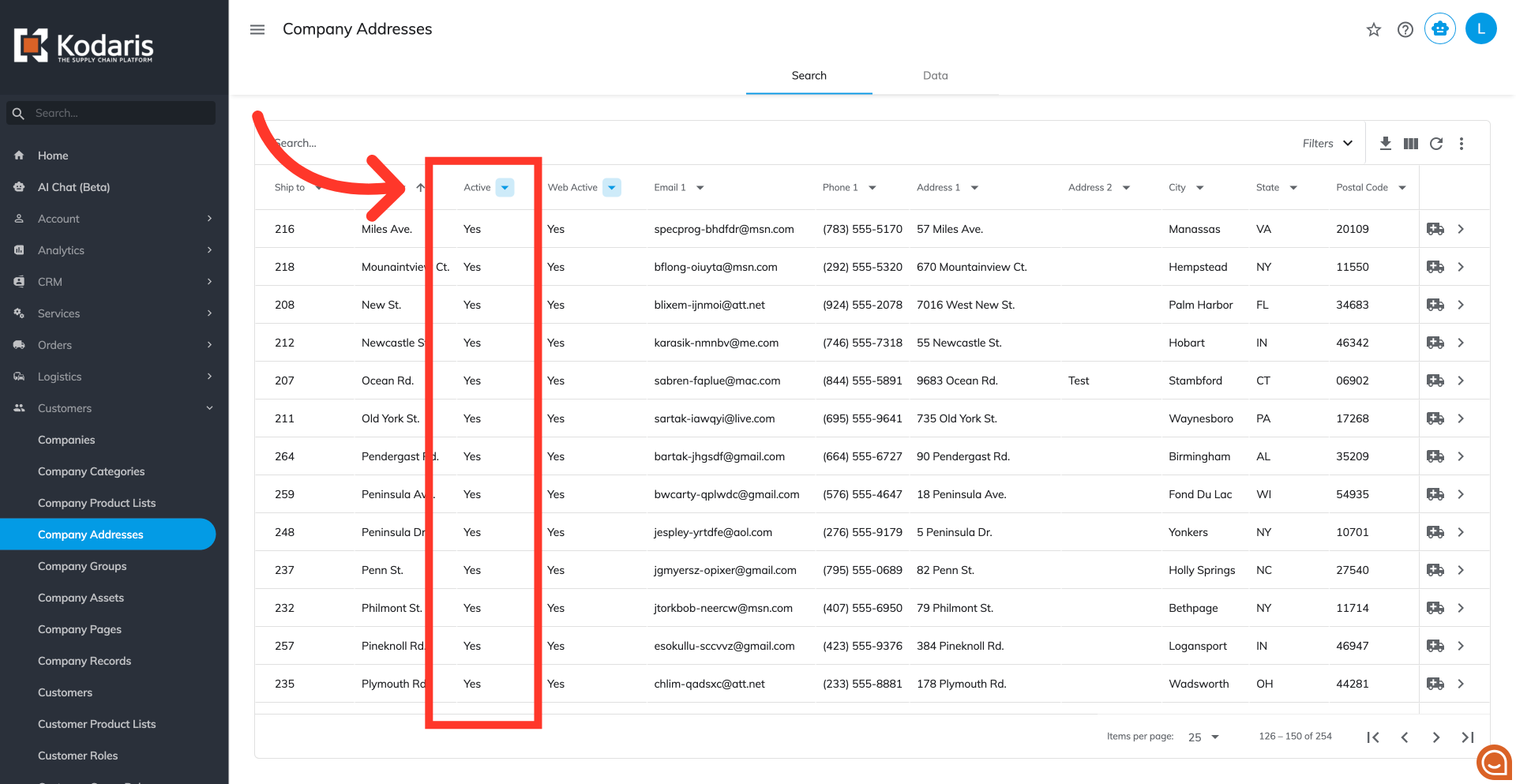
"Active" status
The "Active" column shows the current status (active or inactive) of each ship-to address. If you're using an ERP integration, this status is automatically synced from your ERP system.
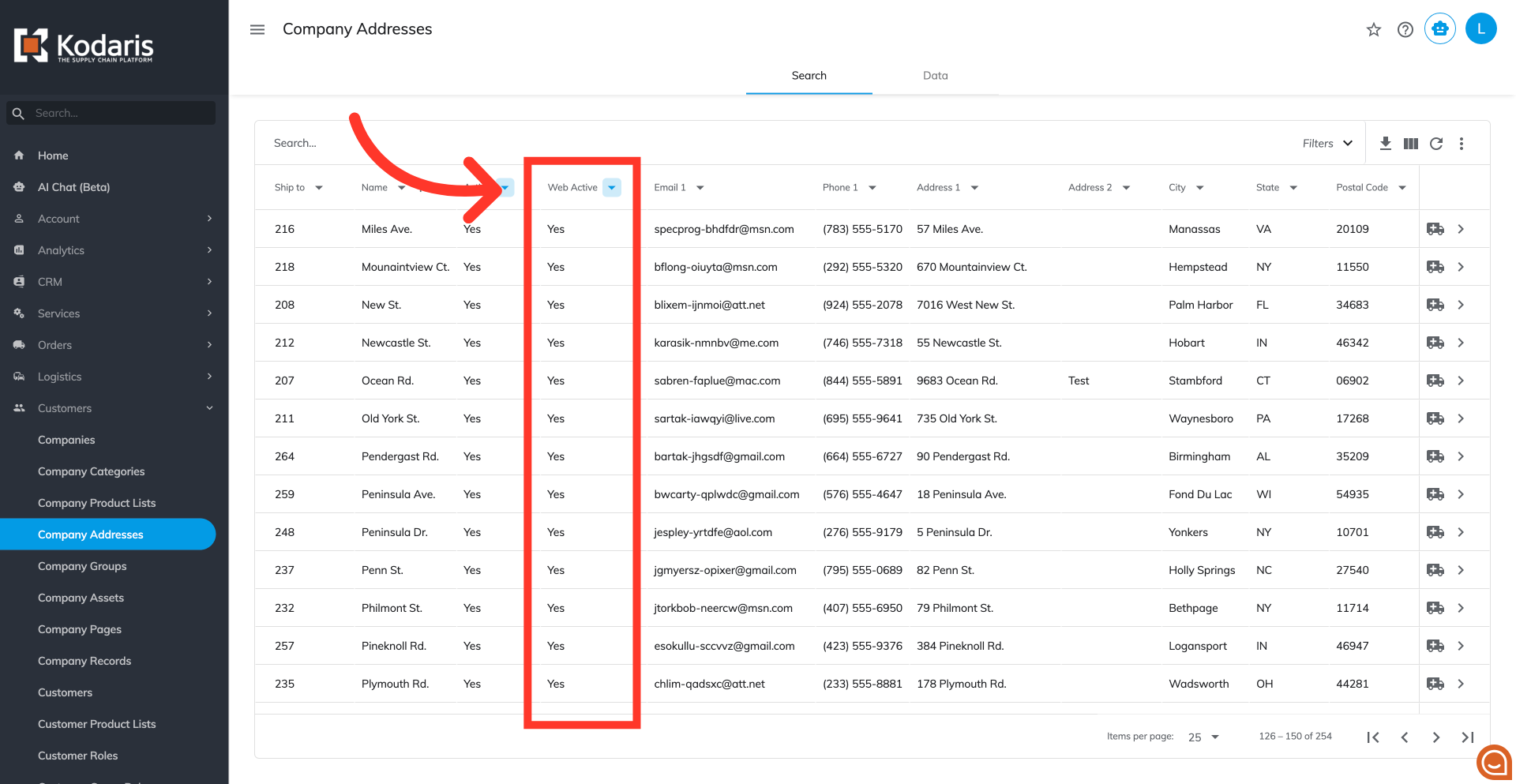
"Web Active" status
The "Web Active" column manages the visibility of the shipto throughout the commerce website.
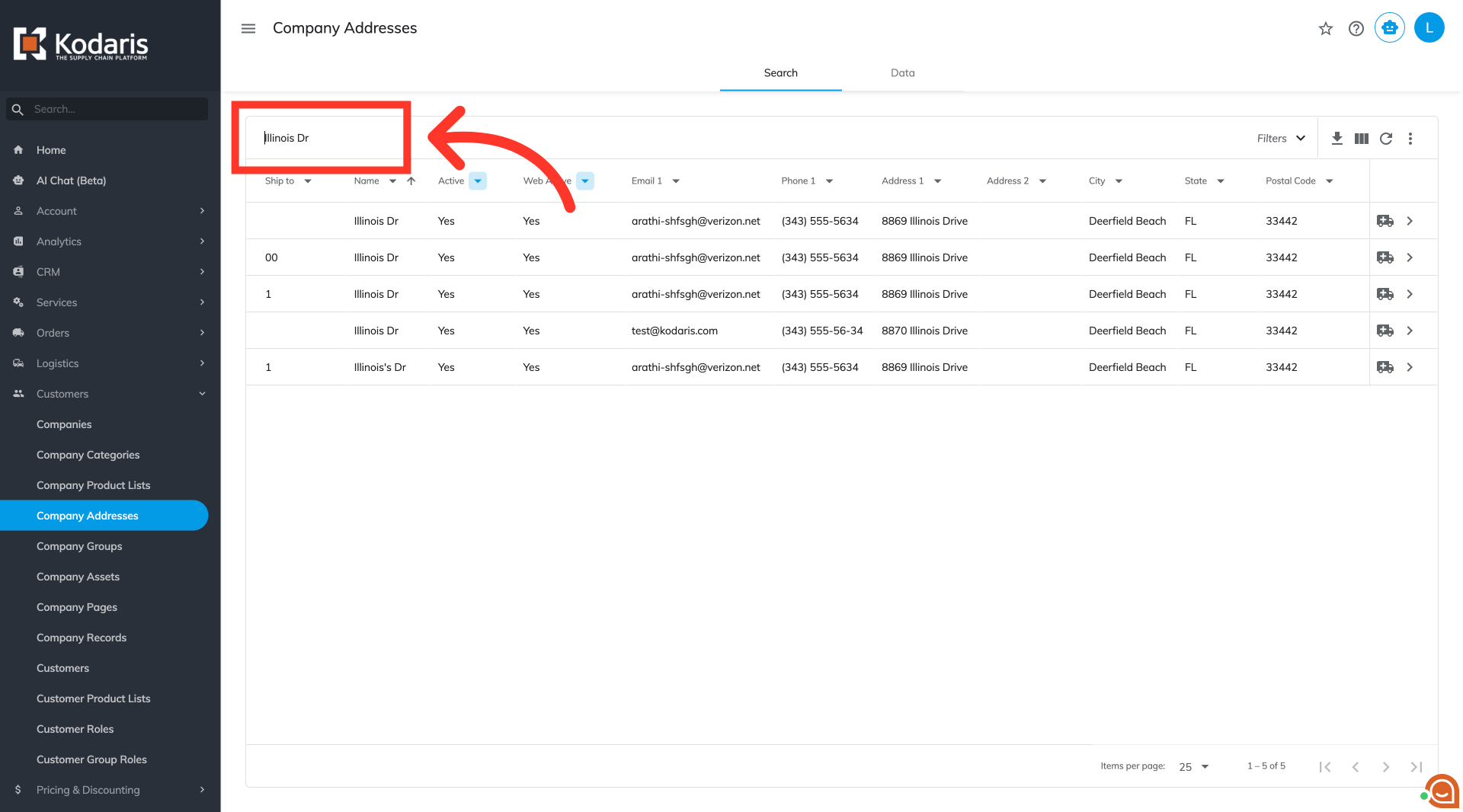
Search for the company address
In the search field, type in a keyword to find a shipto address.
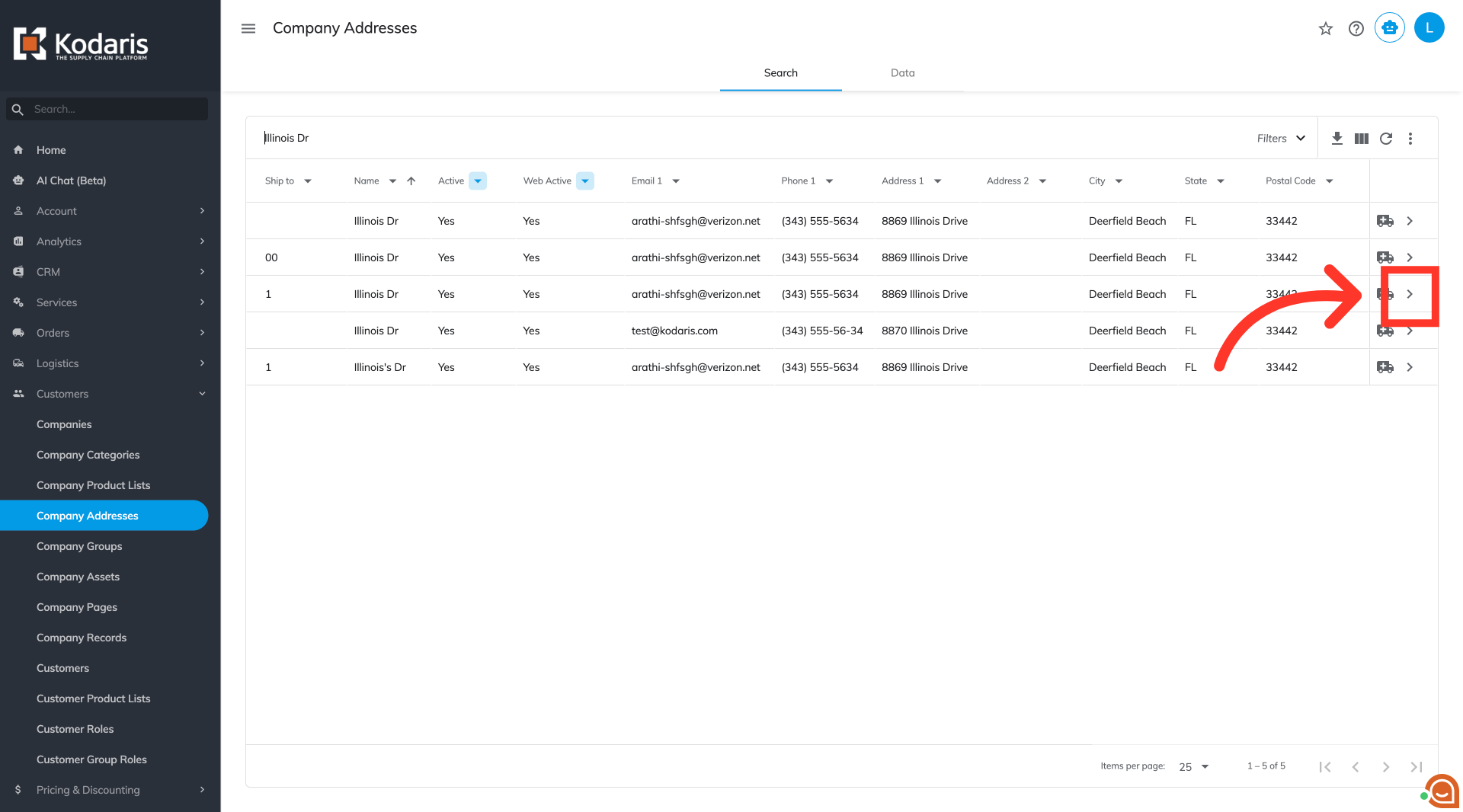
Click on the more details icon
Click on the more details icon.
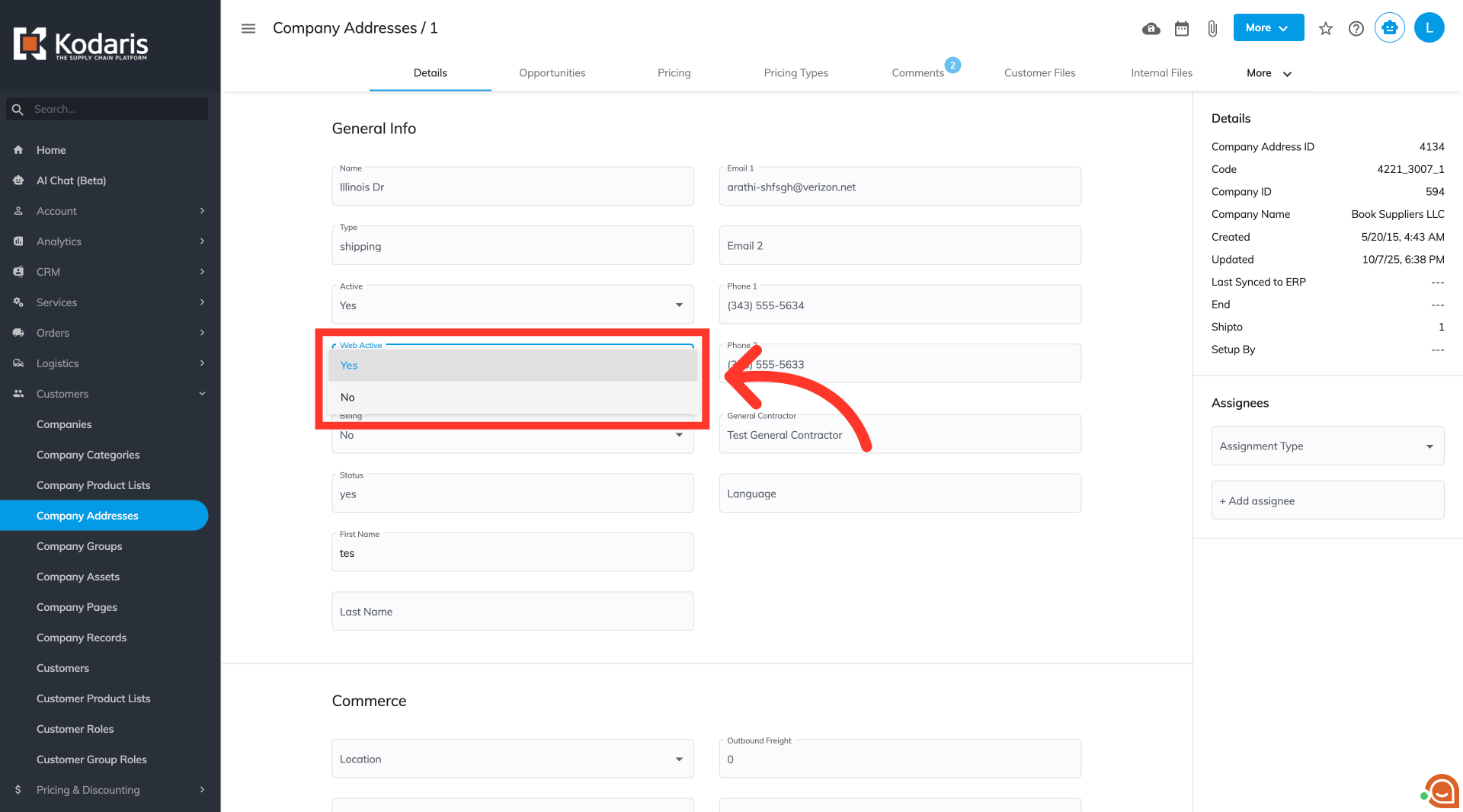
Select from "Web Active" dropdown
Scroll down and locate the "Web Active" dropdown. Select "Yes" if you want the shipto displayed or "No" to hide the shipto.