
Operations CRM - Add Hosts to Companies
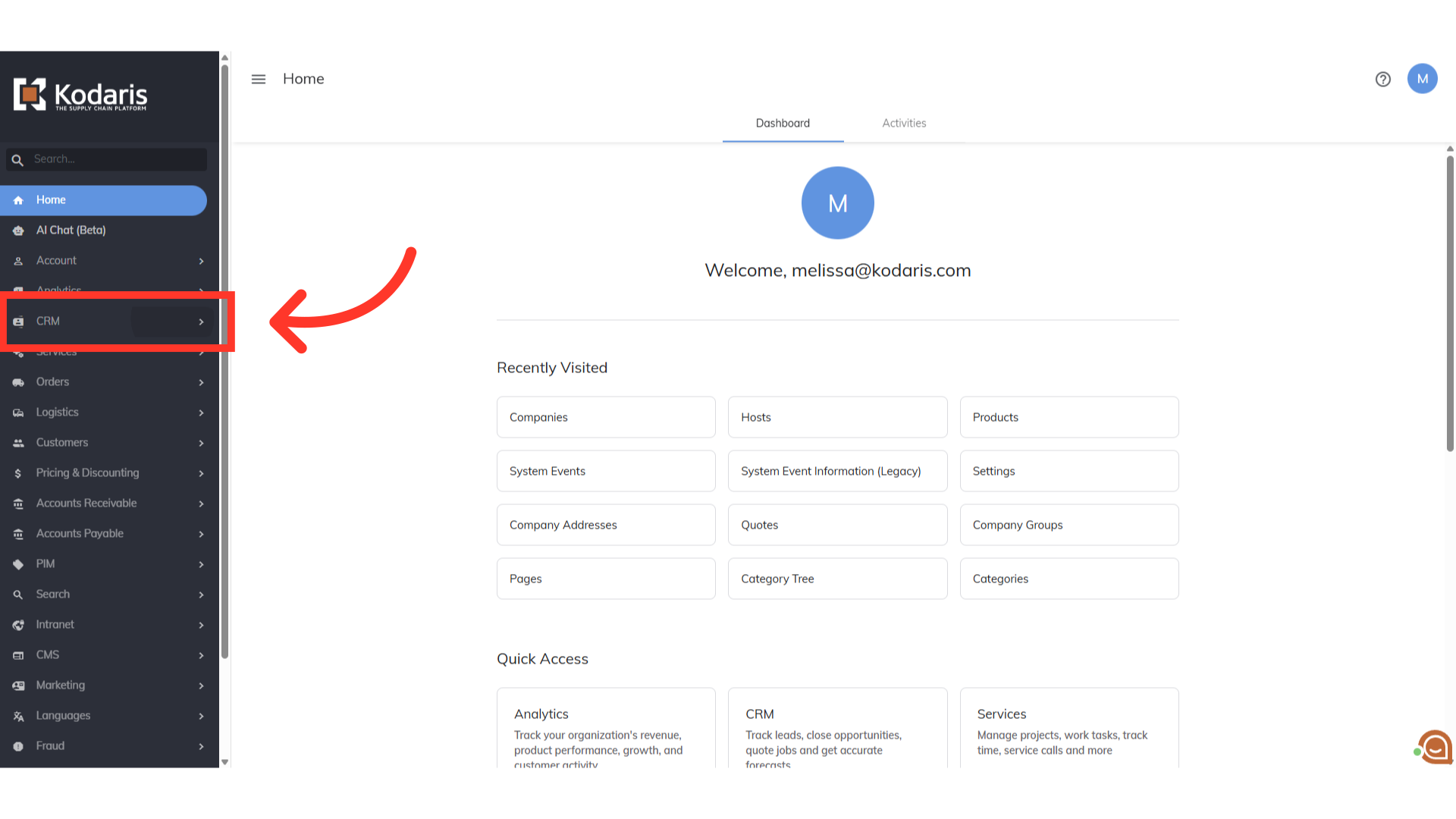
Click on "CRM"
Click on CRM
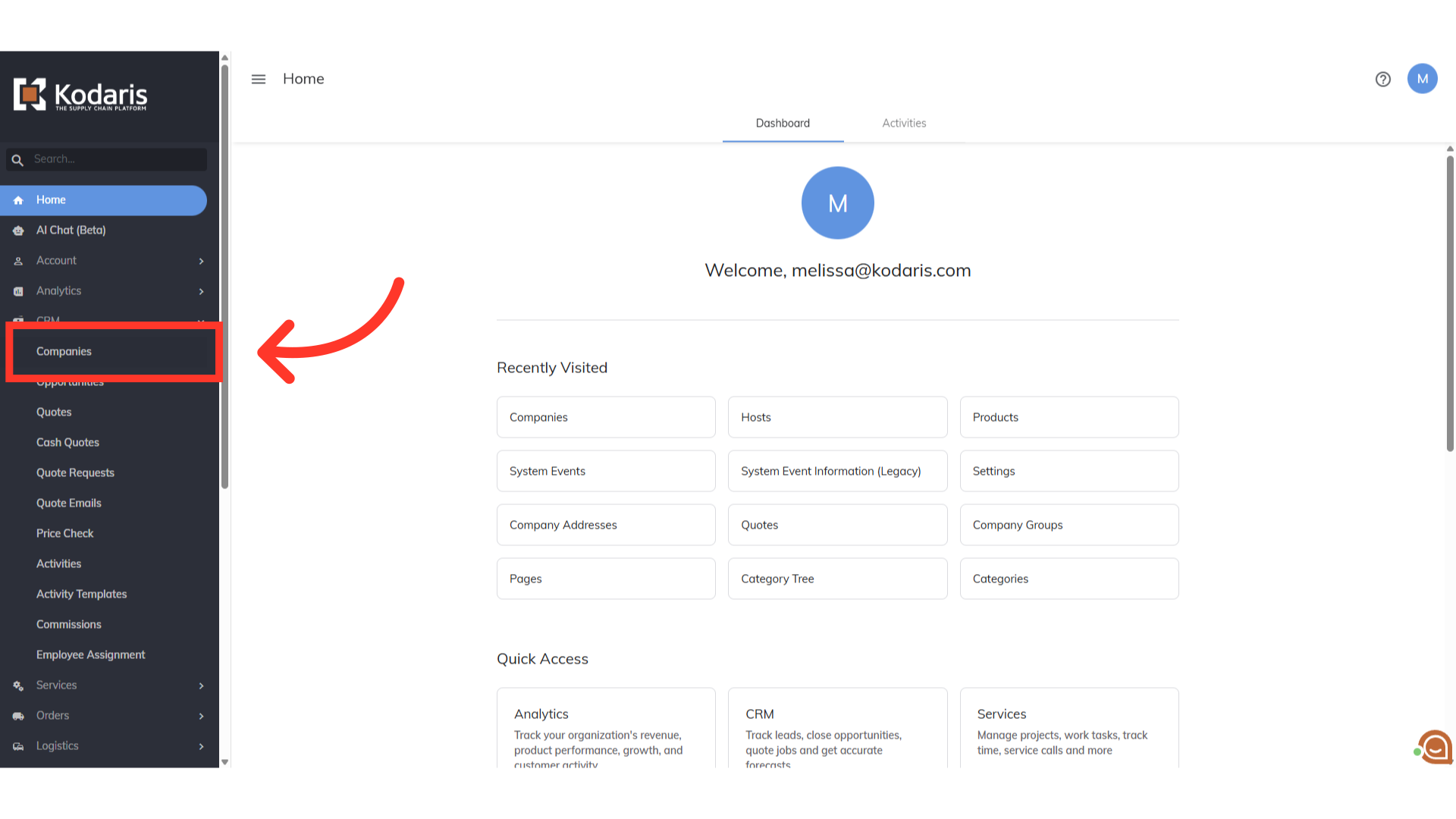
Click "Companies"
Select the Companies
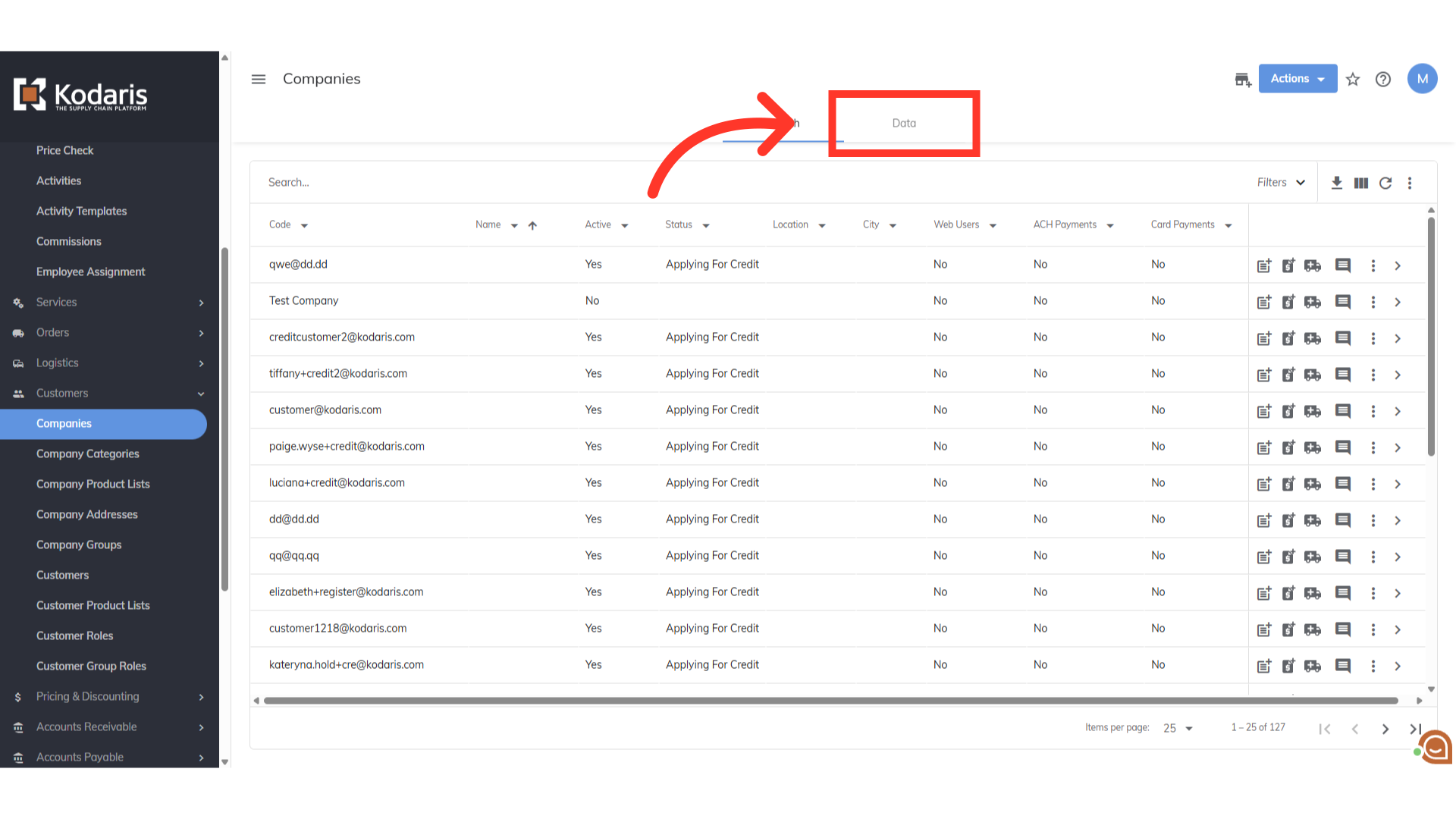
Click on the "Data" tab
Click on the Data tab
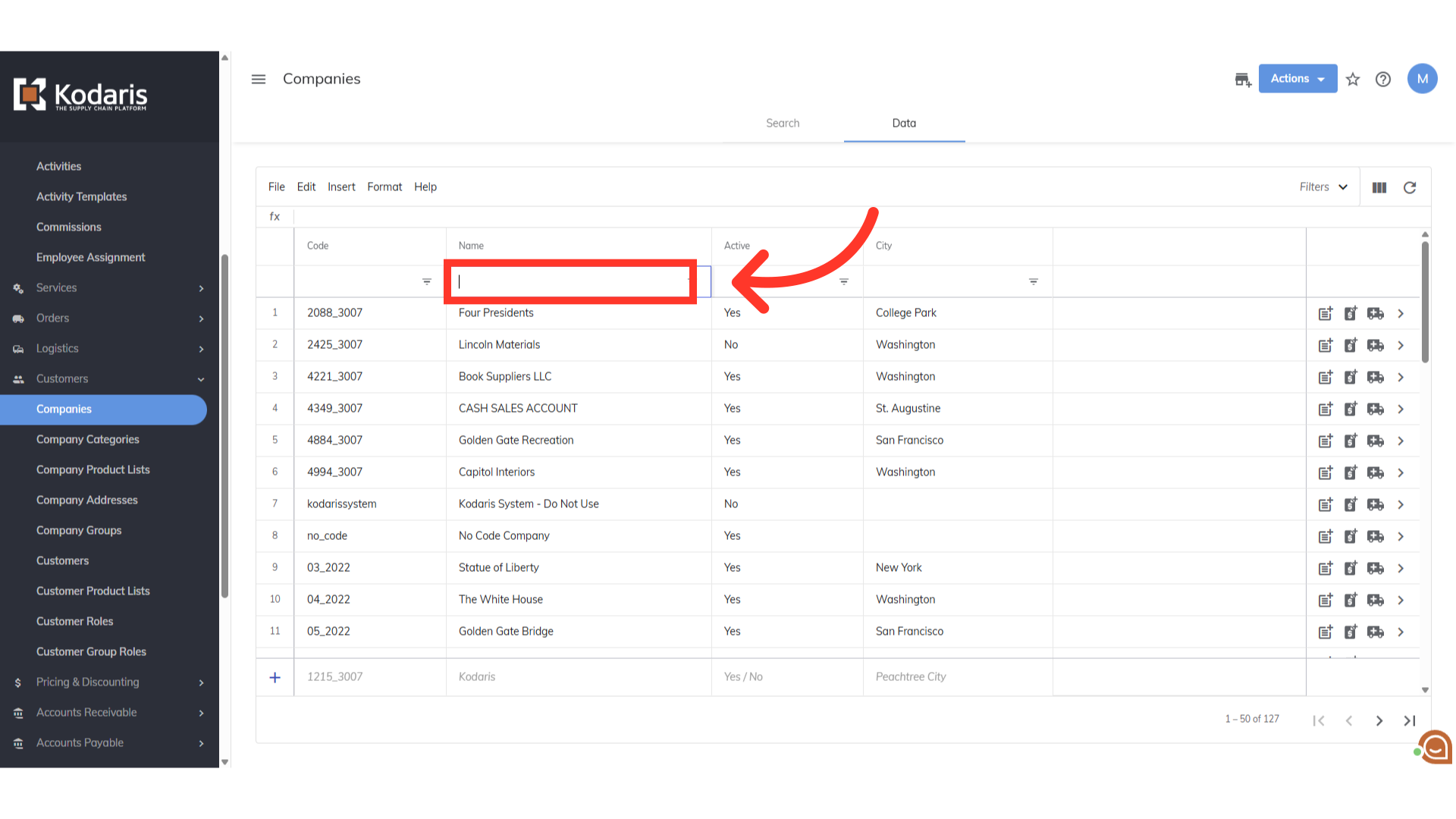
Search for the specific company
Search for the specific company
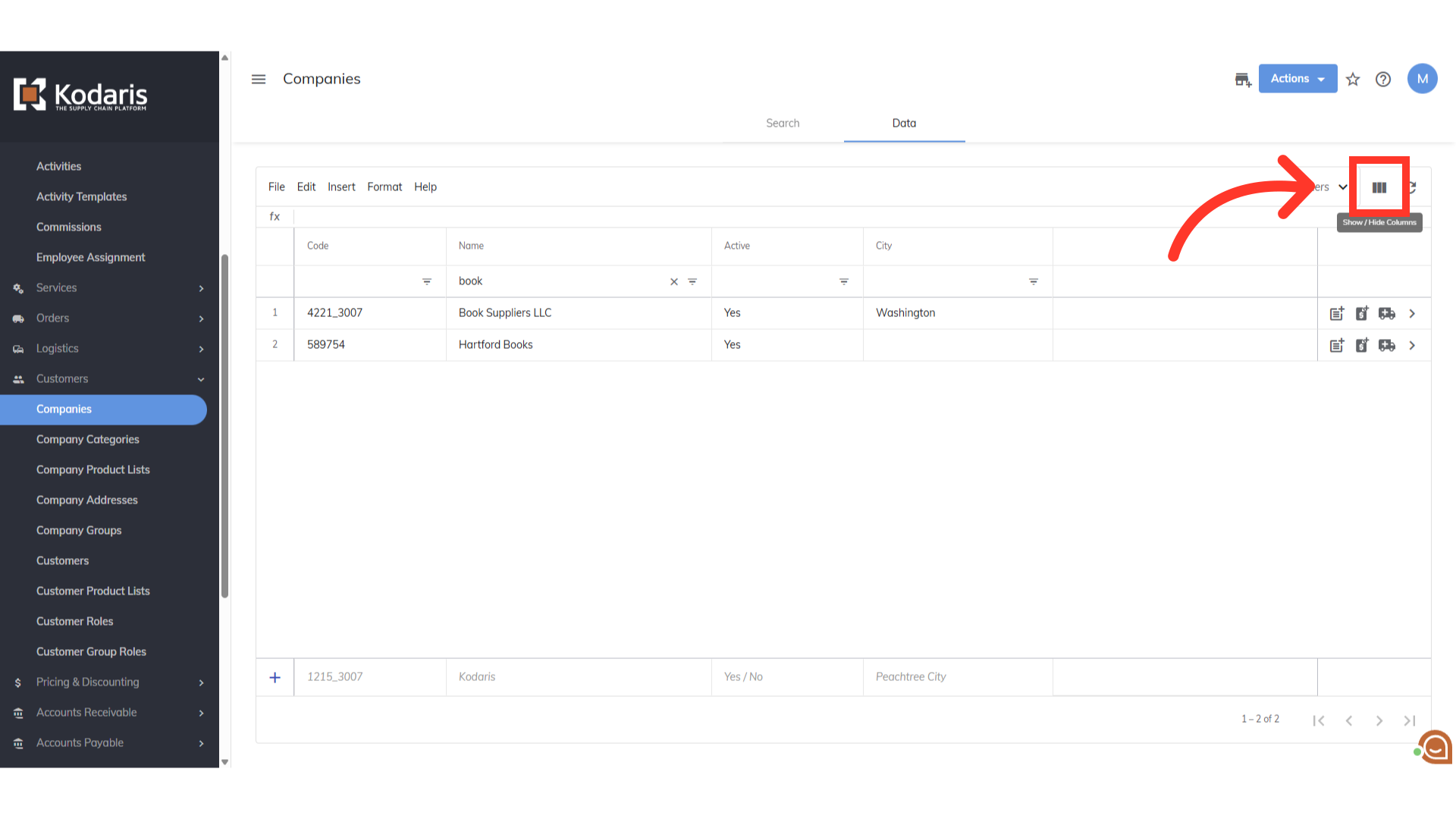
Click the "view column" icon
Click on the view column icon
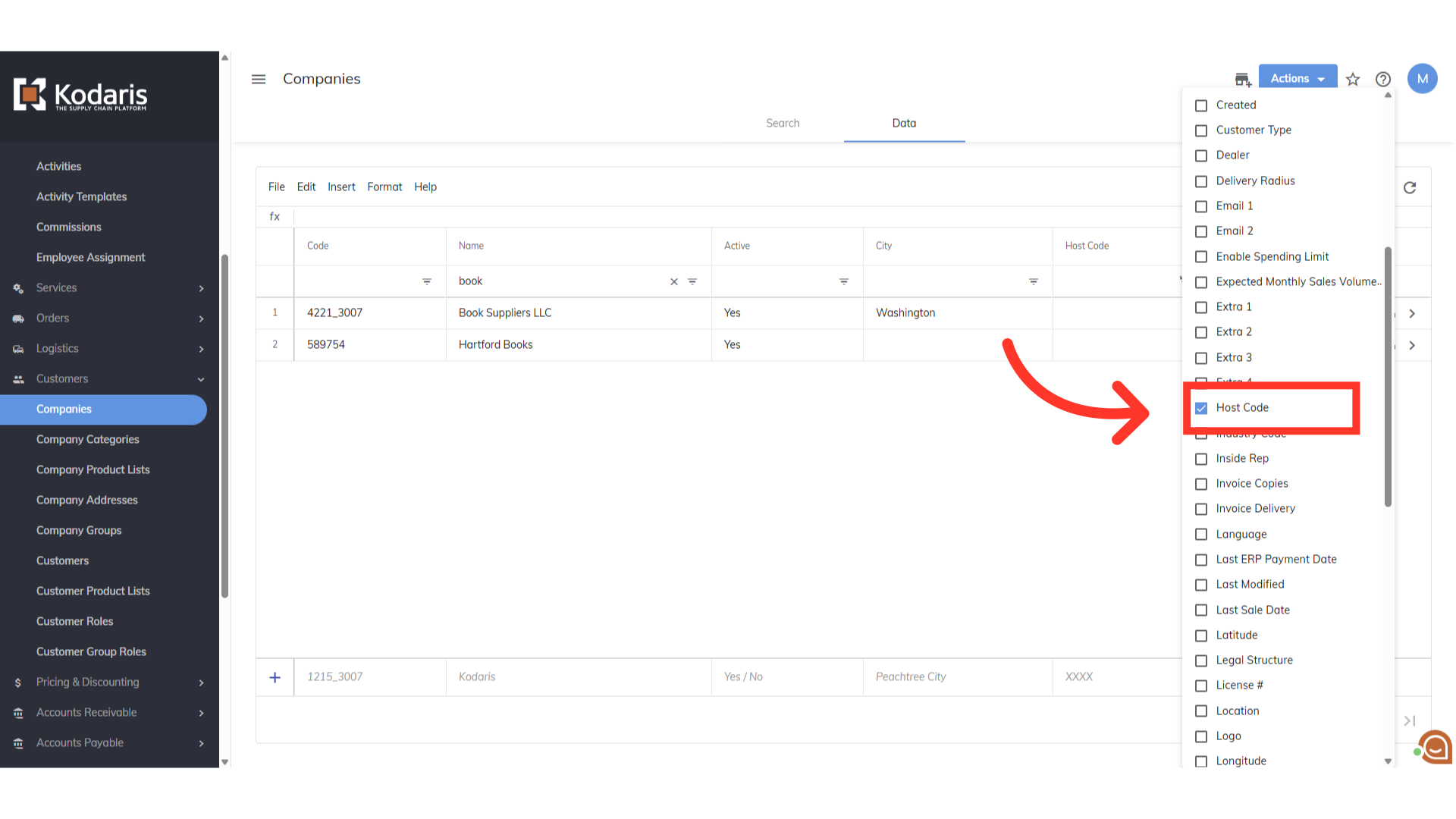
Select 'Host Code'
Select Host Code so it will display in the grid
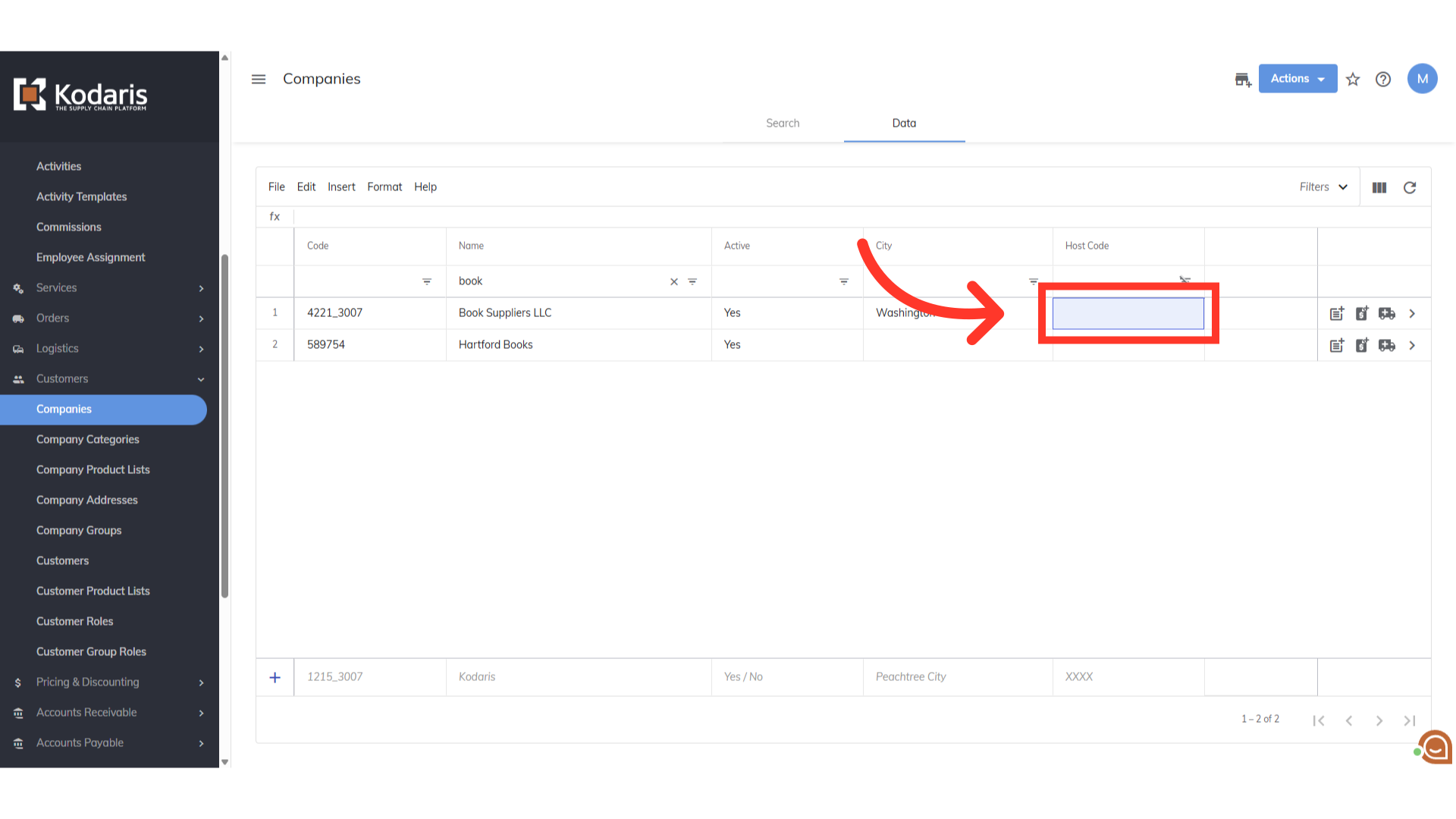
Double click the cell
Double click the cell to show the options for the host codes
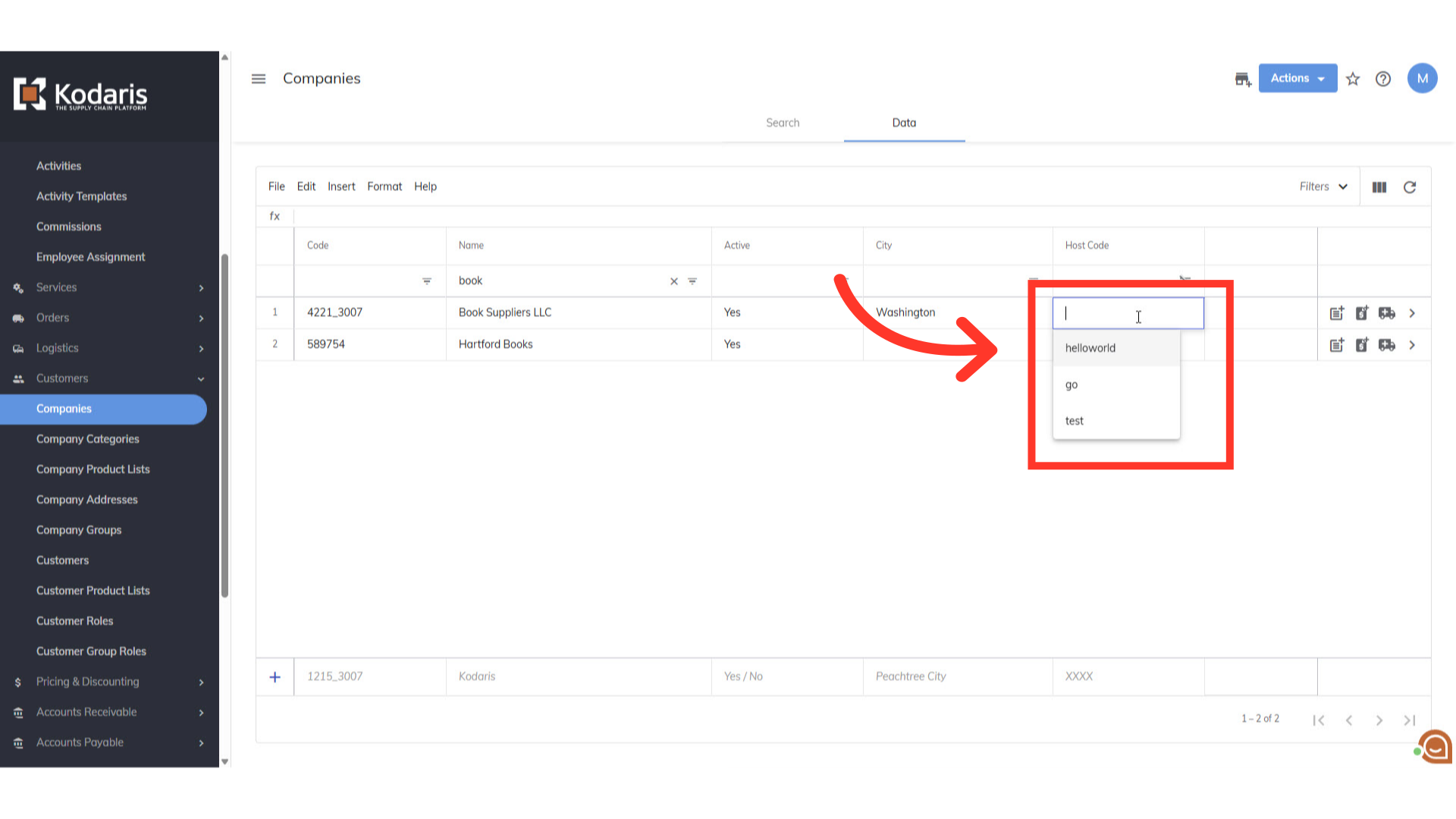
Choose which host code you would like this company to be attached to
Choose the host code you will want to attached to this company
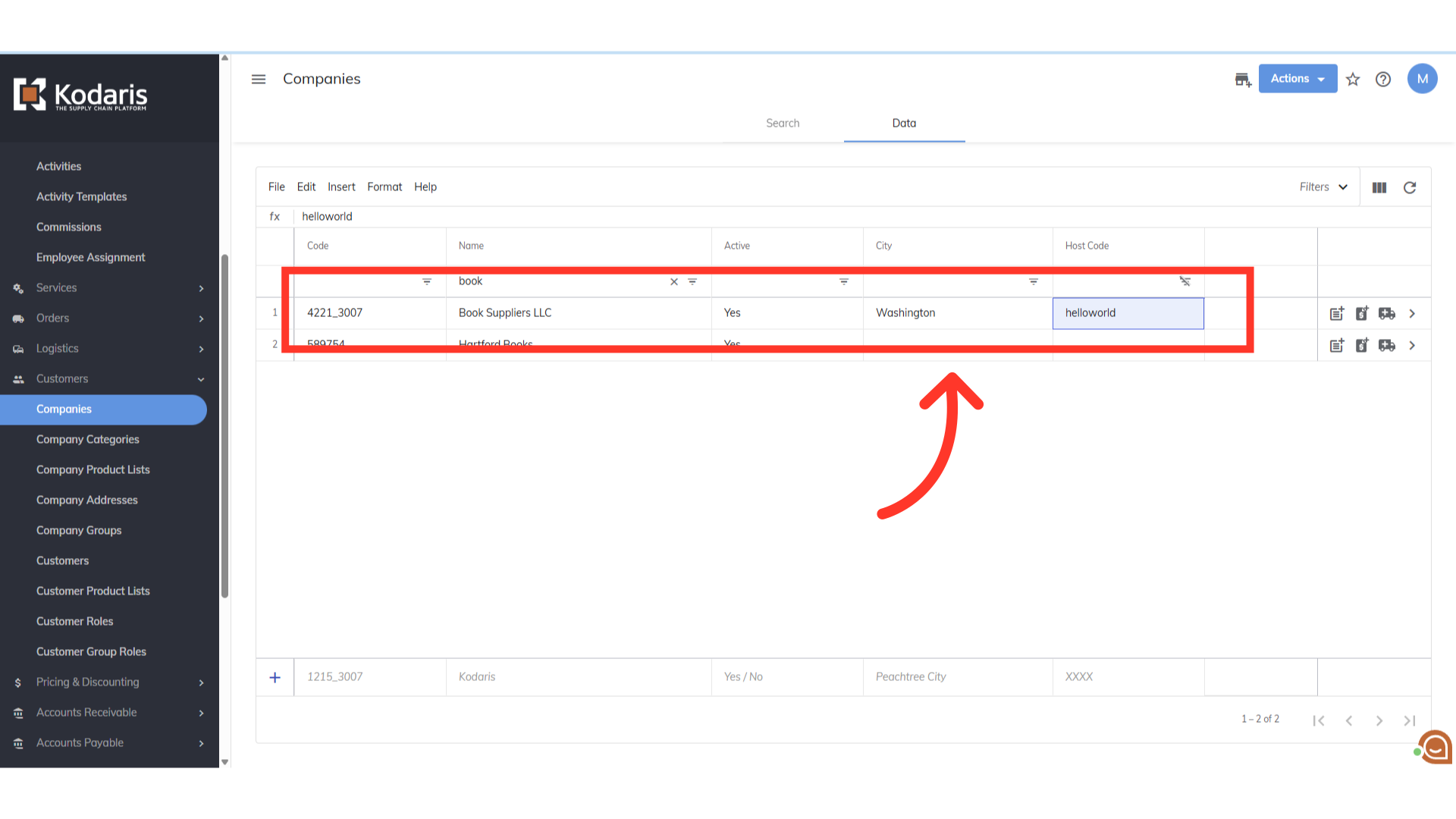
This company is now assigned the host code
This company is now assigned the host code and will only see that assigned site
In this article