
View Tracking Information on Orders
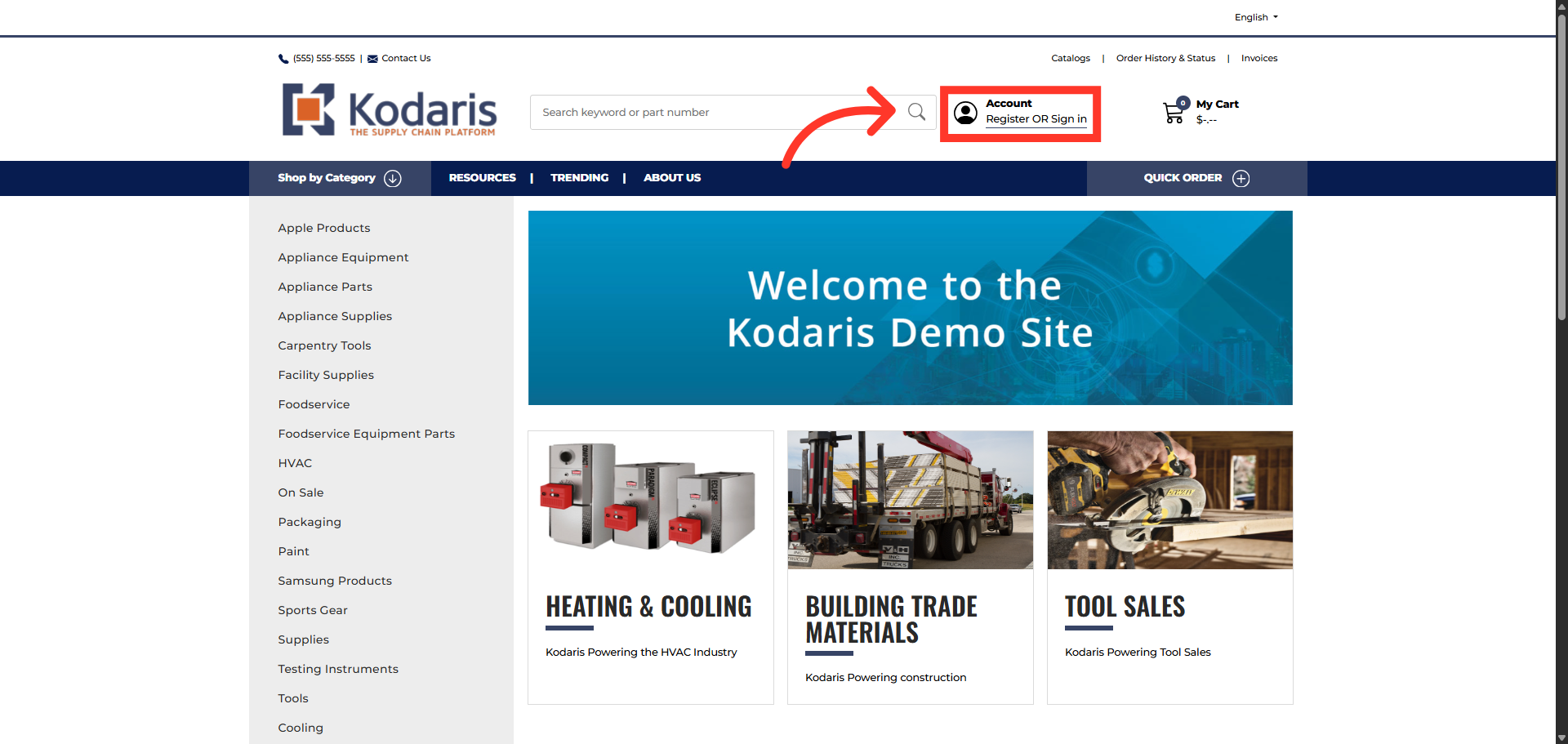
Click "Register OR Sign in"
To view tracking information on orders, you will first need to log into the Customer Portal by clicking on "Register OR Sign in".
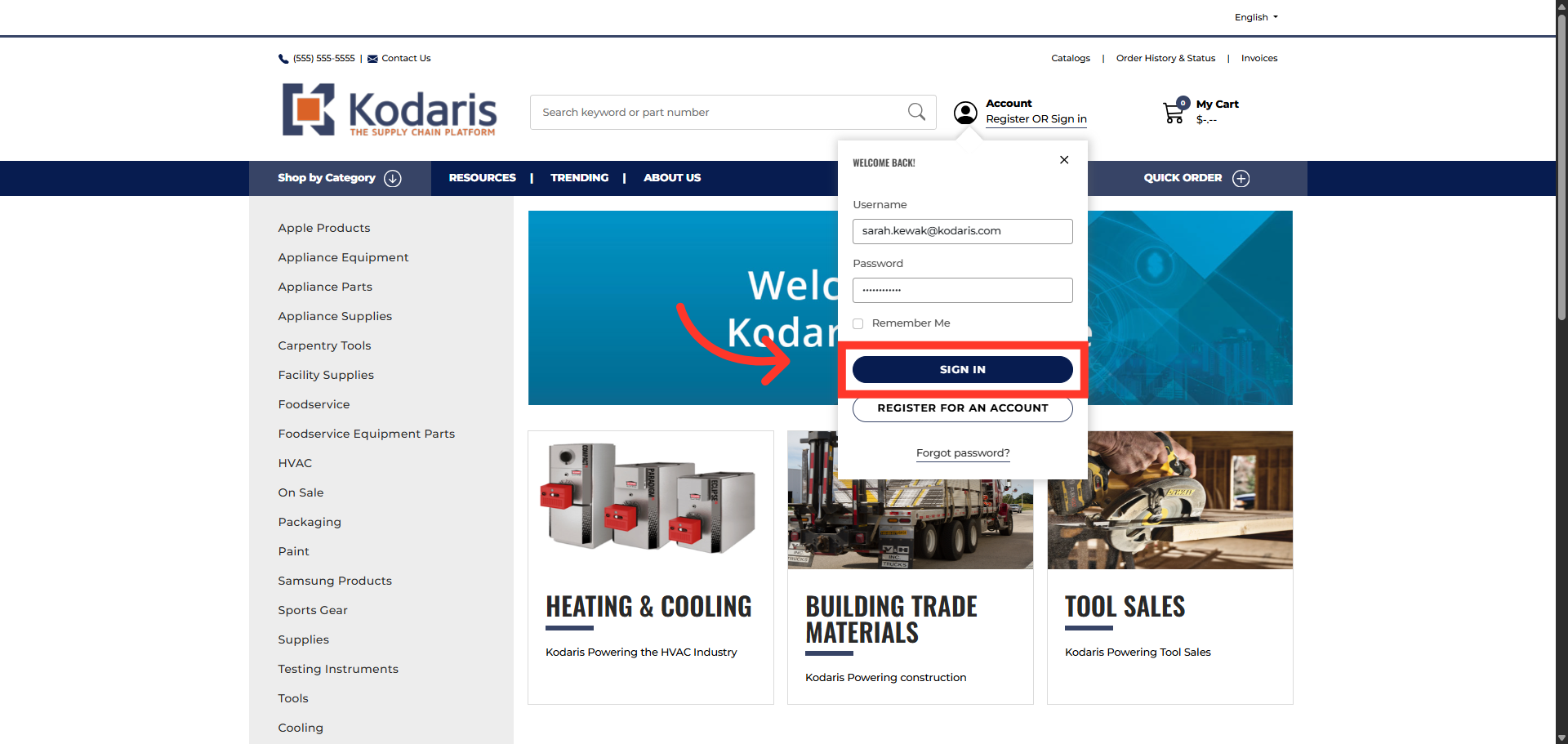
Click "Sign in"
Then, enter your login credentials and click "SIGN IN".
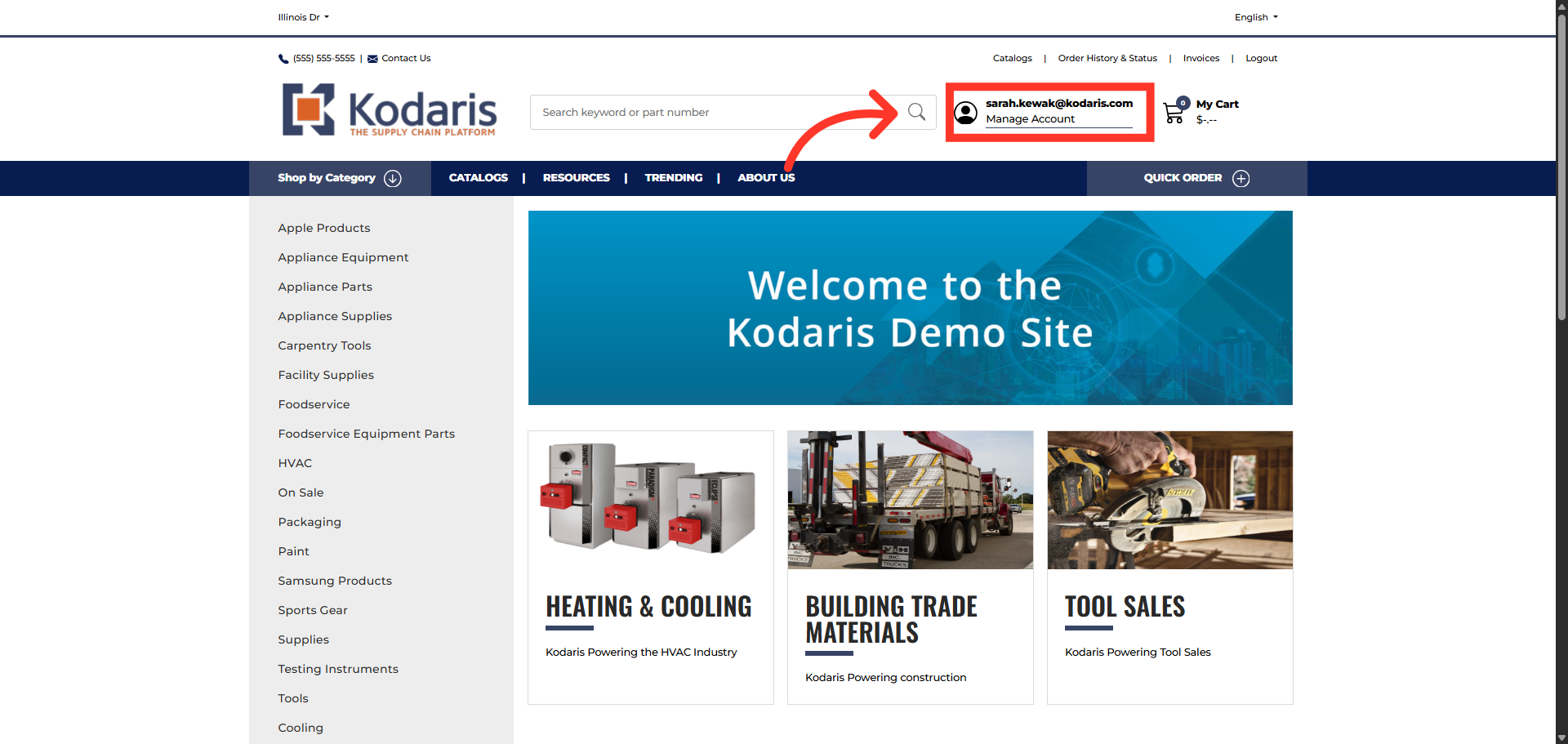
Click "Manage Account"
Next, navigate to the Customer Portal by clicking "Manage Account".
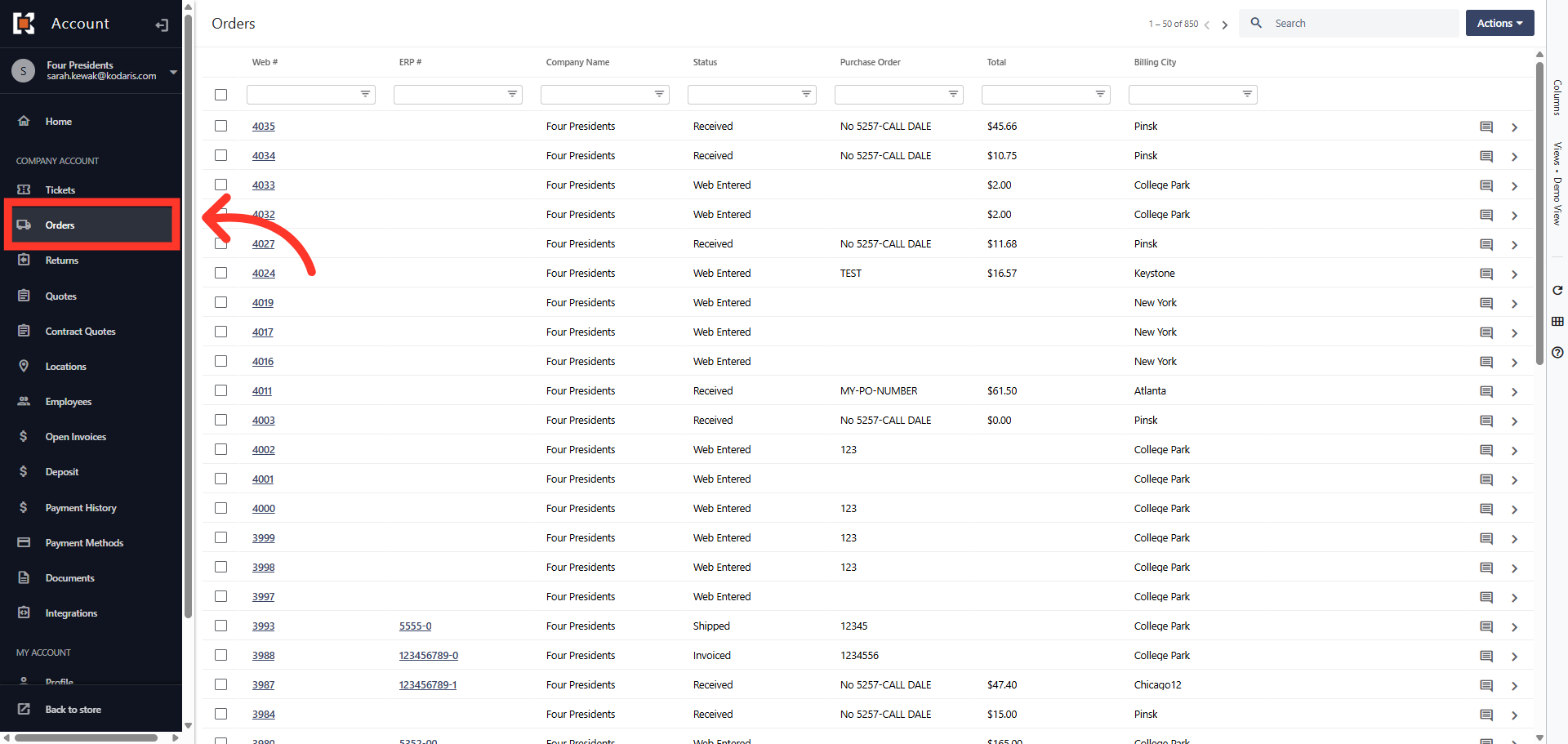
Click "Orders"
Then, click "Orders".
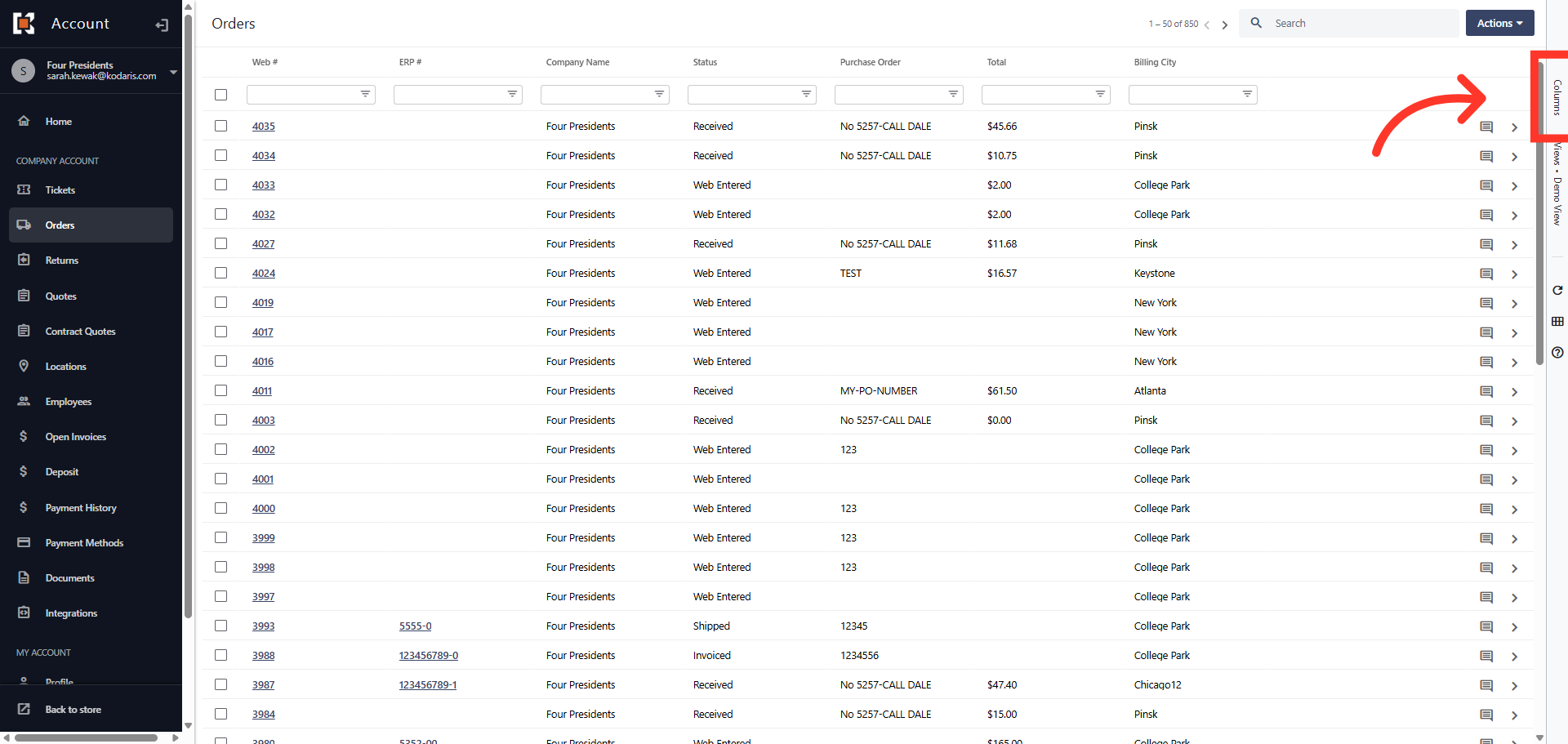
Click "Columns"
To add the "Tracking Numbers" column to the grid view, click on the "Columns" tab.
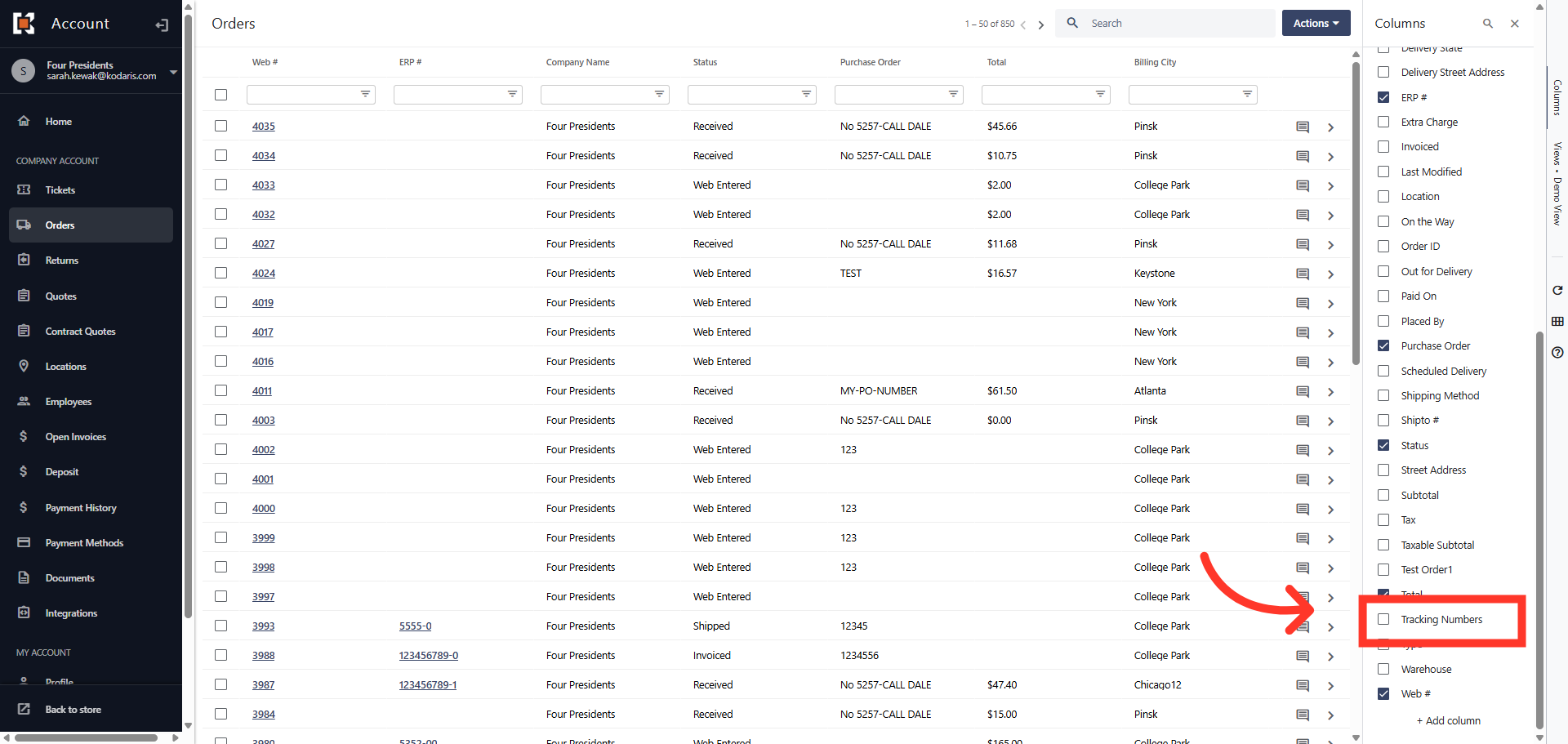
Click "Tracking Numbers"
Click on the check box to add the "Tracking Numbers" column to the grid view.
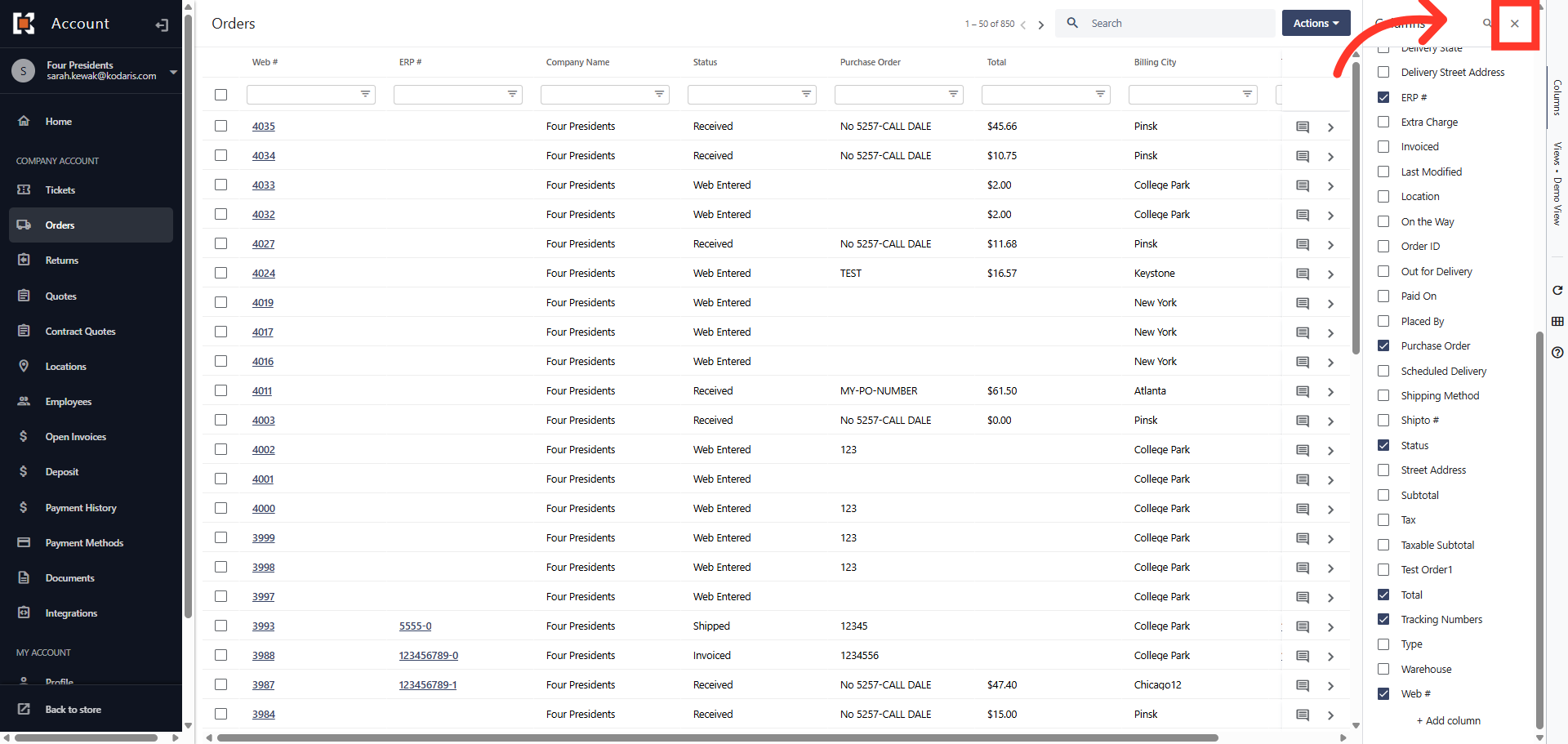
Close the drop down menu
Then, click the "x" to close the column menu drop down box.
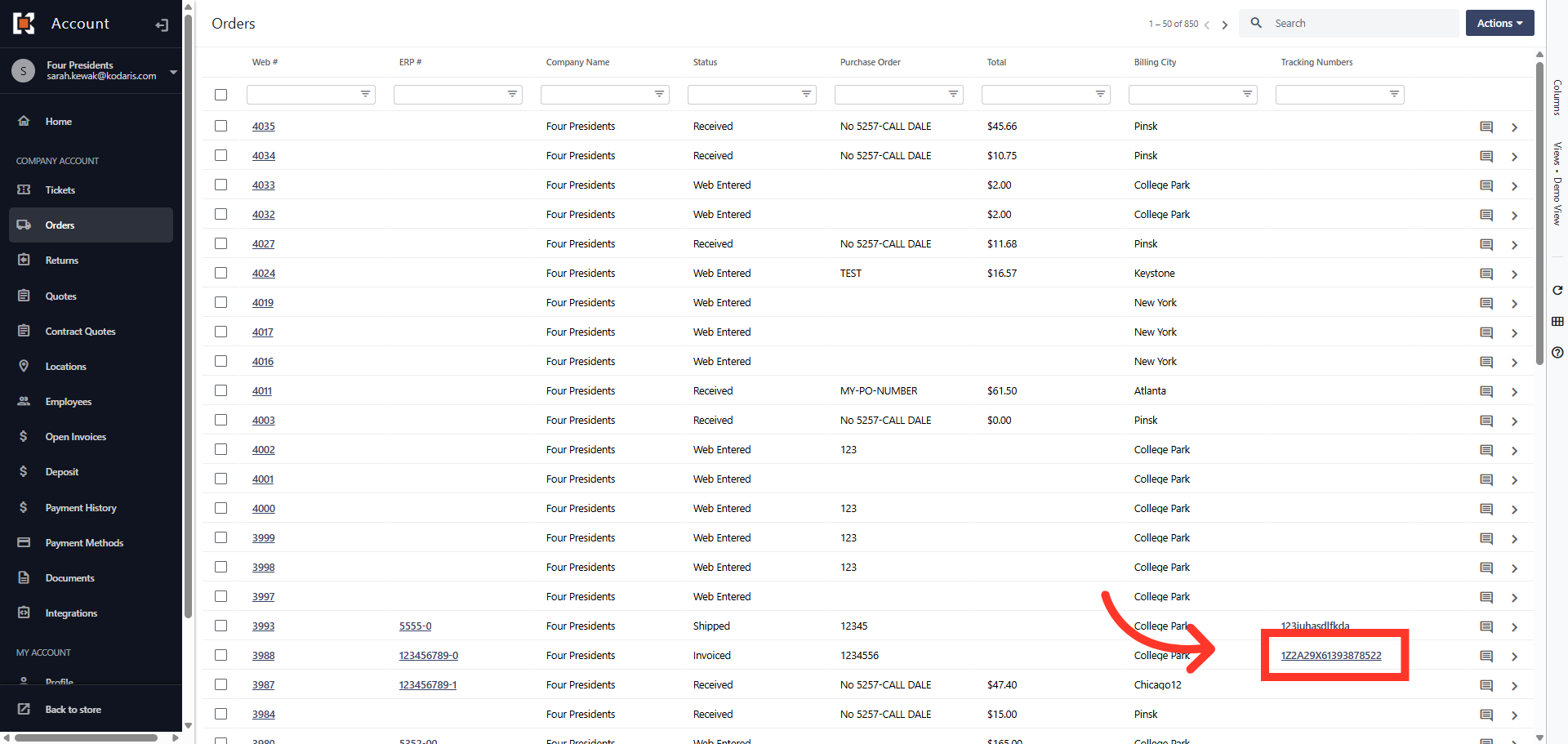
Click on the tracking number
The tracking numbers are displayed in the grid and you can click on the tracking number assigned to the order to view shipment details.
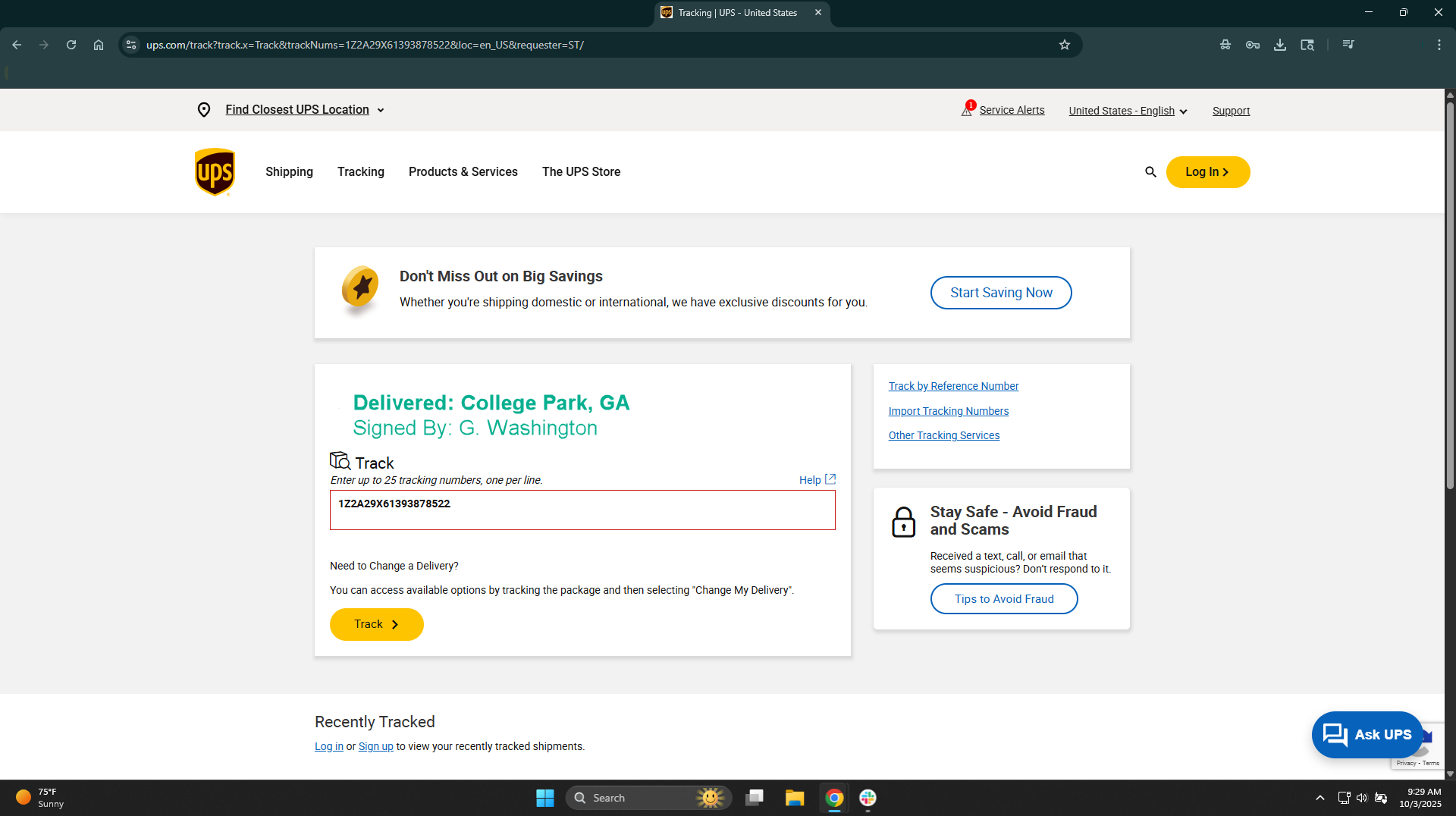
Tracking information
Tracking information from the carrier will automatically open in a new window.
In this article