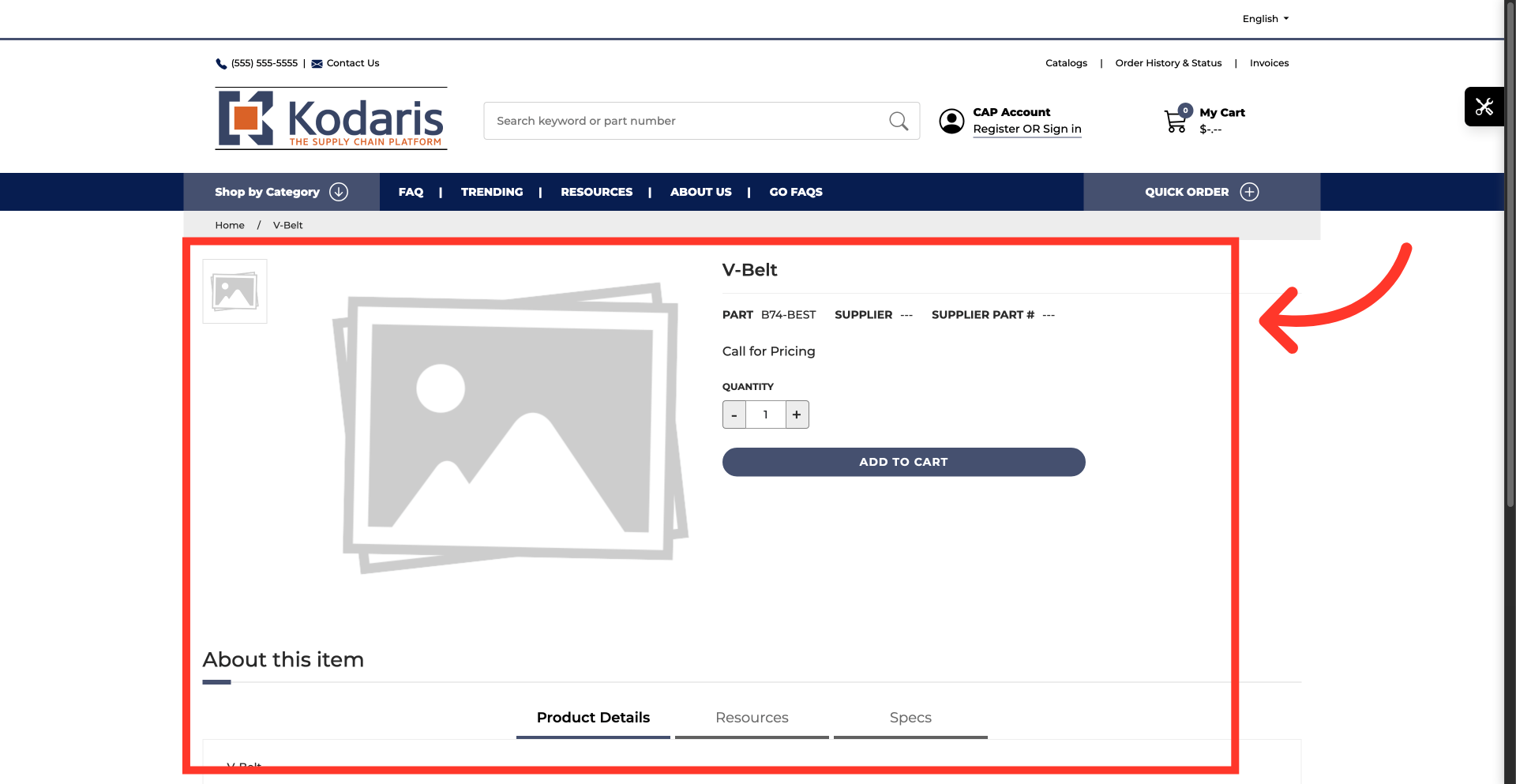
Operations Order Management - View Product Details During Order/Cash Quote/Quote Entry and Price Checking
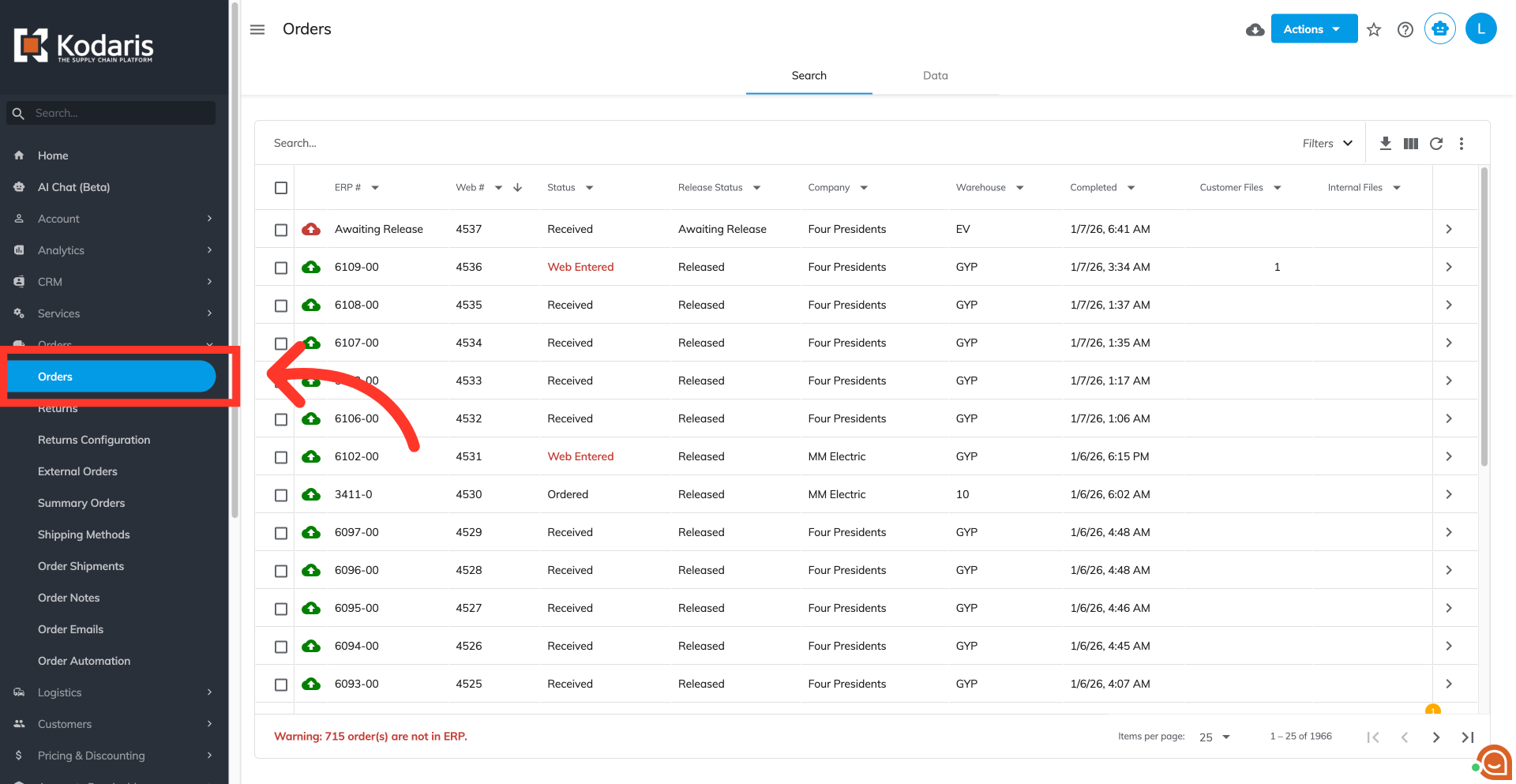
Navigate to "Orders"
Viewing product details during order, cash quote, quote entry and price checking allows users to easily preview the product details on the commerce website from various screens without interrupting their workflow. To view product details, navigate to the "Orders" screen in the Operations Portal.
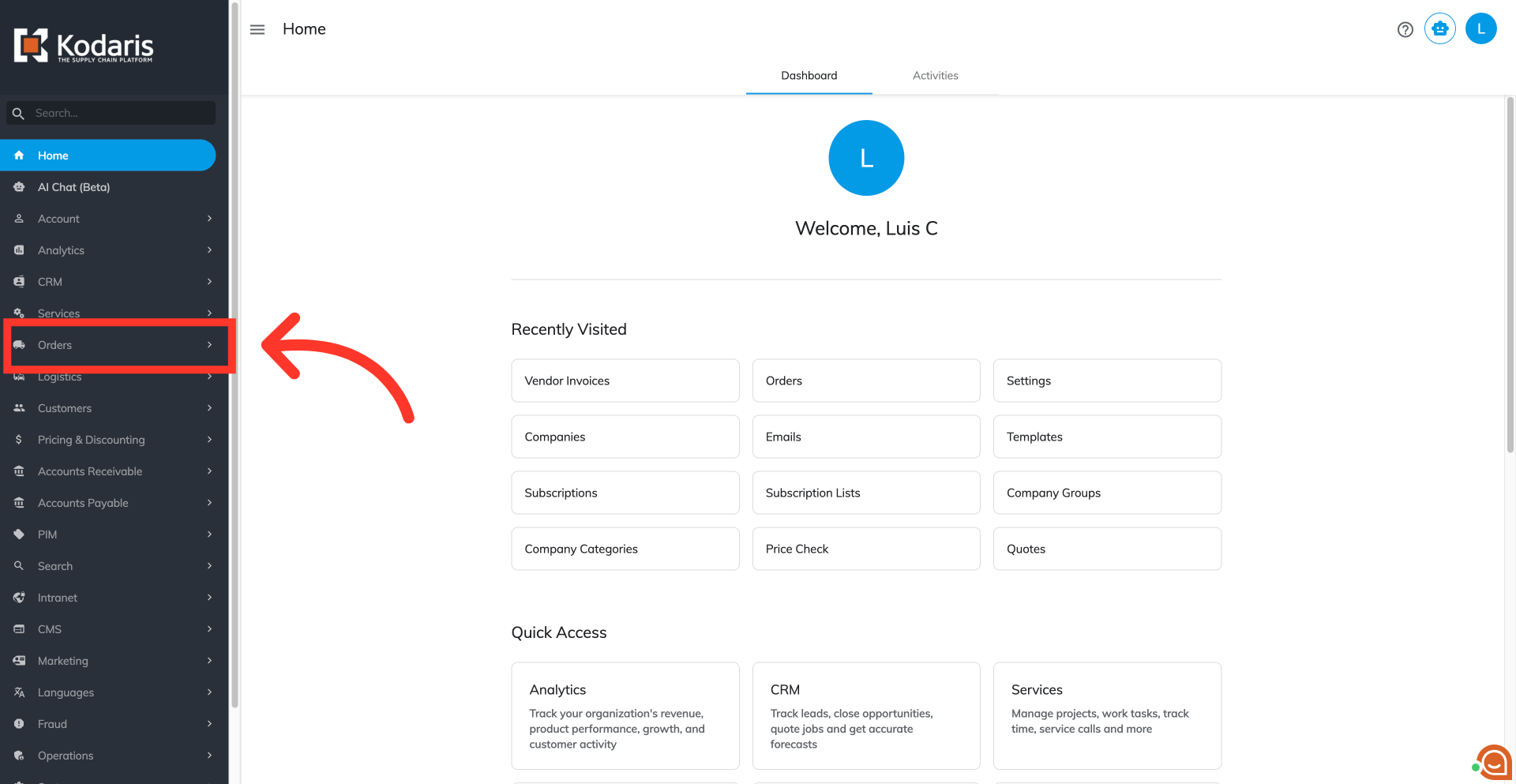
Click "Orders"
Click the "Orders" screen to select an order. In order to access "Orders" the account will need to be set up either as an "administrator" or a "superuser", or have the appropriate roles: "dispatch" "orderEdit," "orderView," "crmCompanyOrderView," or "crmCompanyOrderEdit"
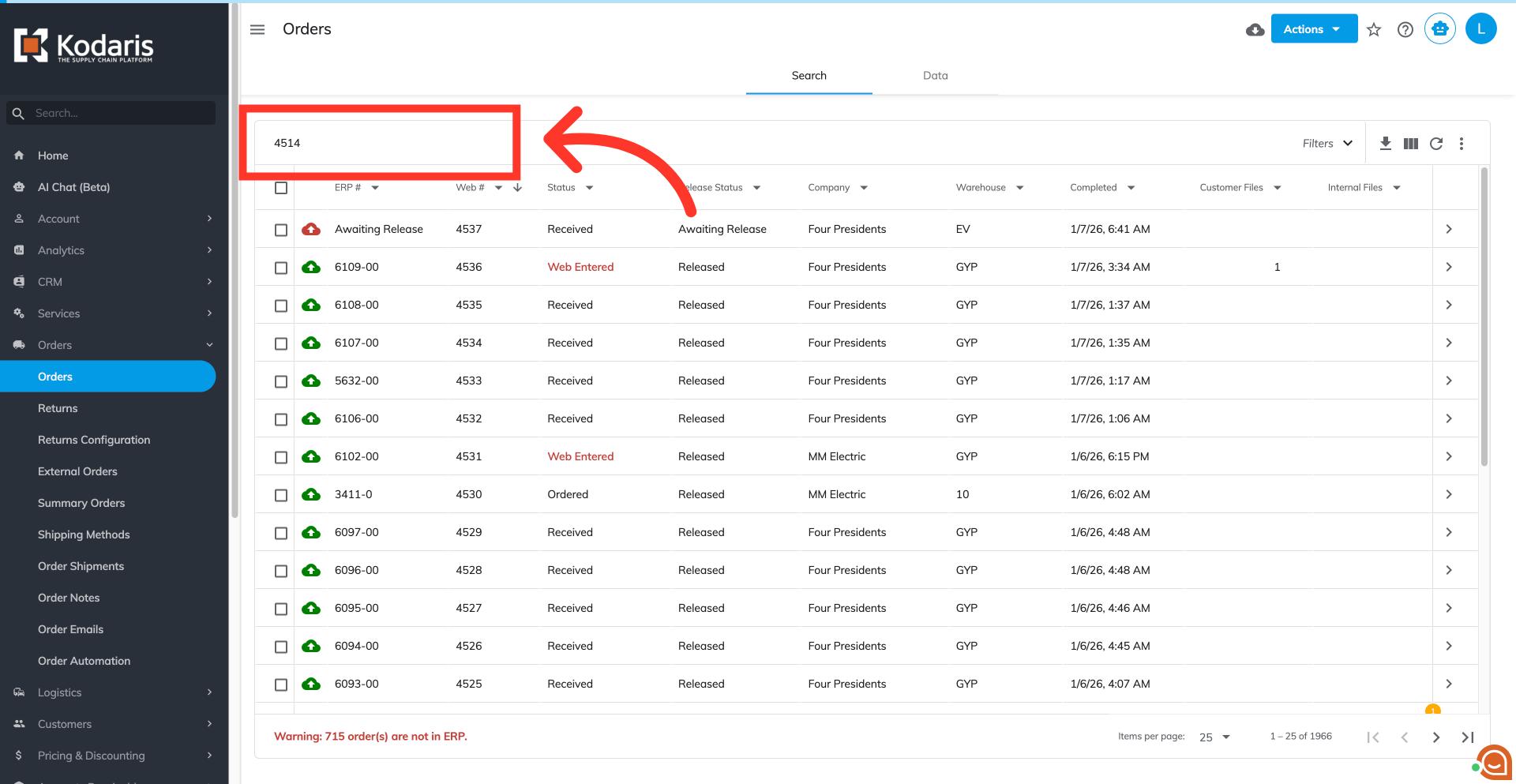
Type in the "Order #" to search
Type in the order number in the "Search..." field.
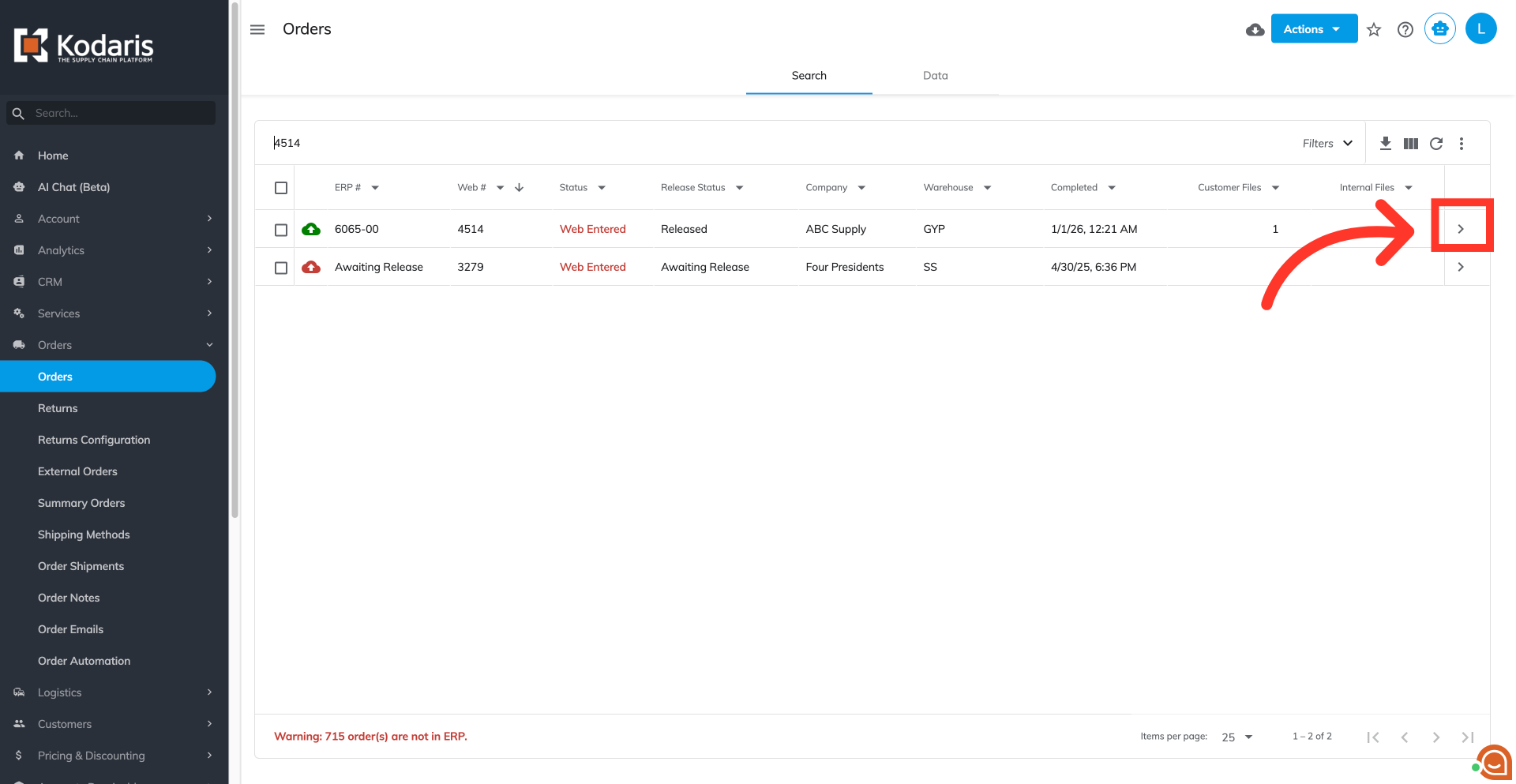
Click on the more details icon
Click on the more details icon.
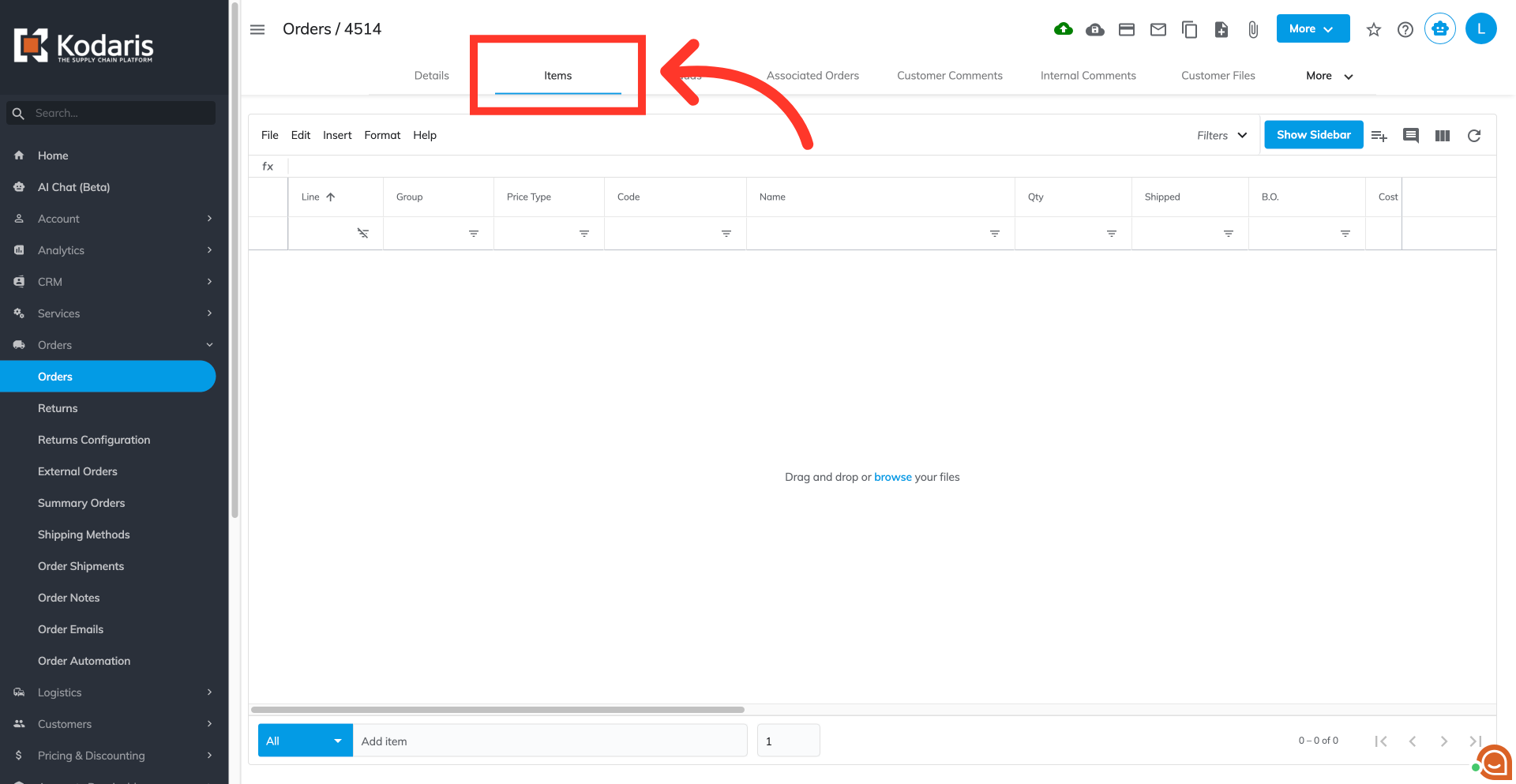
Click on the "Items" tab
Click on the "Items" tab.
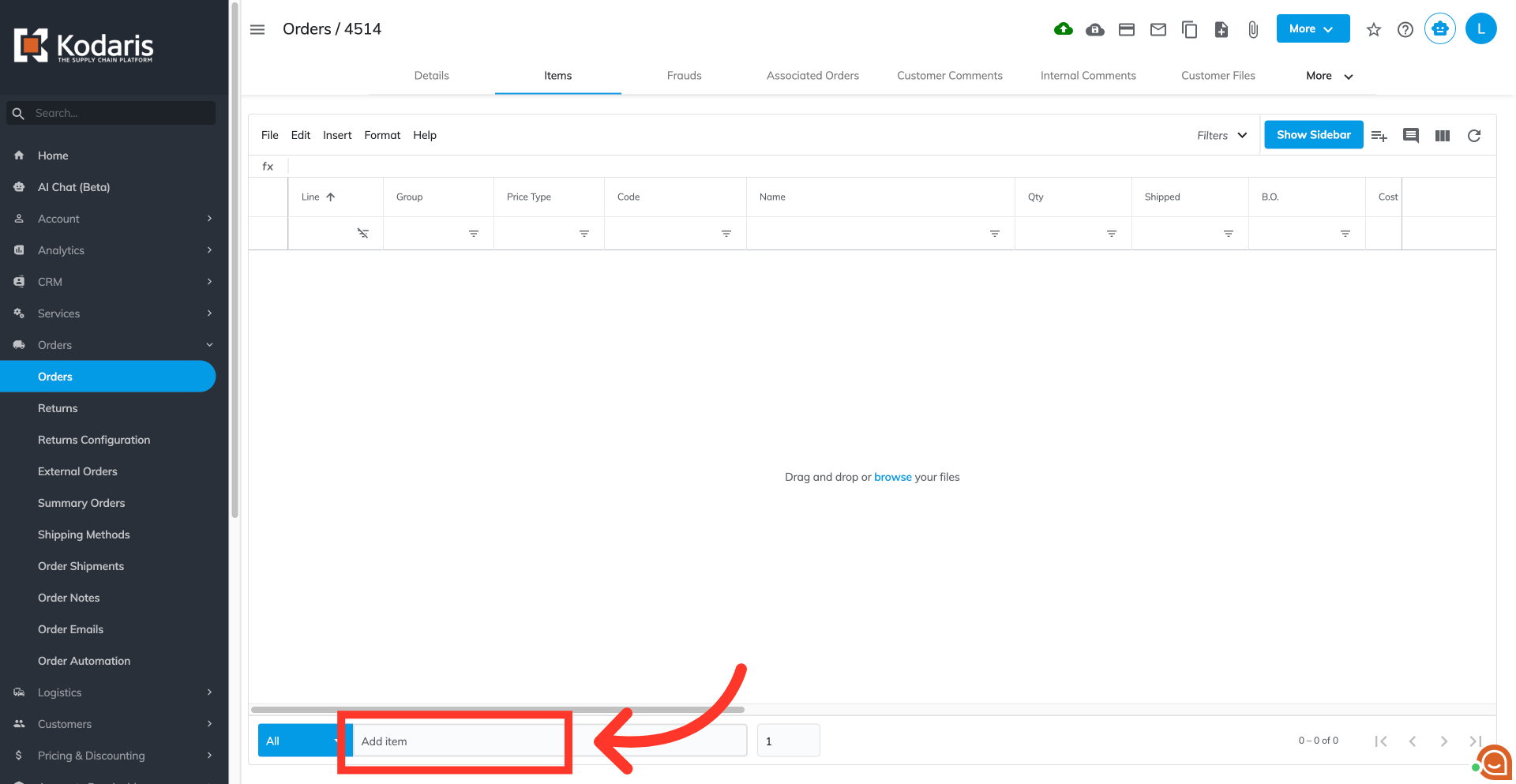
Type in a keyword in the "Add item" field
Type in a keyword in the "Add item" field to display the list of available products.
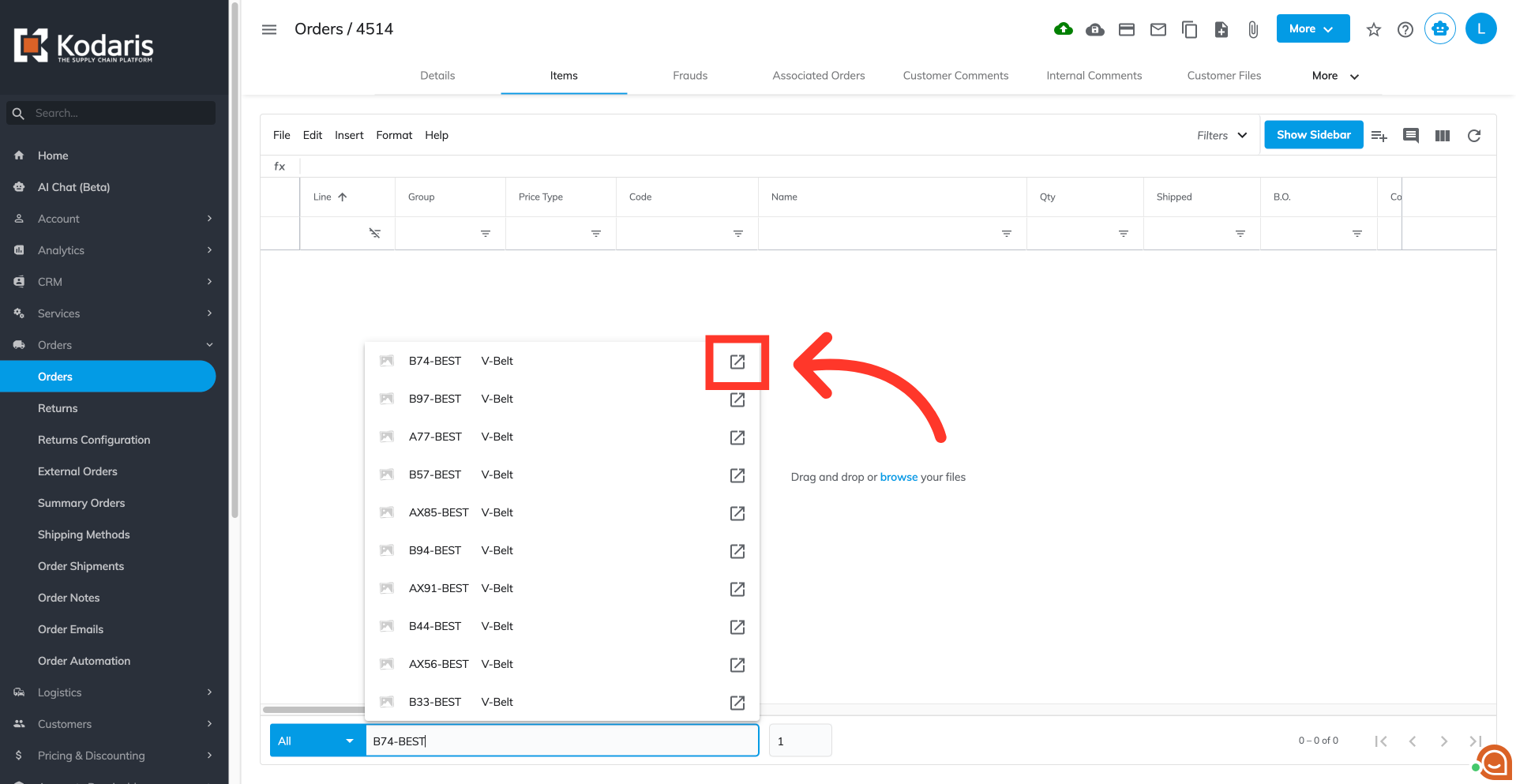
Click the "Preview on website" icon
Click the "Preview on website" icon of a product.
View product details
Selecting the icon opens a new tab, displaying the full product details on the commerce site. The "Preview on website" icon is also available within the "Add Item" fields of the "Cash Quote," “Quote Entry," and "Price Check" screens.