Operations PIM - Cross Reference Grid Overview
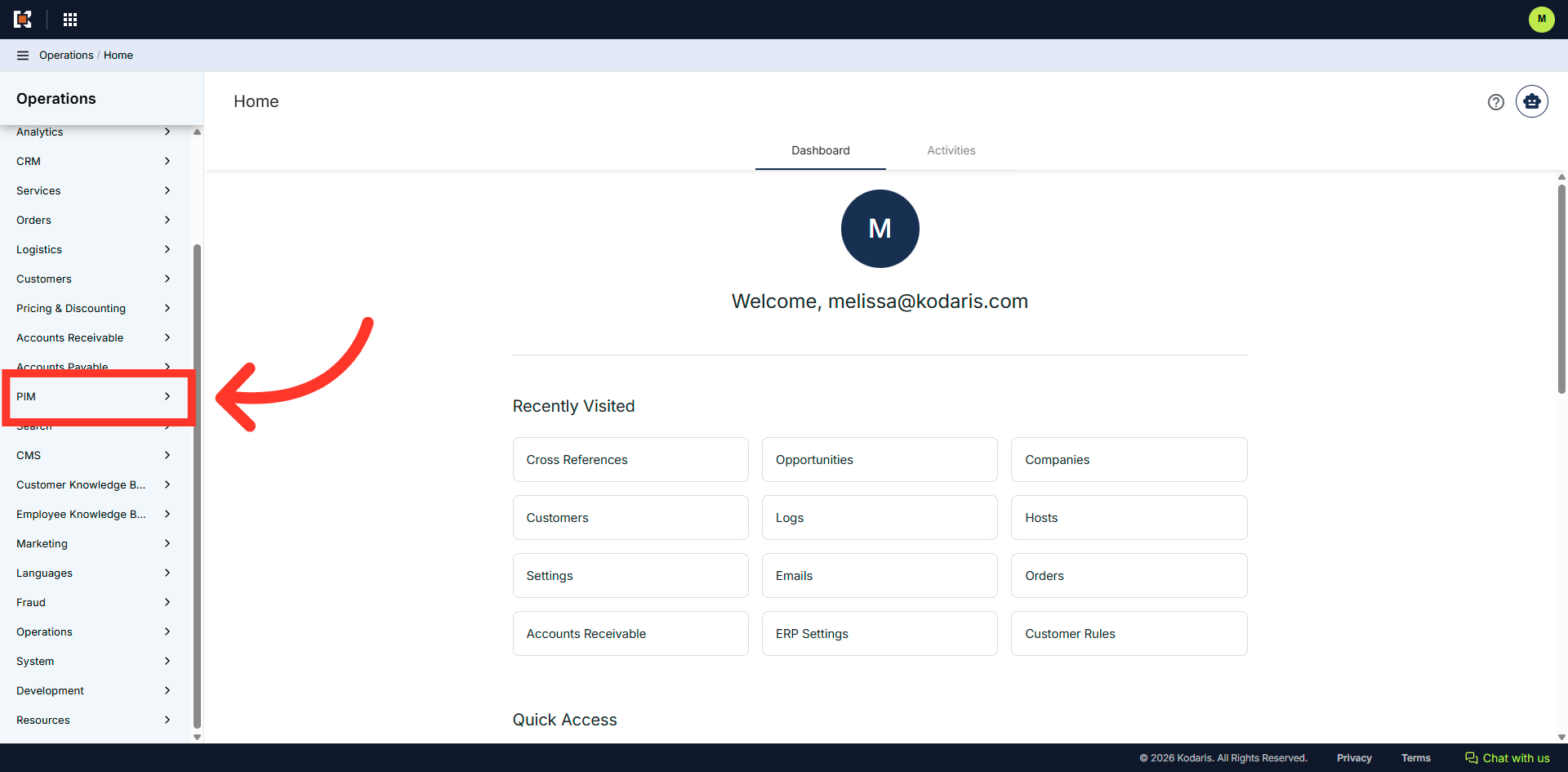
Navigate to the "PIM" section
To view and update "Cross References" in the operations portal, navigate to the "PIM" section.
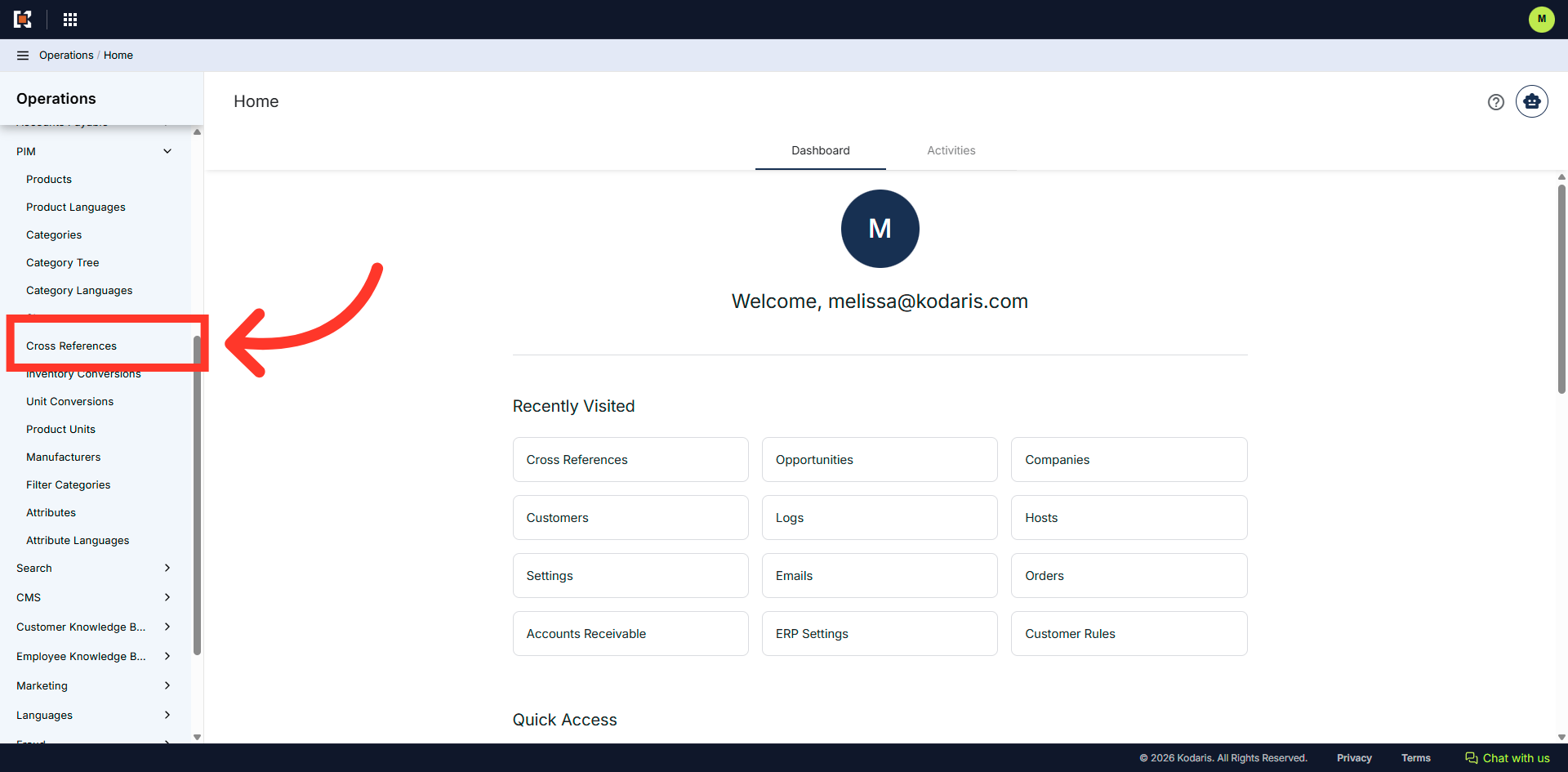
Click "Cross References"
Click "Cross References". In order to access and update "Cross References" you will need to be set up either as an "administrator" or a "superuser", or have the roles of: "productCrossReferenceEdit".
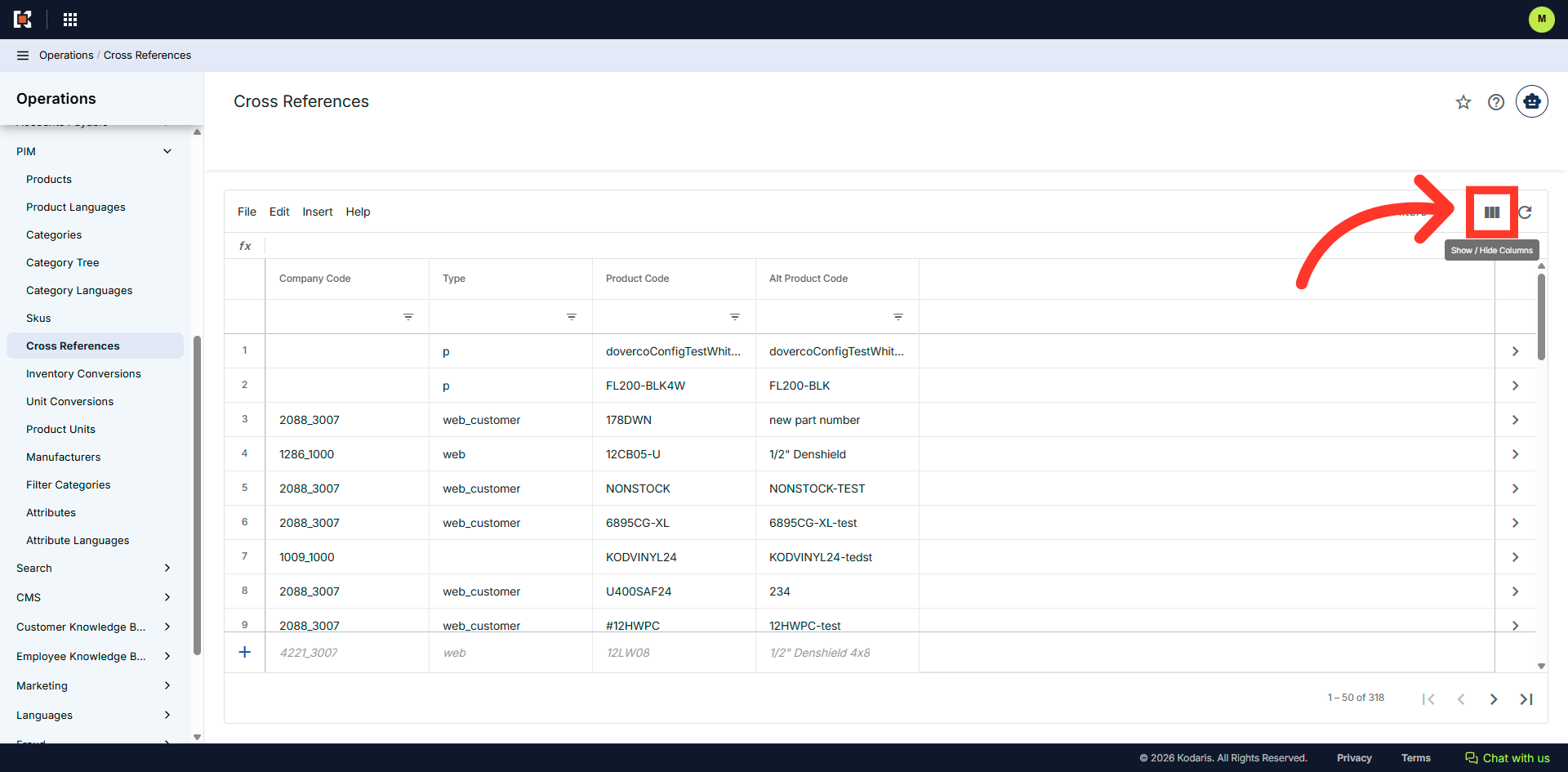
Click the "Show/Hide Columns" icon
Click the "Show/Hide Columns" icon.
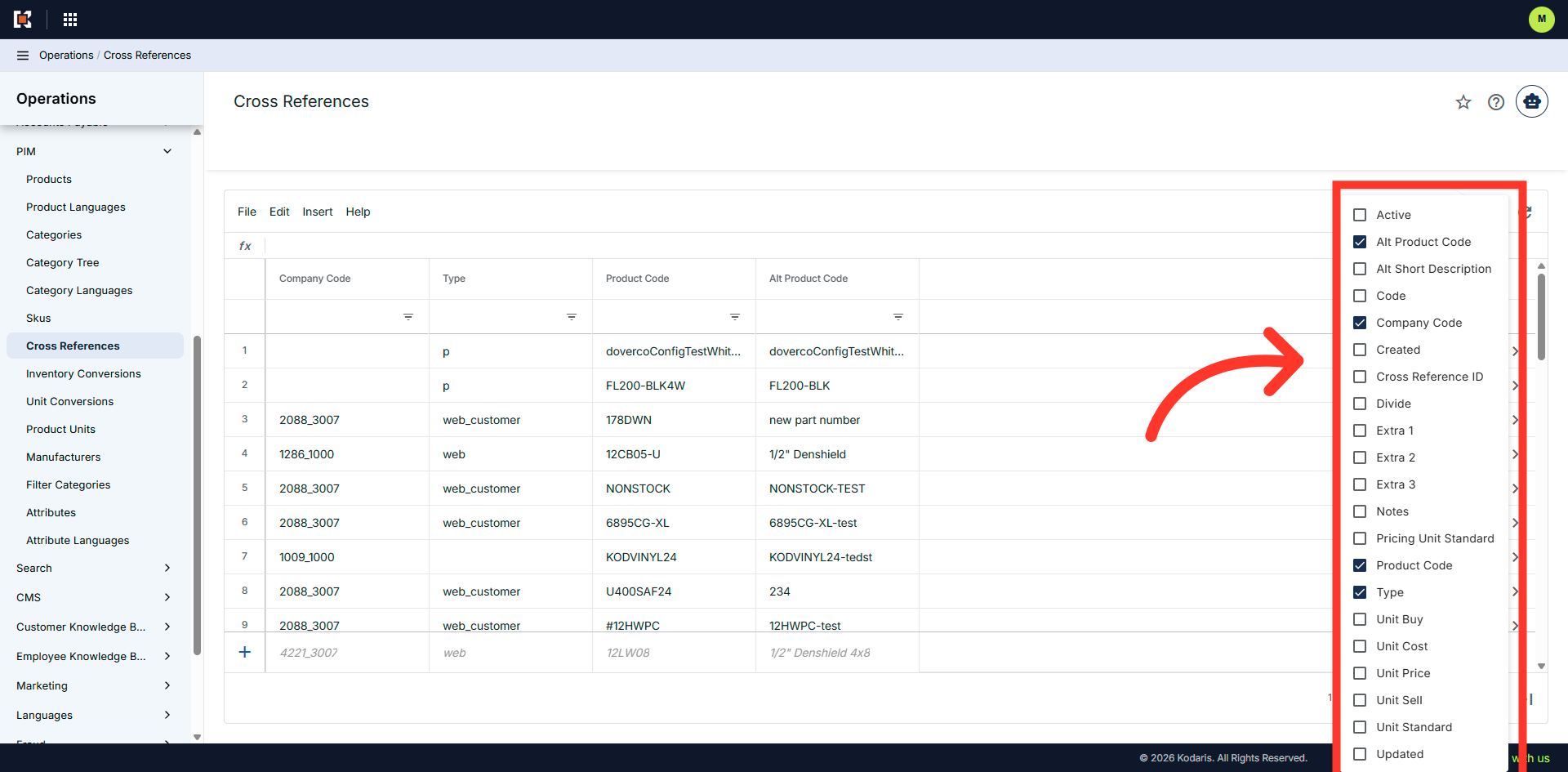
Add or Remove columns
Click the checkbox to add or remove columns to or from the grid.
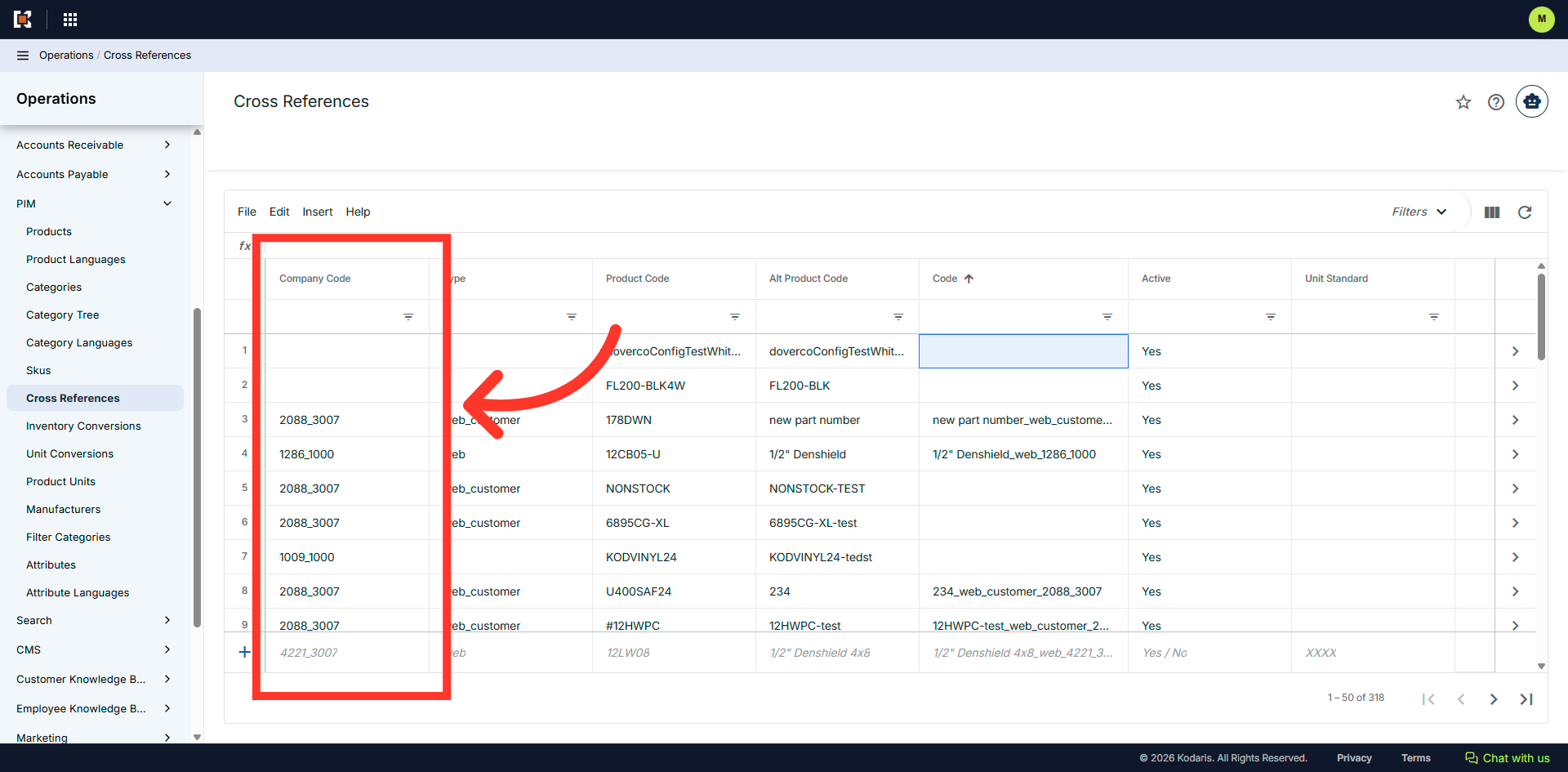
The "Company Code" Column
If there is a value in the "Company Code" column, then that cross reference is company specific. If the value is blank then it is product specific and not company specific.
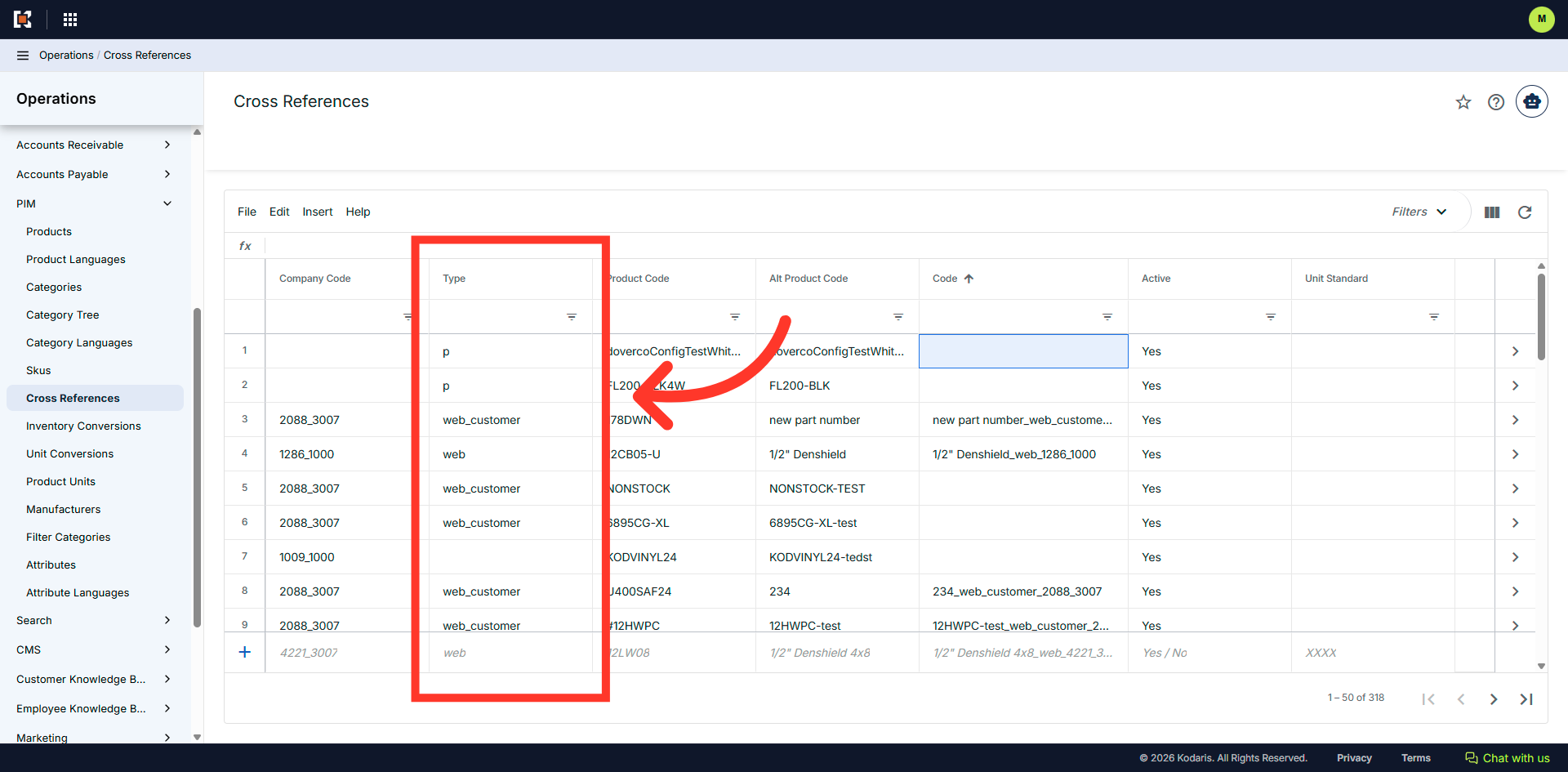
The "Type" Column
The "Type" column can be helpful when viewing cross reference types. Some of the most used types are "Web Customer", "P", "B", and "web". "Web Customer" = Customer product number. "P" = Supersede cross reference. "B" = UPC Code. "Web" = Set up for a company.
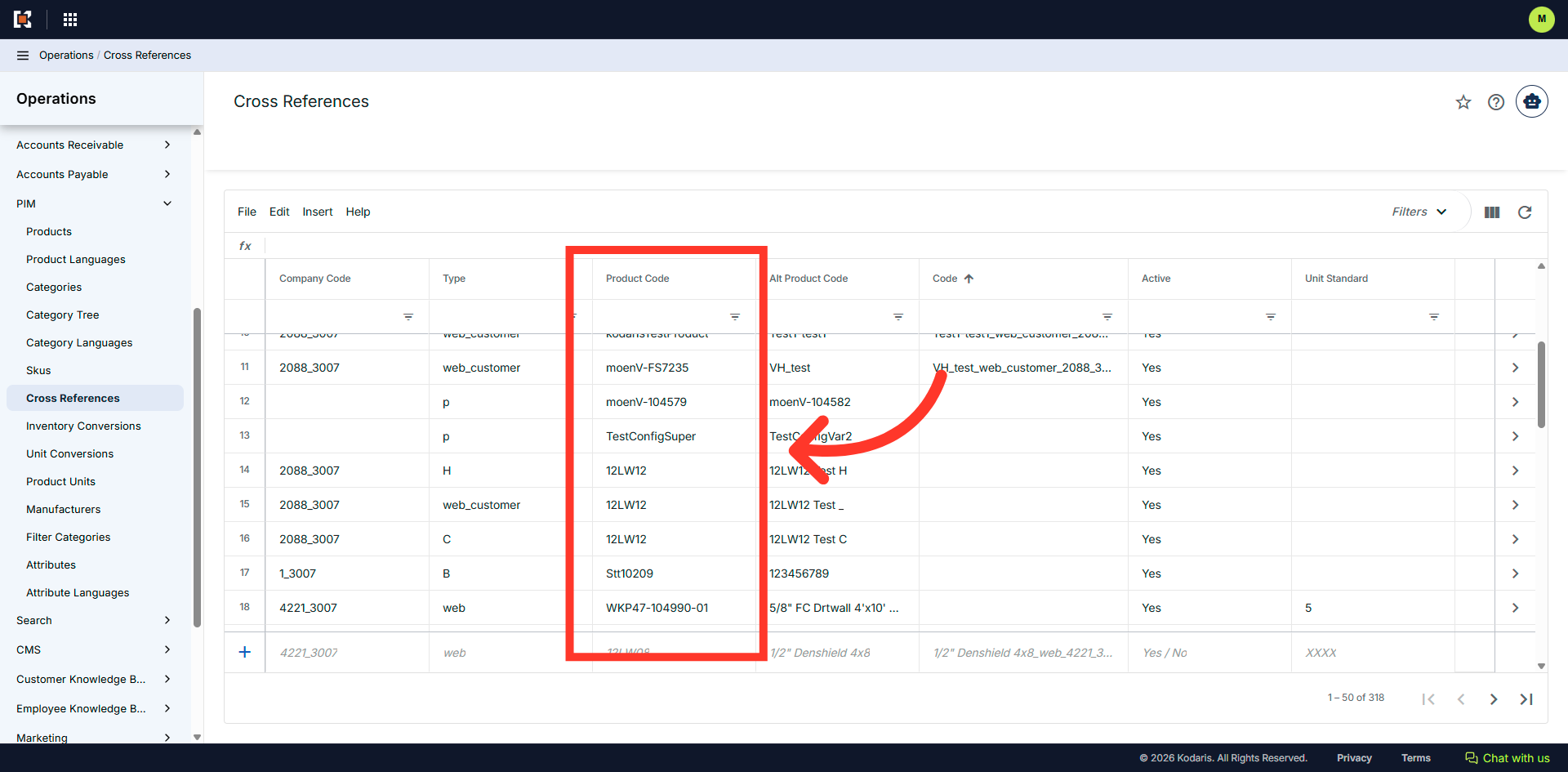
"Product Code" Column
The product code listed in this column is the product the cross reference is for.
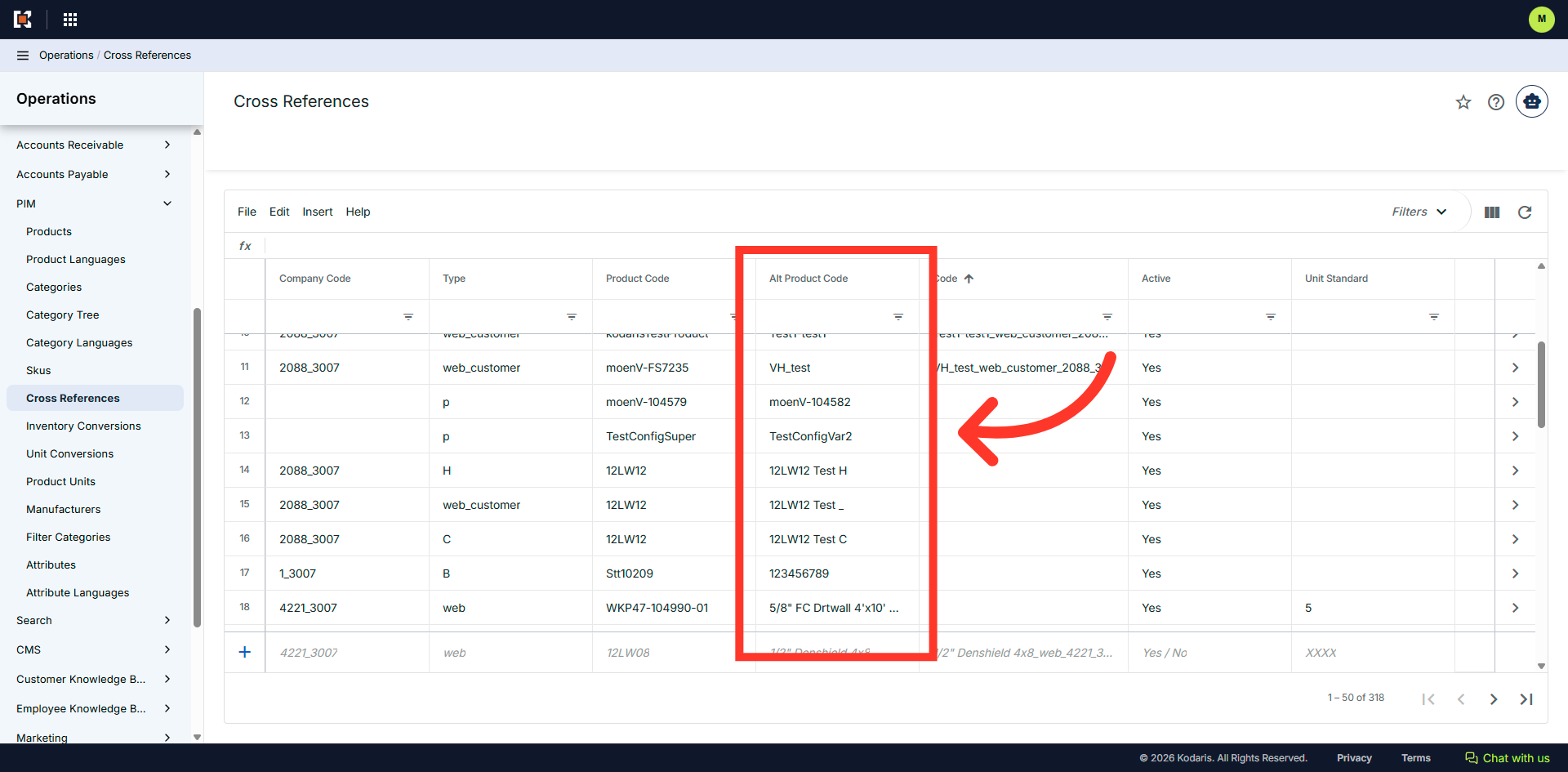
"Alt Product Code Column
The value in this column is the alternate item that is being referenced. This is also the code that the customer set up for this product.
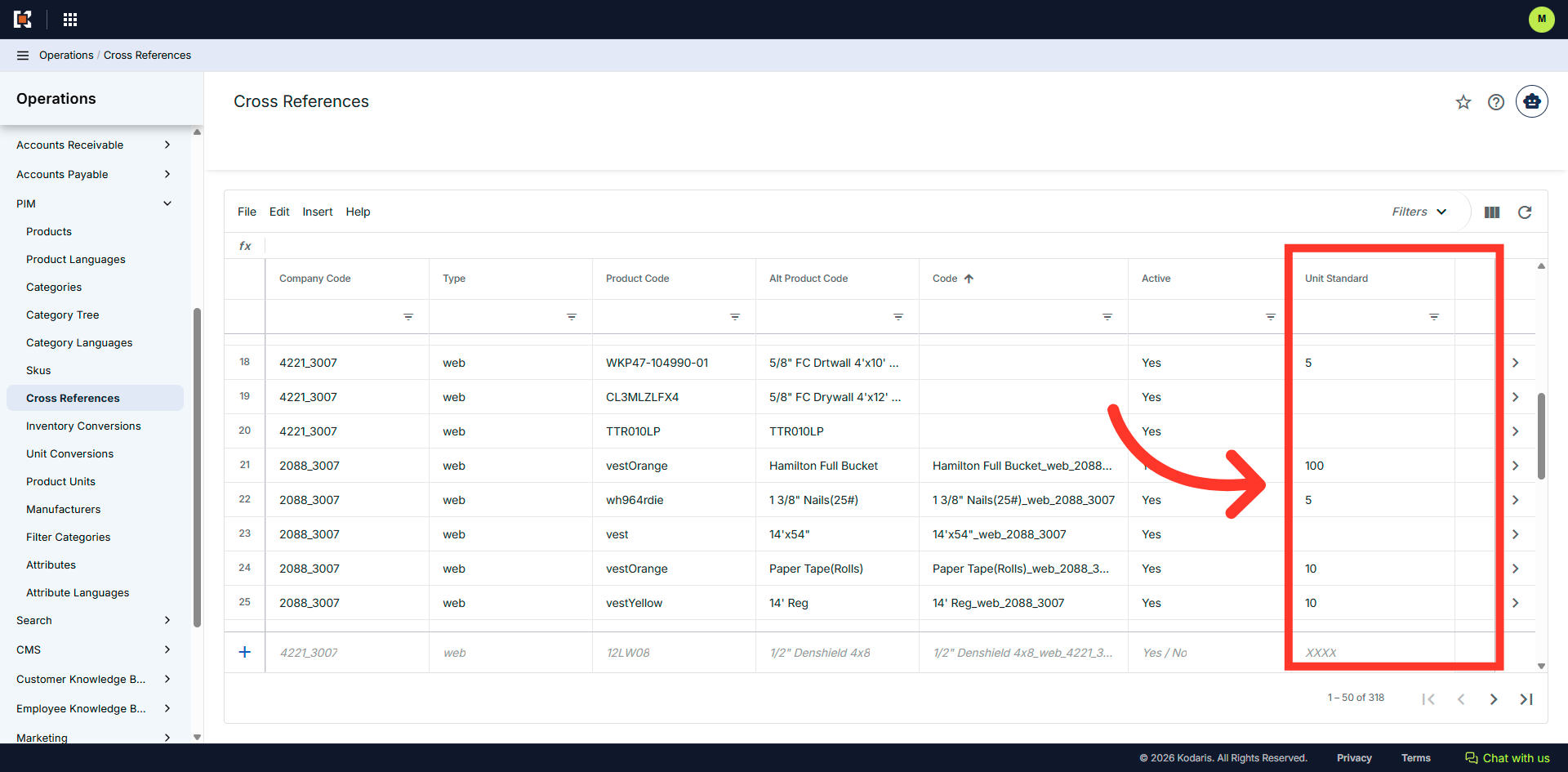
"Unit Standard" Column
If there is a value in this column, this is product specific and only applies to certain types.