Operations CRM - Create a Quote within an Opportunity
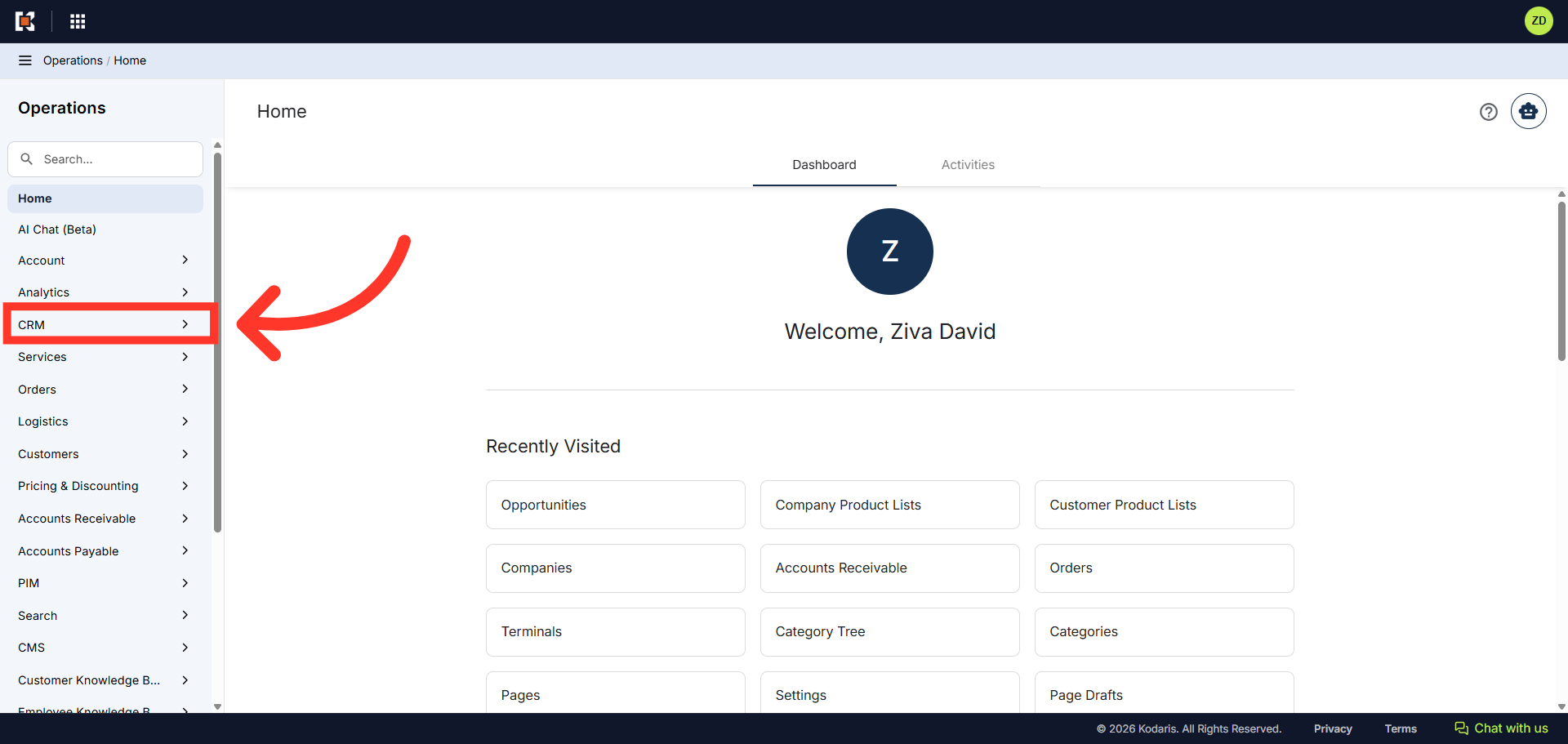
Navigate to "CRM"
To create a quote from a lead in the Operations Portal, navigate to the "CRM" section.
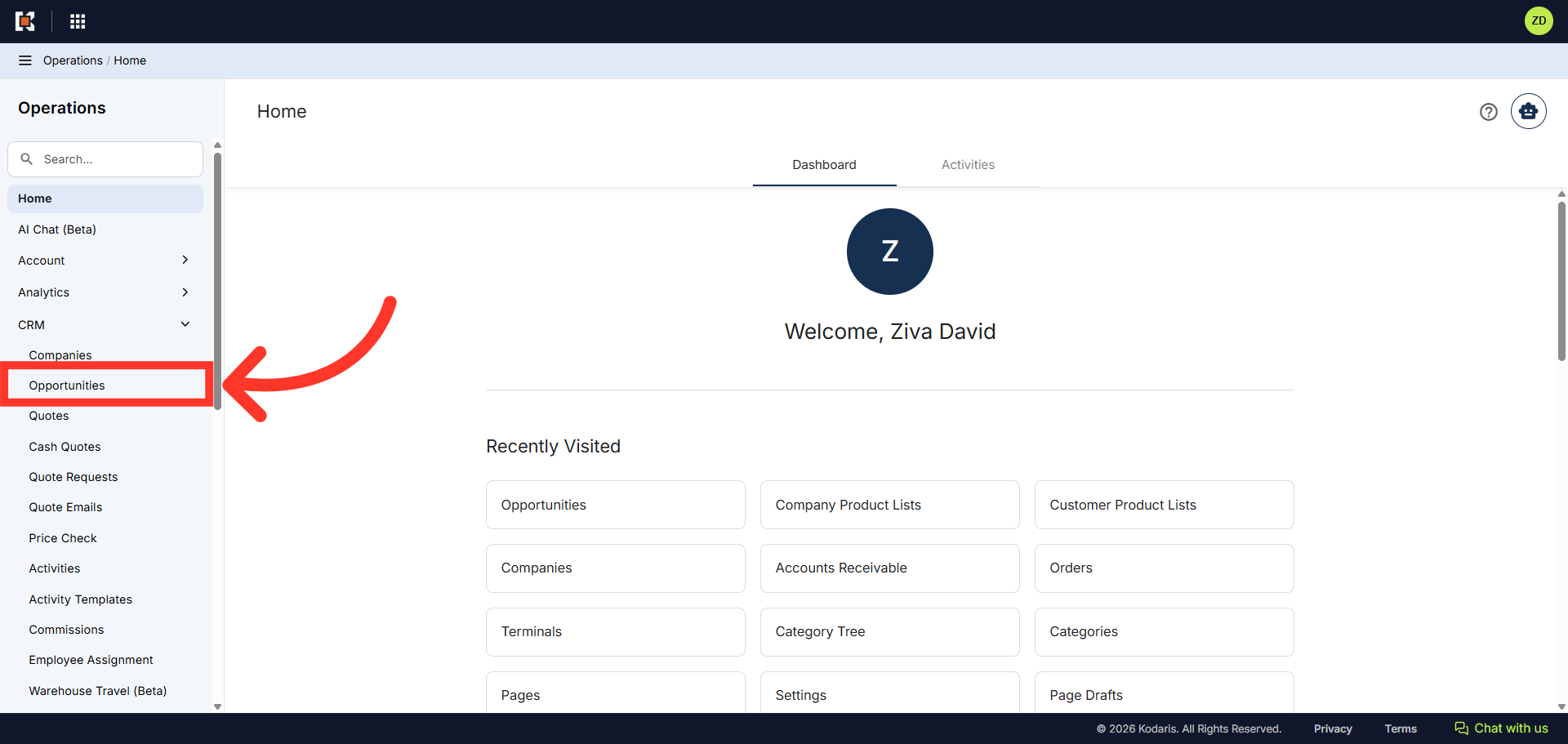
Click "Opportunities"
Then, select "Opportunities". In order to access and update leads on the Opportunities screen, you will need to be set up either as an "administrator" or a "superuser", or have the following role: "leadView".
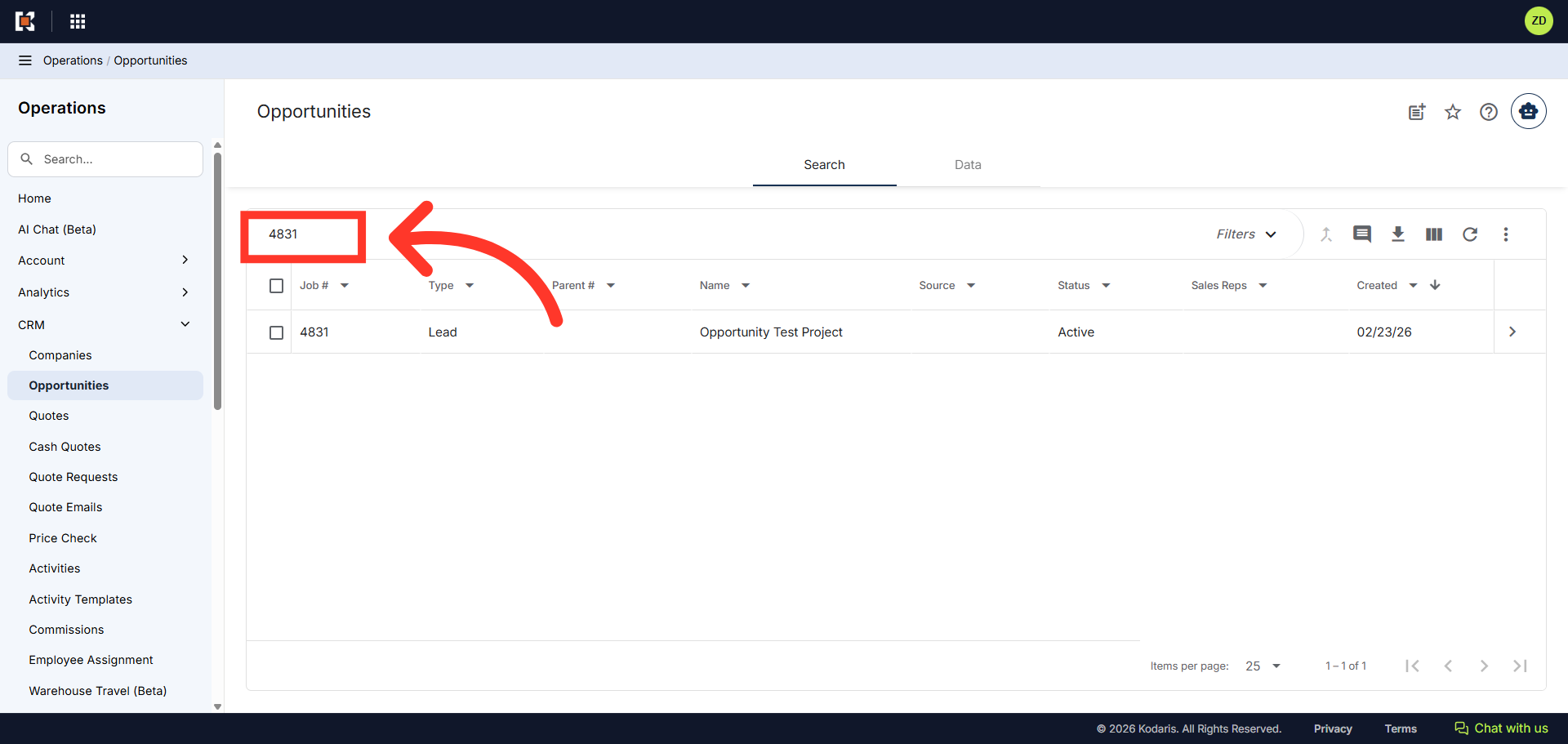
Enter the lead number to search
In the "Search..." field, enter a lead number or keyword to search.
Click on the more details icon
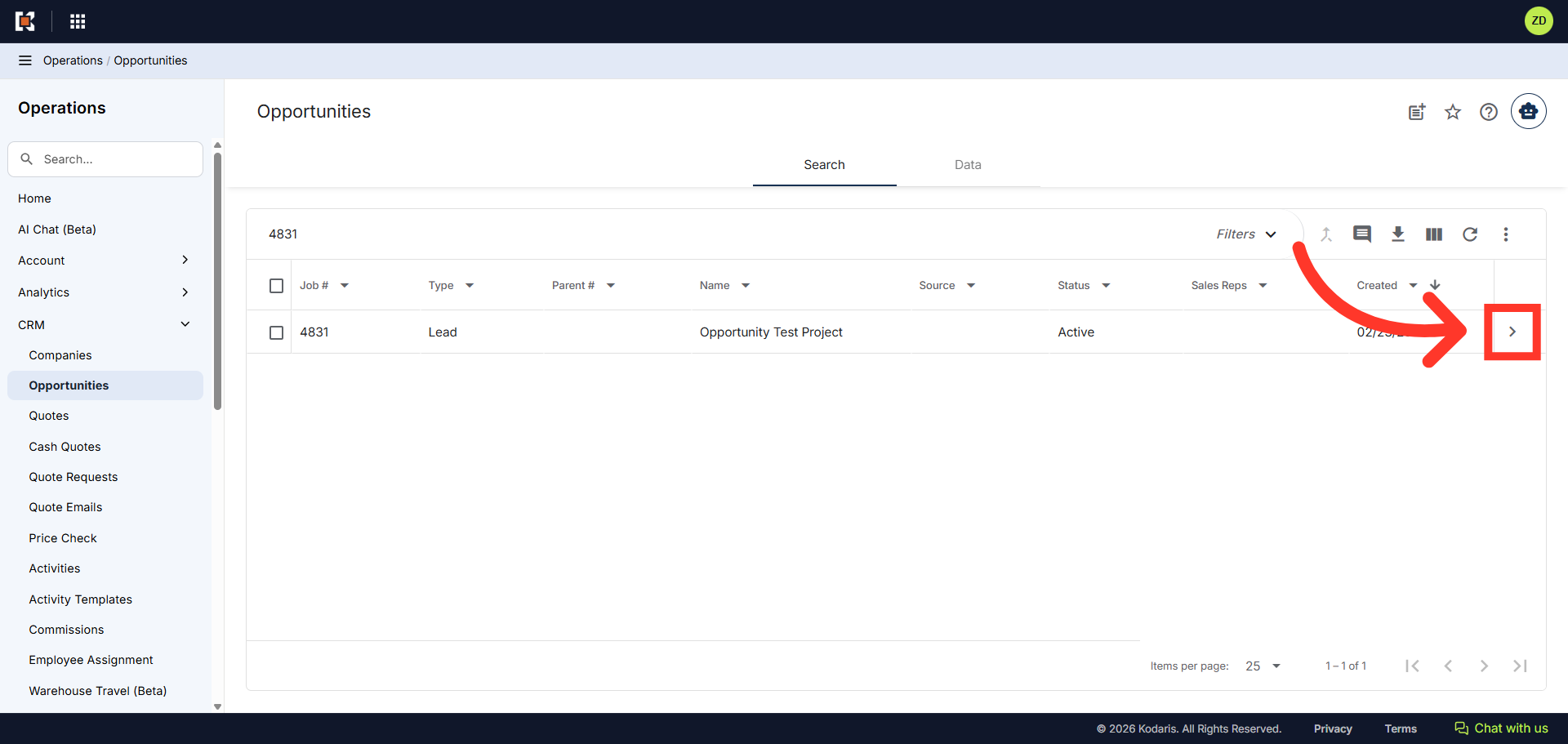
Click on the more details icon to view the lead details page.
Click "Create Quote"
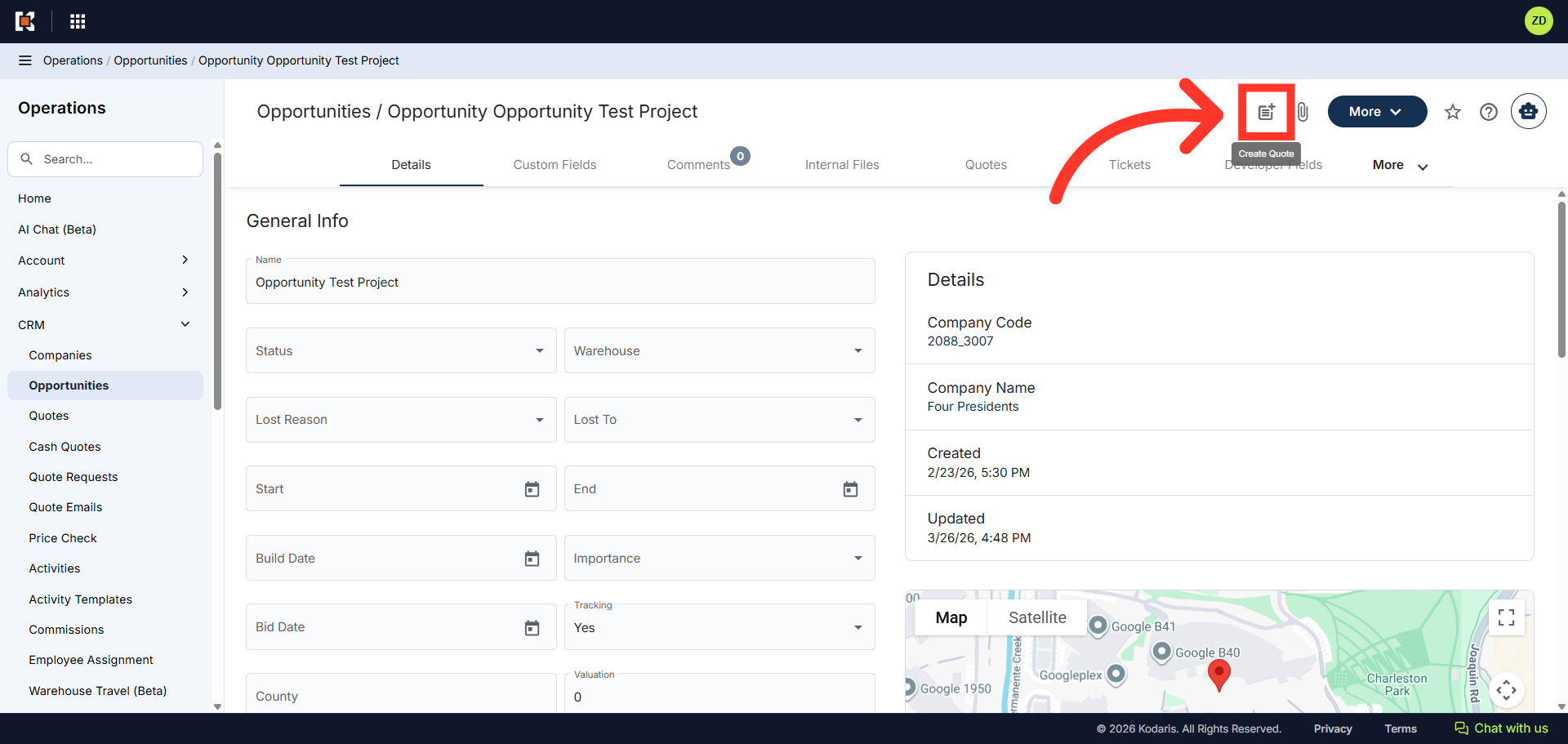
Click the "Create Quote" icon.
Type in the company name or code
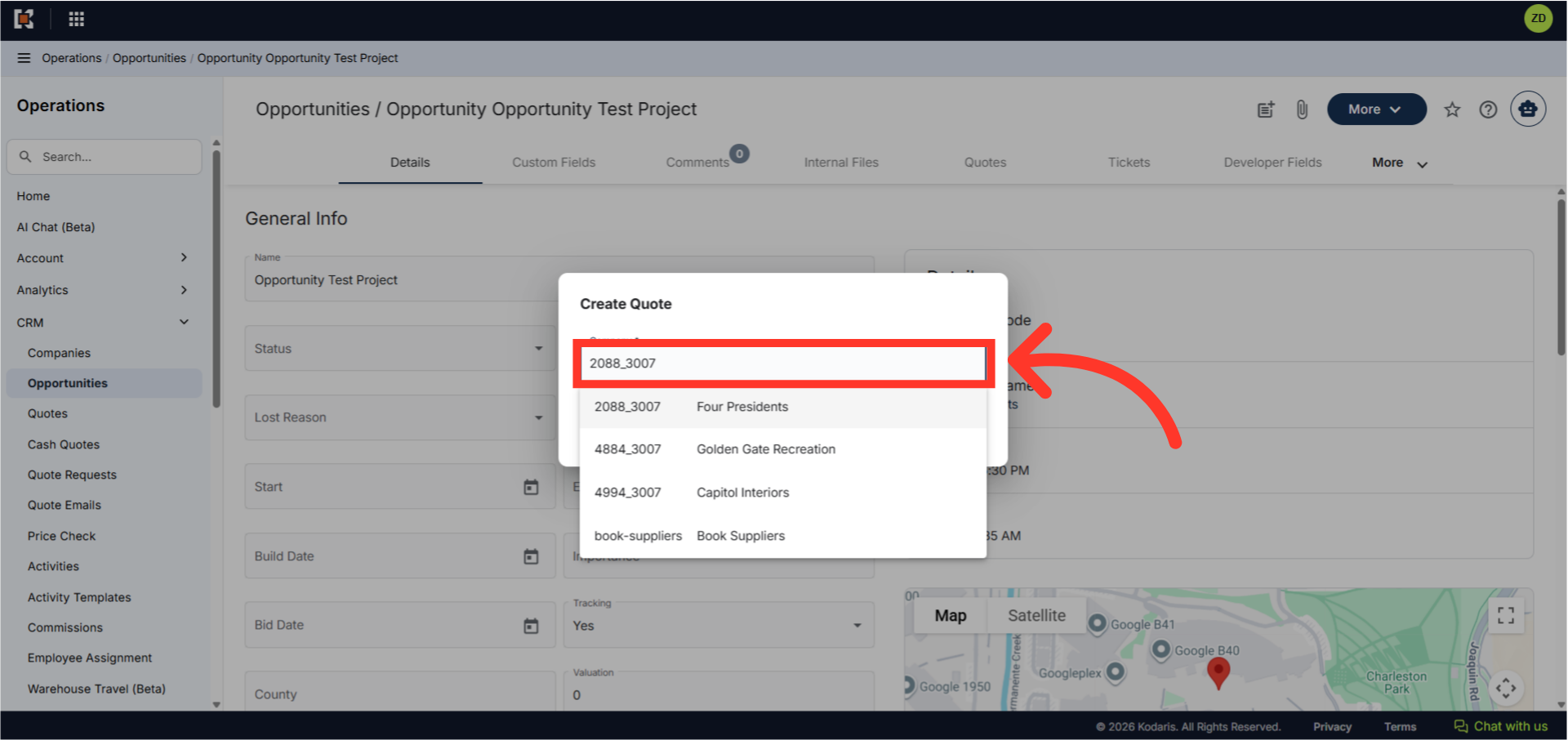
A "Create Quote" dialog box will appear. Type in the company name or code in the provided field to search. Note that the quote must be associated with a specific company.
Select company from the list
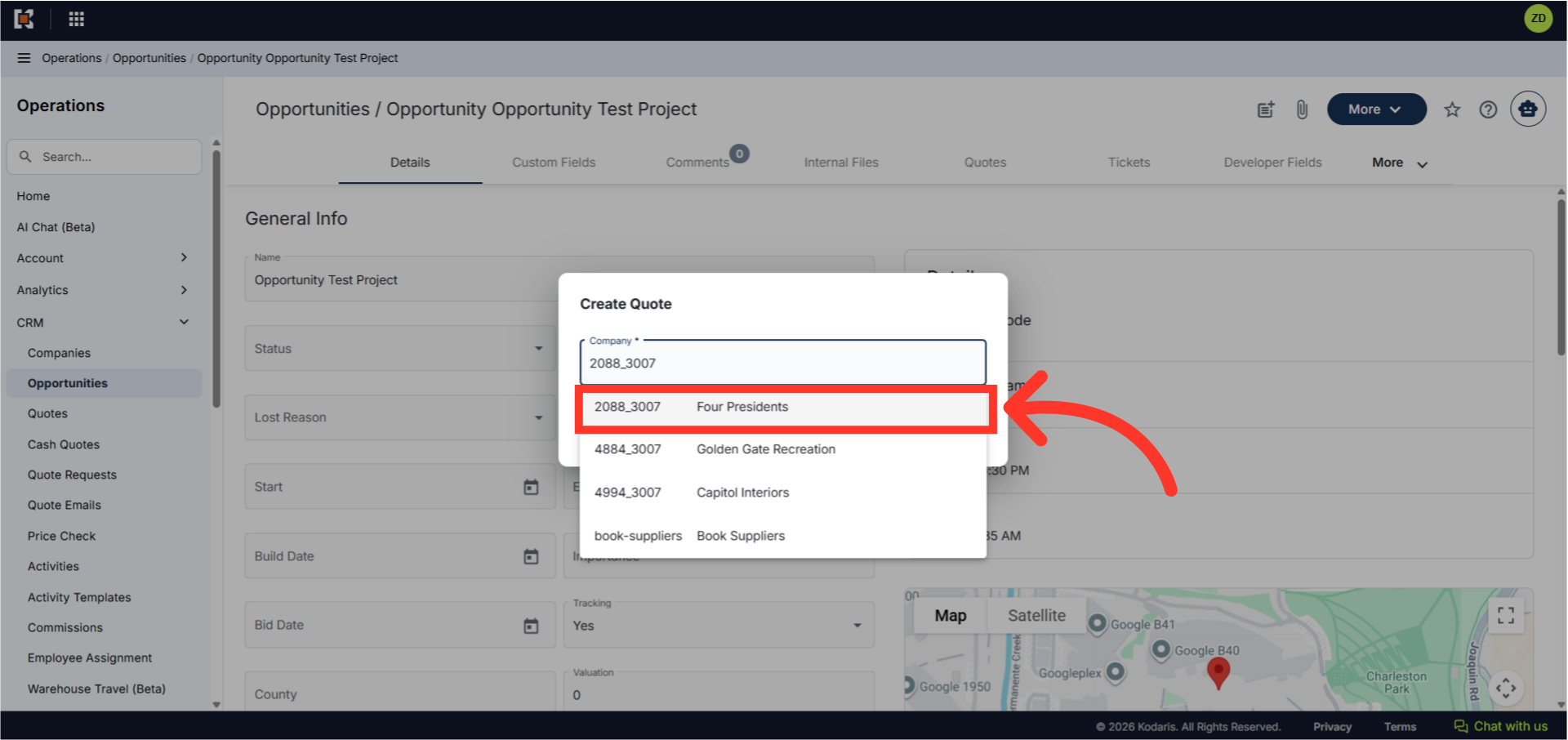
Then, select the company from the result.
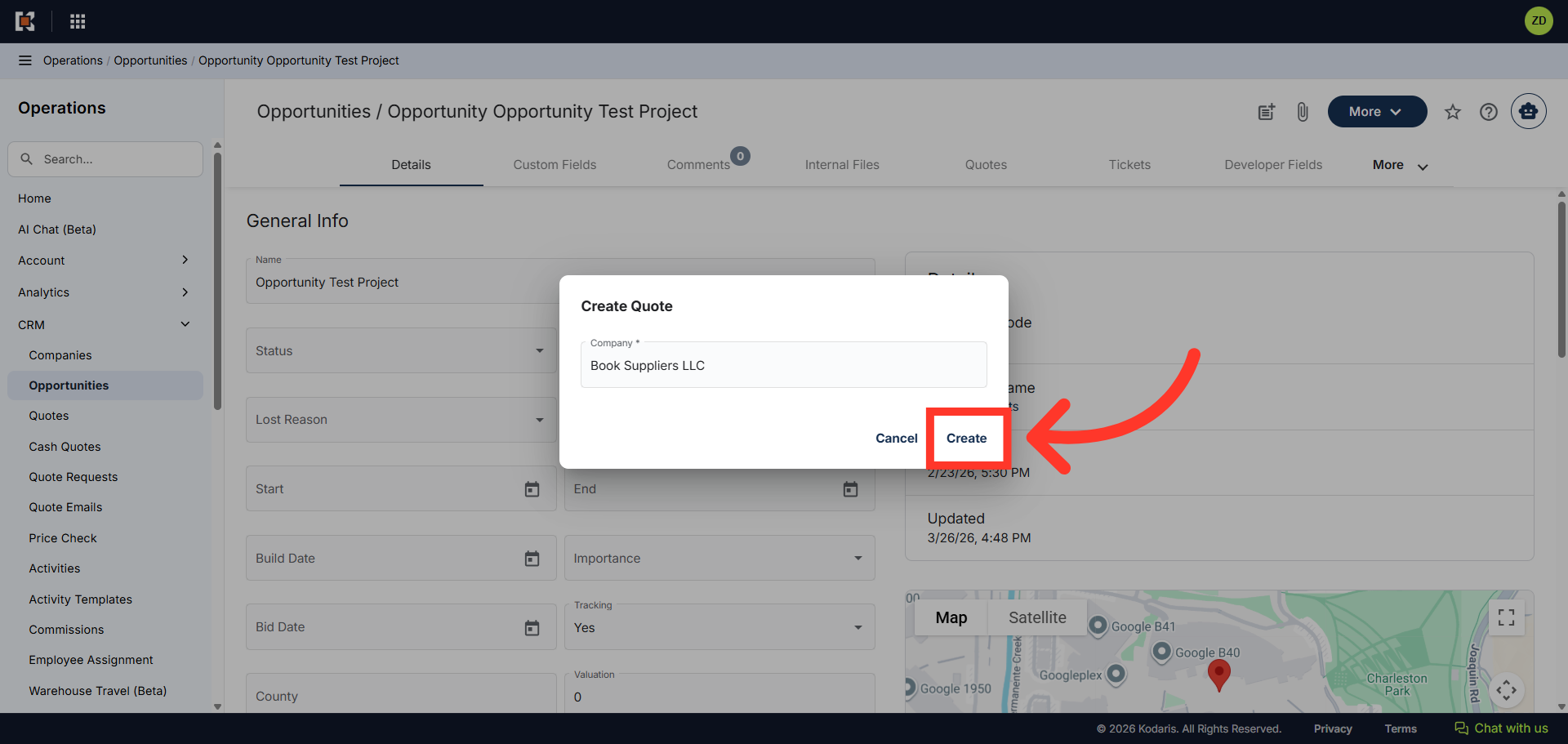
Click "Create"
Now, click "Create" and your quote will be generated
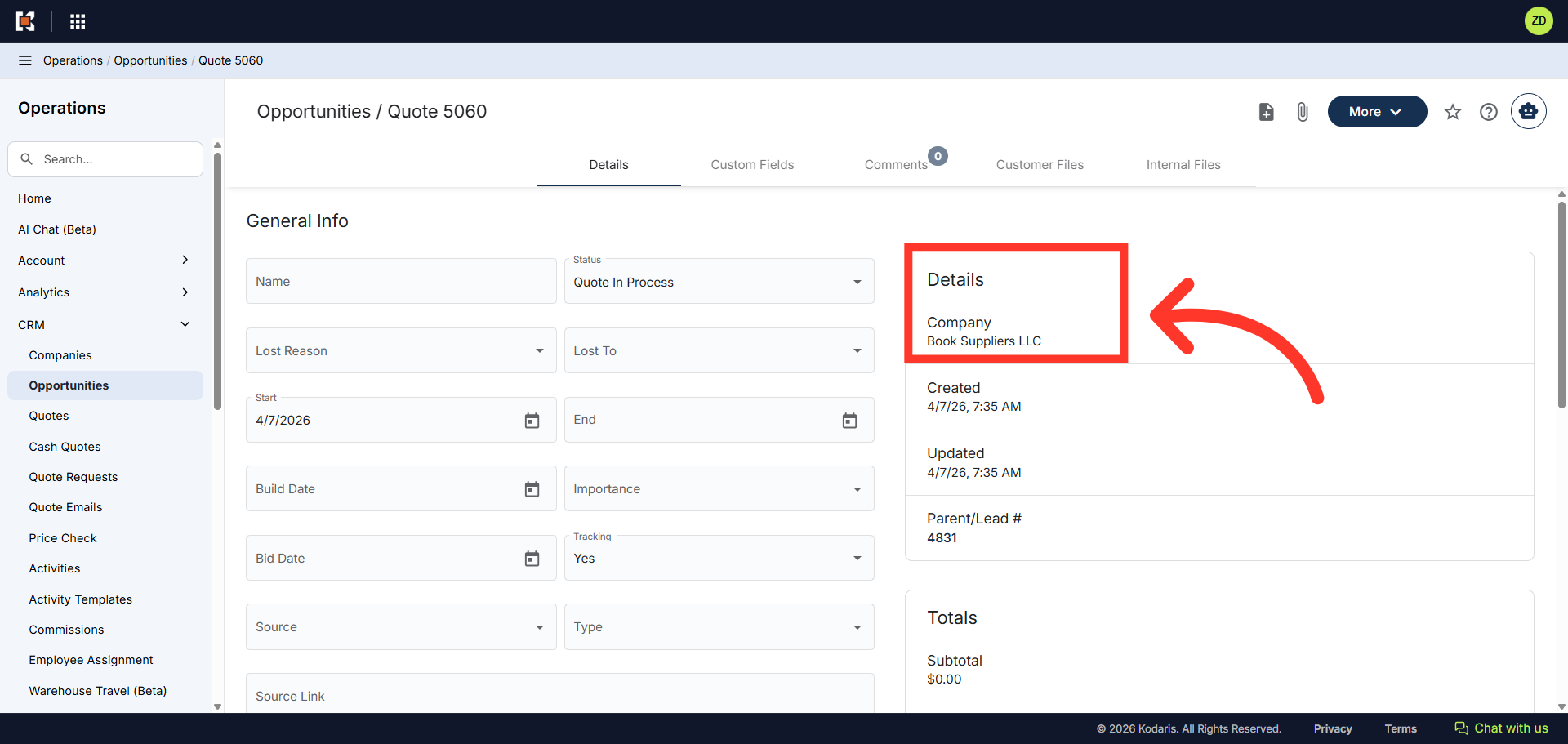
Check the company associated to the quote
Verify that the company associated to the quote is correct.