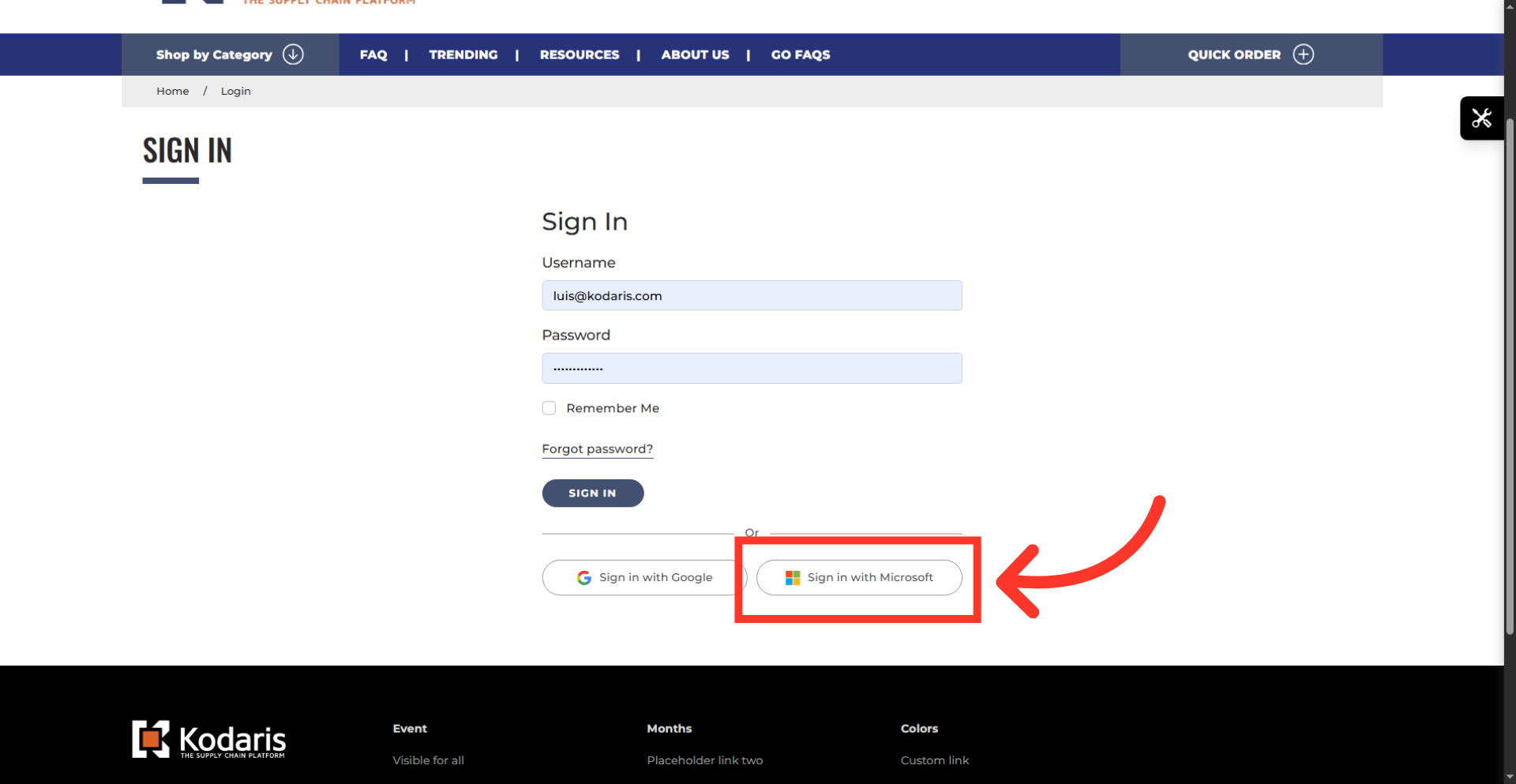
Operations System - Enable or Disable Customer Sign In With Microsoft
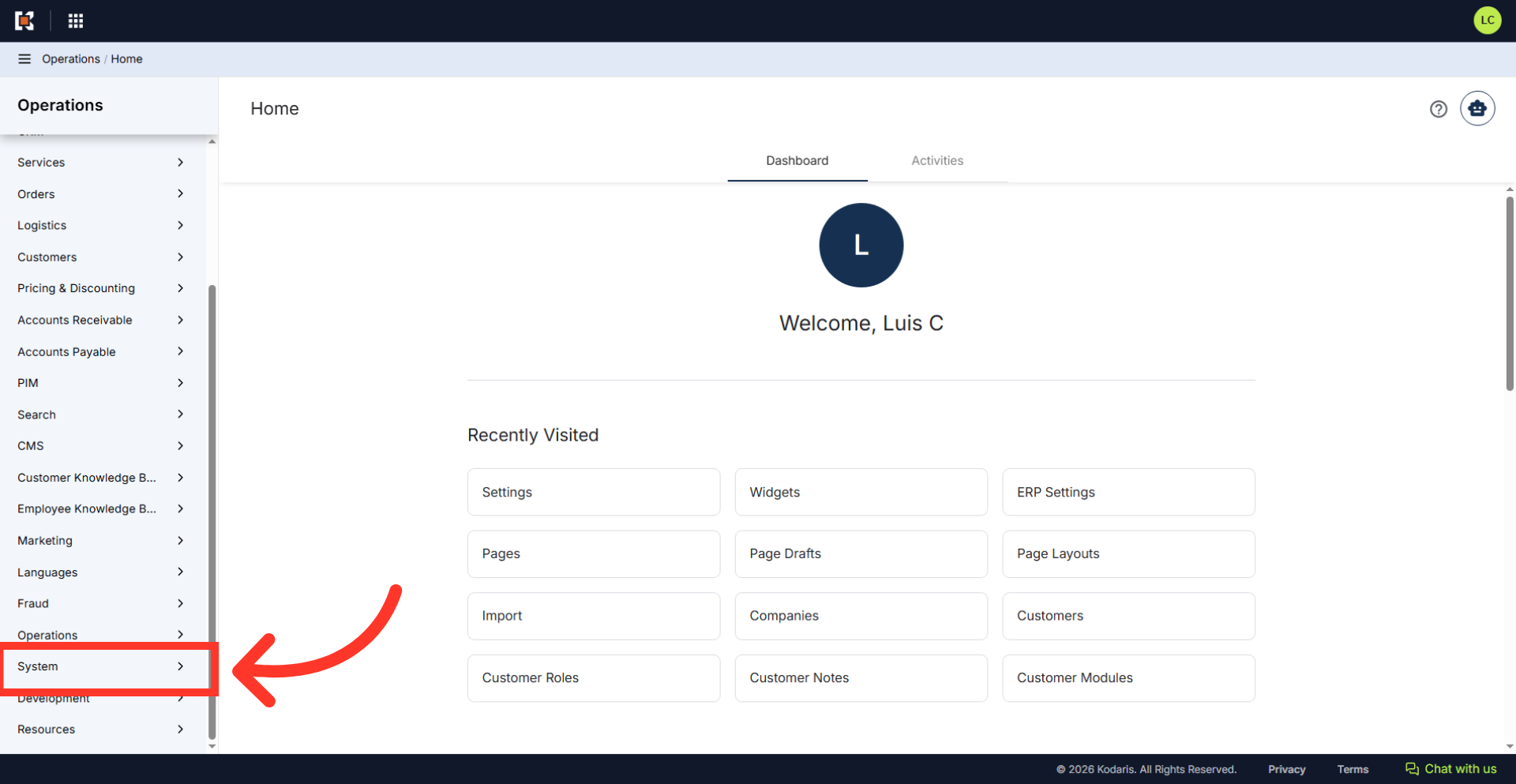
Navigate to "System"
The "Sign In With Microsoft" feature allows customers to sign in securely using existing Microsoft credentials. To enable feature on customer sites, navigate to "System" in the Operations Portal.
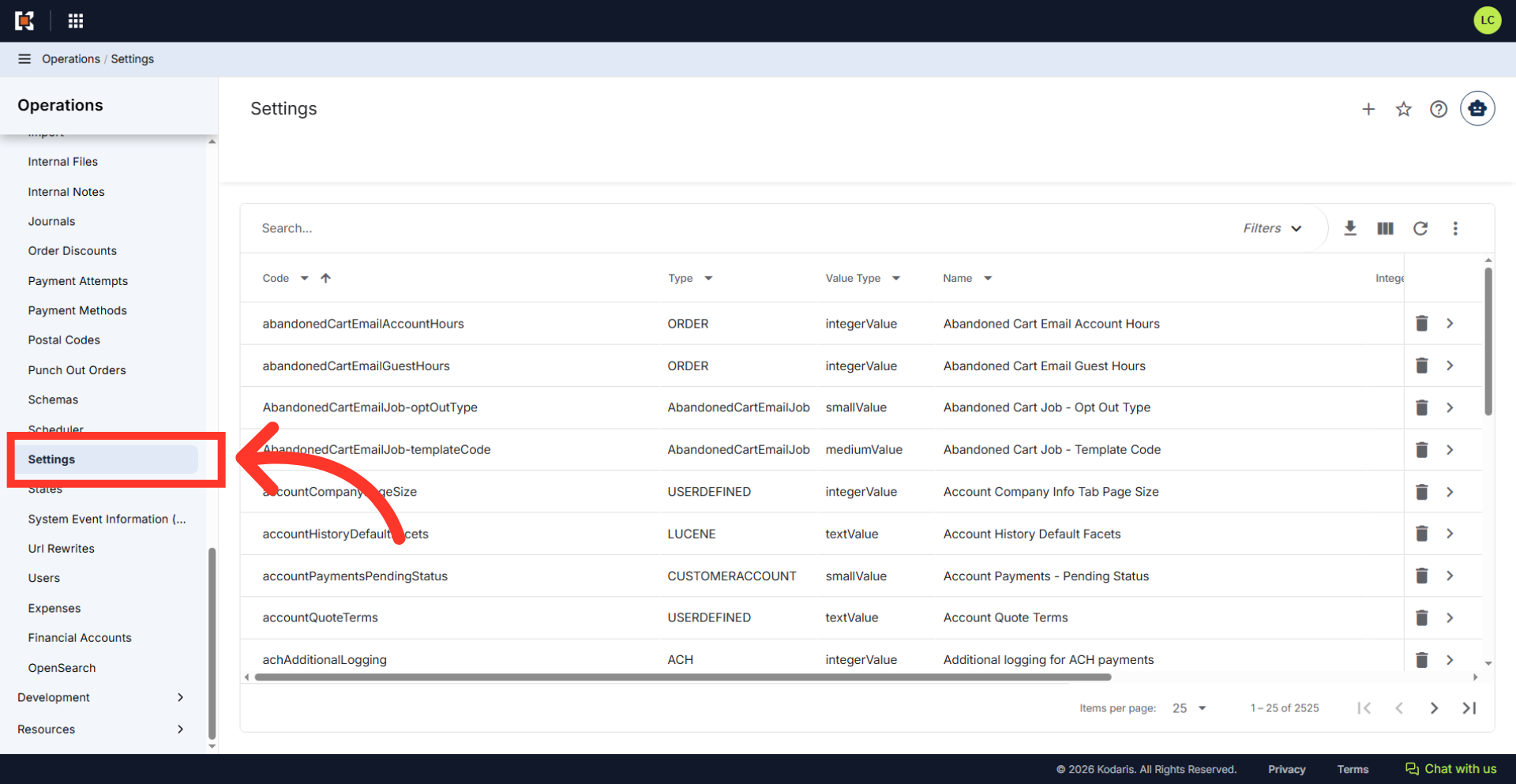
Click "Settings"
Then, click "Settings". In order to access and edit settings, you will need to be set up either as an "administrator" or "superuser", or have the following role: "settingEdit".
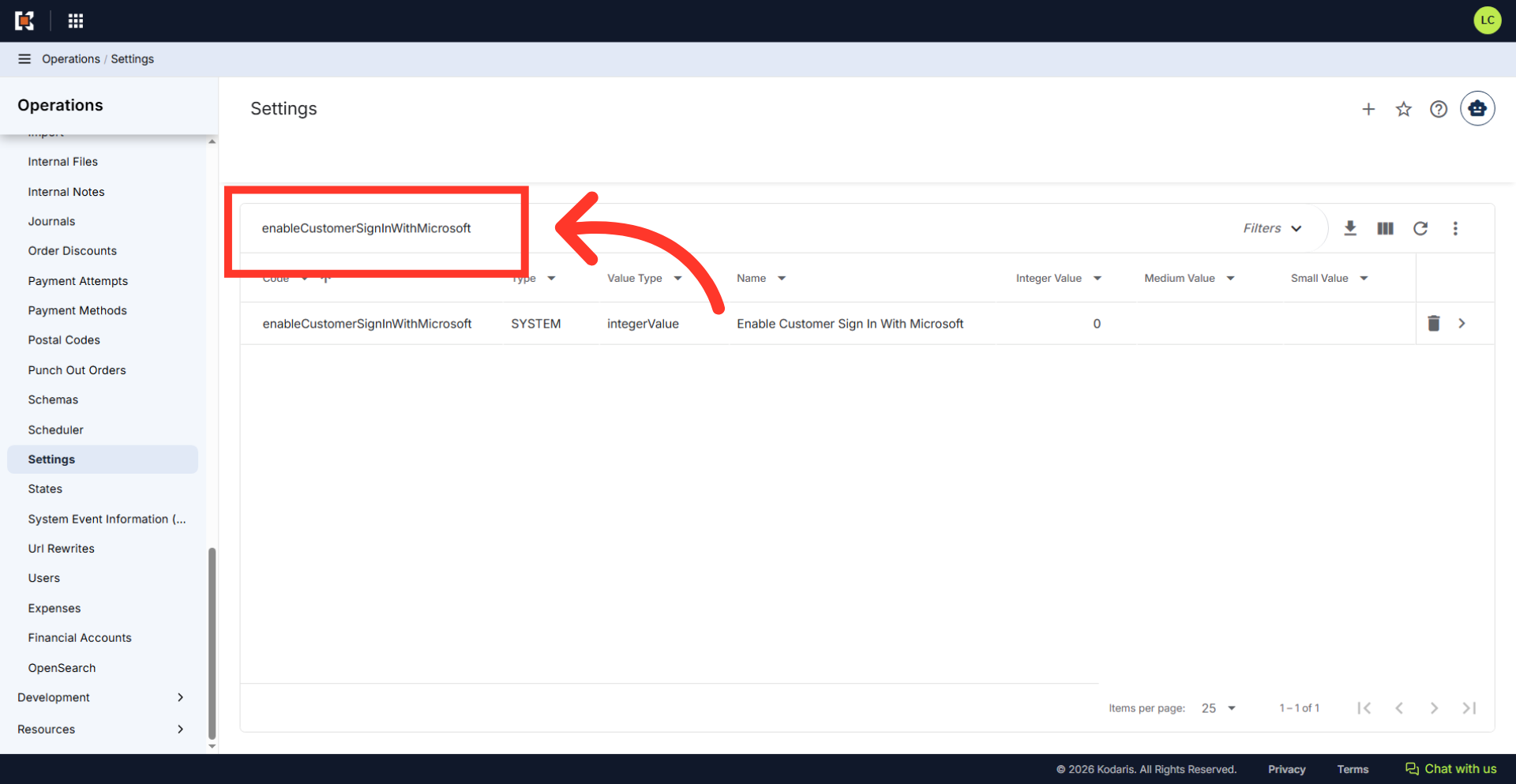
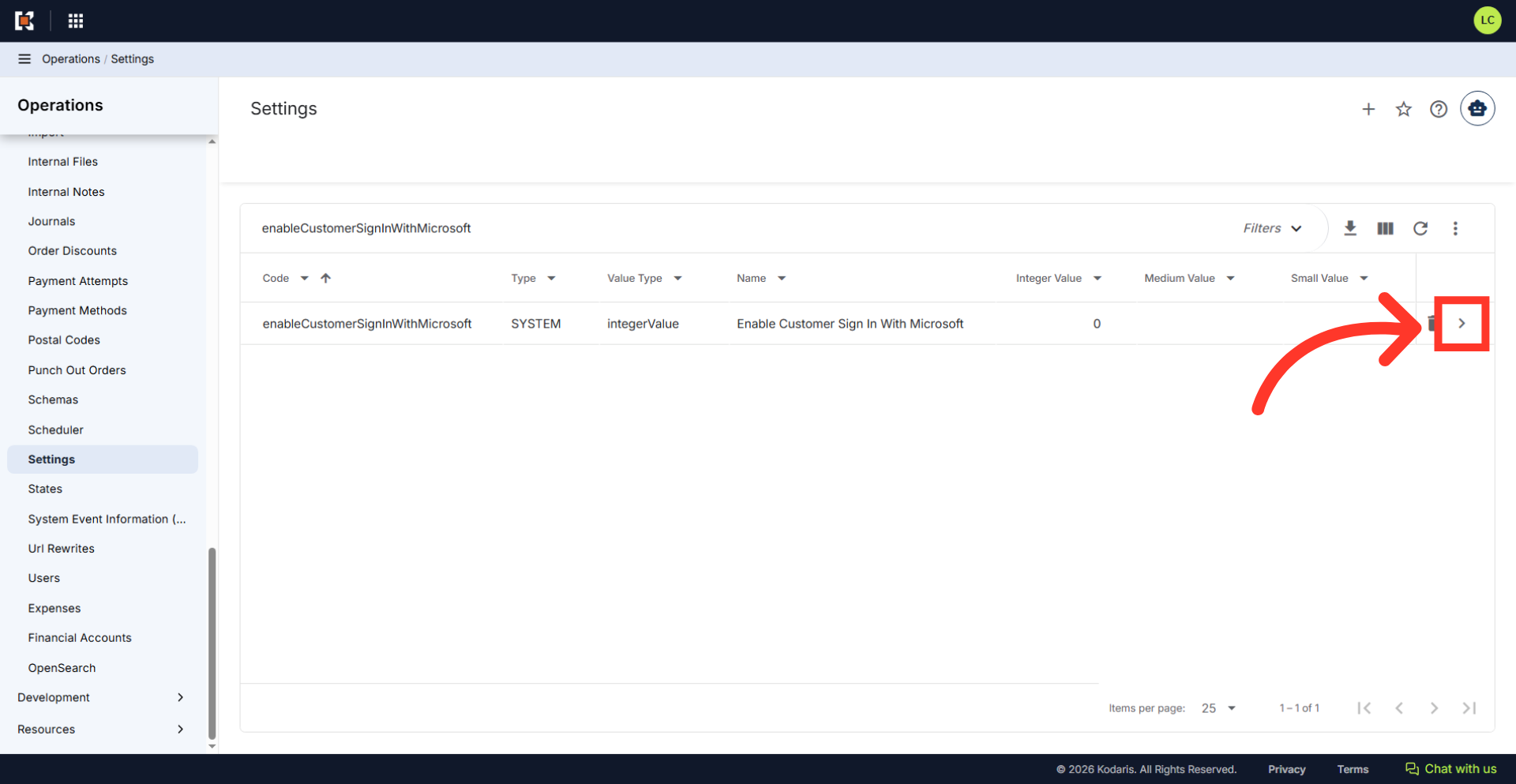
Search for "enableCustomerSignInWithMicrosoft"
Type "enableCustomerSignInWithMicrosoft" into the search field.
Click the more details icon
Click the more details icon to open the setting details page and update the values.
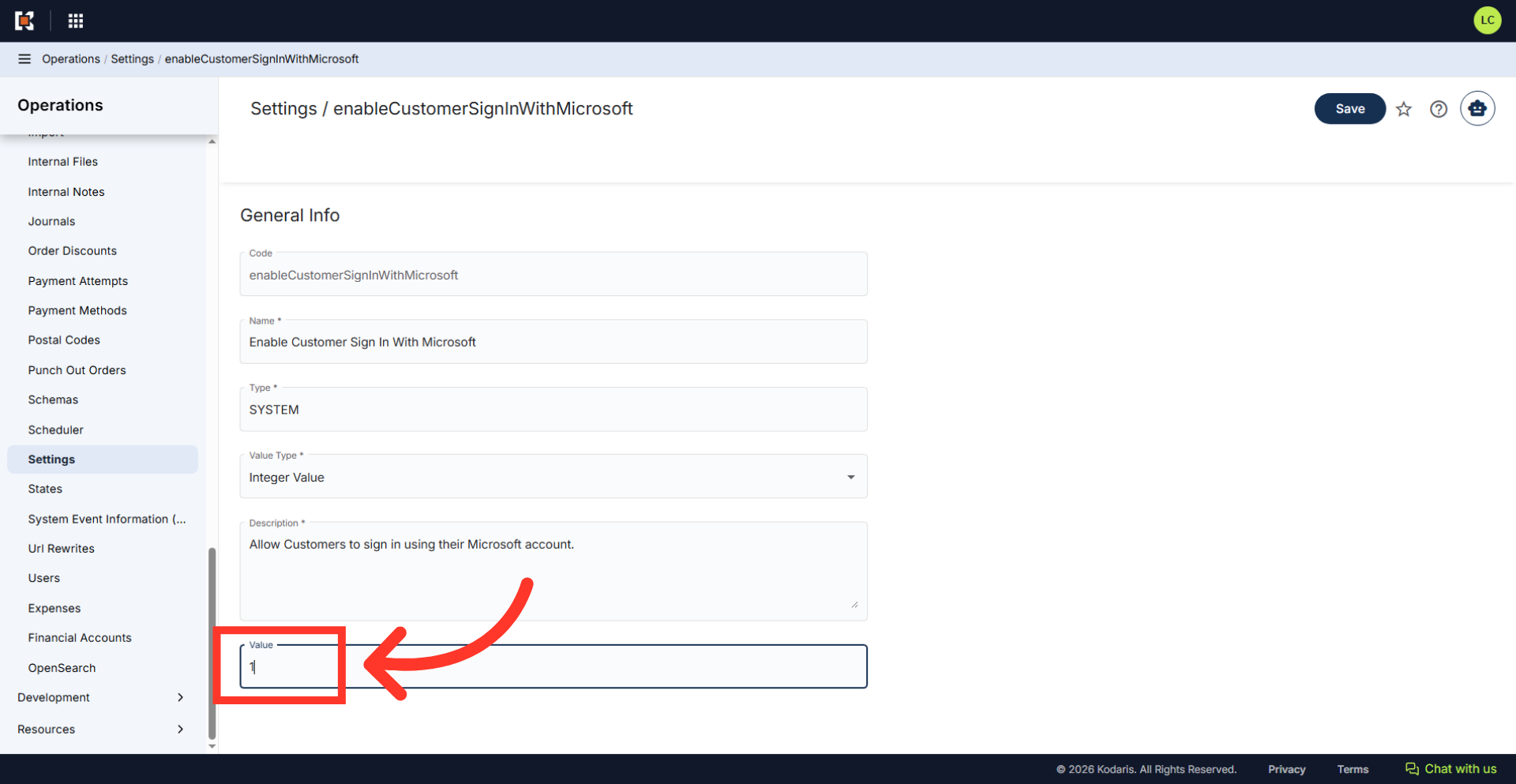
Update the "Value" field
Type "1" in the "Value" field to enable the "Sign In With Microsoft" feature. To disable this feature, enter "0".
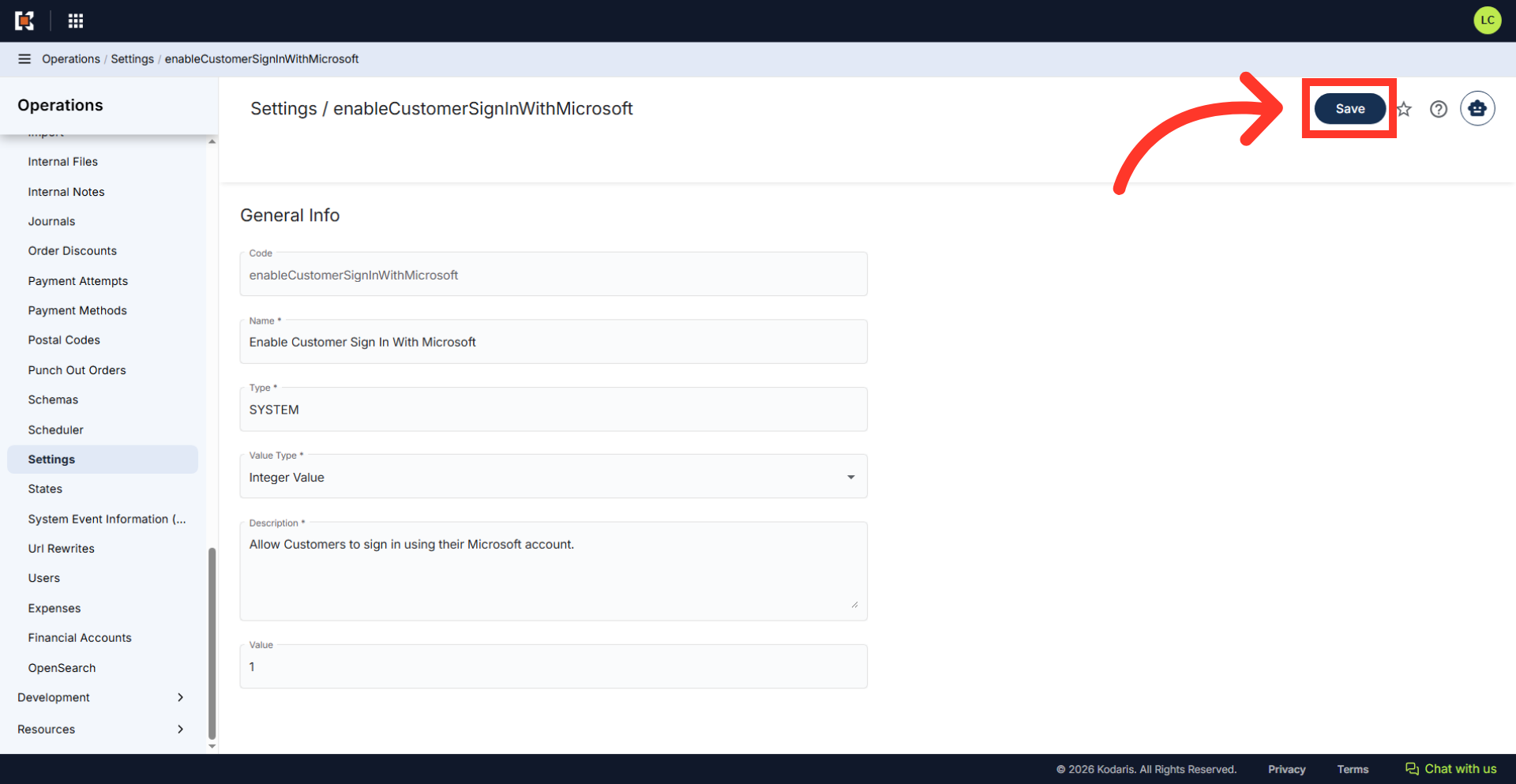
Click "Save"
Click the "Save" button.
Verify the setting update
To verify, navigate to the customer’s commerce login page to confirm that the "Sign in with Microsoft" button has been enabled. If disabled, the button should be hidden from the site.