
Operations CRM - View Open Invoices Under a Company
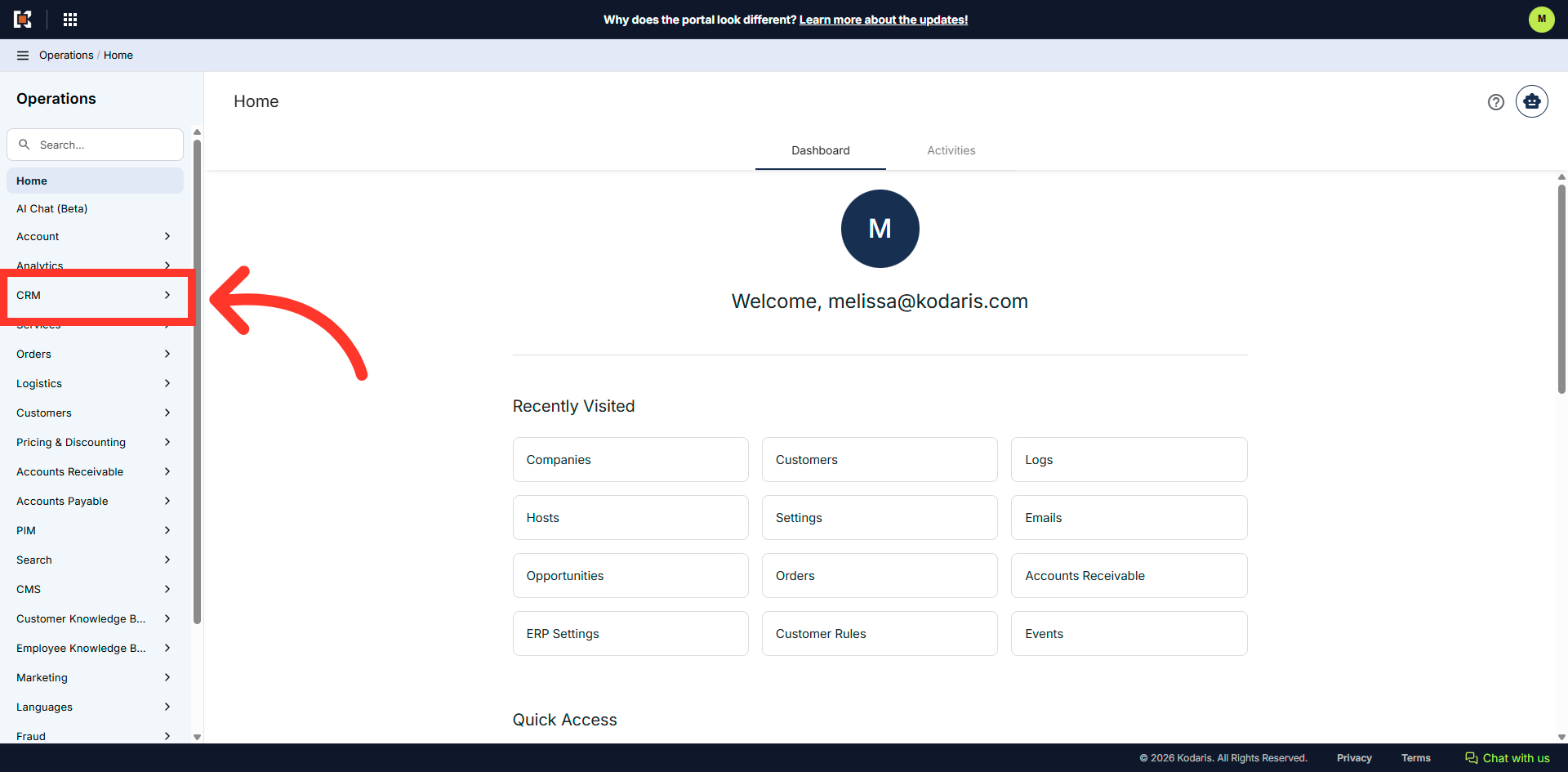
Navigate to the "CRM" section
To view open invoices under a company, navigate to the "CRM" section in the operations portal.
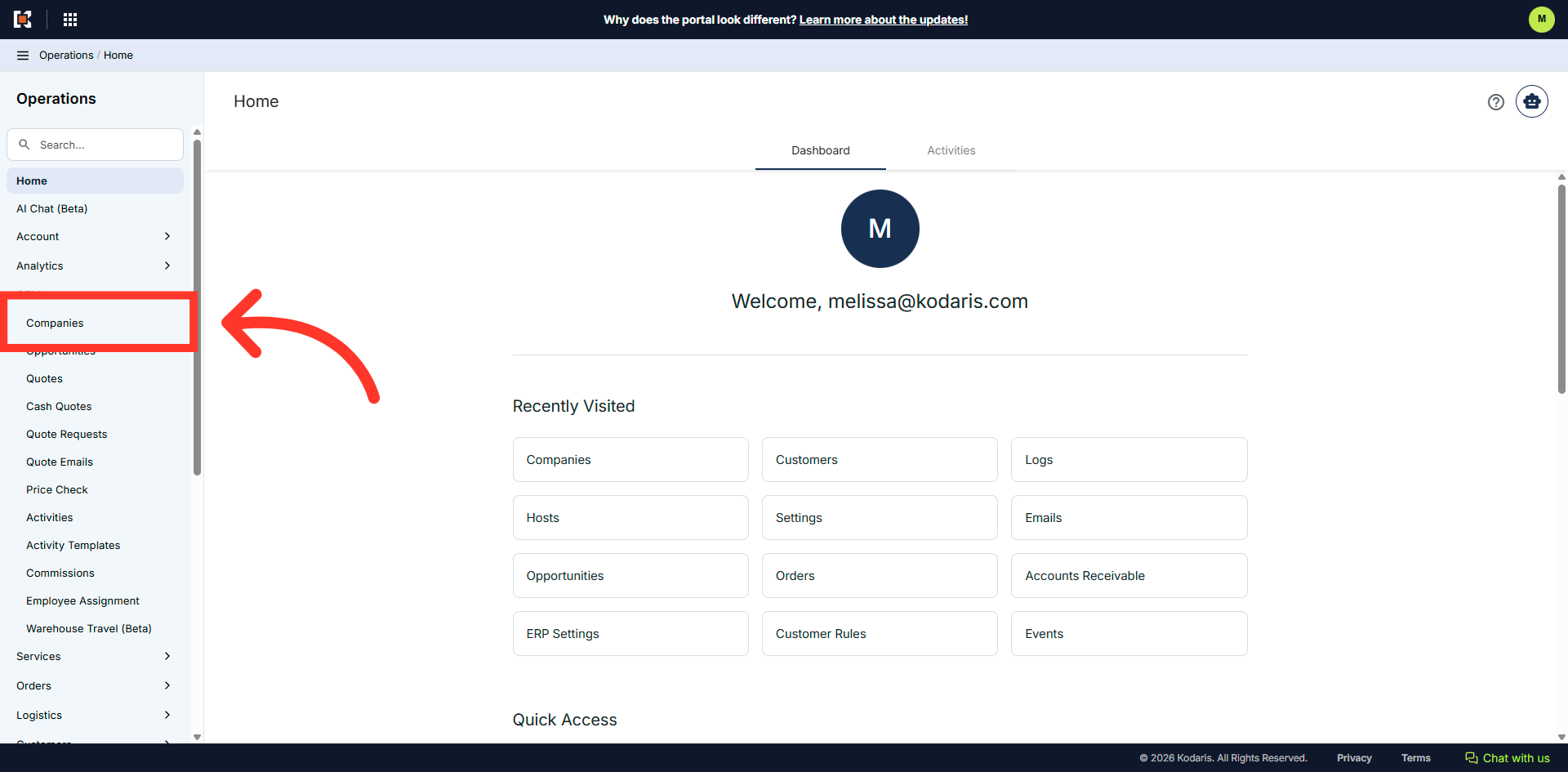
Click "Companies"
Then, click "Companies". In order to access "Companies" you will need to be set up either as an "administrator" or a "superuser", or have the appropriate roles: "companyEdit", or "crmCompanyEdit". Just a reminder, "crmCompanyEdit" access only allows employees to access companies that are assigned to them.
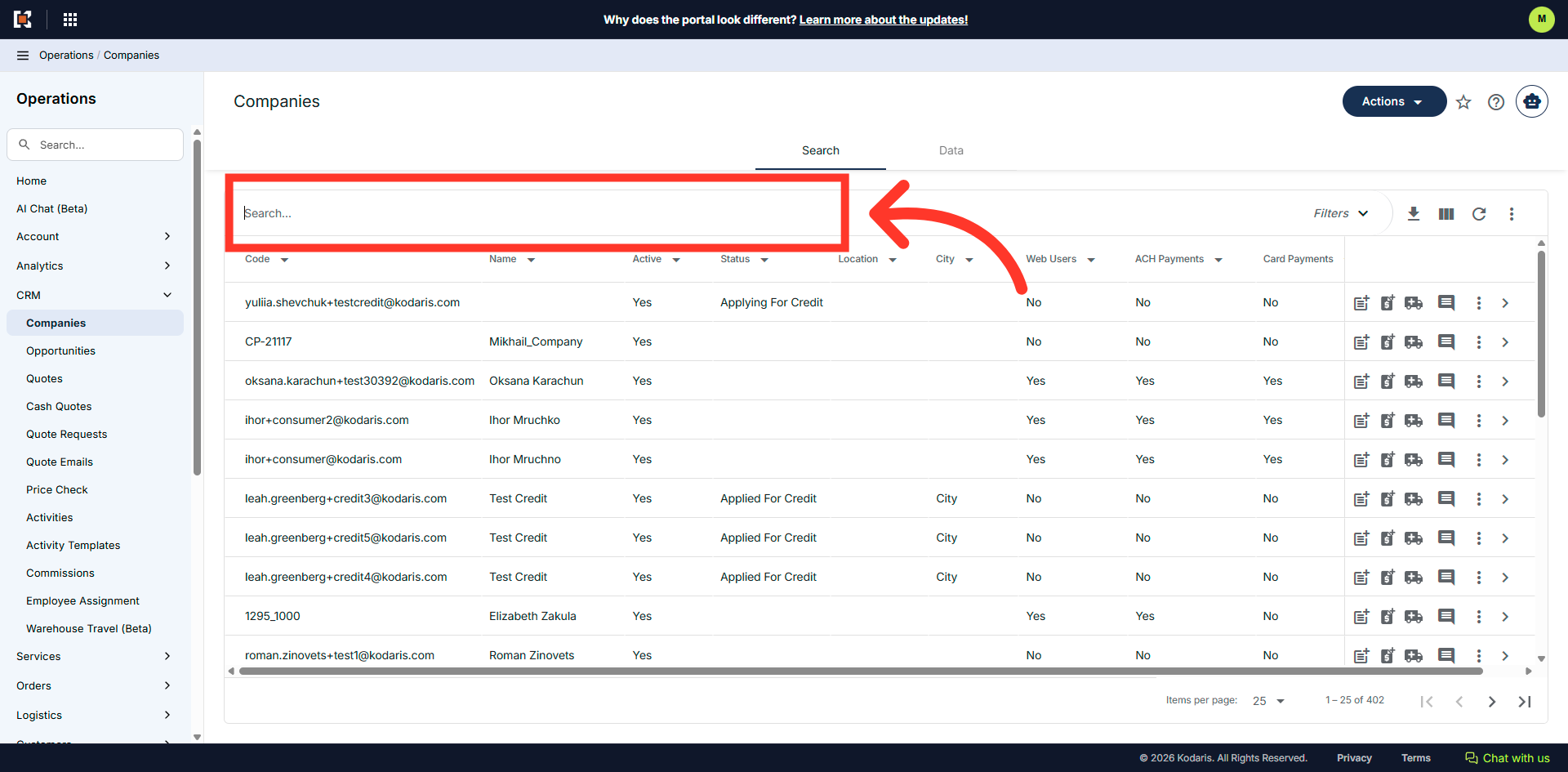
Search for the company
Search for the company.
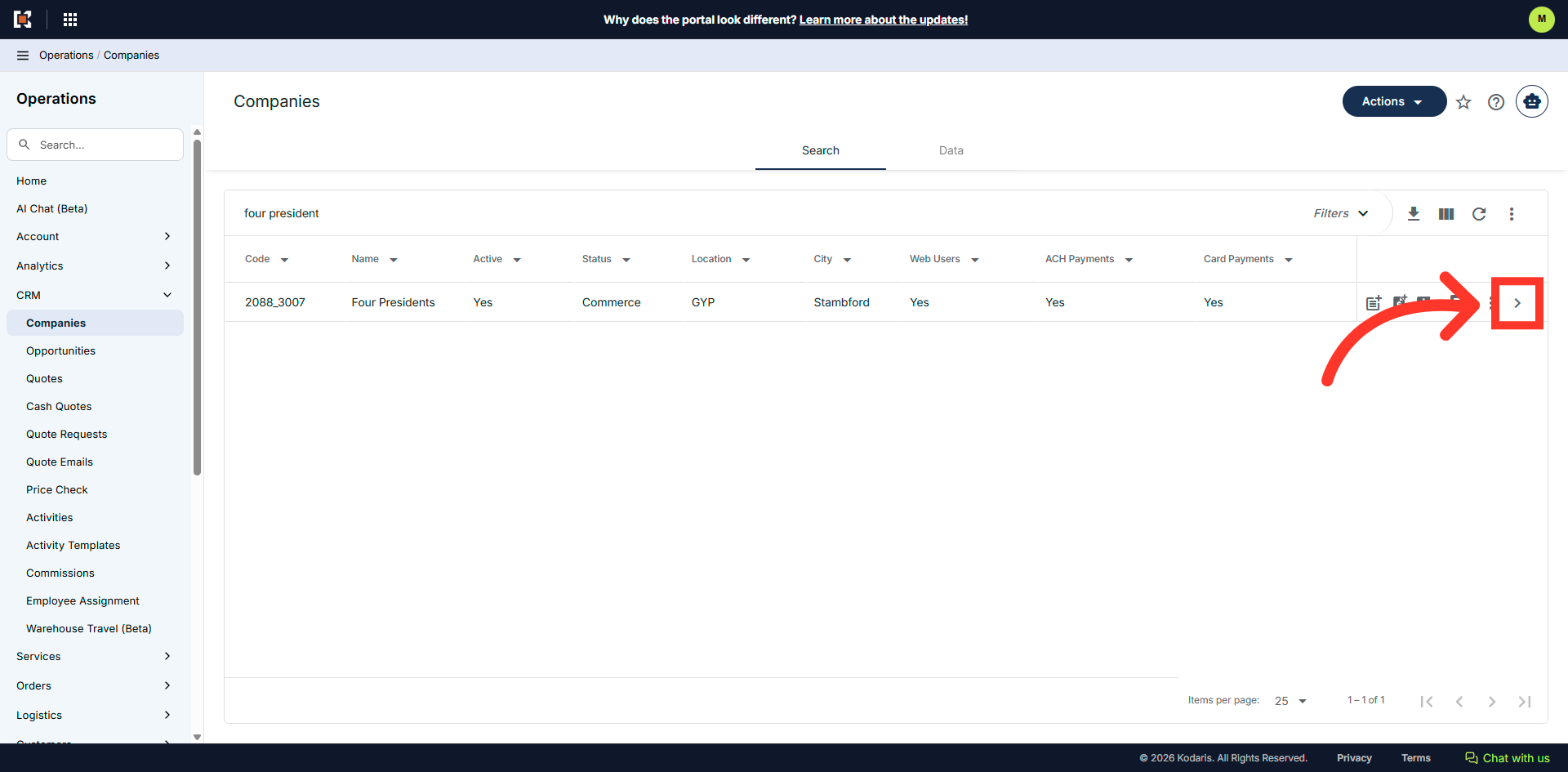
Click on the more details icon
Click on the more details icon.
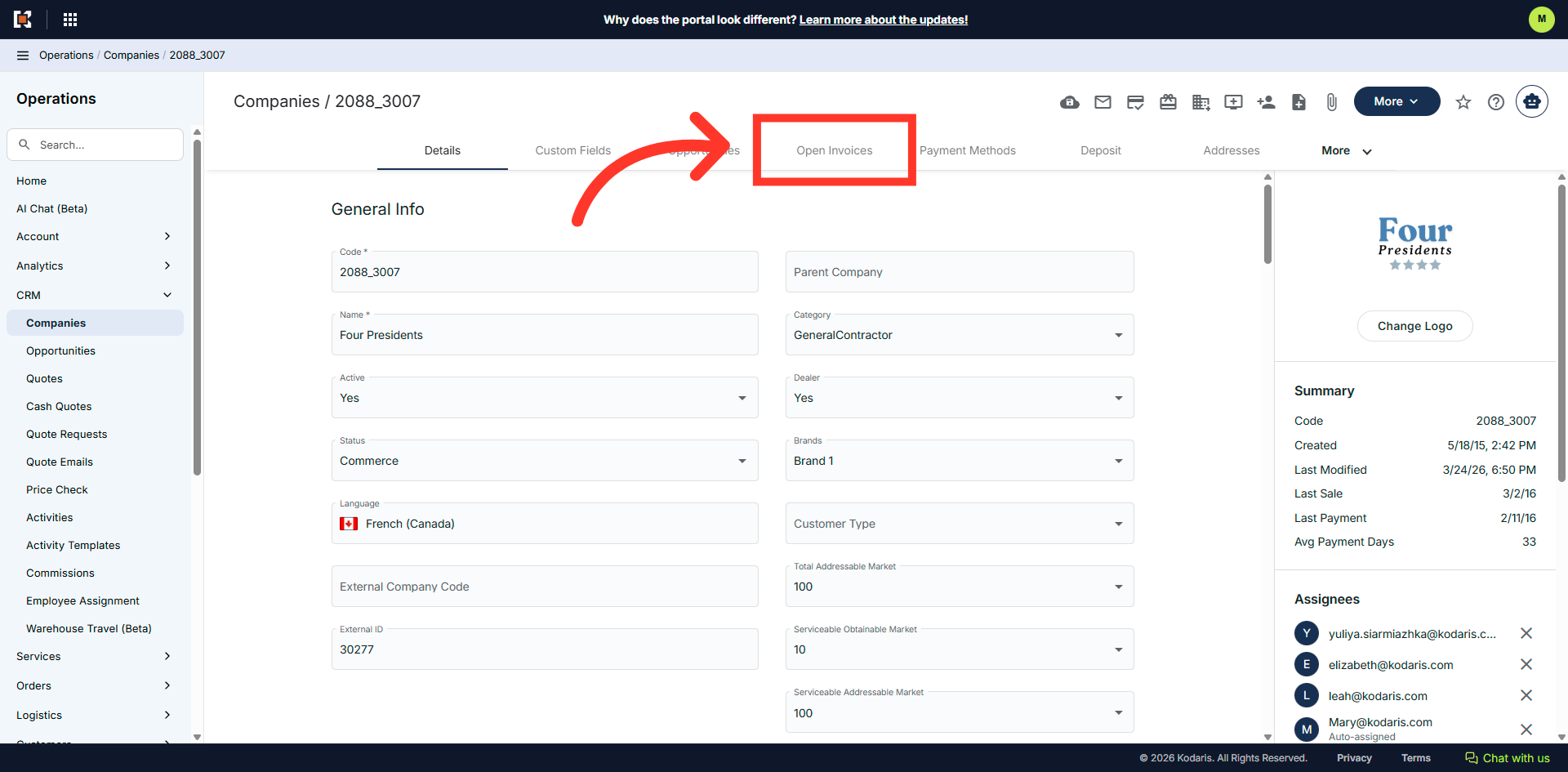
Click the "Open Invoices" tab
Click the "Open Invoices" tab. In order to access this tab, you need the role: "paymentView".
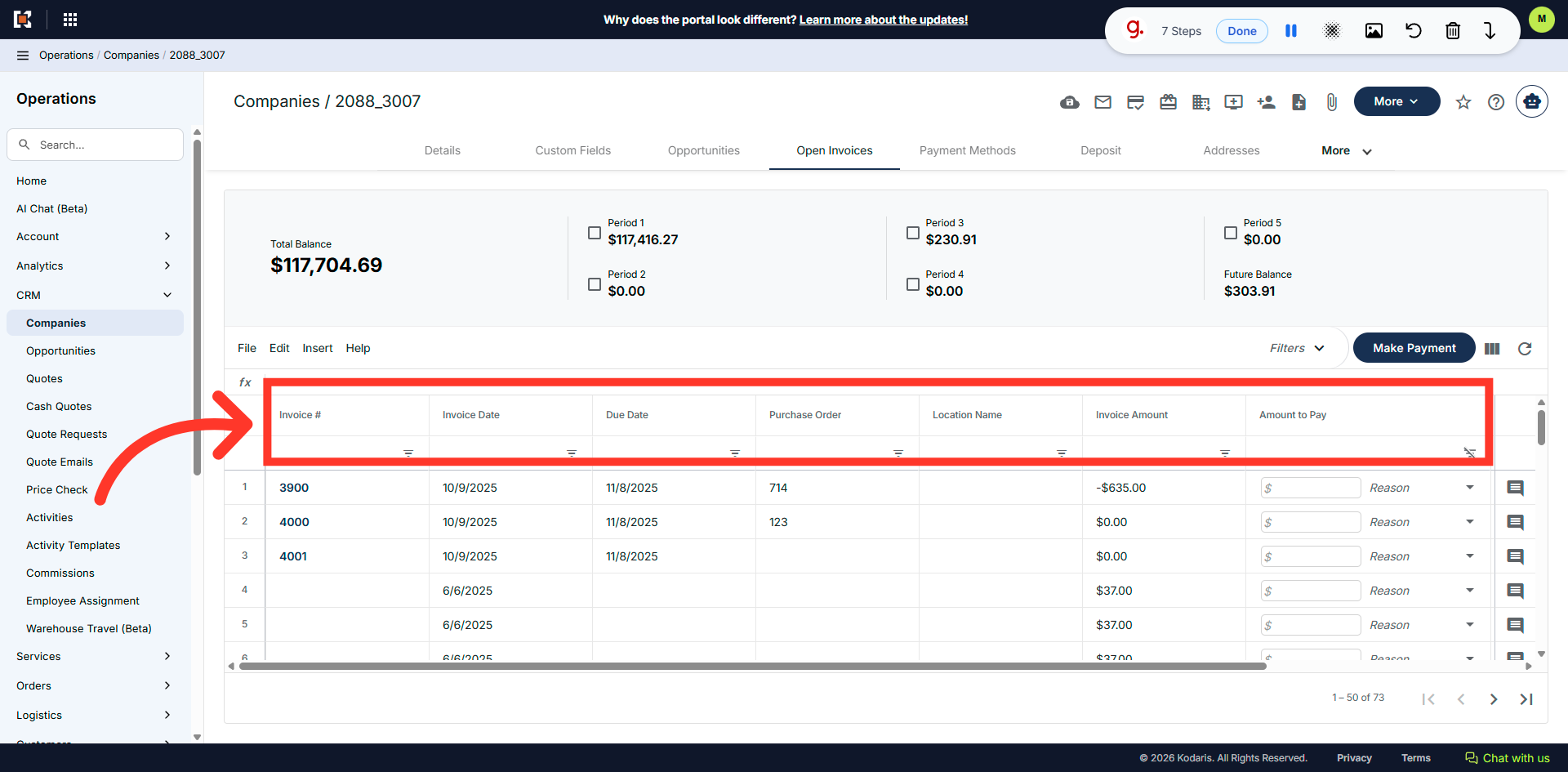
Column Filter option
You can filter the data by the column filters to narrow down the list
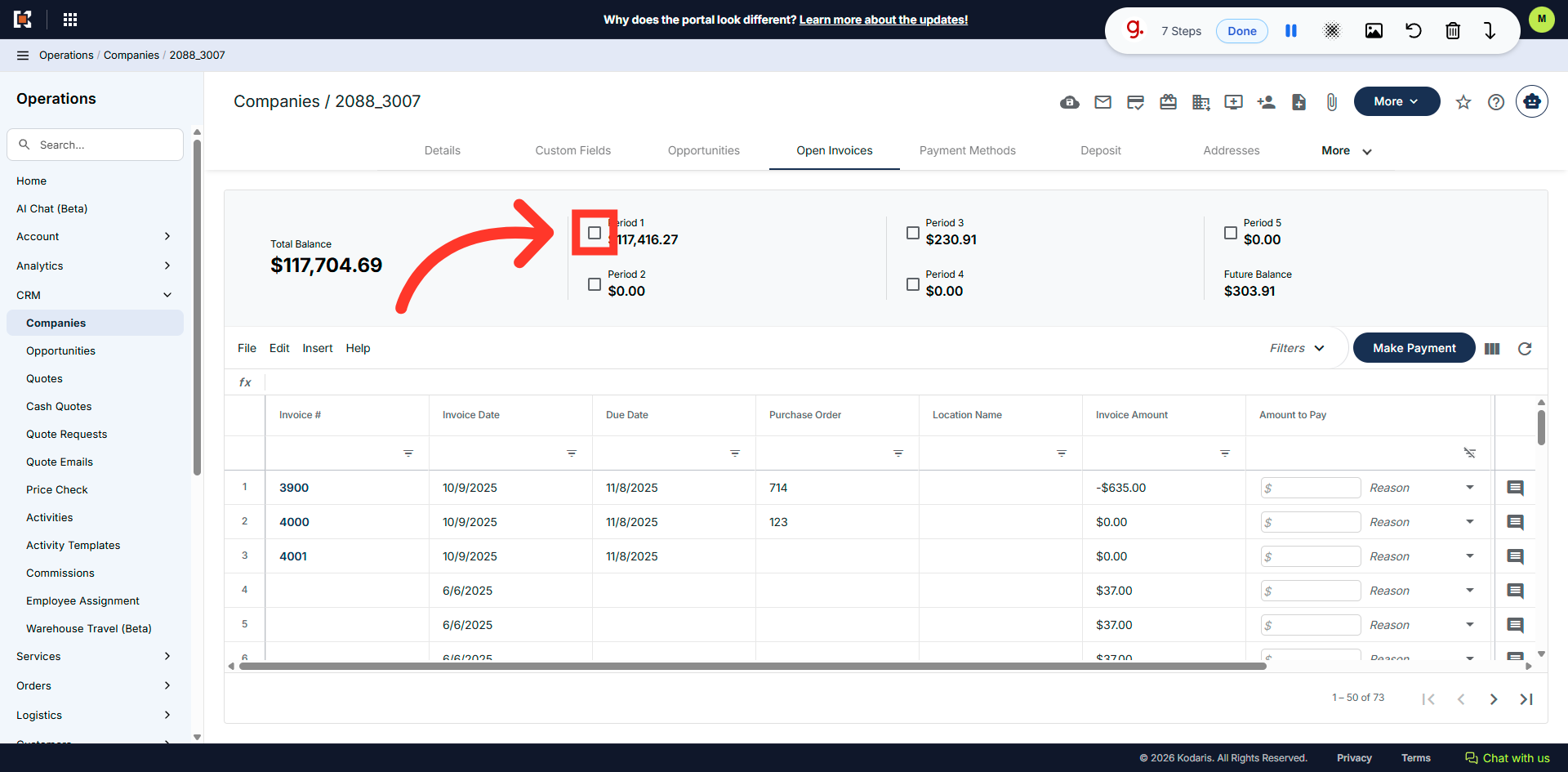
Filter by "Period"
The data can also be filtered by "Periods" by checking the box for that period.
In this article