Operations AR - Void a Deposit
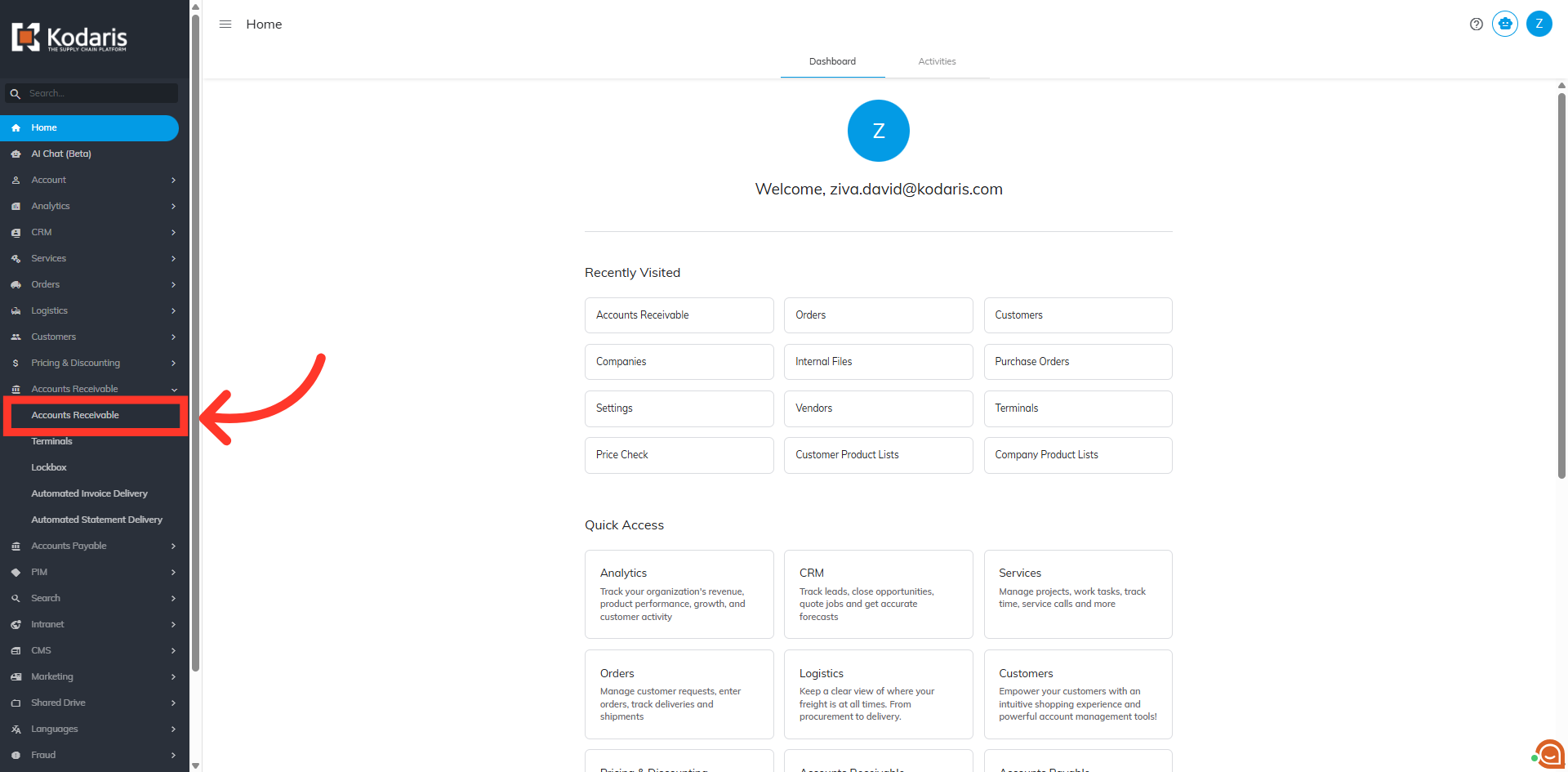
Navigate to Accounts Receivable
You can easily void a customer deposit as long as the deposit hasn't batched out for the day by first navigating to the "Accounts Receivable" section in the Operations Portal. In order to access "Accounts Receivable" you will need to be set up either as an "administrator" or a "superuser", or “accountant” or have the following roles: "paymentEdit” and “paymentView”.
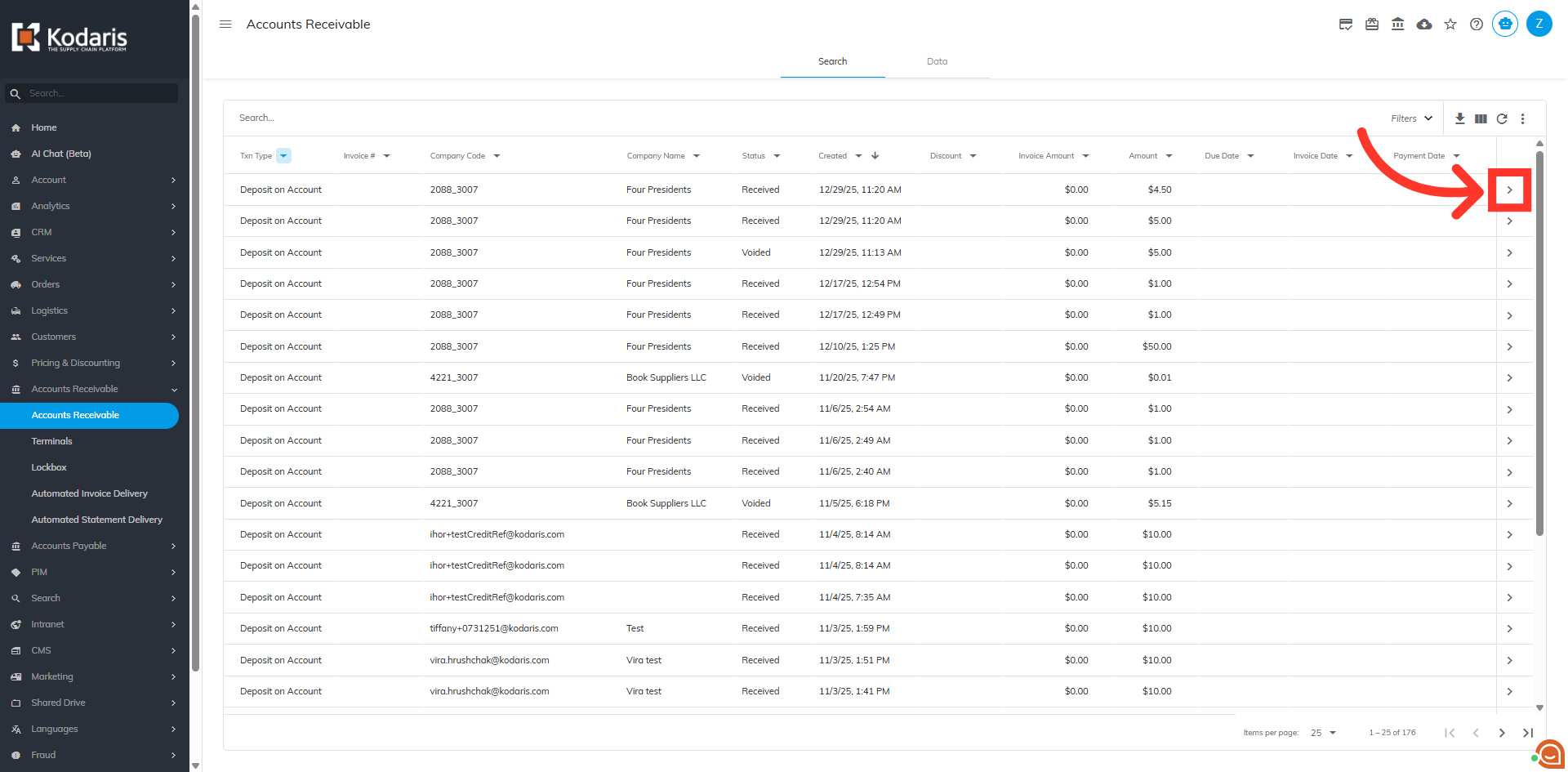
Click the more details icon
Choose the transaction you wish to void. Click the more details icon to view the deposit details. Note: You can also use the "Txn Type" filter to display specifically deposit only transactions.
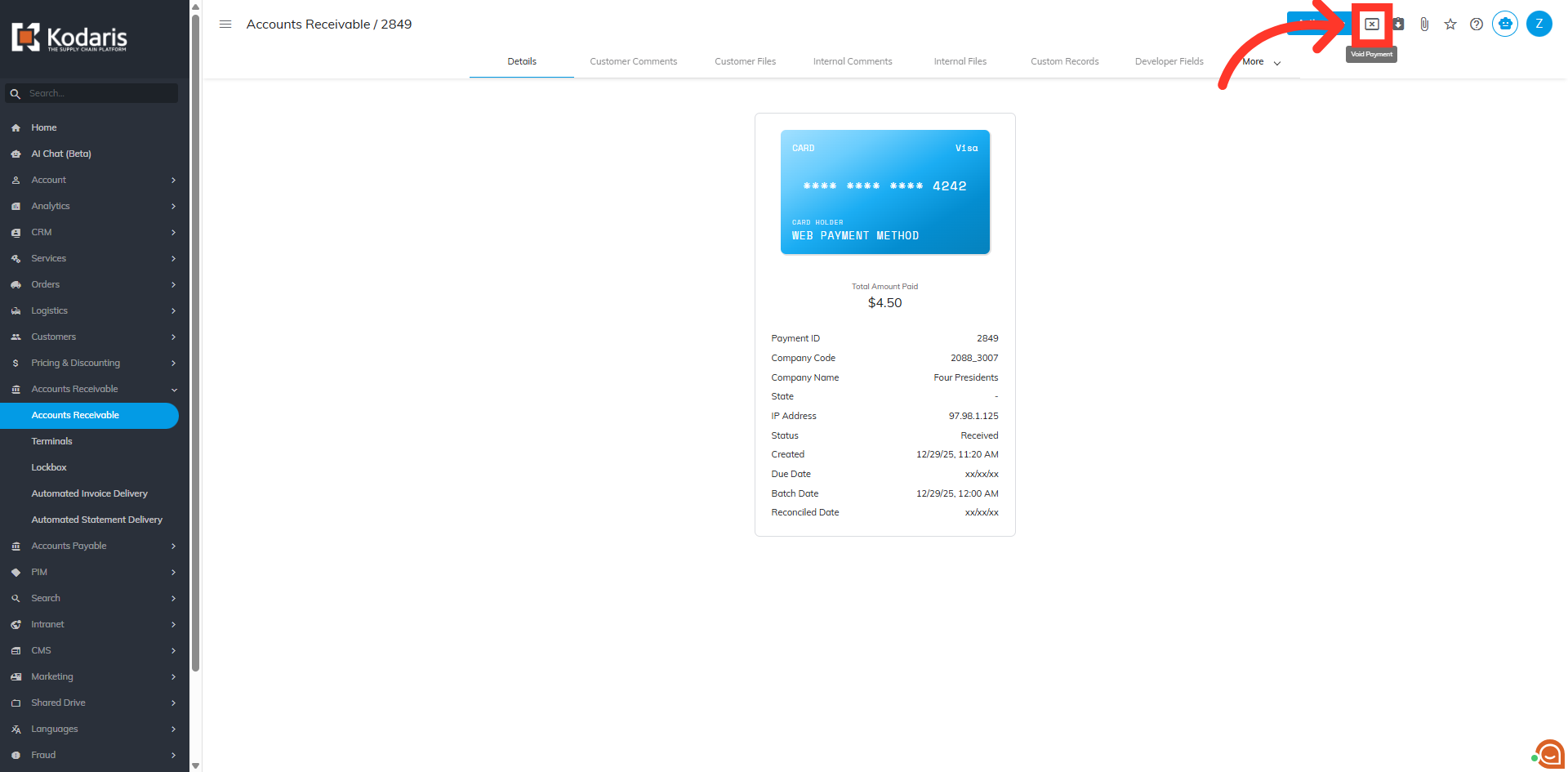
Initiate Void Process
Then, from the "Details" tab, click the "Void Payment" icon to void the transaction.
Confirm Void Success
A success message will appear when the payment was successfully voided.
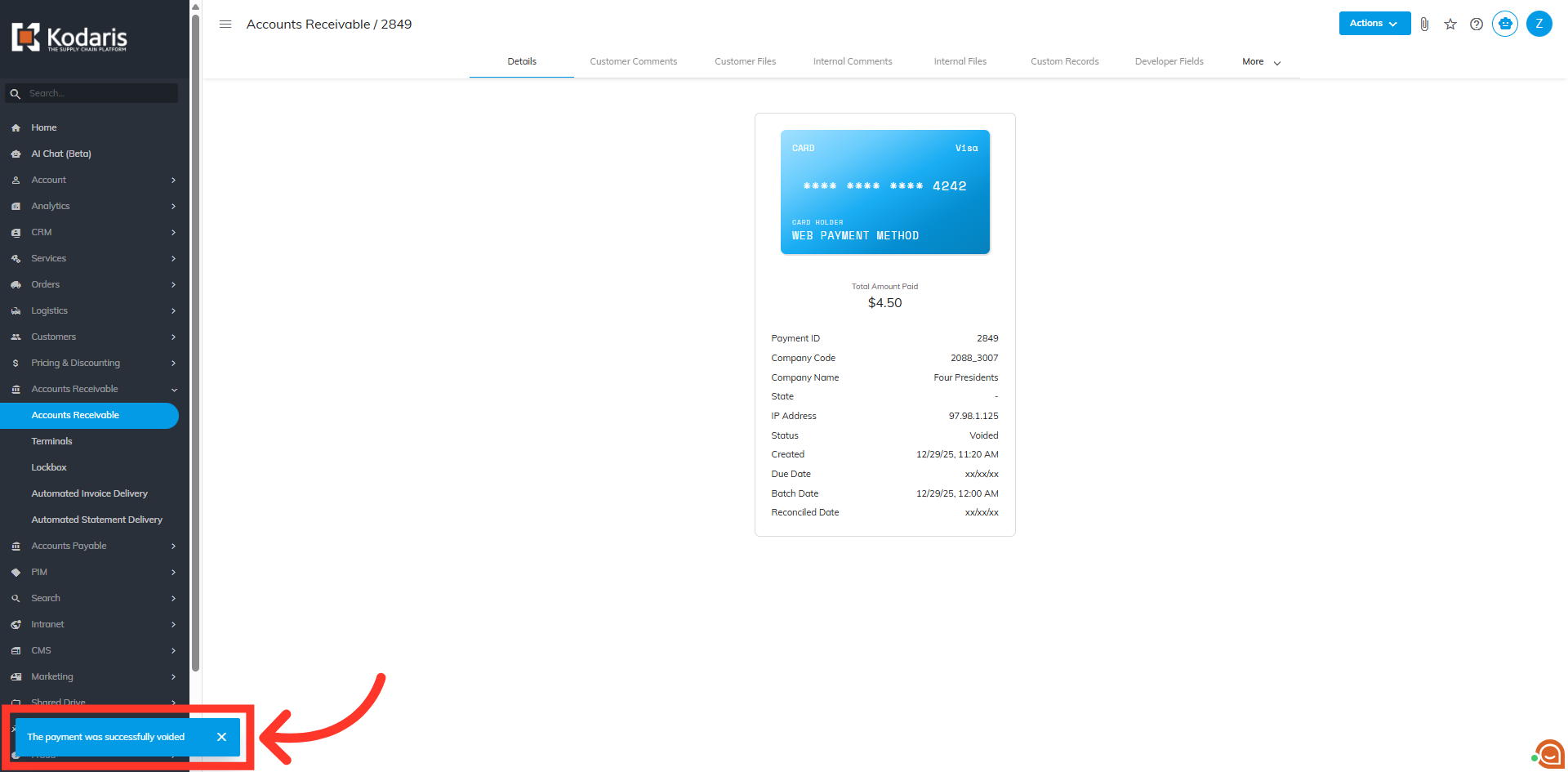
Return to Accounts Receivable
Click the "Accounts Receivable" bread crumb to return to the Accounts Receivable dashboard.
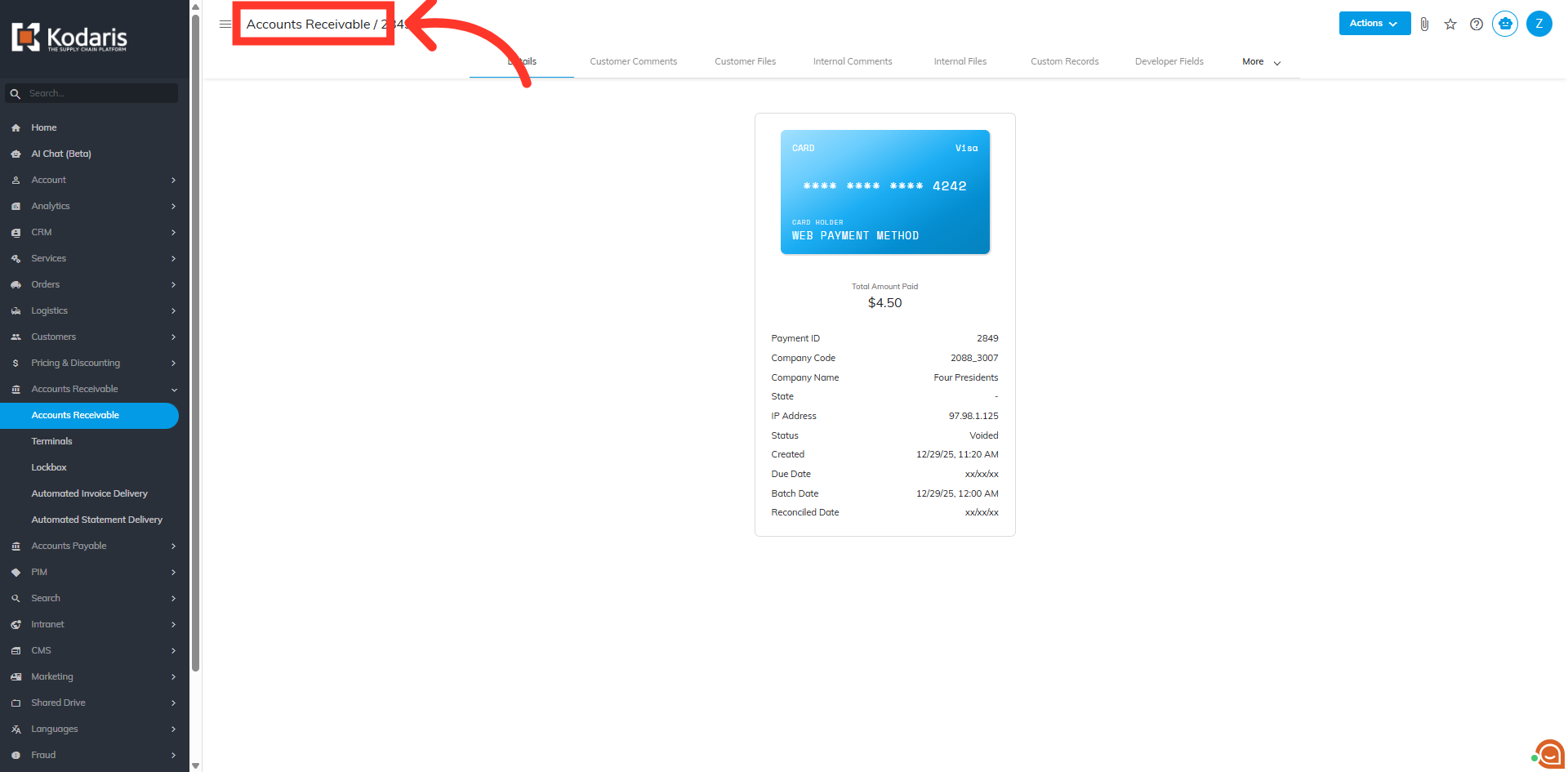
Payment Status Updated
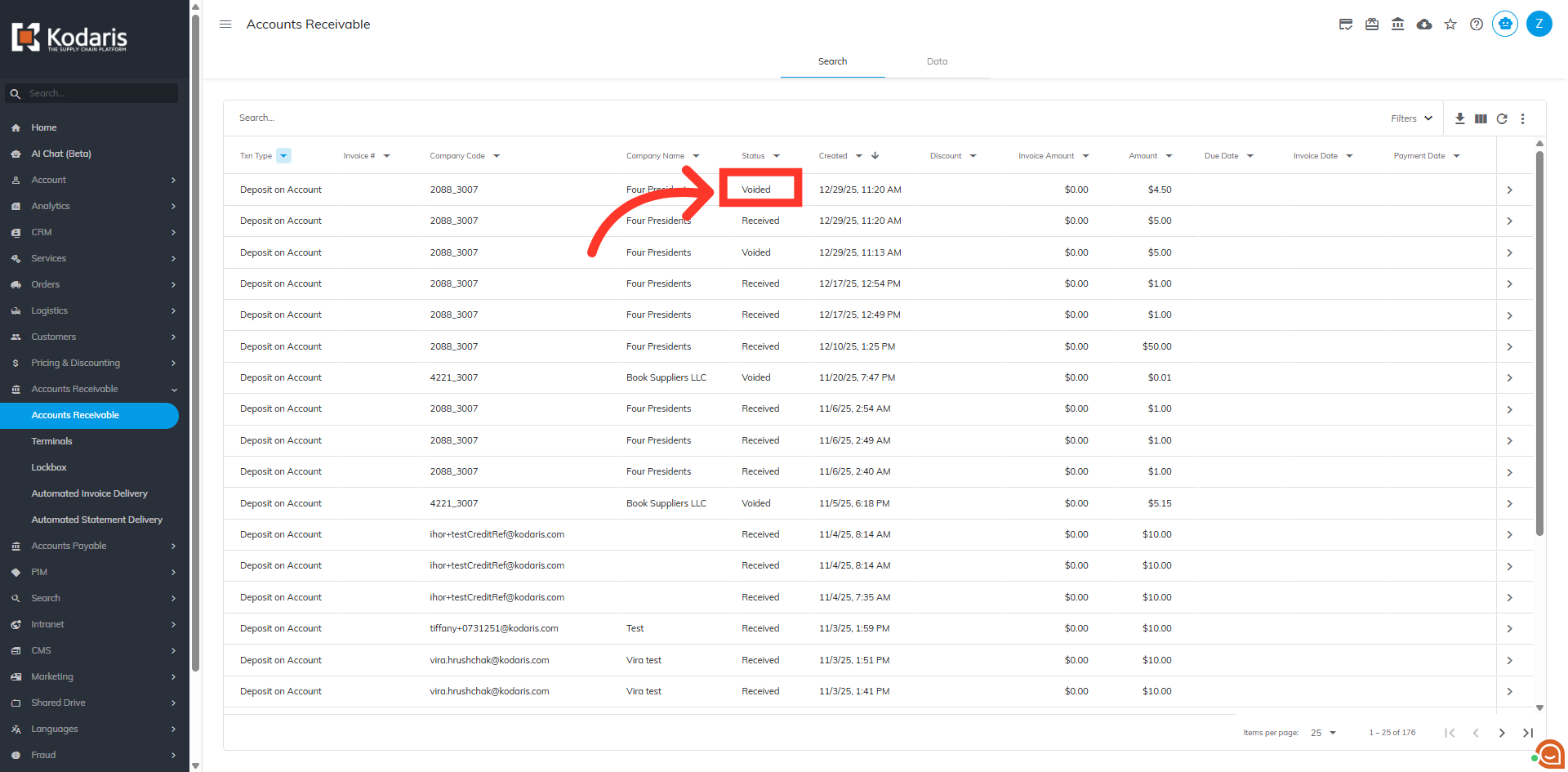
Notice the payment status type has been updated to reflect the change.