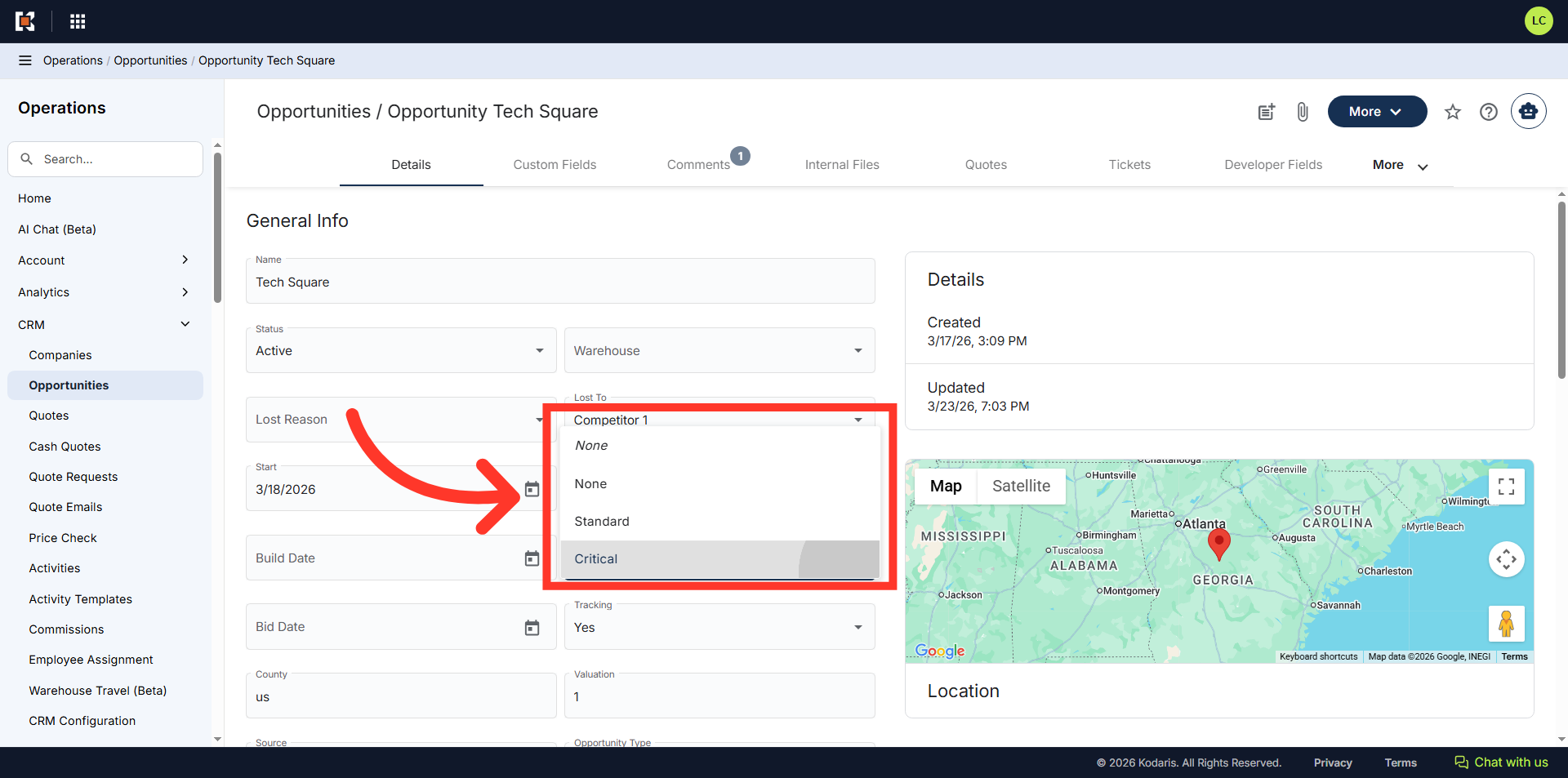
Operations System - Customize Opportunities "Importance" Dropdown
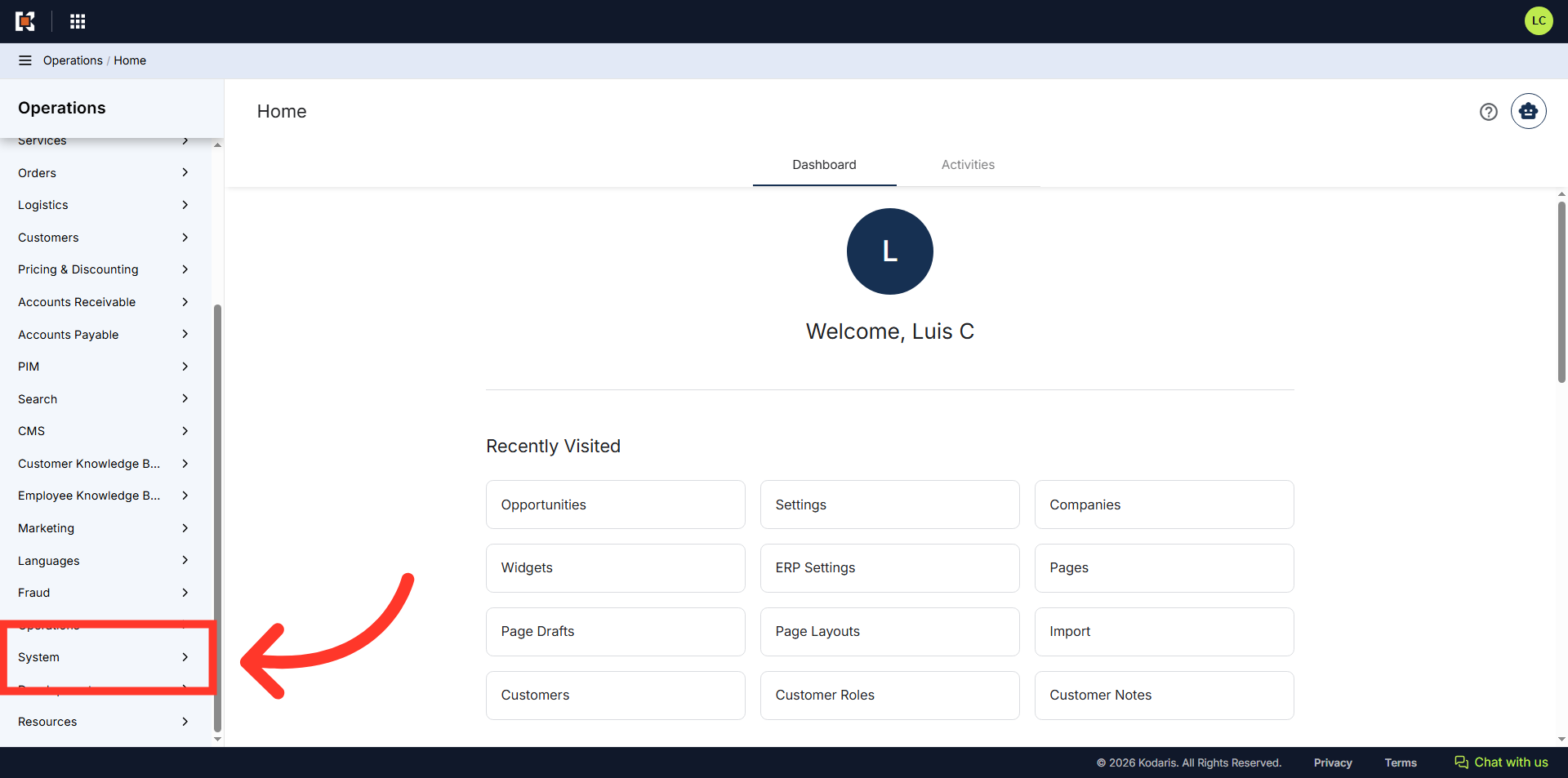
Navigate to "System"
You can customize the "Importance" dropdown to include selections relevant to your workflow for Opportunities. To begin, navigate to the "System" section in the Operations Portal.
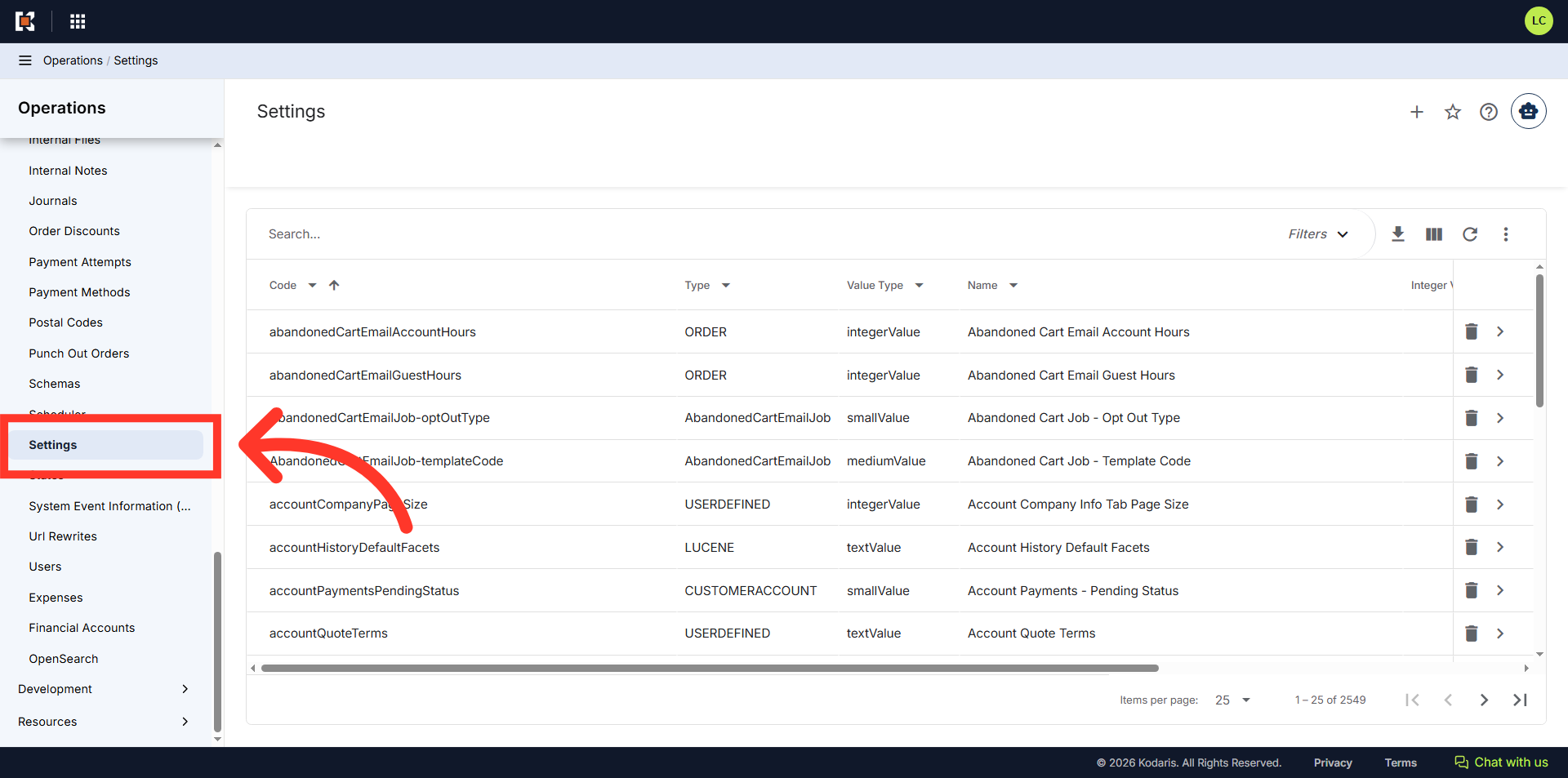
Click "Settings"
Then, click "Settings" to access the configuration list screen. In order to access and update "Settings" the account will need to be set up either as an “administrator” or a “superuser”, or have the role of: “settingEdit”.
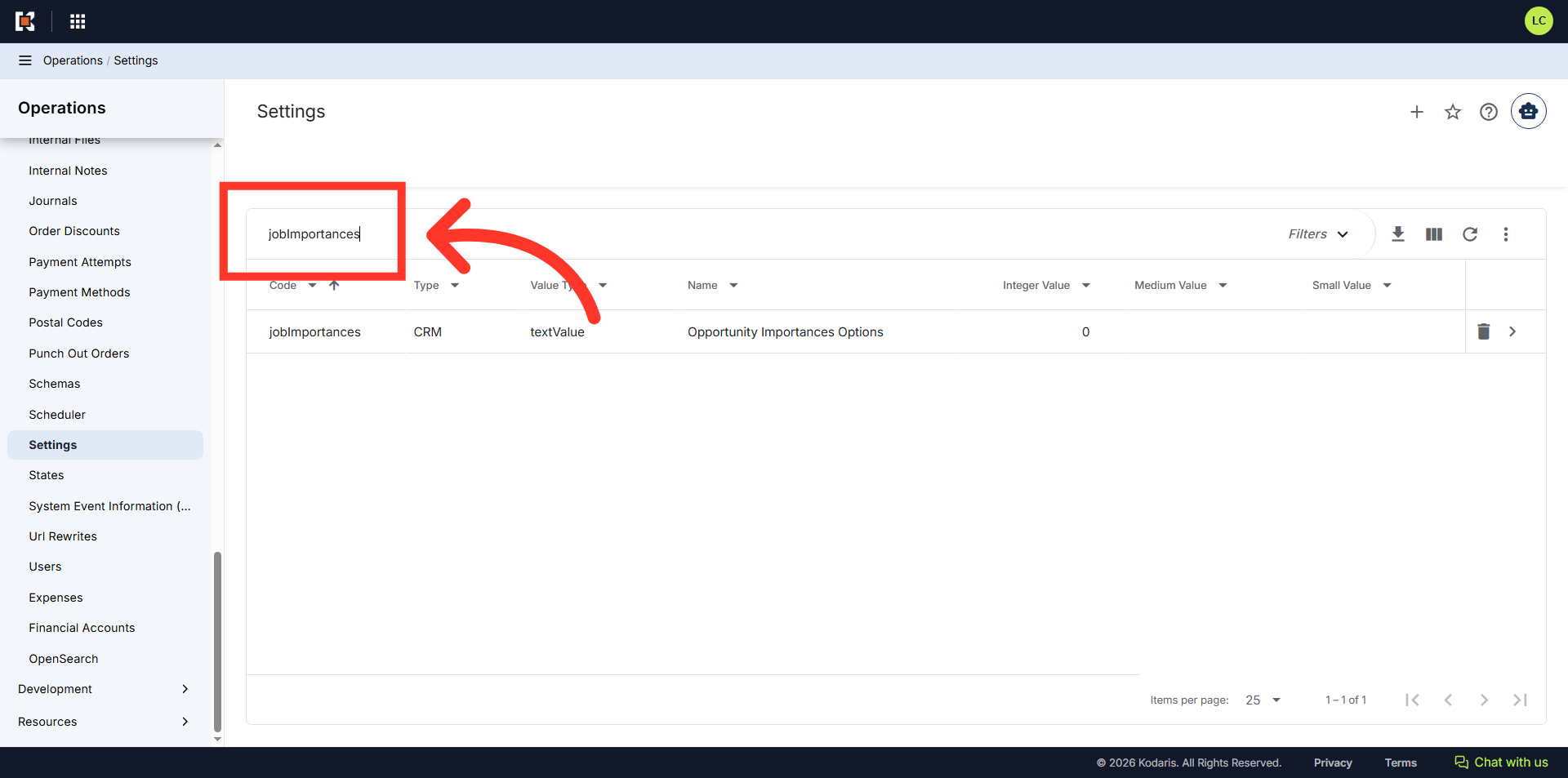
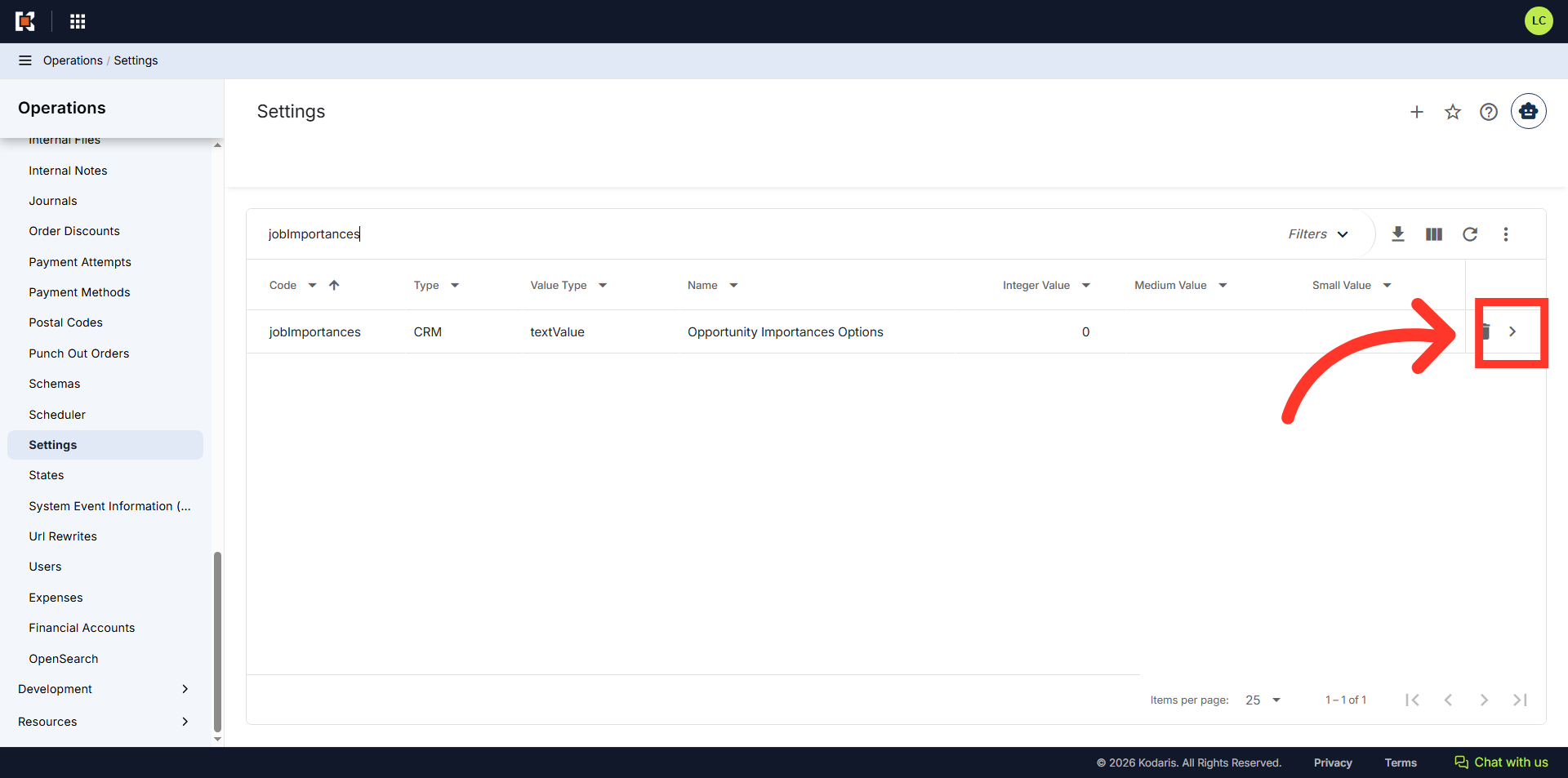
Search for "jobImportances"
Enter "jobImportances" in the search bar to locate the specific setting for managing competitor names.
Click the more details icon
Click the more details icon.
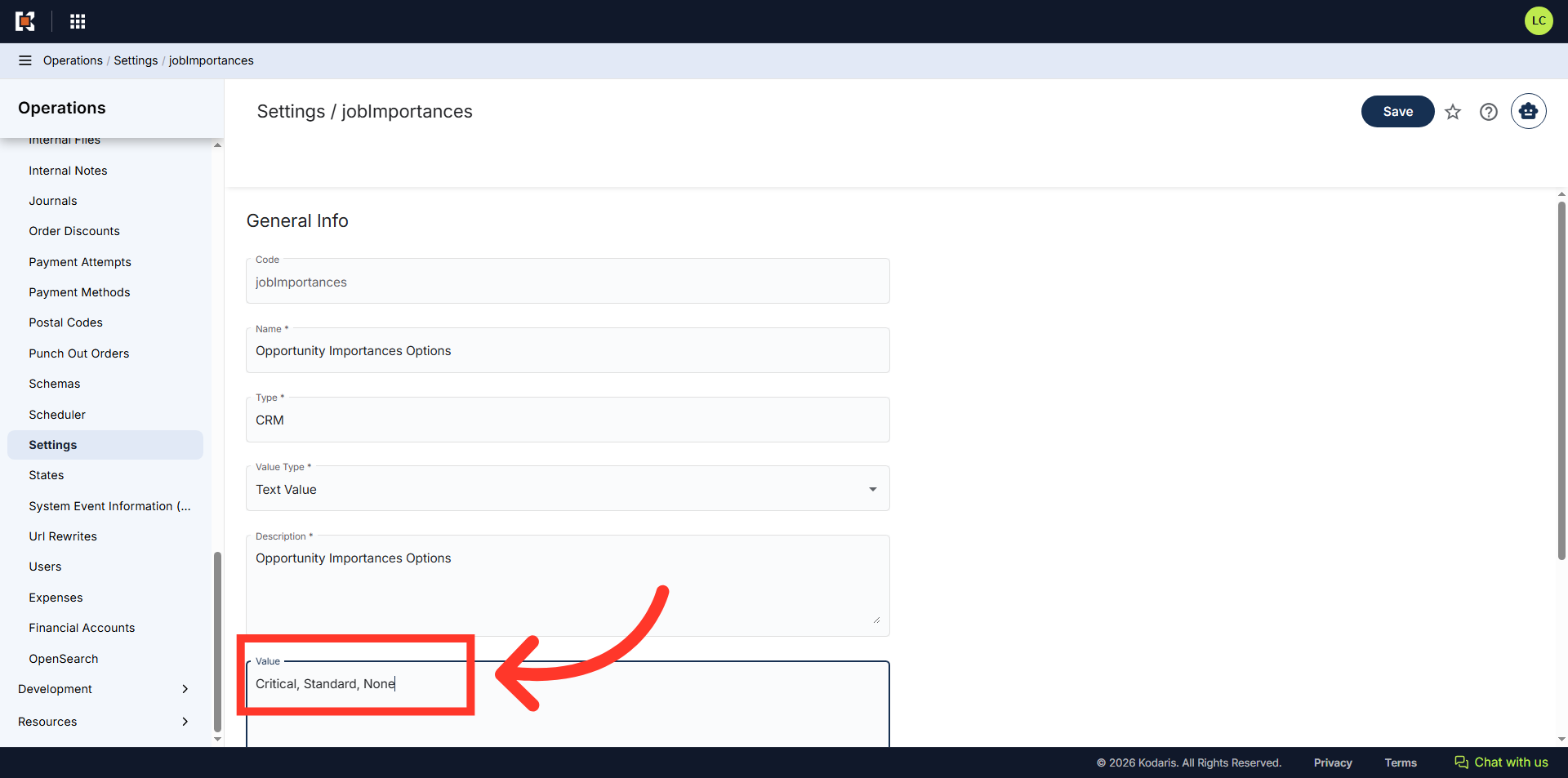
Type in options
Enter the list of "Importance" values you would like to add in the "Value" field, separated by commas.
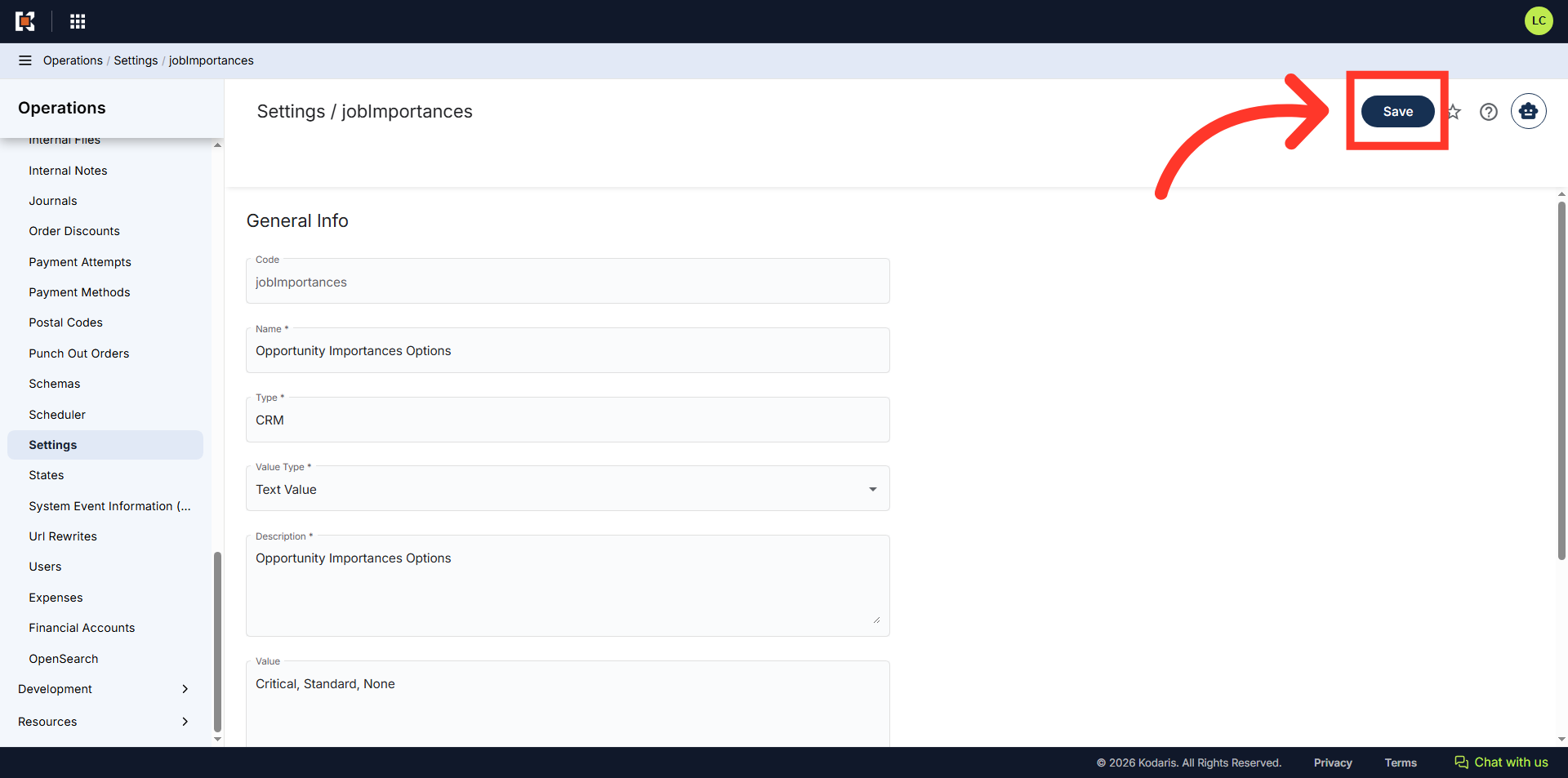
Click the "Save" button
Select the "Save" button to make the updates.
"Importance" dropdown
To verify the configured options, go to an opportunity and look for the "Importance" dropdown.
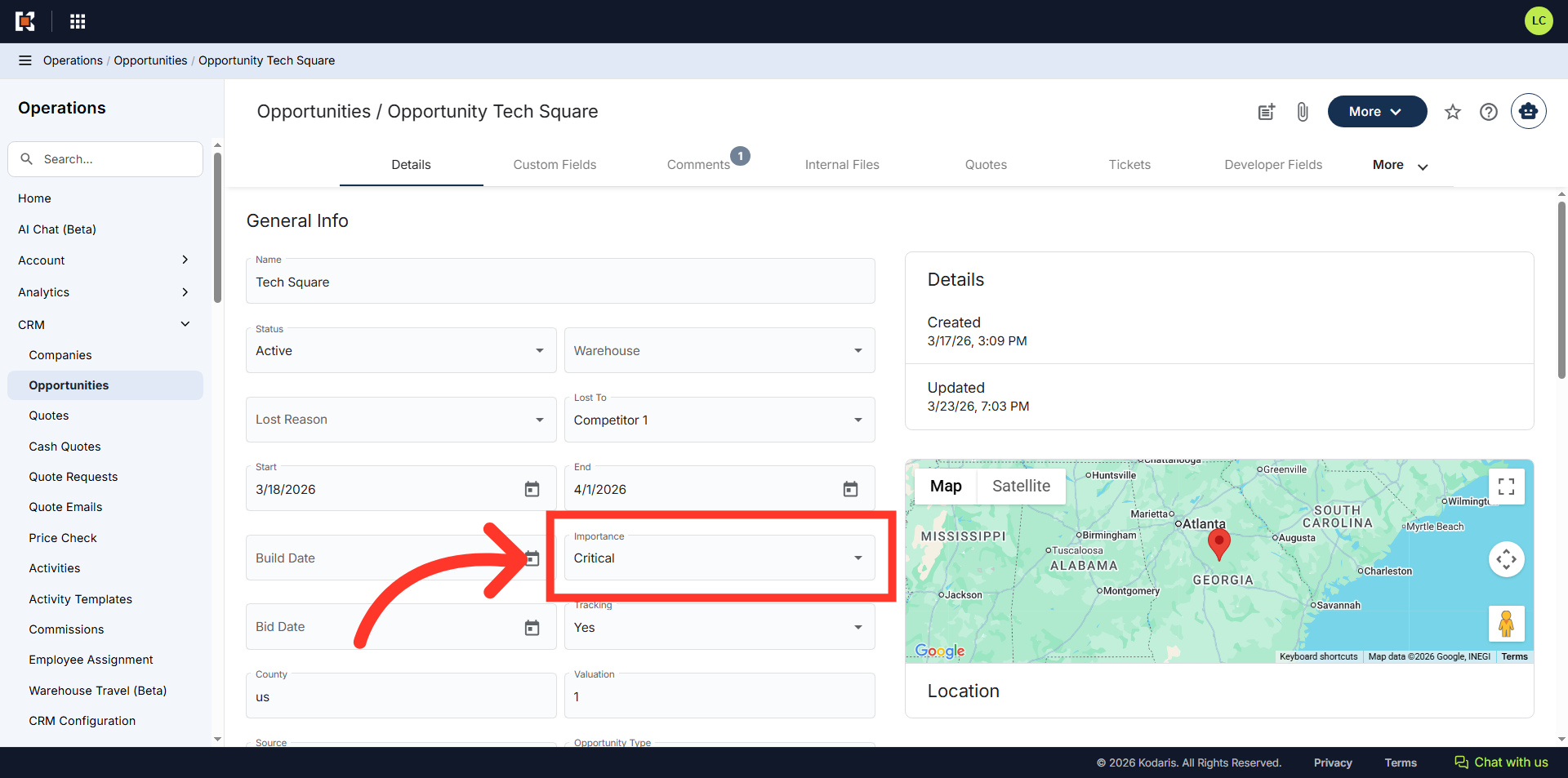
Verify the new competitors
Confirm the new options are available for selection.