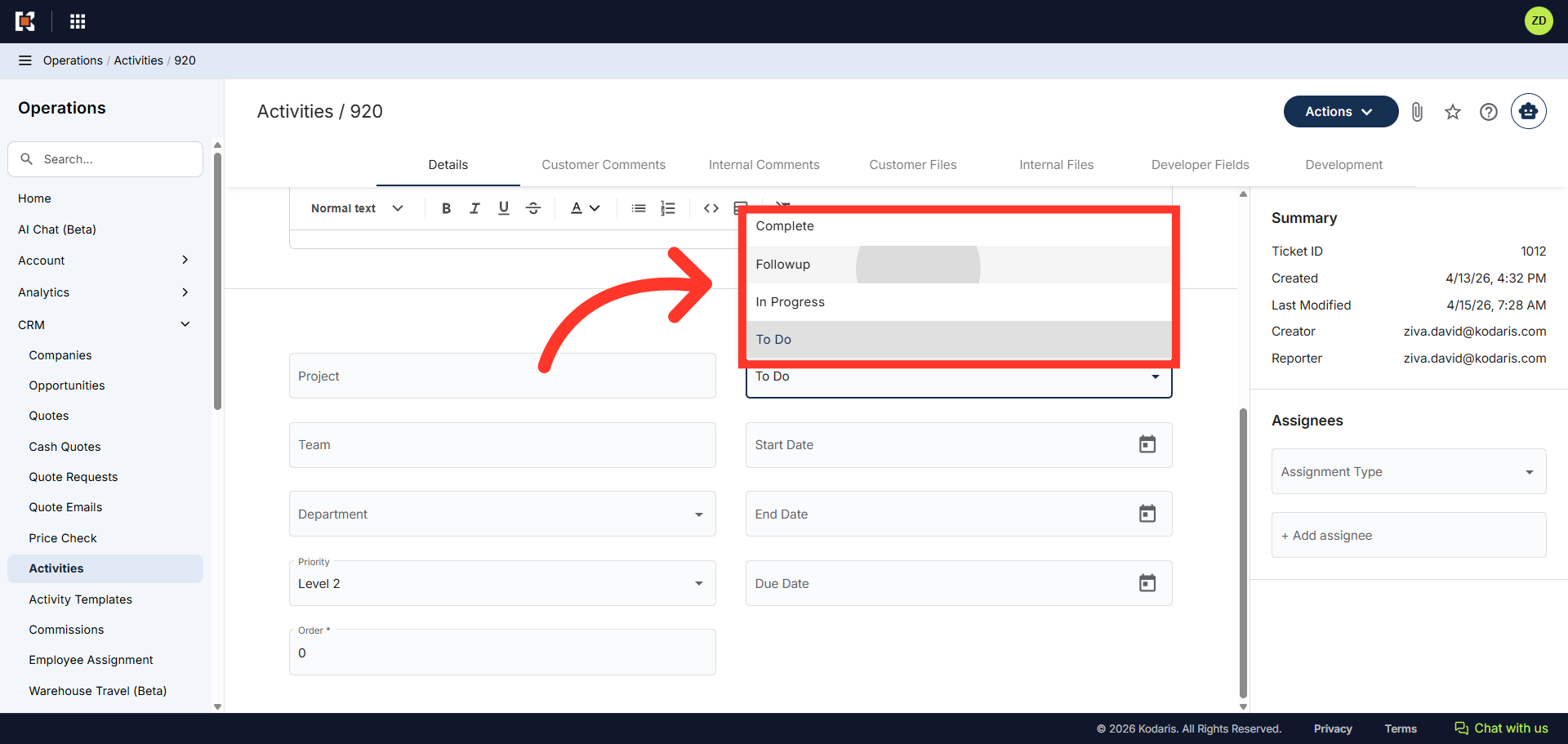
Operations System - Customize "Status" Dropdown
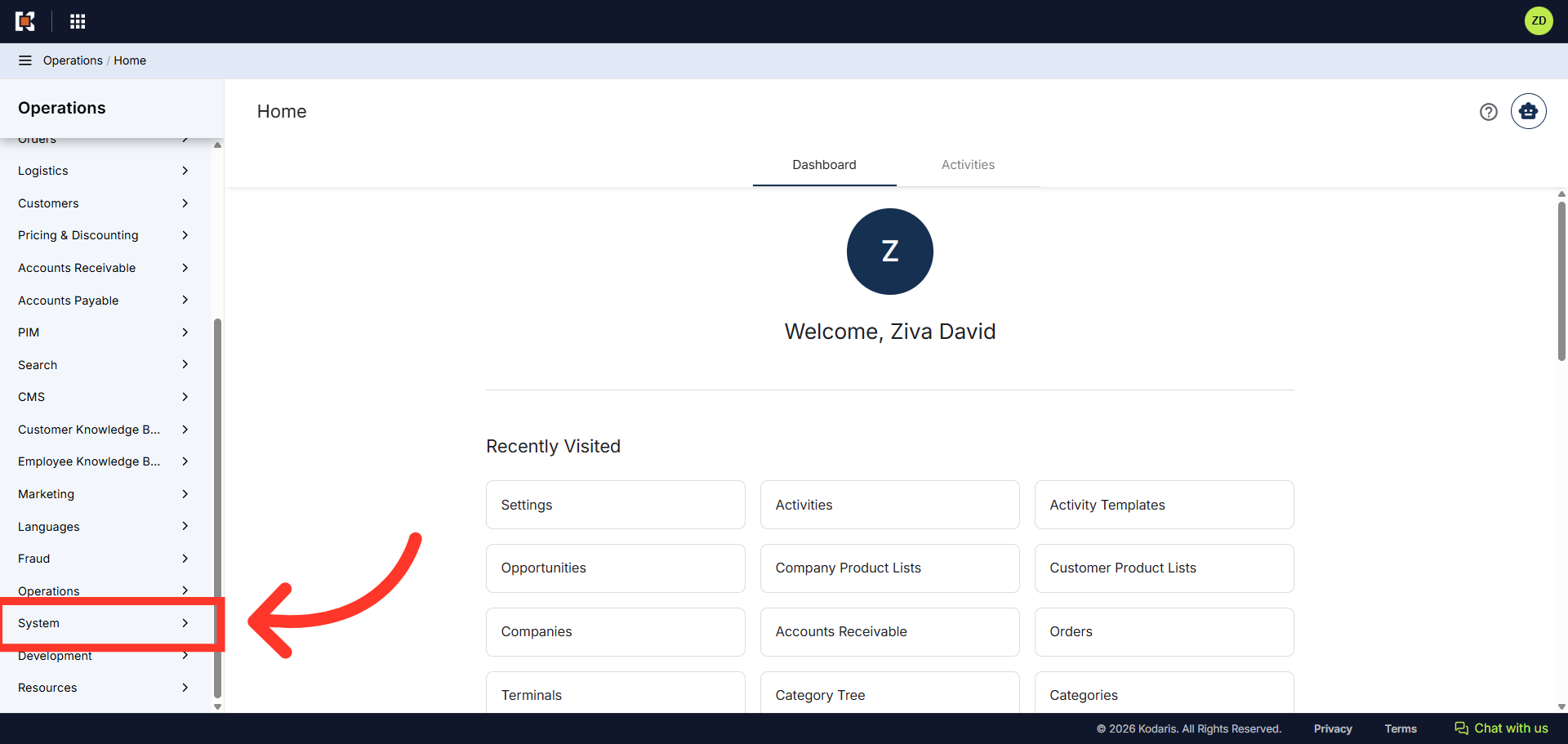
Navigate to "System"
You can customize the "Status" dropdown menu to include selections relevant to your workflow for Tickets, Ticket Templates, Activities, and Activity Templates. To begin, navigate to the "System" section in the Operations Portal.
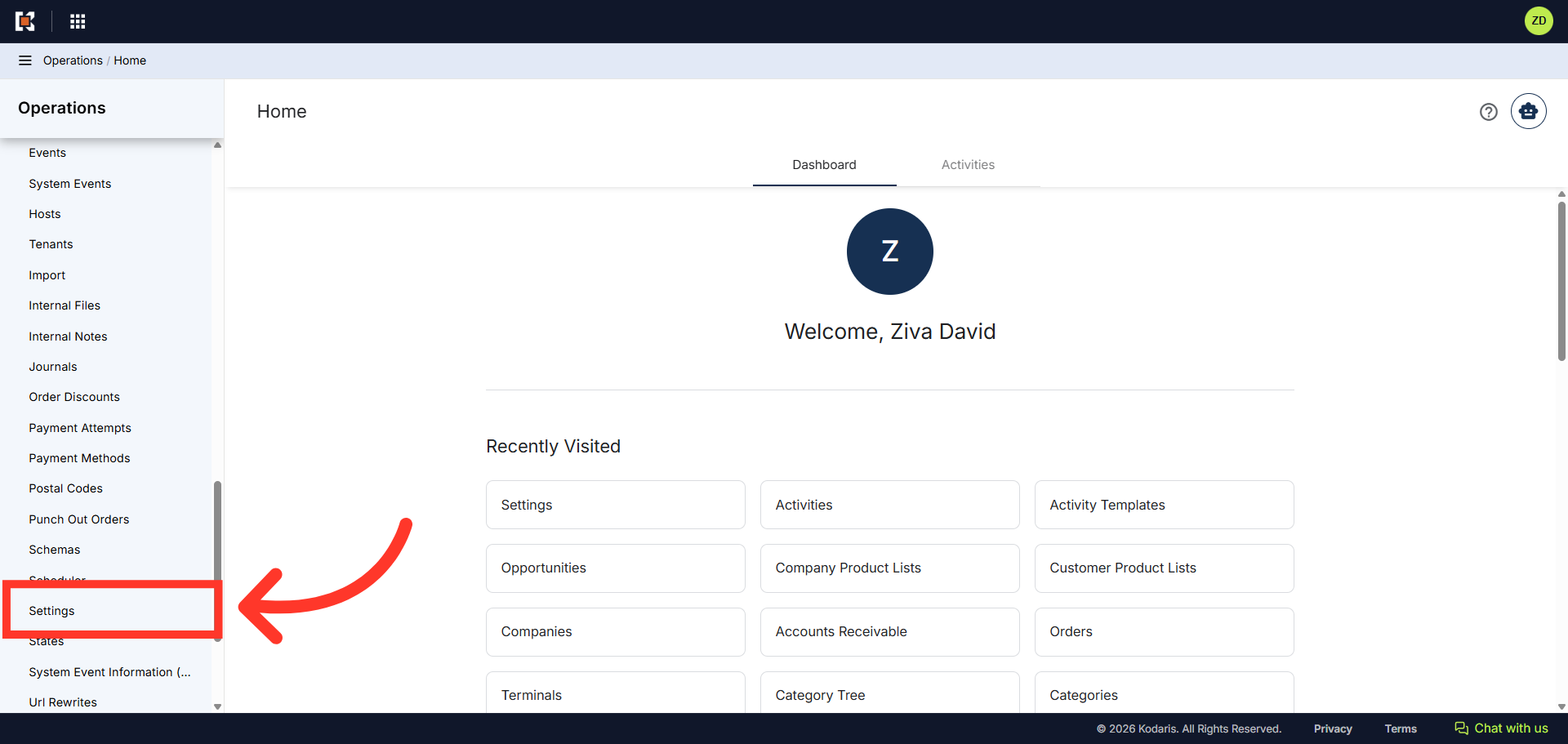
Click "Settings"
Then, click on "Settings". In order to access and edit settings, you will need to be set up either as an "administrator" or a "superuser", or have the following role: "settingEdit".
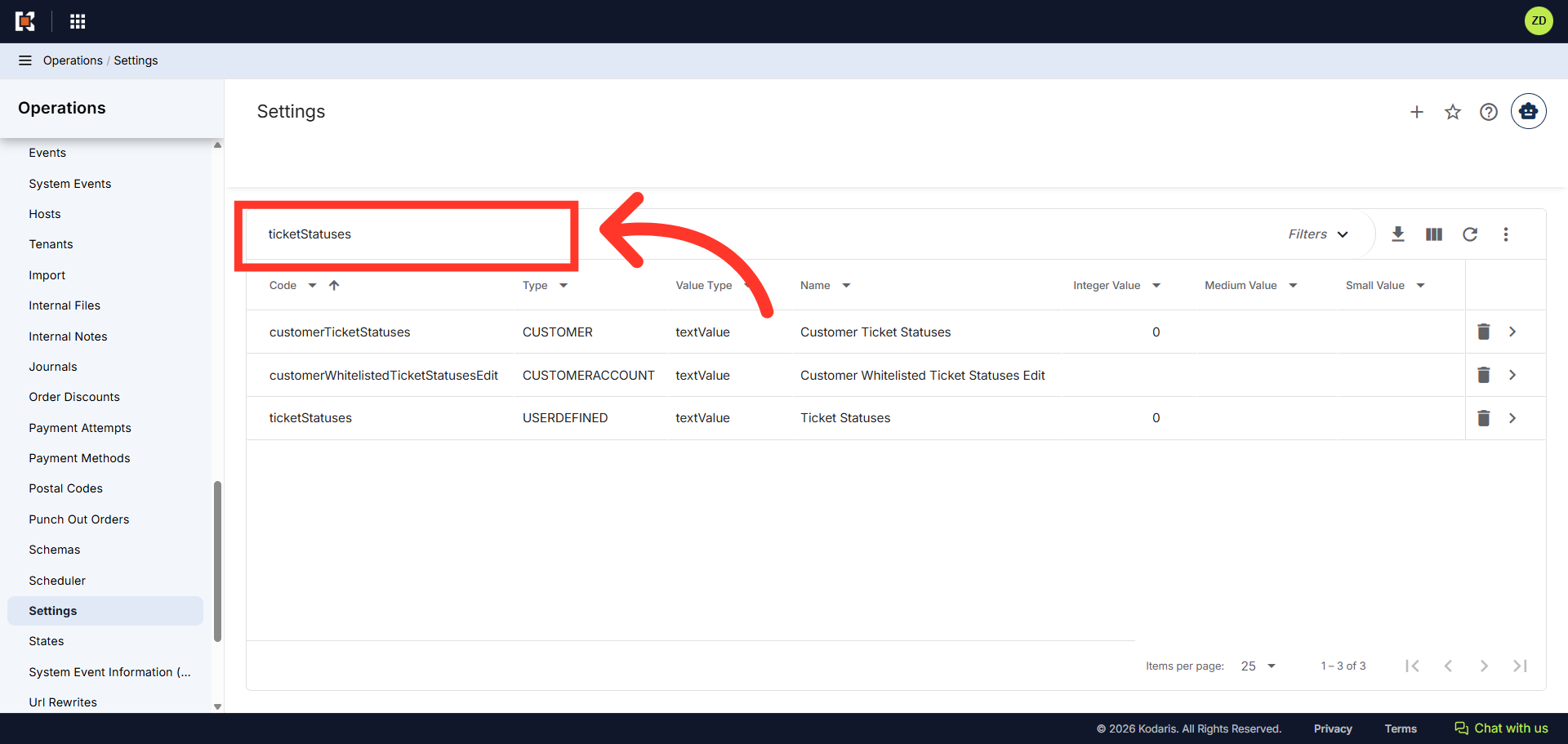
Search for "ticketStatuses"
In the "Search" field, search for the setting "ticketStatuses".
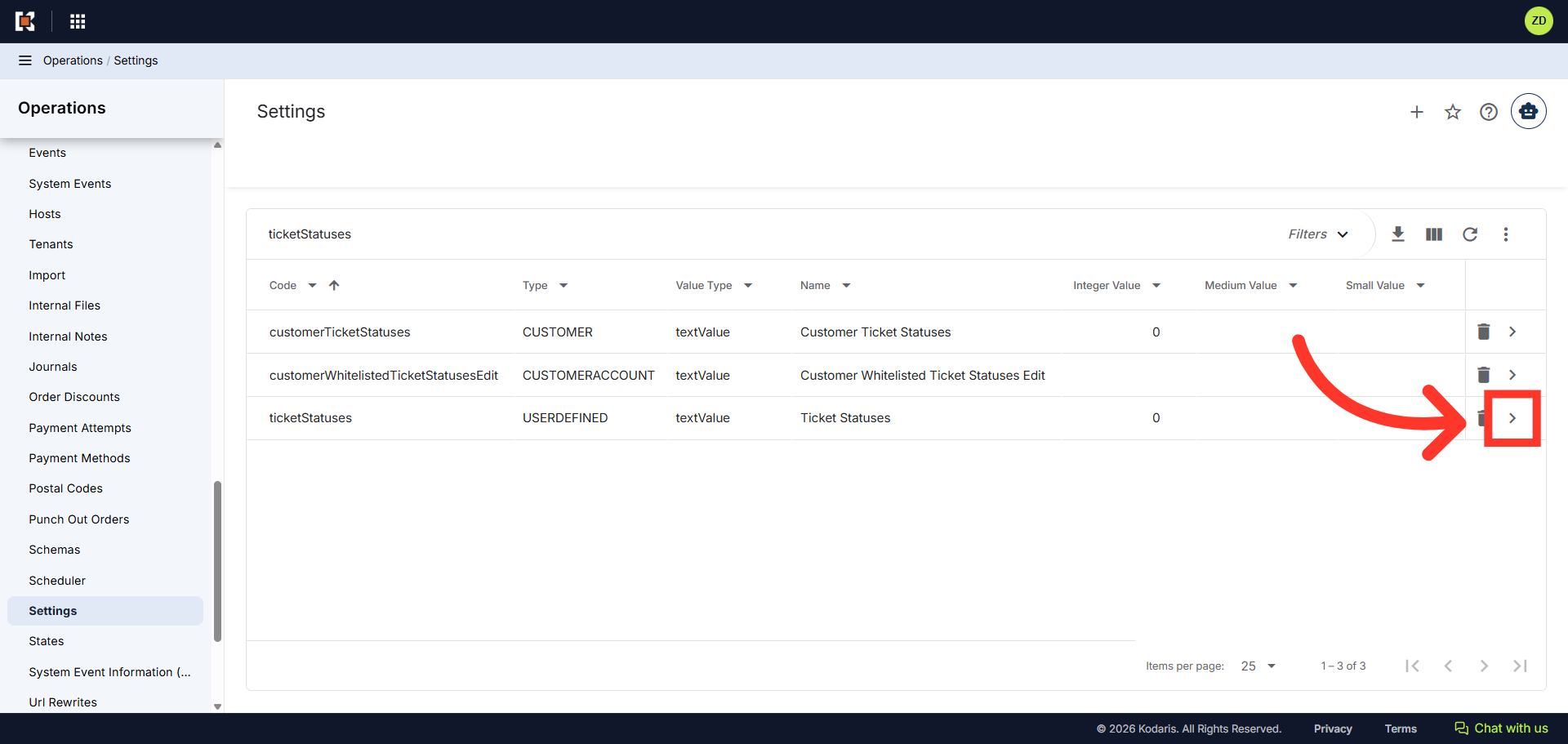
Click the more details icon
Then, click on the more details icon for the "ticketStatuses" setting in the list.
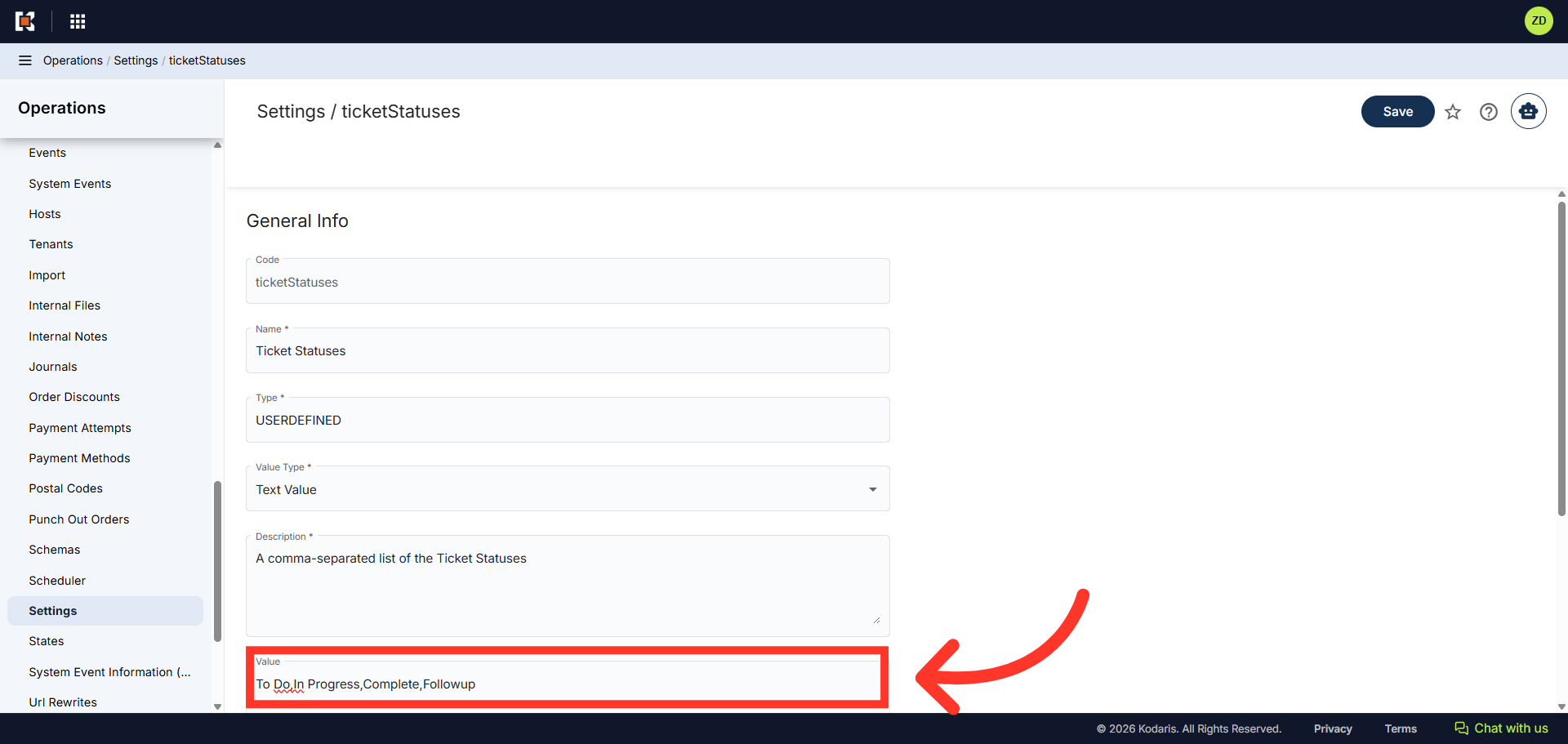
Update the "Value" field
In the "Value" field, enter the names of the statuses you want to add to the dropdown menu. Use a comma to separate each status.
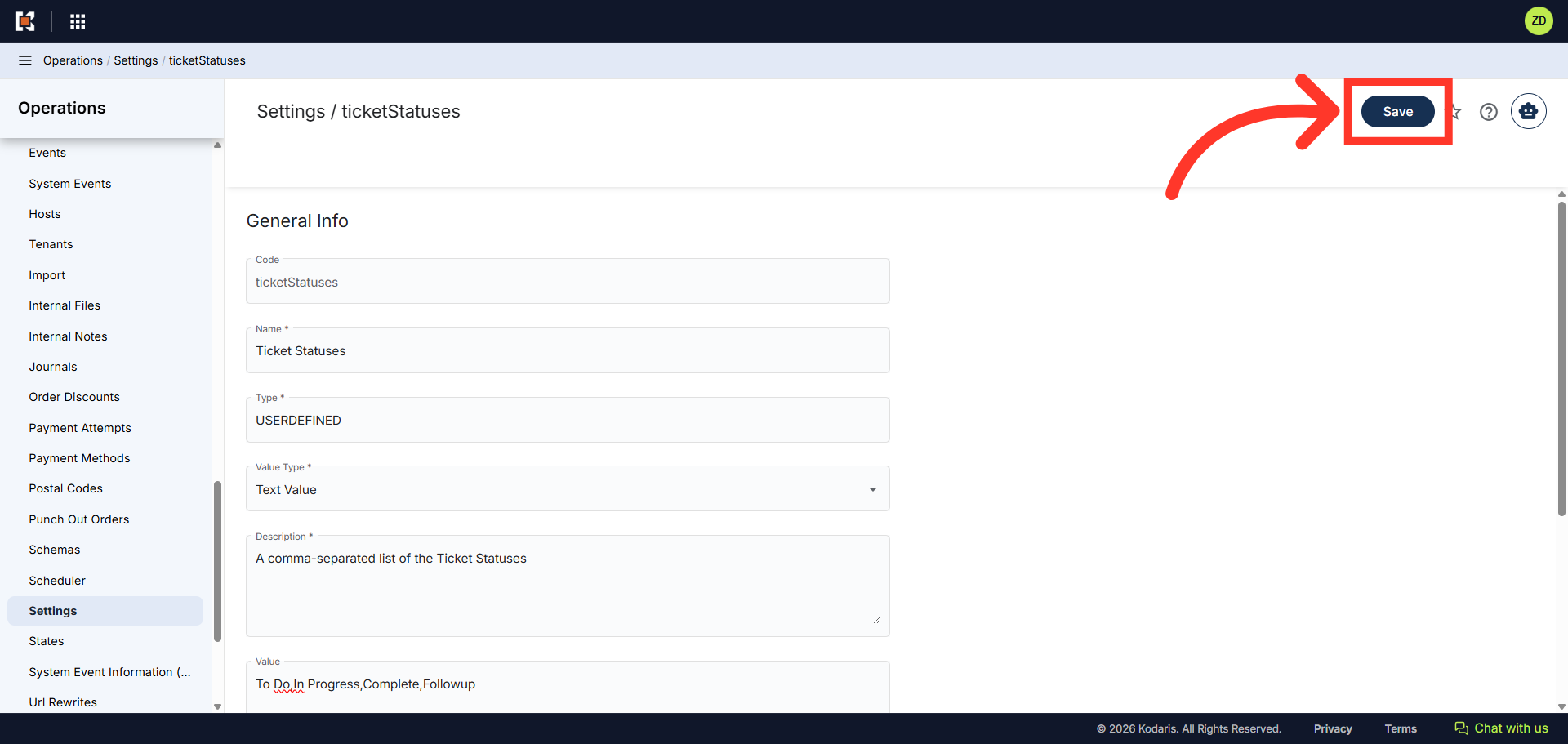
Click "Save"
Then, click the "Save" button to save your ticket status updates.
Verify the Updated Values
To verify the update, go to a ticket or an activity and check the options in the "Status" dropdown.