Operations CRM - Add Internal Comment to Opportunity
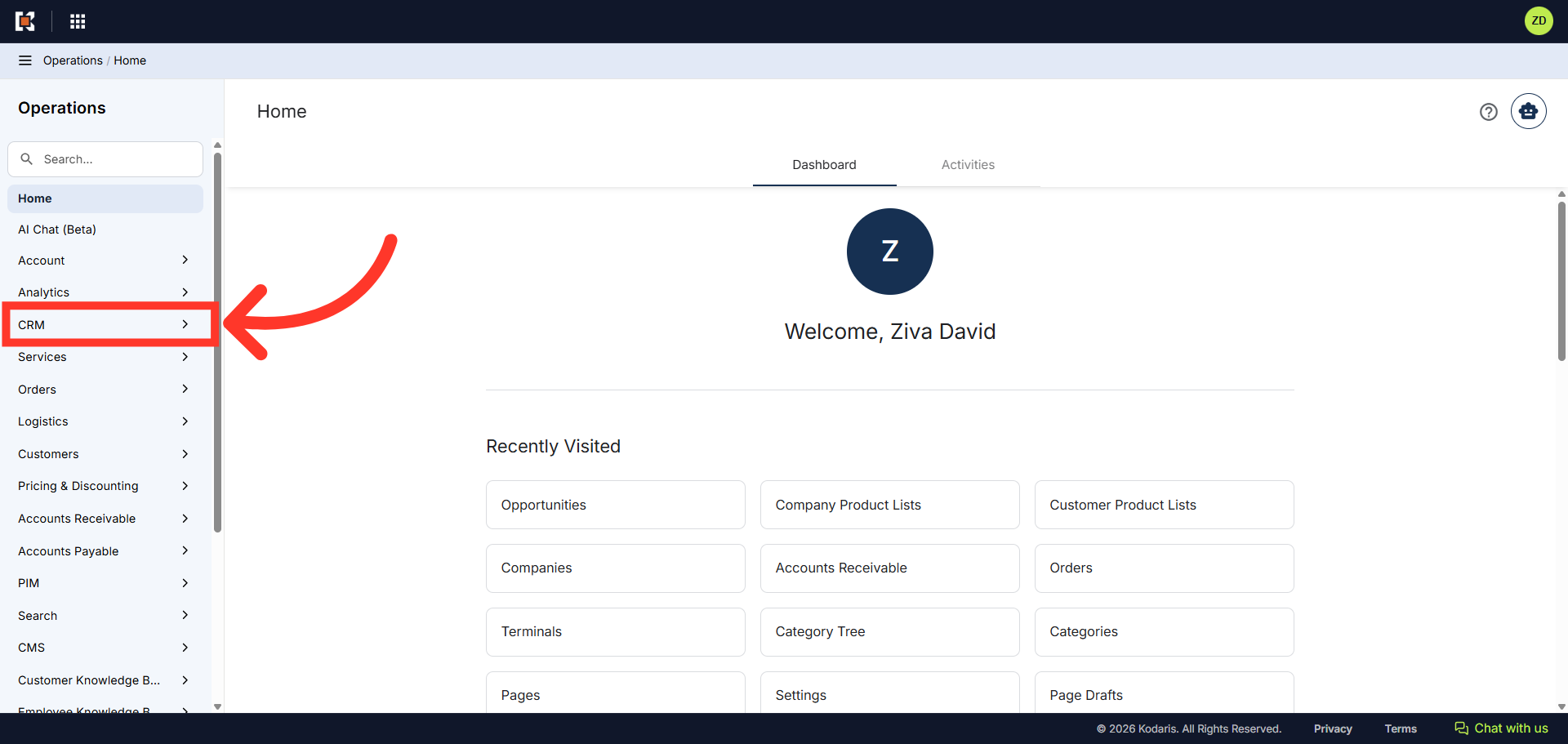
Navigate to "CRM"
To add an internal comment to an Opportunity, first navigate to the "CRM" section in the Operations Portal.
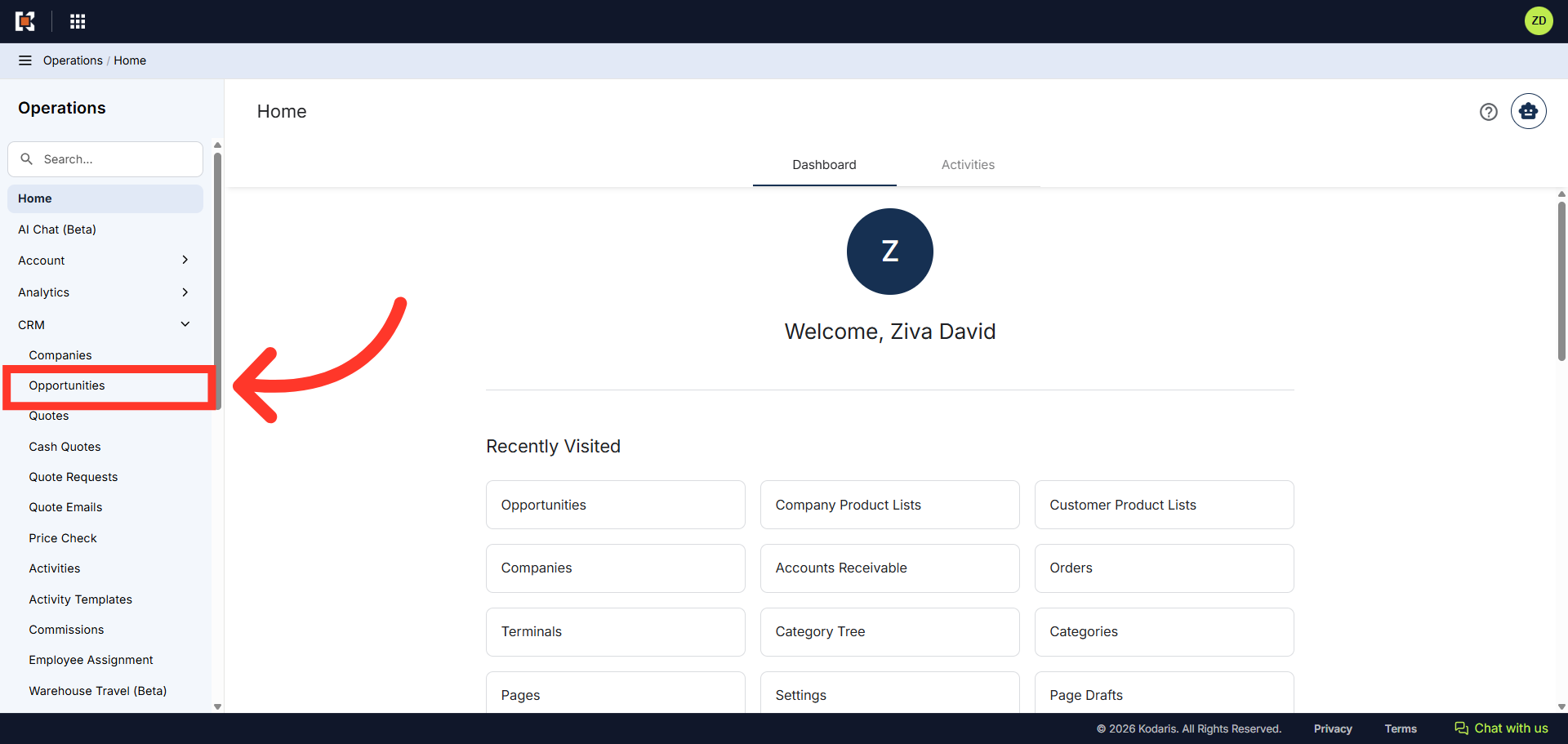
Click "Opportunities"
Then, click "Opportunities". In order to access and update "Opportunities" you will need to be set up either as an "administrator" or a "superuser", or have the roles of: "accountQuoting" and "dashboardSearch", and "leadEdit".
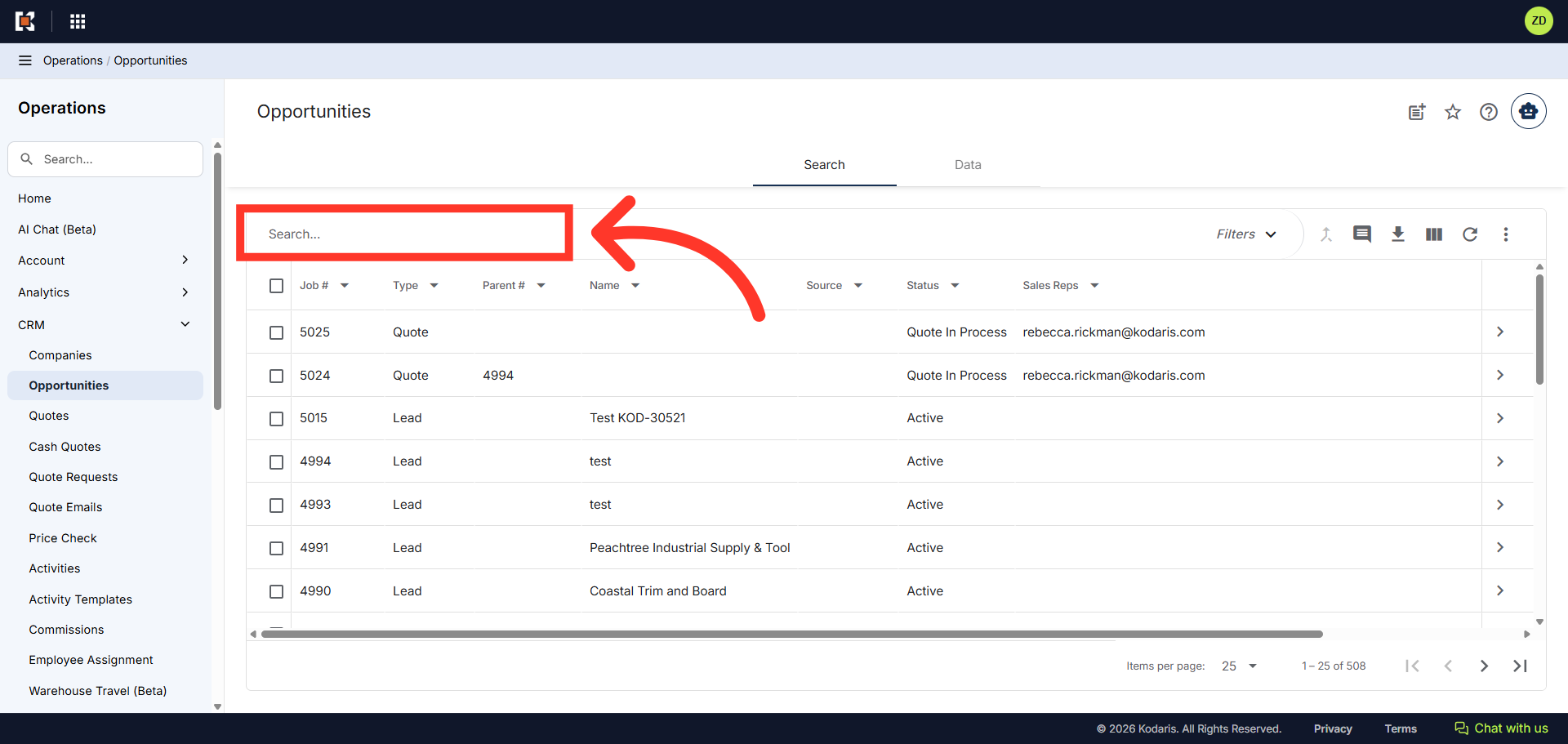
Search for the opportunity
On the opportunity search screen, locate the opportunity you wish to add a comment to in the "Search..." field.
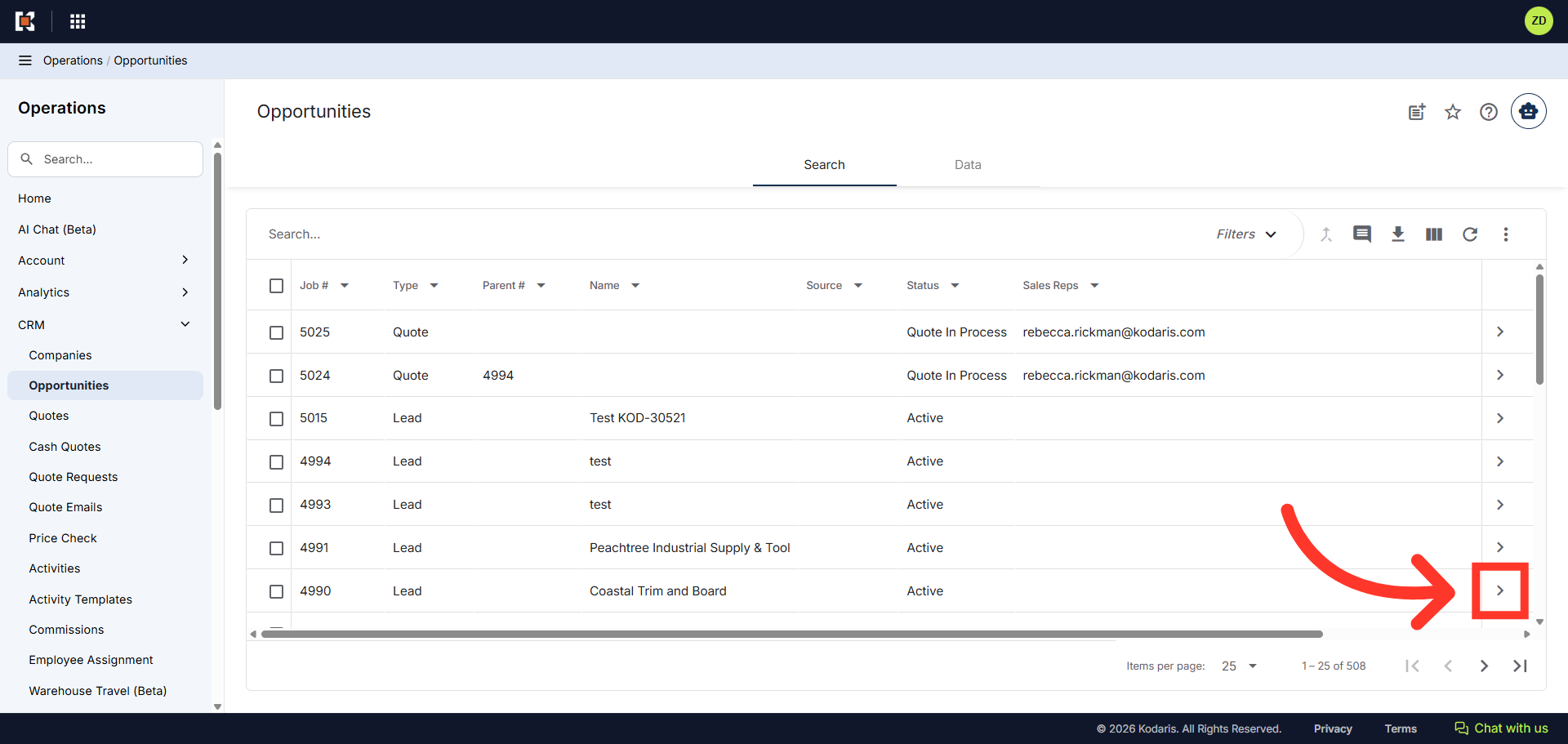
Click on the more details icon
Click on the more details icon to view opportunity details.
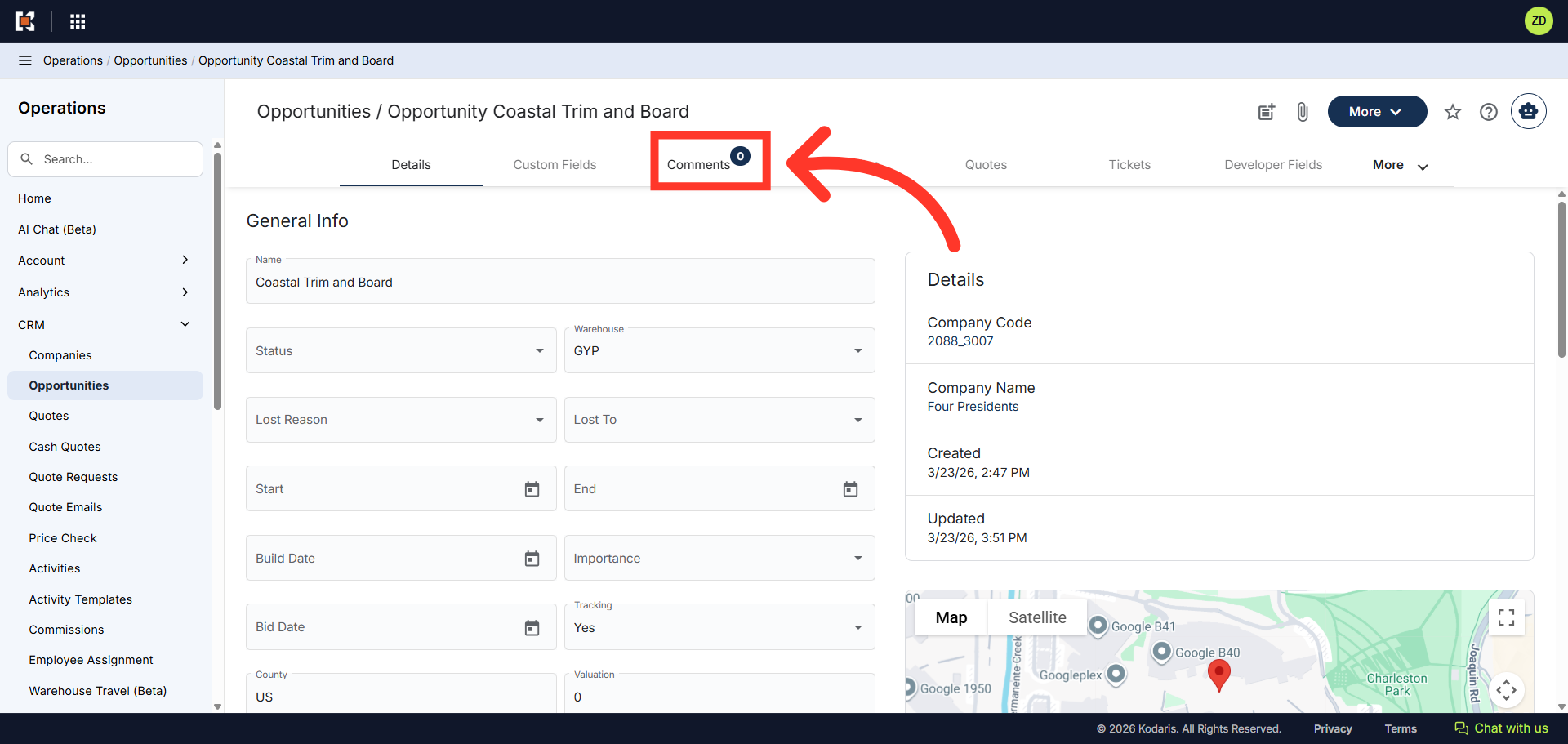
Go to the "Comments" tab
Then, go to the "Comments" tab.
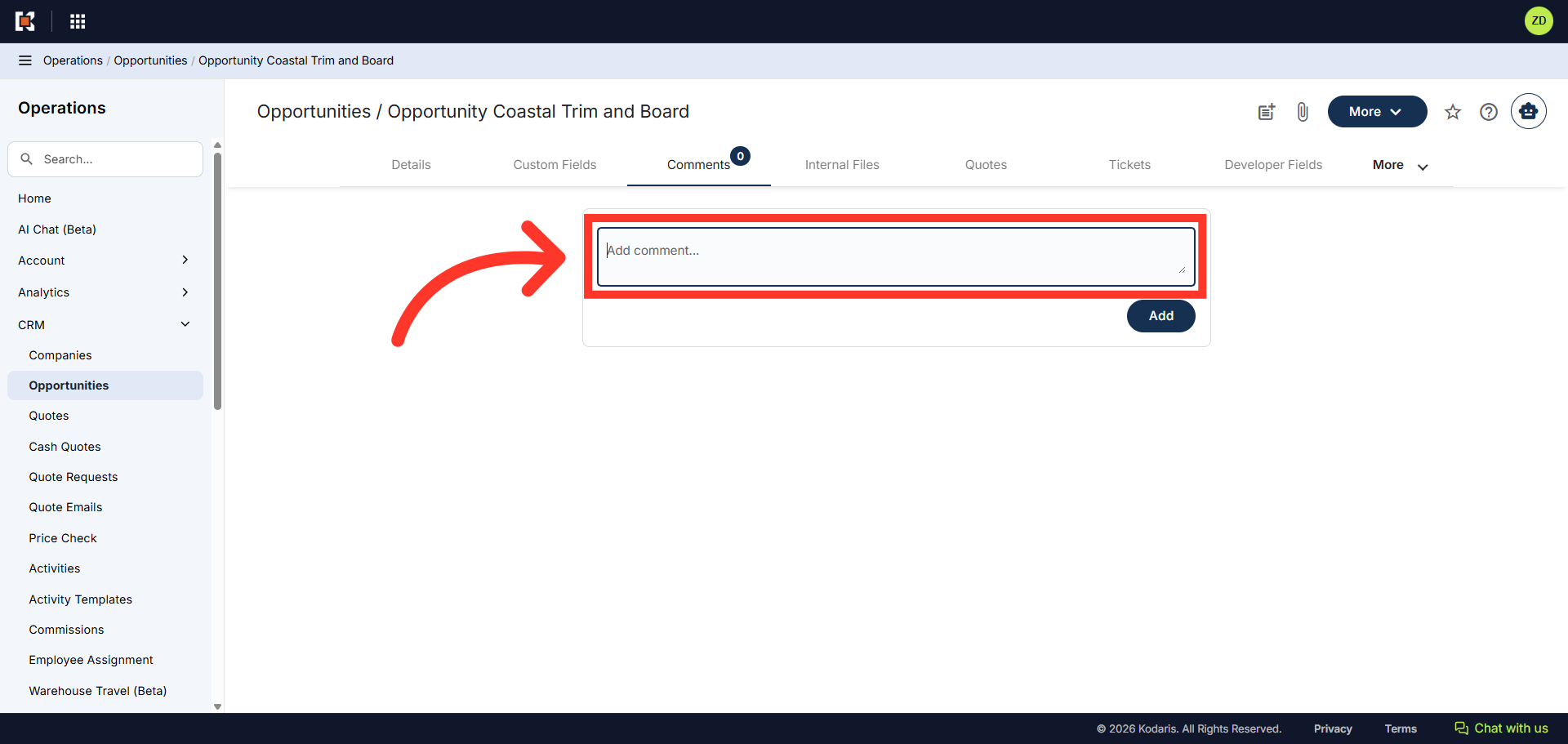
Add a Comment
Click into the "Add comment" field to start typing a new comment.
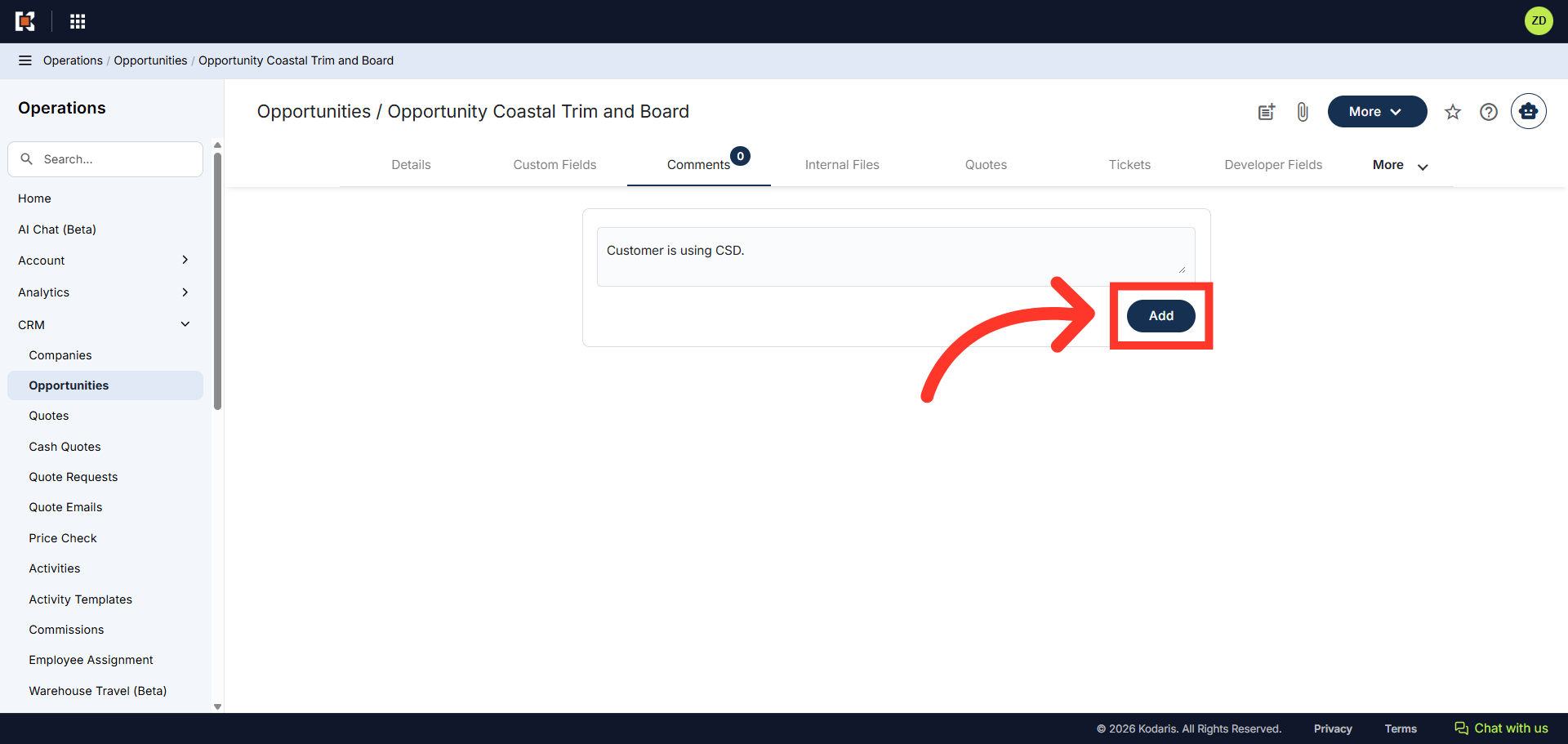
Click "Add"
Then, click the "Add" button to add the comment.
Comment has been added
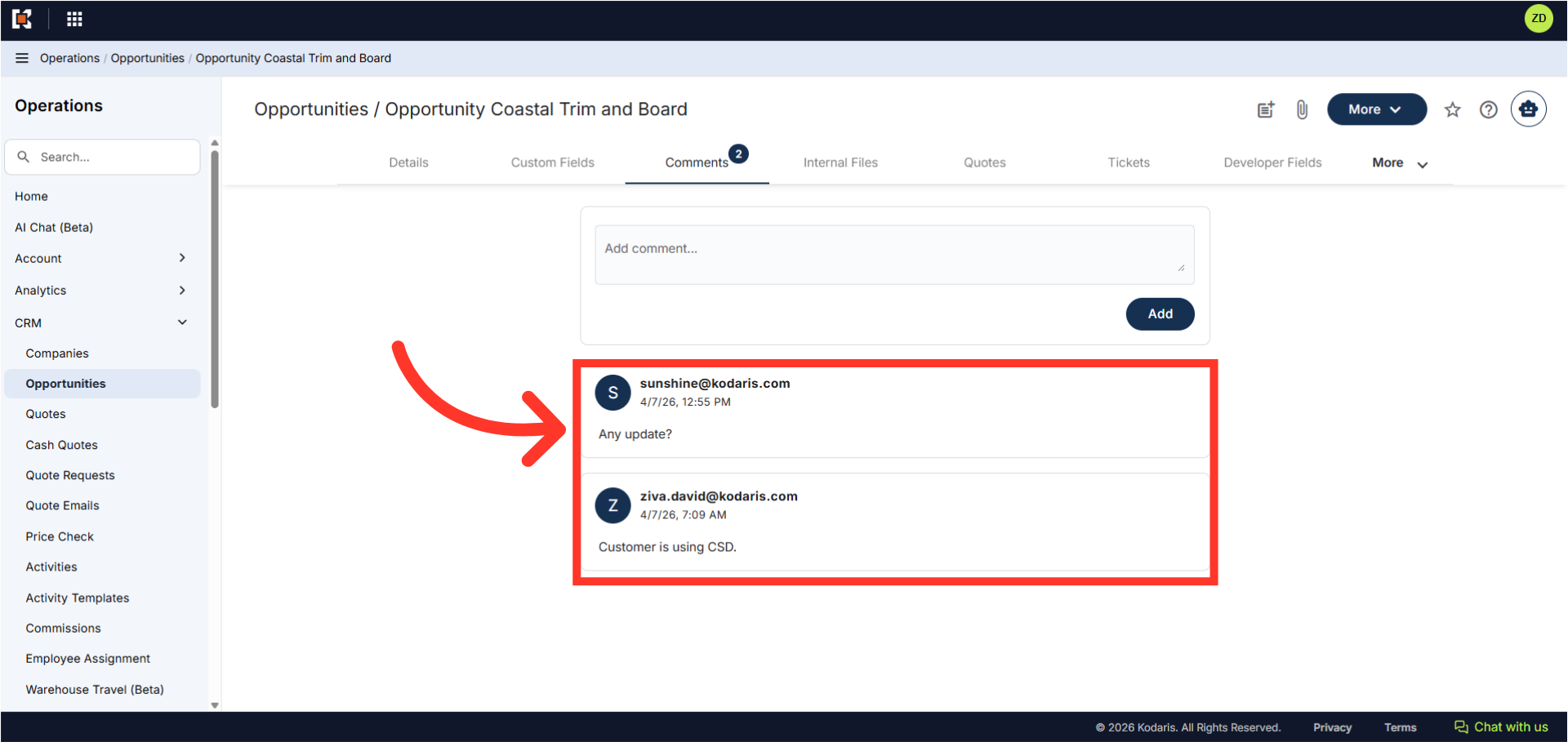
The comment has been added to the opportunity with a date and time stamp. Just as a reminder, internal comments are only visible to users that have access to this screen in the operations portal.
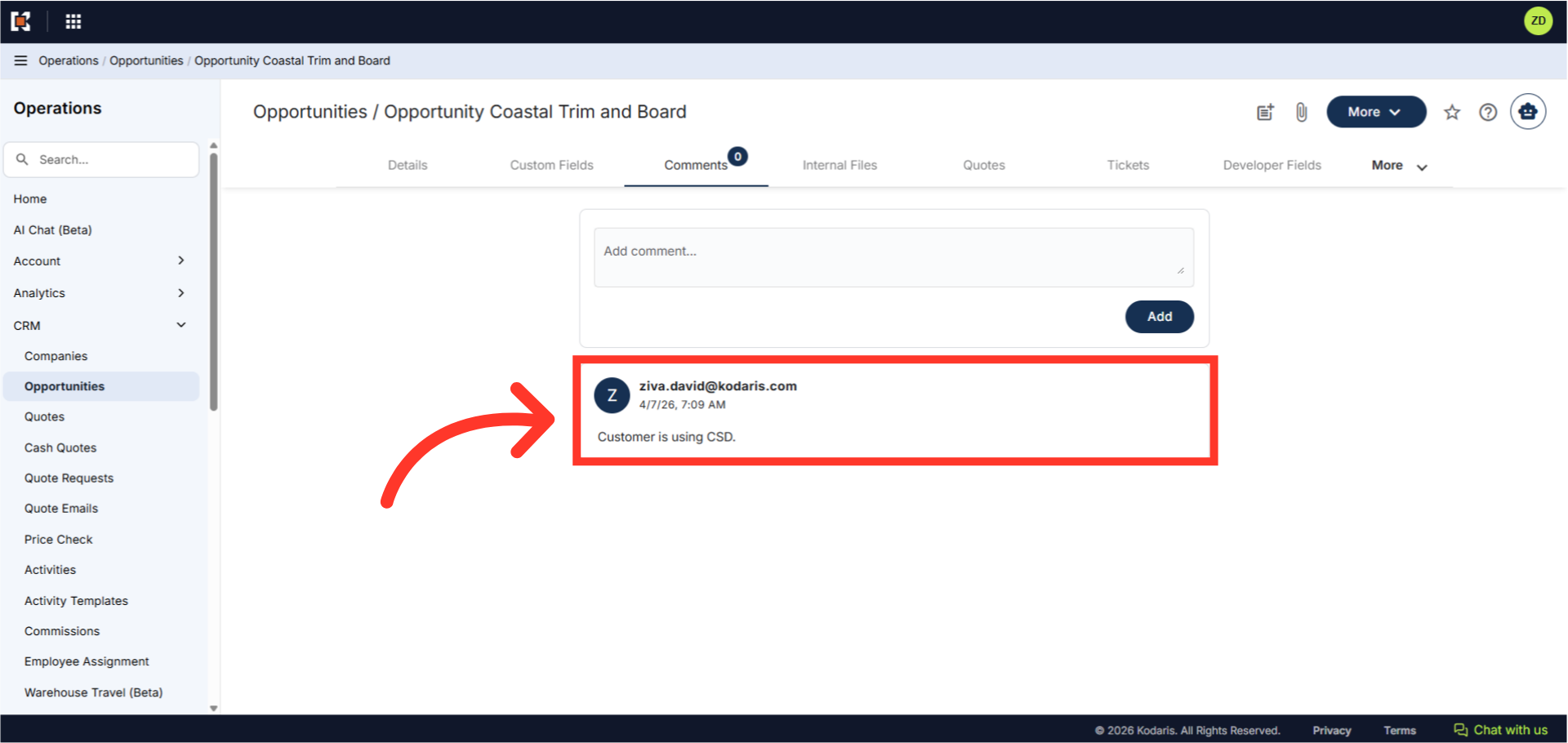
Comments display
Comments are displayed with the most recent comment listed first. This reduces scrolling through comments to find the latest one. The comment count on the tab will automatically updates when new comments are added.