Operations Services - Using Filters on the Ticket Data Screen
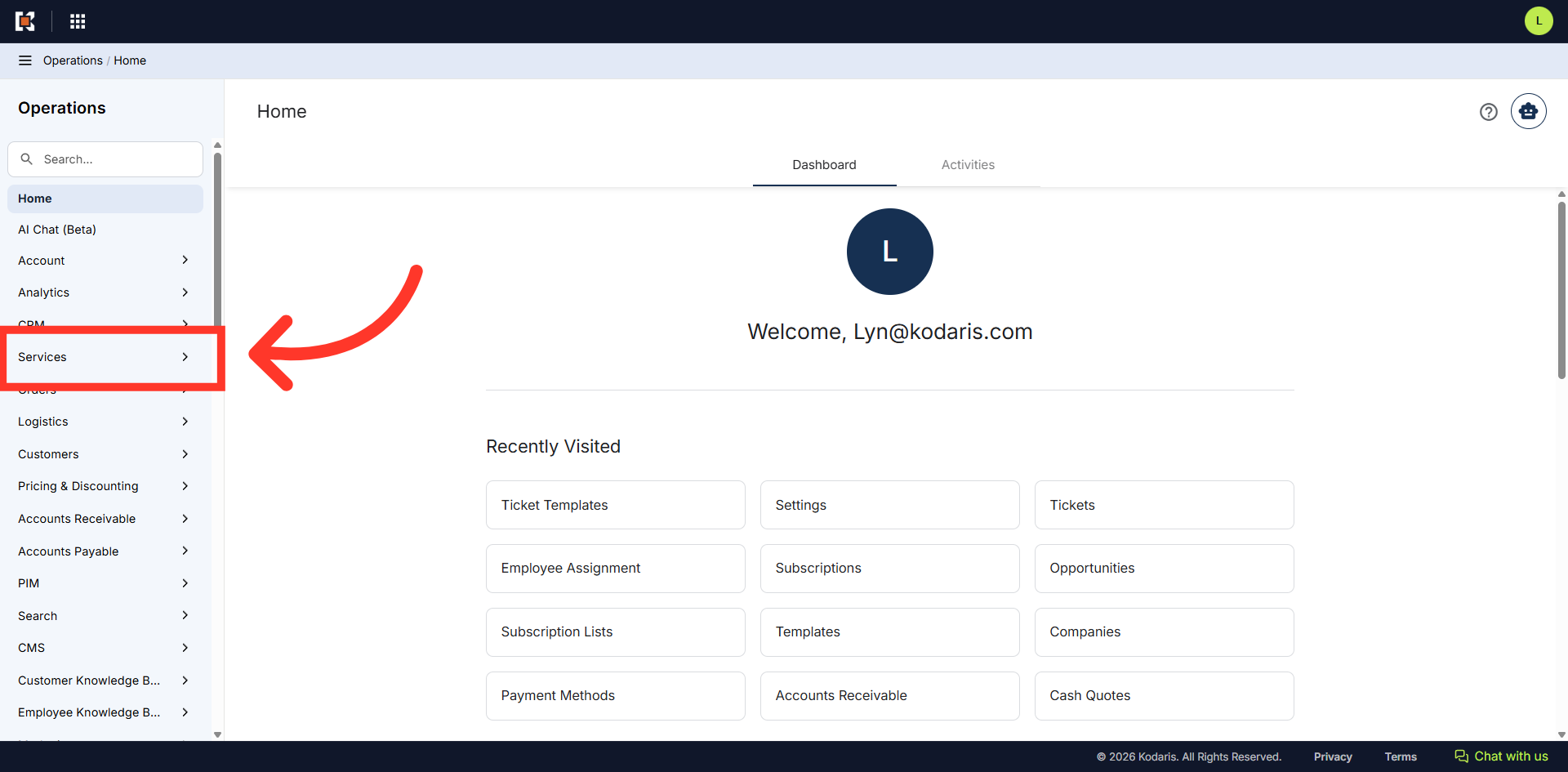
Navigate to "Services"
To filter by fields on the ticket data screen, navigate to the "Services" section in the Operations Portal.
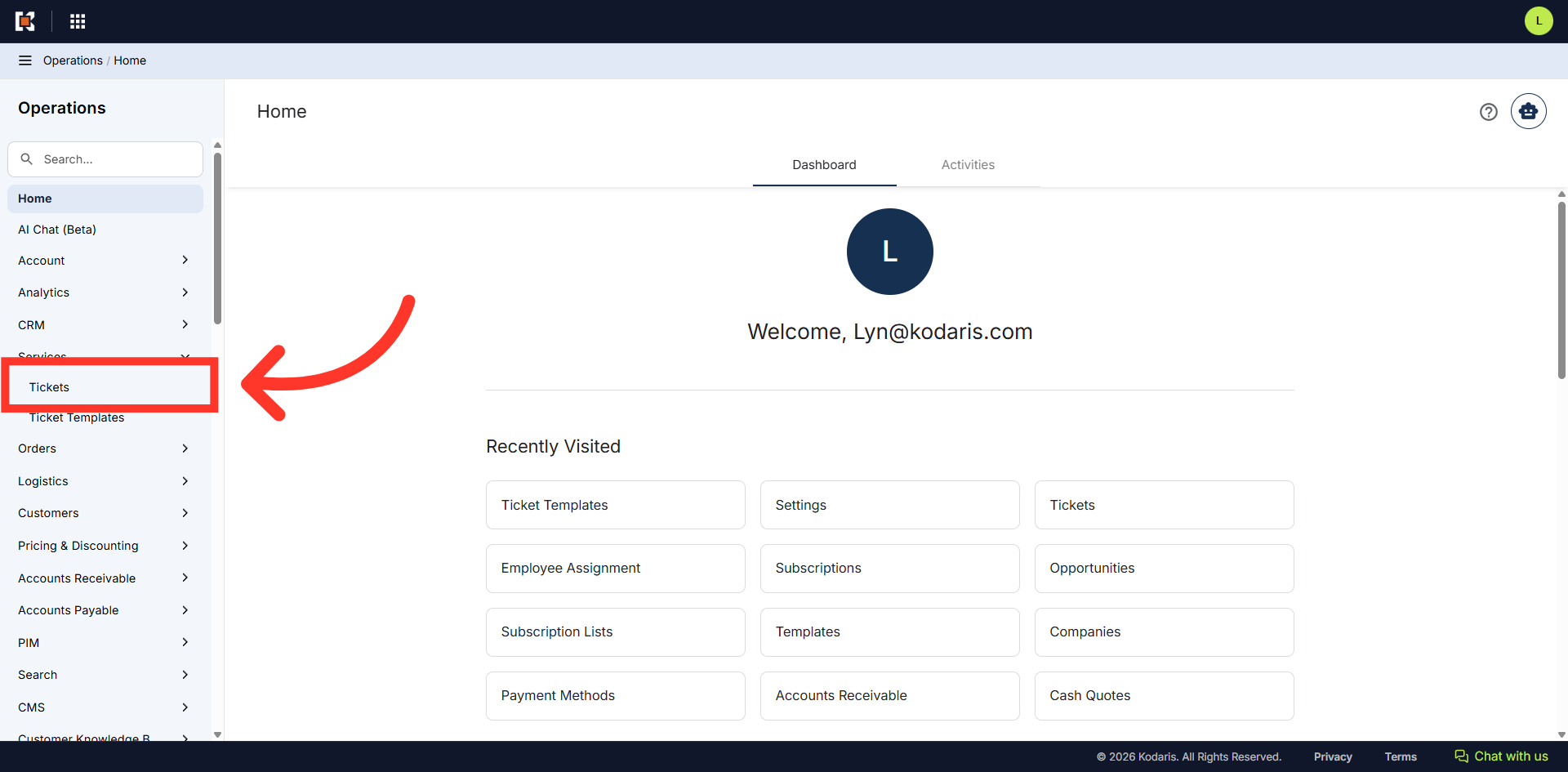
Click "Tickets"
In order to access and update "Tickets" you will need to be set up either as an "administrator" or a "superuser", or have the role of: "ticketEdit" or “ticketEditAssigned”. The "ticketEditAssigned" role only allows users to edit tickets that are assigned to them.
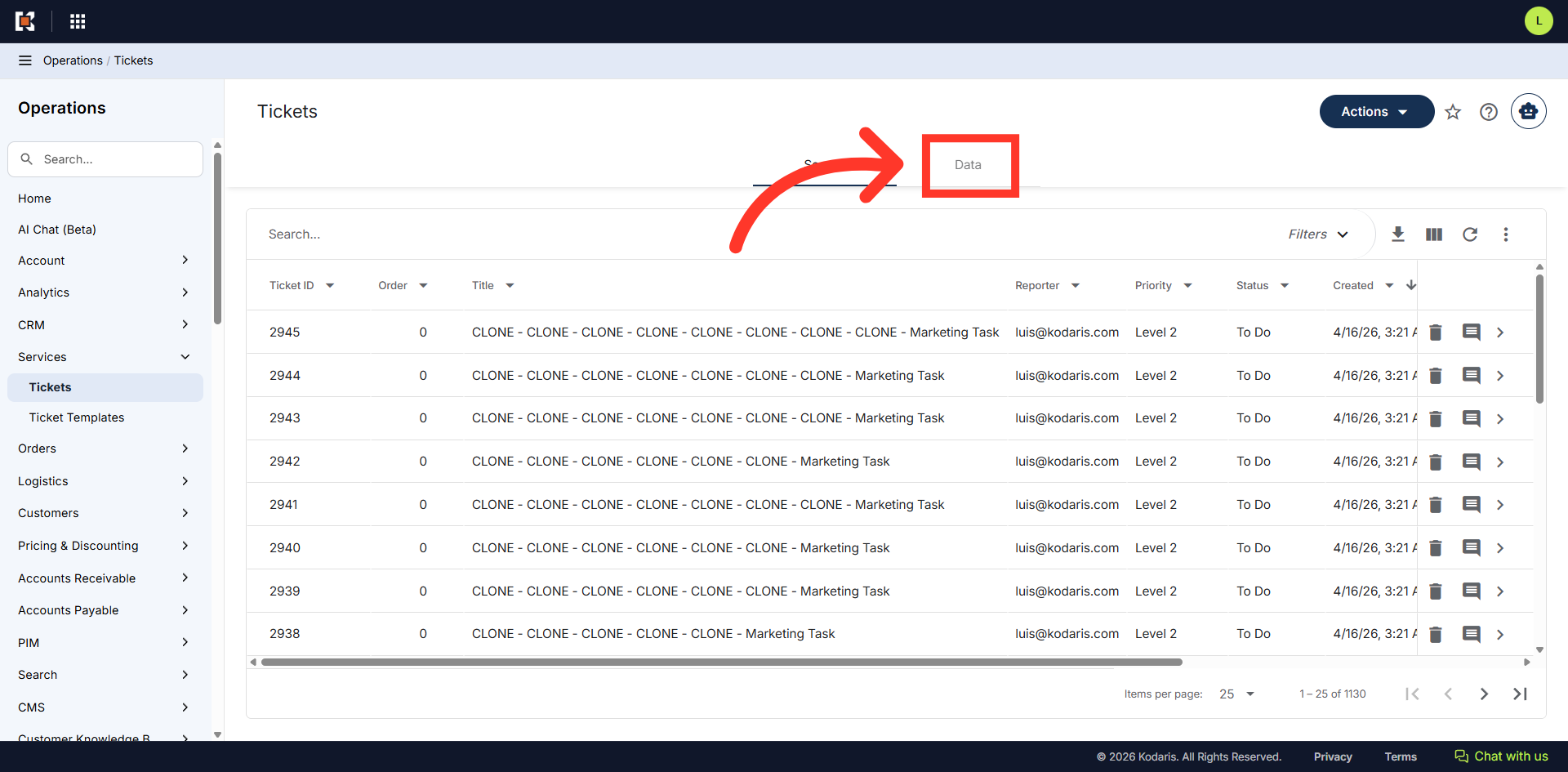
Go to "Data" tab
Click the "Data" tab.
Filterable fields
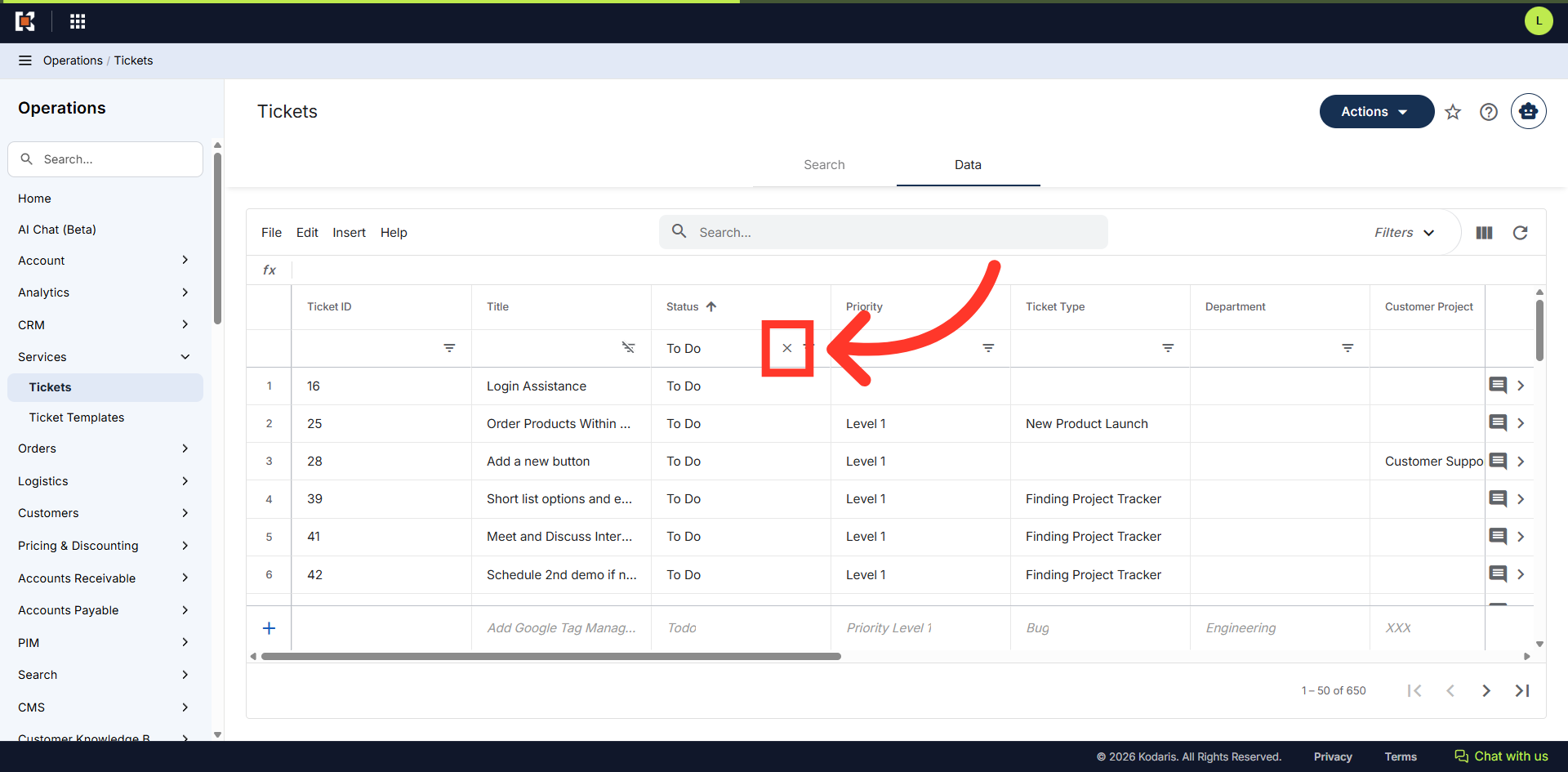
The "Status", "Priority", "Ticket Type", and "Department" fields are filterable.
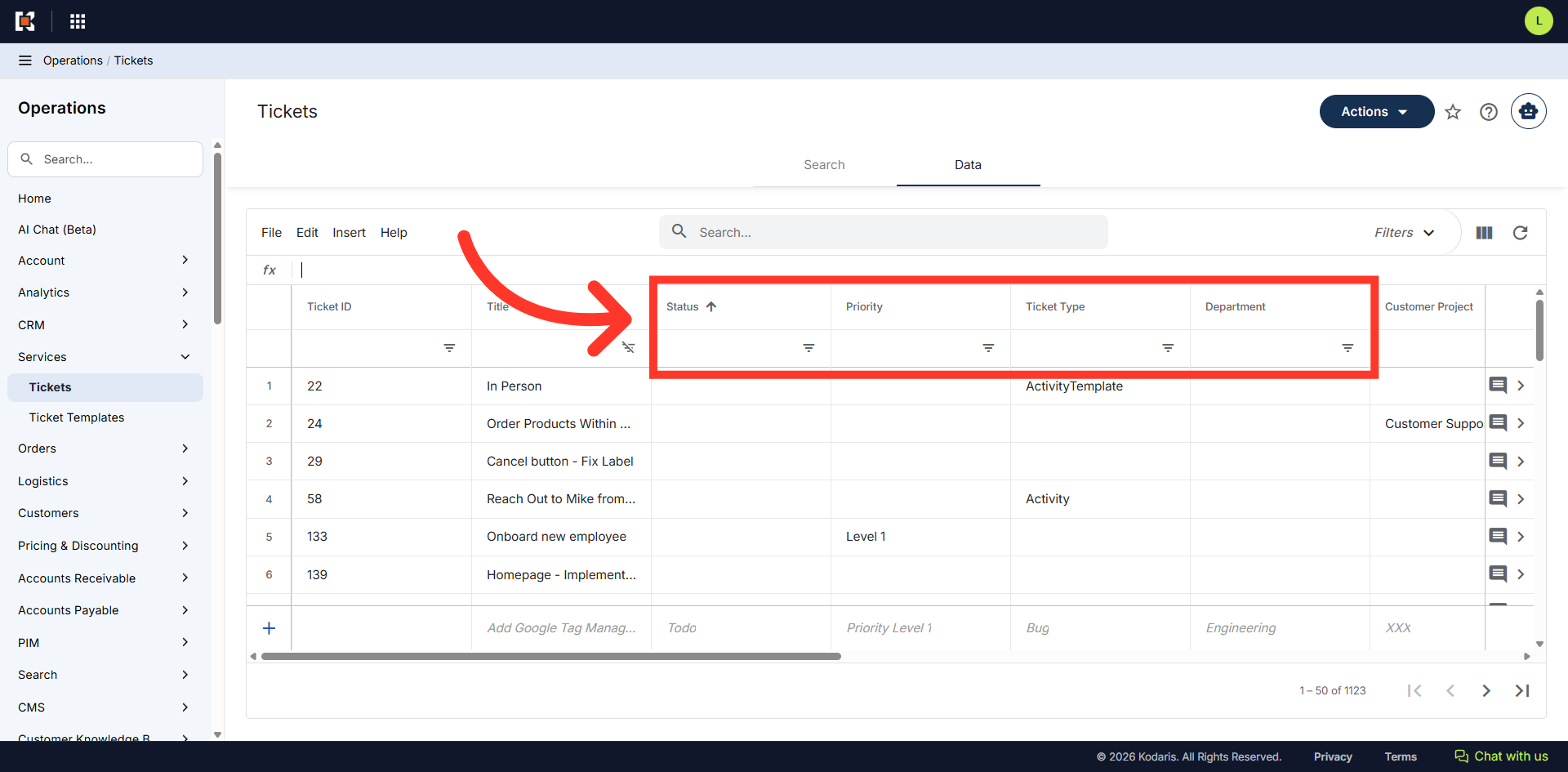
Use Column Filters
Type the status you want to filter on using the column filter field. In this example, we're using the "Status" column and will filter on "To Do". Once the values are entered, hit "Enter".
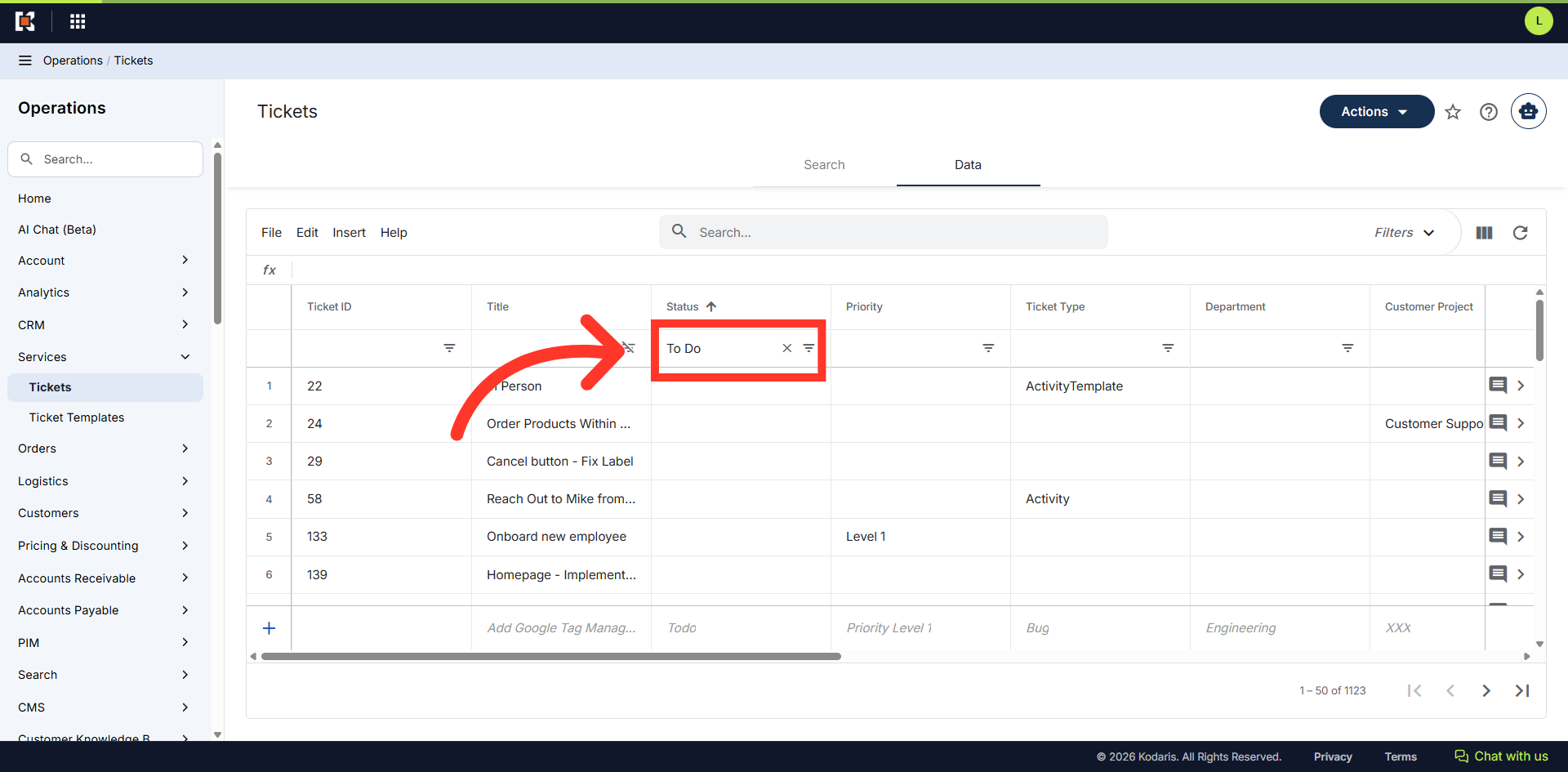
"To Do" status
All tickets that are in "To Do" status are now displayed in the data grid.
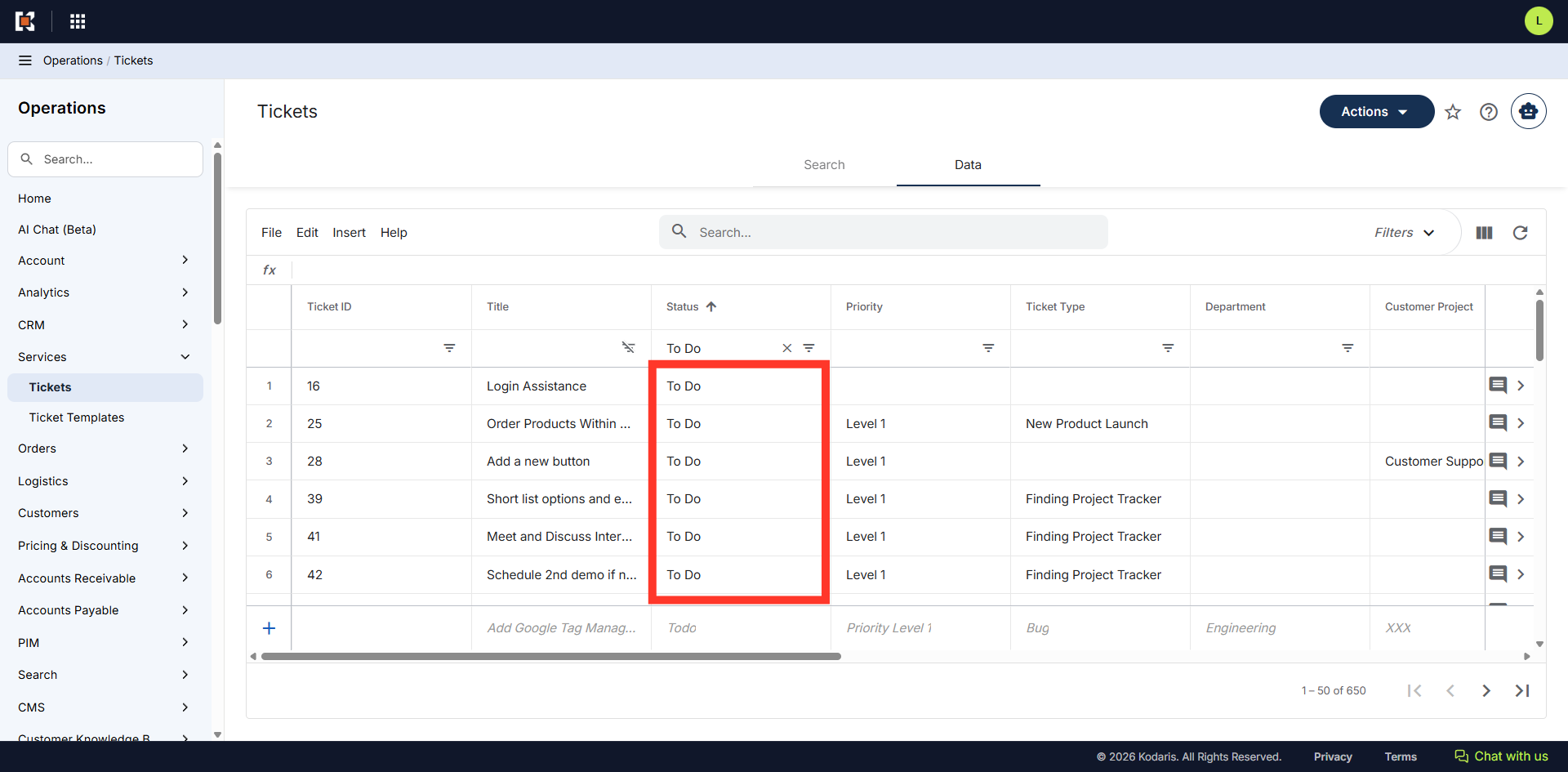
"Clear Filter" icon
To remove the filter, click the "Clear Filter icon.